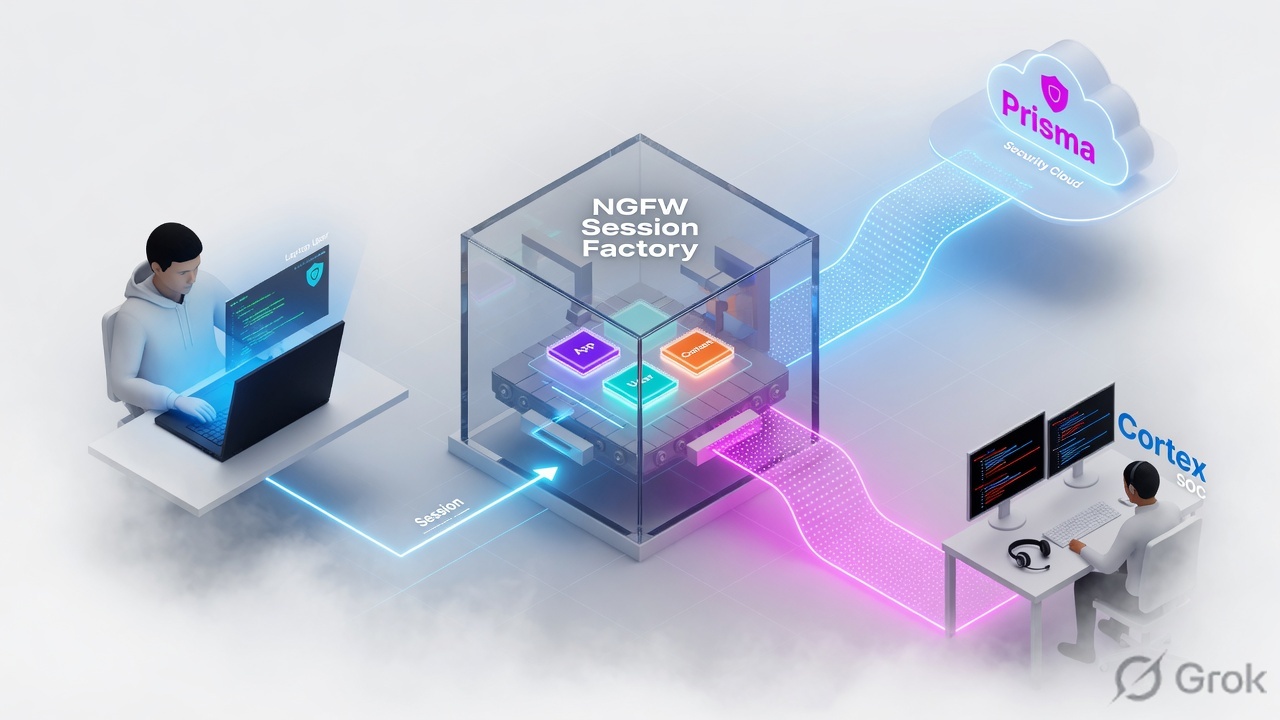
PAN-OS is a session factory. First packet builds the slot; later packets ride it. App-ID / User-ID / Content-ID are stamps on that slot, not three firewalls. A Security Allow is the door — profiles only scan after Allow. Prisma Access is the cloud-delivered firewall (Mobile Users, Remote Networks, Service Connections). Prisma SASE is Access plus Prisma SD-WAN. Prisma Cloud is CNAPP, not SASE. Cortex XDR detects, XSOAR automates, Xpanse maps the internet-facing surface. Green close is a log field, not a Commit.
1. Why four products is one ticket
F5 taught “a VIP is a listener.” Palo Alto’s equivalent is harder: the same vendor sells the box, the cloud firewall, the cloud-posture product, and the SOC suite. A weak answer treats them as one brand. A strong answer names the job.
The production failure is the same as the interview failure. Someone disables Vulnerability Protection because a scanner tripped one Threat ID. Someone rebuilds GlobalProtect because Prisma Mobile Users cannot reach a DC app — and the Service Connection was never onboarded. Someone patches “the firewall” for CVE-2026-0300 on Prisma Access, which is not impacted.
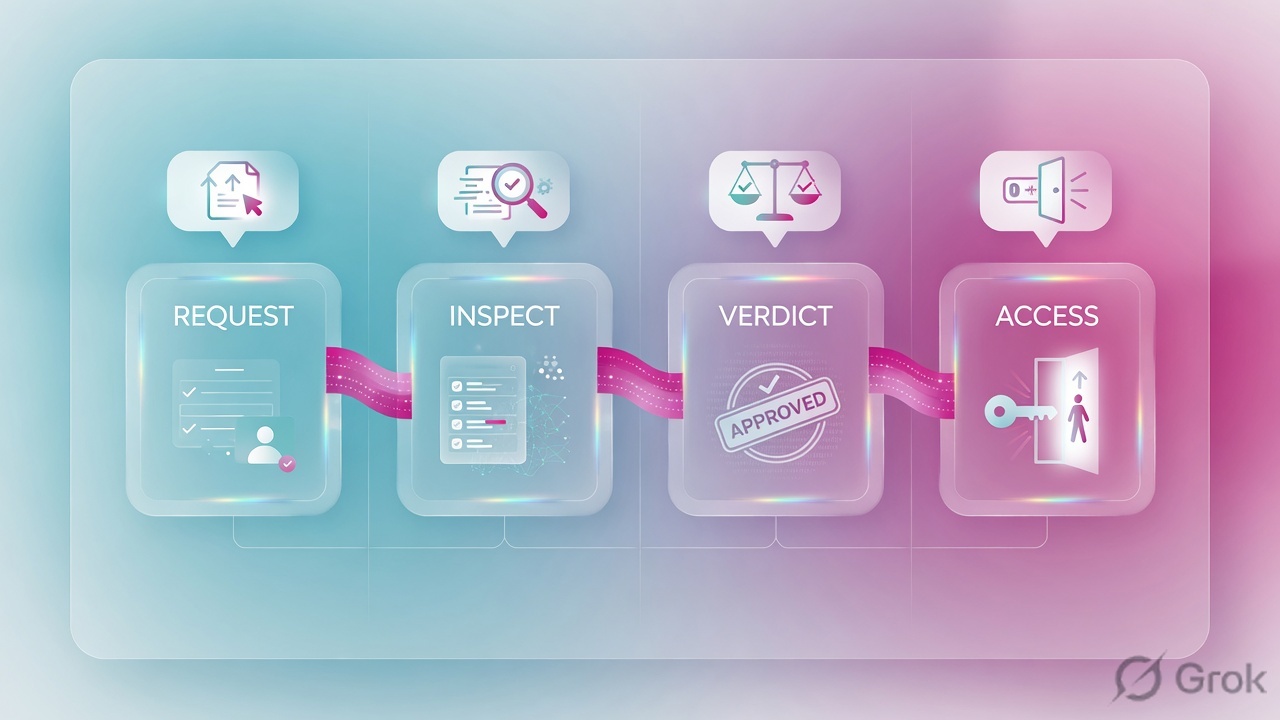
Session — 6-tuple slot (src/dst IP, port, protocol, plus zone/vsys). First packet is slow path. Later packets are fast path until App-ID shifts or decrypt starts.
Security profile — attached to an Allow rule. Official docs: profiles are not match criteria. Deny never “scans then blocks.”
Threat ID — signature number in Monitor → Logs → Threat and Threat Vault. Exception one ID. Do not disable the profile.
Service Connection (CAN) — Prisma Access IPSec to HQ/DC. Required for private apps and often for internal LDAP/DNS before Mobile User auth works.
Authentication Portal — formerly Captive Portal. Device → User Identification → Authentication Portal Settings. This is the CVE-2026-0300 surface on PA-Series / VM-Series.
2. Mental model · session + four planes
Hold four planes. Interviews fail when people dump product names instead of the plane that owns the symptom.
1. Content plane (inspect)
Anti-Spyware (C2 leaving), Vulnerability Protection (exploit entering), Antivirus + WildFire (files), URL Filtering (site access), DNS Security (malicious domains), Zone / DoS Protection (floods before a session exists).
2. Forwarding plane (steer)
Zones, VR, static / OSPF / BGP, PBF + Symmetric Return, multi-VR + next-vr, QoS on egress, HA A/P vs A/A, GlobalProtect Portal vs Gateway, IPSec + Proxy ID, certificates.
3. Cloud plane (Prisma)
Prisma Access = SSE / FWaaS (MU, RN, SC). Prisma SASE = Access + Prisma SD-WAN. Prisma Cloud = CNAPP (posture / runtime in cloud accounts). Different license, different console, different ticket.
4. SOC plane (Cortex)
XDR stitches endpoint + network + identity detections. XSOAR runs playbooks. Xpanse finds internet-facing assets you forgot. None of these replace an Allow + profile on the NGFW.
The firewall builds a session and stamps App-ID, User-ID, and Content-ID. Prisma Access is that same inspection moved to a PoP. Cortex is what you do after the log exists. I do not tune XSOAR to fix a missing Security rule.
Read left → right. The session is built once. Prisma and Cortex are not extra stamps — they are different planes.
3. Decision · which engine owns this packet
Flowchart first. Do not open every console.
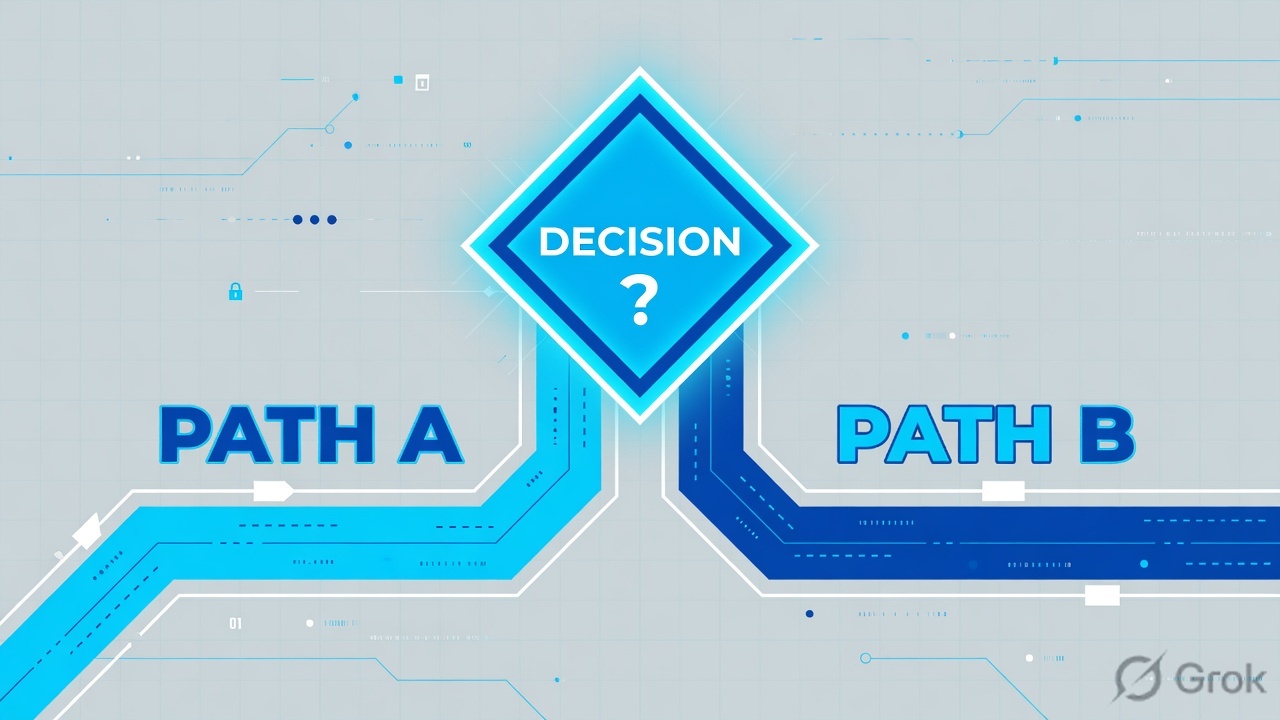
Diamond = decision. If there is no session, profiles and Cortex playbooks will not save you.
4. How to choose NGFW vs Prisma vs Cortex
One comparison table per plane. Pick, then go to the matching runbook.
| You need | Use | Do not use |
|---|---|---|
| Inspect allowed apps on a DC / campus / cloud VPC you own | PA-Series, VM-Series, CN-Series, or Cloud NGFW | Prisma Cloud (that is posture, not the packet path) |
| Users and branches to a Palo Alto PoP, no box at every site | Prisma Access (MU + RN + SC). Prisma SASE if you also need Prisma SD-WAN | Standing up random VM-Series in every branch “because Prisma” |
| Branch last-mile SLA, DIA, app-aware path | Prisma SD-WAN (ION) feeding Access | PBF on a single PA as if it were SASE |
| CSPM / CWPP / cloud misconfig and runtime in AWS/Azure/GCP/K8s | Prisma Cloud | A Security profile on the NGFW |
| Endpoint + network detection, isolate a host | Cortex XDR | Disabling Threat Prevention to “let SOC see it” |
| Ticket enrichment, block-list push, playbook | Cortex XSOAR | Manual SSH on every firewall as the process |
| Forgotten public RDP / Auth Portal / shadow asset | Cortex Xpanse | Assuming Panorama inventory is the internet |
| Form factor | Where it lives | Operator note |
|---|---|---|
| PA-Series | Hardware NGFW | Full PAN-OS. HA, GP, IPSec, Auth Portal. CVE-2026-0300 in scope if portal is enabled. |
| VM-Series | Your hypervisor / IaaS | Same PAN-OS jobs. Same portal CVE surface. License + dataplane cores matter more than “it’s virtual.” |
| CN-Series | Kubernetes | MP + DP pods. Traffic not in the CNI path never hits policy. |
| Cloud NGFW | AWS / Azure managed | Not your PAN-OS box. Official CVE-2026-0300 status: not impacted. |
Do not say “we have Palo Alto, so Prisma and Cortex are included.” Access, Cloud, XDR, XSOAR, and Xpanse are separate products. Interviewers fail you for collapsing the catalog.
5. Runbook · Side A threat/content, Side B network/access
Side A is what you attach. Side B is how the packet is steered. Side C is proof — next section.
Side A — threat / content (attach to Allow)
Source: official Security Profiles help — profiles scan after the Security rule allows the application.
-
Build the three Threat Prevention engines
Path:
Objects → Security Profiles. Anti-Spyware = C2 / phone-home leaving (DNS sinkhole lives here). Vulnerability Protection = exploits entering (CVE, buffer overflow). Antivirus uses WildFire verdicts on decoders (HTTP/FTP/SMB block by default; SMTP/IMAP/POP3 alert). Predefined default vs strict (strict blocks critical/high/medium). -
Forward unknowns with WildFire Analysis
Path:
Objects → Security Profiles → WildFire Analysis. Verdicts: benign / grayware / malicious / phishing. Attach on the same Allow. A file that never forwards will never get a new signature. -
URL Filtering + DNS Security
URL site-access actions are allow, alert, block, continue, override. Credential phishing needs decrypt. DNS Security is the cloud DNS engine — wire it through Anti-Spyware DNS Policies / DNS Security, not a random Security deny on udp/53 that only names the resolver.
-
Zone Protection vs DoS Protection
Zone Protection attaches to the zone. Official: pps thresholds count packets that do not match an existing session. DoS Protection profile (flood + resource protection) attaches to a DoS policy for SYN/UDP/ICMP and concurrent-session caps. Zone ≠ DoS policy.
-
Exception one Threat ID
Path: profile → Exceptions → Show all signatures → override one ID (optionally one unicast Exempt IP). Action Allow on a signature does not write a Threat log — use Alert while you investigate. Never remove the profile from the rule.
Objects → Security Profiles → Vulnerability Protection → VP-L2-Strict → Exceptions
Exceptions · one Threat ID
Source: Set Up Antivirus, Anti-Spyware, and Vulnerability Protection — Exceptions tab, Show all signatures. One ID, one scanner IP. Profile stays on the Allow.
Side B — network / access (steer the same session)
| Job | Path / object | Choose when |
|---|---|---|
| Static | Network → Virtual Routers → Static Routes | Few prefixes, VPN spokes, default to ISP. |
| OSPF | VR → OSPF area / interface | Campus / DC IGP. Keep it inside one VR unless you intend redistribution. |
| BGP | VR → BGP | ISP dual-home, Azure/AWS, Prisma SC. Proof is show routing protocol bgp loc-rib, not “peer is Established.” |
| PBF | Policies → Policy Based Forwarding | Override the FIB (dual-ISP, send SaaS out ISP2). L3 ingress only. Enforce Symmetric Return + Next Hop Address List (up to 8) when return would otherwise take another path. Traffic flags 0x00020000 / 0x00010000 / 0x00000800. |
| Multi-VR | Two VRs + next-vr | Overlapping tenants or isolated ISP tables. Inter-VR is a route, not magic; Security still needs a zone pair. |
| QoS | QoS profile on the egress interface | Protect voice / GP control. Classification without an egress profile does nothing. |
| HA A/P | Device → High Availability | Default. Official: simpler to troubleshoot than A/A. Same Group ID → virtual MAC + GARP on failover. |
| HA A/A | Session Owner + Session Setup + HA3 + floating IP | Only if both boxes must forward. Official recommendation to behave like A/P: Session Owner and Session Setup = Primary Device. Lowest floating-IP priority value owns the address. |
| GlobalProtect | Network → GlobalProtect → Portals / Gateways | Portal = client config. Gateway = tunnel + HIP. Internal gateway = User-ID / HIP without internet VPN. HIP Profiles = Boolean of HIP Objects in Security policy. |
| IPSec S2S | IKE Gateway + IPSec Tunnel + tunnel interface + route | PAN-OS is route-based. Against policy-based peers you must set Proxy IDs (default 0.0.0.0/0 both ways will fail Phase 2). |
| Azure ↔ PA | IKEv2 + route-based Azure VPN | Azure dynamic routing requires IKEv2. Traffic selectors = Proxy IDs. Phase 1 up / Phase 2 empty is almost always selector mismatch, not “IKE crypto.” |
| Certificates / PKI | Device → Certificate Management | Forward Trust / Forward Untrust for decrypt. GP portal and Auth Portal need a cert the client trusts. A self-signed portal cert is a ticket generator, not a lab flex. |
Panorama — Device Groups push policy; Templates / Template Stacks push network + device. Local override on the firewall is why “I pushed it” is not proof — check the device’s running rule hit, not only Panorama.
PAN-OS upgrades — content (Apps & Threats, Antivirus, WildFire) is not PAN-OS. On A/P using a data port for updates, schedule both and Sync To Peer so the passive actually gets content. Suspend the active, upgrade passive, fail over, then the peer.
BPA — Best Practice Assessment against the running config (profiles on every Allow, decrypt coverage, admin auth, logging). It is a gap list, not a Commit button.
6. Runtime · 7-step + evidence desk
After Commit, the packet either became a session or it did not. This is the ladder. Do not skip steps.
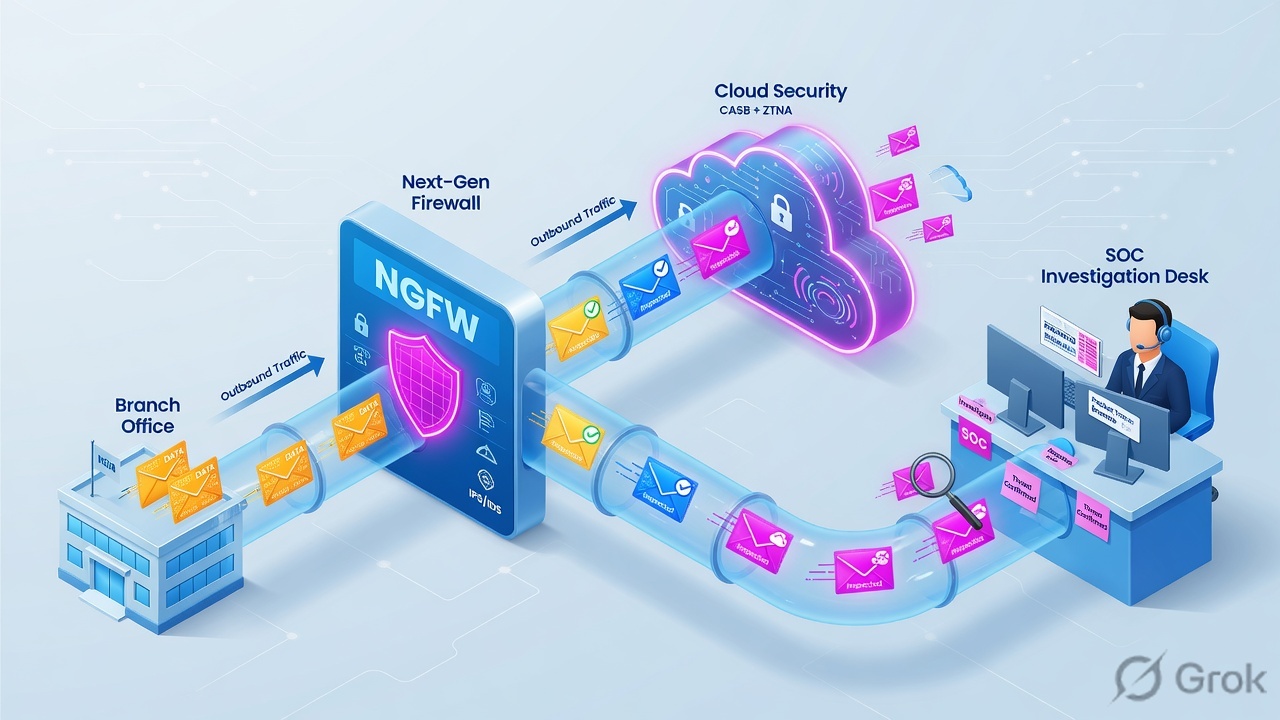
Memorise the order. Reboot and “clear session all” are not on this ladder.
show session all filter source 203.0.113.10 destination 198.51.100.20
show session id 12345
test security-policy-match from trust to untrust source 203.0.113.10 destination 198.51.100.20 protocol 6 destination-port 443 application ssl
test nat-policy-match from trust to untrust source 203.0.113.10 destination 198.51.100.20 protocol 6 destination-port 443
test routing fib-lookup virtual-router default ip 198.51.100.20
show counter global filter severity drop delta yes
debug dataplane packet-diag set filter match source 203.0.113.10 destination 198.51.100.20
debug dataplane packet-diag set log feature flow basic
debug dataplane packet-diag set log on
# reproduce, then:
debug dataplane packet-diag set log off
debug dataplane packet-diag aggregate-logs
| Evidence desk | Page / field | Green close looks like |
|---|---|---|
| Session Browser | Monitor → Session Browser · show session id | Rule name, App-ID (not insufficient-data), ingress/egress zones, NAT, c2s and s2c bytes |
| Traffic | action, session_end_reason, flags | allow + tcp-fin / aged-out expected. threat / policy-deny / decrypt-cert-validation named |
| Threat | Threat ID, Severity, Action, Rule, Profile | The ID you exceptioned now alerts; everything else still reset-both |
| URL / WildFire | category / verdict | Category matches the profile action; WildFire verdict returned, not “pending” forever |
| GP / IPSec | Monitor → GlobalProtect / System; show vpn ike-sa / ipsec-sa | Portal auth + gateway tunnel; Phase 2 SA exists for the Proxy ID pair |
| Prisma | Strata Cloud Manager · MU / RN / SC status | Tunnel Active on the expected PoP; username not unknown; SC up before private-app test |
| Logging / reporting | Log Forwarding profile on the rule + Device → Log Settings | Same session-id in Traffic and Threat, and in the SIEM. Commit is not a log. |
incomplete — TCP handshake never finished (path / server). insufficient-data — handshake finished, payload too small for App-ID. flow_fwd_zonechange — packet arrived in a different zone than the session (A/A without HA3, or PBF without Symmetric Return). tcp-rst-from-server — the server reset; the firewall is a witness.
7. Prisma / Cortex / PA interview map
Scenario answers only. Trivia is banned. Each block is what you say, what production cares about, the weak trap, and the evidence to name.
Q1 · Prisma Access architecture
Mobile Users connect. Internet works. Payroll in the DC does not. Tunnel to the PoP is up. What did the design miss?
Strong framing (say this)
Internet for MU is the MU-SPN. Private apps need an SC. I check SC status in SCM before I touch the GP portal.
Evidence to name
SCM: Service Connection tunnel Active; MU username resolved; traffic log on the SC device / Access logs for the DC prefix.
Q2 · Prisma SASE vs Prisma Cloud
A hiring manager says “we bought Prisma.” They want branch SD-WAN plus CSPM. What do you actually sell / design?
Strong framing (say this)
Access inspects user/branch traffic at a PoP. SD-WAN picks the underlay. Cloud scores the AWS account. I will not troubleshoot an S3 public bucket in SCM Access.
Q3 · Prisma SD-WAN interview
Voice is bad on the cheap DIA. Why is a Security Allow on the DC PA the wrong first fix?
show sdwan connection / session distribution against the SLA, then the Access path.Q4 · Cortex trio
A laptop beacons to a sinkhole IP. Who does what?
Q5 · PA scenario · A/A vs A/P
They want Active/Active because “we paid for two boxes.” When do you refuse?
flow_fwd_zonechange.Q6 · PA scenario · Azure IPSec
IKE Phase 1 is up to Azure VPN Gateway. No Phase 2. What do you check before crypto?
Q7 · PA scenario · traffic not passing
test security-policy-match hits interzone-default deny. First move?
Q8 · CVE-2026-0300
CISA/KEV, unauthenticated root on Captive Portal. Are Cloud NGFW and Prisma Access in the blast radius?
Evidence to name
Device → User Identification → Authentication Portal Settings → Enable Authentication Portal. Network → Interfaces → Advanced → Management Profile → Response Pages. Temporary: Threat ID 510019 (content 9097-10022, PAN-OS 11.1+). Then patch to the listed hotfixes (example: 11.1.4-h33, 10.2.7-h34, 12.1.4-h5 / 12.1.7).
8. Traps + proof checklist
| Trap | What you see | Safer path |
|---|---|---|
| Disable the profile | Scanner works; every other exploit is allowed | Exception one Threat ID (+ Exempt IP). Keep strict on the Allow. |
| Profile action Allow | No Threat log, “it disappeared” | Alert while you investigate. Allow is official “exclude from enforcement.” |
| DNS block instead of sinkhole | Traffic log names the resolver | Anti-Spyware sinkhole so the client connects to the sinkhole IP. |
| PBF without Symmetric Return | c2s works, s2c dies, zonechange counters | Enforce Symmetric Return + next-hop list. Confirm flag 0x00000800. |
| A/A without HA3 | Random drops, session on the other member | HA3 for packet forwarding, or collapse to A/P. |
| GP portal vs gateway mixup | Client has config, no tunnel / no HIP | Portal hands config. Gateway owns the tunnel and HIP report. |
| Empty Proxy ID to Azure / policy-based peer | Phase 1 up, no useful Phase 2 | Set matching Proxy IDs; route into the tunnel interface. |
| Prisma MU before Service Connection | Unknown user, or internet-only | SC first if LDAP/DNS/private apps live on-prem. |
| Auth Portal on an untrusted L3 + Response Pages | CVE-2026-0300 exposed (ATTACKED) | Restrict to trusted IPs; disable Response Pages on internet interfaces; patch; optional Threat ID 510019. |
| Commit as proof | Config matches, users still down | Session Browser + Traffic session_end_reason + Threat ID / URL category / vpn ipsec-sa. |
Device → User Identification → Authentication Portal Settings
Enable Authentication Portal
Source: CVE-2026-0300 advisory. Exposure = portal enabled and Response Pages on an L3 that untrusted packets can hit. Prisma Access / Cloud NGFW / Panorama: not impacted.
- Session exists with both directions of bytes (or you can explain s2c = 0).
- Security match is the intended rule, not interzone-default.
- Every internet Allow has Anti-Spyware + Vulnerability + WildFire (and URL if web).
- One Threat ID exception documented; profile still attached.
- GP: portal auth + gateway HIP. IPSec: Phase 2 SA for the real Proxy IDs.
- Prisma: SC up before private-app users. Username not unknown.
- Auth Portal not reachable from the internet; hotfix level checked against CVE-2026-0300.
- Log forwarding: same session-id in Traffic and Threat (or URL / WildFire).
Deep dives on the same track:
Knowledge check
Six judgment items. Pick the first fix, not the product brochure.
Sources
- Security Profiles (PAN-OS 11.1) — Allow-then-scan; Anti-Spyware vs Vulnerability; Zone vs DoS; profile groups.
- Set Up Antivirus, Anti-Spyware, and Vulnerability Protection — default vs strict; Exceptions tab; content schedules; HA Sync To Peer.
- Policy-Based Forwarding + Create a PBF rule — Symmetric Return, next-hop list (up to 8).
- HA Modes · Session Owner · Session Setup
- GlobalProtect Overview — Portal vs Gateway vs HIP.
- Proxy ID for IPSec VPN · IKEv2 IPsec for Azure
- Traffic log fields — action, session_end_reason, PBF / symmetric-return flags.
- Getting Started: Packet Capture · packet-diag aggregate-logs
- Prisma Access Service Connections · Remote Networks
- Cortex platform — XDR / XSOAR / Xpanse jobs.
- CVE-2026-0300 — Auth Portal buffer overflow, exposure conditions, fixed versions, Threat ID 510019.
- Local PDFs: Palo-Alto-Prisma-SASE-Architecture-Deployment-and-Troubleshooting.pdf, Prisma-Access-and-Strata-Cloud-Manager.pdf, Site-to-Site-IPSec-Tunnel-Palo-Alto-NGFW-to-Zscaler-Internet-Access.pdf
Related: PAN-OS session factory · F5 session factory (style sibling) · PA interview pack · Scenario questions