The ticket
Most of the LAN is fine. One SaaS URL warns NET::ERR_CERT_AUTHORITY_INVALID — or only the vendor thick client fails. Helpdesk wants Inspection off globally. You need the one-site reason.
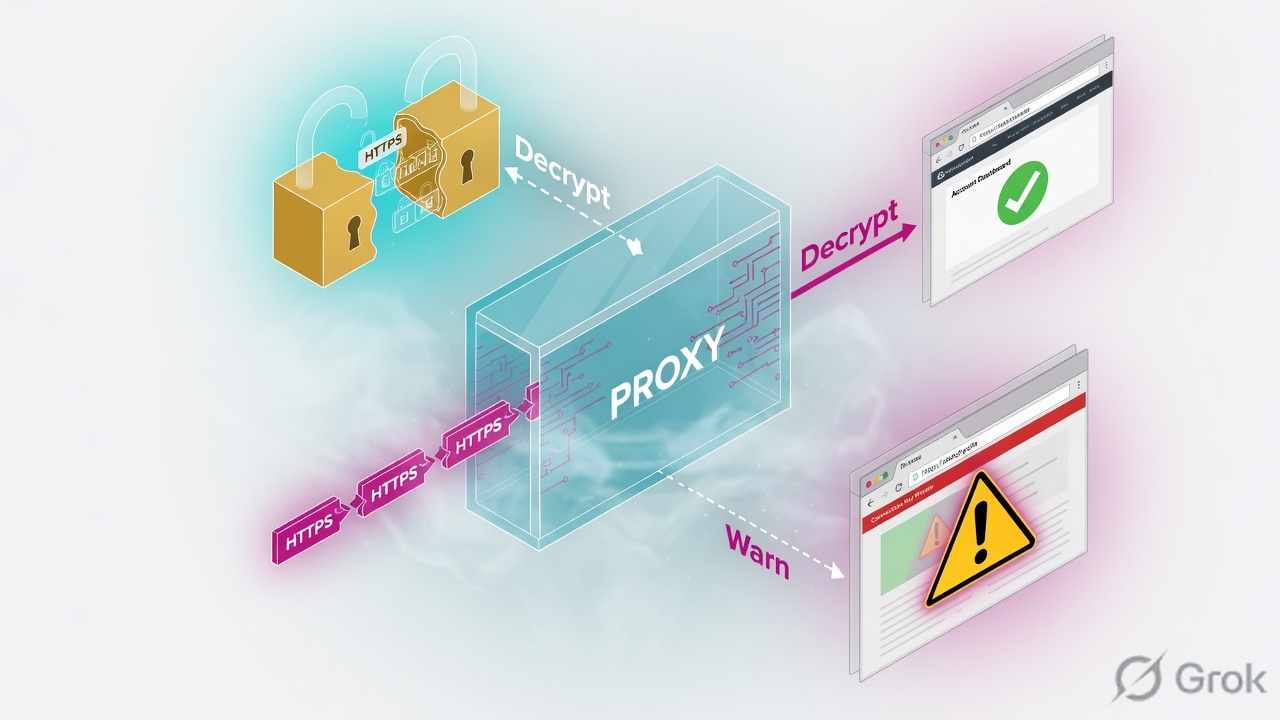
HTTPS Inspection terminates TLS, inspects, and re-encrypts with a CA you created. Clients must trust that CA. Sites that pin certificates, use mutual TLS, or sit in a bypass category must be excluded. A warning on one site is usually: client lacks CA, site should be bypassed, or SNI/category missed the bypass rule.
SMS sms-lab 10.10.10.5 · cluster VIP 10.10.10.1 (cp-gw-01 10.10.10.2 / cp-gw-02 10.10.10.3) · external 203.0.113.25 · internal LAN 10.20.30.0/24 · HR PC 10.20.30.80 TECHCLICK\priya.hr · HR app 10.20.30.41 hr.techclick-lab.in. Not a live customer.
What Inspection is
Without Inspection the gateway sees SNI/IP and a TLS tunnel. With Inspection it presents a forged cert signed by your outbound CA. Threat Prevention and App Control then see HTTP inside.
The client validates that cert. If the CA is not in the trust store, the browser warns. If the app pins a public CA leaf, it will break even when the browser is happy.
Inspect vs bypass
| Decision | When | Proof |
|---|---|---|
| Inspect | General web, where you need URL/TP inside TLS | Log: Inspected |
| Bypass category / custom list | Banks, health, pinned SaaS, client-cert apps | Log: Bypass |
| Do not inspect inbound to your own published site unless designed | Inbound TLS to Static NAT web | Separate inbound HTTPS Inspection policy if used |
HTTPS Inspection policy
How you configure it
Side A — CA to clients
Export the outbound CA. GPO / MDM into Trusted Root. Thick clients may need their own store.
Side B — policy
HTTPS Inspection blade on the gateway. Inspect LAN→Internet. Bypass pinned names and sensitive categories. Install Access Control (Inspection lives with it).
Side C — one site
Browser cert viewer: issued by Lab_Outbound_CA or by the real public CA? Log action Inspect vs Bypass. Then add a precise bypass or fix CA deployment.
# Client: click the padlock
# Issued by: Lab_Outbound_CA     → Inspection happened
# Issued by: DigiCert / Amazon    → Bypass or not inspected

# SmartLog: HTTPS Inspection action
# Inspected + client warn = CA not trusted on THAT device
# Inspected + app fail + browser ok = pinning
# Bypass + you expected inspect = category/SNI miss
Four Inspection failures
1 · One PC warns, others fine
That PC missed GPO. Not a gateway bug.
2 · One site warns everywhere
Bypass miss or the site sends a cert the gateway cannot validate (need bypass or different inspect setting).
3 · Pinning
Browser OK (trusts your CA). Vendor EXE fails. Bypass that FQDN. Do not disable Inspection org-wide.
4 · Inspection + Identity captive portal
Portal must be reachable without a warn loop. Exempt the portal object.
How to prove it
1) You know Inspect vs Bypass for that FQDN. 2) Cert chain on a working PC shows Lab CA when inspected. 3) The one broken site is either bypassed or the one PC got the CA. 4) Inspection still on for the rest of the LAN.
Traps
| Symptom | Story | First proof | Wrong fix |
|---|---|---|---|
| One PC warns all sites | CA missing | certmgr / GPO | Disable blade |
| One FQDN, all PCs | Bypass / validate fail | Log action | Any-Any bypass |
| App fail, browser ok | Pinning | Issued-by Lab CA | Reimage gateway |
Knowledge check
Judgment items. One best answer. Reasons send you back to the matching section.
Check Point class series: Architecture · Gaia first day · SIC reset · Objects + first match · Policy layers · Hide vs Static NAT · Identity Awareness · HTTPS Inspection · Threat Prevention · Find the drop · fw monitor · SecureXL · ClusterXL · VPN Community · Policy install lock · vs PA vs Forti · CCSA / CCSE interview
Sources
- Check Point HTTPS Inspection Administration Guide (R81 / R81.20) — Inspect/Bypass, outbound CA, inbound vs outbound.
- Current SK for HTTPS Inspection troubleshooting (certificate errors, bypass).
Related: Check Point evidence desk · session factory · next lesson in the series above.