The ticket
You published. Install Policy on cp-gw-01 fails: SIC / Not Trusted. HR is still on yesterday’s policy. Rebuilding the rulebase will not fix a broken certificate trust.
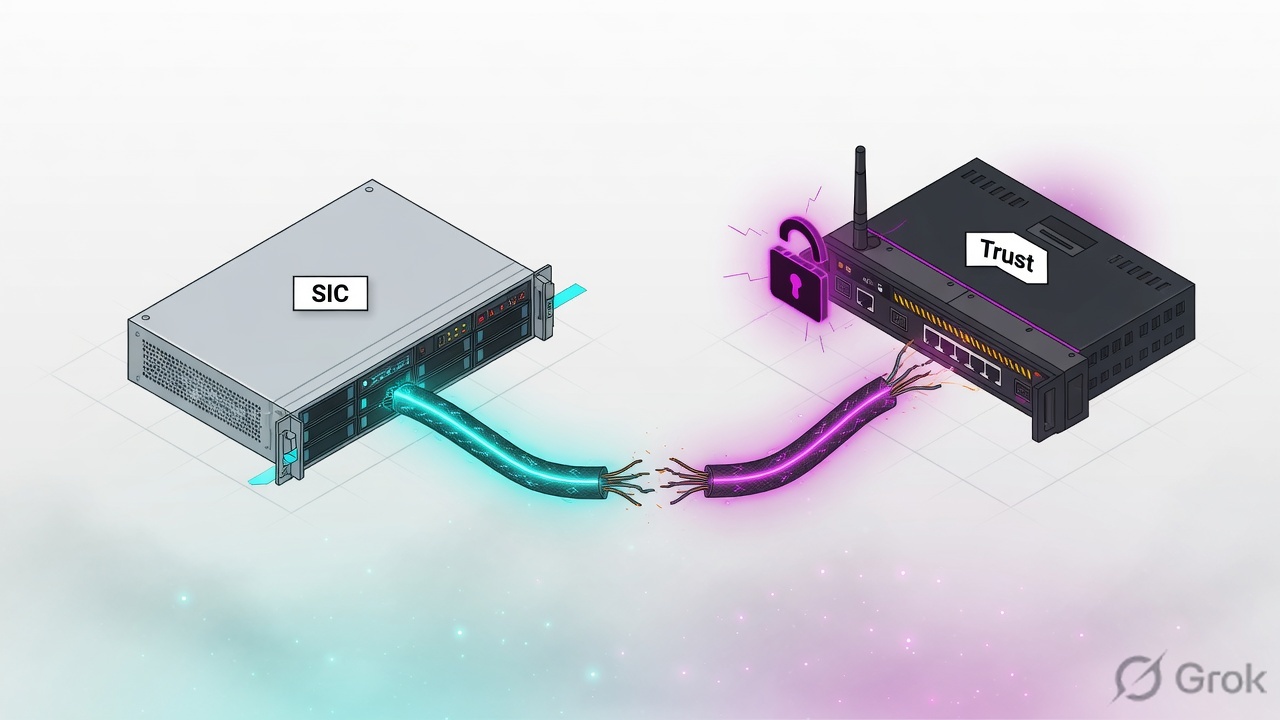
SIC (Secure Internal Communication) is the trusted channel between Security Management and the Security Gateway. Reset the one-time activation key on the gateway, then initialize Communication on the gateway object with that same key. Then install.
SMS sms-lab 10.10.10.5 · cluster VIP 10.10.10.1 (cp-gw-01 10.10.10.2 / cp-gw-02 10.10.10.3) · external 203.0.113.25 · internal LAN 10.20.30.0/24 · HR PC 10.20.30.80 TECHCLICK\priya.hr · HR app 10.20.30.41 hr.techclick-lab.in. Not a live customer.
What SIC is
On first add, the gateway gets a one-time activation key. SMS uses it to issue a SIC certificate. After that, policy fetch, status, and often logs ride that trust.
R81 CLI: cp_conf sic init <Activation Key> [norestart] resets that key. Optional norestart skips restarting Check Point services — use only when a Check Point SK says it is safe for your case.
Classic GUI path: on the gateway, cpconfig → Secure Internal Communication → reset. In SmartConsole: gateway object → General Properties → Communication → Reset → enter the new key → Initialize → wait for Communicating.
Reset vs wait
| Symptom | Do this | Do not |
|---|---|---|
| SIC Not Trusted / Uninitialized | Reset key on GW, Communication on object | Edit Access rules |
| Another admin session lock | Lesson 15 — discard leftover session | Reset SIC |
| One cluster member only | Reset that member, keep the other | Reset both blindly |
| Routing to SMS down | Fix Gaia route first (lesson 2) | Reset SIC on a box that cannot ping 10.10.10.5 |
Trusted Communication
Reset runbook
Side A — prove it is SIC
Ping 10.10.10.5 from the gateway. Confirm the install error is SIC / Not Trusted, not FWM lock.
Side B — gateway
Expert:
cp_conf sic init LabKey2026(dummy key) orcpconfigSIC reset. Agree to restart services if prompted.Side C — SmartConsole
Gateway object → Communication → Reset → same key → Initialize → Communicating → Install Policy.
# After Gaia can ping SMS
cp_conf sic init LabKey2026
# Resets the one-time SIC activation key (R81 CLI Reference)

# Optional status-style check after services return
cpstat fw
# Then in SmartConsole Communication: Communicating
Four SIC failures
1 · Key mismatch
You typed LabKey2026 on the gateway and LabKey2025 in SmartConsole. Initialize stays red. Re-enter the same string both sides. Keys are case-sensitive.
2 · Reset SMS thinking, not the gateway
SIC reset is on the gateway (or the member). Do not run random SIC reset on the SMS CA unless a SK tells you to rebuild the whole trust.
3 · Routing / anti-spoof
SIC packets never arrive. Same as lesson 2. tcpdump on Mgmt shows no 18191/18210-style management traffic (ports vary by version — confirm with current SK if you filter).
4 · Reset during a healthy lock
Install failed because of fwm lock / leftover session (lesson 15). SIC was Communicating the whole time.
Do not rebuild the gateway object from scratch unless Communication initialize cannot recover. Recreating the object loses SIC and often NAT/VPN references.
How to prove it
1) Communication shows Communicating. 2) Install Policy succeeds. 3) fw stat on the member shows today’s policy. 4) One HR browse works.
Traps
| Symptom | Likely SIC story | First proof | Wrong fix |
|---|---|---|---|
| Not Trusted | Key or cert out of sync | Communication status | New Access rule |
| Uninitialized after rebuild | Never clicked Initialize | Object Communication | cpstop on SMS |
| Only member 2 fails | That member’s SIC | cphaprob + that member Communication | Reset member 1 too |
Knowledge check
Judgment items. One best answer. Reasons send you back to the matching section.
Check Point class series: Architecture · Gaia first day · SIC reset · Objects + first match · Policy layers · Hide vs Static NAT · Identity Awareness · HTTPS Inspection · Threat Prevention · Find the drop · fw monitor · SecureXL · ClusterXL · VPN Community · Policy install lock · vs PA vs Forti · CCSA / CCSE interview
Sources
- R81 CLI Reference —
cp_conf sic—init <Activation Key> [norestart]. - Installation / Security Management guides — Communication button on the gateway object, one-time activation key.
- Vendor SKs on SIC reset (search current SK for your train; classic path is cpconfig SIC).
Related: Check Point evidence desk · session factory · next lesson in the series above.