The ticket
New lab VM cp-gw-01. You can console in. SmartConsole on the admin laptop cannot see 10.10.10.2. SIC was never the problem — there is no route and eth1 is still off.
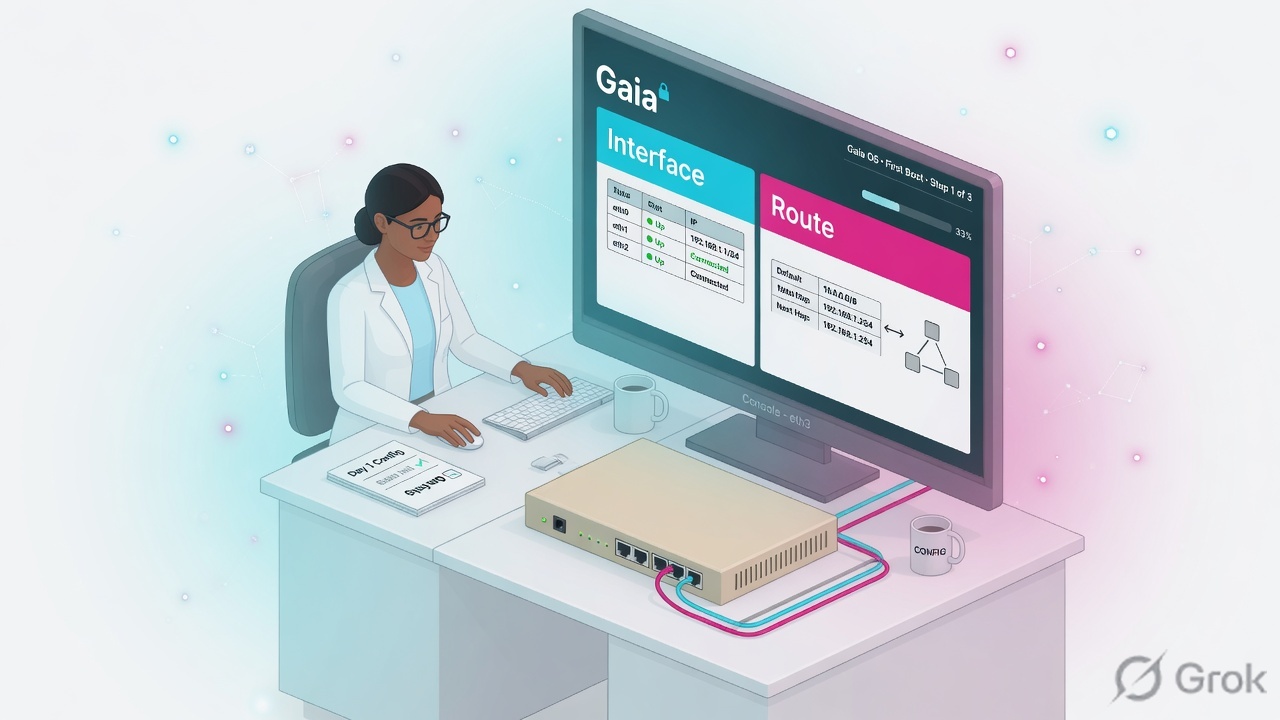
Gaia is the operating system. Blades (Firewall, IPS, VPN) run on top. First day is interfaces, routes, DNS, NTP, backup — then SIC. Do not initialize SIC on a box that cannot ping the SMS.
SMS sms-lab 10.10.10.5 · cluster VIP 10.10.10.1 (cp-gw-01 10.10.10.2 / cp-gw-02 10.10.10.3) · external 203.0.113.25 · internal LAN 10.20.30.0/24 · HR PC 10.20.30.80 TECHCLICK\priya.hr · HR app 10.20.30.41 hr.techclick-lab.in. Not a live customer.
What Gaia is
Gaia is Check Point’s OS (Linux-based). You meet it as:
- Gaia Portal — HTTPS on the management IP (default 443).
- clish — the supported network/system shell. Config here survives reboot when you
save config. - expert — bash. Needed for
fw,cpwd_admin, tcpdump. Do not edit interfaces here if clish can do it.
First boot wizard (or set commands) asks hostname, password, management interface, and often whether this box is Security Gateway, Management, or Standalone.
clish vs expert vs Portal
| Tool | Use for | Do not use for |
|---|---|---|
| clish | IP, route, DNS, NTP, user, backup | Packet capture of INSPECT |
| Gaia Portal | Same as clish if you prefer GUI | SIC reset (use cpconfig / cp_conf) |
| expert | fw monitor, tcpdump, cpwd_admin | ifconfig as the source of truth |
Physical interface eth1
First-day runbook
Side A — console
Set password. Enter clish (default). Hostname
cp-gw-01.Side B — network
Mgmt/cluster IP, external IP, default route to the upstream router, DNS, NTP.
Side C — prove + backup
Ping SMS and default gateway. Gaia backup to SCP/TFTP or local. Then — and only then — SIC.
set hostname cp-gw-01
set interface eth1 ipv4-address 10.10.10.2 mask-length 24
set interface eth1 state on
set interface eth0 ipv4-address 203.0.113.25 mask-length 24
set interface eth0 state on
set static-route default nexthop gateway address 203.0.113.1 on
set dns primary 10.20.30.10
set ntp server primary in.pool.ntp.org
save config

show interface eth1
show route
ping 10.10.10.5
add backup local
Exact set interface / set static-route verbs live in the Gaia Admin Guide for your train (R81 / R81.20 / R82). Syntax is stable; always save config.
Four first-day failures
1 · Interface on, no route
You can ping the connected LAN. SMS on another subnet fails. show route has no default.
2 · Expert ifconfig, forgot save
Reboot and IPs vanish. clish + save config is the contract.
3 · DNS missing, SIC hostname fails later
Objects use names. First day without DNS looks fine until Identity Awareness and updates break.
4 · SIC before backup
Wrong activation key, you reset SIC twice, then you have no known-good Gaia snapshot.
How to prove it
1) show interface matches the design. 2) Default route present. 3) Ping SMS and 203.0.113.1. 4) Gaia Portal opens on 10.10.10.2. 5) Local backup exists. 6) Then go to the SIC lesson.
Traps
| Symptom | Likely cause | First proof | Wrong fix |
|---|---|---|---|
| Cannot ping SMS | No default / wrong mask | show route | Reset SIC |
| IPs gone after reboot | No save config | Compare clish vs expert | Reinstall ISO |
| Portal timeout | Mgmt on wrong NIC / anti-spoof later | Browse to the Mgmt IP from the same VLAN | Disable firewall blade |
Knowledge check
Judgment items. One best answer. Reasons send you back to the matching section.
Check Point class series: Architecture · Gaia first day · SIC reset · Objects + first match · Policy layers · Hide vs Static NAT · Identity Awareness · HTTPS Inspection · Threat Prevention · Find the drop · fw monitor · SecureXL · ClusterXL · VPN Community · Policy install lock · vs PA vs Forti · CCSA / CCSE interview
Sources
- Check Point Gaia Administration Guide (R81 / R81.20) — Network Management, Network Interfaces, static routes, backup.
- Installation and Upgrade Guide — first-time configuration wizard, product role (Gateway / Management / Standalone).
Related: Check Point evidence desk · session factory · next lesson in the series above.