The ticket
Access Role HR_Users includes AD group TECHCLICK\HR. Priya is in that group. Log Source User is blank. Rule 40 never matches. Cleanup drop. Helpdesk “recreates the role.” The PDP table never had her IP.
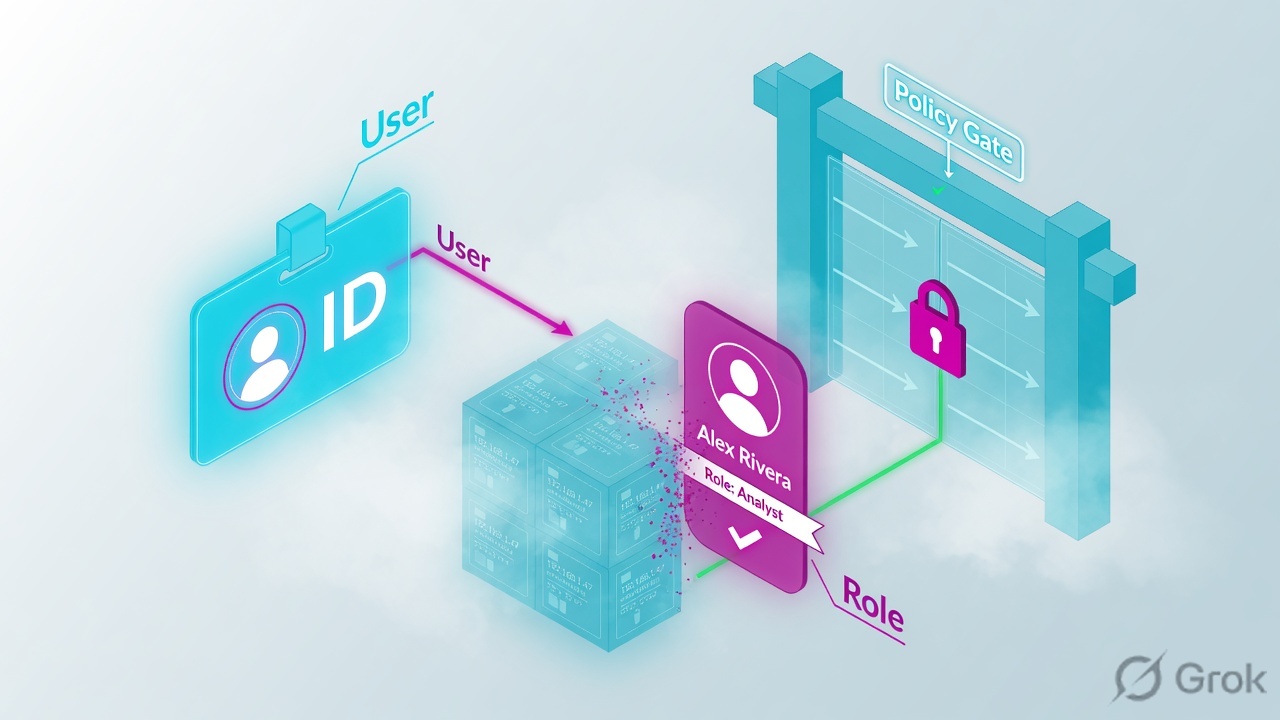
Identity Awareness maps an IP to a username (and groups). Access Roles match those associations. If the log has no user, the role cannot hit. Fix the identity source (AD Query, collector, agent), then pdp d ip 10.20.30.80 — do not first rebuild the role.
SMS sms-lab 10.10.10.5 · cluster VIP 10.10.10.1 (cp-gw-01 10.10.10.2 / cp-gw-02 10.10.10.3) · external 203.0.113.25 · internal LAN 10.20.30.0/24 · HR PC 10.20.30.80 TECHCLICK\priya.hr · HR app 10.20.30.41 hr.techclick-lab.in. Not a live customer.
What IA actually is
The gateway (PDP/PEP) holds IP → user → groups. Access Role objects say “users in group HR, machines in group Laptops.” The Rule Base matches the role only when that IP is associated.
No mapping = the packet is an IP-only packet. A user-based rule is skipped. First-match continues to the next IP rule or cleanup.
How identity is learned
| Source | How | Use when | Classic miss |
|---|---|---|---|
| AD Query | Gateway reads Windows security events | On-prem AD, simple | WMI rights / DC firewall |
| Identity Collector | Windows service ships events | Many DCs, cleaner | Collector down |
| Identity Agent | Endpoint reports user | Shared PCs / accuracy | Agent not installed |
| Captive portal | User types credentials | Guests / last resort | Portal not in exemption / HTTPS |
Identity Awareness
How you configure it
Side A — AD
Account that can read security logs / the rights the current IA guide lists for AD Query or Collector.
Side B — gateway + role
Enable Identity Awareness on the cluster. Objects → New Access Role → Users from AD group HR. Rule source = that role.
Side C — prove mapping
Priya logs on to Windows. Then query PDP. Then browse. Log must show
TECHCLICK\priya.hr.
# Association for this IP (command names: Identity Awareness CLI; confirm on your train)
pdp d ip 10.20.30.80
# IP: 10.20.30.80
# User: TECHCLICK\priya.hr
# Groups: HR

adlog a query ip 10.20.30.80
# Same story from AD Query cache

# Empty output = role will never match. Fix identity source first.
Four IA failures
1 · Empty Source User
No event from DC, or Query cannot read it. PDP empty. Role skipped.
2 · Stale mapping
Another user sat at Priya’s DHCP IP. Role is the previous person. Force expire / wait TTL; prefer agent on shared PCs.
3 · Role groups wrong
Mapping exists. Group in the role is HR-India not HR. User is mapped and still misses.
4 · IA blade off on the member
Policy has roles. Gateway object never got the blade. Install looks fine. Associations never start.
How to prove it
1) pdp d ip shows Priya. 2) Log Source User is her UPN/SAM. 3) Rule 40 hits. 4) A second IP without login still does not match the role.
Traps
| Symptom | IA story | First proof | Wrong fix |
|---|---|---|---|
| Empty user in log | No mapping | pdp / adlog | Recreate Access Role |
| Wrong user on IP | DHCP reuse | pdp timestamp | Any-Any allow |
| Mapped, still drop | Wrong group / layer | Role vs AD groups | Disable IA |
Knowledge check
Judgment items. One best answer. Reasons send you back to the matching section.
Check Point class series: Architecture · Gaia first day · SIC reset · Objects + first match · Policy layers · Hide vs Static NAT · Identity Awareness · HTTPS Inspection · Threat Prevention · Find the drop · fw monitor · SecureXL · ClusterXL · VPN Community · Policy install lock · vs PA vs Forti · CCSA / CCSE interview
Sources
- Check Point Identity Awareness Administration Guide (R81 / R81.20) — AD Query, Identity Collector, Access Roles, PDP/PEP.
- CLI reference for your train:
pdp,pep,adlog(confirm exact flags on the box).
Related: Check Point evidence desk · session factory · next lesson in the series above.