Start on the active unit with show sys ha-status. Then show ltm virtual (Reason, not colour), show ltm pool (member Reason), show ltm persistence persist-records (pin), show sys connection (cs/ss quadruple + SNAT source), show sys log ltm (01010201, 01070638). Delete persist, failover, and modify are change-control. Every rung on this page is a show.
I name the layer before I name the fix. A green pool is a monitor result, not a user result. I do not type a write until I can point at a show that justifies it.
1. Why the ladder exists
Night shift inherits INC-4412: “payments VIP is down.” Someone already typed “please failover.” The dashboard is green on one screen and red on another. If you start at persist, or at the pool, or at a reboot, you will prove things that were never broken and destroy the evidence that was.
A request crossing BIG-IP LTM is one transaction. The ticket is one question: where did this transaction stop? The ladder converts that question into six official show reads. Walk them in order. Stop at the first rung you cannot clear.
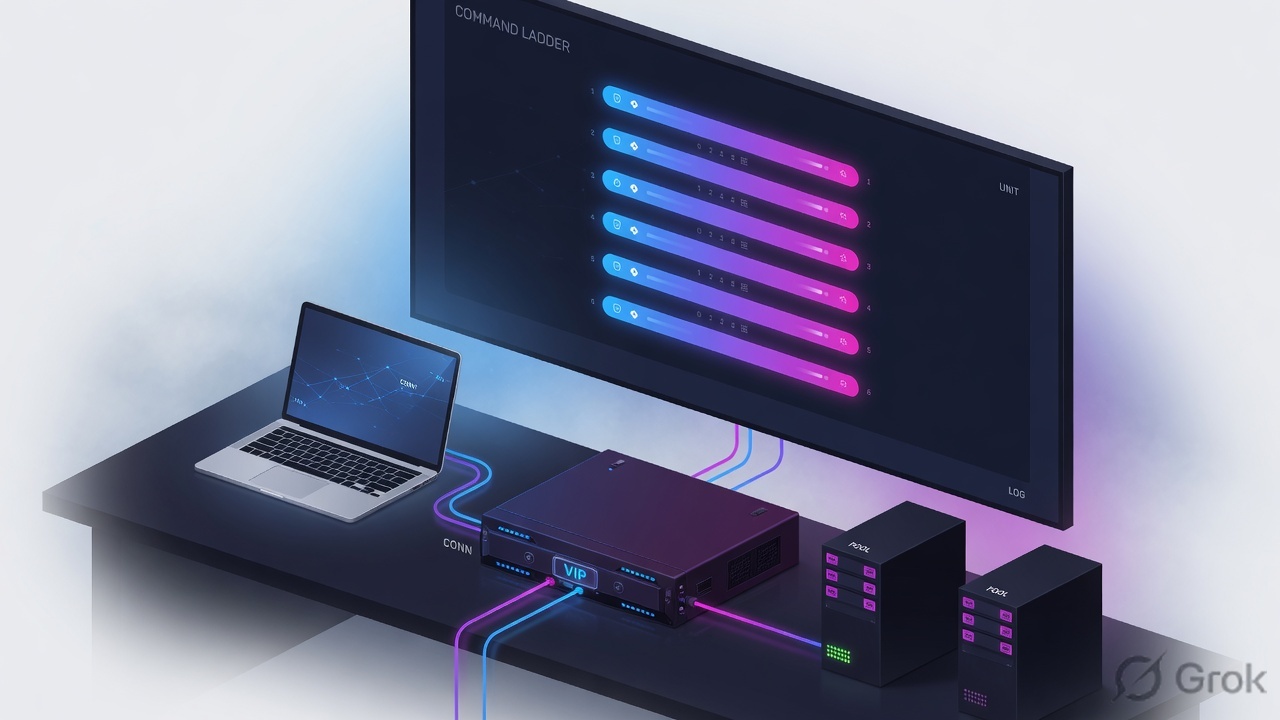
The six rungs are F5 TMSH show commands from the published reference: sys ha-status, ltm virtual, ltm pool, ltm persistence persist-records, sys connection, sys log ltm. tcpdump, curl, and openssl are useful later. They are not on this ladder. Confirm current syntax on your TMOS train before you type on a customer pair.
2. Six checks, one show command
Pre-train the six words before you open tmsh. Unit is which box owns the traffic-group. Virtual is the listener (destination, port, VLAN, profiles, SNAT stanza) — not the application. Pool is what monitors claimed about members. Persist is a pin that can outlive a monitor. Connection is the live TMM quadruple. Log is what LTM already wrote, including faults that never turn a pool red.
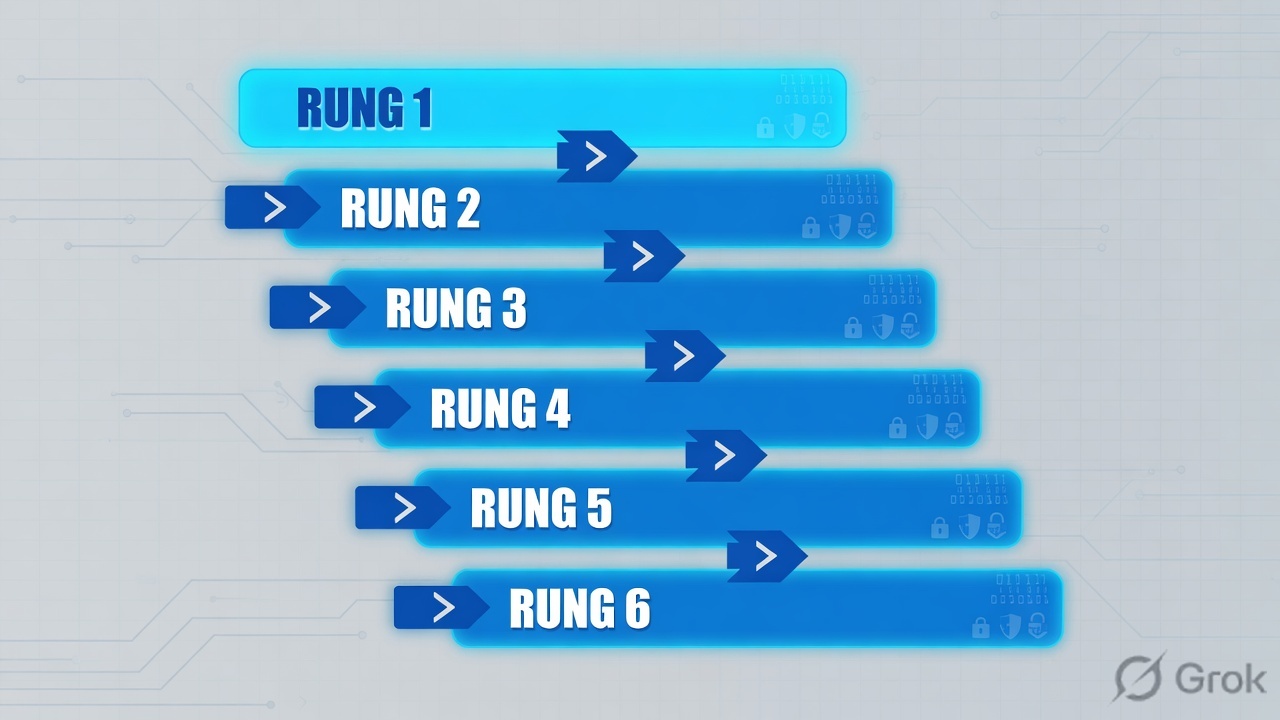
Isolate (show)
ha-status · virtual · pool · persist-records · connection · log ltm. These decide the sentence you paste in the ticket.
Change-control (write)
delete persist-records · run sys failover · modify a monitor or SNAT · save / config-sync. Name the show that justifies the write.
| Rung | Check | Official command | You are looking for |
|---|---|---|---|
| 1 | Right unit? | tmsh show sys ha-status | This box is active for the traffic-group. Standby tables are empty and honest. |
| 2 | Listener available, why? | tmsh show ltm virtual vs_payments_443 | Availability, State, Reason, Destination. Colour is decoration. |
| 3 | What did monitors mark? | tmsh show ltm pool pool_payments | Per-member Availability and the monitor Reason string. |
| 4 | Is a pin holding users? | tmsh show ltm persistence persist-records | virtual / client-addr / node-addr still on a down member. |
| 5 | Did serverside open? | tmsh show sys connection | cs-client · cs-server · ss-client · ss-server. ss-client is the SNAT source. |
| 6 | What did LTM already log? | tmsh show sys log ltm | 01070638 down, 01070727 up, 01010201 port exhaustion, 01260013 noise. |
Sibling of rung 1: tmsh show sys failover prints the failover state (active / standby / offline) and how long the unit has been there. Use it when you only need the one word. Use ha-status when you need the feature table that explains why a unit would leave active.
3. The command ladder
Flowchart first. Do not start at persist-records. Do not start at failover. The order is the skill.
Read left → right. Same six commands. Different fork after the Reason line. Diamond in prose: if children-down then pool; if available then connection + log.
4. Which command, which ticket
One table. Match the symptom to the rung. If two rungs could apply, keep the order — never skip unit, never skip Reason.
| You saw / they said | Type this show | If it proves | Next is |
|---|---|---|---|
| You just SSH’d to a pair | show sys ha-status | Standby, or a feature already failing | Isolate — move to active |
| “VIP is down” | show ltm virtual vs_payments_443 | Reason: children pool member(s) are down | Isolate — show the pool |
| VIP Reason names the pool | show ltm pool pool_payments | Member Reason: Unable to connect / monitor down | Isolate — persist-records |
| Half of finance blank after lunch | show ltm persistence persist-records virtual vs_payments_443 | client-addr still on the down node-addr | Change-control to delete, or wait TTL |
| VIP available, pool available, users fail | show sys connection cs-server-addr 10.10.10.50 | No row, or ss-client still the client IP | Isolate — SNAT none / return path |
| Fails only at peak, dashboard green | show sys log ltm | 01010201 Inet port exhaustion | Change-control — SNAT pool, not more members |
| Both units claim Active | show sys ha-status on each | Failover path / heartbeat failed | Isolate the path, then change-control |
| You already wrote a fix | show cm sync-status | In Sync vs Changes Pending vs Disconnected | Change-control — config-sync if you meant to persist it |

5. Walk the six rungs
Training reconstruction. Object names are lab examples in /Common. Output field names match the published TMSH / K-article shapes. Confirm live syntax on the train you are about to touch.
Side A — open the ticket (rungs 1–2)
-
Rung 1 ·
tmsh show sys ha-statusSource: F5 TMSH Reference, sys ha-status. Displays HA status of a unit in a redundant pair. If this unit is not active for the traffic-group that owns the VIP, every later table will be empty and you will invent a fault.
show sys ha-status
Sys::HA Status
Current   active
# sibling, one word only:
show sys failover
Status    active
-
Rung 2 ·
tmsh show ltm virtual vs_payments_443Source: F5 TMSH
showcommand against ltm virtual. Read three lines: Availability, State, Reason. Enabled + offline + “children pool member(s) are down” means the listener is configured and inherited pool state. Enabled + available on a VIP users cannot reach means the break is off this object — go to rungs 5 and 6.show ltm virtual vs_payments_443 Ltm::Virtual Server: /Common/vs_payments_443 Status Availability : offline State : enabled Reason : The children pool member(s) are down Destination : 10.10.10.50:443
Reason named the pool. The virtual is now off your list. Rebuilding destination, profiles, or SNAT here is how you create the second incident.
Side B — pool truth and the pin (rungs 3–4)
-
Rung 3 ·
tmsh show ltm pool pool_paymentsSource: F5 TMSH Reference, ltm pool DISPLAY —
show pool [name]prints statistics and status, including members. A member Availability of offline is a monitor claim, not a fact about the application. Read the member Reason. Then decide whether persist can still be sending users there.show ltm pool pool_payments Ltm::Pool: /Common/pool_payments Status Availability : offline Reason : The children pool member(s) are down Ltm::Pool Member: 10.20.30.11:443 Availability : available Reason : Pool member is available Ltm::Pool Member: 10.20.30.12:443 Availability : offline Reason : /Common/https: Unable to connect
-
Rung 4 ·
tmsh show ltm persistence persist-recordsSource: F5 TMSH Reference, ltm persistence persist-records. Official filters:
virtual,pool,client-addr,node-addr,mode. A record on 10.20.30.12 after that member is monitor-down is the classic “VIP green-ish, half of finance blank” ticket.delete persist-recordsis a write. Paste the show line first.show ltm persistence persist-records virtual vs_payments_443 Sys::Persist virtual mode value node age vs_payments_443 source-addr 10.10.8.22 10.20.30.12:443 184
Side C — live flows and the log the box already wrote (rungs 5–6)
-
Rung 5 ·
tmsh show sys connectionSource: F5 K40033505.
show sys connectiondisplays data-plane connections TMM is handling. The printed quadruple is cs-client, cs-server (VIP), ss-client (SNAT or original client), ss-server (member). Filter withcs-server-addr,cs-client-addr,ss-server-addr. If ss-client equals the client IP, SNAT did not translate. If there is no row while users retry, TMM never built the flow.show sys connection cs-server-addr 10.10.10.50 Sys::Connections 10.10.8.22:51221 10.10.10.50:443 10.20.30.5:41200 10.20.30.11:443 tcp 12 (tmm: 0) # ss-client 10.20.30.5 = automap / SNAT source the member sees
-
Rung 6 ·
tmsh show sys log ltmSource: F5 TMSH Reference, sys log —
show log ltmdisplays Local Traffic Manager logs. This is the tmsh path when you do not drop to bash. 01070638 / 01070727 pair the monitor down/up window. 01010201 is Inet port exhaustion — pool stays available while new serverside ports run out (K8246, K33355231). 01260013 SSL handshake failed is documented as informational (K11058264) — not a root cause by itself.show sys log ltm 01070638:3: Pool /Common/pool_payments member 10.20.30.12:443 monitor status down. 01010201:2: Inet port exhaustion on 10.20.30.5 to 10.20.30.11:443 (proto 6) 01260013:3: SSL Handshake failed for TCP 10.10.8.40:443
After a write, re-run the same show that named the fault. Then tmsh show cm sync-status. In Sync means the peer will not reintroduce the old config on the next failover. save / config-sync are writes — they are not rungs on the isolate ladder.
6. Runtime path after go-live
Once the VIP is in production, the same six shows map onto the live transaction. Use this when the app team asks “is it F5?” and you have sixty seconds.
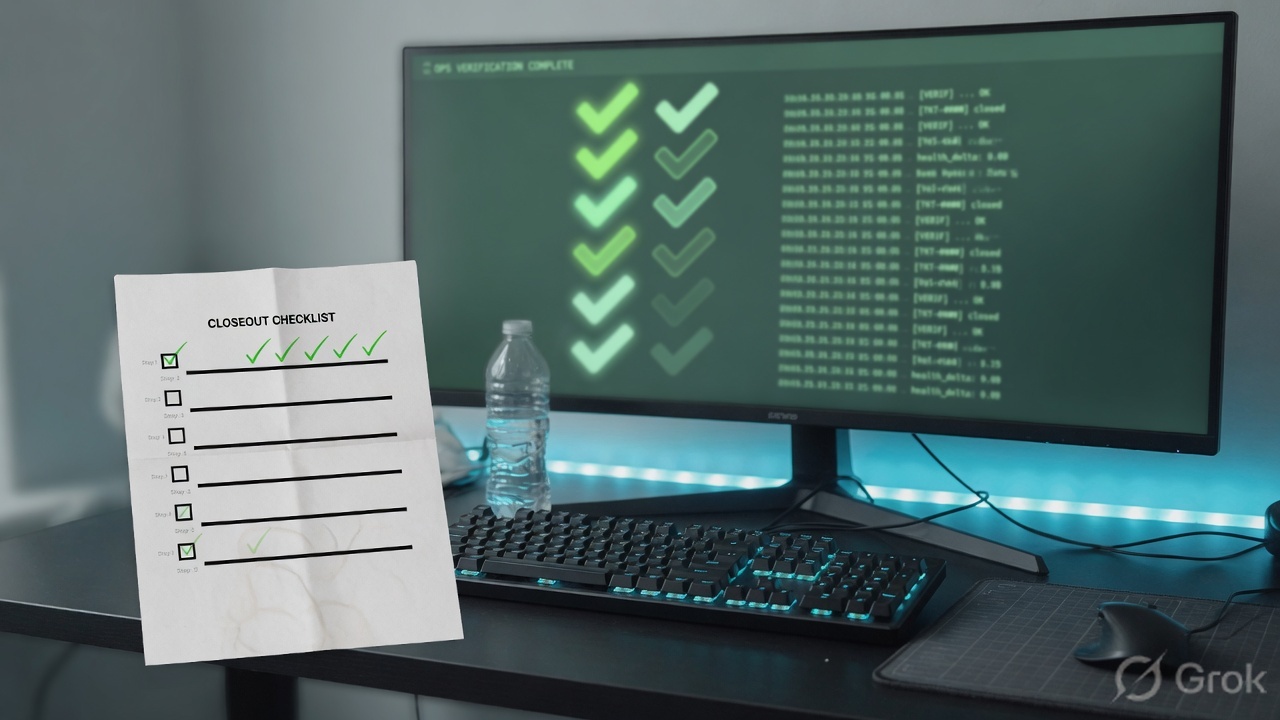
Read left → right. If the reply never recrosses the pair, rungs 2 and 3 stay green. Rung 5 names it.
7. Traps + proof checklist
| Trap | What it looks like | Proof from a show |
|---|---|---|
| Started on standby | Empty persist, empty connection, “nothing is wrong” | show sys ha-status / show sys failover — not active |
| Trusted the colour | Pool available, users failing | show sys log ltm → 01010201, or show sys connection → ss-client = client IP |
| Rebuilt a healthy virtual | Reason already said children are down | show ltm virtual State enabled + Reason names the pool |
| Ignored the pin | One member down, half the users still there | show ltm persistence persist-records node-addr = down member |
| Deleted persist on the bridge | Write with no pasted read | Show first. Delete is change-control (TMSH persist-records DELETE) |
| Treated 01260013 as root cause | SSL handshake failed, ticket closed | K11058264 — informational. Need another show (profile / connection / log pair) |
| Fixed it, skipped sync | Fault returns on the next failover | show cm sync-status still Changes Pending or Disconnected |
- Rung 1: active unit named in the ticket.
- Rung 2: virtual Reason pasted, not paraphrased.
- Rung 3: member Reason pasted. If one member is down, rung 4 was run.
- Rung 5: one connection line with the four addresses in order.
- Rung 6: message ID that matches the window, or an explicit “no 01010201 / no 01070638.”
- If you wrote: re-show the same object, then
show cm sync-status.
Weak: “I would check the VIP and maybe failover.” Strong: “I show ha-status, then the virtual Reason, then the pool member Reason, then persist-records for that virtual, then one connection quadruple, then log ltm for 01010201 / 01070638. I do not write until one of those lines names the layer.”
Practise the same six shows against broken tickets in the F5 BIG-IP troubleshooting lab. The sibling lessons virtual is a listener and evidence desk use the same objects from the other side of the sentence.
Knowledge check
Six judgment items. Each maps to a promise bullet or a trap. Check answers to see reasons; Reset clears the board.
Sources
- F5 TMSH Reference — sys ha-status. clouddocs.f5.com — sys ha-status
- F5 TMSH Reference — sys failover (
show failover). clouddocs.f5.com — sys failover - F5 TMSH Reference — show command. clouddocs.f5.com — show
- F5 TMSH Reference — ltm pool DISPLAY (
show pool [name]). clouddocs.f5.com — ltm pool - F5 TMSH Reference — ltm persistence persist-records. clouddocs.f5.com — persist-records
- F5 TMSH Reference — sys log (
show log ltm). clouddocs.f5.com — sys log - F5 K40033505 — Explaining the output of tmsh show sys connection. my.f5.com/article/K40033505
- F5 K8246 — How the BIG-IP system handles SNAT port exhaustion. my.f5.com/article/K8246
- F5 K33355231 — Error Message: 01010201 Inet port exhaustion. my.f5.com/article/K33355231
- F5 K11058264 — Error Message: 01260013 SSL handshake failed. my.f5.com/article/K11058264
Related: A BIG-IP virtual is a listener · The F5 evidence desk · F5 interview Q&A · Troubleshooting lab