show /ltm virtual is listener status — paste Availability, State, Destination, VLAN. show /ltm pool is member health — paste each member Status and the monitor Reason. show /ltm persistence persist-records is the pin — paste Mode + Node. tcpdump -nni 0.0:nnn is the wire — paste SYN in versus SYN out, and the lis= name. A green VIP is not user success. Deleting persist records is change-control.
I name listener, member, persist, and packet as four layers. I will not failover until show virtual and show pool are on the active unit. If a cookie still names the down member, that is the close. If SYN never arrives, the HTTP monitor is the wrong layer.
1. Why prove beats rebuild
A night ticket is a VIP name plus a panicked paste. The last engineer already asked for failover. Your job is to prove what the pair already decided — listener, member, persist pin, or packet on the wire — before you touch change-control.
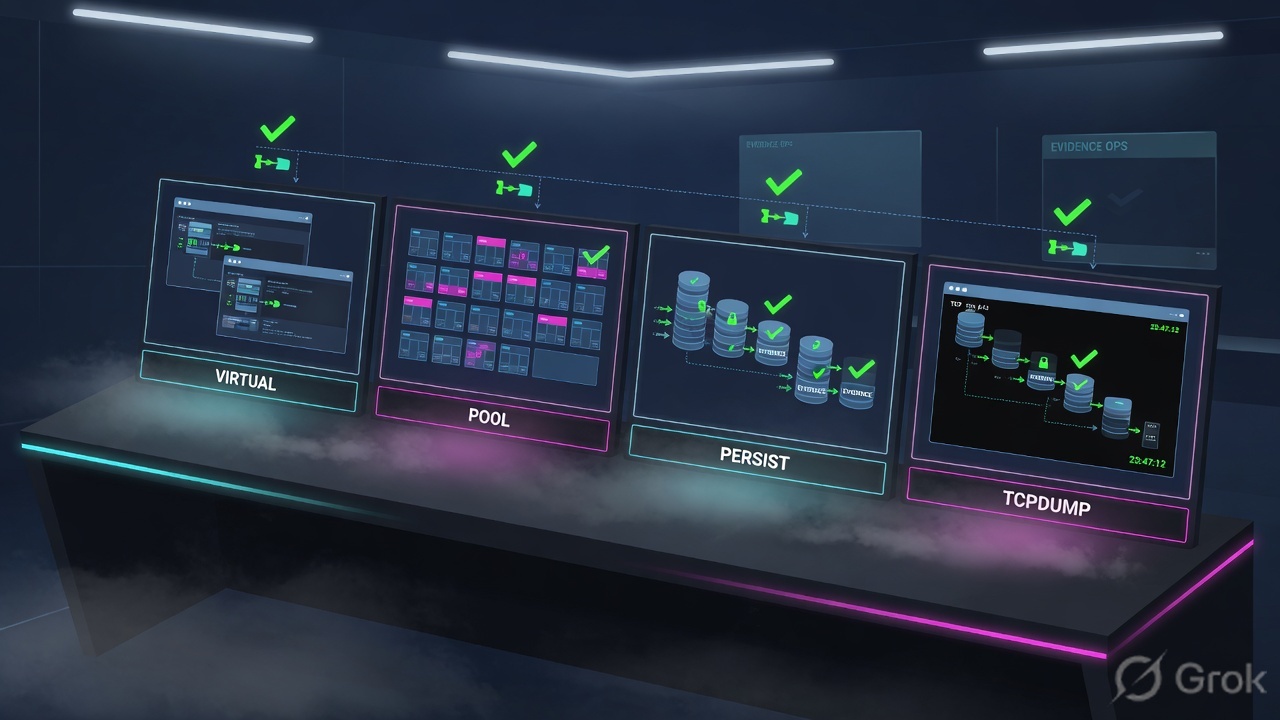
BIG-IP is a listener that selects a pool member, optionally pins the client, and may rewrite the source. That is why one colour is never enough: the virtual can be available while a cookie still names a down member, and the pool can be green while SYN never arrives on the VLAN.
RFC 5737 / training only. Virtual vip_finance_443 destination 198.51.100.50:443 on VLAN external, partition /Common. Pool pool_finance_web members 10.20.30.11:443 and 10.20.30.12:443. Client 10.10.8.22. Confirm live syntax on your software train before you type on a customer box.
2. Four tools, four proof fields
Pre-train the vocabulary before the tickets. Each tool answers one question. Mixing them is how interviews fail.
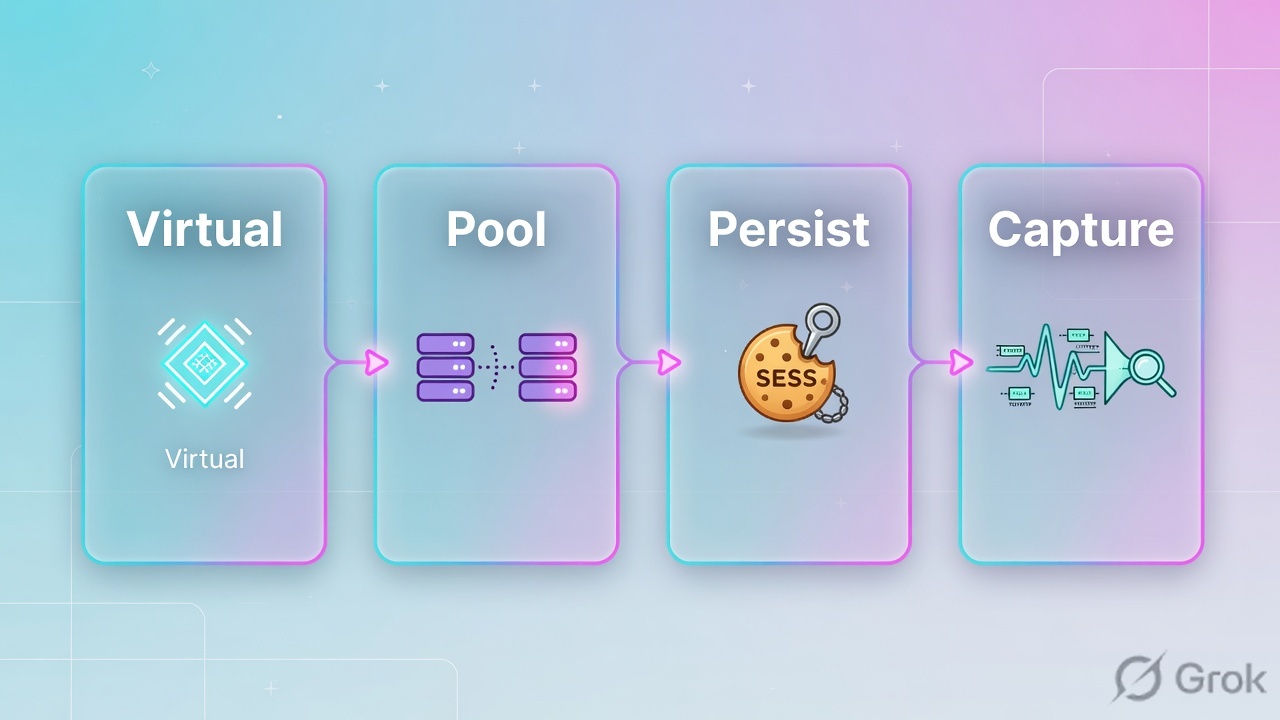
show /ltm virtual
Listener status and stats. Official: show virtual [name] displays statistics and status. Proof field: Availability, State, Destination, VLAN. Then list virtual for persist, pool, and source-address-translation.
show /ltm pool
Pool status and stats. Official: show pool [name] displays statistics and status. Proof field: each member Status plus the monitor Reason. Available with 1 of 2 is still a story.
persist-records
Official module: show /ltm persistence persist-records. Filter with virtual, client-addr, node-addr, mode. Proof field: Mode + Node. delete persist-records is a write.
tcpdump
K411 packet trace on a VLAN, a numbered interface, or 0.0. K13637 adds TMM noise :n / :nn / :nnn. K20233108 :p follows the peer. Proof field: SYN in versus SYN out, and lis=.
Availability is object health, not user success. source-address-translation is the current SAT object — type automap, snat, lsn, or none (the old snat attribute is deprecated). lis= is the TMM annotation that names the virtual that claimed the packet. Empty lis= means no listener matched. Peer flow is the serverside half that :p follows after SNAT rewrites the address.
3. First-tool decision
Do not start every ticket on persist-records. Do not start on failover. Start from what the user already handed you. The diamond is the first tool. The box under it is the field you paste.
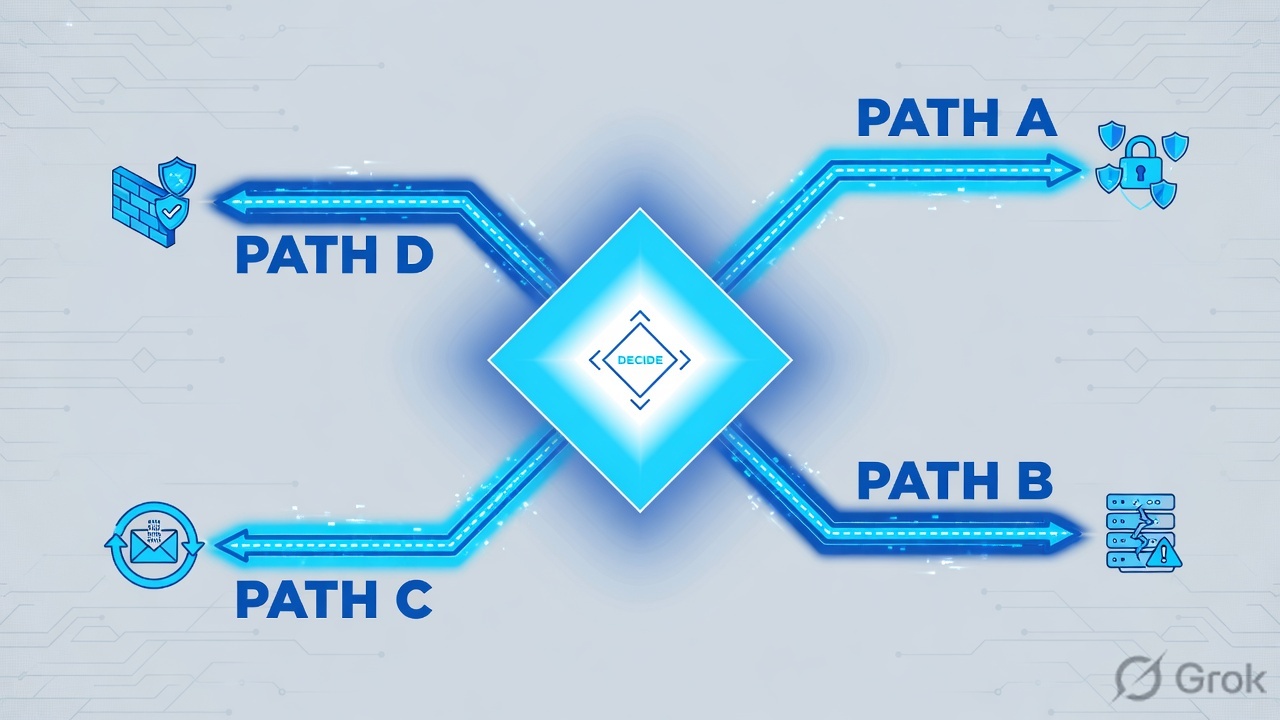
Read the diamond, then the green proof line. Ticket 5 re-uses tcpdump because the field that matters is the peer SYN, not a second VIP rebuild.
4. How to choose
Same VIP, same client, same unit. If you mix hosts, the desk fails. Confirm Active first with tmsh show /sys ha-status. Standby tables can be empty even when the pair is In Sync.
| Ticket smell | First tool | Proof field you paste | Not first |
|---|---|---|---|
| “VIP is down / please failover” | tmsh show /ltm virtual vip_finance_443 | Availability + State + Destination + VLAN | Failover |
| VIP available, some users fail | tmsh show /ltm pool pool_finance_web | Member Status + monitor Reason | Rebuild the VIP |
| One member down, half still fail | tmsh show /ltm persistence persist-records virtual vip_finance_443 | Mode + Node | delete persist-records |
| Outside red, members ping locally | tcpdump -nni 0.0:nnn -s0 host 198.51.100.50 and port 443 | SYN in + lis= | HTTPS monitor |
| Member selected, no return | list /ltm virtual SAT, then tcpdump -nni 0.0:nnnp | SAT type + serverside SYN / no SYN-ACK | A new pool |
| Need the live triple | tmsh show /sys connection cs-client-addr 10.10.8.22 | cs-client ↔ cs-server ↔ ss-server | Unfiltered delete connection |
| Wrong box suspicion | tmsh show /sys ha-status | Failover State = active | Any write on standby |
Local Traffic › Virtual Servers › Virtual Server List › vip_finance_443
vip_finance_443
Click next: do not press Update. CLI twin: tmsh show /ltm virtual vip_finance_443 then tmsh list /ltm virtual vip_finance_443 destination persist pool source-address-translation profiles vlans. Official show virtual is status. Official list virtual is config. SAT type lives on source-address-translation — the old snat attribute is deprecated.
Local Traffic › Pools › Pool List › pool_finance_web › Members
pool_finance_web
Disable / Forced Offline is a write (member session / state). Isolate first with persist-records. Dummy lab — not a customer pool.
Click next: do not press Disable. Run tmsh show /ltm pool pool_finance_web, then tmsh show /ltm persistence persist-records virtual vip_finance_443. If a cookie still names 10.20.30.12:443, that is the close for Ticket 3.
5. Five tickets
Each ticket is first tool, proof field, dummy output, what you say, next tool. Lab output is training-shaped. Confirm live syntax from the cited F5 page before you type on a real pair.
Ticket 1 — “The VIP is down, please failover”
Symptom: outside monitor is red. Manager wants failover. Nobody has printed the listener.
First tool
tmsh show /ltm virtual vip_finance_443 on the Active unit. Official: show virtual [name] displays statistics and status.
Proof field
Availability + State + Destination + VLAN. Lab: available / enabled / 198.51.100.50:443 / external.
Ltm::Virtual Server: vip_finance_443
  Availability     available
  State            enabled
  Reason           The virtual server is available
  Destination      198.51.100.50:443
  VLAN             external
  Current Conns    41
What you say: The listener is available and enabled on external at 198.51.100.50:443. Availability is not user success. I am not failing over from a green virtual.
Next tool: tmsh list /ltm virtual vip_finance_443 destination persist pool source-address-translation profiles vlans so you can name SAT, persist, and the default pool. Then Ticket 2.
In Sync is config sync, not “this unit owns the traffic-group.” Quote Failover State from show /sys ha-status before you read any table. Writes on standby do not help users.
Ticket 2 — VIP green, some users fail
Symptom: virtual is available. App team pinged both nodes. Hypothesis: a member is down and the pool colour is still green.
First tool
tmsh show /ltm pool pool_finance_web. Official: show pool [name] displays statistics and status for the Local Traffic Manager pool.
Proof field
Each member Status + the monitor Reason. Lab: 10.20.30.12:443 offline, https timeout. Pool still available.
Ltm::Pool: pool_finance_web
  Availability     available
  State            enabled
  Reason           The pool is available
  Monitor          https
  +-> 10.20.30.11:443
        Availability  available    State enabled    Conn 41
        Reason        Pool member is available
  +-> 10.20.30.12:443
        Availability  offline      State enabled    Conn 0
        Reason        Monitor /Common/https : no successful responses before timeout
What you say: One of two members is offline on the HTTPS monitor. The pool can still be available. I am not rebuilding vip_finance_443.
Next tool: persist-records — Ticket 3. Do not Disable the member to “test” unless you have a change window. Official member session user-disabled drains new sessions; state user-down forces the member offline and overrides monitors.
Pool available is not “users cannot be broken.” Colour is 1 of 2. The down member is the sentence.
Ticket 3 — Half of finance blank after lunch
Symptom: .12 is offline. Half the users still get a blank page. Hypothesis: a cookie still pins them to the dead member.
First tool
tmsh show /ltm persistence persist-records virtual vip_finance_443. Official module: display persist-records; filter virtual, client-addr, node-addr, mode.
Proof field
Mode + Node. Lab: cookie still at 10.20.30.12:443, age 62.
Sys::Persist
Mode     Value      Age  Virtual            Node
cookie   8f2a…c1    62   vip_finance_443    10.20.30.12:443
Sys::Connections
10.10.8.22:51901  198.51.100.50:443  10.20.30.12:443  tcp  age 48
What you say: A live cookie still names the down member. Official persist-records can display or delete; delete is a write. I would show the down member and the cookie still pointing at it. I would not rebuild the VIP.
Next tool: Wait TTL, or open change-control and delete /ltm persistence persist-records virtual vip_finance_443 for that virtual — not a reboot. Then re-show persist-records. K000156942 also verifies cookie persist with a capture of the cookie on the wire.
Unfiltered delete persist-records or delete connection is a blast radius. Official sys connection: if you omit the address, the system deletes all connections including mirrored ones. Filter virtual / client-addr.
Ticket 4 — No SYN to the VIP
Symptom: outside monitor says VIP down. Members answer locally. Pool is green. Hypothesis: the packet never reached a listener — VLAN, destination, unit, or empty lis=.
First tool
tcpdump -nni 0.0:nnn -s0 host 198.51.100.50 and port 443 on Active. K411: 0.0 is all TMM interfaces and is not rate-limited — filter it. K13637: :nnn is high-detail TMM info.
Proof field
Client SYN count and the lis= name. Lab: zero packets, or SYN with empty lis=.
# attempt A — packet never arrived
(no packets captured)

# attempt B — arrived, no listener
12:41:08.102 IP 10.10.8.22.51901 > 198.51.100.50.443: Flags [S]
    in slot1/tmm0 lis=
What you say: If SYN never arrives, I troubleshoot listener / VLAN / self-IP / upstream route — not the HTTP monitor. If SYN arrives with empty lis=, no virtual claimed destination, port, protocol, route domain, or VLAN scope. K411: run tcpdump on a VLAN name, a numbered interface, or 0.0.
Next tool: Re-read Ticket 1 Destination + VLAN. Confirm Failover State is active. Do not bounce pool members.
K6546 / K411: 0.0 is not rate-limited and can create very large files. Always add a host/port filter. Hardware switch interfaces are rate-limited; 0.0 is not. Stop the capture when you have the SYN.
Ticket 5 — Member selected, no return
Symptom: virtual available, pool available, persist empty. Browser still spins after a cousin VIP was built with SAT None. Hypothesis: serverside SYN left with the original client IP and never came back.
First tool
tmsh list /ltm virtual vip_finance_443 source-address-translation, then tcpdump -nni 0.0:nnnp -s0 host 10.10.8.22. K20233108: beginning in 11.2.0, :p with the n modifier follows the peer flow.
Proof field
SAT type none + serverside SYN with the original client IP and no SYN-ACK.
ltm virtual vip_finance_443 {
    source-address-translation { type none }
    persist { cookie { default yes } }
    pool pool_finance_web
}

12:44:01.220 IP 10.10.8.22.51901 > 198.51.100.50.443: Flags [S]
    in slot1/tmm0 lis=/Common/vip_finance_443
12:44:01.221 IP 10.10.8.22.18422 > 10.20.30.11.443: Flags [S]
    out slot1/tmm0
(no SYN-ACK)
What you say: Official SAT type is none — no source translation. The peer SYN left with the original client IP. If members do not use the floating self-IP as default gateway, the SYN-ACK never returns. That is path, not a down pool.
Next tool: Change-control is SAT type automap or a named SNAT pool, then re-prove with the same :nnnp capture. Auto Map uses self-IP addresses for translation. Do not invent a SNAT pool name that is not on the virtual.
A capture on the client VLAN only will miss the serverside SYN after SAT. That is why Ticket 5 uses 0.0:nnnp, not tcpdump -i external alone. :p follows the peer so SNAT rewrite does not hide the other side.
6. Runtime path of one HTTPS flow
After go-live, one user packet walks this path. Each hop has a proof field. If you skip a hop, you will “fix” the wrong object.
If SYN never increments, stop talking about the HTTPS monitor. If a cookie names the down member, stop rebuilding the VIP. If SAT is none and the peer SYN has the original client IP, stop adding pool members.

-
Side A — Confirm the unit and the 5-tuple
Write client, VIP, port, and VLAN.
tmsh show /sys ha-status— Failover State must be active. In Sync is not the same as mirrored connections for every virtual. -
Side B — First tool from the chooser
“VIP down” → show virtual. “Some users fail” → show pool. “Member down + half fail” → persist-records. “No SYN” → tcpdump
:nnn. “No return” → SAT type then tcpdump:nnnp. -
Side C — Paste the proof field, then decide change-control
No named object, no write. Cookie at a down member → wait TTL or approved delete persist-records. Empty
lis=→ destination / VLAN / unit. SAT none + no SYN-ACK → automap or a SNAT pool. Green virtual + green pool is not a close.
I pick the first tool from the symptom, then I paste one field: virtual Availability, pool member Status, persist Node, or SYN plus lis=. A green VIP is the start of the sentence. I would show the down member and the cookie still pointing at it. I would not rebuild the VIP.
7. Traps and proof
| Trap | Dummy tell | Desk move |
|---|---|---|
| Green VIP = users work | Availability available | Say listener only. Open show pool. |
| Pool available = nobody broken | 1 of 2 available, .12 offline | Paste member Status + Reason. |
| Reset persist on standby | Failover State standby | Wrong box. Move to active. |
| delete persist-records is isolate | Official delete syntax | Write. Wait TTL or take a change. |
| No SYN = bounce the HTTPS monitor | Zero packets or empty lis= | VLAN / destination / unit first. |
| tcpdump 0.0 with no filter | Huge file, high TMM cost | K411 / K6546: always filter 0.0. |
| Client-VLAN capture proves SAT | Only the inbound SYN | Use 0.0:nnnp so :p follows the peer. |
| In Sync = connections mirrored | Config Sync In Sync | Mirror is per virtual. Failover is a write. |
- Partition + unit (Active). In Sync quoted only as config sync.
- First tool used (virtual / pool / persist-records / tcpdump).
- Proof field: Availability + Destination, or member Status + Reason, or Mode + Node, or SYN + lis=.
- If persist: Node address and whether delete is approved.
- If path: SAT type and both sides of
0.0:nnnp. - Change-control: none, or named object + re-proof with the same tool.
Knowledge check
Six desk judgments. First tool and proof field — not folklore. Check, then Reset if you miss any.
Sources
- tmsh reference — ltm virtual —
show virtual [name]displays statistics and status;list virtualdisplays config;source-address-translationtypeautomap/snat/lsn/none; persist and pool attachments. - tmsh reference — ltm pool —
show pool [name]displays statistics and status; membersessionvsstate; monitor attachment. - tmsh reference — ltm persistence persist-records — display or delete; filters
virtual,client-addr,node-addr,mode. - tmsh reference — sys connection —
show connection cs-client-addr; unfiltered delete removes all connections including mirrored. - K411: Overview of packet tracing with the tcpdump utility — interface or VLAN;
0.0is not rate-limited; use filters. - K6546: Recommended methods and limitations for running tcpdump on a BIG-IP system —
0.0is not rate-limited like a hardware switch interface. - K13637: Capturing internal TMM information with tcpdump —
:n/:nn/:nnnTMM noise. - K20233108: Running the tcpdump utility using the p interface modifier —
:pwith thenmodifier follows the peer flow (11.2.0+). - K000156942: How to verify if cookie persistence is working as expected — persist records plus a capture of the cookie.
- K00463541: A breakdown of the tcpdump utility — index of official capture K articles.
Related: F5 session factory · LTM troubleshooting scenarios · Command ladder cheatsheet · Virtuals and pools · F5 practice dashboard
Every output block is fictional lab data. Confirm live syntax, permissions and privacy rules on the production release before you type anything on a live system.