The ticket
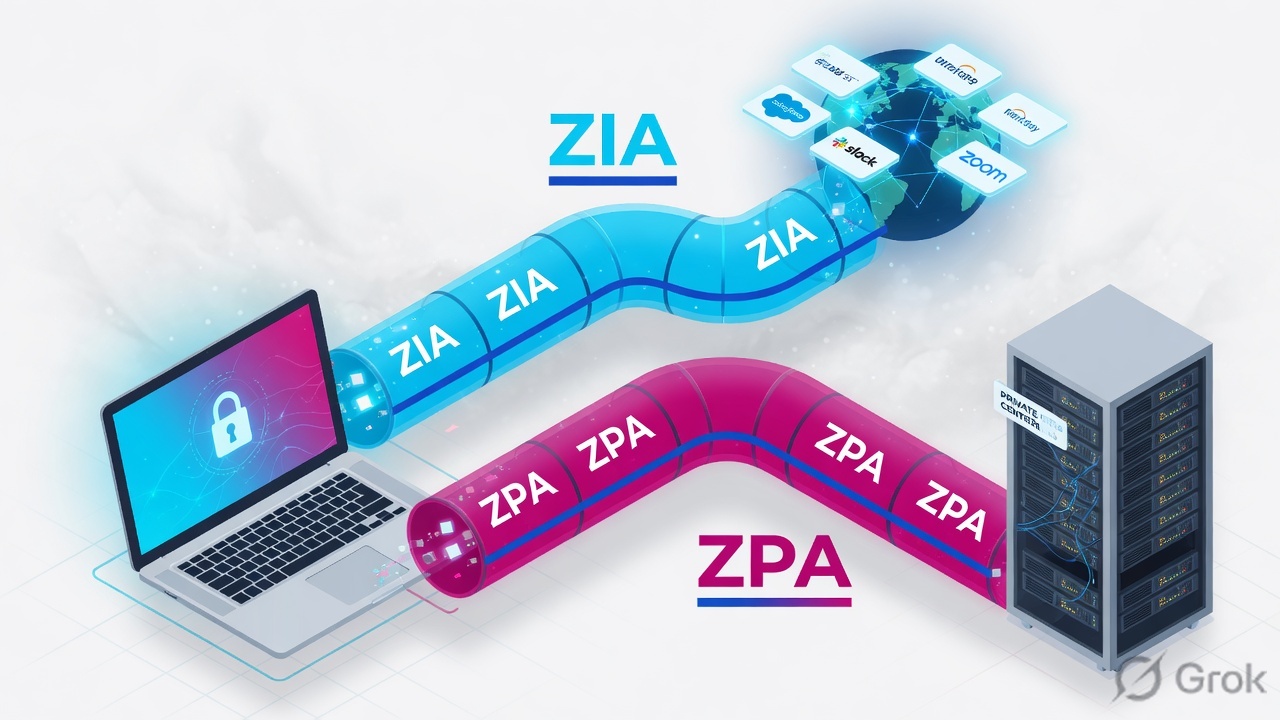
Aditya: “ZCC is green. SAP will not open. Teams works.” Teams is ZIA. SAP is a private FQDN — that is ZPA. Green ZCC does not mean a connector was selected.
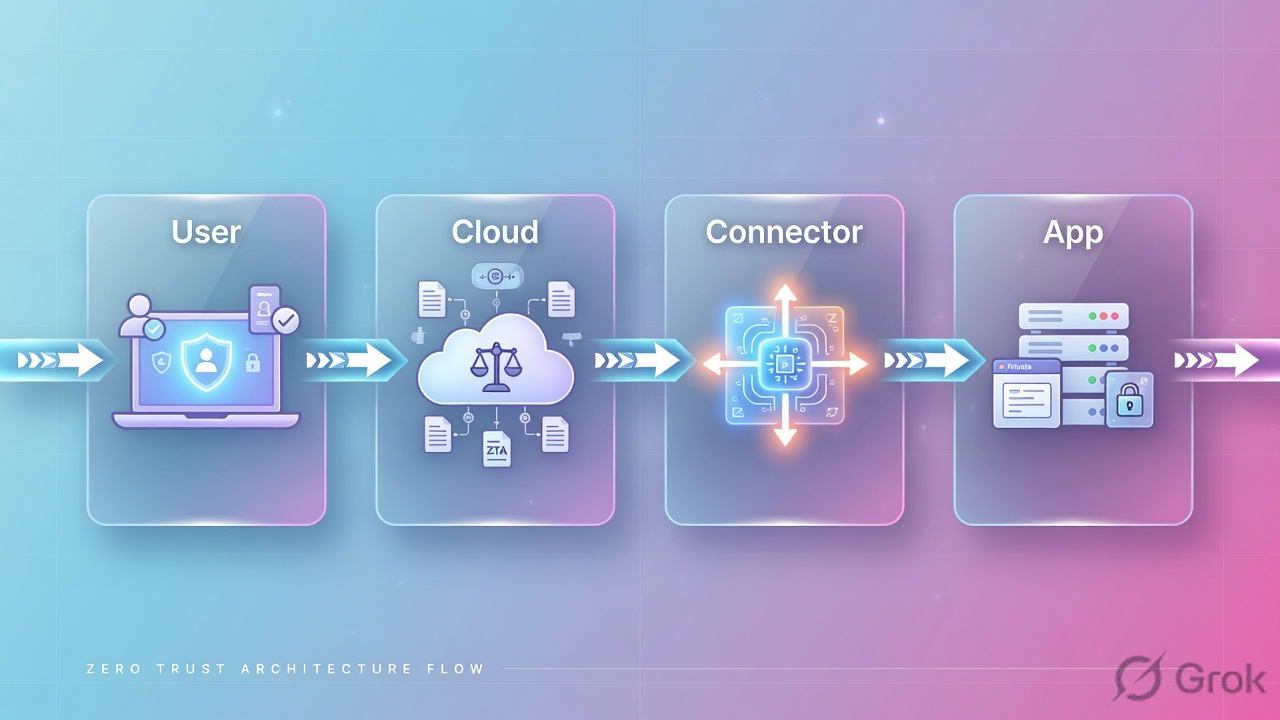
ZPA replaces VPN with a brokered microtunnel. Access Policy allow is mandatory — no match is deny. Map Application Segment → Server Group → Connector Group or Diagnostics stay empty.
Mental model — four objects
- App Connector — VM next to the app; dials out to ZPA Cloud.
- Server Group — which connectors can reach this app (Dynamic Discovery almost always on).
- Application Segment — FQDN/IP + ports users are allowed to request.
- Access Policy — who may use that segment (user, group, posture).
No inbound hole on the data centre. Connector dials out. If Diagnostics show empty Connector, policy or mapping never selected one — do not ping the app first.
Hard words: Segment Group is a policy bundle of segments. Browser Access is clientless HTTPS to a private app. Double Encryption adds a second encrypt hop — do not enable it because it sounds safer without a design.
Wildcard vs specific FQDN
Segment 1: *.example.com ports 1–65535. Segment 2: www.example.com port 8843 only. User hits www:80. ZCC picks the more specific FQDN, misses port 80, and does not fall through to the wildcard. Source: About Application Access.
Configuration / Application Segments / Add
Application Segment · SAP-Prod
More specific FQDN wins. If the specific segment misses the port, ZCC does not fall through to the wildcard — traffic leaves ZPA. Source: help.zscaler.com About Application Access.
Runbook — Side A / B / C
Side A · App Connector host
Place it
Same L3 as the app (or routed). Outbound to ZPA Cloud. NTP, DNS, no SSL intercept on the connector itself.
Enrol
Provisioning key from Configuration → App Connectors. Health green is necessary, not sufficient.
Side B · ZPA Admin
Connector Group
Put DC1 connectors together. Map that group to the SAP Server Group.
Application Segment
Configuration → Application Segments. FQDN + exact TCP ports. Health Reporting: On Access.
Access Policy
Policy → Access Policy. Allow
grp-sap-usersto Segment Group SAP. Remember default is deny.
Side C · prove
Diagnostics
Analytics → Diagnostics → User Activity. Filter Aditya + sap.apexfreight.internal. You want a named Connector, not empty.
Status codes
BRK_MT_SETUP_FAIL_NO_POLICY_FOUND= allow missing or segment disabled.BRK_MT_SETUP_FAIL_REJECTED_BY_POLICY= a deny matched. Source: Understanding Private Access Session Status Codes.
Analytics / Diagnostics / Log Type: User Activity
User Activity · priya@apexfreight.in
Empty Connector + Close means ZPA never selected a connector. Status BRK_MT_SETUP_FAIL_NO_POLICY_FOUND means allow policy is missing or the segment/group is disabled. Source: help.zscaler.com session status codes.
Runtime
ZCC intercepts the FQDN in the segment. ZPA Cloud evaluates Access Policy, then picks a connector from the server group. Connector connects to the app on the LAN. If DNS on the connector LAN is wrong, the user still sees “cannot connect” with a named connector and high setup time — that is LAN DNS, not policy.
Traps and proof
| Symptom | First evidence | Fix shape |
|---|---|---|
| ZCC green, app dead, Connector empty | User Activity Diagnostics | Policy or server-group ↔ connector-group map |
| Named connector, app still dead | Setup time, connector LAN DNS/port | Fix app reachability, not ZCC reinstall |
| One URL works, sibling port fails | Two overlapping segments | Align ports on the specific FQDN |
| Browser Access cert error | Browser Access cert / SAN | Fix cert, not Access Policy |
- Pilot user opens SAP. Diagnostics show connector name AC-DC1-01.
- A user not in grp-sap-users is denied with a policy status code.
- Posture fail is visible in policy, not as “app down.”
Next: troubleshooting desk → · Path hub
Knowledge check
Eight ZPA tickets. Policy before ping.
Sources
- About Applications
- About Application Access (FQDN conflict)
- Configuring Application Segments
- Session status codes
- App Connector diagnostics
Related: Path hub · App segments deep · Connector deploy · Troubleshooting desk