The ticket
Aditya: “SAP GUI opens. Our custom TMS on tms.apex.internal:8443 times out. ZCC is green.” ZCC green only means the client is alive. The Application Segment probably never listed TCP 8443.
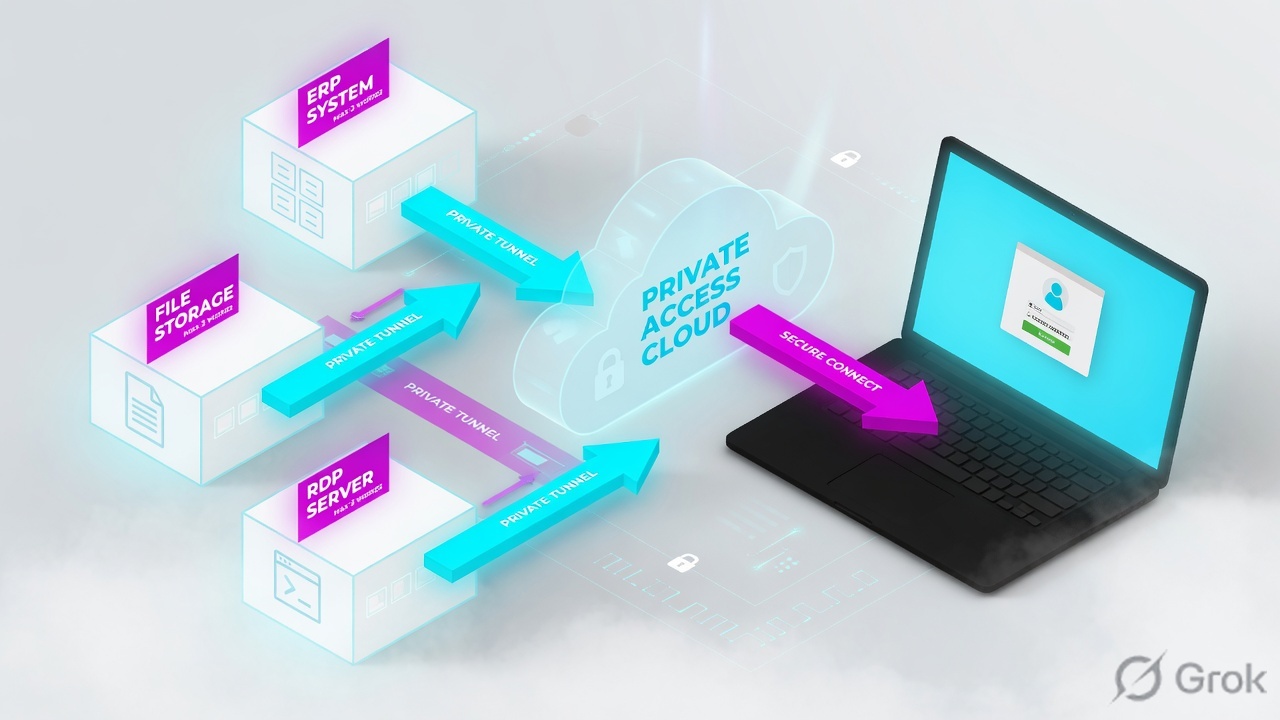
Define the app (FQDN/IP + ports), put it in a Segment Group, map App Connector Groups, then Access Policy allow. Wildcards are for discovery. Huge RFC1918 ranges are a last resort with a time limit.
Mental model — four objects
- Application Segment — what (name, FQDN/IP, TCP/UDP ports, health).
- Segment Group — a basket you attach to Access Policy.
- Server Group / Connector Group — who can reach the app LAN.
- Access Policy — who is allowed. Default is deny.
Health reporting checks reachability to each defined port — not whether SAP is ‘up’ as an application. Source: Understanding Health Reporting.
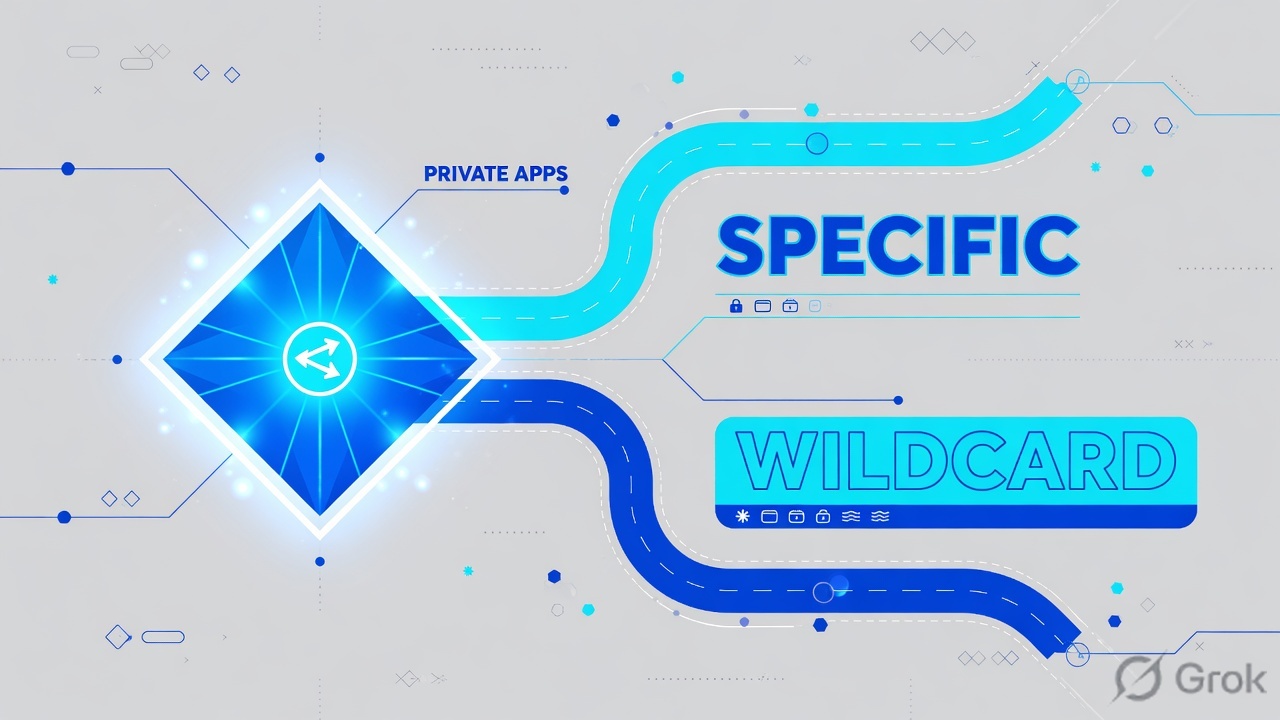
Wildcard finds apps. Named segment is production. Missing port means no microtunnel. Empty Connector is mapping, not ping.
Hard words: Defined application is an exact FQDN/IP. Application discovery is a wildcard or subnet used to learn names. Health reporting is connector reachability to those ports (On Access / Continuous / None).
How to choose wildcard vs named
| Design | Use when | Trap |
|---|---|---|
| Named FQDN + exact ports | Production SAP, file, RDP, TMS | Forgetting extra ports (8443, 3200–3299) |
| Wildcard *.apex.internal | Week-1 discovery | Leaving it, then writing ‘allow all’ |
| IP /16 or /8 | Only if you have no DNS names — time-box it | 10.0.0.0/8 as a permanent segment (explicitly discouraged) |
| Browser Access on the segment | Clientless HTTPS | Missing internal URL / cert on that segment |
Source: ZPA Leading Practices Guide and Configuring Defined Application Segments.
Wildcard to learn names. Production = defined FQDN + exact ports. Then delete the wildcard.
Runbook — Side A / B / C
Side A · app owners
Get the real reachability
FQDN users type, every TCP/UDP port, and which site’s connector can route to it. Do not guess 443-only.
DNS inside the LAN
Connectors resolve the FQDN. If LAN DNS is wrong, health is red even when the VIP exists.
Side B · ZPA Admin
Create defined segment
Configuration → Application Segments (or Resource Management → Applications). Applications =
tms.apex.internal. TCP From/To = 8443. Exclude port 53. Health = On Access.Group + connectors
Place it in Segment Group
sg-finance-apps. Attach the App Connector Group that sits on that LAN. Overlapping FQDN+port with another segment is a conflict — fix uniqueness.
Configuration / Application Segments / Add Application Segment
Add Application Segment
Exclude DNS 53. Continuous health is blocked if you have >10 ports or a wildcard/subnet. Training mock · not live.
Side C · prove
Diagnostics
Analytics → Diagnostics / User Activity. Aditya + tms.apex.internal. You want a Connector name, not empty, and an Allow policy.
Health
If health is red, the connector cannot reach that IP:port. That is LAN routing/DNS, not ‘ZCC reinstall’.
Runtime path after go-live

Client requests FQDN → ZPA matches a segment → Access Policy must Allow → a connector in the mapped group opens the microtunnel to the port. Double encryption stays disabled unless you have a documented reason.
Traps and proof
| Symptom | First check | Do not |
|---|---|---|
| 443 works, 8443 dead | Port list on the segment | Reinstall ZCC |
| Empty Connector | Segment ↔ connector group mapping + Access Policy | Ping SAP from your laptop first |
| Wildcard still in prod | Named segments for discovered apps, then delete wildcard | Allow all on the wildcard |
| Continuous health greyed out | >10 ports or discovery segment | Open a severity-1 on ‘health broken’ |
- tms.apex.internal:8443 Allow with a named Connector.
- No second segment owns the same FQDN+port.
- Wildcard discovery is time-boxed or already removed.
Publishing 10.0.0.0/8 as a permanent application segment. Zscaler explicitly discourages it. You will fight port conflicts forever.
← ZPA operator path · Next: App Connector →
Knowledge check
Six segment tickets. Pick the first safe move.
Sources
Related: ZPA operator path · App Connector · Access policy