Lessons · Zscaler series · ZIA scenarios
This lesson is the ticket method: user wording → one Insights row → smallest safe fix. Decrypt vs pinned-app exemptions live on SSL inspect. Tunnel build lives on GRE/IPSec. SAML/SCIM live on authentication. Do not start those pages until you can name the layer from a symptom.
SSL inspection · GRE & IPSec · Authentication · ZIA command center
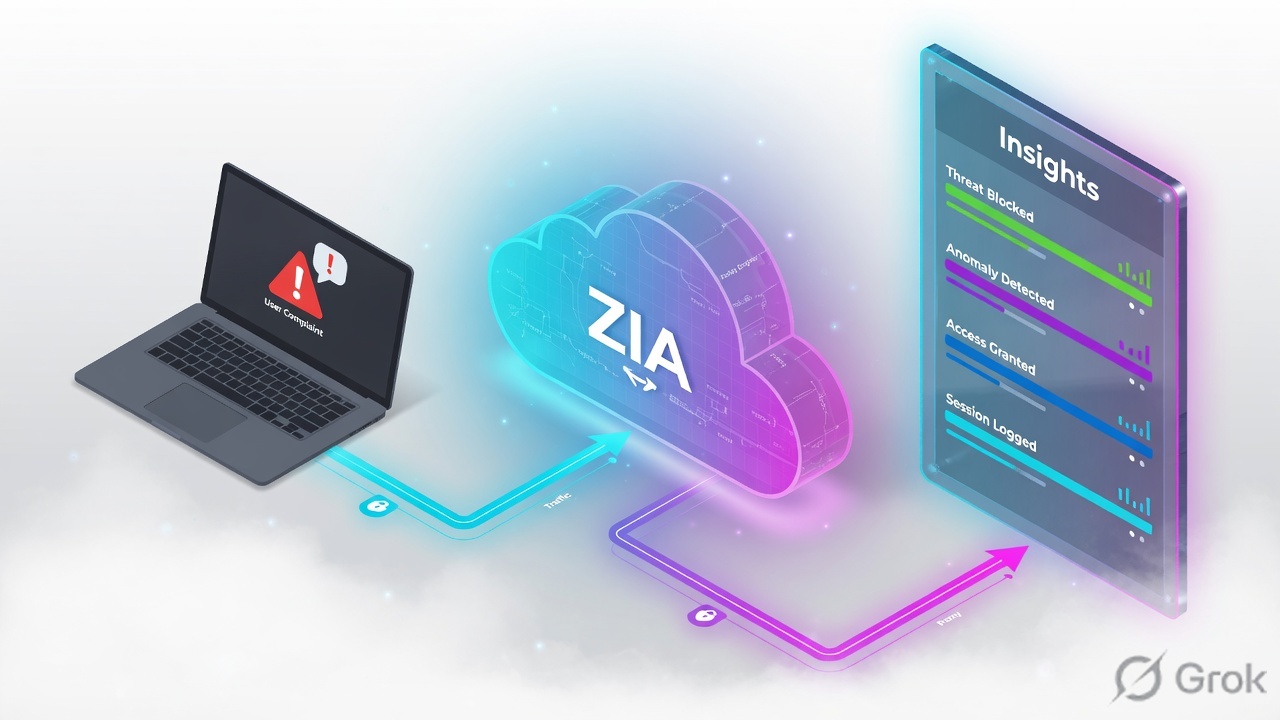
Write the symptom (user, device, location, URL, time, error). Prove forwarding first — no Web Insights row means PAC returned DIRECT, Z-Tunnel never formed, or GRE is down. Then read identity: User must be the email, not the location name. Then read Policy Action / Policy Reason (URL, DLP, threat) and SSL Policy Reason (Inspected / Not inspected because of SSL policy / O365 bypass / Zscaler best practices). One scoped change. Retest the same flow. A global bypass is the last move, not the first answer.
Why a symptom is not a policy
The day-one ticket is always the same: “The site is blocked, so URL filtering is wrong.” Wrong. A timeout, a certificate warning, a Zscaler block page, a SAML loop and “it works at home” are five different desks. Editing URL Filtering because Priya saw a padlock error wastes the change window and still leaves the CA undeployed.
Three silent-zero states look identical from the chair (site will not load):
- PAC returned
DIRECT— no Service Edge, no Web Insights row, no policy to edit. - GRE/IPSec down — office source IP is not the location object; traffic is Road Warrior or raw ISP.
- User field is the location name (NoAuth) — group-based URL rules never evaluated.
SSL inspect can block on a bad server certificate. Cloud App Control block ends evaluation before URL Filtering. DNS Control can fail the name before HTTP starts. Read Policy Reason and the log family (Web / Firewall / DNS / Tunnel) before you touch a rule.
Five desks, one request
Treat ZIA as five objects that fire in order. Skip a desk and you “fix” the wrong one.
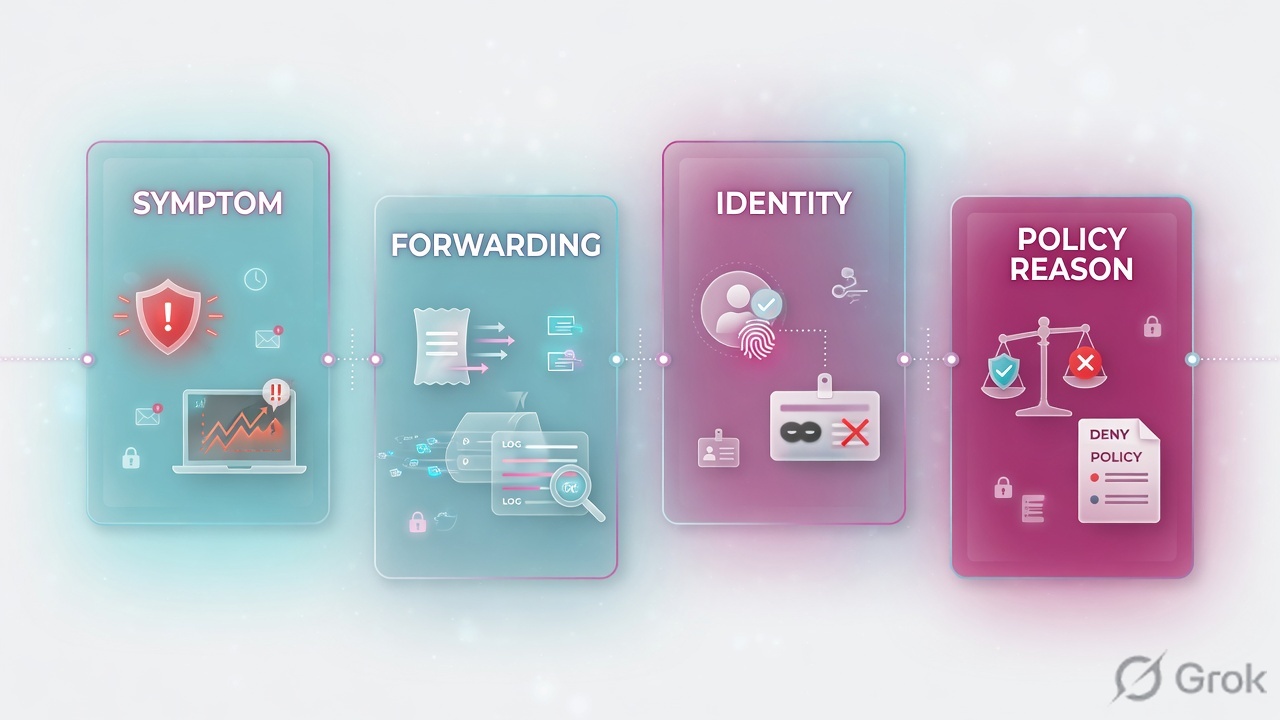
Forwarding
PAC, ZCC (Z-Tunnel 1.0/2.0), GRE or IPSec must send the flow to a Service Edge. Proof: Traffic Forwarding on the Web row, or Tunnel Insights for GRE/IPSec.
Identity
SAML (or other auth) plus location. User = email when Enforce Authentication worked. Location name in User = unauthenticated. Group rules will miss.
SSL inspect
SSL Inspected Yes/No. SSL Policy Reason names why: Inspected, Not inspected because of SSL policy, O365 bypass, UCaaS, Zscaler best practices, failed client handshake.
URL / app / DLP
URL Category, URL Filtering Policy Name, Cloud App rule, then DLP. Policy Reason strings such as Not allowed to browse this category live here — after decrypt, not before.
If it never reached ZIA, policy cannot be the cause. If the user is unknown, group policy cannot be the cause. If SSL was not inspected, URL path and DLP cannot be the cause. Read the Insights row. Then change one thing.
Symptom → Web Insights
Existing session first only in your head: write the six-tuple before you open Admin. Then filter Insights to that tuple. Empty result is a forwarding ticket, not a missing allow.
Read left → right, then the gold bar. Empty log is a forwarding miss. Policy Reason is the URL/app/DLP verdict after identity and SSL.
| Insights field | Lab value you want | If missing / wrong |
|---|---|---|
| User | priya@apexfreight.example | Location name or blank = NoAuth. Group/dept rules skipped. |
| Location | APEX-BLR-WAN | Road Warrior on an office desk = GRE/IPSec or location IP miss. |
| Traffic Forwarding | GRE / PAC File / Zscaler Client Connector | Empty Web log: PAC DIRECT or tunnel down. Check Tunnel Insights. |
| SSL Inspected | Yes for path/DLP tickets | No + SSL Policy Reason names the bypass (SSL policy, O365, best practices). |
| SSL Policy Reason | Inspected | Certificate warning with Inspected = client does not trust the inspect CA. |
| Policy Action / Reason | Blocked · Not allowed to browse this category | That string is URL Filtering. Bad server certificate is SSL, not URL. |
| URL Category / Policy Name | Professional Services · URL_Block_Productivity | Custom category or Cloud App rule may have won first. Do not allow the whole super-category. |
Which ticket is this
Keep these five. They are the unique ZIA interviews. DLP, QUIC, DNS and sandbox are the same method on a different Insights family — do not start there.
Five columns, five tickets. If the evidence is Road Warrior from 203.0.113.10, you are in the GRE column.
| User says | Ticket | First evidence | Skip |
|---|---|---|---|
| Certificate not trusted / NET::ERR_CERT | SSL | SSL Inspected = Yes, SSL Policy Reason = Inspected. Browser trust store missing Zscaler inspect CA. Firefox has its own store. | Disable SSL inspection for the org. |
| Zscaler block page on a business site | URL | Policy Reason = Not allowed to browse this category. URL Category + URL Filtering Policy Name + user/group. | Allow the whole super-category. Ignore Cloud App Control if it already blocked. |
| Works at home, fails in office — or no log at all | PAC | Traffic Forwarding empty / PAC File vs DIRECT. PAC download, ${GATEWAY}, RFC1918 and IdP DIRECT. | Hard-coded Service Edge VIP in PAC (System Audit flags this). |
| Whole floor loses ZIA / location is Road Warrior | GRE / IPSec | Tunnel Insights: Tunnel Type GRE or IPSec IKEv2, source IP, Location. Client External IP vs location object 203.0.113.10. | A URL allow for one user. |
| Login loop / mapped as unknown | Auth | User = location name. Browser 307 to IdP through ZIA. Administration › Advanced Settings › Authentication Exemptions. | Turn off Enforce Authentication for every location. |
Runbook Side A / B / C
Side A is the symptom tuple. Side B is Insights. Side C is one scoped change. Do not start at C.
Side A — write the tuple before Admin
-
Six fields, one screenshot
User, device OS, office vs home, URL (full), timestamp, exact error (block page vs cert vs timeout vs SAML). Lab:
priya@apexfreight.example, Win11, APEX-BLR,https://portal.vendorsaas.example/invoices, 10:14 IST, Zscaler block page. Source: ZIA Traffic Forwarding Troubleshooting Runbook — collect before you filter. -
Name the forwarding guess
Office desk with GRE: expect Traffic Forwarding = GRE and Location =
APEX-BLR-WAN. WFH ZCC: Zscaler Client Connector, Road Warrior. Browser PAC only: PAC File. If you cannot name it, you are not ready for a policy edit.
user:     priya@apexfreight.example
url:      https://portal.vendorsaas.example/invoices
when:     2026-09-05 10:14 IST
error:    Zscaler block page (not a cert warning)
fwd:      office GRE 203.0.113.10 → APEX-BLR-WAN
expect:   URL allow for Professional Services, this host only
proof:    Web Insights row + Policy Reason before/after
Side B — one Insights row
Logs › Insights Logs › Web · last 15 min
Web Insights Logs
Source: About Insights Logs; Web Insights Logs columns (User, URL, Location, Policy Action, URL Category, SSL Inspected, SSL Policy Reason). Traffic Forwarding values include GRE, IPSec Tunnel, PAC File, PAC File over GRE Tunnel, Zscaler Client Connector. Experience Center path is Logs › Insights Logs › Web. Classic Admin may still say Analytics › Web Insights Logs.
-
Empty table = stop
Widen time ±10 min. Drop User filter (auth miss). Still empty: PAC/ZCC/GRE. Open Tunnel Insights for GRE/IPSec. Do not create a URL allow for a request ZIA never saw.
-
Read SSL before URL
Cert warning + SSL Inspected = Yes → CA/trust ticket. SSL Policy Reason = Not inspected because of SSL policy → a Do Not Inspect rule already won; URL path is hostname-only. O365 / UCaaS / Zscaler best practices are designed bypasses — do not “fix” them with decrypt.
-
Read Policy Reason as a string
Not allowed to browse this category is URL Filtering. Access denied due to bad server certificate is SSL. Cloud App Control block means URL Filtering was not evaluated. Source: Policy Reasons.
Side C — five scoped fixes
Change the desk the row named. Activate. Retest Priya, same URL, same path. Save the new Insights row.
SSL — inspect CA, not decrypt-off
Deploy the Zscaler intermediate/root used for inspection to Windows/macOS/mobile via GPO/MDM. Firefox: its own cert store. Pinned SaaS: Policy › SSL Inspection → Do Not Inspect for that application/URL category, not a global off. Show Notifications on a block rule forces decrypt to paint the EUN — that is why a “Do Not Inspect” still shows Inspected. Source: About SSL Inspection; SSL Policy Reason runbook; Inspected despite Do Not Inspect.
URL — custom host, not allow-all
Policy › URL & Cloud App Control. If Professional Services is blocked on purpose, add portal.vendorsaas.example to a custom URL category and allow that category for Priya’s group above the block. Do not open the super-category for the org. Confirm Cloud App Control did not already block. Source: URL Filtering; Block policy configured but access gets allowed.
PAC — DIRECT for IdP and RFC1918
function FindProxyForURL(url, host) {
  if (isPlainHostName(host) ||
      shExpMatch(host, "*.apexfreight.example") ||
      isInNet(dnsResolve(host), "10.0.0.0", "255.0.0.0") ||
      shExpMatch(host, "login.microsoftonline.com") ||
      shExpMatch(host, "*.login.microsoftonline.com"))
    return "DIRECT";
  return "PROXY ${GATEWAY}:80; PROXY ${SECONDARY_GATEWAY}:80; DIRECT";
}
Use ${GATEWAY} / ${SECONDARY_GATEWAY}, not a static Public Service Edge VIP (System Audit flags static PAC IPs). Port 80 is the usual explicit proxy; 9400 if something intercepts 80/443 on the path; 9443 for remote HTTPS inspect; 9480 from unknown locations still forces auth. Keep the file small (audit warns > 25 KB). Source: Writing a PAC File.
GRE / IPSec — location IP, then tunnel health
Administration › Locations: APEX-BLR-WAN static IP 203.0.113.10, failover 203.0.113.11. Logs › Insights › Tunnel Insights: Tunnel Type GRE or IPSec IKEv1/IKEv2, Location, Tunnel Source IP, status. If Web Location = Road Warrior from that public IP, the location object does not own the source — not a URL bug. Source: Tunnel Insights Logs columns; Traffic Forwarding runbook (Client External IP vs GRE).
Auth — exempt the IdP, do not disable Enforce Authentication
Administration › Advanced Settings › Authentication Exemptions
Exempted URLs
Source: SAML configuration / troubleshooting — if the IdP is forwarded through ZIA and also redirected for authentication, you get a 307 loop. PAC DIRECT for the IdP host plus Authentication Exemptions. User Management: confirm SCIM group membership before blaming URL rule criteria.
Same user, same URL, same forwarding: Policy Action Allowed (or SSL Policy Reason the exemption you intended), User still the email, Location still APEX-BLR-WAN. Priya’s original error is gone. That is the close — not “she said it works now” without a row.
One request after go-live
Priya on LAN. GRE 203.0.113.10 up. Browser PAC not in play (or PAC over GRE). GET https://portal.vendorsaas.example/invoices. Service Edge sees location APEX-BLR-WAN, SAML cookie maps User to priya@apexfreight.example, group Finance. SSL Inspection rule Inspect → SSL Inspected Yes, SSL Policy Reason Inspected. URL Filtering rule URL_Block_Productivity matches Professional Services → Policy Action Blocked, Policy Reason Not allowed to browse this category. Web Insights row exists within minutes. You add a custom category allow for that host, activate, she retries. New row: Allowed, same User/Location/Forwarding. Ticket closed.
Home laptop, ZCC Z-Tunnel 2.0: Location Road Warrior, Traffic Forwarding = Zscaler Client Connector. Same URL rule still applies if it is user/group based. If the office GRE is down, the same laptop in Bengaluru also shows Road Warrior — that is the GRE ticket, not a new URL exception.
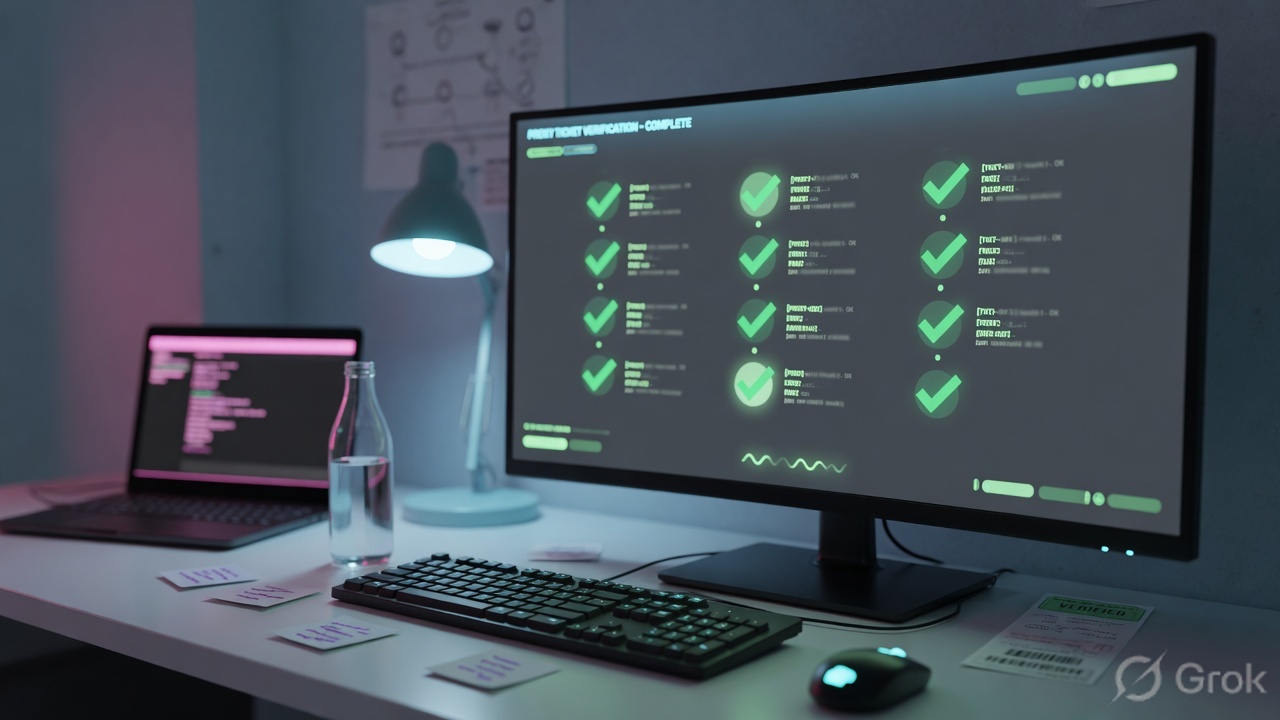
before: Blocked | Not allowed to browse this category | URL_Block_Productivity
        SSL Inspected=Yes | SSL Policy Reason=Inspected
        Location=APEX-BLR-WAN | Forwarding=GRE | User=priya@…
after:  Allowed | URL_Allow_VendorPortal (custom category, host only)
        same User / Location / Forwarding / SSL Inspected
rollback: disable URL_Allow_VendorPortal, activate
Traps + proof
| Symptom | Likely cause | Proof |
|---|---|---|
| No Web Insights row | PAC DIRECT, Z-Tunnel down, or GRE down. ZIA never saw the GET. | PAC return; ZCC status; Tunnel Insights. ip.zscaler.com vs Client External IP. |
| Cert warning, site “blocked” | Inspect CA not in the trust store (Firefox separate). Or SSL Policy Reason = bad server certificate. | SSL Inspected=Yes. Browser cert path shows Zscaler intercept CA untrusted. |
| Block page, you already allowed the category | Cloud App Control block ends evaluation. Or User is location name so group criteria missed. Or CONNECT vs decrypted GET. | Policy Reason string + User field + SSL Inspected. User Management group membership. |
| SAML loop / 307 storm | IdP hairpinned through ZIA and also required to authenticate. | PAC DIRECT + Authentication Exemptions for the IdP. Packet/HAR 307 to login.microsoftonline.com. |
| Office shows Road Warrior | GRE/IPSec source IP not on the location. Or failover never used. | Tunnel Insights source IP ≠ location static IP 203.0.113.10. |
| Do Not Inspect still Inspected | EUN “Show Notifications” forces decrypt. Or URL was Miscellaneous then AI/ML recategorized after inspect. | SSL Policy Reason runbook; Inspected despite Do Not Inspect. |
| QUIC / YouTube “no web detail” | UDP/443 bypasses HTTPS inspect. Not a URL ticket. | Firewall Insights UDP 443. Control QUIC so HTTPS falls back to TCP. |
| Works in Chrome, fails in Firefox | Firefox does not use the OS trust store for the inspect CA. | Same Web row, different client trust. Deploy CA to Firefox policy. |
A bypass hides the desk you needed to prove and removes inspect for everyone. Scoped custom category, scoped Do Not Inspect, PAC DIRECT for IdP, or GRE repair. Bypass is last, time-boxed, named in the ticket.
- Tuple written: user, URL, time, error, forwarding guess.
- Web Insights row found — or Tunnel Insights / PAC proof if the table is empty.
- User is an email, not the location name, before you edit a group URL rule.
- SSL Policy Reason read before URL Filtering is blamed.
- One scoped change activated. Same flow retested. Before/after Policy Reason saved.
- Rollback named (disable the custom allow / restore SSL rule / revert PAC).
Knowledge check
Six judgment items. Submit once. Reasons point back at the section to re-read.
Sources
- Zscaler Help — About Insights Logs (Logs › Insights Logs; Web / Firewall / DNS / Tunnel)
- Zscaler Help — Web Insights Logs: Columns (User, URL Category, Policy Action, SSL Inspected, SSL Policy Reason)
- Zscaler Help — Policy Reasons (e.g. Not allowed to browse this category; Access denied due to bad server certificate)
- Zscaler Help — SSL Policy Reason Runbook (Inspected; Not inspected because of SSL policy / O365 / UCaaS / Zscaler best practices)
- Zscaler Help — About SSL Inspection
- Zscaler Help — Writing a PAC File (
${GATEWAY}, ports 80/9400/9443/9480, INTERNALDIRECT) - Zscaler Help — ZIA Traffic Forwarding Troubleshooting Runbook (Web Insights Traffic Forwarding; GRE Client External IP; IdP 307 loop)
- Zscaler Help — Tunnel Insights Logs: Columns (Tunnel Type GRE / IPSec IKEv1 / IKEv2; Location; source IP)
- Zscaler Help — Block Policy Configured but Access Gets Allowed (Cloud App Control ends evaluation; NoAuth / location in User field)
Related: Authentication · SSL inspection · GRE & IPSec · URL + Cloud App Control · ZIA command center · ZCC troubleshooting