The ticket
Priya after Patch Tuesday: “ZCC is green at home. Outlook is dead. SAP is dead.” Two products, one icon. Split the ticket: ZIA for Outlook, ZPA for SAP, ZCC only if the tunnel itself never establishes.
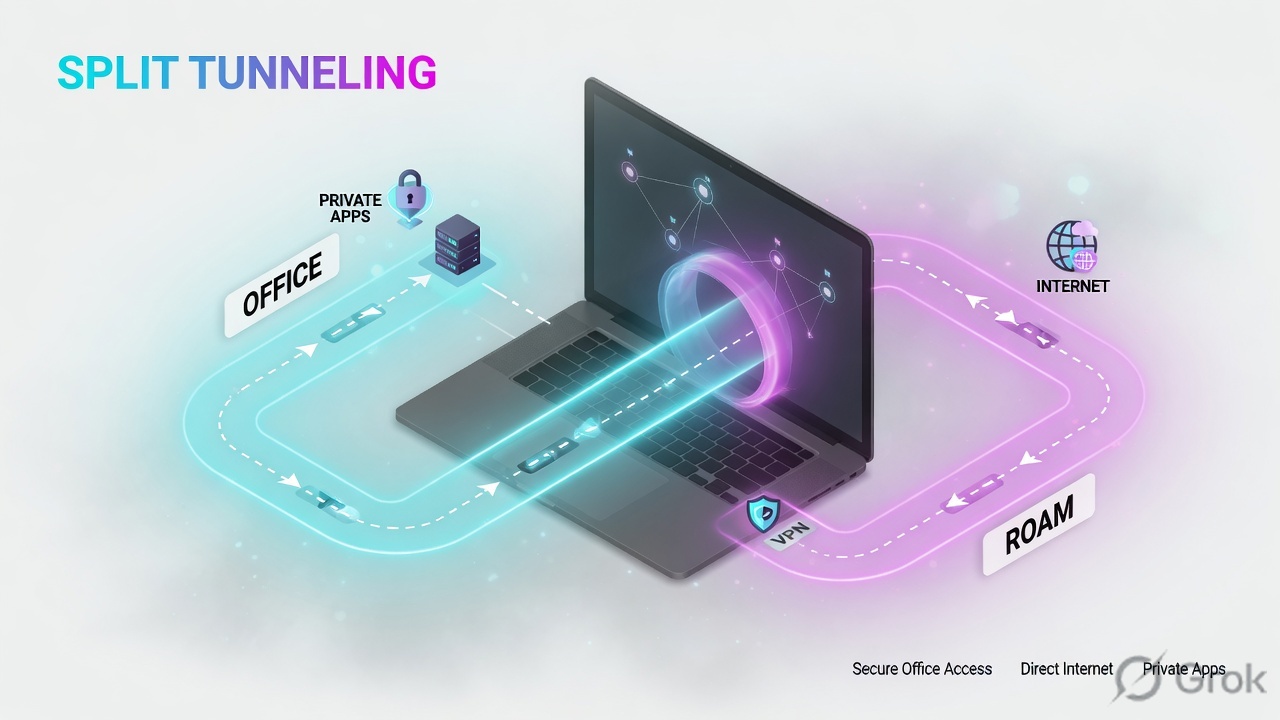
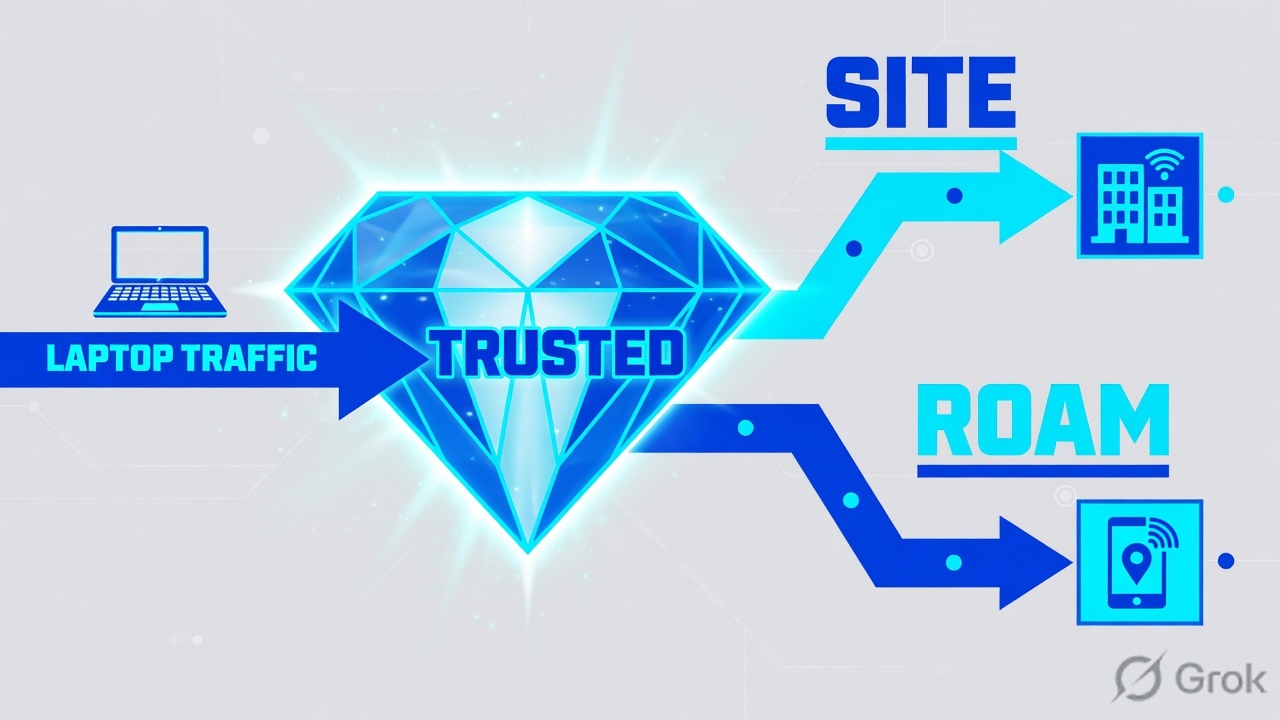
ZCC is the client. App profiles and forwarding profiles tell it what to do on trusted vs untrusted networks. Green is not proof. If only one module is dead, do not reinstall. If Trusted Network is true at HQ, ZIA may be designed to skip ZCC and use GRE.
Mental model — three knobs
- App profile — which ZCC modules (ZIA / ZPA / ZDX) and IdP.
- Forwarding profile — tunnel vs none on trusted / untrusted / VPN.
- Trusted Network criteria — how the laptop decides “I am in the office.”
Prefer static Trusted Network conditions (DNS Server, DNS Search Domains). Hostname/IP can fail while the NIC is transitioning. Source: Configuring Forwarding Profiles.
Green is heartbeat. Trusted Network changes forwarding. ZIA dead with ZPA live is not a reinstall. Tunnel 2.0 is the current datapath.
Hard words: Trusted Network is a ZCC check, not a ZIA location object. Z-Tunnel 2.0 is the modern ZCC datapath (migrate from 1.0 with a plan). Packet filter driver is the Windows capture method; 4.8+ always uses it.
How to set trusted vs roam
| State | Typical forwarding | Trap |
|---|---|---|
| Trusted (office) | ZIA via GRE/IPSec; ZPA still on ZCC | Bad DNS criteria → roamers look ‘trusted’ and skip ZIA |
| Untrusted (home/hotel) | ZCC tunnels ZIA + ZPA | VPN client fighting the packet-filter driver |
| Split VPN present | Enable Split VPN-Trusted Network if you must detect it | Assuming full-tunnel VPN detection covers split VPN |
| Windows 4.8+ | Packet-filter driver always | Tuning a route-based setting that the app ignores |
Source: Configuring Forwarding Profiles for Zscaler Client Connector and About Z-Tunnel 1.0 & 2.0.
Office: often skip ZIA on the laptop. Home: ZCC carries ZIA + ZPA. Do not reinstall until you know which side.
Runbook — Side A / B / C
Side A · the laptop
Read ZCC before reinstall
Services up? ZIA module vs ZPA module. Trusted Network true/false. Tunnel 1.0 or 2.0. Screenshot that. Reinstall wipes evidence.
VPN conflict
If a third-party VPN is installed, test with it disconnected on one device. Windows update + old filter driver is a classic “tunnel never up.”
Side B · Client Connector Portal
Forwarding profile
Infrastructure → Connectors → Client → Forwarding Profile for Platforms → Add/Edit. Set Trusted Network Criteria: DNS Server + DNS Search Domains (static). Condition Match = All if you listed more than one.
App profile
Map Windows/macOS profiles to IdP groups. Enable the modules you actually licensed. Do not hide ZPA in the app profile and then raise a connector ticket.
Infrastructure / Connectors / Client / Add Forwarding Profile
Add Forwarding Profile
Official path: Infrastructure → Connectors → Client → Forwarding Profile for Platforms. Prefer static DNS conditions. Training mock · not live.
Side C · prove
One roam laptop
Trusted Network false. ZIA Web Insights row exists for Outlook. ZPA Diagnostics has a Connector for SAP.
One office laptop
Trusted Network true. ZIA logs still exist via the GRE location. ZPA still Allow. If office ZIA logs vanish and roam works, the skip is the forwarding profile — by design or by mistake.
Runtime path after go-live
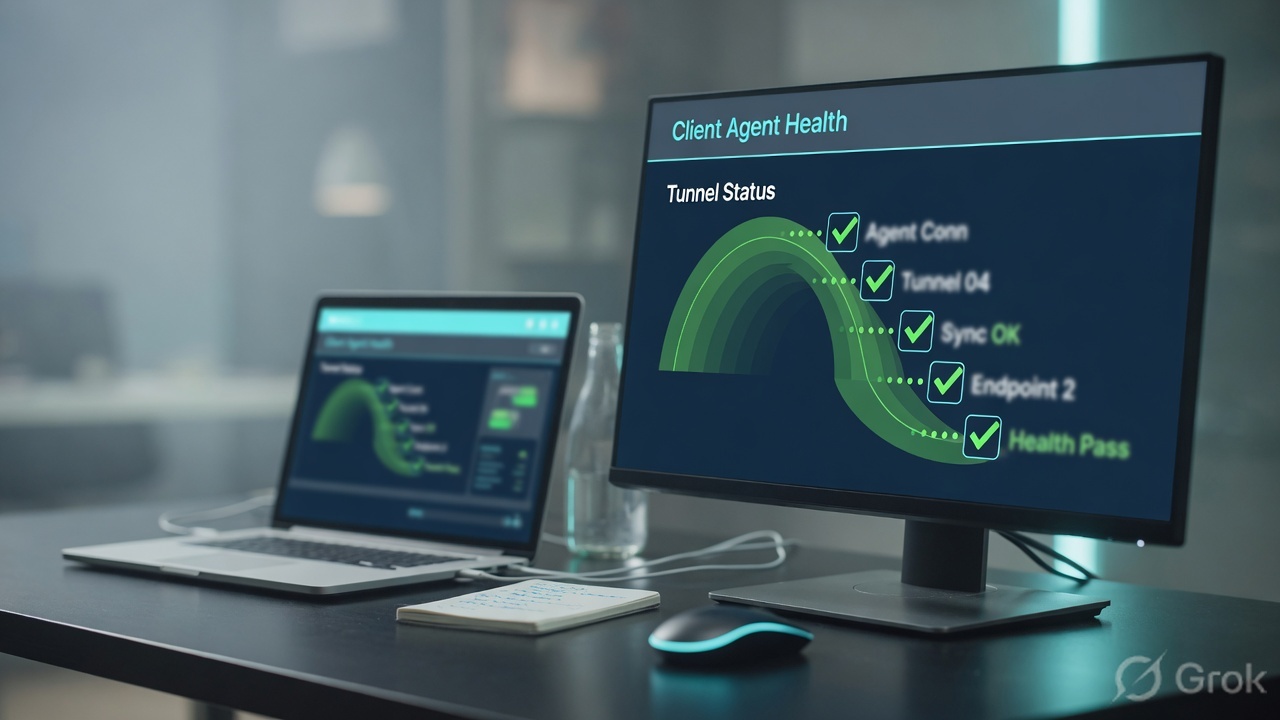
ZCC evaluates Trusted Network → applies the forwarding action → ZIA and ZPA modules register separately. A Windows 4.8+ device ignores an old route-based driver setting and always uses packet filter.
Traps and proof
| Symptom | First check | Do not |
|---|---|---|
| ZIA dead, ZPA live | Trusted Network + forwarding action | Reinstall ZCC first |
| Both dead after Windows update | Driver / VPN conflict on one test PC | Org-wide uninstall |
| Everyone ‘trusted’ at home | DNS search domain too common (e.g. internal colliding) | Add more wildcards |
| Tunnel 1.0 leftover | Migration to 2.0 per the official guide | Mix 1.0 and 2.0 on the same site without a plan |
- Home laptop: Trusted = false, ZIA log + ZPA Connector name.
- Office laptop: Trusted = true, GRE location still logging ZIA, ZPA still Allow.
- One Windows 4.8+ device documented as packet-filter.
Reinstalling ZCC for the company because one module is down. You destroy the only local evidence and you still have not split ZIA vs ZPA.
← Troubleshooting desk · Path hub
Knowledge check
Six client tickets. Pick the first safe move.
Sources
- Configuring Forwarding Profiles
- Configuring Zscaler Client Connector App Profiles
- About Z-Tunnel 1.0 & 2.0
- About Trusted Networks
Related: Troubleshooting desk · ZIA path · ZPA path · Path hub