“Audit vendor starts Monday. Their laptop is theirs. They need the ticketing portal only. Do not give them VPN. Do not install our agent. And no, we are not opening 443 inbound.”
Browser Access publishes one internal HTTP/HTTPS application as a public hostname served by the ZPA Service Edge. The user authenticates at your IdP. Policy is checked per request. The App Connector still dials outbound only. The app server is never on the internet. What you lose is device posture — there is no Client Connector to report it.
The user who cannot install your agent

ZPA’s normal model is clean: Zscaler Client Connector on the device, a broker in the cloud, an App Connector next to the app, and a one-to-one tunnel stitched between them. The user never touches the network. The app is never published to the internet.
Then reality shows up. A three-month audit vendor. A partner helpdesk. An employee on a personal iPad. A newly acquired company whose devices you do not manage yet. None of them will install your agent, and honestly none of them should.
The old answer was a DMZ reverse proxy or a VPN account with a network route — both mean an inbound listener and a routable path into your estate. Browser Access is the ZPA answer: the Service Edge itself becomes the reverse proxy for one published web application. The browser is the client. Brokering, SAML, policy, and the outbound-only connector tunnel stay the same as agent-based ZPA.
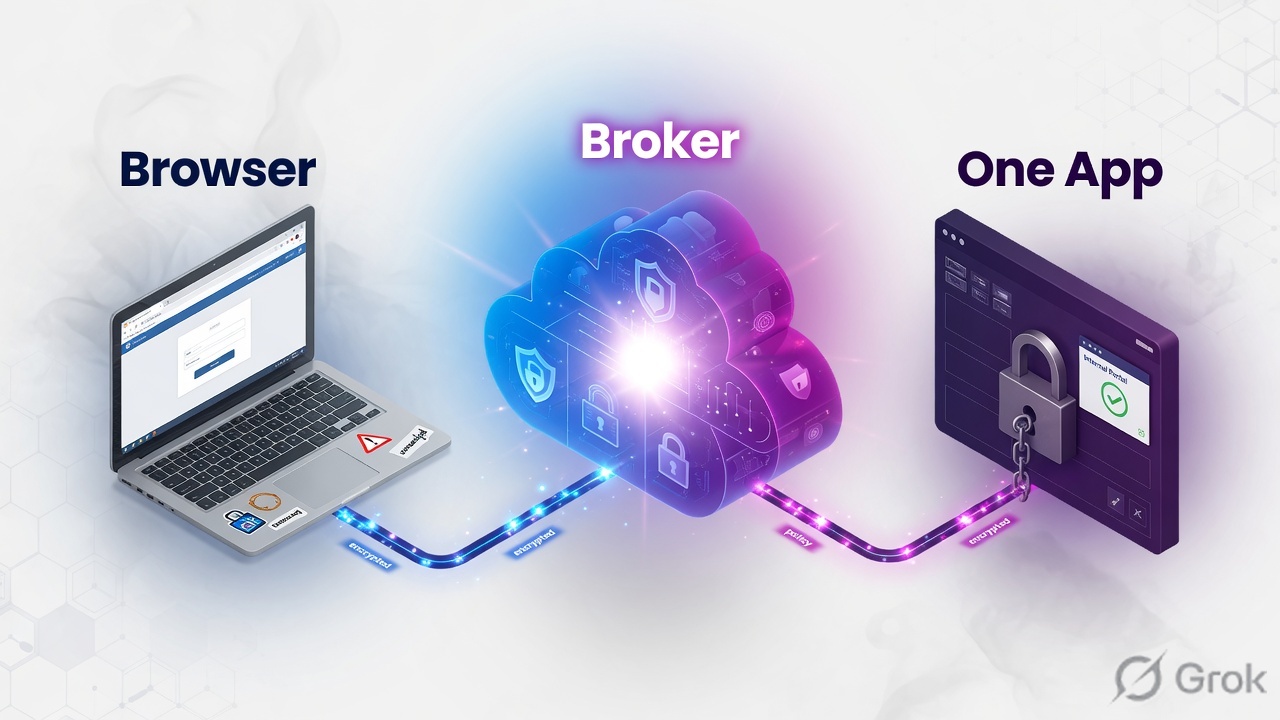
Browser Access publishes a single internal HTTP/HTTPS application as a public hostname served by the ZPA Service Edge, authenticated by your IdP and policy-checked per request, without exposing the app server or opening an inbound port. Official start: About Browser Access.
Mental model — visitor pass
Learn three objects before you click anything. If you skip this, every later menu looks like another VPN wizard.
1. Published hostname
The name the user types. Public DNS CNAMEs it to a Zscaler-supplied target so the browser lands on a ZPA Service Edge.
2. Browser Access certificate
The certificate the Service Edge presents during TLS. You upload one, or you let Zscaler generate and renew a managed certificate.
3. Internal application
The FQDN the App Connector resolves inside your estate. It must be HTTP/HTTPS and the server must support TLS 1.2.
Two things you do not get on this path: a network route, and a device posture signal. Policy can see the user, SAML attributes, and SCIM groups. It cannot see disk encryption or EDR, because nothing on the laptop is reporting.
The Service Edge is the reverse proxy. The connector still dials out. Identity is the whole control plane. Posture is gone by design.
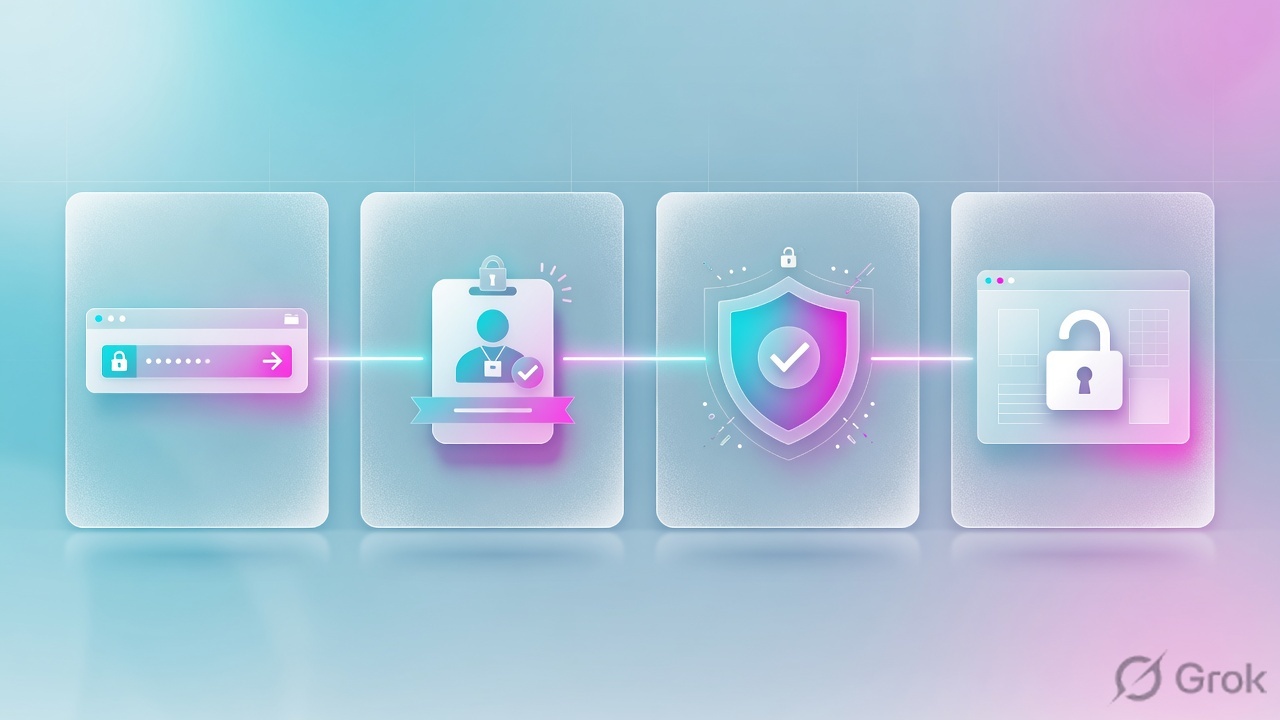
Words you will see in the portal
| Term | Meaning in this lesson |
|---|---|
| Application segment | The object that names the app, port, and Browser Access checkbox. For Browser Access you may enter FQDNs only — no IP ranges. |
| SNI | The hostname the browser puts in TLS. The Service Edge uses it to pick the published application. |
| User Portal | Optional landing page. After IdP login the user sees only the apps their policy entitles. |
| Privileged Remote Access (PRA) | Different product path: RDP, SSH, VNC in an HTML5 console — not a web app. |
| Clientless Access diagnostics | The log view for Browser Access transactions. Start here when one user fails. |
Nine hops from click to app
A Browser Access failure is always a failure at one identifiable hop. Learn the order once; every ticket gets shorter.
Read left → right, then follow the dashed return. The only client change versus agent ZPA is the browser; the connector story is unchanged.
- Browser asks public DNS for the published hostname.
- CNAME sends TLS to a ZPA Service Edge. Certificate must match that name.
- Unauthenticated request is redirected to your IdP (SAML).
- IdP returns assertion. ZPA evaluates access policy — user, SAML attribute, SCIM group. Default deny.
- On allow, the Service Edge uses the connector tunnel that is already up.
- App Connector resolves the internal FQDN and picks a server in the server group.
- Connector opens HTTP/HTTPS to the app. Server must speak TLS 1.2.
- Response returns the same path. No inbound port on your firewall changed.
- Later requests are re-checked. There is still no posture object to evaluate.
The app is still not on the internet — the public name resolves to Zscaler. And the broker still brokers. What you lost is not control. It is device signal.
BA vs ZCC vs PRA — choose before you click
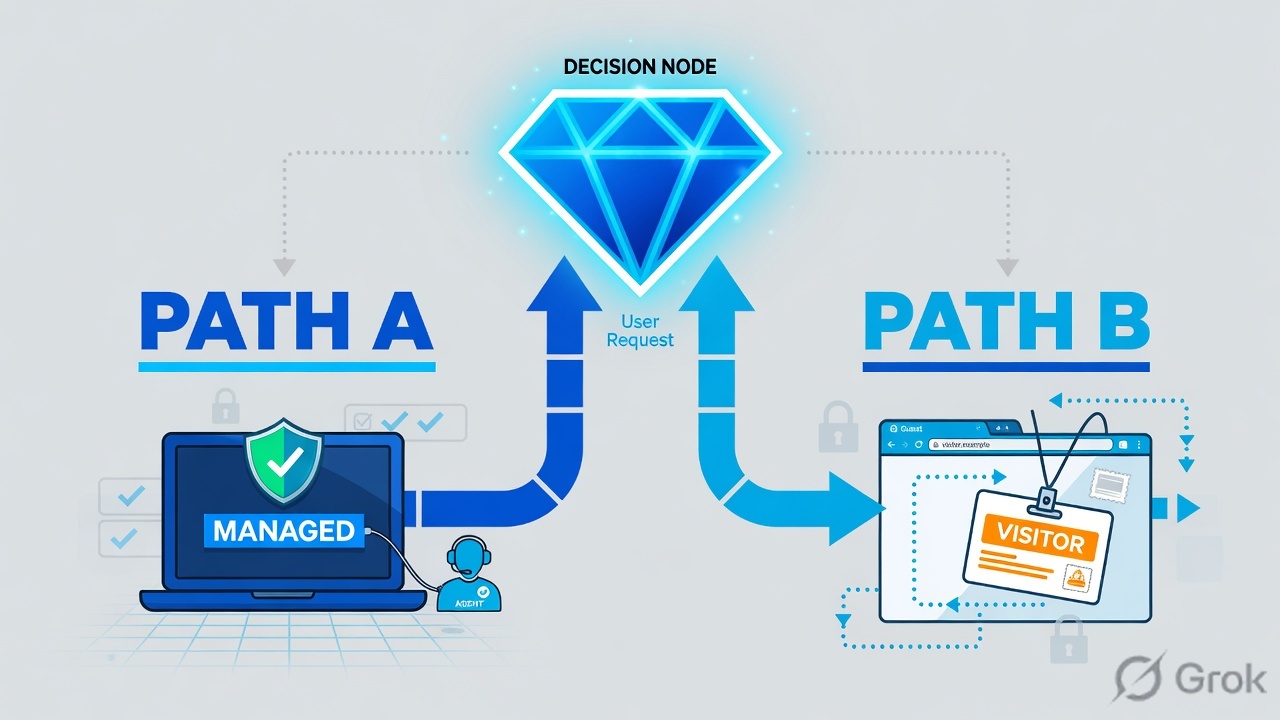
Protocol first, device second, data last. Most bad designs start at the bottom of this tree.
| Client Connector | Browser Access | Privileged Remote Access | |
|---|---|---|---|
| Client needed | Agent installed | Any TLS 1.2 browser | Any browser |
| Protocols | TCP and UDP, any app | HTTP / HTTPS only | RDP, SSH, VNC |
| Device posture | Yes | No | No |
| Segment definition | FQDN, wildcard, IP, ranges | FQDN only | Defined per privileged app |
| Certificate needed | No public app cert | Yes — published host or wildcard | Yes — portal certificate |
| Typical user | Employee | Contractor, partner, BYOD | Admin, third-party DBA |
| Session recording | No | No | Yes |
Source: About Browser Access, Configuring Defined Application Segments (FQDN-only + TLS 1.2), Understanding Privileged Remote Access.
Same domain or split domain
This single decision causes more Browser Access rework than everything else combined. The external hostname the user types does not have to equal the internal hostname the connector dials — Zscaler documents that split explicitly — but making them differ has consequences inside the application.
Same-domain is invisible to the application. Split-domain is invisible to the attacker. Choose based on how well-behaved the app’s URLs are. Official: different external vs internal domains.
Practical test before you commit to model B: browse the app internally, open developer tools, and look at what it emits. If every asset and form action is a relative path, split-domain will be clean. If login bounces through an absolute https://hrportal.intranet.local/… URL, the user’s browser will chase a name it cannot resolve.
Runbook — Side A identity, Side B ZPA, Side C proof
Work a first contractor app in this order. Do not start with the certificate if the IdP group does not exist yet — you will publish an empty door.
Side A — IdP and entitlement
-
Create a time-bound group
Guest user or dedicated partner realm. Put them in one group such as
ext-audit-ticketing. Set an expiry in the identity system, not a calendar reminder. Source: your IdP lifecycle process + ZPA access policy uses SAML/SCIM groups. -
Enforce MFA and a short session
With no device posture, identity is the entire control plane. Conditional access at the IdP is the compensating control Browser Access cannot provide.
-
Confirm SCIM (or SAML attributes) actually arrive in ZPA
A missing group looks identical to an explicit deny. Check the user object in ZPA before you blame the segment.
Side B — ZPA objects
Primary source for this block: Configuring Defined Application Segments and the June 2025 managed-certificate notes.
Resource Management → Application Management → Application Segments → Add
Add Application Segment
Click next: attach the server group whose connectors can resolve jira.intranet.example. Field names follow Zscaler Help — Adding Application Segment / Browser Access / Managed certificate type. Example values only.
-
Application segment + Browser Access
FQDN, port, Browser Access enabled. Enabling Browser Access still keeps Client Connector access on that segment — employees with ZCC can keep using the same app. You cannot paste an IP range here.
-
Certificate + public DNS
Managed: ZPA generates, signs, and renews the cert and can publish the CNAME for you. Customer-managed: upload cert + private key + full chain, then publish the CNAME yourself. Prefer managed for anything contractor-facing — expired certs are the classic self-inflicted outage. You can also hide the application name behind a hash so partners never see your authentication domain. Source: Zscaler managed certificates and unified portal.
-
Server group + connector group
Connectors must resolve the internal FQDN and have a route to it. Production habit: at least two connectors per group, close to the app. Green on the connector means it reached Zscaler, not the app.
-
Access policy — identity only
One rule, one app, one contractor group. Do not share the employee posture rule. If the portal will not save a device-posture criterion, that is expected — there is no agent to report it.
Policy → Access Policy → Add Rule
Allow · ext-audit-ticketing
Click next: place this rule above any broader deny. Then prove it from an off-network browser. Default policy is deny — a missing group looks like a block.
Side C — prove it before you mail the URL
-
Resolve from off-network
From a phone hotspot, confirm the published name is a CNAME to the Zscaler target — not to your own edge. Do not test this only from the corporate LAN (split-DNS will lie to you).
-
Certificate matches the published host
Browser padlock, no name mismatch, full chain. If you used managed certificates, renewal is Zscaler’s problem.
-
SAML + allow in diagnostics
Log in as the contractor. Open Clientless Access diagnostics, filter to that user, and read the request detail before you change configuration. Source: Browser Access / Clientless Access Diagnostics.
-
Page completeness
If CSS, images, or the login redirect 404, you have a split-domain / absolute-URL problem — not a ZPA “down” problem. Confirm in developer tools first.
dig +short ticket.access.example CNAME
curl -sI https://ticket.access.example | head
# Expect: CNAME to the Zscaler-supplied target, then HTTP 302 toward your IdP.
# Do not copy a CNAME target from a blog — take it from your tenant.
Twelve production tickets
These are the situations that actually arrive. The build is the easy half. The gotcha is why the ticket comes back.
- Situation
- Vendor needs ticketing for three months. You have no legal basis to install an agent.
- Build
- Browser Access + guest identities in one SCIM group + one allow rule for that segment.
- Gotcha
- Entitlement outlives the engagement. Expire the group in the IdP.
- Situation
- Leave portal and payslips from personal devices. MDM on personal phones is a fight.
- Build
- Browser Access for those two low-sensitivity apps only, MFA at the IdP. Everything else stays agent-only.
- Gotcha
- Data leaves the app onto an unmanaged device the moment it renders. Pair with isolation or DLP, or do not publish that app clientlessly.
- Situation
- Internal web app already answers on a name you own publicly.
- Build
- One segment, Browser Access, cert matching that name, public CNAME to ZPA, internal DNS still to the real server.
- Gotcha
- If an internal client resolves the public CNAME, traffic hairpins out to Zscaler and someone calls it a latency problem.
- Situation
- App answers on
appsrv01.intranet.local. - Build
- Split-domain: external
app.access.example, internal the .local name. Connector resolves internally. - Gotcha
- Test login and logout redirects specifically. That is where absolute internal URLs hide.
- Situation
- A pattern for publishing internal tools to partners.
- Build
- Reserve
*.access.example, one wildcard Browser Access cert, one segment per app, one rule per app. - Gotcha
- A wildcard cert is a shared blast radius. Keep it off anything you would not want reachable if that key were mishandled.
- Situation
- Employees run Client Connector; contractors do not; both need the finance dashboard.
- Build
- Enable Browser Access on the existing segment. Write two access rules — the employee rule can carry posture, the contractor rule cannot.
- Gotcha
- One rule for both audiences means the weakest audience sets the security level.
- Situation
- Forty people, four apps. Emailing four links is not onboarding.
- Build
- User Portal with its own (preferably managed) certificate. After IdP login, each user sees only entitled apps. You can merge Browser Access and PRA into one portal.
- Gotcha
- The portal is also a disclosure surface. Keep names boring, or use the name-hashing option.
- Situation
- Acquired staff need three of your apps on Monday. Their endpoints and network are not yours.
- Build
- Federate their IdP, publish three Browser Access apps, entitle by their group. No site-to-site project.
- Gotcha
- This is a bridge. Put an end date on it the day you build it.
- Situation
- Frontline staff share machines; installing an agent per profile is impractical.
- Build
- Browser Access with short authentication timeouts and MFA.
- Gotcha
- Cached credentials and a walk-away are the threat. Timeout is the control that matters.
- Situation
- Third-party DBA needs a jump host without a VPN.
- Build
- Not Browser Access. That is Privileged Remote Access — HTML5 RDP/SSH/VNC with approvals and session recording.
- Gotcha
- Both are “clientless in a browser.” Different licences, different portals, different policy model.
- Situation
- Someone asks whether SAP GUI, SMB, or a SQL client can go through Browser Access.
- Build
- No. Browser Access carries HTTP and HTTPS. Anything else needs Client Connector, or PRA if the protocol is RDP/SSH/VNC.
- Gotcha
- A web front end for a thick-client app is still a web app and is fine. The test is the protocol on the wire.
- Situation
- Audit wants disk encryption and EDR before the contractor reaches the app.
- Build
- You cannot on Browser Access. Compensate at identity and data: MFA, time-bound entitlement, short timeouts, isolation or DLP.
- Gotcha
- The most common design mistake: “harden” a clientless rule with a device condition and lock every legitimate user out — or assume the platform is broken when it will not save.
Fault map, traps, and proof
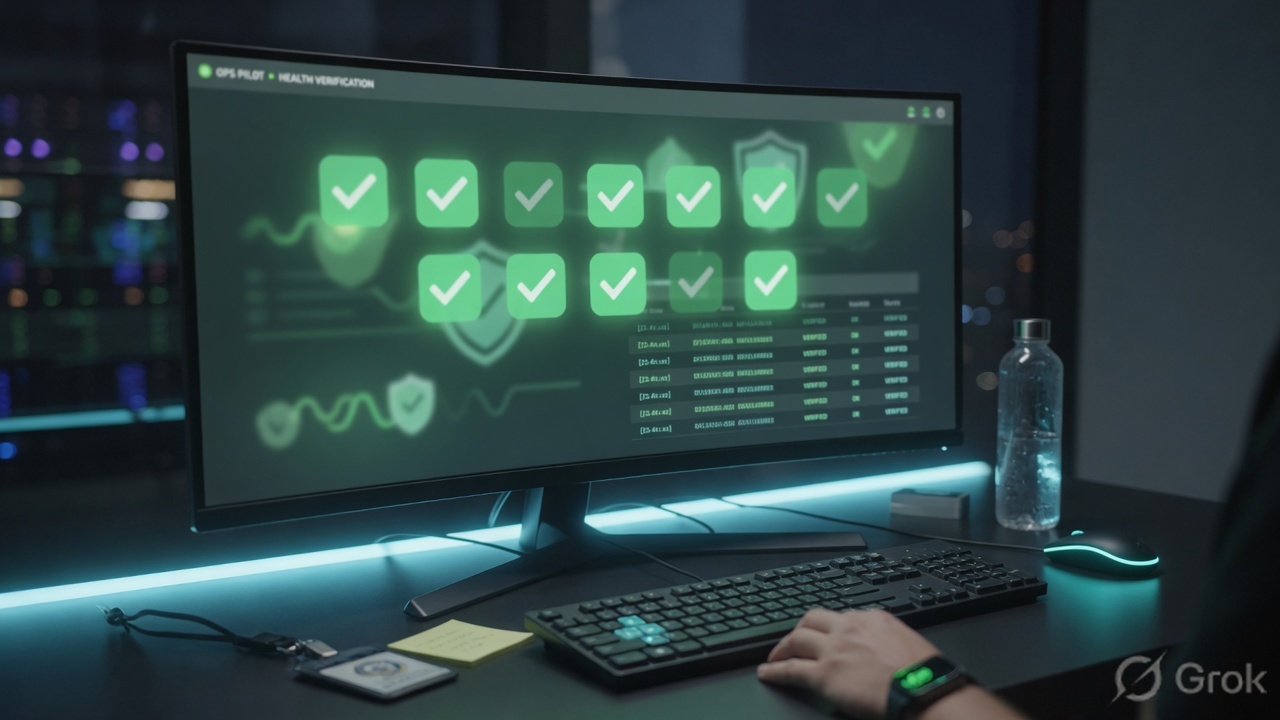
Browser Access fails quietly. You rarely get a useful error — you get a spinner, a certificate warning, or a redirect loop. Work the chain in order: DNS, certificate, identity, policy, connector, app.
Work left to right. The first broken hop is the answer. Filter Clientless Access diagnostics to that user before you change a single object.
| Symptom | Likely cause | Fix |
|---|---|---|
| Certificate warning on first visit | SAN does not match the published host, or intermediate chain missing | Reissue with the exact name and upload the full chain — or move to a managed certificate |
| Public hostname does not resolve | CNAME never published, or published in the wrong zone | Verify from an off-network device, not from the corporate LAN |
| Endless login loop | IdP domain overlaps an application segment or discovery | Bypass the IdP domain in ZPA; confirm SAML ACS is not hairpinned |
| Some users in, some out, same URL | Group not synced, or rule ordered below a broader deny | Check SCIM and rule order. Default deny looks like a block. |
| Connector connected, app unreachable | Green means the connector reached Zscaler | From the connector: resolve the internal FQDN, test the port, confirm NTP |
| TLS handshake fails to the backend | Application server does not support TLS 1.2 | Upgrade the app TLS stack or front it with something that does |
| Page loads, assets and redirects 404 | App emits absolute internal URLs under a different external name | Same-domain model, or fix the app’s base URL |
| Cannot save a posture condition | Clientless sessions have no device signal | Not a bug. Keep the ZPA rule identity-based; use IdP conditional access |
| Cannot add an IP or range | Browser Access segments accept FQDNs only | Give the app a name the connector can resolve |
Hardening before you call it done
- MFA at the IdP, always. Unmanaged device + single-factor is a published web app with extra steps.
- Time-bound entitlement in the identity system.
- One app per rule for third parties. Resist the wildcard segment.
- Short authentication timeouts on shared or personal devices.
- Hide internal naming with split-domain or the application-name hash.
- Managed certificates wherever your CA policy allows.
- Layer data controls (isolation / DLP) or simply do not publish regulated apps clientlessly.
- Review clientless logs monthly.
Browser Access trades device trust for reach. That trade is fine — if you rebuild the lost assurance at identity and data, instead of assuming ZPA still has your back at the endpoint.
- Off-network CNAME to the Zscaler-supplied target (value taken from your tenant).
- Browser trusts the certificate; SAN equals the published host.
- Contractor user authenticates at the IdP with MFA.
- Clientless Access diagnostics show the matching allow rule — not default deny.
- A second user in a different group is denied.
- Page assets and login/logout redirects complete (no internal FQDN in the browser bar after login).
- Connector group has two healthy members; internal FQDN resolves on the connector.
- Group expiry exists in the IdP. Review date is on the calendar.
Interview lines you should be able to say
Posture is reported by Client Connector. Browser Access is clientless, so the criterion is unavailable by design.
The Service Edge selects the published application by hostname during TLS. FQDN only.
No. The public name resolves to Zscaler. The connector still dials outbound only. No inbound port opens on your perimeter.
Knowledge check
Six judgment questions. Pick one answer each, then Check. Reasons point you back to the section to re-read.
Sources
- Zscaler Help — About Browser Access (clientless browser, TLS 1.2, ZCC still applied on the same segment).
- Zscaler Help — Configuring Defined Application Segments (FQDN-only for Browser Access; app server TLS 1.2; Managed certificate type in Add Application Segment).
- Zscaler Help — Different external vs internal domains.
- Zscaler Help — Browser Access Deployment and Operations Guide.
- Zscaler Help — Understanding Privileged Remote Access and About User Portals.
- Zscaler product blog (13 Jun 2025) — Managed certificates, automatic CNAME, name hashing, unified portal.
- Local evidence PDFs: Zscaler-ZPA-App-Connector-Deployment-and-On-Premises-Configuration.pdf; zscaler-zia-zpa-architecture-and-troubleshooting-student-guide.pdf (connector outbound mTLS, two-per-group, APP_NOT_REACHABLE).
Related: Browser Access setup (certs & CNAME) · Browser Access vs PRA · ZPA architecture · ZPA access policy · Application segments · ZTNA clientless vs agent
Product behaviour follows Zscaler documentation current at the time of writing. Verify field names in your tenant before you implement — portal labels move. Do not copy CNAME targets from this page; take them from your Admin Portal.