1. Why this overlay exists
Ticket: Pune CSG300 cannot reach SAP in Mumbai. Internet ping works. Director inventory still says Shipped. No branch-to-branch IPsec SA.
Legacy WAN backhauled SaaS through the data-center firewall. Versa’s answer is one VOS image that can be a branch CPE, a Controller, or a Gateway — plus a Director that pushes templates, and Analytics that watches SLA and security events.
Old lab name you will still hear: FlexVNF. Current name: VOS (Versa Operating System) on a CSG appliance or a white-box x86.
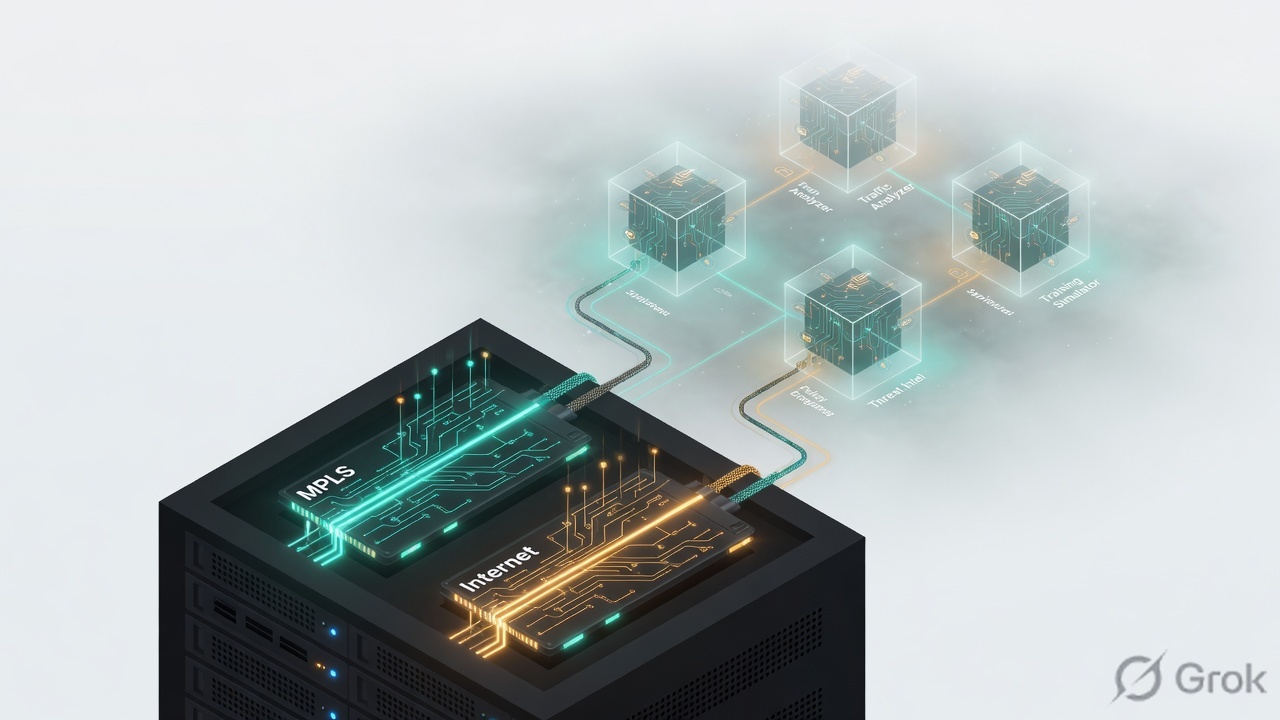
Director manages. Controller is the IKE + MP-BGP attachment point. Analytics watches. VOS forwards and runs security. Staging builds a limited-privilege tunnel first. Then production IKE to both Controllers, BGP route-reflector updates, and branch-to-branch IPsec without an N² IKE mesh.
2. Four planes — plus what sits above them
Versa marketing now says SASE. The four building blocks did not change. Interviews still fail when students put Analytics in the data path or call Director “the brain.”
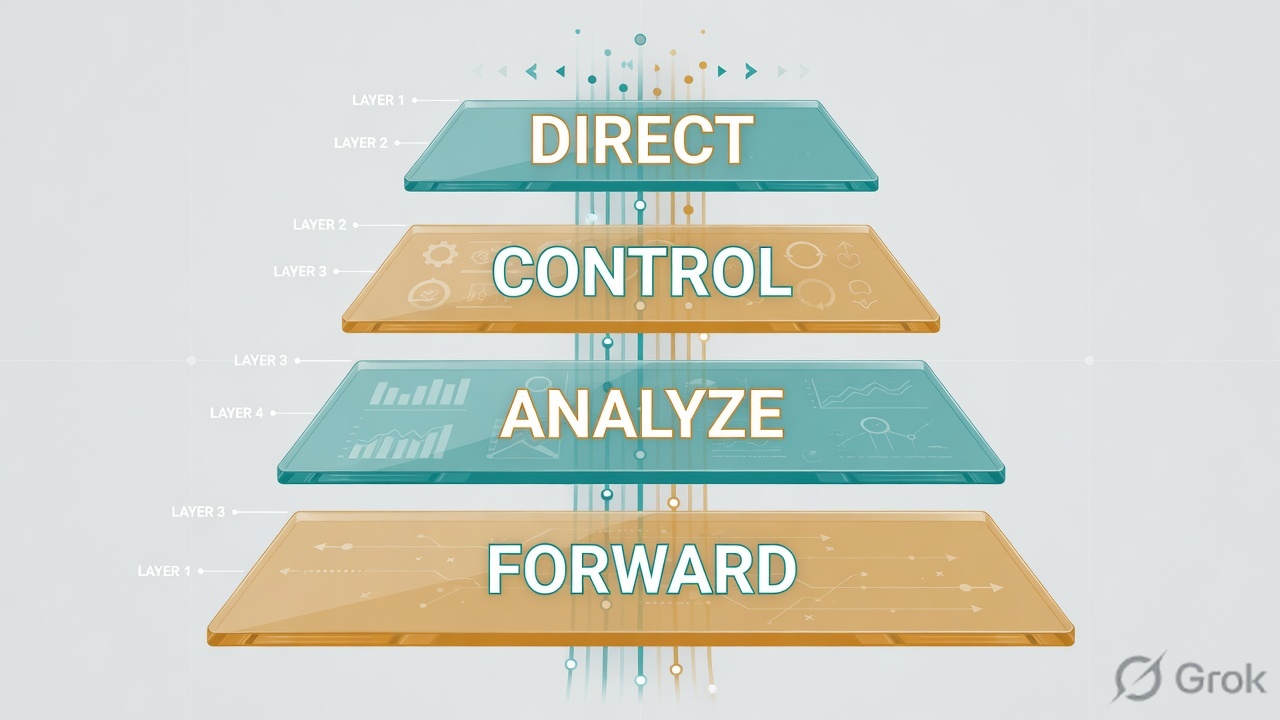
| Plane | Component | What it actually does |
|---|---|---|
| Management | Versa Director | Single pane: Workflows, templates, inventory, NETCONF-over-SSH config push, monitoring. Device templates here are also called post-staging templates. |
| Control | Versa Controller | Same VOS software, different role. Authenticates the branch with PKI/IKE, holds the secure control channel, acts as a multi-instance MP-BGP route reflector, and distributes SAs so branches do not run a full IKE mesh. |
| Analytics | Versa Analytics | Near-real-time big data: usage, SLA, security events, reports. Fed by VOS. Not a forwarder. |
| Data | VOS on CSG / x86 / Gateway | IPsec overlay, VRFs (org services), NGFW/UTM, AppQoS, DIA NAT, SLA probes (Y.1731-style). This is the only box in the user path. |
Source: Versa product components + SD-WAN Solution Architecture. Controller software is VOS too.
Director is the operations office. Controller is air-traffic control. Analytics is the scoreboard. VOS is the aircraft. If Director is down, planes already in the air keep flying until Controller hold timers expire.
Org / tenant / VRF
Versa is multi-tenant. One VOS instance can serve many tenants (docs: up to 256 on a Controller). Each tenant has its own MP-BGP session and overlay.
Control VR
The Control virtual router holds the BGP sessions to the Controller. Do not confuse it with the LAN VRF that users sit in.
Same VOS, three jobs
Branch CPE, Controller, and SD-WAN Gateway share one binary. Role is how you deploy it, not a different OS.
Versus Viptela
No vBond equivalent as a permanent plane. Staging server is optional. Control protocol is IKE + MP-BGP, not OMP.
3. Staging to post-staging
Official onboard has three stages: pre-attach the VPN, pre-attach the VOS, attach the VOS. Global ZTP adds a Versa cloud prestaging hop before your Controller.
The staging tunnel is limited-privilege. It exists so Director can push the real template over NETCONF-over-SSH. Then the branch builds production IKEv2 to both Controllers and holds BGP to both.
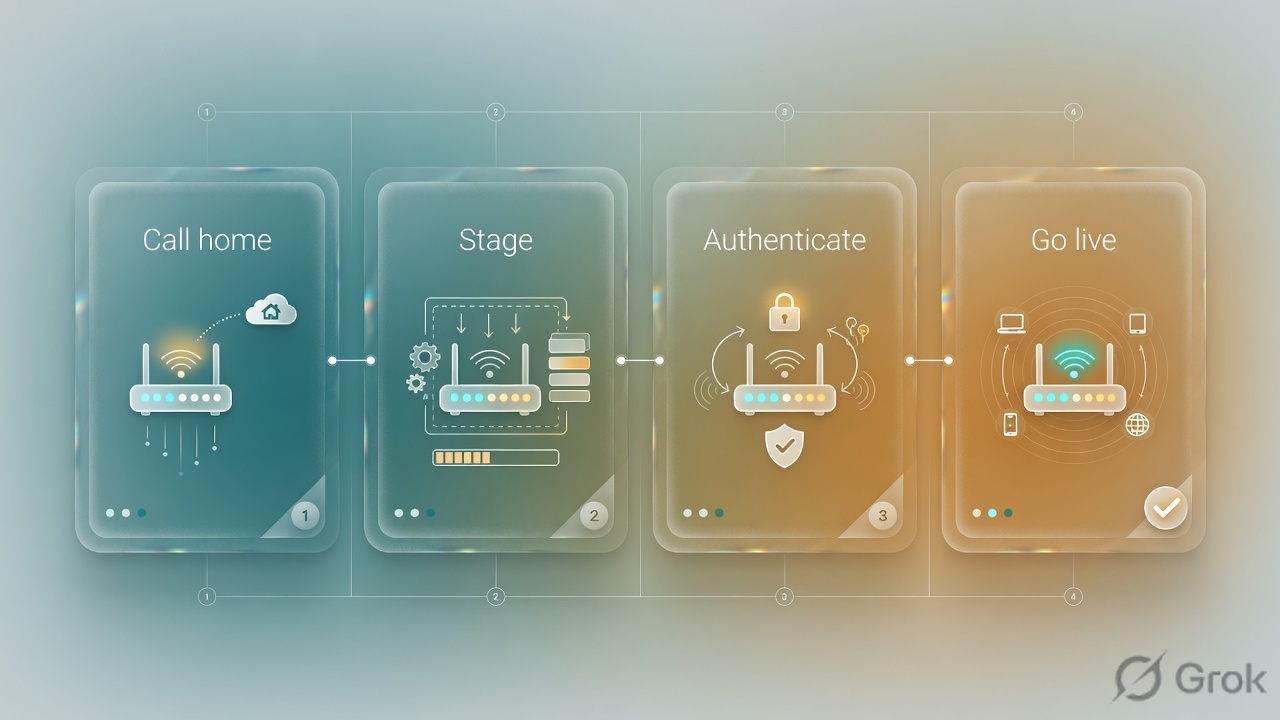
Sources: Versa SD-WAN Solution Architecture (pre-attach / attach) and Activate VOS Devices (Global ZTP three steps).
Staging vs post-staging — staging is the limited tunnel to get config. Post-staging is production IKE + BGP + services from the device template.
MP-BGP on the Controller — route reflector per tenant. Carries prefixes, labels, and inbound IPsec SA so branches can build data tunnels without IKE to every peer.
Graceful restart — default on Controller; keeps MP-BGP routes about 8 hours (multiplier 8) so a Controller outage does not immediately drop CPE-to-CPE overlays.
Control channel — IKE between branch and Controller. Director and Analytics ride that secure path. Dead-peer detection, BGP hold, and BFD detect loss.
4. How to choose the onboard method
All four methods end at a staging Controller. They differ in how the box learns that Controller.
| Method | Use when | First contact | Do not mix |
|---|---|---|---|
| Global ZTP | Factory CSG, DHCP WAN, serial already given to Versa | Call-home to Versa cloud staging, then your Controller | Using a VOS train that is EOS/EOL — Global ZTP is not supported on retired trains |
| URL-based ZTP | Onsite person has the email link; chassis can change (RMA) | Laptop on LAN (docs: port 2 / 192.168.1.1) or Wi-Fi; click URL | Non-factory config — amber light; run request system load-default |
CLI staging.py | NAT blocks call-home, lab, brownfield | sudo /opt/versa/scripts/staging.py -l … -r … -c … | Swapping local-id and remote-id (-l/-r) |
| USB | Physical access; no laptop workflow | Root of stick: staging.params (Release 21.2+) | Putting the file in a subdirectory |
Director template names you will see for Global ZTP: Versa Prestaging, Versa Staging, Versa Staging FQDN, Versa Dummy Post-Staging. Device groups match: Prestaging DG, Staging DG, Staging FQDN DG.
5. Runbook — Side A / B / C
Dummy lab on this page: org Techclick-Lab, Controller 203.0.113.10, local-id pune-br1@techclick-lab.com, remote-id controller-staging@techclick-lab.com. Confirm live IDs on your Director before you type them.
Side A — VOS / CSG
Source: Activate VOS Devices — CLI staging script and factory reset.
-
Confirm WAN and factory state
VOS CLI · dummy labshow interfaces brief # URL ZTP needs factory default. Amber Web-UI light? request system load-default
-
If ZTP cannot call home, run staging.py
PDF + official docs: ID mismatch on
-l/-ris the most common field failure.Example from Versa Activate docs (IDs changed to dummy)sudo /opt/versa/scripts/staging.py \ -l pune-br1@techclick-lab.com \ -r controller-staging@techclick-lab.com \ -c 203.0.113.10 \ -w 0 -d
-
Need static WAN instead of DHCP
Add
-sprefix/mask and-ggateway. Use-hon the script for the full flag list (PSK, cert, PPPoE, LTE, VLAN).
-l is the branch identity. -r is the Controller staging identity. Swap them and IKE never completes. The box does not always scream — it just sits.
Side B — Director
Source: Activate VOS Devices + Director GUI Overview. Paths below are documented top-bar / left-nav names.
Workflows → Devices → Basic
Add Device · pune-br1
| Field | Dummy lab |
|---|---|
| Name | pune-br1 |
| Serial / chassis ID | CSG300-9AB12C |
| Organization | Techclick-Lab |
| Device group | Versa Staging DG |
| Staging Controller | SDWAN-Controller1 |
Global ZTP needs that serial on Versa’s prestaging inventory and on this Director. Missing either side = Shipped forever.
-
Put the chassis on inventory
Administration → Inventory → Hardware. Add serial. For URL ZTP, set URL-Based ZTP, staging Controller, and VPN profile of type
controller-staging-sdwan. -
Workflows → Devices → Add Device
Basic tab: name, org, serial as chassis ID, device group. Bind Data / post-staging template, then Deploy. Watch Tasks.
-
Attach a post-staging (device) template
Configuration → Templates → Device Templates. Staging templates only redirect. Services live on the post-staging template: VRFs, BGP to Controller, AppQoS, DIA NAT.
Administration → Appliances
Org Techclick-Lab
| Appliance | Role | Sync | Reachability |
|---|---|---|---|
| pune-br1 | Branch | In Sync | Reachable |
| lab-spare | Branch | Shipped | Unknown |
| SDWAN-Controller1 | Controller | In Sync | Reachable |
Healthy branch: Reachable + In Sync. Shipped means staging never finished or serial was never claimed.
Side C — Prove
Source: Techclick Versa fundamentals PDF (IPsec SA uptime) + Solution Architecture (IKE + MP-BGP).
-
IPsec SA table
First rows should be branch-to-Controller. Status UP and uptime climbing is the key health indicator from the class PDF.
Concept — confirm exact show path on your VOS trainshow orgs org-services Techclick-Lab ipsec # Monitor path on Director: Sessions / IPsec / IKE Security Association
-
BGP to both Controllers
Production design holds an IKEv2 tunnel and a BGP session to each Controller. One Controller is not HA.
-
Director Tasks + Appliances
Deployed / In Sync. Then look for a branch-to-branch SA after the Controller has reflected the inbound SA.
6. After join — control vs data
Staging success is control-plane success. Users still fail if SLA or security policy drops the app. Separate the tickets.
User packets do not hairpin through Director. After attach they do not hairpin through Controller either — Controller only reflected the SA.
Docs: full loss of all Controllers makes IKE DPD / BGP / BFD declare control down and can tear CPE-to-CPE overlays. Mitigate with two Controllers and graceful restart (default ~8 hours). PDF: Director failure does not take the Controller down with it.
7. Traps and proof
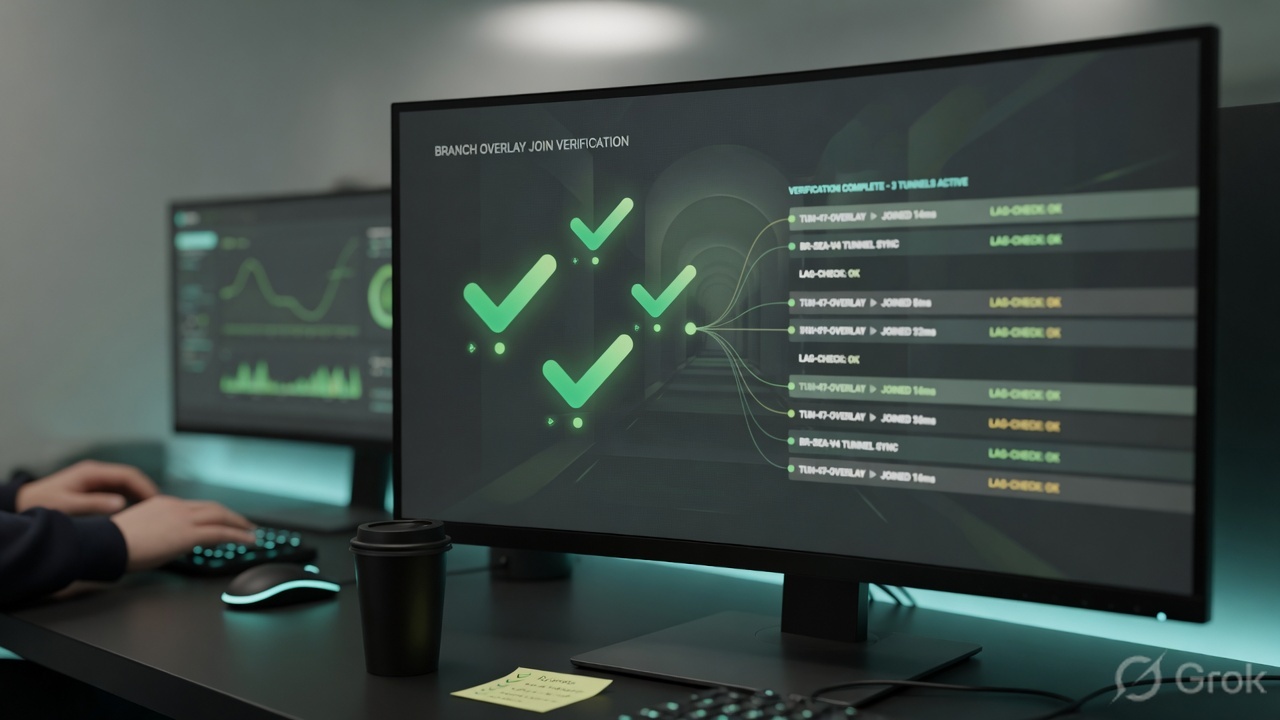
| Symptom | First meaning | First fix |
|---|---|---|
| Inventory stays Shipped | Serial never claimed, or staging IKE never finished. | Match chassis on Administration → Inventory → Hardware and Workflows → Devices. Claim / 2FA if prompted. |
-l / -r mismatch | Most common CLI staging failure (class PDF). | Local-id = this branch. Remote-id = Controller staging identity. Re-run staging.py. |
| IKE_AUTH failure | Certificate / TPM / clock / expired Versa-signed cert. | Check clock. Confirm TPM cert still valid. Replace with VPN CA after pre-attach. |
| URL ZTP amber light | Not factory default. | request system load-default then click Start Activation again. |
| No VPN profile in URL ZTP list | Controller not marked staging, or no controller-staging-sdwan profile. | Director CLI: staging-controller true on that appliance; show … ipsec vpn-profile vpn-type controller-staging-sdwan. |
| Director down, users still up | Expected. Director is management. | Do not rebuild tunnels. Restore Director. Overlay holds via Controller + GR. |
| Both Controllers gone past GR | Control plane declared dead; data overlays can drop. | This is why you deploy two Controllers. Restore one before the 8-hour retain expires. |
- Serial on Versa prestaging inventory (Global ZTP) and on this Director.
- Staging Controller reachable on WAN; ICMP allowed for URL ZTP probes.
- Post-staging device template attached (not only a staging redirect template).
- IPsec SA to each Controller UP, uptime incrementing.
- BGP to each Controller established.
- After RR update, a branch-to-branch SA exists for the same tenant.
- Administration → Appliances = Reachable + In Sync.
Students say “Director is the brain, like vSmart.” No. Controller is the brain. Director is the pane of glass. Analytics is the historian. If you say Director reflects routes, you fail the oral.
Knowledge check
Six judgment items. Same ticket: CSG up, inventory Shipped, no overlay.
Sources
- Versa — SD-WAN Solution Architecture (Controller as IKE + MP-BGP RR, pre-attach / attach, SA distribution, graceful restart, Gateway use cases). Releases 20.2+.
- Versa — Activate VOS Devices (Global / URL / CLI / USB ZTP, Director Workflows paths,
staging.py, factory default). - Versa — Director GUI Overview (Workflows, Administration, device vs staging templates).
- Versa — Product components (VOS, Director, Analytics, Concerto, Titan, CSG families).
- Techclick PDF — Versa-Networks-Secure-SD-WAN-and-Unified-SASE-Fundamentals.pdf (staging IKEv2, NETCONF-over-SSH, IPsec SA uptime,
-l/-rmismatch, Director ≠ Controller failure).
Related: Cisco Viptela four planes · Older Versa architecture page · Older ZTP page · Controller deep-dive · Director orchestration
This lesson is the gold four-plane + staging map. Use the older Versa series pages for extra drills.