The identity cube (IdentityIQ name; Identity Security Cloud path is Admin → Identity Management → Identities) answers “does this person even exist, and in what state?” Approval Management Status answers “did the access request finish — or is it still executing?” A certification Sign Off Date plus Revoke Completed answers “did the campaign actually take the access?” Aggregation History Status answers “did the last load succeed?” Search audit (Request Access Processed, type:access_request, Account Activity Status) answers “did the write land?” Pending is not down. Completed is not a healthy account. A clicked Revoke without Sign Off is not a revoke.
1. Why “did it complete?” is five questions
Operators collapse five failures into one sentence. The identity was never built. The request is still on a manager. The campaign revoked it and signed off. Aggregation never ran. Approval finished and provisioning failed. Those are five first clicks.
This page is the night-shift desk for proof. The factory taught the stations: identity → request → approval (people) → provision (connector) → cert / revoke. Here you learn the five tools you actually open, in order, when someone asks whether the request or the cert completed.
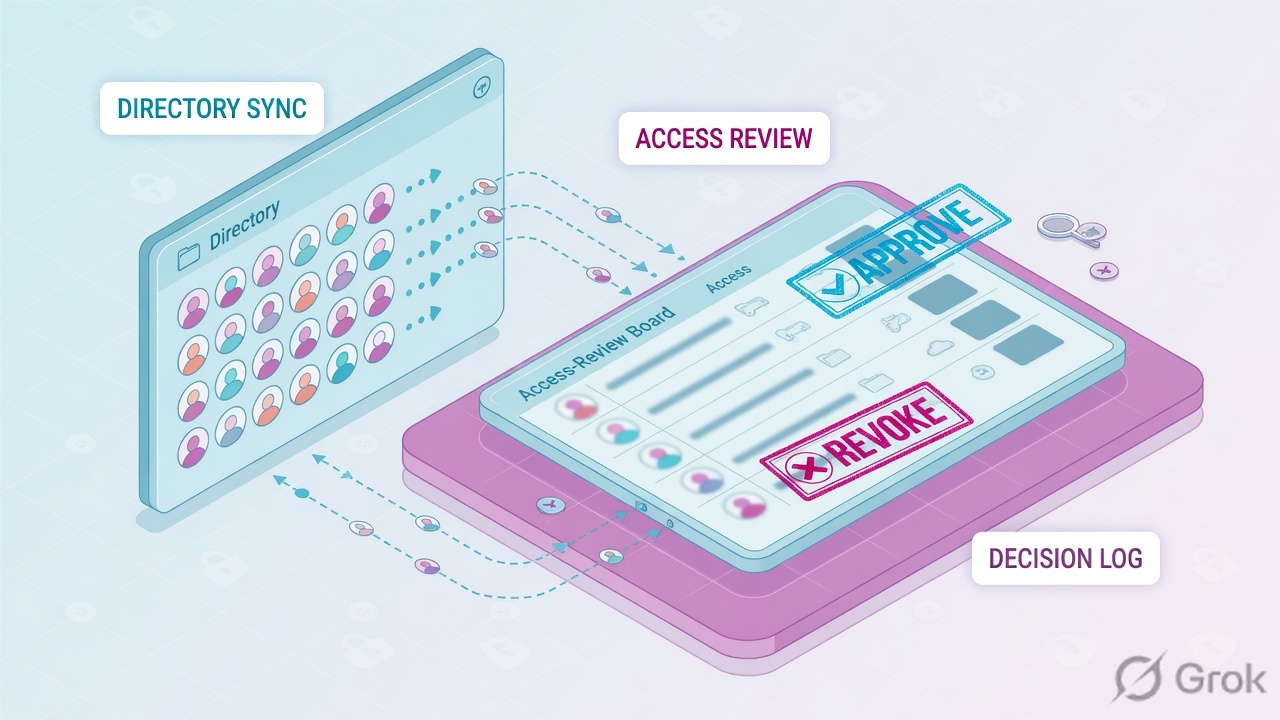
If they say “prove SailPoint finished,” do not say “I opened Admin.” Say: “I prove the cube with Status and Lifecycle State, the request with Approval Management Status, the campaign with Sign Off Date and Revoke Completed, the load with Aggregation History Status, and the write with Search Request Access Processed or Account Activity Status.”
2. Mental model — five proof tools
Memorise five named objects before you click. Each tool is allowed to prove one thing. Over-claiming a field is how you restart a healthy VA at 02:00.
Concept: five proof surfaces. Path: ticket → first tool → one field. Do: Side A/B/C and the five tickets.
1 · Identity cube
IIQ: Identity Cube, built by identity aggregation from the authoritative source. ISC: Admin → Identity Management → Identities. Proves Status + Lifecycle State + manager. Incomplete identities cannot request or certify.
2 · Access request Status
ISC: Admin → Dashboard → Approval Management. Proves whether the request is still executing. Official Status values include Pending, Partial Provisioning, Failed, Error, Canceled, Denied, Completed. Pending = executing.
3 · Certification
ISC: Admin → Certifications → Campaigns → Download Reports. Proves Decision + Sign Off Date + Revoke Completed. Unsigned Revoke is not applied. Remediation Status Finished is the write.
4 · Aggregation / task
ISC: source Aggregation History, or Admin → Connections → Aggregation Activity (90 days). Proves Status (success / warning / error / terminated) + accounts scanned. Connected is not lastAgg.
5 · Search audit
Search Events: "Request Access", type:access_request, type:certification, type:provisioning. Account Activity: Status Complete / Failure / Incomplete / Pending. Events are the audit. Account Activity is the write.
Hard words, once
Status (identity) ≠ Lifecycle State. Pending = executing, not crashed. Sign Off applies the revoke. Revoke Completed / remediation Finished is the deprovision. IIQ Last Refresh is the cube timestamp.
Read left → right. Each box is allowed one claim. If you cannot name the field, you are not proving — you are guessing.
I prove the cube, then the request Status, then the Sign Off, then the last aggregation, then the Search write. I do not restart a VA, overwrite an approver, or re-provision a signed revoke until I can quote the field that made me do it.
3. Decision flow — ticket → first tool
Flowchart first. Do not open the VA, the Create Account profile, or a new campaign until a diamond says so.
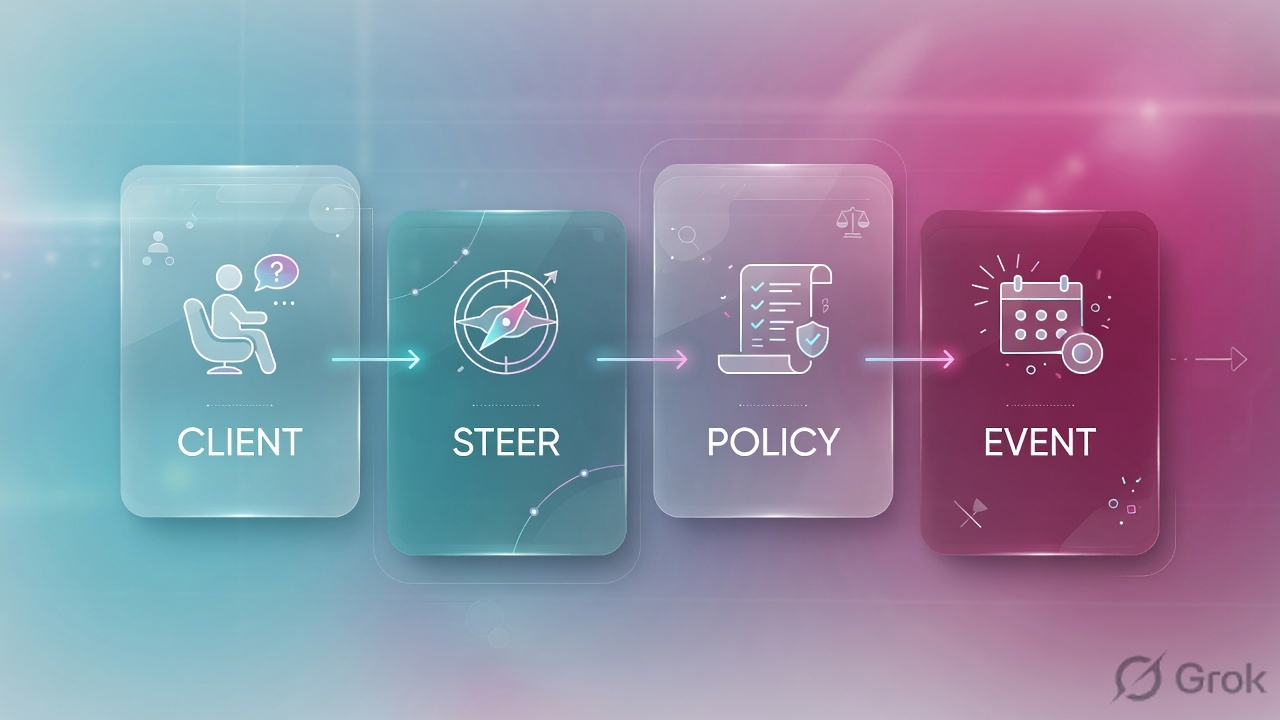
Read the diamond first. Mid-quarter vanish never starts on a VA. Approved-but-no-tile never starts on Remind User. Missing cube never starts on Request Access Processed.
4. How to choose — first tool + proof field
Print this next to Admin. If you cannot recite the proof field, you are not ready to change anything.
| If the ticket says… | First tool (official path) | Proof field | Do not open first |
|---|---|---|---|
| New hire / “this person is not in SailPoint” | ISC: Admin → Identity Management → Identities. IIQ: View Identity (Identity Cube) | Identity Status (Active / Incomplete / Error / …) + Lifecycle State + manager. IIQ also: Last Refresh |
A VA restart, or a new access request |
| “Pending two days” / tile never appeared | ISC: Admin → Dashboard → Approval Management → Access Requests. User: Request Center → My Requests | Status (Pending = executing) + Assigned to / Current Owner + Days old + Access Request ID |
Aggregation, Create Account, VA |
| Access vanished after a campaign started | Admin → Certifications → Campaigns → Actions → Download Reports | Campaign Status: Decision + Decision Date + Revoke Completed. Sign Off Report: Sign Off Date. Remediation: Status = Finished |
Silent re-provision of the tile |
| Source looks Connected; hire or entitlement still missing | Source → Aggregation History, or Admin → Connections → Aggregation Activity | Aggregation Status (success / warning / error / terminated) + start/stop + accounts scanned |
Approval Management on a person who is not on the source |
| Request Status is Completed (or Concluded) and the tile is still missing | Search Events + Account Activity, or Admin → Identity Management → Activities | Request Access Processed (or type:access_request) + Account Activity Status (Complete / Failure / Incomplete / Pending) + Stage |
Remind User on a finished approval |
Identity Status is the ISC account (Active, Disabled, Error, Incomplete, Locked, Not Invited, Pending, Registered, Warning). Approval Management Status is the request (Pending, Completed, Canceled, Denied, Provisioning Failed, Partial Provisioning). Account Activity Status is the write (Complete, Failure, Incomplete, Pending). Campaign Decision Made is Open / Complete / Error. Quote the column and the tool, or you are mixing four dictionaries.
5. Runbook Side A → B → C
Side A proves the cube and the request. Side B proves the campaign and the revoke. Side C proves the load and the write. On a messy Sev-2, do them in this order until a field lights up.
Side A — Cube, then request Status (ISC + IIQ)
-
Open the identity before the request
Path: Admin → Identity Management → Identities. Search account ID, username, display name, email, first or last name. Official: Working with Identities. Filter Incomplete Identities if the hire “is not in SailPoint.” Incomplete = missing UID, email, or last name — those identities cannot sign in and cannot be used in access requests or certifications until they are completed.
-
Quote Status, then Lifecycle State, then manager
Identity
Statusis the ISC login/account state.Lifecycle Stateis the employment stage (new identity profiles include pre-hire, active, leave of absence, terminated, archived). Path to change it is Actions → Set Lifecycle State — that is change-control. On IIQ, open the Identity Cube (View Identity); Last Refresh is the cube timestamp after identity aggregation / Identity Refresh. -
Open Approval Management, not the VA
Path: Admin → Dashboard → Approval Management → Access Requests. Paste the Access Request ID in the search bar (comma-separated IDs allowed). Columns: Access Name, Access Request ID, Assigned to, Access for, Requested by, Days old, Status, Actions. Official: Approvals Administration. Filter Status: Pending (executing), Completed, Canceled, Denied, Provisioning Failed.
-
Read Process / Assignees / Details before you write
Select the Access Name. Process shows each approval step and dates. Assignees lists people (governance groups show as Multiple). Details shows created date, optional start / end, Status. Isolate actions: Remind User, View Details. Change-control: Reassign, Overwrite Current Approver, Cancel Request. Overwrite is this step only, not the whole workflow.
Admin / Identity Management / Identities / user@lab.example
user@lab.example
Identity Cube built by identity aggregation from the authoritative source.
Last Refresh · entitlements · correlated accounts.
Incomplete (ISC): missing UID / email / last name → not requestable, not certifiable.
Source: SailPoint Help — Working with Identities; Setting Up Lifecycle States; Processing Identity Data (Details → Modified); IdentityIQ Identity Correlation (Identity Cubes). Lab identities only. Training mock · not live.
Admin / Dashboard / Approval Management / Access Requests · filter Pending
Grant: Finance-SaaS-User
| Access Name | ID | Assigned to | Days old | Status |
|---|---|---|---|---|
| Finance-SaaS-User | AR-1042 | manager@lab.example | 2 | Pending |
| Finance-SaaS-User | AR-0988 | — | 5 | Completed |
| AD-Create | AR-1011 | — | 1 | Failed |
Source: SailPoint Help — Approvals Administration (Status includes Pending, Partial Provisioning, Failed, Error, Canceled, Denied, Completed; Pending = executing; Actions: View Details, Reassign, Remind User, Cancel Request). Lab IDs only.
Side B — Certification (did the revoke actually complete?)
-
Open the campaign, not the connector
Path: Admin → Certifications → Campaigns. Select All in the left pane if you need completed campaigns. Official: Understanding Certifications; Certification Campaign Status Information and Reports.
-
Download the three reports that close a revoke ticket
Actions → Download Reports. Campaign Status Report:
Decision(approved / revoked / acknowledged),Decision Made(Open / Complete / Error),Decision Date(GMT),Revoke Completed. Certification Sign Off Report:Sign Off Date— the reviewer selected Sign Off. Campaign Remediation Status Report (after an admin completes the campaign): revocationStatusis Finished when the item is revoked on a connected source or the manual Task Manager / service-desk ticket is marked complete. -
Refuse unsigned Revoke as proof
Official: revoke decisions that are not signed off will not be applied. At campaign completion, unsigned certifications are treated as though no decisions were made. The campaign option then auto-approves undecided items or lets the admin choose. Automated remediation is immediate on a provisioning-capable source. Manual remediation becomes a source-owner task.
Path:            Admin → Certifications → Campaigns → Download Reports
Campaign:        CERT-Q3 (lab)
Quote:           Decision + Decision Date + Sign Off Date + Revoke Completed
If completed:    Remediation Status Report → Status = Finished (GMT Completed)
If unsigned:     Revoke is not applied — do not re-provision a decision that never landed
Side C — Aggregation / task + Search audit (did the load and the write land?)
-
Quote Aggregation History, not the Connected badge
Path: Admin → Connections → Sources → the source → Aggregation History → Account Aggregations. Official columns: who started it (manual), date/time, objects scanned, current Status (success, warning, error, terminated), optimization on/off. Tenant-wide last 90 days: Admin → Connections → Aggregation Activity. In-flight jobs: Admin Dashboard → Dashboard → Monitor → Active Jobs (
ACCOUNT_AGGREGATION,REFRESH_IDENTITIES,SYNCHRONIZE_IDENTITIES). IIQ sibling: Account Aggregation task result. -
If Approval Management Status is already Completed, switch to Search
Events query:
"Request Access"(quotes) then AND the username. Official event names: Request Access Started, Approved, Rejected, Cancelled, Processed, Escalated. Type filters:type:access_request,type:certification,type:provisioning,type:approval_request. Approval-request technical names includeAPPROVAL_REQUEST_APPROVED,APPROVAL_REQUEST_REJECTED,APPROVAL_REQUEST_TIMED_OUT. Column Chooser: Details + Source Name. -
Read Account Activity Status for the write
Path: Search → Account Activity, or Admin → Identity Management → Activities (60 days; Pending stored longer). Quote
Status(Complete / Failure / Incomplete / Pending),Action,Stage(Completed / Executing / Terminated), Sources, Last Modified. Open the row for account-request result: Pending, Committed, Finished, Failed, Retry, Manual Task Created. Official warning you may see: “Delayed provisioning due to an existing provisioning request for creating an account on the same source with the same nativeId.” -
Manual tasks are a completion path, not an outage
Flat-file / disconnected sources create Task Manager items. Path: Admin → Dashboard → Tasks. Filters: To Do / Completed. Actions: Reassign, Mark as Complete. A cert revoke on a disconnected source is Finished only when that task or the service-desk ticket is complete.
- Side A cube: identity Status is usable (not Incomplete / Error). Lifecycle State matches the story (active, not terminated).
- Side A request: Approval Management Status named. Pending + Assigned to + Days old closes a queue ticket. Completed is permission to open Search, not permission to declare “SailPoint finished the account.”
- Side B: Sign Off Date exists for this reviewer. Revoke Completed is true, or Remediation Status = Finished.
- Side C: Aggregation History Status = success in the UTC window, or Active Job named. Search shows Request Access Processed and Account Activity Status that matches the tile.
6. Five tickets as full stories
These five land every quarter. Memorise first tool + proof field. Times and identities below are lab-only.
| Ticket | Symptom | First tool | Proof field |
|---|---|---|---|
| SPED-01 | New hire “not in SailPoint” | Identities / Identity Cube | Status + Lifecycle State (+ IIQ Last Refresh) |
| SPED-02 | Finance-SaaS pending two days | Approval Management | Status = Pending · Assigned to · Days old |
| SPED-03 | Tile vanished after CERT-Q3 | Campaign reports | Sign Off Date + Revoke Completed / Finished |
| SPED-04 | Source Connected, hire still missing | Aggregation History | Status + accounts scanned + start/stop |
| SPED-05 | Request Completed, tile still gone | Search Events + Account Activity | Request Access Processed + Activity Status |
SPED-01 — Prove the cube (identity)
01:42 · P2. HR says the joiner started yesterday. L1 already drafted a new access request. Someone wants the VA bounced because “IdentityNow is empty.”
First tool: Admin → Identity Management → Identities. Search the hire. On IIQ, View Identity — that screen is the Identity Cube.
If missing or Incomplete: quote Status. Incomplete = missing UID, email, or last name. Official: those identities must be completed before they can sign in or be used in access requests and certifications. Next check is authoritative source data + last aggregation — not AR-1042.
If Active + lifecycle still pre-hire: you proved the cube. Birthright may still be waiting on the lifecycle change. That is not a connector outage.
Do not submit a request against an Incomplete identity. Do not delete and rebuild the cube on night shift — delete is temporary if the person still exists on the authoritative source, and the new cube gets a new internal ID.
SPED-02 — Prove the request (Approval Management Status)
02:05 · P3. User: “SailPoint is down — Finance-SaaS-User has been pending two days.” Source is Connected. L1 wants aggregation restarted.
First tool: Admin → Dashboard → Approval Management. Paste AR-1042.
Proof field: Status = Pending (official meaning: the request is executing), Assigned to = manager@lab.example, Days old = 2. Open Process to show the live approval step. Isolate = Remind User or call the manager. Overwrite Current Approver is change-control.
I would not restart aggregation. I would quote Pending + Assigned to + Days old. Pending is not down. Default 90-day deny/expire is irrelevant on day two.
SPED-03 — Prove the cert (Sign Off + Revoke Completed)
02:20 · P2. User lost Finance-SaaS after Q3 started. L1 wants the access profile put back tonight.
First tool: Admin → Certifications → Campaigns → CERT-Q3 → Download Reports.
Proof field: Campaign Status Report Decision = revoked, Decision Date, Revoke Completed. Sign Off Report Sign Off Date. If the campaign is already completed by an admin, Remediation Status Report Status = Finished (connected write, or Task Manager / service-desk ticket complete).
If Decision = revoked but there is no Sign Off Date, official rule: the revoke is not applied. Do not argue with the owner about access that the campaign never took.
Silent re-provision undoes a signed governance decision. Automated roles can only be acknowledged — the role model still owns them. Access profiles granted by a role or lifecycle state do not appear as individual cert items.
SPED-04 — Prove the load (Aggregation History)
02:40 · P2. New hire missing. AD source tile is Connected. L1 says “SailPoint is up, so the person must be there.”
First tool: source → Aggregation History → Account Aggregations (or Aggregation Activity, last 90 days).
Proof field: last row Status, start/stop, accounts scanned, optimization on/off. Connected is the connector. History Status is the load. A success 36 hours ago with no hire on the source account list is an HR / authoritative-data ticket. A warning or terminated row is the aggregation ticket. Info icon on the badge names the error or who terminated it.
Quote History Status + timestamp. Do not open AR-1042 first on a “never existed in AD” story. Optimized aggregation will not re-evaluate correlation on unchanged accounts — that is official, not a bug.
SPED-05 — Prove the write (Search audit)
03:00 · P2. Manager approved last night. Approval Management Status is Completed. Tile still missing. L1 wants a blind retry.
First tool: Search → "Request Access" AND user@lab.example, then Account Activity (or Admin → Identity Management → Activities).
Proof field: event Request Access Processed (or Approved only — then provisioning never started). Account Activity Status Failure / Incomplete, plus the account-request result (Failed, Retry, Manual Task Created) and the official unique-constraint / nativeId delay string if present.
Account Activity Status Complete after a rejected request still shows Completed — official: no account actions took place. Quote the Action, not the green badge. Events are the audit trail (stored about a year). Account Activity is the 60-day write log.
7. Traps + close-the-ticket proof

| You see | Weak close | Strong close |
|---|---|---|
| Incomplete identity | “SailPoint is down” / new request | Quote Status Incomplete (UID / email / last name). Fix source mappings, then re-agg |
| Approval Status = Pending | Restart VA / re-run aggregation | Quote Assigned to + Days old. Remind User. Pending = executing |
| Approval Status = Completed | “SailPoint finished” | You only proved the request. Open Search Account Activity Status |
| Revoke clicked, no Sign Off | Re-provision the tile | Official: unsigned revoke is not applied. Show empty Sign Off Date |
| Sign Off + Revoke Completed | Put Finance-SaaS back tonight | Take the signed decision to the owner. Re-provision is change-control |
| Source Connected | “Data is fresh” | Aggregation History Status + accounts scanned + timestamp |
| Activity Status Complete on a deny | “Provisioning succeeded” | Official Complete-on-reject. Read Action, not the badge |
| nativeId delay warning | Blind retry three times | Wait for the first create; unique-constraint is a target collision |
| IIQ cube Last Refresh old | Bounce the task server | Quote Last Refresh + last Account Aggregation task result |
- UTC window written next to the tool you opened.
- Cube proved: identity Status + Lifecycle State (IIQ: Last Refresh) when the ticket is “is this person even here?”
- One request quoted: Approval Management Status + Assigned to + Days old + Access Request ID.
- Or one cert quoted: Sign Off Date + Decision + Revoke Completed / Remediation Finished.
- Or one load quoted: Aggregation History Status + scanned + start/stop.
- Or one write quoted: Request Access Processed + Account Activity Status / Stage / account-request result.
- Next tool named — or change-control owner named. No Overwrite, source reset, or silent re-provision without residual control.
I name the question, then the first tool, then one official field. The cube proves the person. Approval Management Status proves the request. Sign Off Date and Revoke Completed prove the cert. Aggregation History Status proves the load. Search Processed / Account Activity Status proves the write. I do not restart a VA, overwrite an approver, or undo a signed revoke until that field is on the ticket. Factory model: PendingApproval is a people problem.
Knowledge check
Six night-shift judgments. Each maps to a first tool or a proof field. Check answers, then Reset if you picked the wrong surface.
Sources
- SailPoint Help — Working with Identities (Admin → Identity Management → Identities; Status table; Incomplete cannot request or certify)
- SailPoint Help — Setting Up Lifecycle States (pre-hire, active, leave of absence, terminated, archived; Actions → Set Lifecycle State)
- SailPoint Help — Processing Identity Data (Details tab Modified date; SYNCHRONIZE_IDENTITIES)
- SailPoint IdentityIQ Help — Identity Correlation (Identity Cubes created by identity aggregation; Last Refresh)
- SailPoint Help — Access Request Overview (submit → approve/deny → assign or provision; 90-day default; Request Access Started / Approved / Rejected / Cancelled / Processed / Escalated)
- SailPoint Help — Approvals Administration (Admin → Dashboard → Approval Management; Status values; Pending = executing; Remind / Reassign / Overwrite / Cancel; APPROVAL_REQUEST_* queries)
- SailPoint User Help — Requesting Access (Request Center; My Requests; cancel pending)
- SailPoint User Help — Tracking Requests (Pending Requests tile; Request Status Tracker)
- SailPoint Help — Understanding Certifications (sign-off required; unsigned revoke not applied; automated vs manual remediation)
- SailPoint Help — Certification Campaign Status Information and Reports (Admin → Certifications → Campaigns → Download Reports; Decision; Revoke Completed; Sign Off Date; Remediation Status Finished)
- SailPoint Help — Completing a Certification Campaign (verify revoked items; Campaign Remediation Status Report)
- SailPoint Help — Loading Account Data (Aggregation History Status; Aggregation Activity 90 days; accounts scanned; optimization; terminate)
- SailPoint Help — Managing Sources Overview (Admin → Connections → Sources; Accounts; Test Connection)
- SailPoint IdentityIQ Help — Account Aggregation (task result; Identity Cube updates)
- SailPoint Help — Provisioning Overview (PROVISIONING feature; manual work items)
- SailPoint Help — Monitoring Provisioning (Admin → Dashboard → Tasks; Search Reports → Provisioning Activity; Admin → Identity Management → Activities)
- SailPoint Help — Search Overview (event types; Event Statuses; Account Activity Status / Stage / account-request result)
- SailPoint Help — Audit Reports and Monitoring (type:ACCESS_REQUEST, type:CERTIFICATION, type:PROVISIONING; Dashboard → Monitor Active Jobs; audit retention)
- SailPoint IdentityIQ Help — Audit Search (AccessRequestStart, ApproveLineItem, RejectLineItem, signoff)
Related: Pair · SailPoint session factory · Access requests & SoD · Access certifications · Connectors, sources & aggregation · SailPoint Identity Security hub