The Friday cutover ticket
Ticket: “Turn off GlobalProtect this weekend. ZPA is installed.” That is not a migration. A migration has a data pack, a wave list, pass/fail numbers, and a rollback owner. Zscaler’s own VPN-to-Zero-Trust sequence is assess → map apps → least-privilege policy → deploy → IAM → test. You do not skip to “disable the portal.”
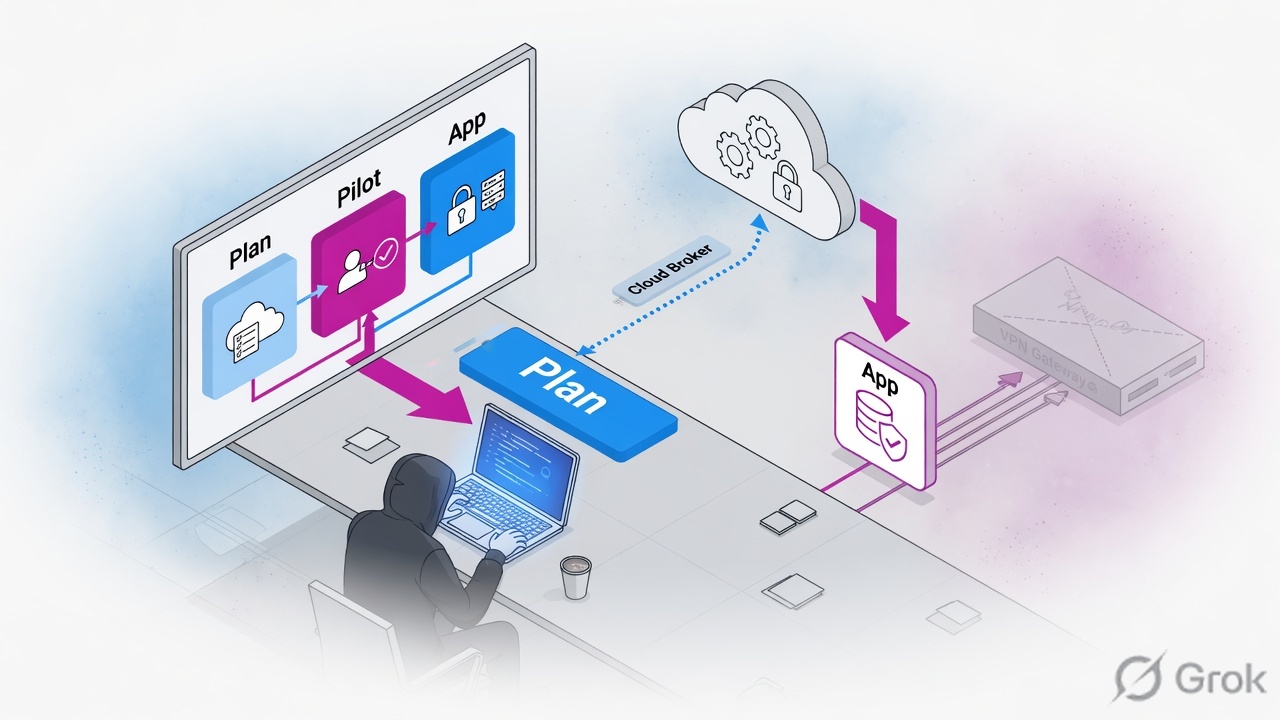
Do not migrate “the VPN.” Migrate named applications to named groups. For Apex Freight (training sample): 200 GP users, 2 DCs, 12 publishable apps. Week 0 freeze GP. Week 1 IdP+SCIM+connectors. Week 2 ERP/jump/WMS as defined segments plus a discovery wildcard. Week 3 dual-run 20 Finance users. Week 4 next wave only if P1–P7 pass. Rollback unit = one IdP group. Discovery dies last.
Apex Freight data pack (training sample)
All numbers below are a classroom scenario, not a live customer. Use them as the sheet you would actually build from GlobalProtect logs, firewall rules, and the IdP.
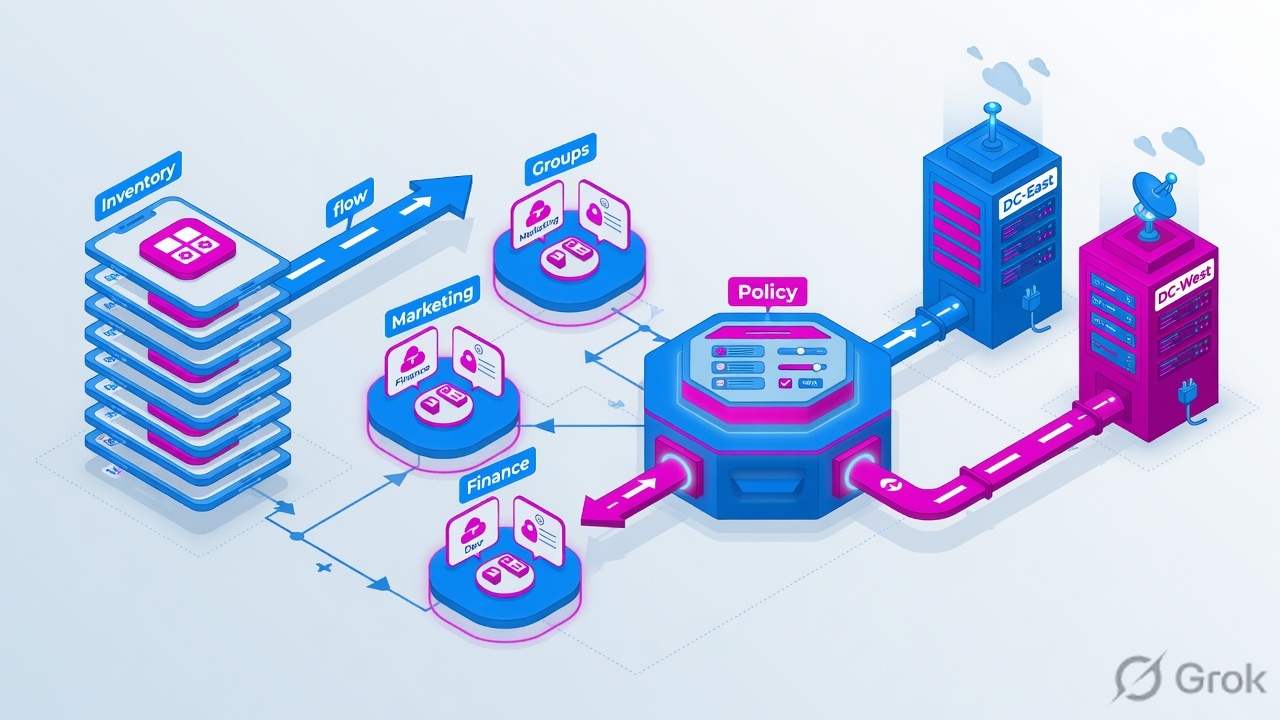
| Fact | Training value | Why it matters |
|---|---|---|
| Company | Apex Freight (sample) | Two DCs: Mumbai HQ apps, Pune warehouse apps |
| GP users | 200 always-on clients | Never move all 200 on day one |
| IdP groups | Finance 35 · Ops 80 · HQ 70 · Contractor 15 | SCIM must show these counts before policy |
| Sites | Mumbai DC + Pune DC | One connector group per site, same geo inside a group |
| GP objects to keep | Portal gp.apexfreight.example + gateways gp-mum, gp-pun | Rollback path. RFC-style names only |
| Discovery (temporary) | *.apexfreight.internal + authenticated-employee Allow | Safety net. Not the end state |
Application inventory extract (do not publish the last two rows)
| App | FQDN / target | TCP/UDP | Site | Owner group | Class |
|---|---|---|---|---|---|
| ERP | erp.apexfreight.internal | 80, 443, 8443 | Mumbai | Finance | Crown jewel — define week 2 |
| Finance files | finfiles.apexfreight.internal | 445 | Mumbai | Finance | Crown jewel |
| Jump host | jump-mum.apexfreight.internal | 3389 TCP+UDP | Mumbai | Ops | Crown jewel — ICMP from connectors |
| AD / DFS | dc01.apexfreight.internal | 88, 135, 389, 445, 636 | Mumbai | HQ | Crown jewel — local connector group |
| WMS | wms.apexfreight.internal | 443 | Pune | Ops | Define before Pune wave |
| Vendor portal | vendors.apexfreight.internal | 443 | Pune | Contractor | Tight Allow + Block anything else |
| Intranet | intranet.apexfreight.internal | 443 | Mumbai | HQ | Known app — week 4 |
| HR | hr.apexfreight.internal | 443 | Mumbai | HQ | Known app |
| Printer VLAN | 10.40.12.0/24 | any | Pune | — | Do not publish — not an application |
| Camera VLAN | 10.40.20.0/24 | any | Pune | — | Do not publish — old VPN habit |
If the inventory row is a subnet with no owner, it is not a ZPA application. Publishing 10.40.12.0/24 rebuilds GlobalProtect inside ZPA.
Prerequisites (gate, not a wish list)
Week 1 does not start until every row is green. A red row is a stop, not a “we will fix it in the pilot.”
| Gate | Apex Freight pass | Fail = stop |
|---|---|---|
| ZPA license / tenant | ZPA edition that includes App Connectors is live | No connectors, no path |
| SAML IdP | Entra (or Okta/Ping) app for ZPA; same NameID style as GP | Users cannot authenticate |
| SCIM first cycle | Finance 35, Ops 80, HQ 70, Contractor 15 visible in ZPA | Do not write group policy yet. Source: Access Policy deployment guide |
| Connector hosts | 2× Mumbai + 2× Pune. Min 4 GB / 2 CPU; Zscaler recommends 8 GB RAM. Plan ~500 Mbps each, N+1 | Single VM = no rollback inside the site |
| Connector network | Outbound TLS 443 to ZPA. Internal DNS. App ports. ICMP to servers (mandatory for UDP) | User sees “app down” |
| No ZIA hairpin | Connector outbound does not go via ZIA PSE | Zscaler does not recommend this |
| ZCC + bypass | App Profile lists gp.apexfreight.example, gp-mum, gp-pun in VPN Gateway Bypass | Dual-run flaps |
| GP stay-alive | Portal + both gateways still committed, licensed, certs > 60 days | No parachute |
Implement plan (4 weeks)
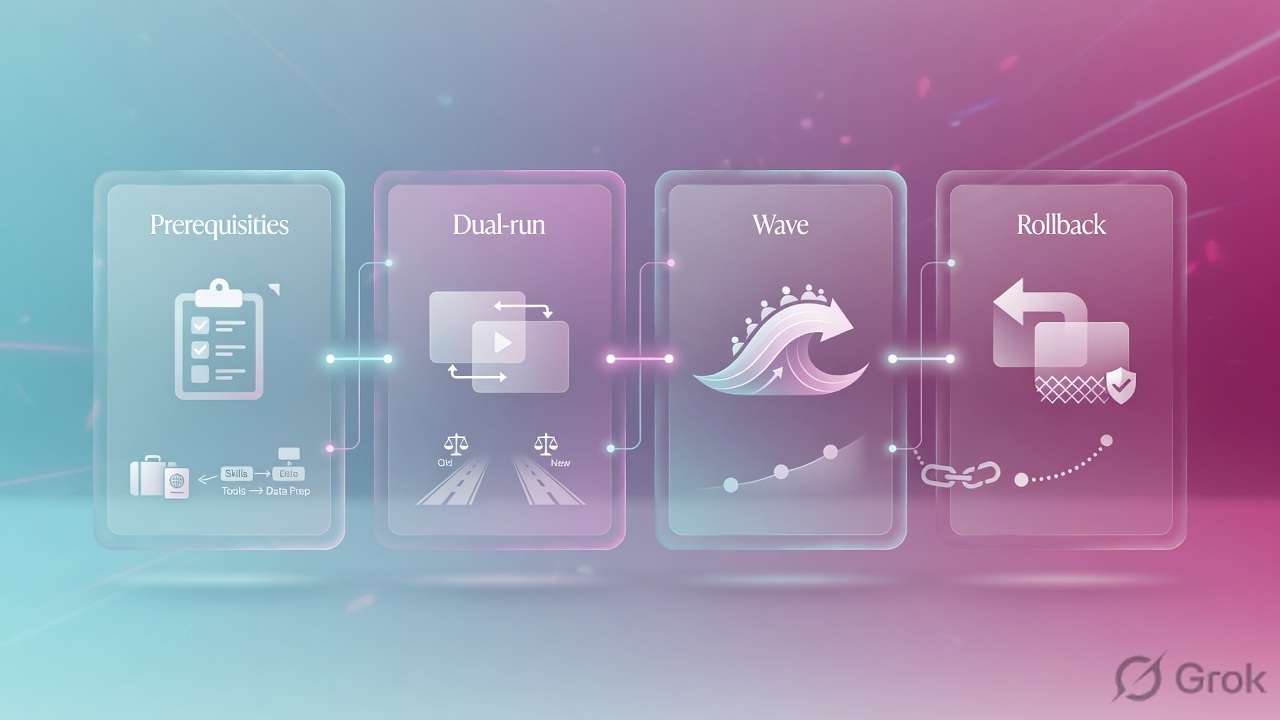
Each arrow is a gate. If SCIM counts are wrong, you do not install ZCC on Finance laptops.
Week 0 — Freeze GlobalProtect
Export portal/gateway config. Snapshot HIP and split-tunnel. No “clean up unused gateways” this week. Source: GlobalProtect Overview.
Week 1 — Identity
Stand SAML. Run SCIM. Do not write Access Policy on groups until the first cycle shows 35/80/70/15. Source: Access Policy deployment guide.
Week 2 — Connectors + first segments
Groups
DC-MumbaiandDC-Pune, N+1 each. Define ERP, finfiles, jump, WMS. Add discovery*.apexfreight.internalunder them. Crown jewels get Allow + Block Any. Source: ZPA Leading Practices.Week 3 — Dual-run wave 1
IdP group
zpa-wave-finance= 20 of 35 Finance. ZCC via Intune. VPN Gateway Bypass complete. GP still on the laptop. Run P1–P7 for five business days.Week 4+ — Expand only on numbers
Wave 2 = 40 Ops (Mumbai jump + later Pune WMS). Wave 3 = contractors on vendor portal only. After 60–90 days or ~60% entitled users, turn discovery off. Source: same leading-practices guide.
Do — Side A / B / C
Side A — IdP and GP stay-alive
Confirm SCIM counts match the data pack
If Finance shows 12 not 35, stop. Policy will deny the missing 23 and they will look like a ZPA outage.
Create wave groups in the IdP
zpa-wave-finance,zpa-wave-ops,zpa-wave-contractor. These are the rollback units. Nested under the department groups.
Side B — ZPA objects for Apex Freight
Policies → Access Control → Private Applications → Defined Application Segments → Add
Add Application Segment
Copy every port from the inventory (8443 included). Path: Configuring Defined Application Segments. Sample FQDN only.
1 Allow  ERP-Production              memberOf = Finance
2 Block  ERP-Production              Any
3 Allow  WMS-Production              memberOf = Ops
4 Allow  Vendor-Portal               memberOf = Contractor
5 Block  Vendor-Portal               Any
6 Allow  *.apexfreight.internal      authenticated employees   ← discovery
7 Block  Any                         memberOf = Contractor     ← contractors stay in their box
8 Block  Any                         Any                       ← enable only after discovery ends
Source: Configuring Access Policies. Most-specific segment wins; missing ports do not fall back to row 6. Understanding Application Access.
Side C — Dual-run
ZCC App Profile: VPN Gateway Bypass = portal + both gateways. Do not use forwarding-profile Tunnel on a VPN-trusted network. Assign ZCC only to the current wave group. Source: Configuring ZCC App Profiles.
Five data scenarios
Use these in class or in a design review. Numbers are from the Apex Freight pack.
S1 — Greenfield wave 1 (Finance)
Given: 200 on GP, ZPA built, discovery on, ERP defined with 80/443/8443. When: 20 Finance laptops get ZCC. Then: P2 = https://erp.apexfreight.internal shows policy Allow ERP-Production and connector DC-Mumbai. A contractor who types the same URL hits rule 2 Block. GP still works for the other 180.
S2 — Discovery leftover (the recruiter hire)
Given: Someone left *.apexfreight.internal as the only segment for 90 days. When: you are hired to “create the rest of the app segments.” Then: export discovery, carve ERP/WMS/vendor first, put group Allows above discovery, copy every live port, do not delete the wildcard this week. Full script: recruiter ticket on the concept lesson.
S3 — Missing port after carve-out
Given: You created ERP-Production with only TCP 443. Users also open 8443 (from the inventory). When: Finance hits 8443. Then: more-specific segment wins; 8443 is not listed; session drops. It does not use discovery. Fix = add 8443 to the defined segment, not “open the wildcard again.”
S4 — Pune site down
Given: Both DC-Pune connectors Offline (outbound 443 blocked after a firewall change). Mumbai healthy. When: Ops cannot open WMS. ERP still works. Then: rollback unit is zpa-wave-ops only if they have no GP fallback — or leave them on GP for Pune apps. Do not disable ZPA company-wide. Restore connector egress, then re-test WMS from a Pune connector: dig + curl.
S5 — Contractor lateral-move attempt
Given: Contractor is in SCIM group Contractor. Discovery Allow exists for employees. Rule 7 Blocks Any for Contractor. When: contractor tries erp.apexfreight.internal and dc01. Then: Vendor-Portal Allow may hit for the vendor URL; ERP and AD must hit Block. If they succeed, your discovery Allow is above the contractor Block — reorder tonight.
| Scenario | First evidence field | Wrong first move |
|---|---|---|
| S1 Finance pilot | Diagnostics: user, ERP-Production, DC-Mumbai, rule 1 | Disable GP for all 200 |
| S2 Discovery leftover | Discovered FQDN list + who touched it | Delete wildcard Friday |
| S3 Missing 8443 | Segment ports vs client dest port | Rebuild SAML |
| S4 Pune down | Connector group health, only WMS failing | Company-wide rollback |
| S5 Contractor | Policy name on the deny | Publish printer VLAN so they “just work” |
Rollback plan

Apex Freight never rolls back “the company.” It rolls back a wave group or a site’s apps.
| Trigger (write this in the CAB) | Action | Leave standing |
|---|---|---|
| >10% of the current wave fail a P1 app for 30 minutes | Remove that wave from ZCC assignment. GP reconnects | All segments, all connectors |
| Connector group for one site N+1 gone | Park only apps in that site; keep other site on ZPA | Other site’s group |
| IdP outage | Users with valid ZPA session may ride timeout (default 7 days). New auth fails — use GP | Do not delete the IdP app |
| P7 drill failed on a real user | Do not start the next wave | Current wave stays or rolls back |
Declare the trigger in the ticket
Example: “WMS P1 fail 14/40 Ops for 35 minutes. S4. Rolling back zpa-wave-ops.”
Stop the bleed
Pull the wave group from ZCC. Optional: Access Policy Block for that group so half-connected laptops do not black-hole FQDNs.
Prove GP
Same users open ERP/WMS over GlobalProtect. HIP and old security rules still match.
Fix ZPA, then re-enter the wave through P1–P7
Do not invent a new weekend cutover.
Retire GP last
When every in-scope group has been on ZPA past the discovery deadline and P7 unused for 30 days: remove gateway DNS, then portal, then licenses — that order only.
Proof and traps
- P1–P5 pass for ≥95% of the wave (19/20 Finance).
- P7 rollback drill: one named user, ticket number, time-to-GP recorded.
- Diagnostics show segment name + policy name, not only “connected.”
- Connector group still N+1 after the wave’s traffic.
- No new /24 “just this once” published.
| Trap | Apex Freight example | Fix |
|---|---|---|
| Migrating the network | Publishing printer + camera VLANs | Delete those segments. Apps only |
| SCIM used too early | Finance policy while SCIM shows 12 | Wait for 35, then wave |
| More-specific drop | ERP segment missing 8443 | Add the port. Do not delete the segment |
| Dual-run fight | Bypass missing gp-pun | Add every gateway FQDN/IP |
| Discovery forever | Wildcard still there after month 6 | Calendar kill + request path for new apps |
“We are not replacing a VPN concentrator this weekend. Apex Freight moves 20 Finance users to named segments with GP still live. Rollback is remove zpa-wave-finance. Discovery stays until the long tail has owners.”
Knowledge check
Six items on the Apex Freight data. Check answers when done.
Sources
- Zscaler — Migrate from VPN to the Zero Trust Exchange
- Zscaler — ZPA Leading Practices (discovery window, N+1, 500 Mbps, geo groups)
- Configuring Defined Application Segments
- Understanding Application Access
- Configuring Access Policies
- App Connector Deployment Prerequisites
- ZCC App Profiles / VPN Gateway Bypass
- Palo Alto — GlobalProtect Overview
Related: Concept + Rahul + recruiter ticket · App Connectors · ZPA access policy · GlobalProtect lesson