Client Status answers “did this MAC even land a session?” Auth logs answer “did 802.1X or MAC-auth fail, and at which Failure Stage?” Role answers “what did they become — AP Role / Gateway Role / user-table Role, and who derived it?” AP / controller health answers “is the radio or managed device even up?” Access Tracker answers “what did ClearPass Accept or Reject, and which Enforcement Profile sent Aruba-User-Role?” A green Wi-Fi icon is not a role. An Accept is not the right role. An Up AP is not a healthy client.
1. Why “is it working?” is five questions
Operators collapse five failures into one sentence. The laptop never associated. 802.1X rejected. The role is logon instead of contractor. The AP is Down on the managed device. ClearPass sent the wrong Enforcement Profile. Those are five first clicks.
This page is the night-shift desk for proof. The factory taught the session: associate → authenticate → role → VLAN → role ACL → RF last. Here you learn the five tools you actually open, in order, when someone asks you to prove Aruba is working.
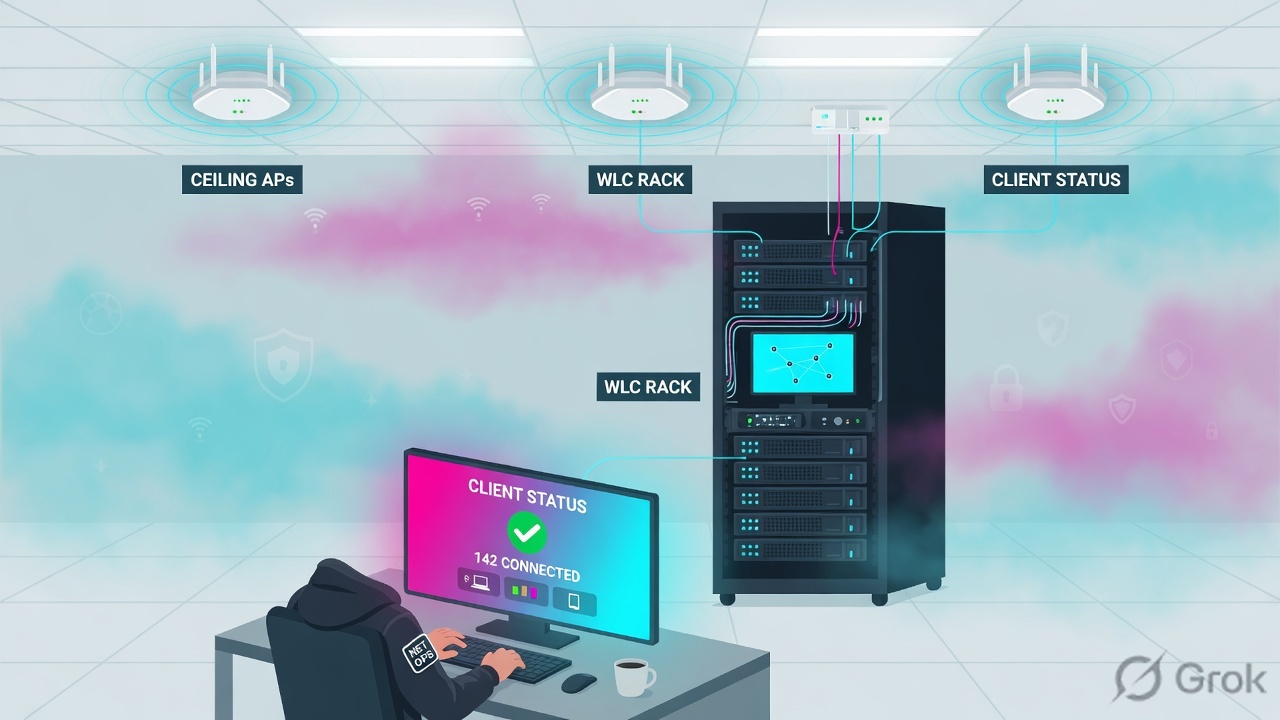
If they say “prove Aruba is working,” do not say “I opened Central.” Say: “I prove the session with client Status, the handshake with Failure Stage or show auth-tracebuf, the enforcement word with AP Role / Role and role-how, the radio with AP status, and NAC with Access Tracker Login Status plus Enforcement Profiles.”
2. Mental model — five proof tools
Memorise five named objects before you click. Each tool is allowed to prove one thing. Over-claiming a field is how you reboot a healthy AP at 02:00.
1 · Client Status
Central Manage → Clients (List). Proves whether this MAC is Connecting, Connected, Offline, Failed, or Blocked. Controller twin: show user-table. Does not prove the role is correct or that ClearPass sent it.
2 · Auth logs
Central Client Details → Failed Wireless Client Events, column Failure Stage. Controller twin: show auth-tracebuf mac <mac> (and failures). Proves 802.1X / MAC-auth / association / key-exchange / DHCP / captive-portal. Does not prove AP Role.
3 · Role assigned
Central columns AP Role and Gateway Role. Controller: show user-table field Role plus verbose role-how. Proves what they became and how it was derived. Does not prove the radio is up.
4 · AP / controller health
Central Manage → Devices → Access Points (Online / Offline). Controller: show ap database status up|down. Proves the AP exists and is up on that managed device. An Up AP is not a Connected client.
5 · Access Tracker
ClearPass Monitoring → Live Monitoring → Access Tracker. Proves NAC: Login Status (Accept / Reject / Timeout) + Enforcement Profiles + Output Aruba-User-Role. Open this only when RADIUS / ClearPass is in the path.
Hard words, once
Status = Central connection state. Failure Stage = why a Failed wireless client stopped. role-how = AOS derivation code (1–8). Aruba-User-Role = RADIUS VSA (1) on the Access-Accept. Health 0–100 is a pointer, not a role.
Read left → right. Each box is allowed one claim. If you cannot name the field, you are not proving — you are guessing.
I prove the session, then the handshake, then the role, then the radio, then NAC. I do not reboot an AP, rewrite a user-role, or blame AirMatch until I can quote the field that made me do it.
3. Decision flow — ticket → first tool
Flowchart first. Do not open the RF planner or the Enforcement Profile editor until a diamond says so.
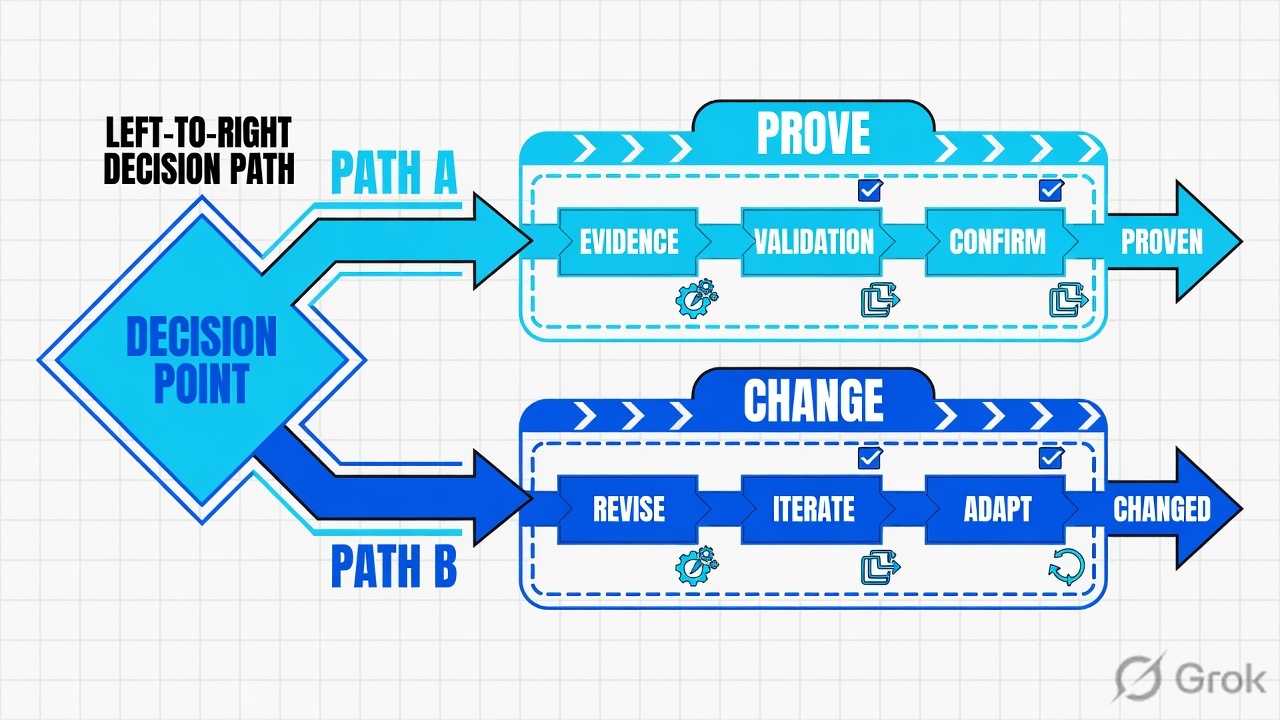
Read the diamond first. A Failed client never starts in AirMatch. Connected + wrong app never starts in AP reboot. Empty user-table on the Mobility Conductor never starts in a role ACL.
4. How to choose — first tool + proof field
Print this next to Central. If you cannot recite the proof field, you are not ready to change anything.
| If the ticket says… | First tool (official path) | Proof field | Do not open first |
|---|---|---|---|
| Laptop / “am I even on Aruba?” / Wi-Fi icon looks odd | Central Manage → Clients (filter MAC / username). Controller: show user-table |
Status = Connecting / Connected / Offline / Failed / Blocked — or a user-table row for that MAC |
A channel lock or AP reboot |
| 802.1X or MAC-auth failed after an AAA change | Central All Clients → Client Details → Failed Wireless Client Events. Controller: show auth-tracebuf mac <mac> |
Failure Stage (Association / MAC authentication / 802.1X / Key exchange / DHCP / Captive Portal) — hover for the error type |
AirMatch / RF planner |
| Wi-Fi connected; file share / VLAN / app denied | Same Clients list, columns AP Role + Gateway Role. Controller: show user-table + verbose role-how |
AP Role / Role name + role-how (1–8). Then datapath only if the role is the one you expected |
A site survey |
| Whole floor / wing dark after 02:00 | Central Manage → Devices → Access Points. Controller: show ap database status down (filter group) |
AP status up or down · Health Bar Online count · which managed device the AP registered with |
A user-role rewrite |
| NAC in the path — Accept but wrong access, or Reject | ClearPass Monitoring → Live Monitoring → Access Tracker | Login Status + Service + Enforcement Profiles + Output Aruba-User-Role |
Rebooting a healthy AP |
AOS 8 Mobility Conductor holds config and services. It does not terminate client datapath. show user-table on the Conductor is often empty even when the campus is fine. Official show ap database can filter switch <managed-device-ip> so you land on the box that actually owns the AP. Empty table on the wrong box is not “Aruba is down.”
role-how codes (AOS 8 show user-table verbose) — official derivation table
| Code | Official meaning | What you say on the bridge |
|---|---|---|
| 1 | AAA profile default role | Fallback from the AAA profile — not a ClearPass VSA |
| 2 | Role derived from user rules | Controller user-rule matched |
| 3 | Role derived from UDR | User-derived role |
| 4 | Default role for authentication type | dot1x / mac / captive default — often logon |
| 5 | Role derived from server rules | Server derivation on the NAD |
| 6 | HPE Aruba Networking VSA | Aruba-User-Role landed — now check the name |
| 7 | Dot1X profile role | 802.1X profile default, not the server |
| 8 | Dot1X server derived role | Server-side 802.1X derivation |
Source: HPE Aruba CLI Bank — show user-table. Quote the code. Do not guess “ClearPass sent it” when role-how is 1 or 4.
5. Runbook Side A → B → C
Side A proves the session and the handshake. Side B proves the role and the radio. Side C proves NAC when ClearPass is in the path. On a messy Sev-2, do them in this order until a field lights up.
Side A — Session + auth (Central or controller)
-
Prove the MAC has a session
Classic Central: filter to the site, then Manage → Clients, List view. Search the username or MAC. Official columns include
Client Name,Status,IP Address,VLAN,Connected To,AP Role,Gateway Role,Health. QuoteStatus. Connecting / Connected / Offline / Failed / Blocked are the documented values (Failed and Blocked are wireless-only). Source: All Clients Monitoring in List View; Clients (unified). -
If you are on a controller, use the official table — not a screenshot
show user-table(filtermac/authentication-method dot1x|mac). Official columns:Name,Role,Age(d:h:m),Auth,AP name. Empty table: confirm you are not on the Mobility Conductor, thenshow ap database switch <md-ip>to find the managed device that registered the AP. Source: CLI Bank — show user-table; show ap database. -
If Status is Failed, read Failure Stage — do not reboot
Click the client → Client Details → Failed Wireless Client Events. Official
Failure Stagevalues: Association error, MAC authentication error, 802.1X authentication error, Key exchange error, DHCP error, Captive Portal error. Hover the stage for the error type. Controller twin:show auth-tracebuf mac <mac>andshow auth-tracebuf failures. Source: Failed Wireless Client Events; Client Connectivity troubleshooting; CLI Bank — show auth-tracebuf. -
If both 802.1X and MAC-auth ran, do not invent a second RADIUS
Official Client Details note: when a client connects through 802.1X and MAC authentication, Central displays only the IP address of the server that performed 802.1X. Quote that server IP. Do not declare “MAC-auth has no server” from a blank MAC-auth IP.
Manage / Clients / List view
All Clients
| Client Name | Status | IP Address | VLAN | Connected To | AP Role | Health |
|---|---|---|---|---|---|---|
| finance.user | Connected | 10.10.8.21 | 20 | AP-LAB-16 | authenticated | Good 82 |
| aa:bb:cc:dd:ee:ff | Failed | — | — | AP-LAB-17 | — | — |
Source: HPE Aruba TechDocs — All Clients; All Clients Monitoring in List View (Client Name, Status, IP Address, VLAN, Connected To, AP Role, Gateway Role, Health Poor 0–30 / Fair 31–70 / Good 71–100). Status values: Connecting, Connected, Offline, Failed, Blocked. Lab identities only. Training mock · not live.
All Clients / Client Details / Failed Wireless Client Events
Failed Wireless Client Events
| Time (UTC) | SSID | Failure Stage | Auth |
|---|---|---|---|
| 01:42:11 | Corp | 802.1X authentication error | dot1x |
| 01:41:58 | Corp | Association error | — |
Controller twin: show auth-tracebuf mac aa:bb:cc:dd:ee:ff
show auth-tracebuf failures
Source: HPE Aruba TechDocs — Failed Wireless Client Events or Reasons; Client Connectivity troubleshooting (Failure Stage: Association, MAC authentication, 802.1X authentication, Key exchange, DHCP, Captive Portal). CLI Bank — show auth-tracebuf [count | failures | mac]. Training mock · not live.
Side B — Role + AP / controller health
-
Quote AP Role (and Gateway Role if a gateway is in the path)
On the same Clients list, official columns are
AP Role(“Role assigned by the AP”) andGateway Role(“Role assigned by the Aruba Gateway”). Click the client for Overview. A Connected client withAP Role=logonorauthenticatedwhen you expectedcontractoris a role ticket, not an RF ticket. Source: All Clients; Wireless Client Details. -
On the controller, quote Role + role-how
show user-tablefieldRole, then verbose forrole-how. Code 6 means the HPE Aruba VSA landed — the name still has to match a localuser-role. Codes 1 and 4 mean a default / AAA fallback. Do not blame ClearPass untilrole-howsays the VSA actually arrived. Source: CLI Bank — show user-table. -
If the floor is dark, prove AP status — not the client Health score
Central Health Bar / Manage → Devices → Access Points → Online (or Offline) in List view. Controller:
show ap database status down, optionallygroup <ap-group>. Official status values are up and down. Device Health on the operate dashboard is a pointer to that list. ClientHealth0–100 (Poor / Fair / Good) is a different column — it is not AP Online. Source: The Health Bar; Monitoring with Central VSG; show ap database.
Path:            show user-table   /   show user-table mac aa:bb:cc:dd:ee:ff
Quote:           Name + Role + Auth + AP name
Then verbose:    role-how   (1–8, official derivation codes)
Auth filter:     authentication-method dot1x | mac | opensystem | psk | web
If empty:        show ap database switch <managed-device-ip>
AP health:       show ap database status down   (optional: group <ap-group>)
Side C — ClearPass Access Tracker (only if NAC is in the path)
-
Open Access Tracker, not the Enforcement Profile editor
Path: Monitoring → Live Monitoring → Access Tracker. Official filters include
Request ID,Source,Username,NAS IP Address,NAS Name,Service,Host MAC Address,Auth Type,Auth Method,Roles,Enforcement Profiles. Filter Username or Host MAC + the UTC window. Source: Live Monitoring: Access Tracker (ClearPass 6.11 / 6.10). -
Read Login Status, then Service, then Enforcement Profiles
Login Statusis Accept, Reject, or Timeout. That is the RADIUS outcome. Then quoteService(which policy pipeline matched) andEnforcement Profiles(what was applied). Accept + the wrong profile is still a policy miss. -
Open RADIUS Request Details → Output for the VSA
Official session-details page: click the request, then the Output tab — attributes sent to the NAD. For an Aruba controller / AP / gateway, the VSG template is Aruba RADIUS Enforcement with Type
Radius:Aruba, NameAruba-User-Role (1). Letter case must match the NADuser-role. If Output has noAruba-User-Role, the NAD will land a default (role-how1 or 4). Source: Viewing Access Tracker Session Details; VSG Client Services Configuration.
Monitoring / Live Monitoring / Access Tracker
Access Tracker
| Request ID | Username | Service | Login Status | Enforcement Profiles |
|---|---|---|---|---|
| W00001242-01-lab | finance.user | 802.1X Wireless | Accept | OWL_Authenticated |
| W00001241-01-lab | guest.kiosk | MAC Auth Wired | Reject | — |
Type: Radius:Aruba Name: Aruba-User-Role (1) Value: authenticated
Desk expected: contractor — Accept + wrong VSA is still a policy miss.
Source: ClearPass 6.11 — Monitoring → Live Monitoring → Access Tracker (Request ID, Username, NAS IP Address, Service, Login Status Accept/Reject/Timeout, Enforcement Profiles); Viewing Access Tracker Session Details (Output tab); VSG — Aruba RADIUS Enforcement / Aruba-User-Role (1). Lab identities only. Training mock · not live.
- Side A session: Central
Status= Connected, orshow user-tableshows Name + AP name for that MAC. - Side A auth: Failed Events
Failure Stageis empty for a healthy reconnect — or you can name the stage that failed. - Side B role:
AP Role/Roleis the intended name androle-howmatches how you designed it (6 = VSA). - Side B radio: AP
statusup on the managed device that owns it. Client Health 82 is not this proof. - Side C: Access Tracker
Login Status= Accept,Enforcement Profilesnamed, OutputAruba-User-Rolematches the NAD role spelling.
6. Five tickets as full stories
These five land every quarter. Memorise first tool + proof field. Times and identities below are lab-only.
| Ticket | Symptom | First tool | Proof field |
|---|---|---|---|
| AEVD-01 | Laptop: “Wi-Fi is broken, Aruba is down” | Manage → Clients / show user-table | Status Connected / Failed / Offline — or no row |
| AEVD-02 | After an AAA change, Corp 802.1X fails | Client Details → Failed Events / show auth-tracebuf | Failure Stage = 802.1X authentication error |
| AEVD-03 | Connected on Corp; file share denied; RSSI fine | Clients list AP Role / user-table Role | AP Role + role-how (then datapath only if role is expected) |
| AEVD-04 | Floor 4 dark since 02:00; client list empty for that AP group | Manage → Devices → Access Points / show ap database status down | AP status down · which managed device |
| AEVD-05 | NAC on; Access-Accept; desk expected contractor | Access Tracker | Login Status + Enforcement Profiles + Output Aruba-User-Role |
AEVD-01 — Prove the session (Client Status)
01:42 · P2. Priya on a hotel-adjacent campus SSID. Phone photo of Wi-Fi bars. L1 already booked a site survey and drafted an AP reboot for AP-LAB-17.
First tool: Manage → Clients, search her MAC. Controller: show user-table mac aa:bb:cc:dd:ee:ff on the managed device that owns the AP — not on the Conductor.
If Failed / Offline / no row: quote Status. There is no AP Role to hunt. Next is Failure Stage (AEVD-02) or AP health (AEVD-04) — not AirMatch.
If Connected: you proved the session. Now you are allowed to read AP Role, VLAN, and Connected To. Status is not the role.
Do not trust a colleague’s Central filter set to a different site. The proof is this MAC, this UTC window. Empty user-table on the Mobility Conductor is expected — move to the managed device.
AEVD-02 — Prove the handshake (auth logs)
02:05 · P2. After last night’s AAA profile push, Corp 802.1X fails for one laptop. Someone wants “disable 802.1X and use PSK until morning.”
First tool: Client Details → Failed Wireless Client Events. Filter that MAC. Controller: show auth-tracebuf mac aa:bb:cc:dd:ee:ff and show auth-tracebuf failures.
Proof field: Failure Stage = 802.1X authentication error (not Association, not DHCP). Hover for the error type. That stage is the ticket. If the stage is MAC authentication error, you are on a MAC-auth SSID / port — do not debug PEAP.
I would not convert Corp to PSK. I would quote Failure Stage + the UTC stamp, then open Access Tracker only if NAC is the authenticator. A reconnect that stays Failed with no new event means you are on the wrong client or the wrong window.
AEVD-03 — Prove the role (AP Role / Role + role-how)
02:20 · P2. finance.user is Connected on Corp. RSSI looks fine. File share 10.20.0.10 fails. L1 wants a channel walk.
First tool: Clients list AP Role (and Gateway Role if traffic hits a gateway). Controller: show user-table → Role, then verbose role-how.
Proof field: AP Role = authenticated, role-how = 6 (VSA) or 1 (AAA default). The factory taught: role is the enforcement word. If the role is already the intended contractor role, then read datapath (show datapath session) for the ACL hit. If the role is wrong, datapath will only confirm the wrong role is doing its job.
I would not start a site survey at −58 dBm. I would quote Role + role-how. RF is allowed only after those two agree with the intended design. See the session factory for why role comes before RF.
AEVD-04 — Prove the radio (AP / controller health)
02:40 · P1. Floor 4 lost Corp after 02:00. Clients list for that AP group is empty. L1 wants AirMatch disabled and every AP rebooted.
First tool: Manage → Devices → Access Points, or Health Bar → Access Points → Online. Controller: show ap database group <floor4-group> status down.
Proof field: AP status flipped to down on the managed device that should own those CAPs. Simultaneous 02:00 death of a whole group is almost never “everyone’s 802.1X cookie expired together.” If every AP is still up and clients are Failed, you are back on AEVD-02 — do not reboot Up APs.
Client Health 42 is Poor (0–30) / Fair (31–70). That score is not AP Offline. Do not declare a floor outage from one laptop’s Health bar.
AEVD-05 — Prove NAC (Access Tracker)
03:00 · P2. Contractor cannot reach staff VLAN. Central Status = Connected, AP Role = authenticated. Someone wants both ClearPass nodes restarted.
First tool: ClearPass Monitoring → Live Monitoring → Access Tracker. Filter Username / Host MAC + last 30 minutes.
Proof field: Login Status = Accept, Service = 802.1X Wireless, Enforcement Profiles = OWL_Authenticated, Output Aruba-User-Role (1) = authenticated. The NAD did what it was told. Fix the profile (or the service order that picked it). If Login Status = Reject, quote Alerts / Error Code — a node restart will not rewrite a reject policy. If there is no request, the NAS never sent RADIUS — that is Side A / AAA on the controller, not ClearPass.
I would not restart a healthy ClearPass pair. I would paste Request ID + Login Status + Enforcement Profiles + the Output VSA. Letter case on Aruba-User-Role must match the NAD. A missing VSA explains role-how 1 or 4.
7. Traps + close-the-ticket proof

| You see | Weak close | Strong close |
|---|---|---|
| Status = Failed / empty user-table | “Aruba is down” / reboot AP-LAB-17 | Quote Status; open Failure Stage or AP status; confirm managed device |
| Status = Connected, still failing | “Aruba is fine” | You only proved the session. Read AP Role / role-how |
| AP Role looks populated | “Policy is working” | Name the role and role-how. Wrong role is still a miss |
| AP status = Up | “SSID must be fine” | Up is the radio registration. Status Failed can still sit on an Up AP |
| Access Tracker Accept | “NAC is fine” / restart ClearPass | Quote Enforcement Profiles + Output Aruba-User-Role |
| No Access Tracker row | ClearPass is down | NAS never sent RADIUS — auth-tracebuf / AAA on the NAD first |
| Client Health 42 | Floor Sev-1 / disable AirMatch | Health is 0–100 on the client. Prove AP status and the hop separately |
| Empty user-table on Conductor | “No one is associated” | Conductor is not the datapath. show ap database switch <md-ip> |
| 802.1X + MAC both configured | Two RADIUS servers must answer | Official: Central shows only the 802.1X server IP |
- UTC window written next to the tool you opened. MAC + username on the ticket.
- Session proved: Central
Statusor ashow user-tablerow on the managed device that owns the AP. - One field quoted:
Failure Stage, orAP Role/Role+role-how, or APstatusup/down, or Access TrackerLogin Status+Enforcement Profiles. - If NAC: Output
Aruba-User-Rolespelling matches the NAD. If no request: NAD AAA, not a ClearPass restart. - Next tool named — or change-control owner named. No AP reboot without residual control.
- Client Health score not used as the only floor-outage proof.
I name the question, then the first tool, then one official field. Client Status proves the session. Failure Stage / auth-tracebuf proves the handshake. AP Role / Role + role-how proves enforcement. AP status proves the radio. Access Tracker proves NAC. I do not reboot an AP, rewrite a user-role, or disable AirMatch until that field is on the ticket. Factory model: role is the enforcement word.
Knowledge check
Six night-shift judgments. Each maps to a first tool or a proof field. Check answers, then Reset if you picked the wrong surface.
Sources
- HPE Aruba TechDocs — Clients (unified) (Manage → Clients; Status Connecting / Connected / Offline / Failed / Blocked; AP Role; Gateway Role; Health; Authentication)
- HPE Aruba TechDocs — Client Status Changes
- HPE Aruba TechDocs — All Clients Monitoring in List View (
Client Name,Status,IP Address,VLAN,Connected To,AP Role,Gateway Role,Health) - HPE Aruba TechDocs — Client Details Wireless Overview (connection status; 802.1X + MAC shows the 802.1X server IP)
- HPE Aruba TechDocs — Dashboard for Wireless Clients (
AP Role= role assigned by the AP) - HPE Aruba TechDocs — Failed Wireless Client Events or Reasons (
Failure Stage) - HPE Aruba TechDocs — Client Connectivity (Failure Stage: Association, MAC authentication, 802.1X, Key exchange, DHCP, Captive Portal)
- HPE Aruba CLI Bank — show user-table (
Role,Auth,role-howcodes 1–8, authentication-method) - HPE Aruba CLI Bank — show user-table (SD-Branch) (
Name,Role,Age(d:h:m),Auth,AP name) - HPE Aruba CLI Bank — show auth-tracebuf (802.1X trace;
failures;mac) - HPE Aruba CLI Bank — show ap database (
status up|down,group,switch <managed-device-ip>) - HPE Aruba CLI Bank — show datapath (session table after the role is proven)
- HPE Aruba TechDocs — The Health Bar (Manage → Devices → Access Points → Online)
- HPE Aruba VSG — Monitoring with Central (Device Health card)
- ClearPass 6.11 — Live Monitoring: Access Tracker (
Request ID,Login Status,Enforcement Profiles) - ClearPass 6.10 — Access Tracker filters (Username, NAS IP Address, Service, Host MAC Address, Auth Type, Roles, Enforcement Profiles)
- ClearPass 6.11 — Viewing Access Tracker Session Details (RADIUS Request Details → Output)
- HPE Aruba VSG — Client Services Configuration (Aruba RADIUS Enforcement;
Radius:Aruba/Aruba-User-Role (1); case must match) - HPE Aruba TechDocs — Configuring User Roles for IAP Clients (every client is associated with a user role)
- HPE Aruba TechDocs — New Central · Viewing Clients in List View (VLAN, Connected To = AP / Switch / Gateway name)
Related: Blog 1 · Aruba session factory · ClearPass policy pipeline · WLAN SSID and roles · Central Live Troubleshooting · HPE Aruba practice hub