The ticket
Priya at Apex Freight: “Outlook on the web spins. Teams is fine. ZCC is green.” That is a ZIA ticket, not a ZPA ticket. ZCC green only means the client is alive.
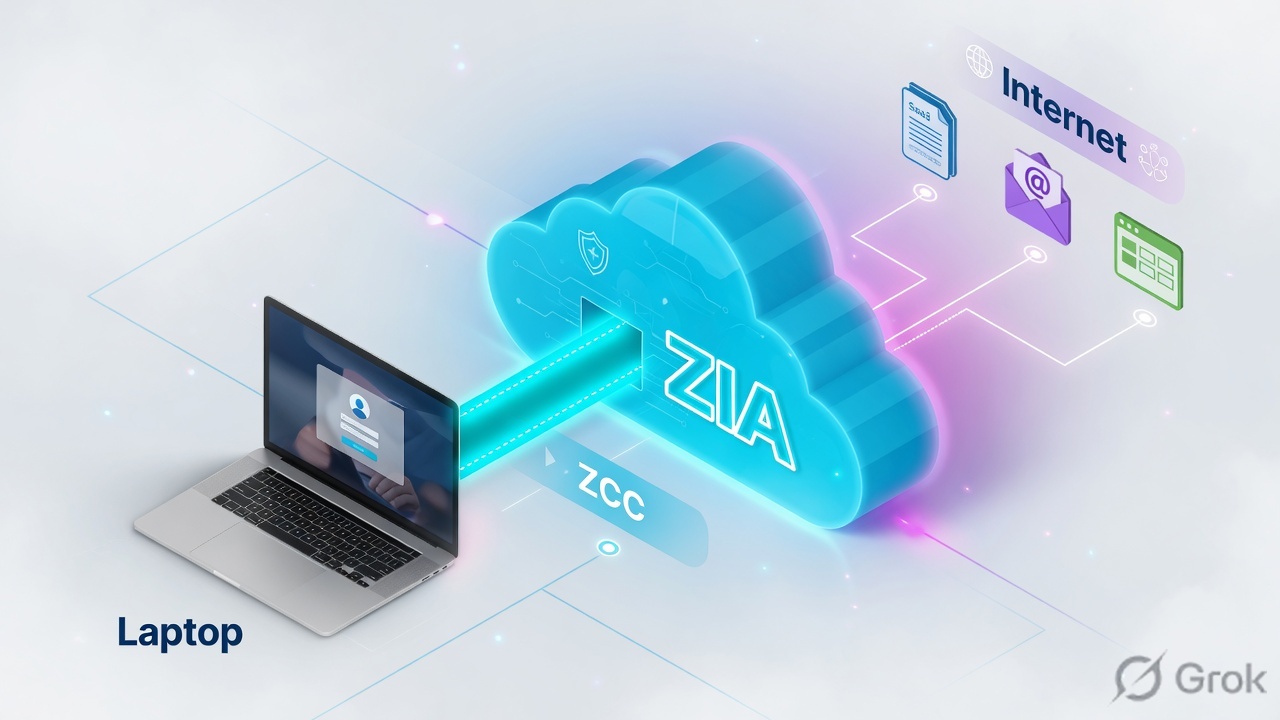
ZIA is the internet and SaaS path. Traffic must hit a Public Service Edge, then firewall, then SSL, then web engines. If it never arrives, policy will not save you.
Mental model — three parts
- Forwarding — how packets reach ZIA (GRE, IPSec, PAC, ZCC).
- Identity — who is on the wire (SAML/SCIM, location, surrogate IP).
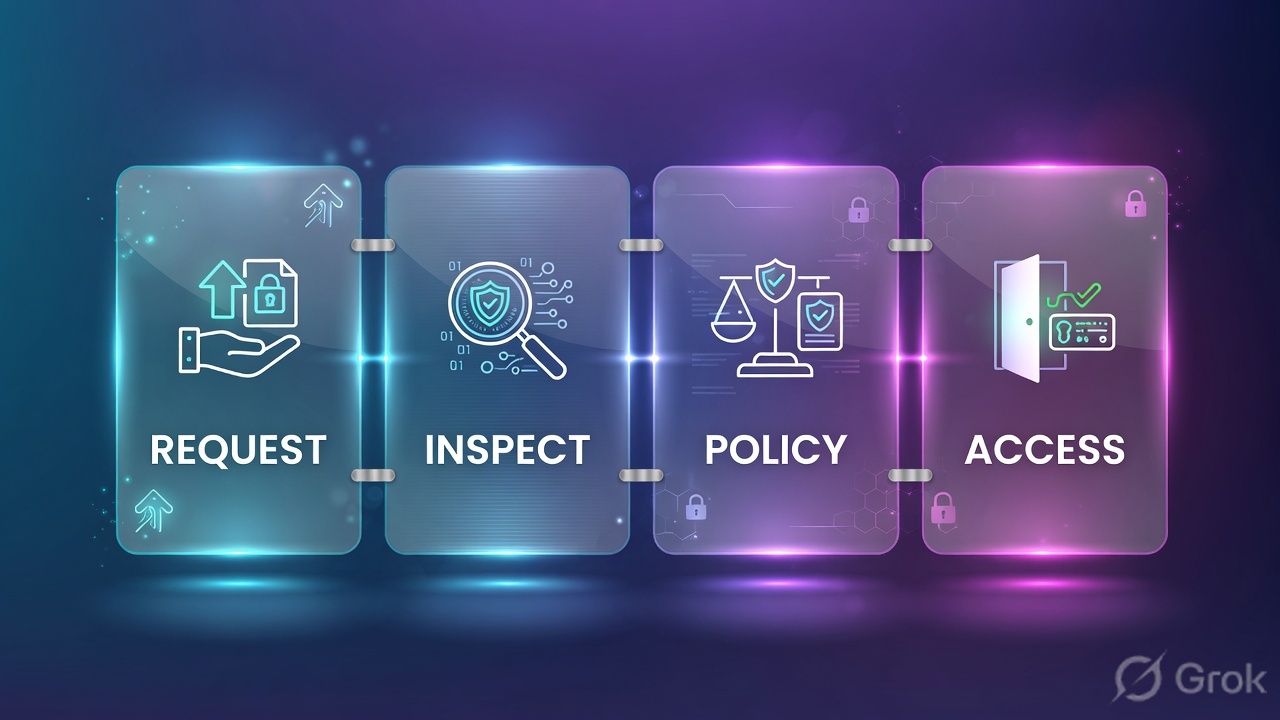
- Policy stack — firewall first, then SSL inspect, then ATP / URL / cloud app / DLP.
Firewall module first, then web module. If firewall blocks, URL policy never runs. Source: ZIA Policy Leading Practices — Order of Operations.
Hard words: Public Service Edge (PSE) is the ZIA enforcement node. Known location is a source IP you configured under Administration → Location Management. Surrogate IP maps an internal IP to a user after auth — it needs no NAT in front of the tunnel.
How to choose forwarding
| Method | Use when | Trap |
|---|---|---|
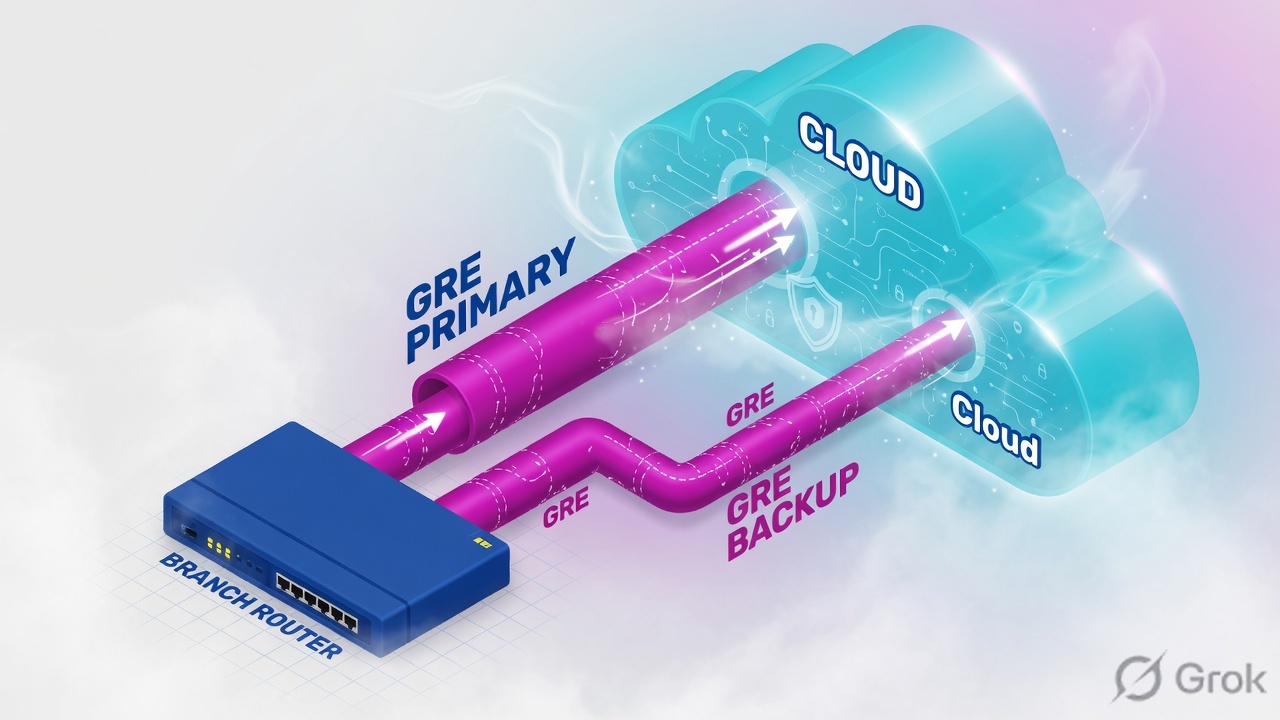
| GRE (primary + backup PSE) | HQ/branch router, static public IP | MTU/MSS; NAT hiding internal IPs |
| IPSec | No GRE, or SD-WAN mandate | Phase-1/2 mismatch; extra subscription in some designs |
| PAC | Browser explicit proxy, known vs remote port | Users disable PAC; remote users hit 9443 and always inspect |
| ZCC (Z-Tunnel 1.0 / 2.0) | Roaming and laptops | Trusted Network true → traffic skips ZIA |
Source: Choosing Traffic Forwarding Methods and ZIA traffic-forwarding reference architecture (GRE recommended).
Runbook — Side A / B / C
Side A · edge (router or ZCC)
Site
Build two GRE tunnels to two ZIA PSEs. Keep internal IPs visible (no PAT in front). Clamp MSS if users report slowness after cutover.
Roamer
Install ZCC (Intune/GPO). Confirm enrol user, tunnel up, forwarding profile. Do not declare success on icon colour alone.
Side B · ZIA Admin
Location
Administration → Location Management. Map the public IP. Enable authentication if you need user policy.
SSL pilot
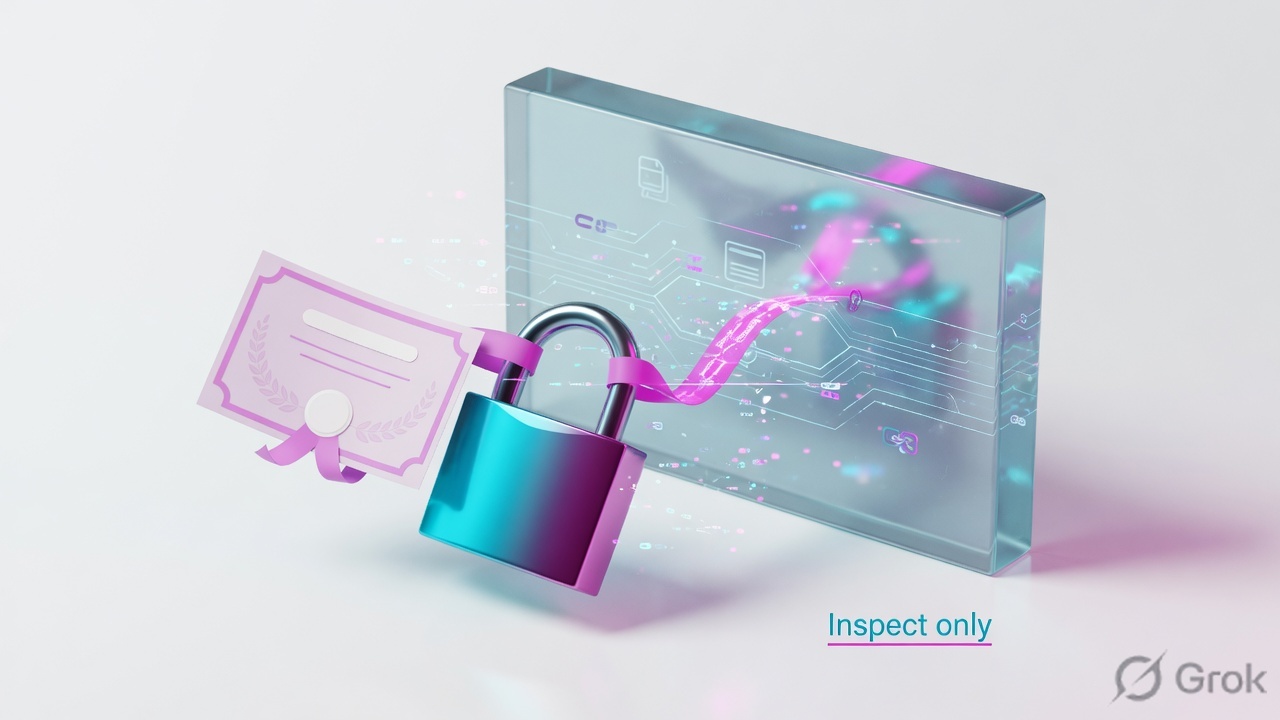
Policy → SSL Inspection → Add SSL Inspection Rule. Decrypt only
grp-ssl-pilotfirst. Distribute Zscaler root CA with Intune.URL / Cloud App
Policy → URL Filtering and Cloud App Control. Remember: firewall can still block a URL you allowed.
Policy / SSL Inspection / Add SSL Inspection Rule
Add SSL Inspection Rule
Official path: Policy → SSL Inspection. Rules evaluate in ascending order. Pilot a group before org-wide Decrypt. Source: help.zscaler.com configuring SSL Inspection policy.
Side C · prove
Web Insights
Analytics → Web Insights. Filter user Priya + URL outlook.office.com. Quote action, rule name, location.
SSL
If the browser shows a name-mismatch or unknown CA, the client does not trust the inspect CA — that is Side A, not a URL block.
Runtime path after go-live
Traps and proof
| Symptom | First check | Do not |
|---|---|---|
| No ZIA logs, ZCC green | Trusted Network, PAC, forwarding profile | Add a block rule “to test” |
| Cert warning on one app | Inspect CA on the device, exemption list | Org-wide Disable Decrypt |
| URL allow, still blocked | Firewall Control / DNS Control hit | Keep editing URL only |
| Whole branch slow after GRE | MTU 1400/1476, DF bit, MSS clamp | “Disable Zscaler” |
- One user in grp-ssl-pilot can open OWA. Web Insights shows the allow rule.
- One known-bad URL is blocked with EUN. Rule name matches.
- IdP (login.microsoftonline.com) is not hairpinned into a SAML loop.
Disabling ZCC for the company to “prove it is Zscaler.” You lose the only evidence channel.
Next: troubleshooting desk → · Or start ZPA path →
Knowledge check
Eight field tickets. Pick the first safe move.
Sources
- Choosing Traffic Forwarding Methods
- Best Practices for Traffic Forwarding
- Configuring SSL Inspection Policy
- Understanding Policy Enforcement
- ZIA Policy Leading Practices
Related: Path hub · GRE/IPSec deep · Entra SAML · Troubleshooting desk