Splunk is an ingest-search factory. Official data pipeline: input (forwarder annotates host / source / sourcetype on 64K blocks) → parsing (break into events, timestamps, transforms) → indexing (write compressed raw + index files) → search (search head directs peers and merges results). Enterprise Security is a later station: a correlation search writes a notable event to Incident Review. Success is a named index + earliest / latest (with timezone) + an integer count — not a red tile. An empty Events tab is usually the wrong index, the wrong window, or CIM fields that never mapped.
I do not start with Enterprise Security. I ask whether a forwarder shipped the stream, whether the indexer wrote it into a searchable index, which time range I used, what the job counted, and — only then — whether a correlation search already opened a notable that still has no owner. A chart without index + time + count is a vibe.
1. Why a chart is not a search
Every other blog starts with dashboards, CIM, and “hunt in ES.” That is why students freeze when the Events tab is empty. The real object is the event on disk. Features are only stamps the factory puts on a ticket after a forwarder ships a stream and an indexer writes it.
Official processing tiers match the factory floor: data input, indexing, search management. The four pipeline segments sit on those tiers — input on the forwarder, parsing plus indexing on the indexer, search on the search head. Same log line in a different index is a different factory job. Same events outside the Time range picker are invisible. A notable without contributing events is a correlation search that never saw a result.
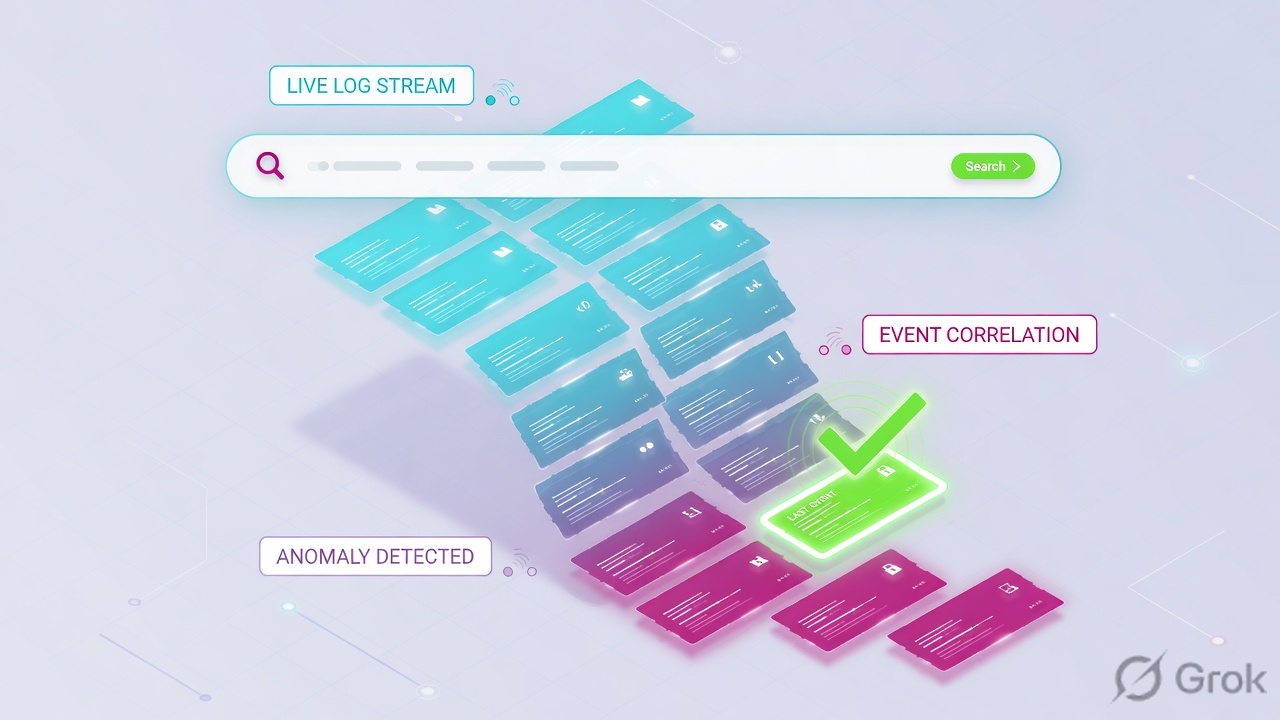
What the ticket asked
“VPN is under attack.” That sentence is a hypothesis. The factory may already have indexed 28 failures — or the events may live in lab_auth while you searched main.
What you prove first
Named index, then time window with timezone, then the job’s event count. The evidence desk is the night-shift version of this order — first tool + one proof field.
“The dashboard is red, so Splunk is down — rebuild the indexer.” A red tile only means some saved search painted a panel. If the Events tab is empty, rebuilding the indexer just reprints the same empty search. Change the index and the window first.
Values on this page — finance.user, lab_auth, lab_fw, N-1042, 192.0.2.25, host sh-lab-01 — match the Techclick Splunk simulator on the practice hub. They are not a customer tenant. Confirm live roles and indexes before you type on a real search head.
2. Mental model — four stations, one ticket
Hold four stations. Interviews fail when people mix them. A notable is not an indexer. A search is not a forwarder. CIM is not ingest.
1. The ticket is the event
One raw line becomes a searchable event after parsing. Default fields: _time, host, source, sourcetype, index. Until parsing finishes, Splunk has no notion of individual events — only a stream of 64K blocks with source-wide keys.
2. The stamps are the IDs
Forwarder stamp = which host shipped it. Index stamp = which repository on disk. Search stamp = earliest / latest + count. ES stamp = notable Owner / Status / Urgency / Rule Name.
3. The hiring manager is the pipeline
Input annotates the stream. Parsing breaks events and applies transforms. Indexing writes raw + tsidx. Search applies knowledge objects (field extractions, aliases, CIM) at search time. Correlation searches only see what those stamps already wrote.
4. Proof is Search, then Incident Review
Apps → Search & Reporting is the live table. Dashboards are history painted pretty. | tstats count is a predicted shape from index-time fields. Incident Review is the case file — only if ES is installed.
Read left → right. ES starts after the count exists. Do not jump to Owner while the index is still a guess.
Forwarder answers “who shipped this stream?” Official: a forwarder sends data to an indexer or another forwarder. Three types exist — universal, heavy, and deprecated light. The universal forwarder is the default tool. It has no UI and no Python. It forwards unparsed data except structured files. You need a heavy forwarder only when you must parse before send, or route by event contents.
Index answers “which repository holds the event?” Official: an index is the repository for data. The indexer transforms raw data into events and writes compressed raw plus index files. Events indexes are the default. Metrics indexes hold only metrics. Same IPs in main versus lab_auth are different factory jobs.
Search answers “how many, in which window?” The search head handles search management — it directs requests to search peers and merges results. The Time range picker (or earliest= / latest=) bounds the job. _time is stored as UNIX time. The picker is interpreted in the user timezone unless you pin it.
Notable / ES answers “did a scheduled correlation search already open a case?” Official: a correlation search is a scheduled search that can generate a notable event when results meet conditions. The results must include at least one event. You investigate notables on Incident Review. That station does not exist if ES is not installed.
3. Official data pipeline vs later search
The first bytes of a new source have no events yet. They walk input → parsing → indexing. Later searches of the same index skip that queue and ride what is already on disk. That is why “I fixed props.conf” sometimes does nothing until the next events are indexed — search-time aliases apply immediately; index-time transforms do not rewrite history.
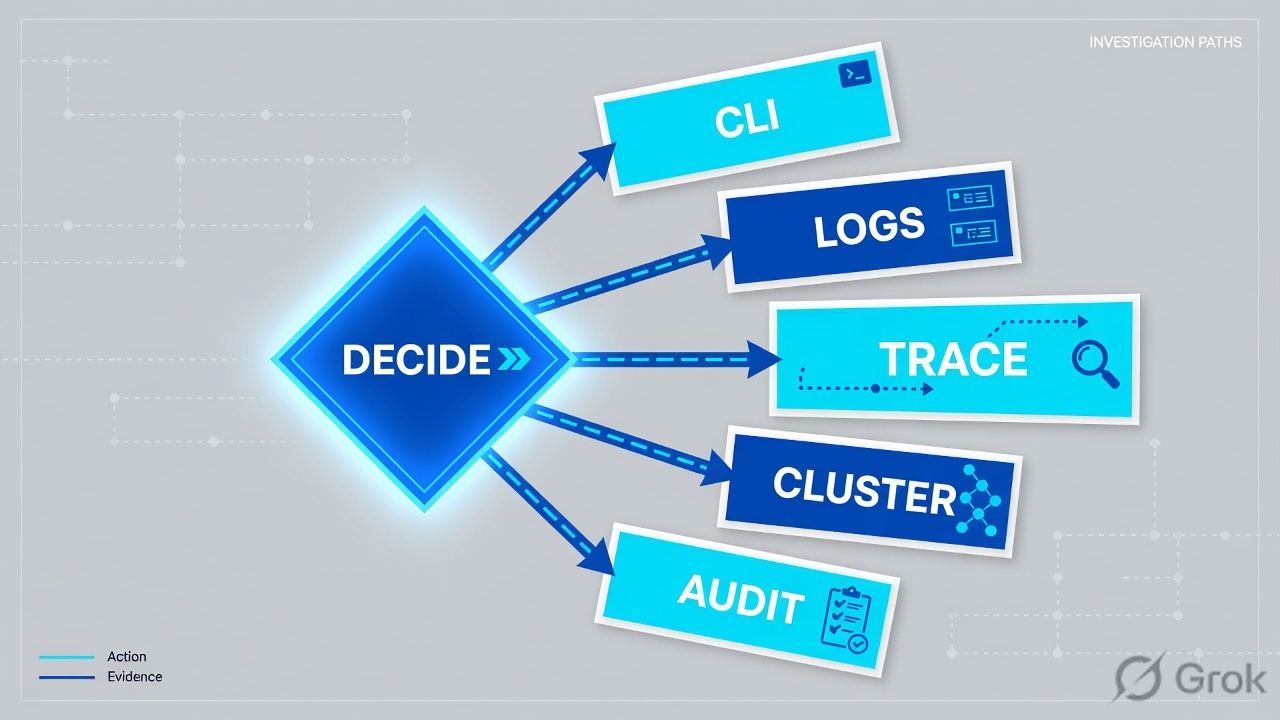
Read left → right, then the green later-search bar. Decision diamond = “is this index already searchable in this window?”
You added a field alias UserName → user and reran last 24 hours. The CIM Authentication correlation search is still silent on events from last week. Official: search-time rules apply when the search runs — they do not rewrite the raw event. If the correlation search uses a data model that expected the alias last Tuesday, those old jobs already wrote nothing. Re-run the correlation search (or wait for the schedule). Do not rebuild the index because an alias is new.
4. How to choose the station
You are not choosing a product. You are choosing which station of the factory is allowed to write on the ticket.
| Choice | Use when | Do not use when | Proof you were right |
|---|---|---|---|
| Universal forwarder | Default shipper. File / syslog / Windows inputs. You want a small footprint and no UI on the endpoint. | You must parse or route by event contents before the indexer. Official: UF forwards unparsed data (except structured files). | Monitoring Console → Forwarders: Deployment shows Status = active (connected in last 15 minutes). |
| Heavy forwarder | You must parse before send, filter/route by event contents, or index locally while forwarding. | Every Windows laptop. HF is a full Enterprise instance with a smaller footprint — not a cheaper UF. | Events arrive already broken; indexer does not re-parse structured/parsed streams the same way. |
Named events index (lab_auth) |
Production. One domain per index (auth, fw, wineventlog). Role-based access and retention stay sane. | Dumping everything into main “just to see it.” Same as Service = any on a firewall. |
Settings → Indexes lists the name; | tstats count where index=lab_auth returns a number. |
| Raw SPL + Time range picker | Prove the pipe. Count failures. First sentence of any ticket. | You open a CIM data model to prove an index is searchable. That is the expensive stamp. | Job event count + first/last _time + stated timezone. |
| CIM data model (Authentication / Network Traffic) | ES content, accelerated models, vendor field names that must become user / action / src. |
The TA left UserName unaliased and you wonder why the correlation search is blind. |
Recommended fields populated; tag authentication (or the model’s tags) present. |
| Incident Review | ES is installed and a high notable already exists. Assign Owner before more hunting. | ES is not installed, or you invent a notable from raw SPL at 02:00. | Owner ≠ Unassigned. Status moved off New. Rule Name matches the detection you think fired. |
The universal forwarder is the official default. Splexicon: “In most situations, the universal forwarder is the best way to forward data to indexers.” Heavy is the exception you can name. Source: Splexicon: universal forwarder / heavy forwarder.
- Index time — from receive to write on disk. Parsing, default fields, timestamps, transforms.
- Search time — from search launch to finish. Extractions, aliases, sourcetype rename, event types, CIM.
- Search peer — an indexer answering a distributed search.
- Knowledge object — reports, event types, dashboards, alerts, field extractions stored on the search tier.
- Contributing event — an event that helped create a notable (or a Mission Control incident).
5. Runbook Side A → B → C
Lab values only. Search head sh-lab-01, indexer idx-lab-01, forwarder uf-vpn-01, user finance.user, client 192.0.2.25, indexes lab_auth / lab_fw / _internal. Nothing here is a live tenant. Isolate first. Change-control later.
Side A — forwarder and the input tier (building the factory floor)
Primary source: Splexicon: forwarder / universal forwarder · How data moves through Splunk deployments: The data pipeline (Input segment) · Monitoring Console forwarders.
-
Decide UF unless you can name why HF
Default = universal forwarder on the VPN concentrator host. outputs.conf points at the indexer receiving port. Do not stand up a heavy forwarder to “see the events sooner.” UF has no UI — you will not log into it to hunt.
-
Stamp host / source / sourcetype at input
Official input segment: Splunk consumes the stream, breaks it into 64K blocks, and annotates each block with source-wide keys — host, source, sourcetype, and the destination index. It does not look at event contents yet. Wrong sourcetype here is a factory-floor error, not a search error.
-
Prove the shipper is active before you hunt
Settings → Monitoring Console → Forwarders: Deployment. Official Status: active if the forwarder connected to an indexer in the last 15 minutes; missing if it did not. Configure Forwarder Monitoring Setup first — that is the documented prerequisite. Queue percent on an HF is a later question.
Forwarder:  uf-vpn-01  type=universal
Outputs:    idx-lab-01:9997
MC Status:  active   lookback=15m
Index dest: lab_auth
Sourcetype: lab:vpn:auth
Host key:   uf-vpn-01
Side B — index then bounded search (printing the ticket)
Primary source: Indexes, indexers, and indexer clusters · Search Tutorial (start searching) · Specify time ranges. Remember: parsing + indexing live on the indexing tier. Search management lives on the search head.
Apps › Search & Reporting › Search
New Search
Default Time range picker on many Search Tutorial pages is Last 24 hours (some versions default Last 24 hours / All time for the tutorial). State the timezone out loud. Dummy values only.
Source: Search Tutorial — start searching (index, Time range picker, event count). Specify time ranges — earliest / latest. Dummy values only. Click next: copy event count + first/last _time into the ticket, then open Settings → Indexes if Latest event looks stale.
-
Confirm the index exists before you invent meaning
Settings → Indexes (Create custom indexes). Quote the name and the Latest event column. Lab:
lab_authLatest event within seconds. If Latest event is hours old and the VPN is still authenticating, that is Side A (forwarder) or the indexing tier — not a missing correlation search. -
Name the index in the Search bar
Apps → Search & Reporting. Type
index=lab_auth user=finance.user. Never start a customer hunt withindex=*. Underscore indexes (_internal,_audit) stay out of*unless you name them — useindex=_internalonly to prove this instance is writing its own logs. -
Pin time and timezone
Time range picker → Last 24 hours, or
earliest=-24h latest=now. Official: relative time modifiers and the picker bound the job. State the user timezone. Settings → User preferences → Time zone if the analyst is IST and the ticket is UTC. -
Speak the count before “attack”
Lab job: 28 events,
action=failure, dest=vpn, first 10:11Z, last 10:42Z, SIDSID-LAB-1042. Sentence: “28 VPN auth failures inindex=lab_authfrom 10:11Z to 10:42Z.” Then baseline. Then lockout / brute-force. Then ES.
index=lab_auth user=finance.user earliest=-24h latest=now
| stats count earliest(_time) as first latest(_time) as last by action dest

action    dest   count  first                 last
failure   vpn    28     2026-08-16 10:11:04Z  2026-08-16 10:42:18Z
Say the word count. This job is a what-if over a window. The live notable may show a different urgency after a VIP lookup. Compare it to Incident Review in Side C.
Side C — CIM stamps and the notable (only if ES is present)
Primary source: Splexicon: notable event / correlation search / CIM · CIM Authentication data model · Incident Review dashboard. Skip this side if Enterprise Security is not installed.
-
Confirm CIM if ES content is silent
CIM is a set of search-time data models — field names and tags that normalize vendor events. Authentication needs tag
authenticationand recommended fieldsaction(success/failure),user,src,dest,app. Network Traffic needsaction,src,dest,dest_port. If the TA leftUserNameunaliased, the correlation search is blind. That is a missing stamp, not a dead indexer. -
Assign the notable before more SPL
Enterprise Security menu → Incident Review. Official: the dashboard displays notable events and current status. Lab: N-1042, urgency High, Owner Unassigned, rule ES-BruteForce, risk object
user=finance.user. Edit selected → Owner = you → Status = In Progress. Then pivot to contributing events inindex=lab_auth. -
Do not invent a correlation search at 02:00
Official: correlation search results must include at least one event to generate a notable. If contributing events are 0, fix Side A/B or the CIM alias. Writing a new scheduled search while Owner is Unassigned is theatre.
Enterprise Security › Incident Review
Incident Review
ES 8 re-architected some menus (Mission Control / Analyst Queue). On ES 7 the path is Incident Review. Skip Side C if ES is not installed. Dummy values only.
Source: Splexicon: notable event + correlation search. Incident Review dashboard — Owner, Status, Urgency, Rule Name. Click next: assign Owner, move Status to In Progress, then open contributing events in the named index from Side B.
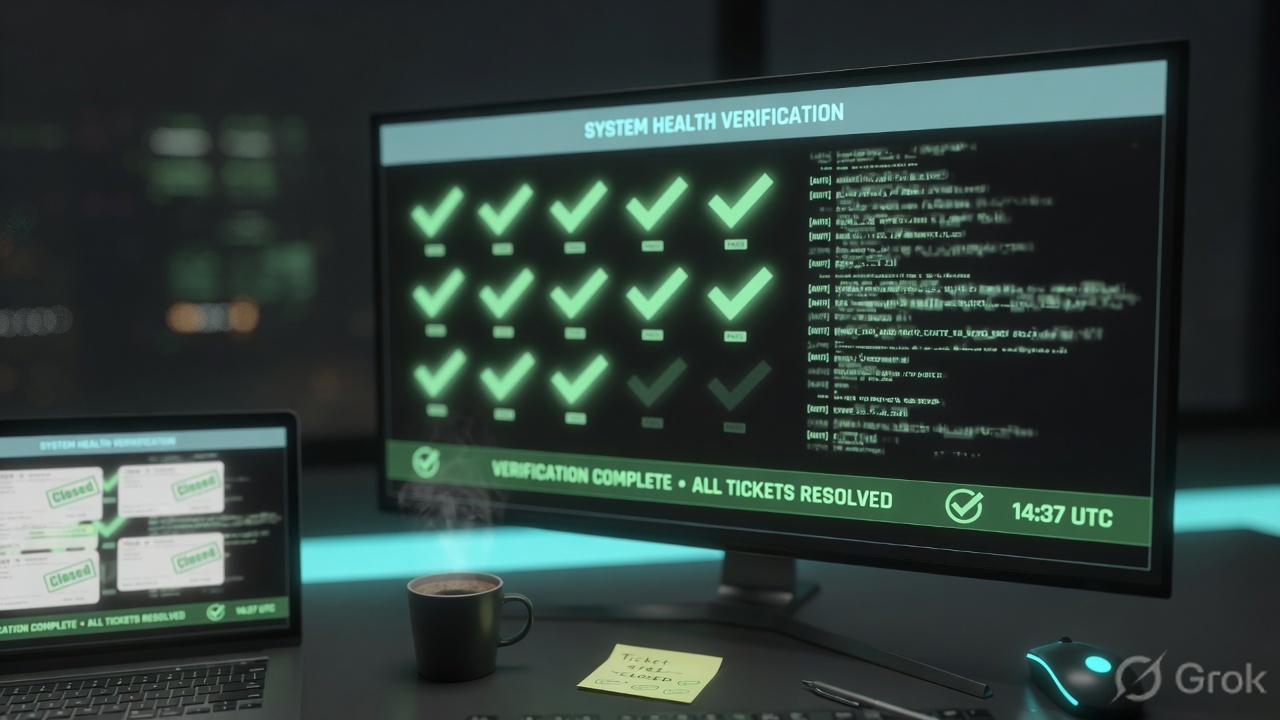
Forwarder Status = active. Settings → Indexes Latest event is current for lab_auth. Search job on index=lab_auth in a named window returns a count (lab: 28) with first/last _time. If ES is installed: notable N-1042 has an Owner and Status is no longer New. A red dashboard with 0 events is not success.
6. Runtime — CIM, timezone, old jobs
After the event exists on disk, later searches skip the ingest queue. Official search segment: the search head stores knowledge objects and manages the search process. Field aliases, CIM tags, event types, and calculated fields run at search time. They do not rewrite buckets. A new alias lights up the next job. It does not move last Tuesday’s events into a different index.
Timezone is the silent factory lever. Splunk stores _time as UNIX time. The Time range picker is interpreted in the user timezone unless you pin earliest= / latest= or set Settings → User preferences → Time zone. An incident at 02:00 UTC is invisible to “Last 4 hours” run at 10:00 IST (04:30 UTC). Same empty-Events feeling as the wrong index. Different station.
Index-time mistakes persist. A sourcetype stamped wrong at input, a transform that sent the stream to nullQueue, or events written to main instead of lab_auth stay wrong until you fix the input and wait for new events. You can search the old index. You cannot “commit” your way out of last week’s buckets the way a firewall commit reprints a rule.
Enterprise Security is a scheduled factory on top of the search factory. A correlation search runs, looks for at least one matching event, and writes a notable with metadata (Owner, Status, Urgency, Rule Name). If CIM never mapped user, that schedule writes nothing. If someone already opened N-1042 and left Owner Unassigned, writing more ad-hoc SPL does not assign it. Adaptive response actions (if licensed and configured) fire after the notable exists — they are not a substitute for Side B.
Distributed search is two copies of the later-search bar. The search head directs peers and merges. Green search-head clustering means the knowledge bundle is coordinated. It does not mean the VPN recovered. Prove that with the same bounded search on the same named index.
Night shift, 10:45Z. You isolate with read-only evidence. The evidence desk names the first click; this factory names the order of stations.
7. Traps + Search / Incident Review proof
| Symptom | Looks like | Actually | First move |
|---|---|---|---|
| 0 events, dashboard red | Splunk is down | Wrong index, wrong TZ, or UF missing | index=_internal then named index + window |
Searched main, 0 hits |
Indexer cluster down | Data lives in lab_auth / wineventlog |
Settings → Indexes · change the bar |
| Incident at 02:00Z, Last 4 hours empty | No data | IST picker never covered 02:00Z | State TZ · widen or pin earliest |
| ES correlation silent | Need a new correlation search | UserName never aliased to user; tag missing |
CIM Authentication fields + tag |
| High notable, nobody acts | Detection bug | Owner = Unassigned | Incident Review → set Owner |
| Added props.conf, old events unchanged | Commit failed | Index-time transform; old buckets stay | Search-time alias, or wait for new ingest |
| HF on every laptop | Faster parsing | You deployed a full instance as an agent | UF unless you must route by contents |
action=blocked on 445 called outage |
File server crash | Control working in lab_fw |
Count + rule name, not a reboot |
- Forwarder identified (UF vs HF) and Monitoring Console Status = active if you expected ingest.
- Index named in the search (
lab_authorlab_fw), not*. Settings → Indexes Latest event is current. - Time range spoken with timezone (lab uses Zulu first/last).
- Count spoken as an integer from the job (Events tab / Job inspector), not a chart colour.
- If 0 events:
index=_internalalive? wrong index? wrong TZ? UF missing? then CIM. - If ES is in play: notable ID, Rule Name, Urgency, Owner, Status. Contributing events live in the named index.
- No change-control (disable saved search, rebuild index) unless ingest is actually broken.
- The same business question (VPN lockout) can be restated as index + time + count.
Splunk is an ingest-search factory. A forwarder ships a stream and stamps host, source, and sourcetype. The indexer parses and writes an index. The search head counts a named window. Enterprise Security is a later station: a correlation search writes a notable I prove on Incident Review. I do not say “VPN is under attack” until I have index, time, and count. Allow me to open Search before I open ES.
Night-shift proof clicks live on the pair page: Prove Splunk is working — first tool + proof field.
Knowledge check
Six judgment questions. Map each miss back to the section named in the reason.
Sources
- How data moves through Splunk deployments: The data pipeline — input (64K blocks, host / source / sourcetype), parsing, indexing, search; parsing/merging/typing note
- Splexicon: data pipeline — four segments you can assign to different components
- Splexicon: forwarder — universal, heavy, deprecated light
- Splexicon: universal forwarder — default shipper; unparsed except structured data; no UI
- Splexicon: heavy forwarder — parses before forwarding; can route by event contents; can index locally
- Splexicon: indexer — transforms raw data into events and places them in an index
- Splexicon: index — repository for data; events vs metrics; indexing is the third pipeline segment
- Indexes, indexers, and indexer clusters
- Splexicon: search head — search management; directs search peers and merges results
- Splexicon: index time · Splexicon: search time · Index time versus search time
- Search Tutorial — start searching — index, Time range picker, event count
- Specify time ranges — earliest / latest, relative modifiers
- Splexicon: time range picker · Splexicon: Search app
- Splexicon: Common Information Model · CIM Add-on — overview · CIM Authentication
- Splexicon: correlation search — scheduled search; at least one event to generate a notable
- Splexicon: notable event — alert with metadata; investigate on Incident Review
- Enterprise Security — Incident Review dashboard
- Splexicon: monitoring console
Related: Blog 2 · Evidence desk — first tool + proof field · Splunk practice hub · Dummy lab simulator · ES notables & CIM · SPL search · Indexing, data models & CIM · Forwarders & clustering