The ticket
Dummy site: Mumbai office. Firewall fw-mum-01. HR users sit in zone trust-l3. Rule allow-hr-sap is Source Zone trust-l3, Source User TECHCLICK\hr-users, destination the SAP VIP. Rahul’s laptop is 10.20.30.81. Traffic log: session allowed? No — it hits the next rule, or it denies, and Source User is blank.
If you add “any” user to make SAP work, you hid the real fault. The rule is fine. The name never arrived.
User-ID maps an IP address to a username (and, separately, usernames to groups). Enable User Identification on the trusted source zone. Collect mappings with a Windows User-ID agent, the PAN-OS integrated agent, syslog, GlobalProtect, Authentication Portal, TS agent, or XML API. Then prove it with show user ip-user-mapping ip 10.20.30.81. Palo Alto: “Enable User-ID on the source zones that contain the users.” Never enable User-ID and client probing on an untrusted internet zone.
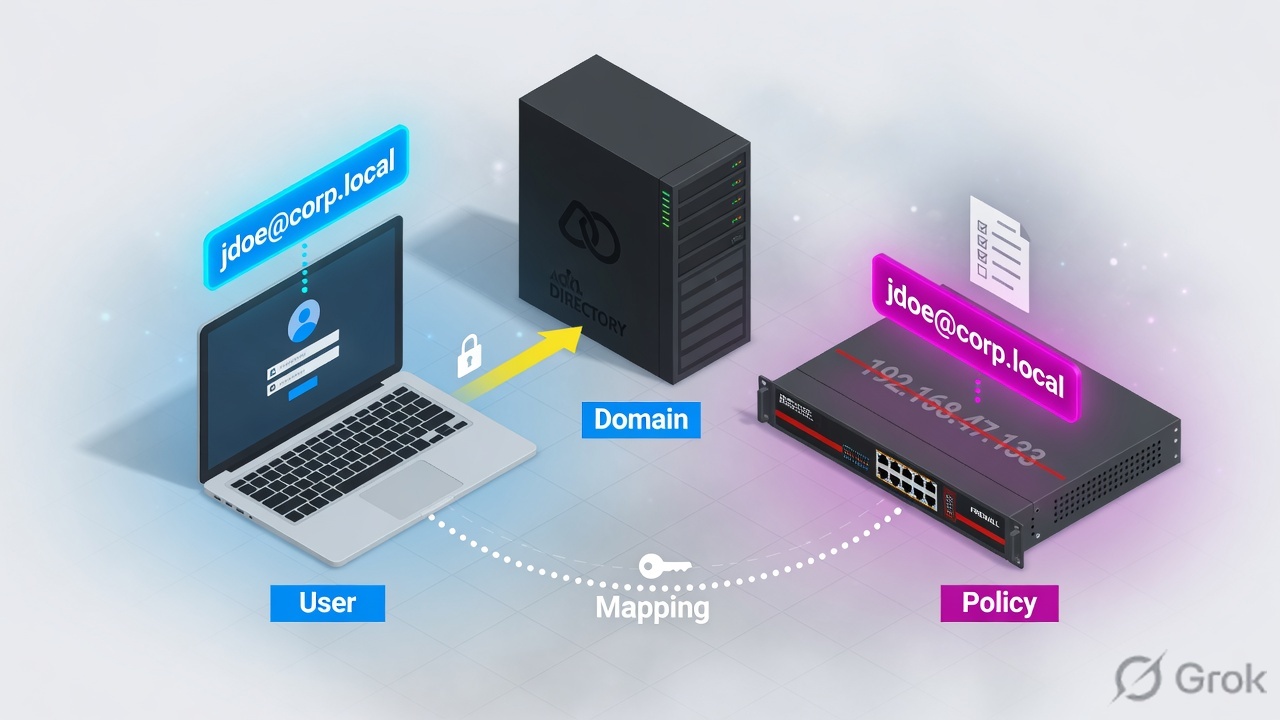
What User-ID actually is
PAN-OS has two different jobs that students mix:
User mapping answers “which username owns this IP right now?” That is ip-user-mapping.
Group mapping answers “which AD/LDAP groups is that username in?” That is what fills the Source User drop-down with TECHCLICK\hr-users.
A traffic log can show a username and still miss a group-based rule if group mapping is down. Or it can show an empty user even when the group object exists in the rule — because the IP was never mapped.
If the first arrow is missing, the group object in the rule is decoration.
User mapping names the IP. Group mapping names the club. Security policy can use either. An empty Source User means the first table missed — not that AD is “down” until you prove it.
FW fw-mum-01 · zone trust-l3 · user TECHCLICK\rahul.mehta · IP 10.20.30.81 · DC dc01.techclick-lab.in · Windows agent 10.10.10.15:5007 · group TECHCLICK\hr-users. Not a live customer.
Which mapping source
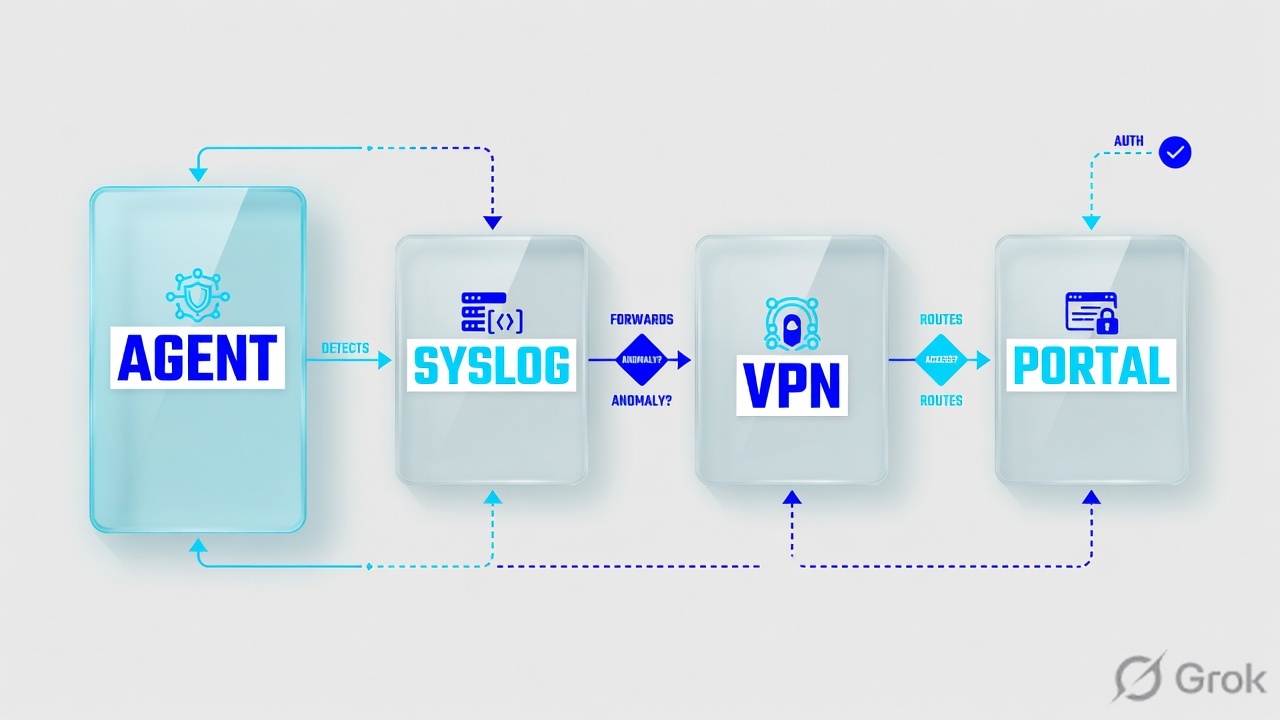
| Source | What it watches | Use when | Main lie |
|---|---|---|---|
| Windows User-ID agent | DC / Exchange security logs (login events) | Most Windows offices; many DCs | Agent down or service account too weak → silent empty users |
| PAN-OS integrated agent | Same job, runs on the firewall | Few DCs, small site, or syslog over TLS | Firewall CPU + DC query load; still needs a dedicated service account |
| Syslog listener | Auth logs from WLC, 802.1X, NAC, proxy | Users who never hit a Windows DC | Parse profile wrong = no mapping. TLS syslog is preferred on the integrated agent |
| GlobalProtect | The GP login itself | Remote / hybrid users | Office LAN users are not mapped just because GP exists |
| TS agent | Per-user ports on a terminal server | Citrix / RDS — many users, one IP | Without it, one IP = one (wrong) user |
| Authentication Portal | User authenticates in the browser | Linux / BYOD / last-resort; overrides other methods | Not a replacement for DC monitoring on domain PCs |
| XML API | You push mappings | Custom NAC / lab | You own the timeout and the cleanup |
Palo Alto: enable User-ID on trusted zones only. If you enable User-ID and client probing on an external untrusted zone, probes can leak the agent service-account name, domain, and an encrypted password hash. Also: “do not enable client probing as a user mapping method on high-security networks.”
How you configure it
Three sides. Side A is identity sources. Side B is the firewall zone + include list. Side C is the Security rule and the User-ID app itself.
Side A — collect mappings (agent / syslog / GP)
GUI: Device → User Identification → User Mapping (server monitoring / include-exclude). For a Windows agent, install the agent near the DCs, then point the firewall at it. Official: create a dedicated service account with the minimum rights — do not use Domain Admin.
Device → User Identification → User Mapping
Server Monitoring
Source: PAN-OS Enable User-ID / integrated agent — Device → User Identification → User Mapping. Always set include/exclude networks.
show user server-monitor state all
Server: dc01-sec-log
  type: AD
  status: Connected
  vsys: vsys1

show user user-id-agent state all
Agent: uid-agent-01  10.10.10.15:5007
  status: connected
  version: 11.0.2-xx
Group mapping is a second object: Device → User Identification → Group Mapping Settings → LDAP server profile. Official: map users to groups so you can select group names in policy. Prefer group-based rules so you do not commit on every joiner/leaver.
Side B — turn User-ID on the zone
GUI: Network → Zones → trust-l3 → Enable User Identification. This is the step students skip. Mappings can exist on the firewall and still never stamp the session if the ingress zone is not User-ID enabled.
Network → Zones → trust-l3
Zone
Source: Enable User-ID — “Select [Network → Zones] and click the Name of the zone. Enable User Identification.”
Side C — policy + protect the User-ID app
GUI: Policies → Security → User tab → Source User. Official options include a specific user/group, or known-user / unknown.
Also allow application paloalto-userid-agent only between agents, DCs, and firewalls. Deny it to the internet zone. On HA, enable config sync so mappings/groups stay with the peer.
# Rule allow-hr-sap
# Source Zone: trust-l3
# Source User: TECHCLICK\hr-users
# Destination: sap.techclick-lab.in
# App: sap
# Action: allow
# Log at session end: yes
Four User-ID failures
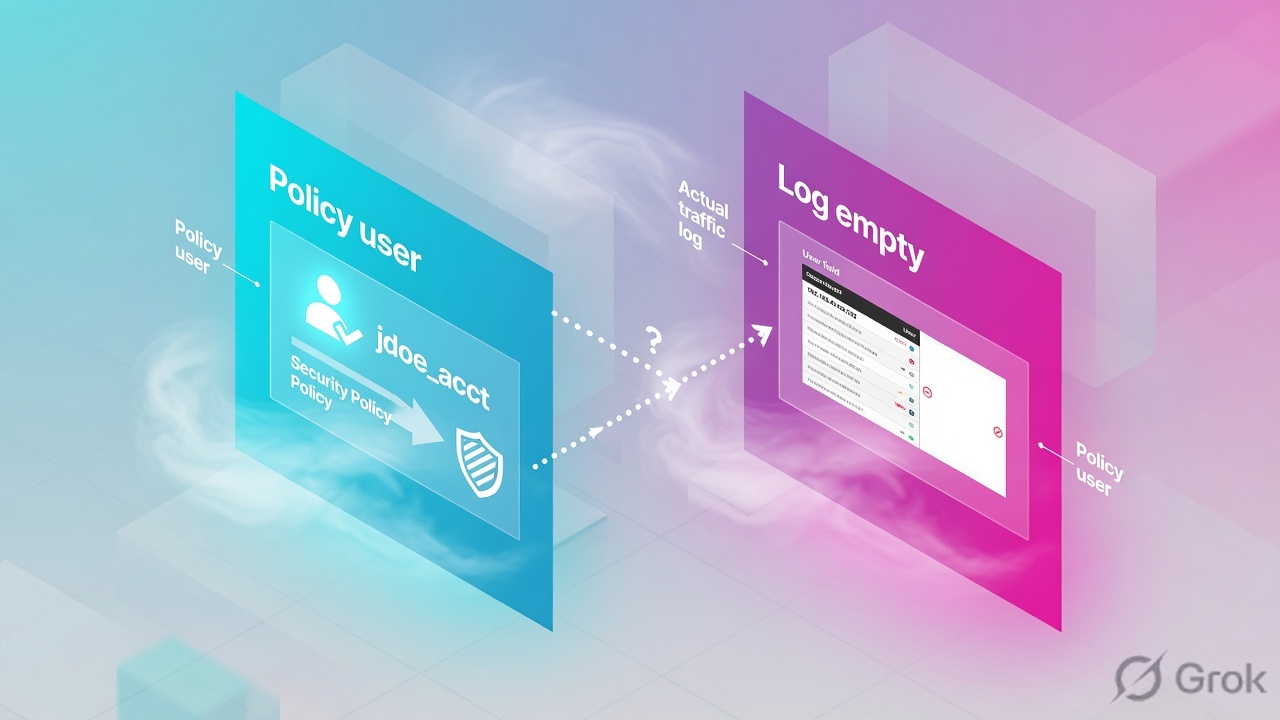
1 · User-ID not enabled on the source zone
What this is. Agent is Connected. show user ip-user-mapping ip 10.20.30.81 even shows Rahul. Traffic log Source User is still empty. Zone trust-l3 does not have User Identification ticked.
show zone trust-l3
  user-id: no

show user ip-user-mapping ip 10.20.30.81
IP              Vsys   From    User
10.20.30.81     vsys1  AD      TECHCLICK\rahul.mehta
# Mapping exists. Session is not stamped. Enable User Identification on the zone.
Takeaway. Mapping table ≠ session stamp. The zone checkbox is the stamp.
2 · Include list missed the subnet (or client probing is the only method)
What this is. Include list is 10.20.10.0/24. Rahul is on 10.20.30.81. No mapping is created. Or someone enabled WMI/NetBIOS client probing instead of security-log monitoring and it is blocked or unsafe.
show user ip-user-mapping ip 10.20.30.81
No ip-user-mapping

# Fix include list to 10.20.30.0/24, then wait for a new login event
# or have Rahul lock/unlock the PC so the DC writes a logon event
Takeaway. Official best practice: always set include and exclude networks. Do not use client probing as the main method on a high-security network.
3 · Many users, one IP — Citrix / RDS without TS agent
What this is. Twenty HR users share 10.20.40.10 on a terminal server. User-ID thinks that IP is one person. Policy and logs lie for everyone else.
Takeaway. Official: Windows multi-user systems need the Terminal Server (TS) Agent. Non-Windows multi-user systems use the XML API.
4 · Group mapping down — user is known, group rule misses
What this is. Traffic log shows TECHCLICK\rahul.mehta. Rule uses TECHCLICK\hr-users. LDAP group mapping is disconnected, so the firewall does not believe Rahul is in that group.
show user ip-user-mapping ip 10.20.30.81
10.20.30.81  vsys1  AD  TECHCLICK\rahul.mehta

show user group-mapping state all
Group Mapping: gm-techclick
  ldap-server: ldap-techclick
  last-success: 2 days ago
  status: connection failed

show user group name "cn=hr-users,ou=groups,dc=techclick-lab,dc=in"
# rahul.mehta not listed — mapping stale
Takeaway. Prove both tables. A username in the log is not proof a group-based rule will hit.
How to prove it

On redistribution clients, official check: show user ip-user-mapping all and From = REDIST.
show zone trust-l3
show user server-monitor state all
show user user-id-agent state all
show user ip-user-mapping ip 10.20.30.81
show user ip-user-mapping all | match 10.20.30
show user group-mapping state all
show user group name TECHCLICK\hr-users
show log traffic query "addr.src in 10.20.30.81" direction equal backward
- Zone
trust-l3has User Identification enabled.untrustdoes not. - Agent or server-monitor status is Connected.
show user ip-user-mapping ip 10.20.30.81showsTECHCLICK\rahul.mehta.- If the rule uses a group, that user is listed in the group mapping.
- New session: traffic log Source User is filled; rule
allow-hr-saphits. - You did not set Source User to any to “make it work.”
Traps
| Trap | Looks like | First proof | Do not |
|---|---|---|---|
| Empty Source User | Group rule never hits | Zone User-ID + ip-user-mapping for that IP | Change the rule to any user first. |
| User-ID on untrust | “We enabled it everywhere” | Zone list | Turn on client probing toward the internet. |
| Stale DHCP mapping | Wrong user on a new laptop | Mapping timeout vs DHCP lease | Blame the SAP team. |
| Proxy / Zscaler egress | One IP, many people | X-Forwarded-For Header in User-ID (Device → Setup → Content-ID) | Treat the proxy IP as one employee. |
| Redistribution miss | Hub has users, spoke does not | From = REDIST on the client FW | Install a second agent on every spoke blindly. |
| Domain Admin as agent account | It works, audit fails | Service account rights | Leave Domain Admin in production. |
Interview close: “User-ID is an IP-to-user table plus a user-to-group table. I enable it on the trusted source zone, I name the mapping source, and I prove it with ip-user-mapping and the traffic-log Source User. An empty user is a mapping problem until those two proofs say otherwise.”
Knowledge check
Eight judgment questions. Pick one, then Check.
Palo Alto series (1 of 10): User-ID → App-ID unknown/override → U-turn NAT → Tap/vwire/L2/L3 → Service routes → Commit/lock/revert → DAG+EDL → test security-policy-match → SSL decrypt failures → GlobalProtect HIP.
Sources
- Palo Alto: Enable User-ID — trusted source zones, dedicated service account, include/exclude, group vs user policy, paloalto-userid-agent, XFF, HA sync.
- Palo Alto: Map IP Addresses to Users — Windows agent, integrated agent, syslog, TS agent, XML API, Authentication Portal.
- Palo Alto: Configure User-ID redistribution — verify From = REDIST.
- Related on Techclick: App-ID + Content-ID + User-ID trilogy · Security policy first match · GlobalProtect · Command center.