A PAN-OS session is two unidirectional flows — c2s and s2c — keyed by a 6-tuple: source IP, dest IP, source port, dest port, protocol, and ingress security zone. The first packet that does not match an existing flow walks session setup / slowpath (zone protection → TCP state → forwarding → NAT → User-ID → DoS → security policy with application ANY → session allocation). After the slot is ACTIVE, later packets take the fast path: refresh the timeout, apply NAT, then App-ID / Content-ID if there is payload. Prove a live flow in Monitor → Session Browser. Decode it with show session id <N>. History lives in Traffic logs, not the Browser.
1. Why the session table is the firewall
PAN-OS does not re-decide every packet from scratch. Ingress parsing and egress forwarding stay per-packet. Security is session-based: App-ID and Content-ID hang off a slot in the session table. If that slot never forms, policy never “runs” in the way the ticket writer imagines.
That is why “the rule is Allow” is not evidence. The first question is: is there a session? If yes, what state, what rule, what NAT, and are both directions carrying bytes?
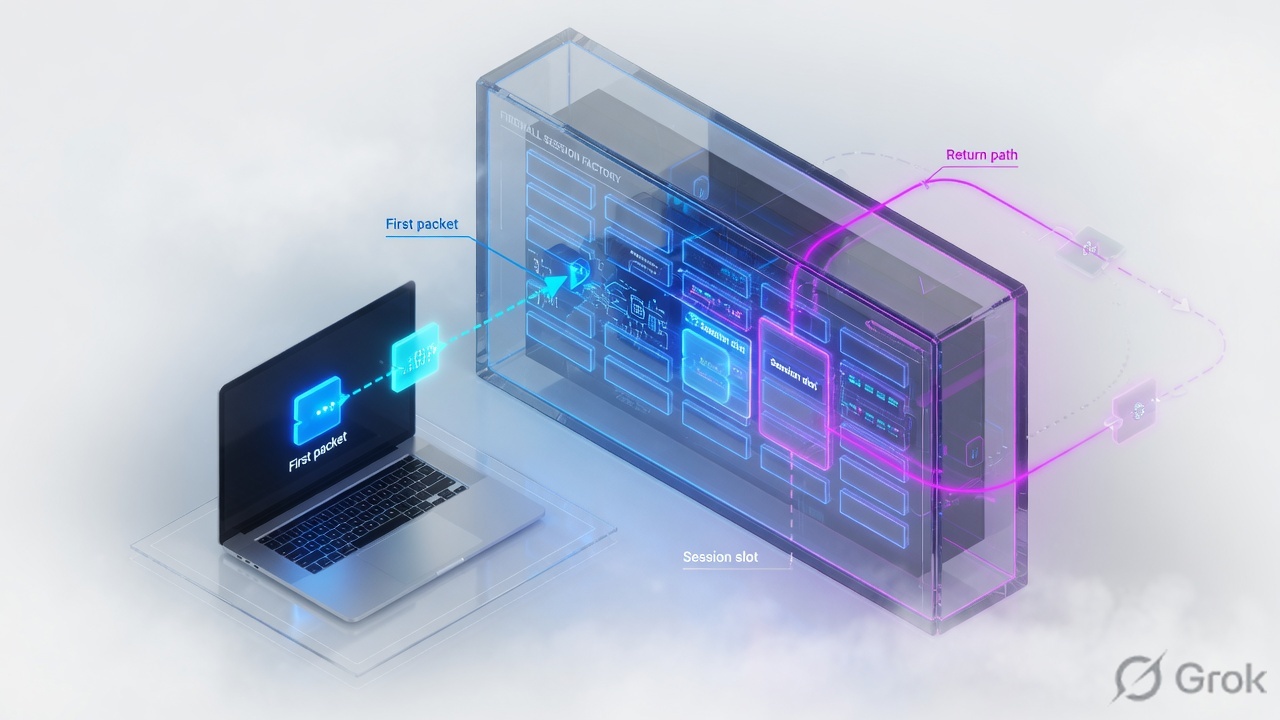
6-tuple — source and dest address, source and dest port (or protocol-specific stand-ins), IP protocol, and the security zone of the ingress interface. Official session overview KB.
c2s / s2c — client-to-server is the sender of the first packet from the firewall’s point of view. Server-to-client is the return. Hosts may disagree who is “client.”
Session setup / slowpath — first-packet path that allocates the slot. Official packet-flow KB Section 3.
Fast path — a packet that already matches an existing session. Official packet-flow KB Section 4.
FLOW vs PREDICT — FLOW is a normal session. PREDICT is an ALG pinhole (FTP, SIP, H.323) that becomes FLOW when the first matching packet arrives.
DISCARD — a live session that now drops matching packets (policy deny or threat action). It is not the same as “no session.”
2. Mental model · 6-tuple, c2s / s2c
Memorize one object. One session = two flow keys in the lookup table. Same IPs entering two different zones are two sessions. That is why a zone-moved return packet does not “just work.”
Read left → right, then the two flow boxes. Orange is the state cycle from the official session overview KB.
Type FLOW
Normal session. HTTP, SSH, TLS. c2s and s2c share the same conversation. This is almost every row in Session Browser.
Type PREDICT
ALG child. FTP data, SIP media. May show 0.0.0.0 ports until the first matching packet promotes it to FLOW. Filter: show session all filter type predict.
The firewall’s client is whoever sent the first packet it saw. Source NAT makes the s2c destination look “wrong” on purpose. That is the NS flag, not a bug.
3. Packet-flow stages · setup vs fast path
Official order, not classroom folklore. Flowchart first.
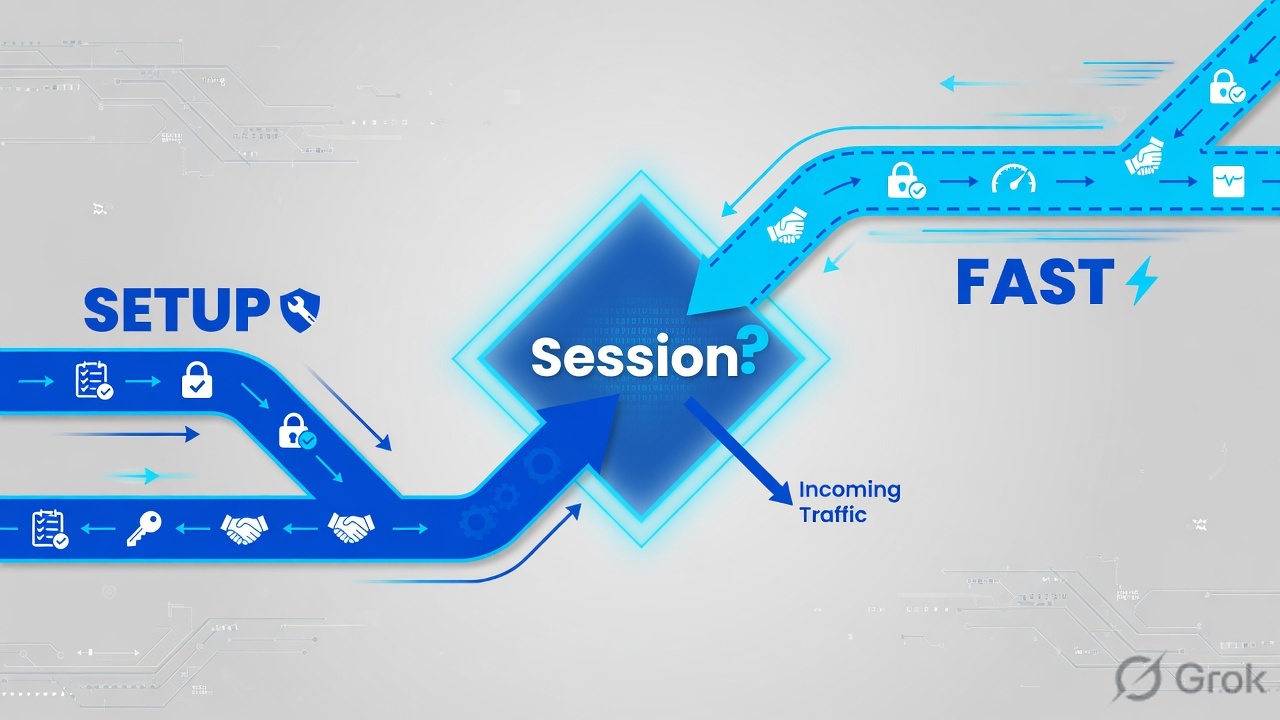
DoS protection lookup is before security policy (PAN-OS 7.0.2 / 6.1.7, PAN-48644). First security lookup is application ANY. App-ID rematch is later, on the fast path.

What dies on setup (so no session appears)
If setup fails, Session Browser stays empty for that 6-tuple. Typical official drop points:
- Ingress parse — bad checksum, TTL 0, land, martian, invalid TCP flags. Not a policy problem.
- TCP state — first packet is TCP and SYN is not set. Default is discard. Needed only for some asymmetric designs; it is a security risk.
- Forwarding — L3 FIB miss. No egress zone → policy never runs.
- NAT — source NAT pool exhausted, allocation check fails, packet discarded.
- DoS / zone protection — thresholds or SYN flood RED/cookies.
- Security policy — no rule, or action deny, on the original packet with application ANY.
- Session allocation — VSYS session max or global session table full.
4. How to choose Browser, CLI, Traffic log
Three tools, three timescales. Mixing them is how tickets bounce for a week.
| Need | Use | Do not use |
|---|---|---|
| Is this 6-tuple alive right now? | Monitor → Session Browser or show session all filter … |
Traffic logs — those are start/end history |
| Decode NAT, both flows, timeout, offload, rule | show session id <N> (or Browser inspect) |
A single Traffic log line — it collapses the two flows |
| Session already ended / aged-out / cleared | Monitor → Logs → Traffic (session end reason) | Session Browser — the row is gone |
| Count matches (how many ssh from this user?) | show session all filter … count yes |
Exporting the whole Browser by hand |
| Kill one bad slot after you fixed policy | Browser Clear column, or clear session id <N> |
clear session all on a production box as a first move |
| Packet-level proof for TAC | Packet capture + (if needed) briefly disable offload) | Session Browser alone — it is state, not pcap |
Official help: Monitor → Session Browser browses and filters current running sessions. When the session ends, the row leaves. End reason (aged-out, tcp-fin, tcp-reuse, threat, or unknown after clear session) is a Traffic log field.
5. Runbook · find, decode, clear
Lab story (RFC 5737 only): user 192.0.2.25 in zone trust opens TLS to 198.51.100.44:443. Dynamic-IP-and-port source NAT to 203.0.113.10. You must prove the session exists, both directions, and the NAT flag, then clear only if you changed policy.
Primary sources: Monitor → Session Browser, How to View/Clear Sessions, How to Filter Active Sessions from the CLI, Firewall Session Overview.
Side A — Session Browser
-
Open current sessions
Monitor → Session Browser. This is live table, not Traffic. Use the same filter grammar as other Monitor logs (see Log Actions on that help page).
-
Filter the 6-tuple you care about
Narrow by source, destination, application, or rule. Dummy filter: source address
192.0.2.25, dest port 443. If the row is missing while the user is clicking, setup failed — go back to Section 3 drop points. Do not start in Traffic yet. -
Inspect the slot
Official View/Clear KB: click the inspect control to open the full session. Confirm Application, State, Type, From/To zones, and the Clear column. Note the Session ID — that is the argument for CLI.
Monitor → Session Browser
Current running sessions
| ID | App | State | Type | Flag | From | To | Source | Destination | Rule | Clear |
|---|---|---|---|---|---|---|---|---|---|---|
| 48219 | ssl | ACTIVE | FLOW | NS | trust | untrust | 192.0.2.25:53122 | 198.51.100.44:443 | trust-web | × |
| 48220 | incomplete | ACTIVE | FLOW | trust | untrust | 192.0.2.25:53140 | 198.51.100.80:443 | trust-web | × |
Click next: inspect session 48219, copy the ID, then run show session id 48219 on the CLI. The × is the Clear column from the official View/Clear KB. Source: Monitor → Session Browser help + How to View/Clear Sessions.
Side B — CLI decode
-
Filter first, then open the ID
Hit tab after
show session all filterfor the real option list (application, port, user, address, security rule, NAT policy, state, type). Official filter KB.Operational modeshow session all filter source 192.0.2.25 destination-port 443 state active show session id 48219
-
Read c2s and s2c as two stories
Source NAT changes the s2c destination (and often the port). That is flag NS. Destination NAT is ND. Both is NB. No flag = no NAT. Official session overview KB.
admin@PA-VM> show session id 48219
Session          48219

c2s flow:
  source:      192.0.2.25 [trust]
  dst:         198.51.100.44
  proto:       6
  sport:       53122          dport:      443
  state:       ACTIVE         type:       FLOW
  src user:    example\finance.user

s2c flow:
  source:      198.51.100.44 [untrust]
  dst:         203.0.113.10
  proto:       6
  sport:       443            dport:      20488
  state:       ACTIVE         type:       FLOW

start time                  : Sat Aug 15 10:12:04 2026
timeout                     : 3600 sec
time to live                : 3588 sec
total byte count(c2s)       : 2844
total byte count(s2c)       : 6120
application                 : ssl
rule                        : trust-web
nat-rule                    : snat-outbound(vsys1)
address/port translation    : source
session in session ager     : True
session synced from HA peer : False
layer7 processing           : enabled
ingress interface           : ethernet1/2
egress interface            : ethernet1/1
| Field | What it proves |
|---|---|
c2s / s2c zones | Ingress zone of each direction. Zone mismatch on return = new 6-tuple, not this slot. |
s2c dst ≠ c2s src | Source NAT. Expected with NS. If you expected no NAT, the NAT rule is wrong — not “asymmetric routing.” |
timeout vs time to live | Configured app/protocol timeout versus seconds left. Ager True means the slot is still aging. |
total byte count | c2s growing, s2c = 0 → client is talking, return is not landing on this session. |
application / rule | What App-ID currently thinks, and which Security rule owns the slot (may change after App-ID). |
layer7 processing | enabled = still identifying / inspecting. complete = App-ID finished. Offload yes (when present) means later packets may skip the dataplane path you hoped to capture. |
session synced from HA peer | True = created on the peer and synced. Locally born = False. |
Side C — clear and prove
-
Clear only after the cause is fixed
Browser: the symbol under the Clear column. CLI:
clear session id 48219. Official View/Clear KB. Traffic log session-end-reason for a manual clear is oftenunknown. -
Re-test and confirm a new ID
Have the user retry. A new Session ID should appear. Same ID after “clear” means you filtered the wrong row or the client never reopened.
-
If the row is gone, switch tools
Monitor → Logs → Traffic. Look at Type (start/end), Rule, Action, Session ID, bytes, and session end reason. That is history. Session Browser will not resurrect it.

6. Runtime · App-ID shift and DISCARD
After go-live the first packet is already history. Later packets do not re-run zone-protection → FIB → first policy with ANY. They hit the slot.
FIN starts TCP half-closed; second FIN or RST starts time-wait. Those timers live on the session, not in Security policy.
incomplete
App-ID has not finished. Common on a SYN with no data, or a handshake that never completed. Not a separate “deny app.” Wait for payload or check if return packets exist.
Offload
Session overview: “Offload yes” means the application is identified and later packets can be processed in hardware. Packet-diag on a fully offloaded flow will miss packets. Do not leave set session offload no on overnight.
7. Traps + proof checklist
| Symptom | Likely stage | First proof | Unsafe move |
|---|---|---|---|
| Rule is Allow, Session Browser empty | Setup never finished (parse, non-SYN, no route, NAT fail, implicit deny, table full) | Retry once; show session all filter source <ip>; check FIB and Security on the original packet |
Adding “any any allow” at the top before you know if a packet arrived |
| TCP “works from one site, not the other” | 3.2 TCP state — first packet is not SYN (asymmetric) | Capture the first packet. Default is discard non-SYN | Allowing TCP non-SYN globally as a standing change |
| Session ACTIVE, s2c bytes = 0 | Return not hitting this 6-tuple (routing, zone, NAT reverse) | show session id both flows + NAT flag; check egress vs return ingress zone |
Clearing the session every minute “to help it” |
| State DISCARD, user keeps retrying | Fast path short-circuit after policy deny or threat | Read application + rule on the slot; fix policy/profile; then clear session id |
Leaving DISCARD in place and blaming the ISP |
| ssl became facebook-base then died | Section 5 App-ID rematch | Traffic log start vs end application; Security rule that matches the new App-ID | Pinning service any-any so you never see the rematch |
| FTP control lives, data dies; no PREDICT rows | ALG / predict not created | show session all filter type predict; application = ftp on the rule, ALG enabled |
Opening all high ports instead of letting the ALG predict |
| Session lasts exactly the TCP default then aged-out | Idle timeout, no keepalive | Traffic end-reason aged-out; Device → Setup → Session vs Objects → Applications timeouts |
Raising global TCP timeout to 24 hours |
- Session Browser shows one ACTIVE FLOW for the test 6-tuple.
show session id: intended rule, intended NAT flag (NS/ND/NB/none), both byte counters moving.- Application is the App-ID you expected (not stuck on
incompleteafter data has flowed). - If you cleared a DISCARD slot, the new ID is different and state is ACTIVE, not DISCARD.
- After the user stops, Traffic log has an end reason you can name (
tcp-fin,aged-out,threat…) — not a surpriseunknownunless you cleared it.
Knowledge check
Six judgment items. Map each to setup vs fast path, or to the tool you open first.
Sources
- Packet Flow Sequence in PAN-OS — ingress, session lookup, setup/slowpath 3.1–3.8, fast path, App-ID, Content-ID, egress.
- Palo Alto Networks Firewall Session Overview — 6-tuple, c2s/s2c, FLOW vs PREDICT, INIT/ACTIVE/DISCARD, NS/ND/NB,
show session idfields, timeouts, HA sync, offload. - Monitor → Session Browser — browse and filter current running sessions.
- How to View/Clear Sessions from the Session Monitor — inspect control, Clear column,
clear session id. - How to Filter Active Sessions from the CLI —
show session all filter, thenshow session id. - Configure Session Timeouts — Device → Setup → Session → Session Timeouts.
- Tips & Tricks: Session Timeouts — global TCP/UDP/ICMP/default timeouts; application timers override after App-ID.
Related: PAN-OS session factory · Security policy fundamentals · NAT deep dive · SP3 architecture · Traffic not passing · Palo Alto interview hub · Palo Alto course