Why one map
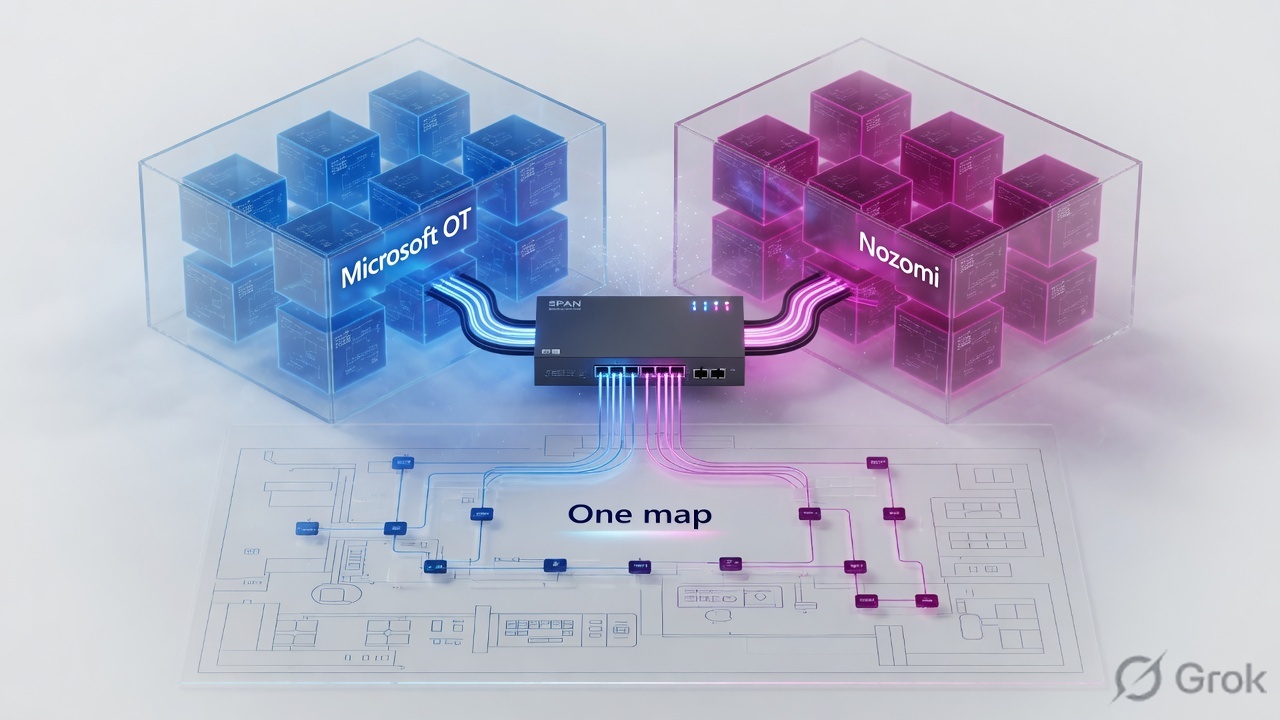
The comparison lesson answers “which platform.” It does not replace Purdue, sensor placement, inventory, engines, Sentinel, Guardian, CMC, Vantage, or Arc. Those are already written as 24 Techclick pages. This page is the index you open first so you do not start at Interview Q&A with no SPAN story.
There are 11 Microsoft Defender for IoT lessons, 12 Nozomi lessons, and 1 comparison. Start at Purdue, then the sensor, then detection, then the SOC console. Open the comparison when you must choose a vendor. Open interview Q&A last.
Hard words: SPAN/TAP is a packet copy, not inline. OT network sensor is Microsoft’s name. Guardian is Nozomi’s sensor. CMC is on-prem multi-sensor manager. Vantage is Nozomi SaaS. Arc is the host sensor. Microsoft’s on-prem management console is retired after 1 January 2025 — that fact lives in architecture, not in the overview.
How to use this page
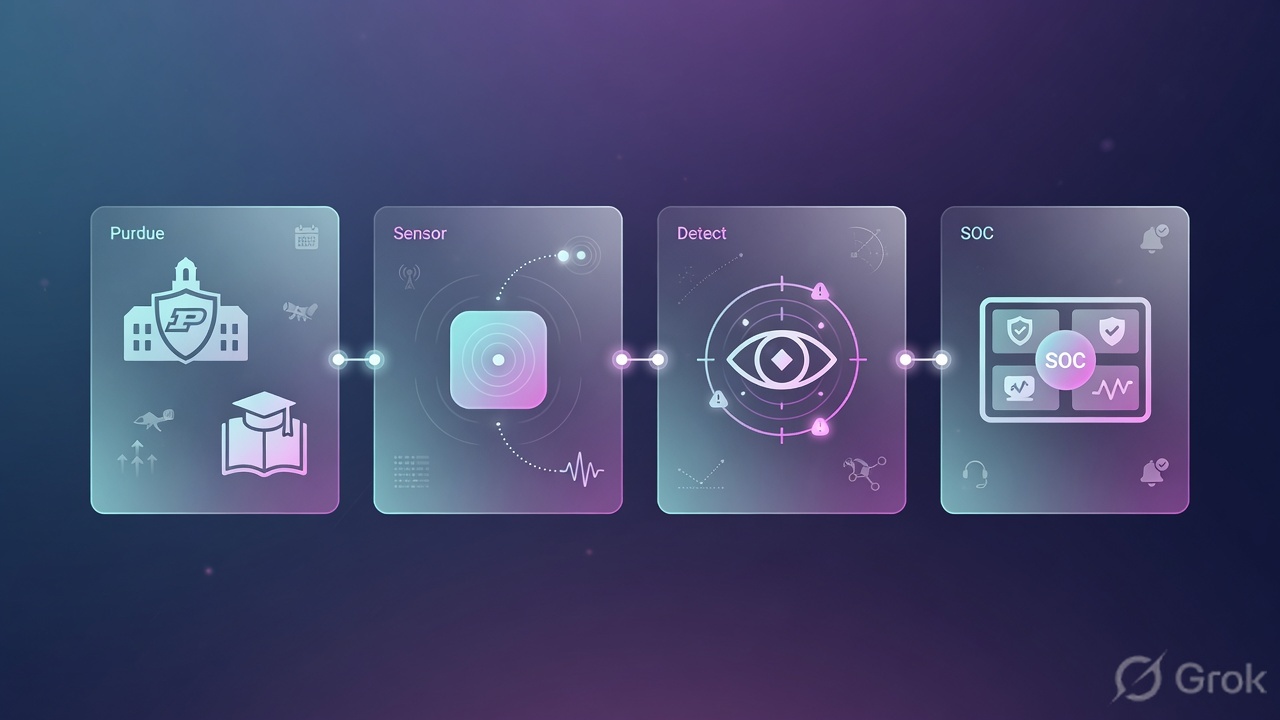
Do not jump to SOC workbooks before the sensor has a legal mirror.
Each row below is one lesson. The “Walk out able to” column is the promise. The link is the deep page. Use this table as the class syllabus; do not paste twenty URLs into a WhatsApp without the order.
All Microsoft Defender for IoT topics
| # | Topic | Walk out able to | Lesson |
|---|---|---|---|
| M1 | Overview | Explain agentless OT monitoring vs EDR on a laptop. | Overview · 16 min |
| M2 | Purdue model | Mark SPAN on Level 2 and stop treating Level 0 as a packet problem. | Purdue & segmentation · 17 min |
| M3 | Architecture | Name Azure portal vs OT sensor vs retired on-prem console (1 Jan 2025). | Architecture · 16 min |
| M4 | Network sensors | Describe passive DPI and on-box analytics; SPAN vs TAP. | OT network sensors · 16 min |
| M5 | Deployment | Place and size a sensor without sitting inline on the process path. | Deployment · 16 min |
| M6 | Device inventory | Read IP+MAC inventory; inactive after 60 days with no traffic. | Device inventory · 16 min |
| M7 | Protocols & alerts | Tune OT protocol alerts without dropping Modbus 502 in a capture filter. | Protocols & alerts · 16 min |
| M8 | Threat detection | Name the five engines (protocol, policy, malware, anomaly, operational). | Threat detection · 16 min |
| M9 | Vulnerability management | Match CVEs to discovered OT assets without scanning Level 1. | Vulnerability management · 16 min |
| M10 | Sentinel integration | Install the Defender for IoT solution and land OT incidents in the SOC. | Sentinel · 16 min |
| M11 | Interview Q&A | Answer plant scenarios without mixing Enterprise IoT and OT sensors. | Interview Q&A · 18 min |
Primary source for names and engines: Microsoft Learn — OT architecture. CLI proof lives in the architecture and sensor lessons: system sanity, network validate.
All Nozomi Networks topics
| # | Topic | Walk out able to | Lesson |
|---|---|---|---|
| N1 | Platform overview | Separate Guardian, Vantage, CMC, and Arc in one sentence each. | Overview · 16 min |
| N2 | Guardian | Place a passive Guardian on SPAN/TAP and read topology. | Guardian deep dive · 17 min |
| N3 | Asset discovery | Build inventory and call out rogue/silent devices without a blind Nmap. | Asset discovery · 16 min |
| N4 | Deployment architecture | Map Guardian to Purdue the same way you map a Microsoft sensor. | Deployment architecture · 16 min |
| N5 | Remote collector / air-gap | Ship packets from a dark site without putting the manager on the internet. | Remote collector · 17 min |
| N6 | CMC | Use CMC as the living multi-sensor manager when cloud is forbidden. | CMC · 15 min |
| N7 | Vantage | Know when SaaS Vantage is the right manager vs CMC. | Vantage · 16 min |
| N8 | Arc endpoint | Cover the engineering laptop the network sensor cannot see. | Arc · 16 min |
| N9 | Anomaly & threat detection | Baseline vs signatures; do not treat every anomaly as malware. | Anomaly detection · 16 min |
| N10 | Threat intelligence | Say what TI / Asset Intelligence add on top of Guardian. | Threat intelligence · 16 min |
| N11 | Vulnerability management | Score OT CVEs from inventory, not from a Level 1 scan. | Vulnerability management · 16 min |
| N12 | Interview Q&A | Defend Guardian vs Vantage vs CMC vs Arc in an interview. | Interview Q&A · 16 min |
Primary source for component names: Nozomi Guardian, CMC, Vantage, Arc, Smart Polling. Smart Polling is optional active traffic — it is not a default in any of these lessons.
Comparison and which track first
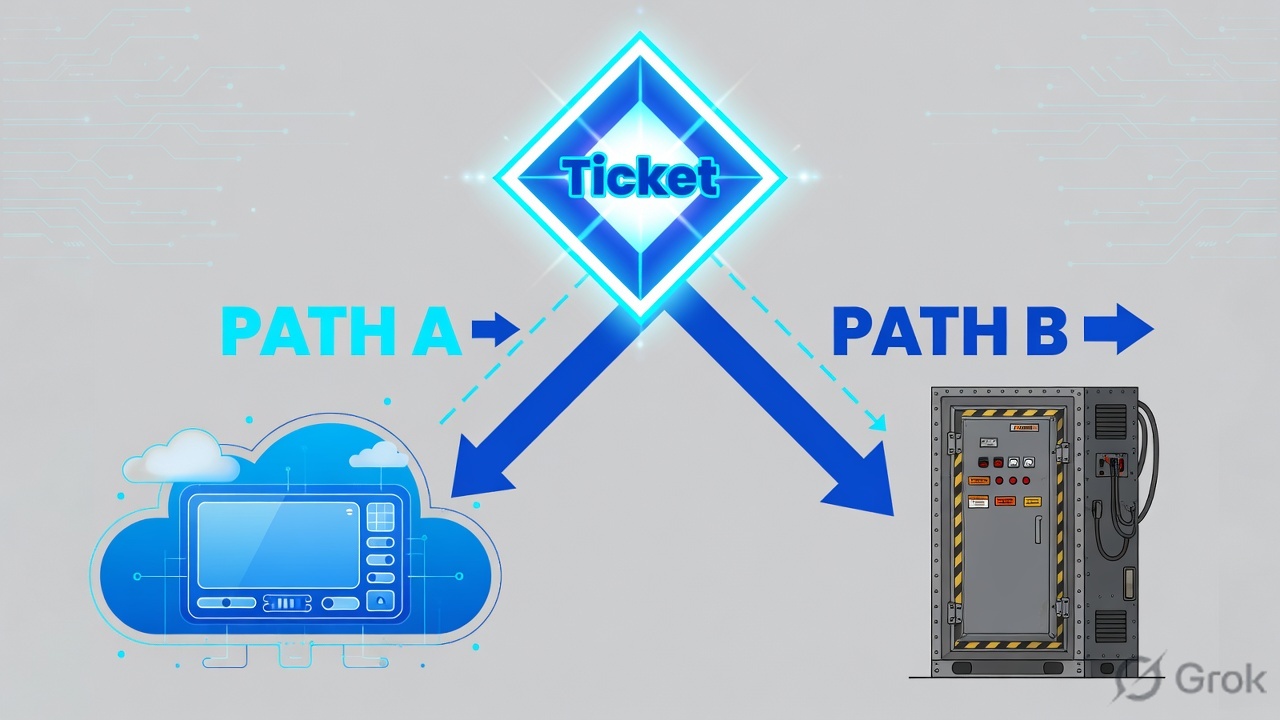
Comparison is a decision page, not a substitute for M2 Purdue or N2 Guardian.
The 25th URL on this map is the comparison you already have: OT Security 2026: Defender for IoT vs Nozomi (22 min). Open it after M3+N1, or when procurement asks for a single winner.
| If the student is… | Open first | Then |
|---|---|---|
| Microsoft SOC batch | M1 → M2 → M3 | M5 deployment, M8 engines, M10 Sentinel, comparison last |
| OT plant / CIP / air-gap | N1 → N2 → N4 | N5 collector, N6 CMC, N8 Arc, comparison last |
| Interview in 48 hours | Comparison + M2 Purdue | M11 and N12 Q&A — not all 24 pages |
Study path — one sitting or eight classes
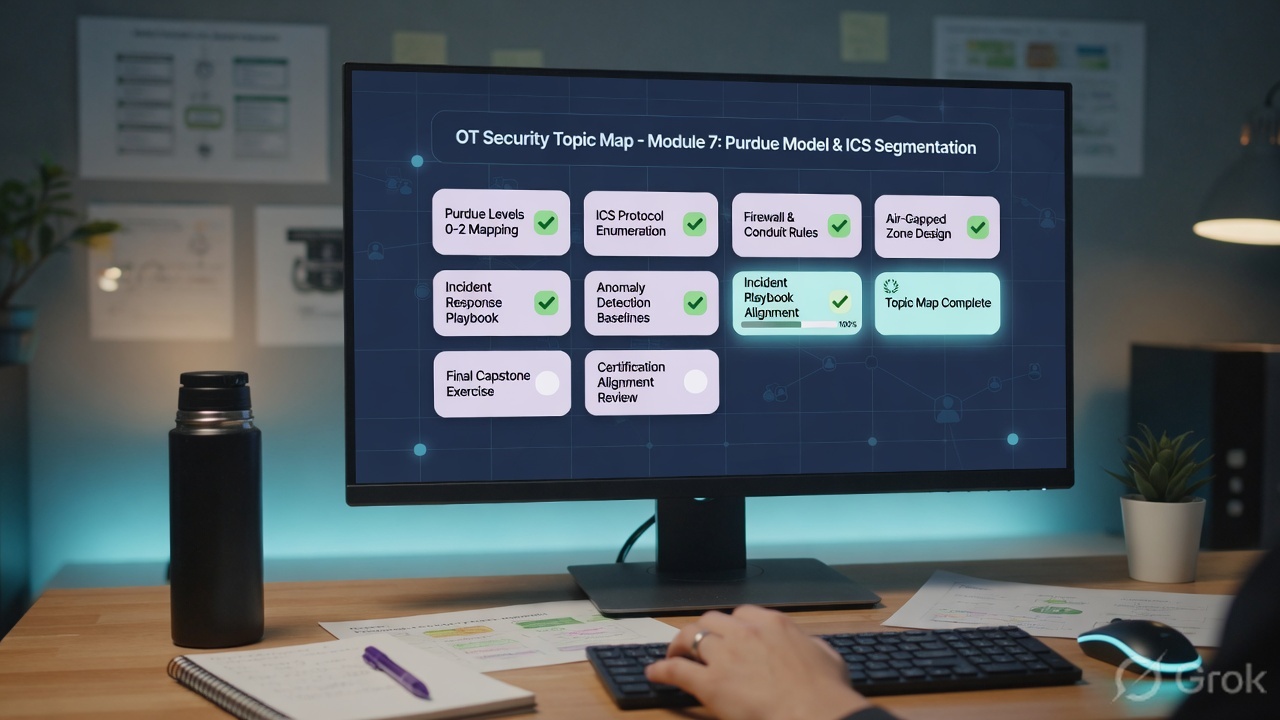
Side A — one sitting (this page + 3 deep dives)
Read this map
45 minutes with the tables. Write M2, M3, N1, N6, N8 on paper.
Pick one vendor deep
Microsoft: architecture + Sentinel. Nozomi: Guardian + CMC. Source: the linked lessons above.
Close with comparison
Defender for IoT vs Nozomi — one because-sentence for your plant.
Side B — eight-class Microsoft track
Class 1 M1+M2 · Class 2 M3+M4 · Class 3 M5+M6 · Class 4 M7+M8 · Class 5 M9 · Class 6 M10 · Class 7 comparison · Class 8 M11 interview.
Side C — eight-class Nozomi track
Class 1 N1+N2 · Class 2 N3+N4 · Class 3 N5+N6 · Class 4 N7 · Class 5 N8 · Class 6 N9+N10 · Class 7 N11 + comparison · Class 8 N12 interview.
- Student can list 11 Microsoft topics without looking.
- Student can list Guardian, Vantage, CMC, Arc without saying “Nozomi console” as one blob.
- Student does not recommend the retired Microsoft on-prem console for a 2026 sensor.
- Student opens deployment (not interview Q&A) when inventory is empty.
Wrong-page traps
| Symptom | Wrong page | Open this |
|---|---|---|
| Empty asset list | Interview Q&A | M5 / N4 deployment, then M6 / N3 inventory |
| “Put the sensor on the PLC port” | Overview only | M2 Purdue + M5 / N4 — never inline |
| Air-gap, wants one pane | M10 Sentinel only | M3 local sensor + N6 CMC |
| Contractor laptop on Level 2 | M8 engines only | N8 Arc (or Defender for Endpoint on the laptop) + comparison |
| SOC has no OT incident | N2 Guardian only | M10 Sentinel, or Nozomi marketplace/syslog |
| Printers and TVs | OT sensor overview | That is Enterprise IoT / Defender for Endpoint — different product |
| Nmap “to fill inventory” | Vulnerability lessons used as a scanner | Passive first; Smart Polling only with operations sign-off |
Do not teach all 24 URLs in one 60-minute session. Teach this map in 18 minutes, then one deep dive. Homework is two linked lessons, not the whole library.
24 pages
11 Microsoft + 12 Nozomi + 1 comparison.
Order
Purdue → sensor → detect → SOC → interview.
Microsoft unique
Five engines, Azure portal, Sentinel solution, retired console.
Nozomi unique
CMC, Vantage, Arc, Guardian Air, optional Smart Polling.
Techclick CTA: Use this map as the OT module index for the batch. WhatsApp +91 92772 29456 · ai.techclick.in · exams exam.techclick.in.
Knowledge check
Six items on which topic to open. Not “what is Guardian?”
Sources
- This index links the 24 existing Techclick lessons listed in the tables (Microsoft Defender for IoT series + Nozomi series + comparison).
- Microsoft Learn — OT architecture, What’s new, on-prem console retirement.
- Nozomi — Guardian, CMC, Vantage, Arc, Smart Polling.
- NIST SP 800-82 Rev. 3 — OT security guide (Purdue / ICS context).
Related hub lesson: Defender for IoT vs Nozomi comparison