Lessons · FortiGate troubleshooting · debug flow
This lesson is the per-packet instrument: filter, function names, one reproduce, then disable. The three-tool desk (session / flow / Log & Report) and the session-table NAT page are linked at the bottom. Do not skip the stop.

diagnose debug flow filter.Filter first. Then diagnose debug flow show function-name enable, diagnose debug enable, diagnose debug flow trace start 100. Reproduce one packet from 10.20.20.101 to 192.0.2.80:80. The proof line is func=fw_forward_handler with Allowed by Policy-N or a deny / implicit-policy drop. Then trace stop, diagnose debug disable, diagnose debug reset. A live session is diagnose sys session filter then list. A closed conversation is Log & Report → Forward Traffic (action + policyid).
Why the packet died in chat
The ticket is always the same: “HTTP is down, add an accept.” Three engineers already have three policies. None of them has a line that says which policy FortiOS actually used, or that it used none (implicit deny, policy 0).
diagnose debug flow is not a sniffer and not a log search. It prints the FortiOS decision path for the next N packets that match your filter. Fortinet documents that it generates a significant amount of data. If the box ships logs to FortiAnalyzer or FortiCloud, that output is recorded as event messages. Unfiltered flow on a busy production box is a change you did not get approved.
Fortinet’s own sample happens to run diagnose debug enable then immediately filter. On a live box, arm the filter before you enable. Never trace start 10000 with an empty filter. Ctrl+C does not stop flow debug — you type diagnose debug flow trace stop and diagnose debug disable.
Three clocks — flow, session, log
Pre-train the three instruments before the CLI. You will use flow tonight. You will confirm with one of the other two. They are not substitutes.
Debug flow — this packet
Per-packet verdict. Proof: received a packet, allocate a new session, Allowed by Policy-N, or silence. Filter then start N, then stop.
Session table — live now
diagnose sys session filter then list. Proof: proto_state, policy_id, orig/reply tuple, NAT hooks. Filter is not a list.
Traffic log — already happened
Log & Report → Forward Traffic. type=traffic subtype=forward. Proof: action, policyid, sessionid, and utmaction if a profile touched it.
They disagree on purpose
A session is state. A flow trace is why this packet. A log is history. iprope “predicted policy” is none of the three — do not paste it as live proof.
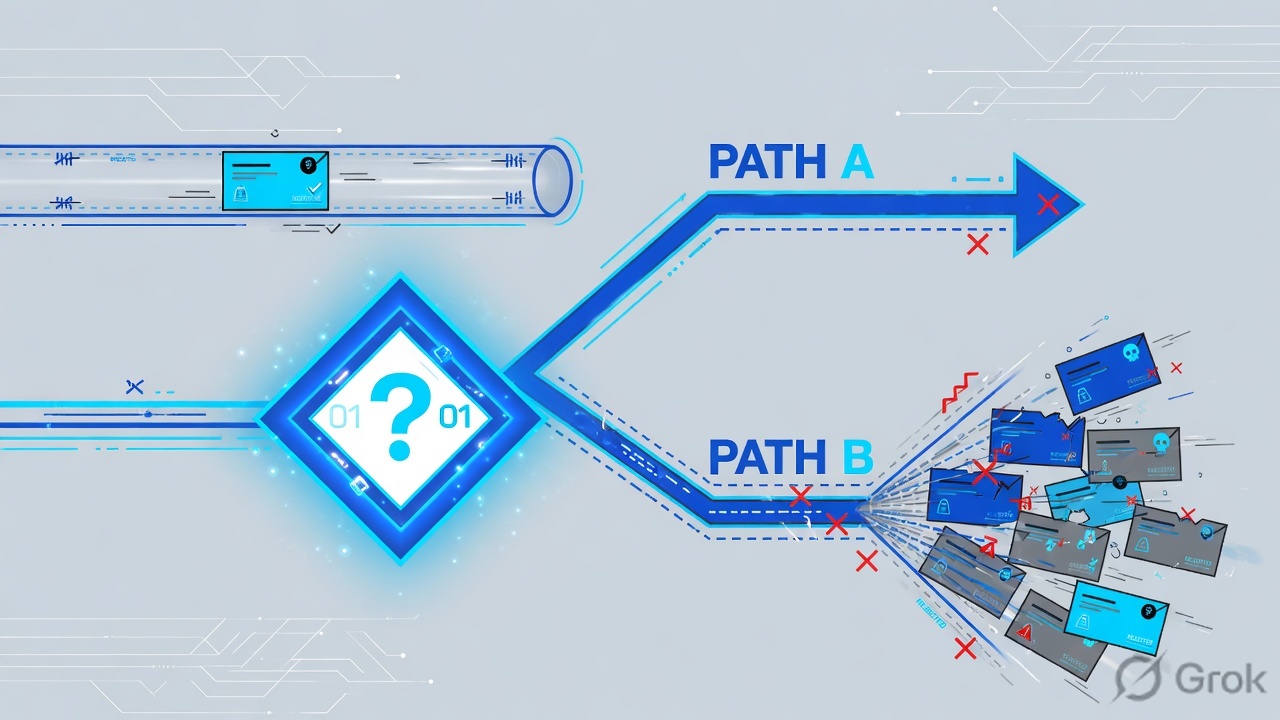
Flow is the next matching packets. Session is the live 5-tuple. Traffic log is the closed conversation. Filter is not a list. Disable is part of the change.
Filter then one packet
Flowchart first. The only legal start is a filter. The only legal end is disable.
Read left → right, then down. Yellow is the reproduce. Green is the close. Red silence is still a close — then check VDOM or NP offload, do not leave flow running.
How to choose the instrument
| If you see | First tool | Proof field | Not first |
|---|---|---|---|
| This packet is dying right now; you have src/dst/port | Filtered debug flow | func= + Allowed / Denied line | Cloning policy 15 |
| HTTPS hangs; a session should exist | Session table: filter then list | proto_state + policy_id | Unfiltered flow |
| User said “blocked” ten minutes ago; session gone | Log & Report → Forward Traffic | action + policyid | Debug enable |
| Policy already accepts; page is a FortiGuard / IPS block | Traffic log + Security Events | utmaction (and utmref) | Another accept |
| Filtered flow is silent on live HTTPS (hardware) | Session npu_state, then ICMP flow or disable NP offload for the test | Official NP6/NP7 exception | Leaving flow on overnight |
Primary source for the flow column: FortiOS Administration Guide — Debugging the packet flow, plus Using the debug flow tool. Primary source for the session column: Using a session table. Primary source for the log column: FortiOS Log Message Reference — log message fields.
Runbook Side A / B / C
Lab only: host 10.20.20.101 → dest 192.0.2.80:80 TCP. Confirm live syntax, VDOM, and change-control before you type this on a real box. Every step cites one official page.
Side A — filter (CLI + GUI)
Source: Debugging the packet flow — diagnose debug flow {filter | filter6} <option>. IPv4 keys: addr, saddr, daddr, port, sport, dport, proto, vd (−1 matches all), negate, clear.
-
State VDOM and leftover debug
get system status. If VDOMs are on, enter the tenant VDOM first. Thendiagnose debug resetanddiagnose debug flow filter clearso you do not inherit last night’s addr. -
Arm the 5-tuple — this is not a start
diagnose debug flow filter saddr 10.20.20.101thendaddr 192.0.2.80thendport 80thenproto 6. Or one-shotfilter addr 10.20.20.101if that host talks only to the lab dest. Display the filter with a barediagnose debug flow filter. -
GUI twin
Network → Diagnostics → Debug Flow. Basic filter = addr / port / proto. Advanced = saddr / sport / daddr / dport / proto. Same keys as CLI.
Network › Diagnostics › Debug Flow
Debug Flow — Advanced filter
Source: FortiOS Administration Guide — Using the debug flow tool. Path: Network → Diagnostics → Debug Flow. Next click after the reproduce: Stop debug flow, then Save as CSV if you need the file. Add the Function column (Configure Table) to see fw_forward_handler next to the message. Hardware note on that page: NPU offload can hide packets — disable acceleration on the test policy if the GUI is empty.
Side B — product (function names, enable, one packet)
Source: Debugging the packet flow. Fortinet’s documented example:
diagnose debug enable
diagnose debug flow filter addr 203.160.224.97
diagnose debug flow show function-name enable
diagnose debug flow trace start 100
On the lab box, put the filter on first. Function names are the column that makes the dump readable.
-
Show function names
diagnose debug flow show function-name enable. Optional and useful:diagnose debug flow show iprope enable(which internal policy / iprope check) anddiagnose debug console timestamp enable. -
Start a bounded trace, then enable
diagnose debug flow trace start 100thendiagnose debug enable. One hundred lines is enough for one HTTP GET. Do not start 99999 “just in case.” -
Reproduce once
From
10.20.20.101:curl -sS -D- --max-time 5 http://192.0.2.80/. Watch forid=20085 trace_id=… func=print_pkt_detailthen the verdict line. -
Read the official-style lines
Look for
received a packet,allocate a new session,find a route,Allowed by Policy-N: SNAT, or deny / implicit policy. Silence after a reproduce is also evidence — wrong VDOM, packet never arrived, or NP offload.
diagnose debug reset
diagnose debug flow filter clear
diagnose debug flow filter saddr 10.20.20.101
diagnose debug flow filter daddr 192.0.2.80
diagnose debug flow filter dport 80
diagnose debug flow filter proto 6
diagnose debug flow show function-name enable
diagnose debug flow trace start 100
diagnose debug enable
# curl once from 10.20.20.101 to http://192.0.2.80/
id=20085 trace_id=17 func=print_pkt_detail msg="vd-root:0 received a packet(proto=6, 10.20.20.101:51990->192.0.2.80:80) from port2."
id=20085 trace_id=17 func=resolve_ip_tuple msg="allocate a new session-00000e90"
id=20085 trace_id=17 func=fw_forward_handler msg="Denied by implicit policy"
diagnose debug flow trace stop
diagnose debug disable
diagnose debug reset
Fortinet’s HTTP sample starts with func=resolve_ip_tuple_fast / print_pkt_detail and vd-root received a packet(proto=6, …). Community traces add __iprope_check_one_policy (policy-N is matched, act-accept) and fw_forward_handler (Allowed by Policy-N: SNAT). Policy 0 / implicit deny means no forward policy matched the ingress/egress pair — not “logging is off.”
Side C — proof (session vs traffic log, then disable)
Source: Using a session table; Log message fields. Flow told you why this packet. Confirm on the matching clock, then kill debug.
-
If the packet installed a session
diagnose sys session filter src 10.20.20.101thendst 192.0.2.80thendport 80thenlist. Quotepolicy_idandproto_state. TCPproto_state=01is SYN seen, not established.11is the established pair operators look for after a fix. Filter is not a list. -
If it already ended
Log & Report → Forward Traffic. Filter src
10.20.20.101, dst192.0.2.80. Proof:action(accept / deny / timeout) +policyid. If a security profile hit, alsoutmaction. A traffic-log accept is not a finished handshake. -
Stop is part of isolate
diagnose debug flow trace stopthendiagnose debug disablethendiagnose debug reset. GUI: Stop debug flow. Confirm no leftover filter if you will hand the box to day shift.
- Filter displayed the lab 5-tuple before enable.
- Trace contains
func=and either Policy-N or implicit deny for10.20.20.101 → 192.0.2.80:80. - If a session exists:
policy_idmatches that line. If not: Forward Trafficpolicyiddoes. diagnose debug disablehas been typed. Console is quiet.
One packet after enable
After trace start + diagnose debug enable, one TCP SYN from the lab host does this:
A policy edit that “did nothing” is usually a stale session, not a missing accept. Clear only the filtered 5-tuple after you meant to, never a global session flush on production.
If flow prints Find an existing session, you are not watching a policy lookup. You are watching state. To re-judge after a policy change: filter the session, clear that filter (not the whole table), then flow the next SYN.
Traps + proof
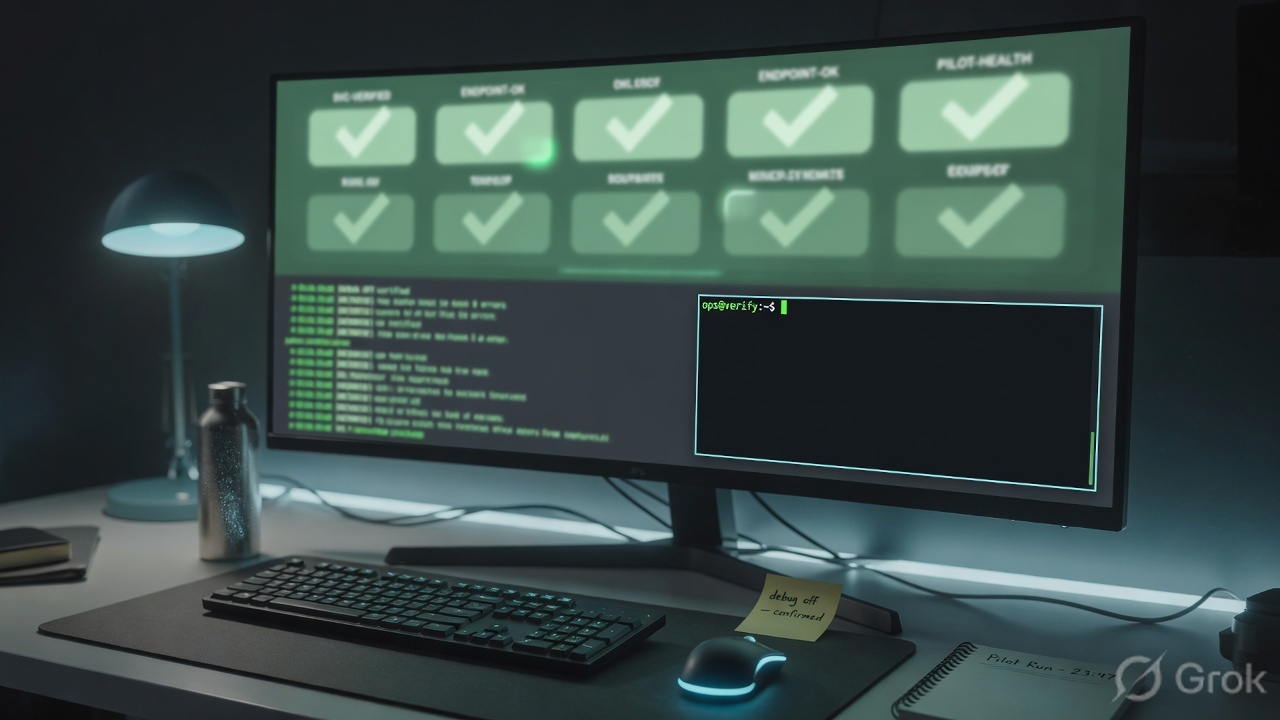
trace stop, diagnose debug disable, diagnose debug reset. A pasted Policy-N line with debug still running is an incomplete change.| Symptom | Likely cause | Proof / fix |
|---|---|---|
| CPU / FAZ event flood after “quick debug” | No filter, or leftover filter + enable. | filter clear, then saddr/daddr. Fortinet: significant data; FAZ records it. |
| Night shift inherits a dying box | Forgot disable. Ctrl+C does not stop flow. | trace stop → diagnose debug disable → reset. |
| Policy edit did nothing | Stale session still matching old policy_id. | Session filter + list. Clear only that 5-tuple. Then flow the next SYN. |
| Flow Allowed, user still broken | Asymmetry / return path / server. TCP proto_state=01. | Session reply-tuple and routing. Do not add another accept. |
| Denied by implicit policy / policyid=0 | No forward policy for that ingress/egress pair. | Fix the matching policy (intf + addr + service). Do not disable the implicit deny. |
| Traffic log action=accept, page is a block | UTM profile. Firewall accepted; IPS/AV/Web Filter did not. | utmaction on the same sessionid. Not a missing allow. |
| Filtered HTTPS flow is empty; session exists | NP6/NP7 offload. Official GUI warning. | Read npu_state. Test with ICMP, or disable NPU on the lab policy. Do not leave flow on. |
| Empty flow, empty session | Packet never hit this VDOM / this box. | Sniffer on the ingress intf. Check HA role — empty table on standby is not a missing policy. |
- VDOM selected.
diagnose debug resetandflow filter cleardone first. - Filter shows
10.20.20.101/192.0.2.80/ port 80 / proto 6. show function-name enablebefore start.- One curl. One
func=verdict line pasted in the ticket. - Session or Forward Traffic agrees on policy id — or implicit deny is named out loud.
- Debug is off. Console is quiet. Filter cleared if you are handing the box over.
Knowledge check
Six judgment calls on filter, one packet, and the three clocks — not menu trivia.
Sources
- FortiOS Administration Guide — Debugging the packet flow (
diagnose debug flow filter,show function-name enable,diagnose debug enable,trace start/stop) - FortiOS Administration Guide — Using the debug flow tool (Network → Diagnostics → Debug Flow; Basic vs Advanced filter; Stop; Function column; NPU note)
- FortiOS CLI troubleshooting cheat sheet — debug enable / disable / reset and debug flow filter / show / trace
- FortiOS Administration Guide — Using a session table (
diagnose sys session filterthenlist) - Fortinet Community — Technical Tip: FortiGate Debug Commands meaning (
show function-name,show iprope, stop with disable/reset) - Fortinet Community — Technical Tip: Debug flow tool (GUI 7.2+; NPU warning; VDOM select)
Related: debug flow + session table · Evidence desk — first tool, one field · Policy first match · Troubleshooting command center · SNAT vs VIP