Darktrace / NETWORK is a learn-then-breach factory. A physical probe, vSensor, or osSensor must see the packets. Self-Learning AI then builds a pattern of life for the device, its peer group, and the organisation. A model is a set of conditions; a match is a model breach with a score — unusual, not a family name. Cyber AI Analyst may write an incident. Antigena (Darktrace RESPOND) may act only if the group is Fully Autonomous. Success is a named Threat Visualizer field, not “Darktrace says malware.”
I do not start with VirusTotal. I ask whether the probe saw the VLAN, whether Device Summary has First Seen / Last Seen, which model breached at what score against which peer group, and whether Antigena is Human Confirmation or Fully Autonomous. Score is unusual. No IOC is not a close. Coverage first — you cannot score what the SPAN never sent.
1. Why a score is not a factory
SOC chat at 10:41Z: finance laptop 10.10.8.22 opened RDP to 203.0.113.88. DETECT raised a model at score 82. The L1 comment is “Darktrace says it is ransomware.” Leadership then asks why it was allowed. Both sentences skip the product. They treat the factory as a signature engine that prints convictions.
Official Darktrace threat-detection language is the opposite. Self-Learning AI is trained per deployment. It continuously ingests live data, builds a pattern of life for assets, peer groups, and the organisation, and flags behaviour that is both anomalous and unlikely to be benign — without relying on signatures, rules, or threat intelligence. A high score means rare versus that learned self. It does not name a malware family. It does not prove a hash. It does not prove Antigena acted.
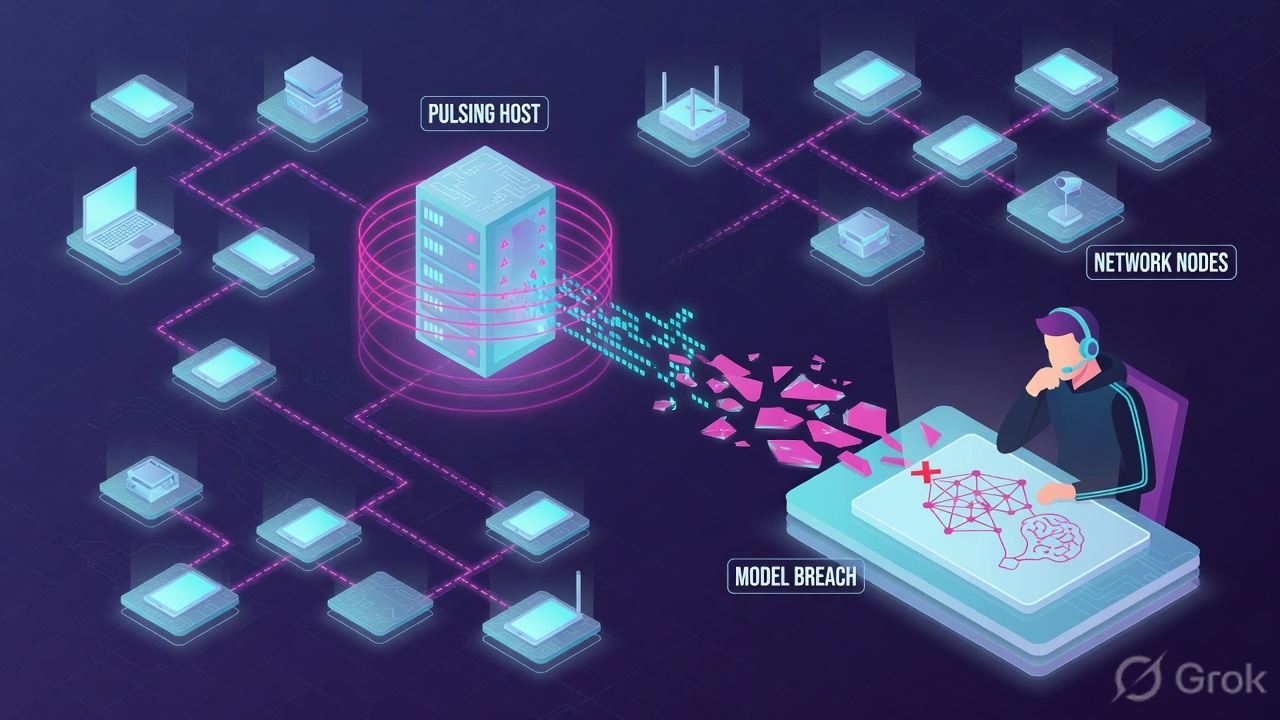
What the ticket asked
“Darktrace says ransomware.” That sentence is a hypothesis. The factory may have printed an unusual-RDP ticket on a host the SPAN barely knows, with Antigena still in Human Confirmation.
What you prove first
Probe / vSensor health, then Device Summary First Seen / Last Seen, then the Model Breach Event Log, then Antigena mode. The evidence desk is the night-shift version of this order.
“Score 82 means malware, and we bought Darktrace so it should have blocked.” An 82 is how unusual the behaviour is versus pattern of life. DETECT is not RESPOND. Human Confirmation (Passive) will not block. A host First Seen tonight will score almost everything. Widening a model or flipping Fully Autonomous at 02:00 does not fix a dead SPAN.
Concept first: the object is the device in the model, not the Slack paraphrase. Path second: official Threat Visualizer surfaces in a fixed order. Do third: Side A builds the floor (probes), Side B reads the apprenticeship and the printed ticket (baseline + breach), Side C reads the action stamp (Antigena). Miss a stamp and you troubleshoot the wrong layer.
2. Mental model — four stamps on one ticket
Hold four parts. Interviews fail when people mix them. Darktrace publishes these as separate products and UI surfaces. You do not buy four factories. One appliance chain writes four stamps, in this order, only if the previous stamp exists.
1. Probe coverage is the floor
Physical probe, vSensor (SPAN from a virtual switch to the master), or osSensor when you cannot SPAN. No packets on the wire = no pattern of life = no honest model breach.
2. Device baseline is the apprenticeship
Self-Learning AI learns normal for that host, its peer group, and the estate. Device Summary First Seen / Last Seen prove the host is in the model. A brand-new device has almost no self.
3. Model breach is the ticket
A model is a set of conditions. A match is a model breach with a score / priority. Quote the published name — Compromise / Ransomware / Suspicious SMB Activity, not “Darktrace alert.”
4. Antigena is the action stamp
Official RESPOND language: Human Confirmation versus Fully Autonomous. Actions include enforce pattern of life, block matching connections, quarantine, or a third-party integration. Would-have is not a live block.
Read left → right. If stamp 1 is missing, stamps 2–4 are fiction. If stamp 4 is Human Confirmation, leadership’s “why didn’t it block?” already has an answer.
Pre-train the vocabulary before the runbook. A model defines conditions; when they are met, Darktrace raises a model breach. Official DETECT blogs publish names in Category / Behaviour form — Device / Reverse DNS Sweep, Compromise / Ransomware / Suspicious SMB Activity, Compromise / Beaconing Activity To External Rare. Enhanced Monitoring models are higher-fidelity DETECT models, still not malware proof. Would-have is what RESPOND would do in Fully Autonomous. Acknowledge assigns an owner in Threat Visualizer — it does not isolate the host. vSensor is the virtual probe that needs a working SPAN (or osSensor feed) and a master appliance.
Official Self-Learning AI stack (Darktrace threat-detection glossary): live training data unique to the deployment; Bayesian models that update with new evidence; clustering so a peer group can stop the AI from mis-learning malice as normal; anomaly scores plus a meta-classifier that ranks rarity. That is why a CEO laptop in a peer set of one scores like an incident on every new SaaS. The comparison set is the apprenticeship, not a bug in the model.
3. Learn, then breach
The factory is sequential on purpose. Packets hit a SPAN / TAP / ERSPAN, a vSensor or physical probe, then the master. Pattern of life updates. A model’s conditions match — then, and only then, you have a breach. Later packets on a healthy sensor keep teaching the same device. That is why “we just installed Darktrace yesterday” and “the core change at 01:00 killed the SPAN” are different tickets that look the same in Slack: a red number, or no number at all.
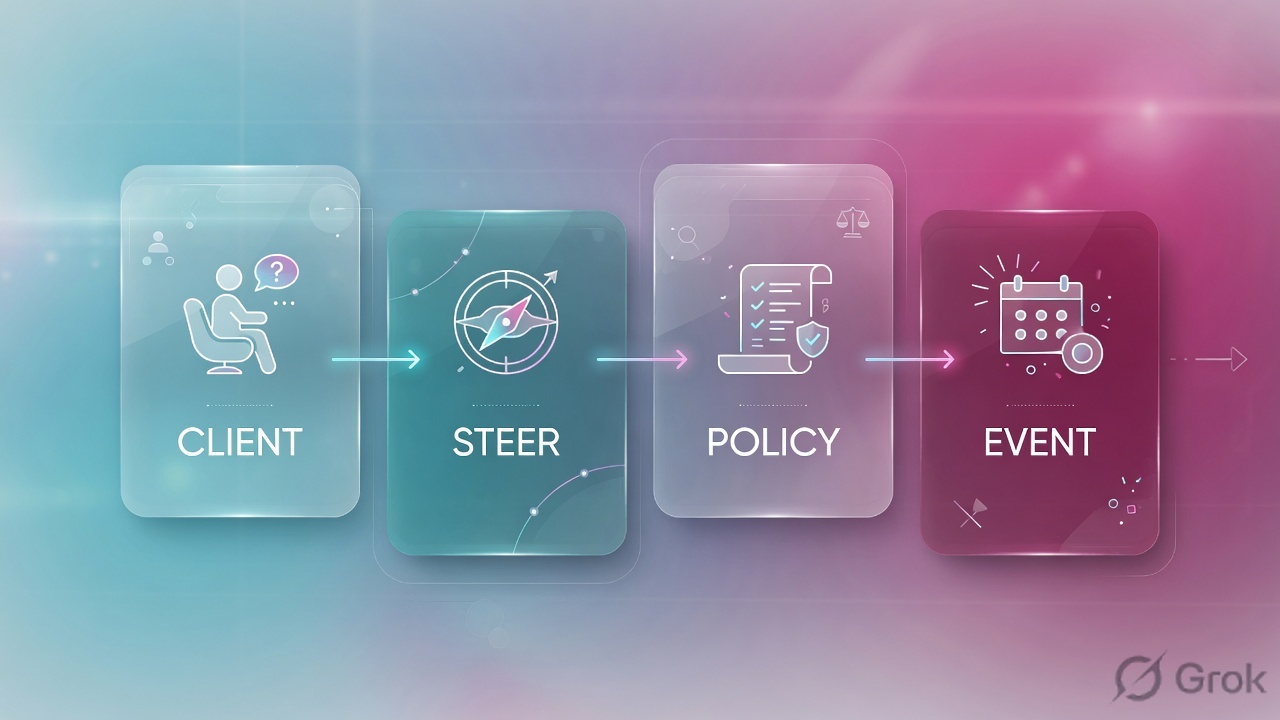
Read left → right, then the green bar. Decision diamond = “does the probe see this host?” DoS-style panic (“flip Active”) sits after you quote the mode, on purpose.
A host that just appeared, or a VLAN whose PPS collapsed after a core change, will either scream or go mute. That is not a Model Editor problem. Official Customer Portal path is System Config → Probes (some builds: Admin → System Config), then Device Event Log for the same UTC window. You cannot exception a model for traffic you never captured. Confirm live labels on your version via customerportal.darktrace.com before you click in production.
4. How to choose the next stamp
You are not choosing a product. You are choosing which stamp the factory is allowed to write — and which ticket you open when a stamp is missing.
| You see | Choose | Do not use when | Proof you were right |
|---|---|---|---|
| New external peer + unusual RDP + Human Confirmation | Isolate / block that destination now (firewall, NAC, EDR, or a targeted Antigena action if Fully Autonomous is already on that model). | You wait for a hash, or you flip Fully Autonomous from the P1 chat with no change ticket. | Mode + last action none + would-have pasted. Connection blocked on the control you own. |
| High score vs a peer group of one (CEO laptop) | Fix tags / Device Groups so the comparison set is honest. Re-read the same breach. | You disable the model because the executive is unique. | Peer n is a real finance / server / backup set. Score re-evaluated against that set. |
| Nightly SMB spike, same dest, same window, known backup | Model exception in Model Editor with owner + expiry. Tag the backup group. | You turn Compromise / Ransomware / Suspicious SMB Activity off forever. |
Exception has an owner, a reason, and a date. Ack has an owner. |
| Host missing, or Event Log empty on a busy VLAN | Coverage ticket: vSensor, SPAN / TAP / ERSPAN, osSensor, subnet, off-VPN. | You tune models or enable Enhanced Monitoring in the dark. | Probe status + PPS + Event Log rows after the mirror returns. |
| Leadership: “why didn’t it block?” | Quote Human Confirmation / Passive and the would-have action. DETECT is not RESPOND. | You answer “Darktrace failed” or promise Active without change-control. | System Config → Antigena shows the group mode. Last action is none. |
| IOC = none, AI Analyst says Word → new RDP | Hunt the story. Keep the case open. Assign an owner on the ack. | You close as benign because VirusTotal is empty. Official ransomware cases often had no public IOC. | New peer quoted. Related model named. Case still open. |
Official Autonomous Response can run fully autonomously or inside guiderails — certain times, certain devices, certain events. Darktrace’s own wording: many organisations start in Human Confirmation and switch to fully autonomous within weeks. That switch is policy, not a night-shift reflex. Source: Darktrace Autonomous Response product page.
You can own Darktrace / NETWORK DETECT and still have Antigena off, Human Confirmation only, or Fully Autonomous on a subset of models and subnets. “We bought Darktrace” is not “it will block RDP.” Quote the mode on the device or group. Confirm the live label (Antigena / Autonomous Response / RESPOND) on your build in the Customer Portal.
5. Runbook Side A → B → C
Lab values only. Master DT-MASTER-LAB-01, vSensor SENSOR-LAB-17, device finance-lap / 10.10.8.22, new peer 203.0.113.88 (RFC 5737), breach MB-1042. Nothing here is a live tenant. Confirm every click path on customerportal.darktrace.com for your Threat Visualizer version before production.
Side A — probe coverage (building the factory floor)
Primary source: Darktrace Customer Portal — System Config (Probes, Push Probe Tokens) + vSensor deployment notes. Official objects: physical probe, vSensor, osSensor.
-
Name the probe that should see this VLAN
System Config → Probes (some builds: Admin → System Config). Find
SENSOR-LAB-17. Type = vSensor. Master =DT-MASTER-LAB-01. A green Threat Visualizer homepage is not probe health. Quote connected / disconnected and last check-in. -
Prove the SPAN, not only the VM
Official: a vSensor spans traffic from a virtual switch and sends data to the master appliance. If you cannot SPAN, osSensors on the guests feed the vSensor. A connected vSensor with collapsed packets/s after a core or vMotion change is a monitor-session / promiscuous-port / ERSPAN ticket. Quiet PPS on a busy VLAN is a tap story, not a tuning story.
-
If the floor is dead, stop DETECT talk
Open a coverage ticket with the network owner. Do not write a model exception for traffic you never captured. Darktrace is explicit: you cannot detect what is not on the wire. Source: Darktrace / NETWORK coverage + Customer Portal System Config.
System Config › Probes › SENSOR-LAB-17
vSensor · SENSOR-LAB-17
10:40Z finance-lap 10.10.8.22 still in Device Event Log
If pps collapses after a core change → coverage ticket, not Model Editor
Connected is not a healthy SPAN. Sample Event Log on two other VLAN20 hosts before you argue DETECT.
Source: Darktrace Customer Portal — System Config (Probes, Push Probe Tokens). vSensor as official virtual probe that receives a SPAN and reports to a master. Dummy values only. Confirm labels on your version.
Side B — device baseline, then the model breach (learning, then printing the ticket)
Primary source: Darktrace Customer Portal — Threat Visualizer User Guide (Device Summary, Device Event Log, Model Breaches / Model Breach Event Log) + darktrace.com/cyber-ai-analyst.
-
Search the host before you argue the score
Threat Visualizer search: hostname, IP, or MAC. Open Device Summary. Official fields:
First Seen,Last Seen, Operating System, subnet, tags. If search returns nothing, stop. There is no model breach to chase. A host First Seen tonight has almost no pattern of life — that is a new-device baseline, not ransomware. -
Read the Event Log, then the peers
Select the device → Device Event Log. Official TV workflow: review connections over time in the ticket UTC window. Quote dest / proto / first-seen of the new peer — or quote “no connections in window.” Peer group of finance laptops with n=3 tagged wrong is a noisy score, not a broken model. Encrypted payloads still leave dest, volume, timing, and peers.
-
Open the Model Breach Event Log, not Slack
Threat Visualizer → Model Breaches (Threat Tray) → the breach → Model Breach Event Log. Quote the full published name, the score / priority, the timestamp, and acknowledged vs unacknowledged. Lab ticket:
Compromise / RDP / Unusual External Destination, score 82, unacknowledged. Say “high score unusual external RDP,” not “ransomware.” -
Use Cyber AI Analyst as a lead
Path: Threat Visualizer → Cyber AI Analyst. Official product: it autonomously investigates relevant model alerts, forms hypotheses, and writes a natural-language incident. Quote the incident title and the related model breaches. It is not a malware family name and it is not containment. Fewer than 4% of investigations requiring human review is a Darktrace claim about scale — it is not permission to close without reading the models.
Threat Visualizer › Model Breaches › MB-1042
Model Breach Event Log
| Time (UTC) | Model | Score | Status | Antigena |
|---|---|---|---|---|
| 10:12:08 | Device / Reverse DNS Sweep | 41 | Ack | None |
| 10:41:06 | Compromise / RDP / Unusual External Destination | 82 | Unack | Would-have |
Peer group Finance laptops · n=3 (too small). New dest 203.0.113.88 proto RDP. Cyber AI Analyst incident is a lead — Word → new public RDP — not a close.
Source: Darktrace Customer Portal — Threat Visualizer User Guide (Device Summary: First Seen, Last Seen; Model Breaches, Model Breach Event Log). Model name style as published on darktrace.com blogs (Category / Behaviour). Dummy values only.
Path:            Threat Visualizer → Devices → 10.10.8.22
                 → Model Breaches → MB-1042 → Event Log
Device:          finance-lap · 10.10.8.22 · VLAN20
First Seen:      2025-11-02 08:14Z
Last Seen:       2026-08-16 10:41Z
Peer group:      Finance laptops · n=3 (re-tag before you trust 82)
Model:           Compromise / RDP / Unusual External Destination
Score / status:  82 · unacknowledged
New peer:        203.0.113.88 proto RDP first-seen 10:41Z
AI Analyst:      Word → never-before-seen public RDP · lead only
IOC:             none · not a close
Do not:          say “ransomware” or open Model Editor from an empty log
Side C — Antigena / RESPOND (the action stamp)
Primary source: Darktrace Autonomous Response product page + Customer Portal System Config → Antigena + “How RESPOND Neutralizes Zero-Day Ransomware.”
-
Quote the mode before anyone asks “why”
Device Summary shows Antigena state for that host / group. Estate-wide switch lives at System Config → Antigena (Autonomous Response / Antigena Network). Official modes: Human Confirmation versus Fully Autonomous. Human Confirmation will not block. Confirm the live wording on your version — UI may say Passive / Active, Human Confirmation / Fully Autonomous, or RESPOND.
-
Read last action, then would-have
Official out-of-the-box actions (no scripting): Automatic (best option from the alert), Block matching connections, Enforce device or group pattern of life, Block all incoming / outgoing or quarantine, third-party integration (firewall, Microsoft Defender for Endpoint, CrowdStrike). Published Antigena model names look like
Antigena Ransomware BlockandAntigena / Network / Significant Anomaly / …. If last action is none and mode is Human Confirmation, the proof field is would-have — for example “block RDP to 203.0.113.88” or “enforce pattern of life.” That sentence is what you tell the CISO. -
Isolate now; Fully Autonomous later
Blocking this RDP (firewall, NAC, EDR, or a targeted Antigena action if you already have Fully Autonomous on that model) is incident response. Flipping the group to Fully Autonomous is change-control — owner, model list, rollback. Official Active-mode story: RESPOND stopped never-before-seen ransomware with no public IOC, enforced pattern of life in seconds, then quarantined patient zero for 24 hours — only because it was actually on. Source: darktrace.com — How RESPOND Neutralizes Zero-Day Ransomware.
-
If it is a known backup, exception with a leash
Model Editor / model exception: owner, reason, expiry. Never disable
Compromise / Ransomware / Suspicious SMB Activityforever. Ack the breach with a note. Ack is not remediation.
System Config › Antigena / Autonomous Response › VLAN20
Antigena Network · VLAN20 Finance
Human Confirmation will not block. Would-have is Darktrace language. Dummy lab only. Do not flip Fully Autonomous from a P1 chat.
Click next: isolate the RDP on a control you already own, then open change-control if the business wants Fully Autonomous. Source: Darktrace Autonomous Response (Human Confirmation vs fully autonomous; enforce pattern of life; block matching connections) + Customer Portal System Config.
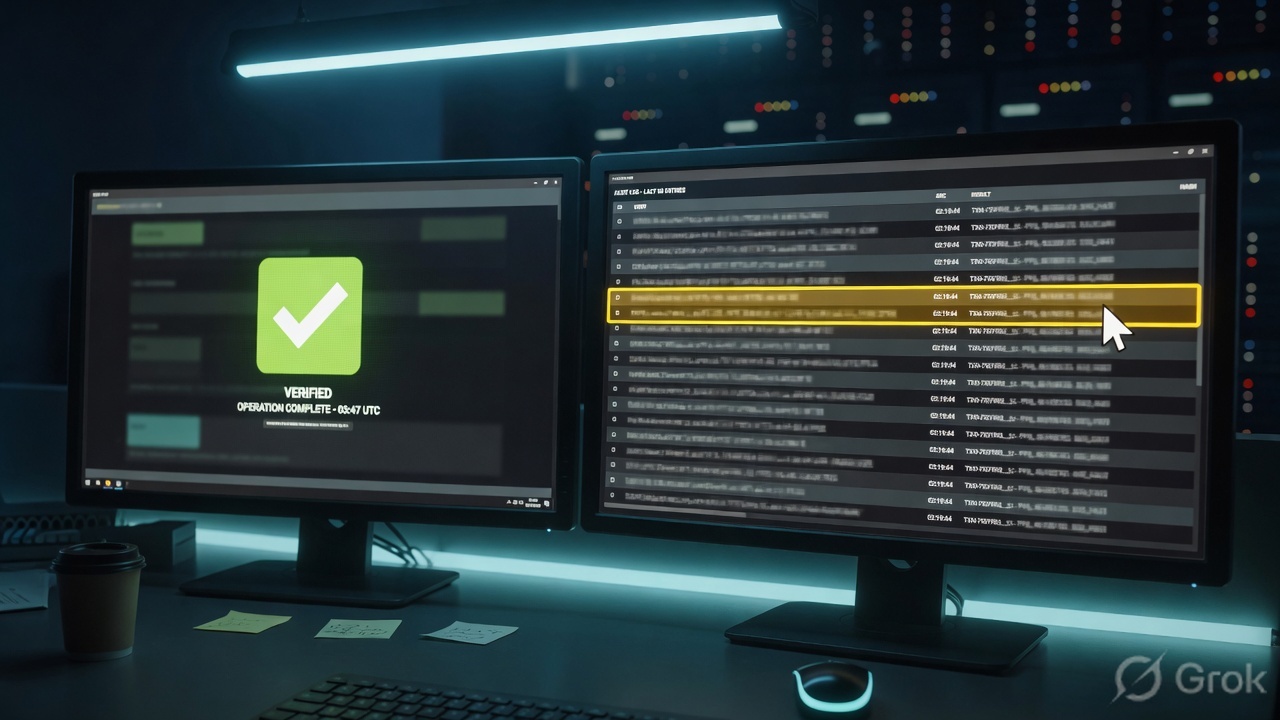
Probe that owns the VLAN is connected and PPS is honest. Device Summary returns the IP with First Seen / Last Seen in the ticket window. Model Breach Event Log names the model + score + unacknowledged/acknowledged. Antigena mode quoted; last action or would-have pasted. New peer (or empty Event Log) written in UTC. Owner on the ack. Isolate vs Fully Autonomous called out as two tickets. That is working. A screenshot of Slack saying “malware” is not.
6. Runtime — AI Analyst, exceptions, old baselines
Once the sensor is healthy, every interesting minute looks the same. Packets hit SPAN / TAP → vSensor or physical probe → master. Self-Learning AI updates pattern of life for the device and its peer group. A model’s conditions match → model breach with score / priority. Cyber AI Analyst may attach a written incident, re-investigate as new evidence arrives, and recommend actions. If Antigena is Fully Autonomous for that model and group, a proportionate action fires. If Human Confirmation, you get would-have only. Analyst acknowledges, hunts, isolates, or files a time-boxed exception.
Official RESPOND actions are surgical on purpose. Enforce pattern of life only allows what Darktrace already considers normal for that device or its auto-identified peer group. Block matching connections stops this connection and future matches (the published ransomware case blocked anomalous SMB, then quarantined patient zero for 24 hours while normal business continued). That is why “just quarantine the VLAN” is the wrong student reflex — and why Fully Autonomous on a mis-tagged CEO laptop is also wrong.
Secondary STIX/TAXII intelligence can be ingested to detect known threats or create custom detections based on existing IoCs. Official product still leads with behavioural detection. Closing a high-score new-peer breach because external intel is “unrated” is the opposite of the published zero-day ransomware story.
Exceptions live in Model Editor. They are how you tell the factory “this backup window is normal for this tag.” They need an owner and an expiry. An open-ended suppress is how ransomware hides in the backup window. Enhanced Monitoring is how you raise fidelity on a crown-jewel subnet after the peer group is honest — not how you compensate for a dead SPAN.
A host that joined tonight will keep scoring. That is the apprenticeship. Quote First Seen. Do not disable models. Do not treat every new-device breach as confirmed ransomware. After a few days of honest traffic, the same model gets quieter. If it does not, check tags and the probe before you touch thresholds.
Darktrace / NETWORK models connections even when the payload is encrypted — destination, volume, timing, and peers still update pattern of life. An empty Device Event Log is not “TLS so Darktrace is blind.” Empty log on a busy subnet is a SPAN / vSensor / mirror miss. Confirm probe health, then the Event Log, then talk about models.
7. Traps + Threat Visualizer proof
| Symptom | Looks like | Actually | First move |
|---|---|---|---|
| Score 82 in Slack | Confirmed ransomware | Unusual vs pattern of life | Quote model + score + peers |
| “Why did Darktrace allow it?” | DETECT failed | Human Confirmation / Passive | Mode + last action + would-have |
| Every CEO action is P1 | Model is broken | Peer group of one | Fix tags / Device Groups |
| Unrated IP, empty VT | Safe to close | No public IOC (official ransomware cases too) | Hunt the new peer; keep case open |
| “I acknowledged it” | Ticket done | Ack assigns owner only | Containment is a different action |
| Nightly backup SMB | Turn the model off | Known window, wrong leash | Exception + owner + expiry |
| Models went quiet after a core change | Need lower thresholds | SPAN / vSensor / PPS collapsed | System Config → Probes, then Event Log |
| Device not found | Darktrace is down | Host never modeled | Quote search miss; fix subnet / SPAN / osSensor |
| First Seen tonight, high scores | Patient zero | New baseline | Quote First Seen; hunt peers; do not disable |
| Empty Threat Tray | DETECT failed | Not unusual, excepted, or no packets | Event Log in the same minute |
| Flip Fully Autonomous at 02:00 | We paid for AI | Change-control, not IR | Isolate now; Active later with rollback |
| Encrypted SMB, “blind” | Need a decrypt box | Connections still model | Empty log = tap miss, not TLS |
- UTC window written next to the tool you opened.
- System Config → Probes: the vSensor / probe that owns this VLAN is the one you think it is; SPAN / PPS honest.
- Device Summary returns this hostname / IP with
First Seen/Last Seen(or you quoted device not found and stopped). - Device Event Log shows the new peer in the window — or proves the log is empty (coverage, not Model Editor).
- Model Breach Event Log names the model + score + status — not “Darktrace alert.”
- Peer group is an honest set, or you said the set is too small before you treated 82 as high-fidelity.
- Cyber AI Analyst incident quoted as a lead, or explicitly empty.
- Antigena mode + last action + would-have pasted. Human Confirmation will not block.
- IOC / intel stated as extra, not as close.
- Owner on the ack. Exception has expiry if you tuned. Isolate vs Fully Autonomous are two tickets.
Darktrace / NETWORK is a learn-then-breach factory. The probe has to see the VLAN. Self-Learning AI builds a pattern of life for the device and its peer group. A model breach is unusual behaviour, not a malware conviction. I prove the ticket in Threat Visualizer: First Seen / Last Seen, the Model Breach Event Log, Antigena mode and would-have. If Antigena is Human Confirmation I isolate the new peer myself. I do not close on an empty IOC. I do not flip Fully Autonomous at 02:00.
Next: take the same dummy fields as full night-shift tickets on the Darktrace evidence desk. Practice them on the Darktrace dummy lab.
Knowledge check
Six judgment questions. Map each miss back to the section named in the reason.
Sources
- Darktrace Customer Portal — confirm live Threat Visualizer paths, Device Summary, Model Breach Event Log, Model Editor, System Config → Probes / Antigena on your version before you click in production
- Darktrace / NETWORK — Self-Learning AI on your data, Cyber AI Analyst, autonomous response, encrypted + decrypted traffic analysis
- Darktrace threat detection glossary — pattern of life for assets, peer groups, and the organisation; Bayesian + clustering; no signatures required
- Cyber AI Analyst — autonomously investigates relevant model alerts, hypotheses, natural-language incidents
- Autonomous Response — Human Confirmation vs fully autonomous; enforce pattern of life; block matching connections; quarantine; guiderails
- How RESPOND (formerly Antigena) neutralized zero-day ransomware — Active / Fully Autonomous, no public IOC,
Compromise / Ransomware / Suspicious SMB Activity,Antigena Ransomware Block,Device / Reverse DNS Sweep - Customer Portal · syslog JSON schema — Model Breach Alert vs AI Analyst Alert; a model is a set of conditions (confirm path on your portal build)
Related: Blog 2 · Evidence desk · Darktrace interview hub · Dummy lab · Models & breaches · Autonomous response
Dummy lab data only. No live tenant IDs. Confirm syntax, menu labels, and change-control on the production release via the Customer Portal.