 Techclick
Research gate and release scope
R82.10 is the current recommended documentation baseline. R82 and R81.20 are retained as common deployed-version comparisons; exact Jumbo Hotfix, appliance, CloudGuard, VSX, Maestro, and licensing support must be checked before change.
Content-gap decision: Upgrade the existing canonical /blog_checkpoint_interview page instead of creating a second competing Check Point interview URL. The deep-dive pages remain supporting links for narrower policy, NAT, VPN, ClusterXL, Identity Awareness, HTTPS Inspection, logging, and Threat Prevention intent.
R82.10 — Current baseline. First documentation release dated 29 Dec 2025; current guides include 2026 revisions. CCP is always unicast in R82.10 and configuration-parameter infrastructure differs from R82 and lower.
R82 — Earlier current-generation deployment. Compare command parameters and feature behavior with the exact R82 Jumbo Hotfix Take.
R81.20 — Common production baseline. Do not copy R82.10-only behavior, syntax, or scalable-platform assumptions into R81.20 without checking its guide and support matrix.
Production investigation method
Symptom, scope, time, last-known-good, business impact.
Source, destination, protocol, service, identity, application.
Package, target, gateway, cluster, VSID, Security Group.
Topology, route, policy, state, NAT, blade/VPN, logs, capture.
One tested hypothesis, smallest reversible change, explicit rollback.
Original app transaction, both directions, logs/counters, document.
Visual learning maps
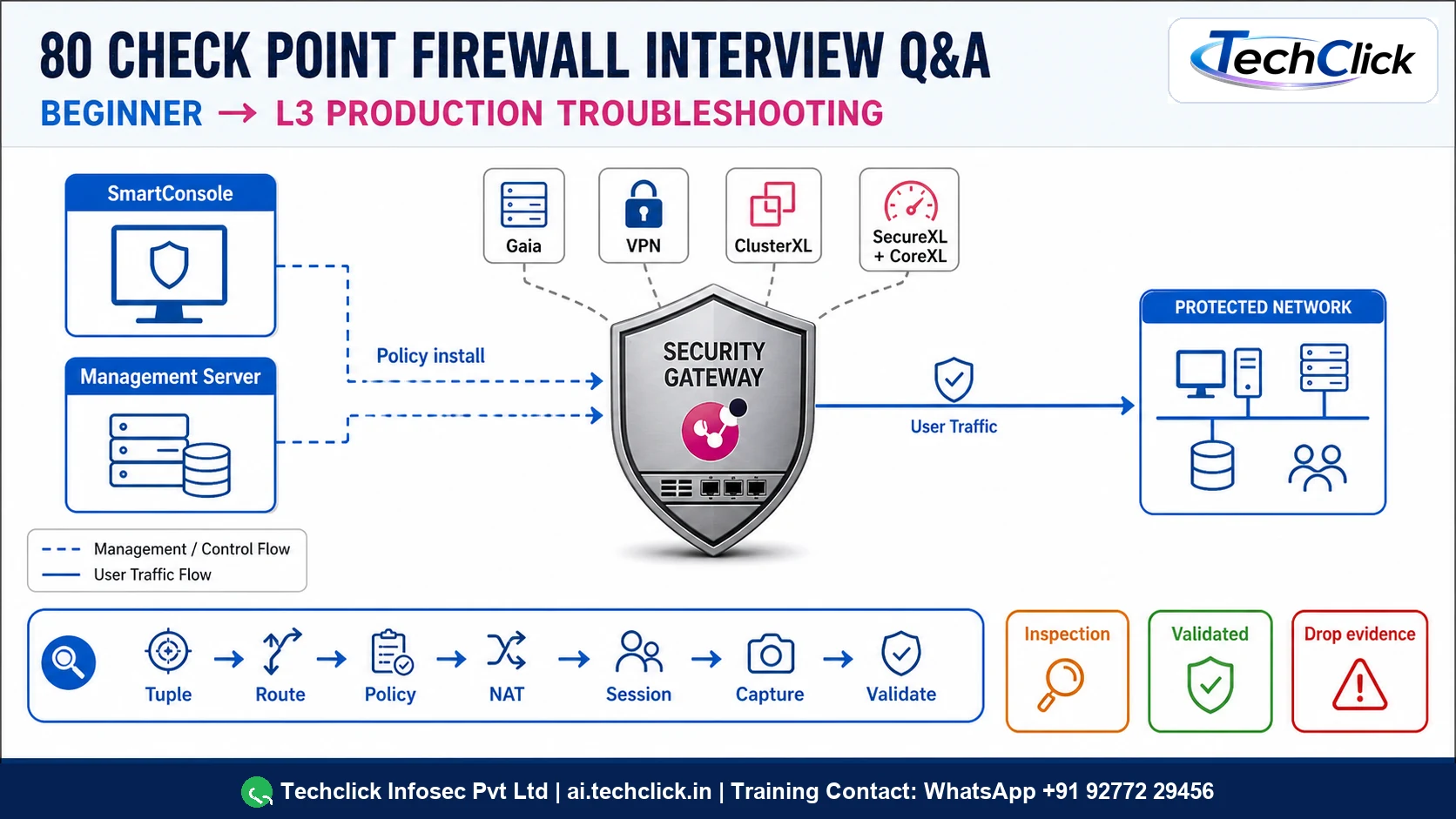
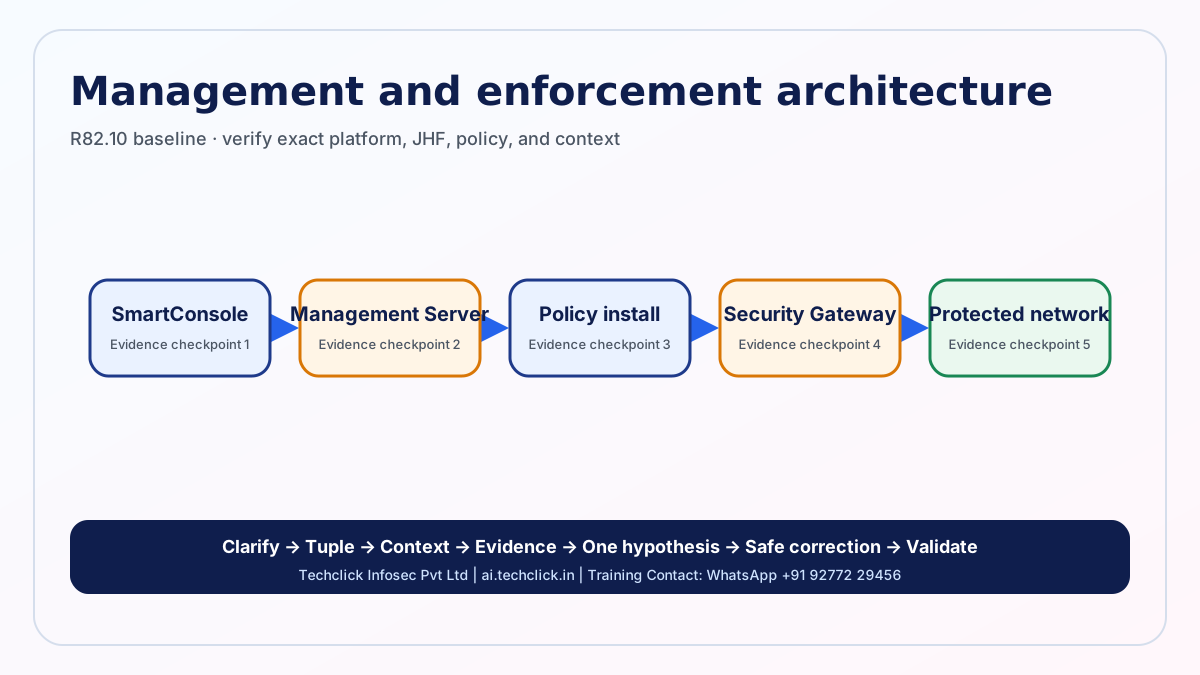
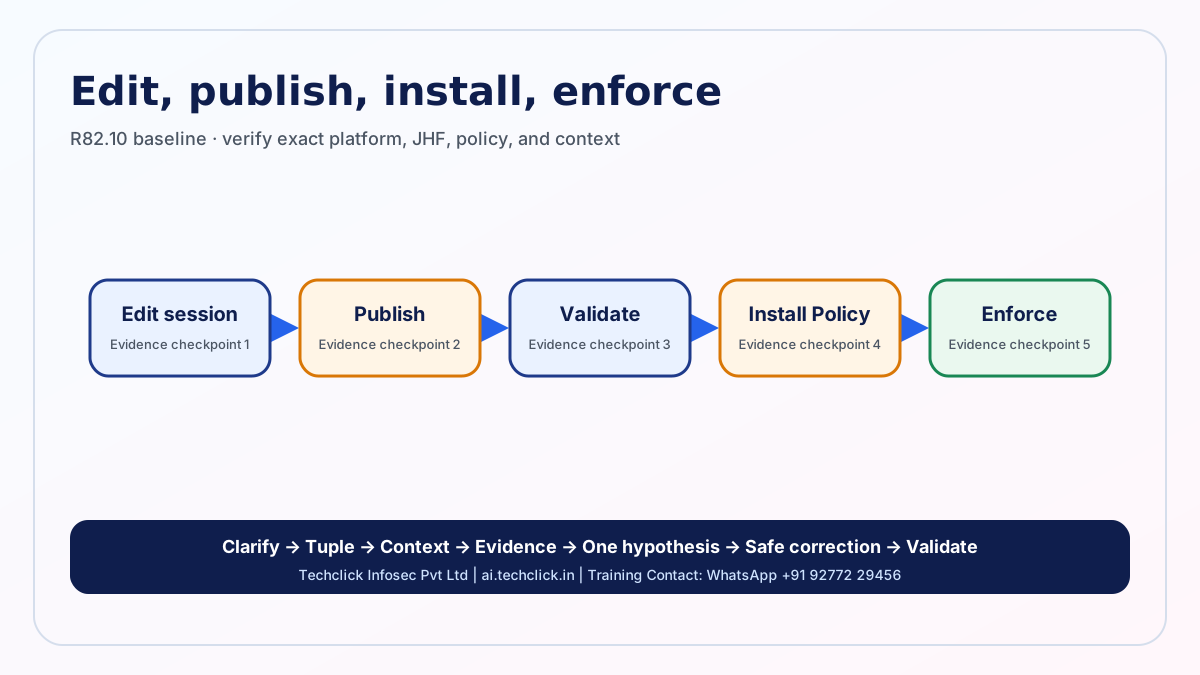
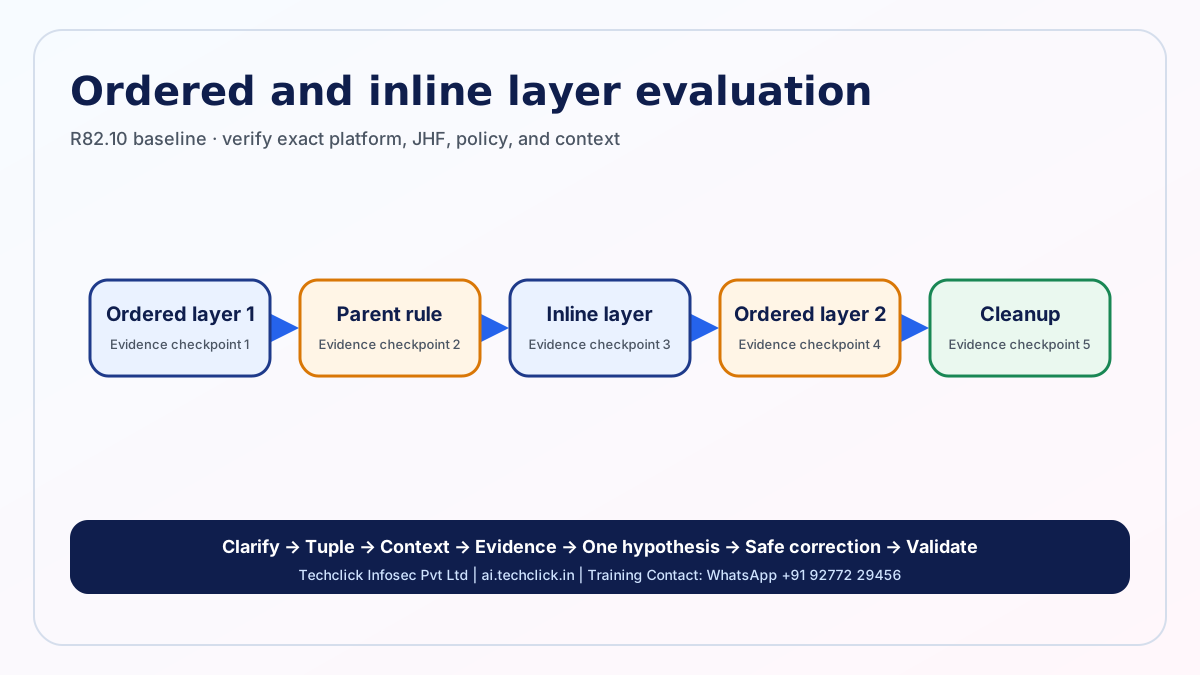
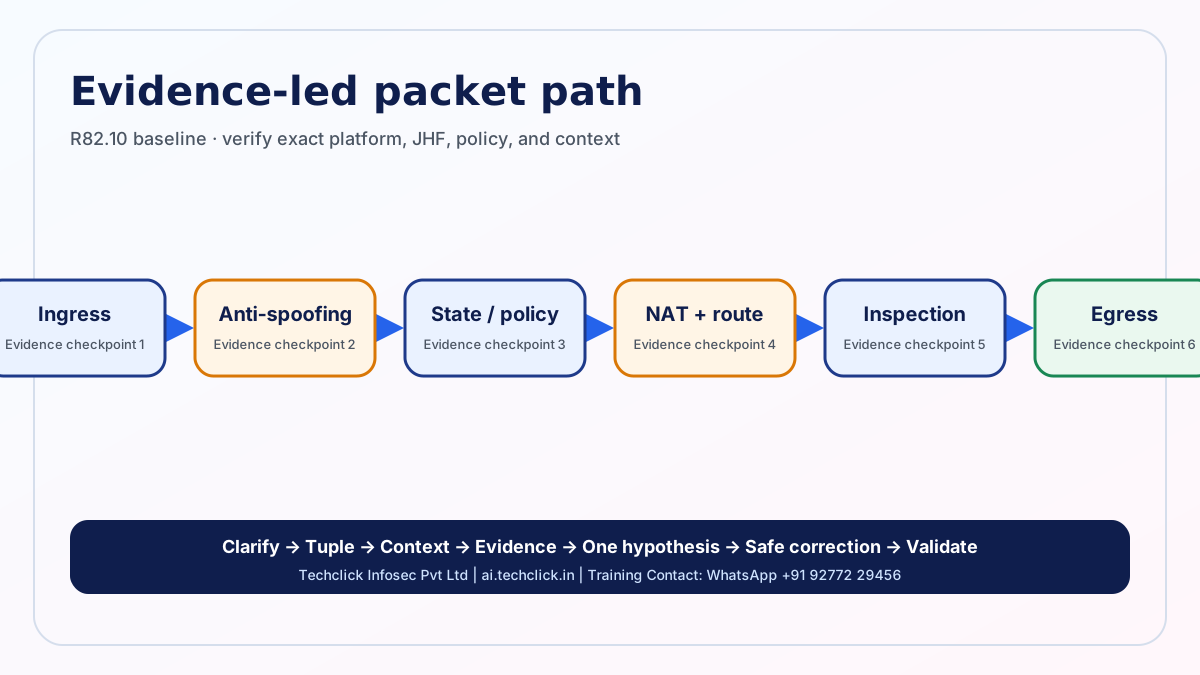
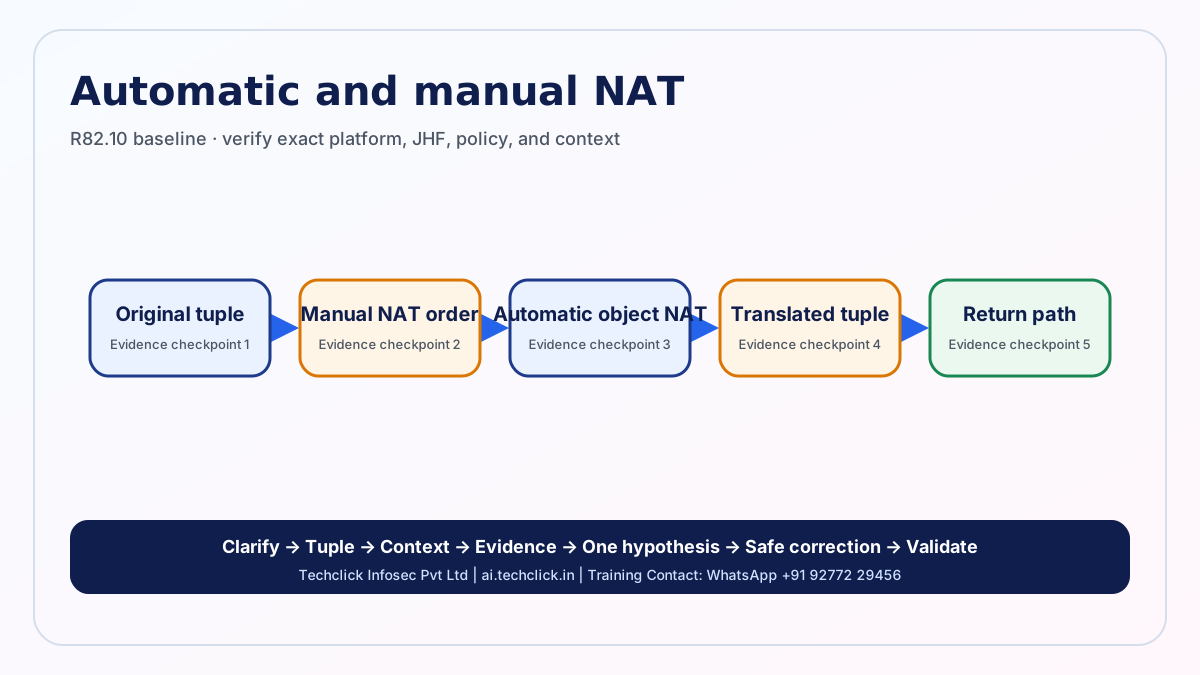
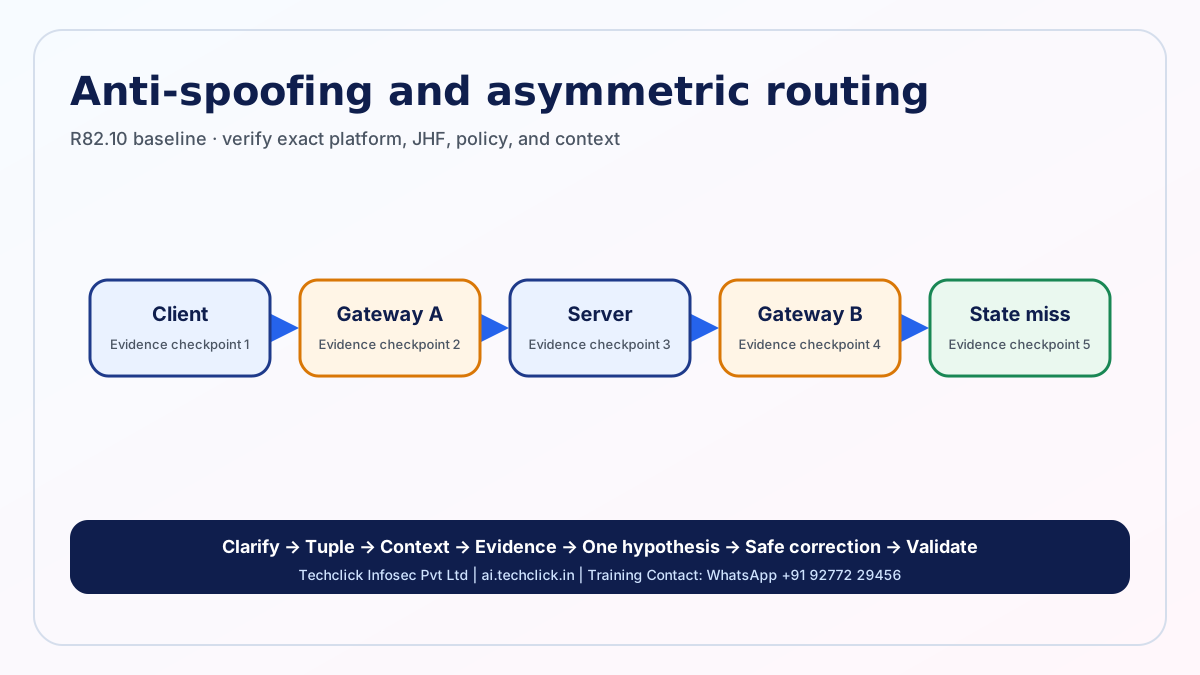
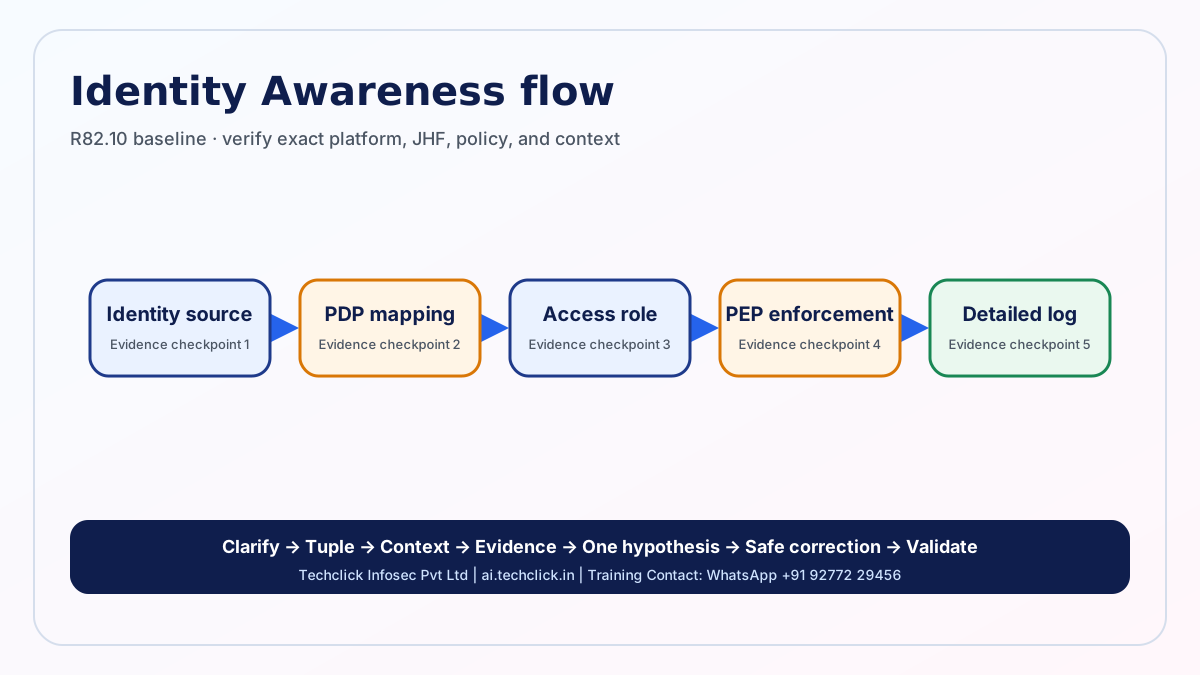
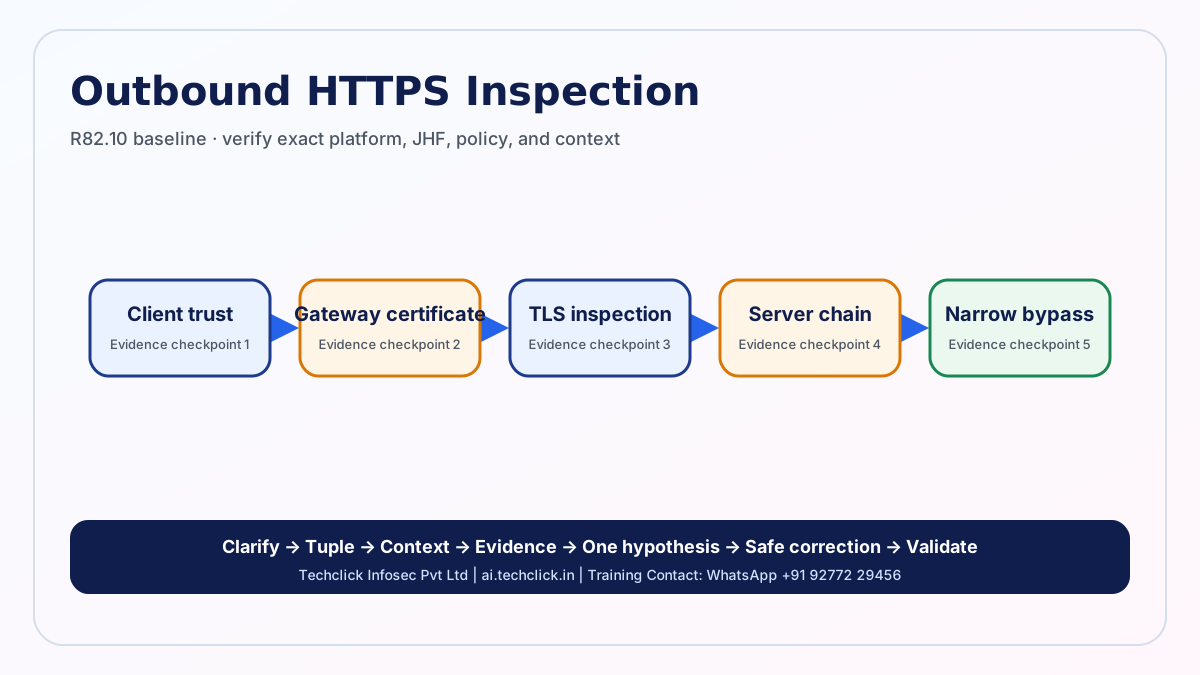
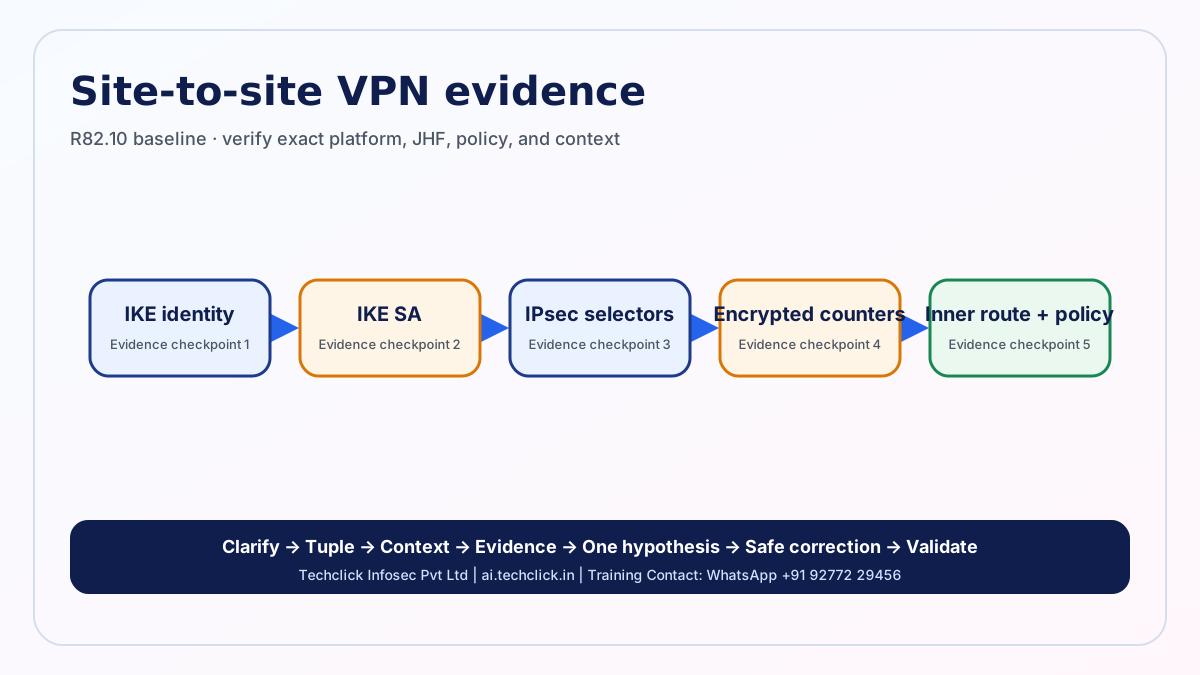
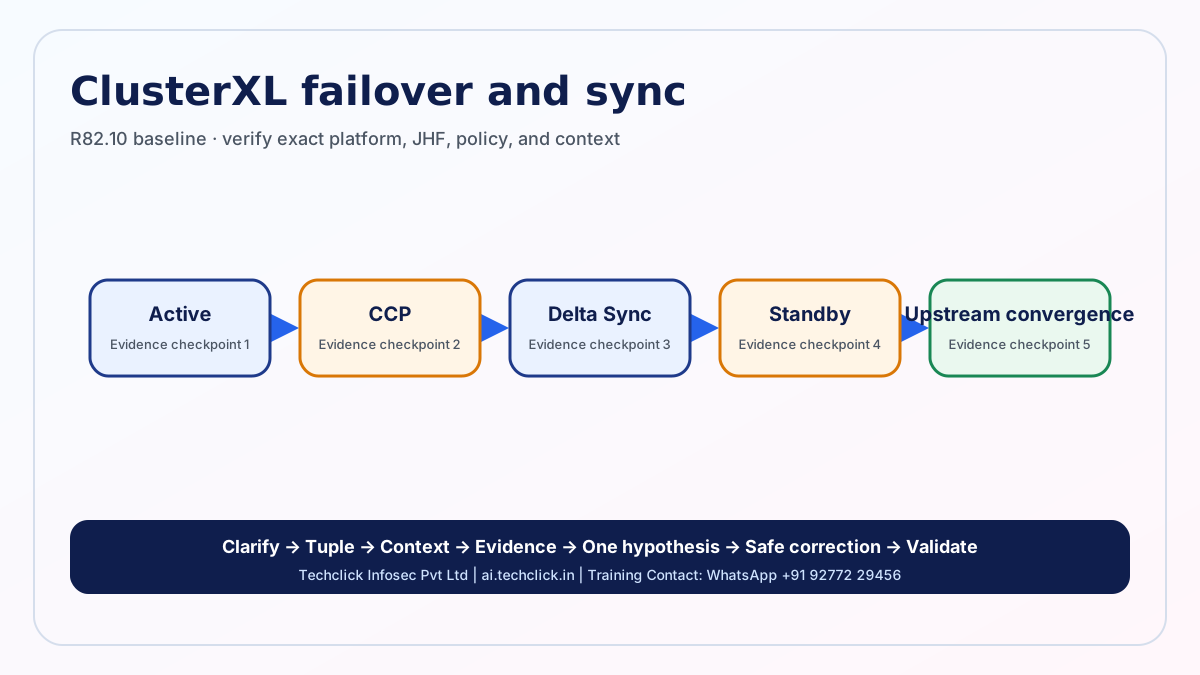
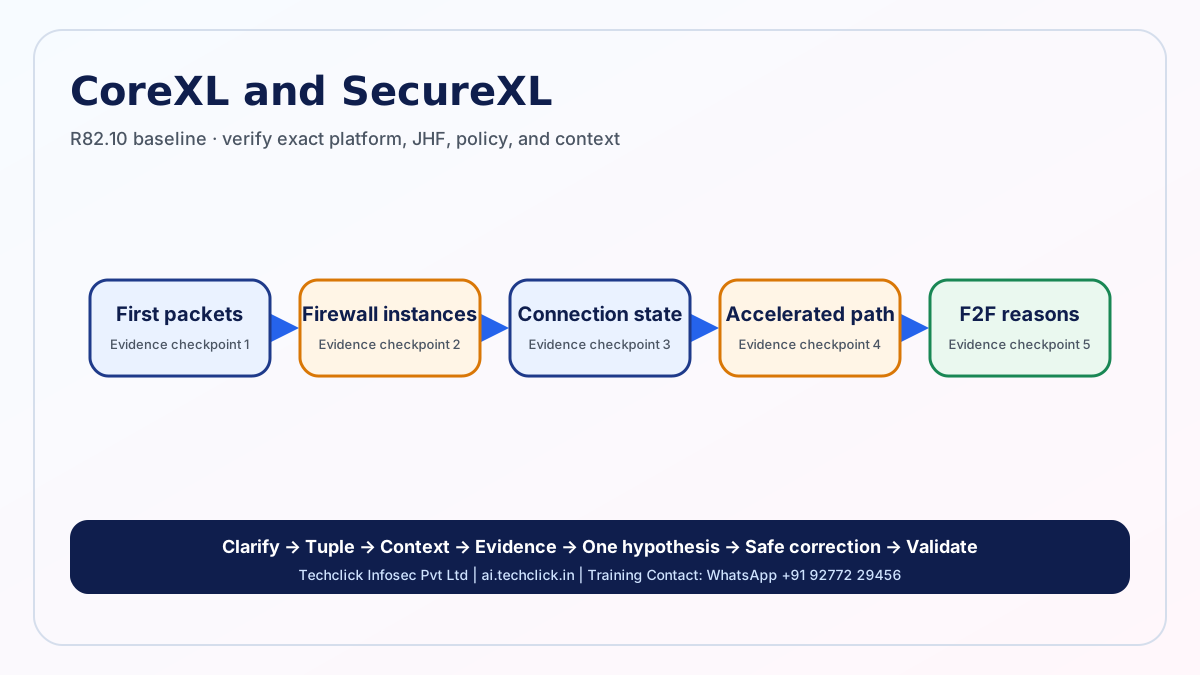
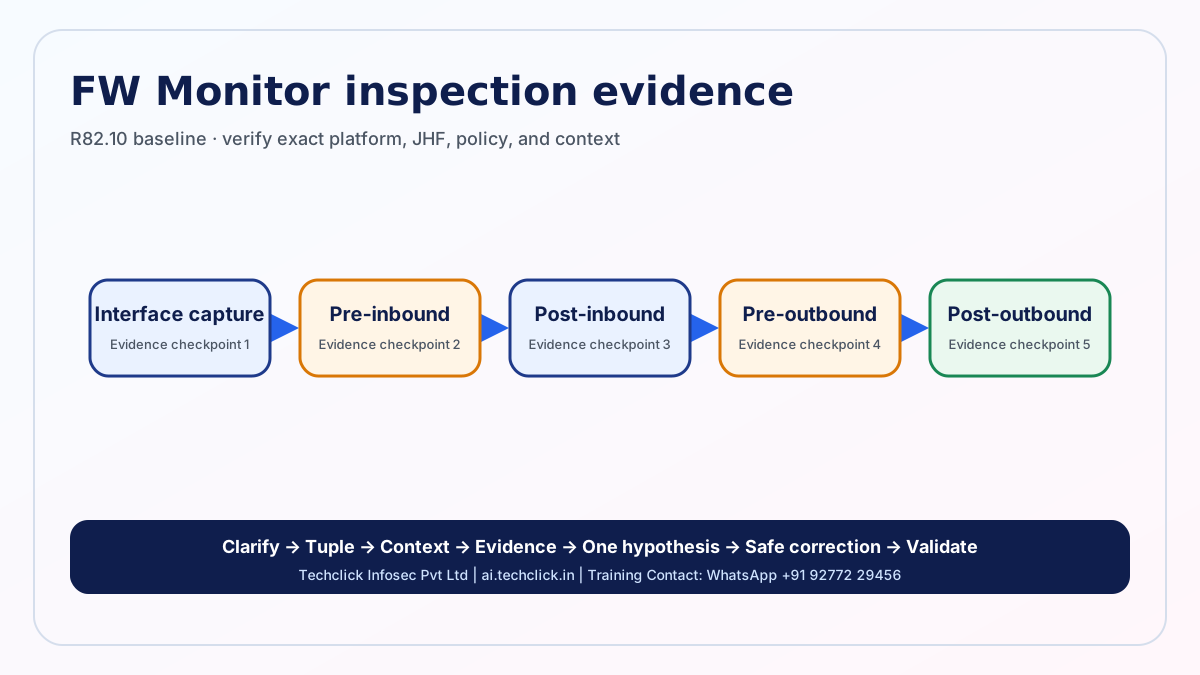
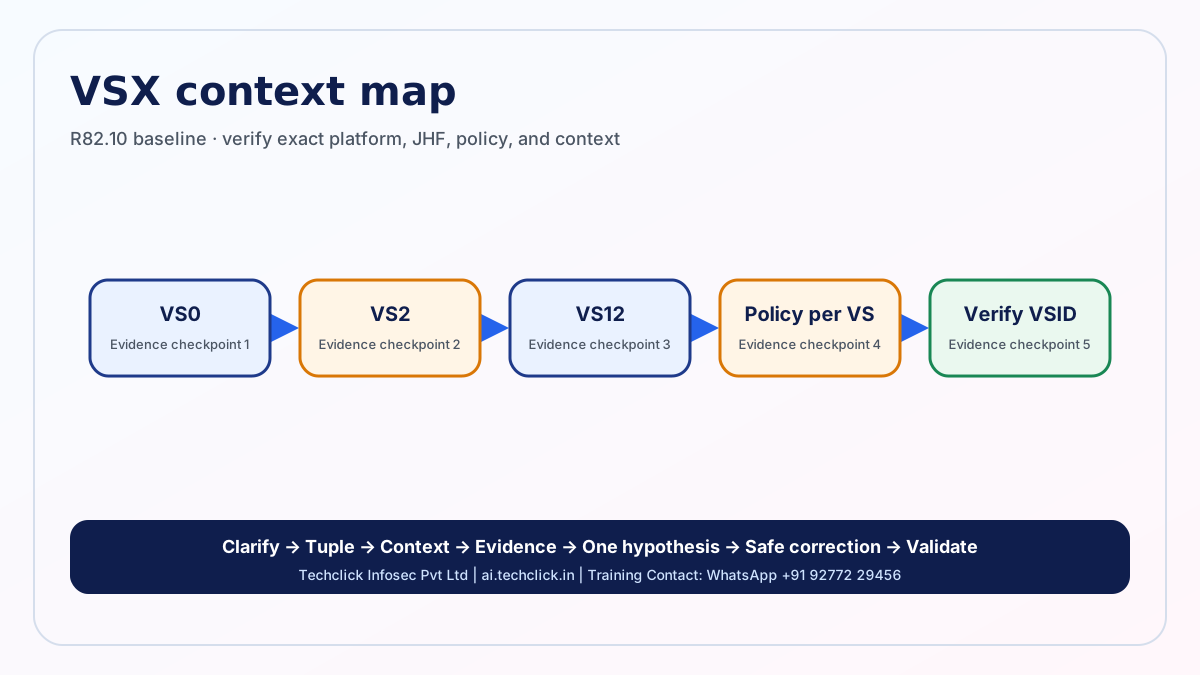
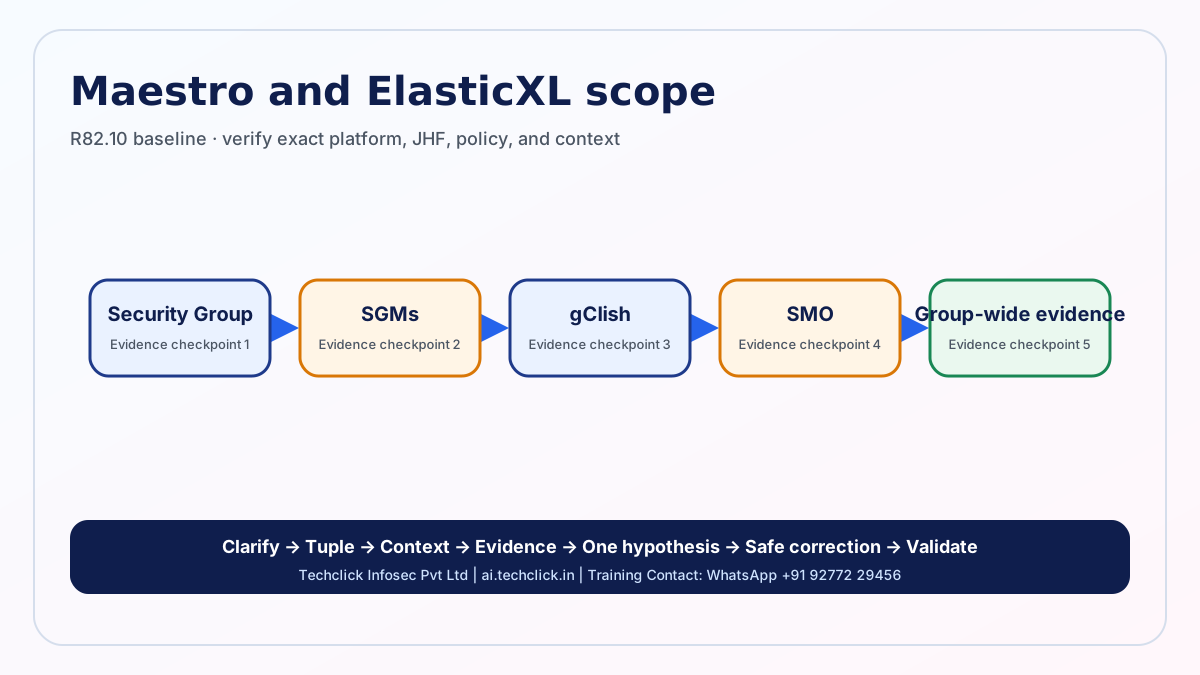
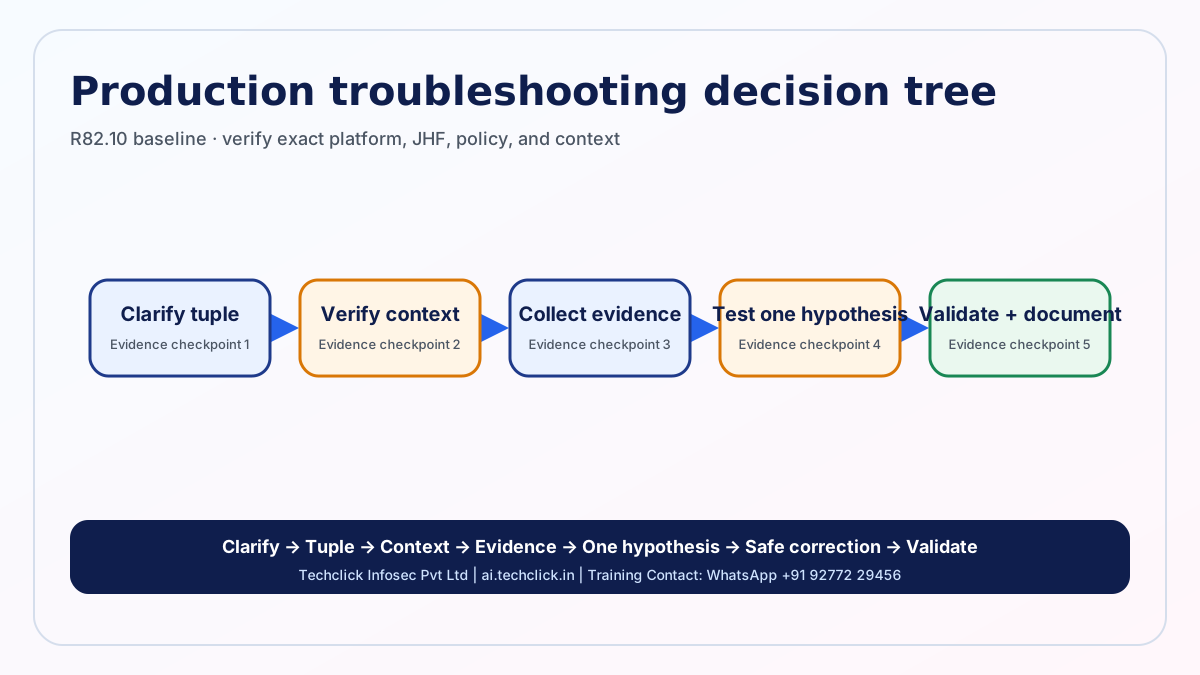
15-minute revision mode
SmartConsole → publish → install → gateway enforcement.
Tuple → topology → route → policy/layers → state → NAT.
IKE → IPsec selectors → inner route/policy/NAT → counters.
Cluster state → interfaces → CCP → sync → convergence.
CoreXL instances → SecureXL eligibility → CPView → safe capture.
Evidence, smallest safe correction, validation, rollback, prevention.
Command and evidence cheat sheet
Order: tuple/time → context → route/topology → installed policy → state/NAT → blade/VPN/cluster → logs → filtered capture → short debug only if essential.
Do not publish unrestricted production debug, global table clears, broad bypasses, fwaccel off, or service restarts as routine fixes.
system
show version allShows product, Gaia OS, kernel, and build information.
Stop: No stop command required.
show uptimeShows system uptime for restart and failover correlation.
Stop: No stop command required.
policy
fw statShows installed Security Policy information on the gateway.
Stop: No stop command required.
api statusShows Management API service status.
Stop: No stop command required.
interface
show interfaces allShows configured interfaces, link state, addresses, MTU, VLAN, and bond context.
Stop: No stop command required.
fw ctl iflistShows interfaces attached to the Firewall kernel and their internal indexes.
Stop: No stop command required.
route
show route destination 198.51.100.10Shows the route selected for the documentation-only test destination.
Stop: No stop command required.
show route allShows active routes; prefer a destination lookup first on large tables.
Stop: No stop command required.
connections
fw tab -t connections -sShows connection-table summary without dumping all entries.
Stop: No stop command required.
fw tab -t connections -MShows formatted connections; output can be large, so use only in a short approved window and protect captured data.
Stop: Stop with Ctrl+C.
capture
tcpdump -ni eth1 host 192.0.2.10 and host 198.51.100.10 -c 50Captures at the interface with a two-host filter and packet limit.
Stop: Stops at 50 packets; otherwise press Ctrl+C.
fw monitor -F "192.0.2.10,0,198.51.100.10,0,0" -ci 50 -co 50 -o /var/log/fw_mon.capCaptures filtered traffic at Firewall chain inspection points with inbound and outbound limits.
Stop: Stops at the limits; otherwise Ctrl+C or run fw monitor -U from another shell.
drops
fw ctl zdebug + dropShows live Firewall drop debug messages. It has no tuple filter in this form, so use only after narrower evidence, in a short approved window.
Stop: Press Ctrl+C immediately after reproducing once; confirm the process ended.
cluster
show cluster stateShows ClusterXL member states.
Stop: No stop command required.
cphaprob stateShows member identity and current ClusterXL state.
Stop: No stop command required.
cphaprob -a ifShows cluster-interface and CCP-related status.
Stop: No stop command required.
cphaprob syncstatShows synchronization statistics and errors.
Stop: No stop command required.
performance
cpviewOpens the live performance dashboard for CPU, memory, instances, blades, and acceleration evidence.
Stop: Press q to exit.
fw ctl multik statShows CoreXL Firewall instance status and distribution information.
Stop: No stop command required.
fwaccel statShows SecureXL mode, status, accelerated interfaces, and enabled features.
Stop: No stop command required.
fwaccel stats -sShows a SecureXL statistics summary without resetting counters.
Stop: No stop command required; do not add -r during evidence collection.
vpn
vpn tu list ikeLists IKE security associations.
Stop: No stop command required.
vpn tu list ipsecLists IPsec security associations.
Stop: No stop command required.
vpn tu conn 192.0.2.10 - 198.51.100.10 - 6Shows VPN information for a filtered documentation-only TCP flow.
Stop: No stop command required.
vsx
vsx stat -vLists configured Virtual Devices and VSIDs.
Stop: No stop command required.
vsenv 2Changes only the shell context to VSID 2; verify the intended VSID first.
Stop: Return to default context with vsenv.
vsx getShows the current VSX context.
Stop: No stop command required.
scalable
show cluster infoShows scalable-platform Security Group information.
Stop: No stop command required.
g_fwaccel statRuns the SecureXL status command across the applicable Security Group context.
Stop: No stop command required.
api
mgmt_cli show sessions limit 50 --format jsonLists recent management sessions for publish and lock investigation.
Stop: No stop command required.
mgmt_cli show gateways-and-servers limit 50 --format jsonLists gateway/server objects and versions for target validation.
Stop: No stop command required.
CP-001 to CP-080
CP-001BeginnerConcept and evidenceExplain the roles of SmartConsole, the Security Management Server, and the Security Gateway.Think first: define the tuple, target/context, and evidence before revealing.
Short spoken answer
SmartConsole is the administrator interface, the Management Server stores objects, policy, sessions, certificates, and logs, and the Gateway enforces installed policy on traffic. I prove both management intent and gateway state.
Detailed technical explanation
SmartConsole is the administrator interface, the Management Server stores objects, policy, sessions, certificates, and logs, and the Gateway enforces installed policy on traffic. I prove both management intent and gateway state. Publishing commits a management session; policy installation compiles and transfers enforcement policy to selected gateways. In production, begin with the exact tuple, time, expected topology, and enforcement context. Collect session state, publish task, install task, selected target, gateway policy status, and matching traffic log. Form one testable hypothesis, apply the smallest reversible correction, repeat the original application transaction, and retain before/after evidence.
Beginner explanation
Think of SmartConsole as the planner, Management Server as the signed rulebook, and the Gateway as the guard at the door.
Where it operates
Management/control plane between SmartConsole, Management, and Gateway; enforcement occurs on the Security Gateway data path.
Production example
SmartConsole shows a rule, but the gateway still runs an older policy package.
Evidence to collect
Session state, publish task, install task, selected target, gateway policy status, and matching traffic log.
Safe commands and what they check
show version allPurpose: Shows product, Gaia OS, kernel, and build information.
Parameters: Use the shown documentation/test values only; replace them with the approved incident tuple or context and verify built-in help for the exact release.
Interpretation: Healthy evidence must agree with the expected gateway/context, route, policy/state, interface/member, or SA. A mismatch narrows the failing layer.
Stop/clear: No stop command required.
show uptimePurpose: Shows system uptime for restart and failover correlation.
Parameters: Use the shown documentation/test values only; replace them with the approved incident tuple or context and verify built-in help for the exact release.
Interpretation: Healthy evidence must agree with the expected gateway/context, route, policy/state, interface/member, or SA. A mismatch narrows the failing layer.
Stop/clear: No stop command required.
fw statPurpose: Shows installed Security Policy information on the gateway.
Parameters: Use the shown documentation/test values only; replace them with the approved incident tuple or context and verify built-in help for the exact release.
Interpretation: Healthy evidence must agree with the expected gateway/context, route, policy/state, interface/member, or SA. A mismatch narrows the failing layer.
Stop/clear: No stop command required.
api statusPurpose: Shows Management API service status.
Parameters: Use the shown documentation/test values only; replace them with the approved incident tuple or context and verify built-in help for the exact release.
Interpretation: Healthy evidence must agree with the expected gateway/context, route, policy/state, interface/member, or SA. A mismatch narrows the failing layer.
Stop/clear: No stop command required.
Expected evidence interpretation
Do not compare against fabricated sample output. Interpret the real output by asking whether it proves the expected architecture state for CP-001; one-sided counters, wrong target/context, stale timestamps, or missing reverse evidence narrow the failure.
GUI investigation area
SmartConsole: Security Policies; Gateways & Servers; Logs & Monitor.
Common wrong answer
A weak answer jumps to a restart, broad allow/bypass, global clear, or configuration change before proving the tuple, target/context, state, and path.
Common production mistake
Changing several controls at once destroys the evidence chain, expands risk, and makes rollback uncertain.
Interviewer follow-up
Why is seeing a rule in SmartConsole not proof it is enforced?
Model follow-up answer
Because an unpublished change is not committed, and a published change is not enforced until the correct policy is successfully installed on the correct target.
Version and platform note
R82.10 baseline; compare the exact R82 or R81.20 guide and Jumbo Hotfix Take before relying on version-sensitive behavior.
Licensing note
Confirm the enabled Software Blades, subscription, appliance or cloud entitlement, and platform support; core policy behavior alone does not prove a licensed feature is active.
Safety warning
Start read-only, filter by the real test tuple and time, capture only approved data, make one reversible change, and validate the original application flow.
Authoritative references
Related: CP-002 · architecture
CP-002BeginnerConcept and evidenceWhat is Gaia, and when do you use Gaia Clish versus Expert mode?Think first: define the tuple, target/context, and evidence before revealing.
Short spoken answer
Gaia is Check Point’s operating system. Clish is the role-controlled configuration and show shell; Expert mode is the Linux and advanced product shell. I use Clish first and enter Expert only for a verified command.
Detailed technical explanation
Gaia is Check Point’s operating system. Clish is the role-controlled configuration and show shell; Expert mode is the Linux and advanced product shell. I use Clish first and enter Expert only for a verified command. Clish protects configuration through the Gaia database; Expert exposes lower-level tools and files that can bypass safer controls. In production, begin with the exact tuple, time, expected topology, and enforcement context. Collect current shell, admin role, gaia config, route output, audit trail, and approved change method. Form one testable hypothesis, apply the smallest reversible correction, repeat the original application transaction, and retain before/after evidence.
Beginner explanation
Think of SmartConsole as the planner, Management Server as the signed rulebook, and the Gateway as the guard at the door.
Where it operates
Management/control plane between SmartConsole, Management, and Gateway; enforcement occurs on the Security Gateway data path.
Production example
An engineer edits a route file in Expert mode and creates drift from the Gaia configuration database.
Evidence to collect
Current shell, admin role, Gaia config, route output, audit trail, and approved change method.
Safe commands and what they check
show version allPurpose: Shows product, Gaia OS, kernel, and build information.
Parameters: Use the shown documentation/test values only; replace them with the approved incident tuple or context and verify built-in help for the exact release.
Interpretation: Healthy evidence must agree with the expected gateway/context, route, policy/state, interface/member, or SA. A mismatch narrows the failing layer.
Stop/clear: No stop command required.
show uptimePurpose: Shows system uptime for restart and failover correlation.
Parameters: Use the shown documentation/test values only; replace them with the approved incident tuple or context and verify built-in help for the exact release.
Interpretation: Healthy evidence must agree with the expected gateway/context, route, policy/state, interface/member, or SA. A mismatch narrows the failing layer.
Stop/clear: No stop command required.
show route destination 198.51.100.10Purpose: Shows the route selected for the documentation-only test destination.
Parameters: Use the shown documentation/test values only; replace them with the approved incident tuple or context and verify built-in help for the exact release.
Interpretation: Healthy evidence must agree with the expected gateway/context, route, policy/state, interface/member, or SA. A mismatch narrows the failing layer.
Stop/clear: No stop command required.
show route allPurpose: Shows active routes; prefer a destination lookup first on large tables.
Parameters: Use the shown documentation/test values only; replace them with the approved incident tuple or context and verify built-in help for the exact release.
Interpretation: Healthy evidence must agree with the expected gateway/context, route, policy/state, interface/member, or SA. A mismatch narrows the failing layer.
Stop/clear: No stop command required.
Expected evidence interpretation
Do not compare against fabricated sample output. Interpret the real output by asking whether it proves the expected architecture state for CP-002; one-sided counters, wrong target/context, stale timestamps, or missing reverse evidence narrow the failure.
GUI investigation area
Gaia Portal and Gaia Clish; use Expert only when the official guide requires it.
Common wrong answer
A weak answer jumps to a restart, broad allow/bypass, global clear, or configuration change before proving the tuple, target/context, state, and path.
Common production mistake
Changing several controls at once destroys the evidence chain, expands risk, and makes rollback uncertain.
Interviewer follow-up
What is the interview-safe rule for Expert mode?
Model follow-up answer
Name the exact evidence you need, the verified command, its risk, stop condition, and rollback before entering Expert mode.
Version and platform note
R82.10 baseline; compare the exact R82 or R81.20 guide and Jumbo Hotfix Take before relying on version-sensitive behavior.
Licensing note
Confirm the enabled Software Blades, subscription, appliance or cloud entitlement, and platform support; core policy behavior alone does not prove a licensed feature is active.
Safety warning
Start read-only, filter by the real test tuple and time, capture only approved data, make one reversible change, and validate the original application flow.
Authoritative references
Related: CP-001 · CP-003 · architecture
CP-003BeginnerDesign explanationCompare distributed, standalone, and dedicated Log Server designs.Think first: define the tuple, target/context, and evidence before revealing.
Short spoken answer
Distributed separates management from enforcement; standalone combines management and gateway roles; a dedicated Log Server separates log indexing and retention. I choose based on scale, failure domains, and operations.
Detailed technical explanation
Distributed separates management from enforcement; standalone combines management and gateway roles; a dedicated Log Server separates log indexing and retention. I choose based on scale, failure domains, and operations. The enforcement path still belongs to the gateway; separating management or logging changes control-plane and log-flow dependencies, not the user traffic path. In production, begin with the exact tuple, time, expected topology, and enforcement context. Collect product roles, cpu/memory, log rate, disk/retention, backup design, and management reachability. Form one testable hypothesis, apply the smallest reversible correction, repeat the original application transaction, and retain before/after evidence.
Beginner explanation
Think of SmartConsole as the planner, Management Server as the signed rulebook, and the Gateway as the guard at the door.
Where it operates
Management/control plane between SmartConsole, Management, and Gateway; enforcement occurs on the Security Gateway data path.
Production example
A standalone appliance runs out of resources because management, logging, and enforcement compete.
Evidence to collect
Product roles, CPU/memory, log rate, disk/retention, backup design, and management reachability.
Safe commands and what they check
show version allPurpose: Shows product, Gaia OS, kernel, and build information.
Parameters: Use the shown documentation/test values only; replace them with the approved incident tuple or context and verify built-in help for the exact release.
Interpretation: Healthy evidence must agree with the expected gateway/context, route, policy/state, interface/member, or SA. A mismatch narrows the failing layer.
Stop/clear: No stop command required.
show uptimePurpose: Shows system uptime for restart and failover correlation.
Parameters: Use the shown documentation/test values only; replace them with the approved incident tuple or context and verify built-in help for the exact release.
Interpretation: Healthy evidence must agree with the expected gateway/context, route, policy/state, interface/member, or SA. A mismatch narrows the failing layer.
Stop/clear: No stop command required.
Expected evidence interpretation
Do not compare against fabricated sample output. Interpret the real output by asking whether it proves the expected architecture state for CP-003; one-sided counters, wrong target/context, stale timestamps, or missing reverse evidence narrow the failure.
GUI investigation area
SmartConsole: Gateways & Servers; Logs & Monitor.
Common wrong answer
A weak answer jumps to a restart, broad allow/bypass, global clear, or configuration change before proving the tuple, target/context, state, and path.
Common production mistake
Changing several controls at once destroys the evidence chain, expands risk, and makes rollback uncertain.
Interviewer follow-up
Why is standalone usually weak for larger production environments?
Model follow-up answer
It couples enforcement, management, and logging failure domains and capacity, making upgrades and recovery harder.
Version and platform note
R82.10 baseline; compare the exact R82 or R81.20 guide and Jumbo Hotfix Take before relying on version-sensitive behavior.
Licensing note
Confirm the enabled Software Blades, subscription, appliance or cloud entitlement, and platform support; core policy behavior alone does not prove a licensed feature is active.
Safety warning
Start read-only, filter by the real test tuple and time, capture only approved data, make one reversible change, and validate the original application flow.
Authoritative references
Related: CP-002 · CP-004 · architecture
CP-004BeginnerConcept and evidenceExplain SIC and the Internal Certificate Authority.Think first: define the tuple, target/context, and evidence before revealing.
Short spoken answer
Secure Internal Communication authenticates Check Point components with certificates issued by the management Internal CA. SIC trust is required for management-to-gateway operations such as policy installation and status.
Detailed technical explanation
Secure Internal Communication authenticates Check Point components with certificates issued by the management Internal CA. SIC trust is required for management-to-gateway operations such as policy installation and status. The one-time activation key bootstraps trust; certificate identity and clock/connectivity then matter to continuing communication. In production, begin with the exact tuple, time, expected topology, and enforcement context. Collect sic status, object identity, activation workflow, time, routes, required services, and install error. Form one testable hypothesis, apply the smallest reversible correction, repeat the original application transaction, and retain before/after evidence.
Beginner explanation
Think of SmartConsole as the planner, Management Server as the signed rulebook, and the Gateway as the guard at the door.
Where it operates
Management/control plane between SmartConsole, Management, and Gateway; enforcement occurs on the Security Gateway data path.
Production example
Policy installation fails after a gateway rebuild because the object and gateway no longer share valid SIC trust.
Evidence to collect
SIC status, object identity, activation workflow, time, routes, required services, and install error.
Safe commands and what they check
show version allPurpose: Shows product, Gaia OS, kernel, and build information.
Parameters: Use the shown documentation/test values only; replace them with the approved incident tuple or context and verify built-in help for the exact release.
Interpretation: Healthy evidence must agree with the expected gateway/context, route, policy/state, interface/member, or SA. A mismatch narrows the failing layer.
Stop/clear: No stop command required.
show uptimePurpose: Shows system uptime for restart and failover correlation.
Parameters: Use the shown documentation/test values only; replace them with the approved incident tuple or context and verify built-in help for the exact release.
Interpretation: Healthy evidence must agree with the expected gateway/context, route, policy/state, interface/member, or SA. A mismatch narrows the failing layer.
Stop/clear: No stop command required.
fw statPurpose: Shows installed Security Policy information on the gateway.
Parameters: Use the shown documentation/test values only; replace them with the approved incident tuple or context and verify built-in help for the exact release.
Interpretation: Healthy evidence must agree with the expected gateway/context, route, policy/state, interface/member, or SA. A mismatch narrows the failing layer.
Stop/clear: No stop command required.
api statusPurpose: Shows Management API service status.
Parameters: Use the shown documentation/test values only; replace them with the approved incident tuple or context and verify built-in help for the exact release.
Interpretation: Healthy evidence must agree with the expected gateway/context, route, policy/state, interface/member, or SA. A mismatch narrows the failing layer.
Stop/clear: No stop command required.
Expected evidence interpretation
Do not compare against fabricated sample output. Interpret the real output by asking whether it proves the expected architecture state for CP-004; one-sided counters, wrong target/context, stale timestamps, or missing reverse evidence narrow the failure.
GUI investigation area
SmartConsole: Gateway object > Communication.
Common wrong answer
A weak answer jumps to a restart, broad allow/bypass, global clear, or configuration change before proving the tuple, target/context, state, and path.
Common production mistake
Changing several controls at once destroys the evidence chain, expands risk, and makes rollback uncertain.
Interviewer follow-up
Should you reset SIC as the first fix?
Model follow-up answer
No. First prove identity, time, reachability, and the actual error; reset only with an approved recovery plan because it changes trust.
Version and platform note
R82.10 baseline; compare the exact R82 or R81.20 guide and Jumbo Hotfix Take before relying on version-sensitive behavior.
Licensing note
Confirm the enabled Software Blades, subscription, appliance or cloud entitlement, and platform support; core policy behavior alone does not prove a licensed feature is active.
Safety warning
Start read-only, filter by the real test tuple and time, capture only approved data, make one reversible change, and validate the original application flow.
Authoritative references
Related: CP-003 · CP-005 · architecture
CP-005BeginnerConcept and evidenceWhich Check Point processes should an L2/L3 engineer understand?Think first: define the tuple, target/context, and evidence before revealing.
Short spoken answer
CPD handles core Check Point communications, FWD handles gateway and log-related functions, and FWM is a key management process. I map a symptom to the correct host and process before restarting anything.
Detailed technical explanation
CPD handles core Check Point communications, FWD handles gateway and log-related functions, and FWM is a key management process. I map a symptom to the correct host and process before restarting anything. Process names and roles differ by server type; a healthy GUI does not prove every management, logging, or enforcement component is healthy. In production, begin with the exact tuple, time, expected topology, and enforcement context. Collect server role, process status, service logs, network path, time, disk, and recent restarts. Form one testable hypothesis, apply the smallest reversible correction, repeat the original application transaction, and retain before/after evidence.
Beginner explanation
Think of SmartConsole as the planner, Management Server as the signed rulebook, and the Gateway as the guard at the door.
Where it operates
Management/control plane between SmartConsole, Management, and Gateway; enforcement occurs on the Security Gateway data path.
Production example
Logs stop arriving while gateways still enforce policy, so the investigation separates log transport from enforcement.
Evidence to collect
Server role, process status, service logs, network path, time, disk, and recent restarts.
Safe commands and what they check
show version allPurpose: Shows product, Gaia OS, kernel, and build information.
Parameters: Use the shown documentation/test values only; replace them with the approved incident tuple or context and verify built-in help for the exact release.
Interpretation: Healthy evidence must agree with the expected gateway/context, route, policy/state, interface/member, or SA. A mismatch narrows the failing layer.
Stop/clear: No stop command required.
show uptimePurpose: Shows system uptime for restart and failover correlation.
Parameters: Use the shown documentation/test values only; replace them with the approved incident tuple or context and verify built-in help for the exact release.
Interpretation: Healthy evidence must agree with the expected gateway/context, route, policy/state, interface/member, or SA. A mismatch narrows the failing layer.
Stop/clear: No stop command required.
fw statPurpose: Shows installed Security Policy information on the gateway.
Parameters: Use the shown documentation/test values only; replace them with the approved incident tuple or context and verify built-in help for the exact release.
Interpretation: Healthy evidence must agree with the expected gateway/context, route, policy/state, interface/member, or SA. A mismatch narrows the failing layer.
Stop/clear: No stop command required.
api statusPurpose: Shows Management API service status.
Parameters: Use the shown documentation/test values only; replace them with the approved incident tuple or context and verify built-in help for the exact release.
Interpretation: Healthy evidence must agree with the expected gateway/context, route, policy/state, interface/member, or SA. A mismatch narrows the failing layer.
Stop/clear: No stop command required.
Expected evidence interpretation
Do not compare against fabricated sample output. Interpret the real output by asking whether it proves the expected architecture state for CP-005; one-sided counters, wrong target/context, stale timestamps, or missing reverse evidence narrow the failure.
GUI investigation area
SmartConsole status views plus the applicable server CLI.
Common wrong answer
A weak answer jumps to a restart, broad allow/bypass, global clear, or configuration change before proving the tuple, target/context, state, and path.
Common production mistake
Changing several controls at once destroys the evidence chain, expands risk, and makes rollback uncertain.
Interviewer follow-up
Why is cpstop/cpstart a poor first response?
Model follow-up answer
It is disruptive, destroys transient evidence, and may hide the failing component without identifying the cause.
Version and platform note
R82.10 baseline; compare the exact R82 or R81.20 guide and Jumbo Hotfix Take before relying on version-sensitive behavior.
Licensing note
Confirm the enabled Software Blades, subscription, appliance or cloud entitlement, and platform support; core policy behavior alone does not prove a licensed feature is active.
Safety warning
Start read-only, filter by the real test tuple and time, capture only approved data, make one reversible change, and validate the original application flow.
Authoritative references
Related: CP-004 · CP-006 · architecture
CP-006BeginnerDesign explanationDescribe a safe Check Point production troubleshooting method.Think first: define the tuple, target/context, and evidence before revealing.
Short spoken answer
Clarify, define the tuple, verify topology and target, collect route/policy/session/log/capture evidence, form one hypothesis, test safely, correct, validate, document, and retain rollback.
Detailed technical explanation
Clarify, define the tuple, verify topology and target, collect route/policy/session/log/capture evidence, form one hypothesis, test safely, correct, validate, document, and retain rollback. Connections cache state and policy can differ across management, gateways, cluster members, VSs, or Security Groups, so context is part of every proof. In production, begin with the exact tuple, time, expected topology, and enforcement context. Collect ticket, exact time and tuple, expected path, recent changes, policy target, gateway context, before/after evidence, and rollback. Form one testable hypothesis, apply the smallest reversible correction, repeat the original application transaction, and retain before/after evidence.
Beginner explanation
Think of SmartConsole as the planner, Management Server as the signed rulebook, and the Gateway as the guard at the door.
Where it operates
Management/control plane between SmartConsole, Management, and Gateway; enforcement occurs on the Security Gateway data path.
Production example
A broad change restores traffic but creates an unlogged security gap because no baseline or rollback was captured.
Evidence to collect
Ticket, exact time and tuple, expected path, recent changes, policy target, gateway context, before/after evidence, and rollback.
Safe commands and what they check
show version allPurpose: Shows product, Gaia OS, kernel, and build information.
Parameters: Use the shown documentation/test values only; replace them with the approved incident tuple or context and verify built-in help for the exact release.
Interpretation: Healthy evidence must agree with the expected gateway/context, route, policy/state, interface/member, or SA. A mismatch narrows the failing layer.
Stop/clear: No stop command required.
show uptimePurpose: Shows system uptime for restart and failover correlation.
Parameters: Use the shown documentation/test values only; replace them with the approved incident tuple or context and verify built-in help for the exact release.
Interpretation: Healthy evidence must agree with the expected gateway/context, route, policy/state, interface/member, or SA. A mismatch narrows the failing layer.
Stop/clear: No stop command required.
fw statPurpose: Shows installed Security Policy information on the gateway.
Parameters: Use the shown documentation/test values only; replace them with the approved incident tuple or context and verify built-in help for the exact release.
Interpretation: Healthy evidence must agree with the expected gateway/context, route, policy/state, interface/member, or SA. A mismatch narrows the failing layer.
Stop/clear: No stop command required.
api statusPurpose: Shows Management API service status.
Parameters: Use the shown documentation/test values only; replace them with the approved incident tuple or context and verify built-in help for the exact release.
Interpretation: Healthy evidence must agree with the expected gateway/context, route, policy/state, interface/member, or SA. A mismatch narrows the failing layer.
Stop/clear: No stop command required.
show route destination 198.51.100.10Purpose: Shows the route selected for the documentation-only test destination.
Parameters: Use the shown documentation/test values only; replace them with the approved incident tuple or context and verify built-in help for the exact release.
Interpretation: Healthy evidence must agree with the expected gateway/context, route, policy/state, interface/member, or SA. A mismatch narrows the failing layer.
Stop/clear: No stop command required.
show route allPurpose: Shows active routes; prefer a destination lookup first on large tables.
Parameters: Use the shown documentation/test values only; replace them with the approved incident tuple or context and verify built-in help for the exact release.
Interpretation: Healthy evidence must agree with the expected gateway/context, route, policy/state, interface/member, or SA. A mismatch narrows the failing layer.
Stop/clear: No stop command required.
Expected evidence interpretation
Do not compare against fabricated sample output. Interpret the real output by asking whether it proves the expected architecture state for CP-006; one-sided counters, wrong target/context, stale timestamps, or missing reverse evidence narrow the failure.
GUI investigation area
Use read-only SmartConsole and Gaia views before any change.
Common wrong answer
A weak answer jumps to a restart, broad allow/bypass, global clear, or configuration change before proving the tuple, target/context, state, and path.
Common production mistake
Changing several controls at once destroys the evidence chain, expands risk, and makes rollback uncertain.
Interviewer follow-up
What closes the incident?
Model follow-up answer
The original application succeeds, expected policy/log/counters agree on both directions, no adjacent path regresses, and the change plus rollback is documented.
Version and platform note
R82.10 baseline; compare the exact R82 or R81.20 guide and Jumbo Hotfix Take before relying on version-sensitive behavior.
Licensing note
Confirm the enabled Software Blades, subscription, appliance or cloud entitlement, and platform support; core policy behavior alone does not prove a licensed feature is active.
Safety warning
Start read-only, filter by the real test tuple and time, capture only approved data, make one reversible change, and validate the original application flow.
Authoritative references
Related: CP-005 · CP-007 · architecture
CP-007BeginnerConcept and evidenceWhat is the difference between Save, Publish, and Install Policy?Think first: define the tuple, target/context, and evidence before revealing.
Short spoken answer
Save keeps an edit in the current SmartConsole session, Publish commits the session to the management database, and Install Policy compiles and deploys policy to selected targets.
Detailed technical explanation
Save keeps an edit in the current SmartConsole session, Publish commits the session to the management database, and Install Policy compiles and deploys policy to selected targets. Multi-administrator sessions isolate changes until publish; gateways enforce their installed policy, not another administrator’s draft. In production, begin with the exact tuple, time, expected topology, and enforcement context. Collect session owner, unpublished changes, publish task, install task, package, and target. Form one testable hypothesis, apply the smallest reversible correction, repeat the original application transaction, and retain before/after evidence.
Beginner explanation
Think of a draft, a signed rulebook, and a guard receiving the new edition: save, publish, and install are separate steps.
Where it operates
Management session and policy compilation first; installed Access Control or Threat Prevention layers then affect new gateway traffic.
Production example
A colleague says “I saved the rule” but no publish or policy installation task exists.
Evidence to collect
Session owner, unpublished changes, publish task, install task, package, and target.
Safe commands and what they check
fw statPurpose: Shows installed Security Policy information on the gateway.
Parameters: Use the shown documentation/test values only; replace them with the approved incident tuple or context and verify built-in help for the exact release.
Interpretation: Healthy evidence must agree with the expected gateway/context, route, policy/state, interface/member, or SA. A mismatch narrows the failing layer.
Stop/clear: No stop command required.
api statusPurpose: Shows Management API service status.
Parameters: Use the shown documentation/test values only; replace them with the approved incident tuple or context and verify built-in help for the exact release.
Interpretation: Healthy evidence must agree with the expected gateway/context, route, policy/state, interface/member, or SA. A mismatch narrows the failing layer.
Stop/clear: No stop command required.
mgmt_cli show sessions limit 50 --format jsonPurpose: Lists recent management sessions for publish and lock investigation.
Parameters: Use the shown documentation/test values only; replace them with the approved incident tuple or context and verify built-in help for the exact release.
Interpretation: Healthy evidence must agree with the expected gateway/context, route, policy/state, interface/member, or SA. A mismatch narrows the failing layer.
Stop/clear: No stop command required.
mgmt_cli show gateways-and-servers limit 50 --format jsonPurpose: Lists gateway/server objects and versions for target validation.
Parameters: Use the shown documentation/test values only; replace them with the approved incident tuple or context and verify built-in help for the exact release.
Interpretation: Healthy evidence must agree with the expected gateway/context, route, policy/state, interface/member, or SA. A mismatch narrows the failing layer.
Stop/clear: No stop command required.
Expected evidence interpretation
Do not compare against fabricated sample output. Interpret the real output by asking whether it proves the expected policy state for CP-007; one-sided counters, wrong target/context, stale timestamps, or missing reverse evidence narrow the failure.
GUI investigation area
SmartConsole session toolbar and Install Policy dialog.
Common wrong answer
A weak answer jumps to a restart, broad allow/bypass, global clear, or configuration change before proving the tuple, target/context, state, and path.
Common production mistake
Changing several controls at once destroys the evidence chain, expands risk, and makes rollback uncertain.
Interviewer follow-up
Can an API script publish without installing?
Model follow-up answer
Yes. Publish and install-policy are separate operations and both task results must be checked.
Version and platform note
R82.10 baseline; compare the exact R82 or R81.20 guide and Jumbo Hotfix Take before relying on version-sensitive behavior.
Licensing note
Confirm the enabled Software Blades, subscription, appliance or cloud entitlement, and platform support; core policy behavior alone does not prove a licensed feature is active.
Safety warning
Start read-only, filter by the real test tuple and time, capture only approved data, make one reversible change, and validate the original application flow.
Authoritative references
Related: CP-006 · CP-008 · policy-session
CP-008BeginnerConcept and evidenceWhat are policy packages and policy targets?Think first: define the tuple, target/context, and evidence before revealing.
Short spoken answer
A policy package groups layers such as Access Control and Threat Prevention; installation targets decide which gateway or cluster receives it. I verify package and target before troubleshooting a rule.
Detailed technical explanation
A policy package groups layers such as Access Control and Threat Prevention; installation targets decide which gateway or cluster receives it. I verify package and target before troubleshooting a rule. Management can store several packages while each target enforces the installed policy applicable to it. In production, begin with the exact tuple, time, expected topology, and enforcement context. Collect package name, target, install time, task result, gateway fw stat, and matching log. Form one testable hypothesis, apply the smallest reversible correction, repeat the original application transaction, and retain before/after evidence.
Beginner explanation
Think of a draft, a signed rulebook, and a guard receiving the new edition: save, publish, and install are separate steps.
Where it operates
Management session and policy compilation first; installed Access Control or Threat Prevention layers then affect new gateway traffic.
Production example
A correct rule is installed on the lab cluster while production keeps the older package.
Evidence to collect
Package name, target, install time, task result, gateway fw stat, and matching log.
Safe commands and what they check
fw statPurpose: Shows installed Security Policy information on the gateway.
Parameters: Use the shown documentation/test values only; replace them with the approved incident tuple or context and verify built-in help for the exact release.
Interpretation: Healthy evidence must agree with the expected gateway/context, route, policy/state, interface/member, or SA. A mismatch narrows the failing layer.
Stop/clear: No stop command required.
api statusPurpose: Shows Management API service status.
Parameters: Use the shown documentation/test values only; replace them with the approved incident tuple or context and verify built-in help for the exact release.
Interpretation: Healthy evidence must agree with the expected gateway/context, route, policy/state, interface/member, or SA. A mismatch narrows the failing layer.
Stop/clear: No stop command required.
Expected evidence interpretation
Do not compare against fabricated sample output. Interpret the real output by asking whether it proves the expected policy state for CP-008; one-sided counters, wrong target/context, stale timestamps, or missing reverse evidence narrow the failure.
GUI investigation area
SmartConsole: Manage Policies and Layers; Install Policy target selection.
Common wrong answer
A weak answer jumps to a restart, broad allow/bypass, global clear, or configuration change before proving the tuple, target/context, state, and path.
Common production mistake
Changing several controls at once destroys the evidence chain, expands risk, and makes rollback uncertain.
Interviewer follow-up
What evidence proves a wrong-target incident?
Model follow-up answer
The install task and gateway policy status disagree with the intended production object and package.
Version and platform note
R82.10 baseline; compare the exact R82 or R81.20 guide and Jumbo Hotfix Take before relying on version-sensitive behavior.
Licensing note
Confirm the enabled Software Blades, subscription, appliance or cloud entitlement, and platform support; core policy behavior alone does not prove a licensed feature is active.
Safety warning
Start read-only, filter by the real test tuple and time, capture only approved data, make one reversible change, and validate the original application flow.
Authoritative references
Related: CP-007 · CP-009 · policy-session
CP-009BeginnerDesign explanationHow do ordered layers work?Think first: define the tuple, target/context, and evidence before revealing.
Short spoken answer
Ordered layers are evaluated in sequence as configured in the policy package. The final action depends on the layer design, so I trace the connection through every applicable layer rather than stopping at the first visible allow.
Detailed technical explanation
Ordered layers are evaluated in sequence as configured in the policy package. The final action depends on the layer design, so I trace the connection through every applicable layer rather than stopping at the first visible allow. Each layer has its own rule order and cleanup behavior; the effective decision can reflect more than one layer. In production, begin with the exact tuple, time, expected topology, and enforcement context. Collect layer order, matching rule in each layer, implicit cleanup behavior, logs, and installed package. Form one testable hypothesis, apply the smallest reversible correction, repeat the original application transaction, and retain before/after evidence.
Beginner explanation
Think of a draft, a signed rulebook, and a guard receiving the new edition: save, publish, and install are separate steps.
Where it operates
Management session and policy compilation first; installed Access Control or Threat Prevention layers then affect new gateway traffic.
Production example
A network layer accepts traffic but a later application layer drops it.
Evidence to collect
Layer order, matching rule in each layer, implicit cleanup behavior, logs, and installed package.
Safe commands and what they check
fw statPurpose: Shows installed Security Policy information on the gateway.
Parameters: Use the shown documentation/test values only; replace them with the approved incident tuple or context and verify built-in help for the exact release.
Interpretation: Healthy evidence must agree with the expected gateway/context, route, policy/state, interface/member, or SA. A mismatch narrows the failing layer.
Stop/clear: No stop command required.
api statusPurpose: Shows Management API service status.
Parameters: Use the shown documentation/test values only; replace them with the approved incident tuple or context and verify built-in help for the exact release.
Interpretation: Healthy evidence must agree with the expected gateway/context, route, policy/state, interface/member, or SA. A mismatch narrows the failing layer.
Stop/clear: No stop command required.
Expected evidence interpretation
Do not compare against fabricated sample output. Interpret the real output by asking whether it proves the expected policy state for CP-009; one-sided counters, wrong target/context, stale timestamps, or missing reverse evidence narrow the failure.
GUI investigation area
SmartConsole: Security Policies > Access Control; Manage Policies and Layers.
Common wrong answer
A weak answer jumps to a restart, broad allow/bypass, global clear, or configuration change before proving the tuple, target/context, state, and path.
Common production mistake
Changing several controls at once destroys the evidence chain, expands risk, and makes rollback uncertain.
Interviewer follow-up
What is the common wrong answer?
Model follow-up answer
“The first accept always ends evaluation.” That ignores ordered-layer semantics and the complete package path.
Version and platform note
R82.10 baseline; compare the exact R82 or R81.20 guide and Jumbo Hotfix Take before relying on version-sensitive behavior.
Licensing note
Confirm the enabled Software Blades, subscription, appliance or cloud entitlement, and platform support; core policy behavior alone does not prove a licensed feature is active.
Safety warning
Start read-only, filter by the real test tuple and time, capture only approved data, make one reversible change, and validate the original application flow.
Authoritative references
Related: CP-008 · CP-010 · policy-session
CP-010BeginnerConcept and evidenceHow does an inline layer change rule evaluation?Think first: define the tuple, target/context, and evidence before revealing.
Short spoken answer
An inline layer is called from a parent rule and evaluates only when that parent matches. The inline result returns to the parent context, so both parent and inline matches matter.
Detailed technical explanation
An inline layer is called from a parent rule and evaluates only when that parent matches. The inline result returns to the parent context, so both parent and inline matches matter. A broad parent scope can send unexpected traffic into the inline layer; a narrow parent can prevent the inline rules from ever running. In production, begin with the exact tuple, time, expected topology, and enforcement context. Collect parent rule, inline layer, object membership, rule order, logs, package target, and policy installation time. Form one testable hypothesis, apply the smallest reversible correction, repeat the original application transaction, and retain before/after evidence.
Beginner explanation
Think of a draft, a signed rulebook, and a guard receiving the new edition: save, publish, and install are separate steps.
Where it operates
Management session and policy compilation first; installed Access Control or Threat Prevention layers then affect new gateway traffic.
Production example
Traffic matches an inline allow but misses the parent source group and reaches cleanup.
Evidence to collect
Parent rule, inline layer, object membership, rule order, logs, package target, and policy installation time.
Safe commands and what they check
fw statPurpose: Shows installed Security Policy information on the gateway.
Parameters: Use the shown documentation/test values only; replace them with the approved incident tuple or context and verify built-in help for the exact release.
Interpretation: Healthy evidence must agree with the expected gateway/context, route, policy/state, interface/member, or SA. A mismatch narrows the failing layer.
Stop/clear: No stop command required.
api statusPurpose: Shows Management API service status.
Parameters: Use the shown documentation/test values only; replace them with the approved incident tuple or context and verify built-in help for the exact release.
Interpretation: Healthy evidence must agree with the expected gateway/context, route, policy/state, interface/member, or SA. A mismatch narrows the failing layer.
Stop/clear: No stop command required.
Expected evidence interpretation
Do not compare against fabricated sample output. Interpret the real output by asking whether it proves the expected policy state for CP-010; one-sided counters, wrong target/context, stale timestamps, or missing reverse evidence narrow the failure.
GUI investigation area
SmartConsole: open the parent rule’s inline layer.
Common wrong answer
A weak answer jumps to a restart, broad allow/bypass, global clear, or configuration change before proving the tuple, target/context, state, and path.
Common production mistake
Changing several controls at once destroys the evidence chain, expands risk, and makes rollback uncertain.
Interviewer follow-up
How do you explain unexpected inline behavior?
Model follow-up answer
Prove parent match first, then inline match and cleanup, then confirm the package was installed on the right target.
Version and platform note
R82.10 baseline; compare the exact R82 or R81.20 guide and Jumbo Hotfix Take before relying on version-sensitive behavior.
Licensing note
Confirm the enabled Software Blades, subscription, appliance or cloud entitlement, and platform support; core policy behavior alone does not prove a licensed feature is active.
Safety warning
Start read-only, filter by the real test tuple and time, capture only approved data, make one reversible change, and validate the original application flow.
Authoritative references
Related: CP-009 · CP-011 · policy-session
CP-011BeginnerConcept and evidenceHow do objects, groups, services, applications, and access roles affect matching?Think first: define the tuple, target/context, and evidence before revealing.
Short spoken answer
Objects resolve network identity, services match protocol/port, applications use content identification, and access roles add user, machine, and location context. I expand every referenced group and dynamic condition.
Detailed technical explanation
Objects resolve network identity, services match protocol/port, applications use content identification, and access roles add user, machine, and location context. I expand every referenced group and dynamic condition. A rule may look broad by name but evaluate against nested membership, feeds, identity state, or application classification at runtime. In production, begin with the exact tuple, time, expected topology, and enforcement context. Collect object expansion, group membership, service definition, application signature, identity mapping, rule hit, and log fields. Form one testable hypothesis, apply the smallest reversible correction, repeat the original application transaction, and retain before/after evidence.
Beginner explanation
Think of a draft, a signed rulebook, and a guard receiving the new edition: save, publish, and install are separate steps.
Where it operates
Management session and policy compilation first; installed Access Control or Threat Prevention layers then affect new gateway traffic.
Production example
A user is in the right AD group but the access role maps the wrong machine or network.
Evidence to collect
Object expansion, group membership, service definition, application signature, identity mapping, rule hit, and log fields.
Safe commands and what they check
fw statPurpose: Shows installed Security Policy information on the gateway.
Parameters: Use the shown documentation/test values only; replace them with the approved incident tuple or context and verify built-in help for the exact release.
Interpretation: Healthy evidence must agree with the expected gateway/context, route, policy/state, interface/member, or SA. A mismatch narrows the failing layer.
Stop/clear: No stop command required.
api statusPurpose: Shows Management API service status.
Parameters: Use the shown documentation/test values only; replace them with the approved incident tuple or context and verify built-in help for the exact release.
Interpretation: Healthy evidence must agree with the expected gateway/context, route, policy/state, interface/member, or SA. A mismatch narrows the failing layer.
Stop/clear: No stop command required.
Expected evidence interpretation
Do not compare against fabricated sample output. Interpret the real output by asking whether it proves the expected policy state for CP-011; one-sided counters, wrong target/context, stale timestamps, or missing reverse evidence narrow the failure.
GUI investigation area
SmartConsole object explorer; Logs & Monitor details.
Common wrong answer
A weak answer jumps to a restart, broad allow/bypass, global clear, or configuration change before proving the tuple, target/context, state, and path.
Common production mistake
Changing several controls at once destroys the evidence chain, expands risk, and makes rollback uncertain.
Interviewer follow-up
Why can an Any-service test mislead?
Model follow-up answer
It may bypass the exact service or application condition that fails in production and proves a different rule path.
Version and platform note
R82.10 baseline; compare the exact R82 or R81.20 guide and Jumbo Hotfix Take before relying on version-sensitive behavior.
Licensing note
Confirm the enabled Software Blades, subscription, appliance or cloud entitlement, and platform support; core policy behavior alone does not prove a licensed feature is active.
Safety warning
Start read-only, filter by the real test tuple and time, capture only approved data, make one reversible change, and validate the original application flow.
Authoritative references
Related: CP-010 · CP-012 · policy-session
CP-012BeginnerDesign explanationWhat are implied rules and why keep an explicit cleanup rule?Think first: define the tuple, target/context, and evidence before revealing.
Short spoken answer
Implied rules support control traffic according to global properties. An explicit cleanup rule gives visible ownership and logging for unmatched traffic. I know which behavior is implicit and which is audited in the rulebase.
Detailed technical explanation
Implied rules support control traffic according to global properties. An explicit cleanup rule gives visible ownership and logging for unmatched traffic. I know which behavior is implicit and which is audited in the rulebase. Implied-rule position can affect evaluation; an explicit cleanup produces a clear rule number and log instead of relying on hidden default behavior. In production, begin with the exact tuple, time, expected topology, and enforcement context. Collect global properties, implied-rule position, explicit cleanup rule, control connection, logs, and recent changes. Form one testable hypothesis, apply the smallest reversible correction, repeat the original application transaction, and retain before/after evidence.
Beginner explanation
Think of a draft, a signed rulebook, and a guard receiving the new edition: save, publish, and install are separate steps.
Where it operates
Management session and policy compilation first; installed Access Control or Threat Prevention layers then affect new gateway traffic.
Production example
Management traffic breaks after global implied-rule settings change.
Evidence to collect
Global properties, implied-rule position, explicit cleanup rule, control connection, logs, and recent changes.
Safe commands and what they check
fw statPurpose: Shows installed Security Policy information on the gateway.
Parameters: Use the shown documentation/test values only; replace them with the approved incident tuple or context and verify built-in help for the exact release.
Interpretation: Healthy evidence must agree with the expected gateway/context, route, policy/state, interface/member, or SA. A mismatch narrows the failing layer.
Stop/clear: No stop command required.
api statusPurpose: Shows Management API service status.
Parameters: Use the shown documentation/test values only; replace them with the approved incident tuple or context and verify built-in help for the exact release.
Interpretation: Healthy evidence must agree with the expected gateway/context, route, policy/state, interface/member, or SA. A mismatch narrows the failing layer.
Stop/clear: No stop command required.
Expected evidence interpretation
Do not compare against fabricated sample output. Interpret the real output by asking whether it proves the expected policy state for CP-012; one-sided counters, wrong target/context, stale timestamps, or missing reverse evidence narrow the failure.
GUI investigation area
SmartConsole: Global Properties > Firewall; Access Control cleanup rule.
Common wrong answer
A weak answer jumps to a restart, broad allow/bypass, global clear, or configuration change before proving the tuple, target/context, state, and path.
Common production mistake
Changing several controls at once destroys the evidence chain, expands risk, and makes rollback uncertain.
Interviewer follow-up
Should every implied rule be disabled for “security”?
Model follow-up answer
No. Understand the required control connections, replace behavior explicitly where appropriate, test, and avoid breaking management.
Version and platform note
R82.10 baseline; compare the exact R82 or R81.20 guide and Jumbo Hotfix Take before relying on version-sensitive behavior.
Licensing note
Confirm the enabled Software Blades, subscription, appliance or cloud entitlement, and platform support; core policy behavior alone does not prove a licensed feature is active.
Safety warning
Start read-only, filter by the real test tuple and time, capture only approved data, make one reversible change, and validate the original application flow.
Authoritative references
Related: CP-011 · CP-013 · policy-session
CP-013BeginnerConcept and evidenceHow do you troubleshoot policy installation failure?Think first: define the tuple, target/context, and evidence before revealing.
Short spoken answer
Read the task error, identify compile versus transfer versus target failure, verify package, target, SIC, version, disk, and object validation, then correct the smallest cause and reinstall.
Detailed technical explanation
Read the task error, identify compile versus transfer versus target failure, verify package, target, SIC, version, disk, and object validation, then correct the smallest cause and reinstall. Compilation occurs on management; transfer and load depend on gateway communication and compatibility. A partial install can affect only some targets. In production, begin with the exact tuple, time, expected topology, and enforcement context. Collect task details per target, validation errors, management logs, sic, versions, disk, connectivity, and gateway policy status. Form one testable hypothesis, apply the smallest reversible correction, repeat the original application transaction, and retain before/after evidence.
Beginner explanation
Think of a draft, a signed rulebook, and a guard receiving the new edition: save, publish, and install are separate steps.
Where it operates
Management session and policy compilation first; installed Access Control or Threat Prevention layers then affect new gateway traffic.
Production example
One cluster installs successfully while a second gateway fails object validation.
Evidence to collect
Task details per target, validation errors, management logs, SIC, versions, disk, connectivity, and gateway policy status.
Safe commands and what they check
fw statPurpose: Shows installed Security Policy information on the gateway.
Parameters: Use the shown documentation/test values only; replace them with the approved incident tuple or context and verify built-in help for the exact release.
Interpretation: Healthy evidence must agree with the expected gateway/context, route, policy/state, interface/member, or SA. A mismatch narrows the failing layer.
Stop/clear: No stop command required.
api statusPurpose: Shows Management API service status.
Parameters: Use the shown documentation/test values only; replace them with the approved incident tuple or context and verify built-in help for the exact release.
Interpretation: Healthy evidence must agree with the expected gateway/context, route, policy/state, interface/member, or SA. A mismatch narrows the failing layer.
Stop/clear: No stop command required.
show version allPurpose: Shows product, Gaia OS, kernel, and build information.
Parameters: Use the shown documentation/test values only; replace them with the approved incident tuple or context and verify built-in help for the exact release.
Interpretation: Healthy evidence must agree with the expected gateway/context, route, policy/state, interface/member, or SA. A mismatch narrows the failing layer.
Stop/clear: No stop command required.
show uptimePurpose: Shows system uptime for restart and failover correlation.
Parameters: Use the shown documentation/test values only; replace them with the approved incident tuple or context and verify built-in help for the exact release.
Interpretation: Healthy evidence must agree with the expected gateway/context, route, policy/state, interface/member, or SA. A mismatch narrows the failing layer.
Stop/clear: No stop command required.
Expected evidence interpretation
Do not compare against fabricated sample output. Interpret the real output by asking whether it proves the expected policy state for CP-013; one-sided counters, wrong target/context, stale timestamps, or missing reverse evidence narrow the failure.
GUI investigation area
SmartConsole bottom Tasks pane and Install Policy results.
Common wrong answer
A weak answer jumps to a restart, broad allow/bypass, global clear, or configuration change before proving the tuple, target/context, state, and path.
Common production mistake
Changing several controls at once destroys the evidence chain, expands risk, and makes rollback uncertain.
Interviewer follow-up
When is retrying useful?
Model follow-up answer
Only after the identified transient condition is corrected; repeated blind retries add noise and may conceal a persistent validation problem.
Version and platform note
R82.10 baseline; compare the exact R82 or R81.20 guide and Jumbo Hotfix Take before relying on version-sensitive behavior.
Licensing note
Confirm the enabled Software Blades, subscription, appliance or cloud entitlement, and platform support; core policy behavior alone does not prove a licensed feature is active.
Safety warning
Start read-only, filter by the real test tuple and time, capture only approved data, make one reversible change, and validate the original application flow.
Authoritative references
Related: CP-012 · CP-014 · policy-session
CP-014BeginnerConcept and evidenceWhat makes Check Point stateful?Think first: define the tuple, target/context, and evidence before revealing.
Short spoken answer
The gateway records an accepted connection and its reverse direction in the connections table, including policy and translation state. Return traffic normally follows that state rather than needing a mirror rule.
Detailed technical explanation
The gateway records an accepted connection and its reverse direction in the connections table, including policy and translation state. Return traffic normally follows that state rather than needing a mirror rule. The first packets build state; later packets may use accelerated processing when eligible. Asymmetry can make the return path miss the stateful gateway. In production, begin with the exact tuple, time, expected topology, and enforcement context. Collect exact tuple, connection-table evidence, both-direction capture, route and return route, nat state, and log. Form one testable hypothesis, apply the smallest reversible correction, repeat the original application transaction, and retain before/after evidence.
Beginner explanation
Think of a tracked parcel: the gateway records both addresses, any relabeling, and the return route in one state record.
Where it operates
Ingress through topology/state/policy, translation/routing/inspection as applicable, then egress and reverse-state validation.
Production example
A team adds a reverse allow rule when the real issue is return traffic using another firewall.
Evidence to collect
Exact tuple, connection-table evidence, both-direction capture, route and return route, NAT state, and log.
Safe commands and what they check
fw tab -t connections -sPurpose: Shows connection-table summary without dumping all entries.
Parameters: Use the shown documentation/test values only; replace them with the approved incident tuple or context and verify built-in help for the exact release.
Interpretation: Healthy evidence must agree with the expected gateway/context, route, policy/state, interface/member, or SA. A mismatch narrows the failing layer.
Stop/clear: No stop command required.
fw tab -t connections -MPurpose: Shows formatted connections; output can be large, so use only in a short approved window and protect captured data.
Parameters: Use the shown documentation/test values only; replace them with the approved incident tuple or context and verify built-in help for the exact release.
Interpretation: Healthy evidence must agree with the expected gateway/context, route, policy/state, interface/member, or SA. A mismatch narrows the failing layer.
Stop/clear: Stop with Ctrl+C.
tcpdump -ni eth1 host 192.0.2.10 and host 198.51.100.10 -c 50Purpose: Captures at the interface with a two-host filter and packet limit.
Parameters: Use the shown documentation/test values only; replace them with the approved incident tuple or context and verify built-in help for the exact release.
Interpretation: Healthy evidence must agree with the expected gateway/context, route, policy/state, interface/member, or SA. A mismatch narrows the failing layer.
Stop/clear: Stops at 50 packets; otherwise press Ctrl+C.
fw monitor -F "192.0.2.10,0,198.51.100.10,0,0" -ci 50 -co 50 -o /var/log/fw_mon.capPurpose: Captures filtered traffic at Firewall chain inspection points with inbound and outbound limits.
Parameters: Use the shown documentation/test values only; replace them with the approved incident tuple or context and verify built-in help for the exact release.
Interpretation: Healthy evidence must agree with the expected gateway/context, route, policy/state, interface/member, or SA. A mismatch narrows the failing layer.
Stop/clear: Stops at the limits; otherwise Ctrl+C or run fw monitor -U from another shell.
show route destination 198.51.100.10Purpose: Shows the route selected for the documentation-only test destination.
Parameters: Use the shown documentation/test values only; replace them with the approved incident tuple or context and verify built-in help for the exact release.
Interpretation: Healthy evidence must agree with the expected gateway/context, route, policy/state, interface/member, or SA. A mismatch narrows the failing layer.
Stop/clear: No stop command required.
show route allPurpose: Shows active routes; prefer a destination lookup first on large tables.
Parameters: Use the shown documentation/test values only; replace them with the approved incident tuple or context and verify built-in help for the exact release.
Interpretation: Healthy evidence must agree with the expected gateway/context, route, policy/state, interface/member, or SA. A mismatch narrows the failing layer.
Stop/clear: No stop command required.
Expected evidence interpretation
Do not compare against fabricated sample output. Interpret the real output by asking whether it proves the expected packet nat state for CP-014; one-sided counters, wrong target/context, stale timestamps, or missing reverse evidence narrow the failure.
GUI investigation area
SmartConsole logs plus gateway connection evidence.
Common wrong answer
A weak answer jumps to a restart, broad allow/bypass, global clear, or configuration change before proving the tuple, target/context, state, and path.
Common production mistake
Changing several controls at once destroys the evidence chain, expands risk, and makes rollback uncertain.
Interviewer follow-up
When can return traffic still fail?
Model follow-up answer
When the session is absent/expired, routing is asymmetric, NAT changes the reply tuple, inspection drops it, or a different context handles it.
Version and platform note
R82.10 baseline; compare the exact R82 or R81.20 guide and Jumbo Hotfix Take before relying on version-sensitive behavior.
Licensing note
Confirm the enabled Software Blades, subscription, appliance or cloud entitlement, and platform support; core policy behavior alone does not prove a licensed feature is active.
Safety warning
Start read-only, filter by the real test tuple and time, capture only approved data, make one reversible change, and validate the original application flow.
Authoritative references
Related: CP-013 · CP-015 · packet-evidence
CP-015BeginnerDesign explanationHow does a rule match a new connection?Think first: define the tuple, target/context, and evidence before revealing.
Short spoken answer
A new connection is evaluated against installed policy using source, destination, VPN, service/application, identity, time, layers, and target context. I validate the actual runtime values, not just object names.
Detailed technical explanation
A new connection is evaluated against installed policy using source, destination, VPN, service/application, identity, time, layers, and target context. I validate the actual runtime values, not just object names. Routing, topology, identity, and application classification provide context around policy evaluation; existing sessions can retain earlier decisions. In production, begin with the exact tuple, time, expected topology, and enforcement context. Collect observed tuple at ingress, rule layers, object expansion, identity/application fields, policy install time, and fresh-session log. Form one testable hypothesis, apply the smallest reversible correction, repeat the original application transaction, and retain before/after evidence.
Beginner explanation
Think of a tracked parcel: the gateway records both addresses, any relabeling, and the return route in one state record.
Where it operates
Ingress through topology/state/policy, translation/routing/inspection as applicable, then egress and reverse-state validation.
Production example
A rule looks correct but the source is translated upstream and no longer matches the expected network object.
Evidence to collect
Observed tuple at ingress, rule layers, object expansion, identity/application fields, policy install time, and fresh-session log.
Safe commands and what they check
fw statPurpose: Shows installed Security Policy information on the gateway.
Parameters: Use the shown documentation/test values only; replace them with the approved incident tuple or context and verify built-in help for the exact release.
Interpretation: Healthy evidence must agree with the expected gateway/context, route, policy/state, interface/member, or SA. A mismatch narrows the failing layer.
Stop/clear: No stop command required.
api statusPurpose: Shows Management API service status.
Parameters: Use the shown documentation/test values only; replace them with the approved incident tuple or context and verify built-in help for the exact release.
Interpretation: Healthy evidence must agree with the expected gateway/context, route, policy/state, interface/member, or SA. A mismatch narrows the failing layer.
Stop/clear: No stop command required.
tcpdump -ni eth1 host 192.0.2.10 and host 198.51.100.10 -c 50Purpose: Captures at the interface with a two-host filter and packet limit.
Parameters: Use the shown documentation/test values only; replace them with the approved incident tuple or context and verify built-in help for the exact release.
Interpretation: Healthy evidence must agree with the expected gateway/context, route, policy/state, interface/member, or SA. A mismatch narrows the failing layer.
Stop/clear: Stops at 50 packets; otherwise press Ctrl+C.
fw monitor -F "192.0.2.10,0,198.51.100.10,0,0" -ci 50 -co 50 -o /var/log/fw_mon.capPurpose: Captures filtered traffic at Firewall chain inspection points with inbound and outbound limits.
Parameters: Use the shown documentation/test values only; replace them with the approved incident tuple or context and verify built-in help for the exact release.
Interpretation: Healthy evidence must agree with the expected gateway/context, route, policy/state, interface/member, or SA. A mismatch narrows the failing layer.
Stop/clear: Stops at the limits; otherwise Ctrl+C or run fw monitor -U from another shell.
Expected evidence interpretation
Do not compare against fabricated sample output. Interpret the real output by asking whether it proves the expected packet nat state for CP-015; one-sided counters, wrong target/context, stale timestamps, or missing reverse evidence narrow the failure.
GUI investigation area
SmartConsole Access Control and detailed log card.
Common wrong answer
A weak answer jumps to a restart, broad allow/bypass, global clear, or configuration change before proving the tuple, target/context, state, and path.
Common production mistake
Changing several controls at once destroys the evidence chain, expands risk, and makes rollback uncertain.
Interviewer follow-up
Why should you test a new session after a rule change?
Model follow-up answer
Existing connection state may continue using the prior decision, so a fresh controlled flow is needed to validate new policy.
Version and platform note
R82.10 baseline; compare the exact R82 or R81.20 guide and Jumbo Hotfix Take before relying on version-sensitive behavior.
Licensing note
Confirm the enabled Software Blades, subscription, appliance or cloud entitlement, and platform support; core policy behavior alone does not prove a licensed feature is active.
Safety warning
Start read-only, filter by the real test tuple and time, capture only approved data, make one reversible change, and validate the original application flow.
Authoritative references
Related: CP-014 · CP-016 · packet-evidence
CP-016IntermediateConcept and evidenceExplain packet-flow troubleshooting without memorising one universal arrow list.Think first: define the tuple, target/context, and evidence before revealing.
Short spoken answer
I trace ingress, anti-spoofing, connection lookup, policy, translation, routing, inspection, VPN, and egress using logs, route lookup, connection state, and captures at documented inspection points. Version, blade, acceleration, and platform change the exact chain.
Detailed technical explanation
I trace ingress, anti-spoofing, connection lookup, policy, translation, routing, inspection, VPN, and egress using logs, route lookup, connection state, and captures at documented inspection points. Version, blade, acceleration, and platform change the exact chain. The authoritative chain is the running gateway’s context and official version guide; SecureXL can change what a capture sees. In production, begin with the exact tuple, time, expected topology, and enforcement context. Collect interface capture, fw monitor points, fw ctl chain when appropriate, drop reason, connection, route, policy, nat, and acceleration state. Form one testable hypothesis, apply the smallest reversible correction, repeat the original application transaction, and retain before/after evidence.
Beginner explanation
Think of a tracked parcel: the gateway records both addresses, any relabeling, and the return route in one state record.
Where it operates
Ingress through topology/state/policy, translation/routing/inspection as applicable, then egress and reverse-state validation.
Production example
An engineer recites a diagram but cannot explain why the packet appears on ingress and not egress.
Evidence to collect
Interface capture, fw monitor points, fw ctl chain when appropriate, drop reason, connection, route, policy, NAT, and acceleration state.
Safe commands and what they check
show interfaces allPurpose: Shows configured interfaces, link state, addresses, MTU, VLAN, and bond context.
Parameters: Use the shown documentation/test values only; replace them with the approved incident tuple or context and verify built-in help for the exact release.
Interpretation: Healthy evidence must agree with the expected gateway/context, route, policy/state, interface/member, or SA. A mismatch narrows the failing layer.
Stop/clear: No stop command required.
fw ctl iflistPurpose: Shows interfaces attached to the Firewall kernel and their internal indexes.
Parameters: Use the shown documentation/test values only; replace them with the approved incident tuple or context and verify built-in help for the exact release.
Interpretation: Healthy evidence must agree with the expected gateway/context, route, policy/state, interface/member, or SA. A mismatch narrows the failing layer.
Stop/clear: No stop command required.
show route destination 198.51.100.10Purpose: Shows the route selected for the documentation-only test destination.
Parameters: Use the shown documentation/test values only; replace them with the approved incident tuple or context and verify built-in help for the exact release.
Interpretation: Healthy evidence must agree with the expected gateway/context, route, policy/state, interface/member, or SA. A mismatch narrows the failing layer.
Stop/clear: No stop command required.
show route allPurpose: Shows active routes; prefer a destination lookup first on large tables.
Parameters: Use the shown documentation/test values only; replace them with the approved incident tuple or context and verify built-in help for the exact release.
Interpretation: Healthy evidence must agree with the expected gateway/context, route, policy/state, interface/member, or SA. A mismatch narrows the failing layer.
Stop/clear: No stop command required.
fw tab -t connections -sPurpose: Shows connection-table summary without dumping all entries.
Parameters: Use the shown documentation/test values only; replace them with the approved incident tuple or context and verify built-in help for the exact release.
Interpretation: Healthy evidence must agree with the expected gateway/context, route, policy/state, interface/member, or SA. A mismatch narrows the failing layer.
Stop/clear: No stop command required.
fw tab -t connections -MPurpose: Shows formatted connections; output can be large, so use only in a short approved window and protect captured data.
Parameters: Use the shown documentation/test values only; replace them with the approved incident tuple or context and verify built-in help for the exact release.
Interpretation: Healthy evidence must agree with the expected gateway/context, route, policy/state, interface/member, or SA. A mismatch narrows the failing layer.
Stop/clear: Stop with Ctrl+C.
tcpdump -ni eth1 host 192.0.2.10 and host 198.51.100.10 -c 50Purpose: Captures at the interface with a two-host filter and packet limit.
Parameters: Use the shown documentation/test values only; replace them with the approved incident tuple or context and verify built-in help for the exact release.
Interpretation: Healthy evidence must agree with the expected gateway/context, route, policy/state, interface/member, or SA. A mismatch narrows the failing layer.
Stop/clear: Stops at 50 packets; otherwise press Ctrl+C.
fw monitor -F "192.0.2.10,0,198.51.100.10,0,0" -ci 50 -co 50 -o /var/log/fw_mon.capPurpose: Captures filtered traffic at Firewall chain inspection points with inbound and outbound limits.
Parameters: Use the shown documentation/test values only; replace them with the approved incident tuple or context and verify built-in help for the exact release.
Interpretation: Healthy evidence must agree with the expected gateway/context, route, policy/state, interface/member, or SA. A mismatch narrows the failing layer.
Stop/clear: Stops at the limits; otherwise Ctrl+C or run fw monitor -U from another shell.
cpviewPurpose: Opens the live performance dashboard for CPU, memory, instances, blades, and acceleration evidence.
Parameters: Use the shown documentation/test values only; replace them with the approved incident tuple or context and verify built-in help for the exact release.
Interpretation: Healthy evidence must agree with the expected gateway/context, route, policy/state, interface/member, or SA. A mismatch narrows the failing layer.
Stop/clear: Press q to exit.
fw ctl multik statPurpose: Shows CoreXL Firewall instance status and distribution information.
Parameters: Use the shown documentation/test values only; replace them with the approved incident tuple or context and verify built-in help for the exact release.
Interpretation: Healthy evidence must agree with the expected gateway/context, route, policy/state, interface/member, or SA. A mismatch narrows the failing layer.
Stop/clear: No stop command required.
fwaccel statPurpose: Shows SecureXL mode, status, accelerated interfaces, and enabled features.
Parameters: Use the shown documentation/test values only; replace them with the approved incident tuple or context and verify built-in help for the exact release.
Interpretation: Healthy evidence must agree with the expected gateway/context, route, policy/state, interface/member, or SA. A mismatch narrows the failing layer.
Stop/clear: No stop command required.
fwaccel stats -sPurpose: Shows a SecureXL statistics summary without resetting counters.
Parameters: Use the shown documentation/test values only; replace them with the approved incident tuple or context and verify built-in help for the exact release.
Interpretation: Healthy evidence must agree with the expected gateway/context, route, policy/state, interface/member, or SA. A mismatch narrows the failing layer.
Stop/clear: No stop command required; do not add -r during evidence collection.
Expected evidence interpretation
Do not compare against fabricated sample output. Interpret the real output by asking whether it proves the expected packet nat state for CP-016; one-sided counters, wrong target/context, stale timestamps, or missing reverse evidence narrow the failure.
GUI investigation area
SmartConsole logs and gateway CLI.
Common wrong answer
A weak answer jumps to a restart, broad allow/bypass, global clear, or configuration change before proving the tuple, target/context, state, and path.
Common production mistake
Changing several controls at once destroys the evidence chain, expands risk, and makes rollback uncertain.
Interviewer follow-up
What is the strongest interview answer?
Model follow-up answer
Describe the evidence order, name version/acceleration caveats, and show how each observation eliminates a layer.
Version and platform note
R82.10 baseline; compare the exact R82 or R81.20 guide and Jumbo Hotfix Take before relying on version-sensitive behavior.
Licensing note
Confirm the enabled Software Blades, subscription, appliance or cloud entitlement, and platform support; core policy behavior alone does not prove a licensed feature is active.
Safety warning
Start read-only, filter by the real test tuple and time, capture only approved data, make one reversible change, and validate the original application flow.
Authoritative references
Related: CP-015 · CP-017 · packet-evidence
CP-017IntermediateConcept and evidenceCompare automatic and manual NAT.Think first: define the tuple, target/context, and evidence before revealing.
Short spoken answer
Automatic NAT is defined on objects for common hide or static translations; manual NAT uses ordered rules for explicit original and translated source, destination, and service control. I check both rulebases and order.
Detailed technical explanation
Automatic NAT is defined on objects for common hide or static translations; manual NAT uses ordered rules for explicit original and translated source, destination, and service control. I check both rulebases and order. Manual NAT order can create broad early matches; automatic rules are generated from object settings and still depend on routing and ARP behavior. In production, begin with the exact tuple, time, expected topology, and enforcement context. Collect original tuple, nat rule hit/order, object settings, translated tuple, route, proxy arp/upstream routing, and fresh session. Form one testable hypothesis, apply the smallest reversible correction, repeat the original application transaction, and retain before/after evidence.
Beginner explanation
Think of a tracked parcel: the gateway records both addresses, any relabeling, and the return route in one state record.
Where it operates
Ingress through topology/state/policy, translation/routing/inspection as applicable, then egress and reverse-state validation.
Production example
A broad manual no-NAT rule shadows the intended automatic translation.
Evidence to collect
Original tuple, NAT rule hit/order, object settings, translated tuple, route, proxy ARP/upstream routing, and fresh session.
Safe commands and what they check
fw statPurpose: Shows installed Security Policy information on the gateway.
Parameters: Use the shown documentation/test values only; replace them with the approved incident tuple or context and verify built-in help for the exact release.
Interpretation: Healthy evidence must agree with the expected gateway/context, route, policy/state, interface/member, or SA. A mismatch narrows the failing layer.
Stop/clear: No stop command required.
api statusPurpose: Shows Management API service status.
Parameters: Use the shown documentation/test values only; replace them with the approved incident tuple or context and verify built-in help for the exact release.
Interpretation: Healthy evidence must agree with the expected gateway/context, route, policy/state, interface/member, or SA. A mismatch narrows the failing layer.
Stop/clear: No stop command required.
fw tab -t connections -sPurpose: Shows connection-table summary without dumping all entries.
Parameters: Use the shown documentation/test values only; replace them with the approved incident tuple or context and verify built-in help for the exact release.
Interpretation: Healthy evidence must agree with the expected gateway/context, route, policy/state, interface/member, or SA. A mismatch narrows the failing layer.
Stop/clear: No stop command required.
fw tab -t connections -MPurpose: Shows formatted connections; output can be large, so use only in a short approved window and protect captured data.
Parameters: Use the shown documentation/test values only; replace them with the approved incident tuple or context and verify built-in help for the exact release.
Interpretation: Healthy evidence must agree with the expected gateway/context, route, policy/state, interface/member, or SA. A mismatch narrows the failing layer.
Stop/clear: Stop with Ctrl+C.
tcpdump -ni eth1 host 192.0.2.10 and host 198.51.100.10 -c 50Purpose: Captures at the interface with a two-host filter and packet limit.
Parameters: Use the shown documentation/test values only; replace them with the approved incident tuple or context and verify built-in help for the exact release.
Interpretation: Healthy evidence must agree with the expected gateway/context, route, policy/state, interface/member, or SA. A mismatch narrows the failing layer.
Stop/clear: Stops at 50 packets; otherwise press Ctrl+C.
fw monitor -F "192.0.2.10,0,198.51.100.10,0,0" -ci 50 -co 50 -o /var/log/fw_mon.capPurpose: Captures filtered traffic at Firewall chain inspection points with inbound and outbound limits.
Parameters: Use the shown documentation/test values only; replace them with the approved incident tuple or context and verify built-in help for the exact release.
Interpretation: Healthy evidence must agree with the expected gateway/context, route, policy/state, interface/member, or SA. A mismatch narrows the failing layer.
Stop/clear: Stops at the limits; otherwise Ctrl+C or run fw monitor -U from another shell.
Expected evidence interpretation
Do not compare against fabricated sample output. Interpret the real output by asking whether it proves the expected packet nat state for CP-017; one-sided counters, wrong target/context, stale timestamps, or missing reverse evidence narrow the failure.
GUI investigation area
SmartConsole: Security Policies > NAT; object NAT properties.
Common wrong answer
A weak answer jumps to a restart, broad allow/bypass, global clear, or configuration change before proving the tuple, target/context, state, and path.
Common production mistake
Changing several controls at once destroys the evidence chain, expands risk, and makes rollback uncertain.
Interviewer follow-up
Which comes first in troubleshooting?
Model follow-up answer
Prove the tuple and matching NAT rule rather than assuming automatic or manual based on the object name.
Version and platform note
R82.10 baseline; compare the exact R82 or R81.20 guide and Jumbo Hotfix Take before relying on version-sensitive behavior.
Licensing note
Confirm the enabled Software Blades, subscription, appliance or cloud entitlement, and platform support; core policy behavior alone does not prove a licensed feature is active.
Safety warning
Start read-only, filter by the real test tuple and time, capture only approved data, make one reversible change, and validate the original application flow.
Authoritative references
Related: CP-016 · CP-018 · packet-evidence
CP-018IntermediateDesign explanationCompare Hide NAT, Static NAT, and NAT exemption.Think first: define the tuple, target/context, and evidence before revealing.
Short spoken answer
Hide NAT maps many sources behind one address/port space; Static NAT maps a stable address; an exemption preserves original addresses for selected traffic. Each needs policy, routing, and return-path validation.
Detailed technical explanation
Hide NAT maps many sources behind one address/port space; Static NAT maps a stable address; an exemption preserves original addresses for selected traffic. Each needs policy, routing, and return-path validation. Translation state must be reversible for replies. Static inbound reachability can also require proxy ARP or upstream routing. In production, begin with the exact tuple, time, expected topology, and enforcement context. Collect nat rule, translated tuple, arp/upstream route, policy, capture on both interfaces, and reply path. Form one testable hypothesis, apply the smallest reversible correction, repeat the original application transaction, and retain before/after evidence.
Beginner explanation
Think of a tracked parcel: the gateway records both addresses, any relabeling, and the return route in one state record.
Where it operates
Ingress through topology/state/policy, translation/routing/inspection as applicable, then egress and reverse-state validation.
Production example
Outbound users work through Hide NAT, but a published server fails because upstream traffic never reaches the translated address.
Evidence to collect
NAT rule, translated tuple, ARP/upstream route, policy, capture on both interfaces, and reply path.
Safe commands and what they check
show route destination 198.51.100.10Purpose: Shows the route selected for the documentation-only test destination.
Parameters: Use the shown documentation/test values only; replace them with the approved incident tuple or context and verify built-in help for the exact release.
Interpretation: Healthy evidence must agree with the expected gateway/context, route, policy/state, interface/member, or SA. A mismatch narrows the failing layer.
Stop/clear: No stop command required.
show route allPurpose: Shows active routes; prefer a destination lookup first on large tables.
Parameters: Use the shown documentation/test values only; replace them with the approved incident tuple or context and verify built-in help for the exact release.
Interpretation: Healthy evidence must agree with the expected gateway/context, route, policy/state, interface/member, or SA. A mismatch narrows the failing layer.
Stop/clear: No stop command required.
fw tab -t connections -sPurpose: Shows connection-table summary without dumping all entries.
Parameters: Use the shown documentation/test values only; replace them with the approved incident tuple or context and verify built-in help for the exact release.
Interpretation: Healthy evidence must agree with the expected gateway/context, route, policy/state, interface/member, or SA. A mismatch narrows the failing layer.
Stop/clear: No stop command required.
fw tab -t connections -MPurpose: Shows formatted connections; output can be large, so use only in a short approved window and protect captured data.
Parameters: Use the shown documentation/test values only; replace them with the approved incident tuple or context and verify built-in help for the exact release.
Interpretation: Healthy evidence must agree with the expected gateway/context, route, policy/state, interface/member, or SA. A mismatch narrows the failing layer.
Stop/clear: Stop with Ctrl+C.
tcpdump -ni eth1 host 192.0.2.10 and host 198.51.100.10 -c 50Purpose: Captures at the interface with a two-host filter and packet limit.
Parameters: Use the shown documentation/test values only; replace them with the approved incident tuple or context and verify built-in help for the exact release.
Interpretation: Healthy evidence must agree with the expected gateway/context, route, policy/state, interface/member, or SA. A mismatch narrows the failing layer.
Stop/clear: Stops at 50 packets; otherwise press Ctrl+C.
fw monitor -F "192.0.2.10,0,198.51.100.10,0,0" -ci 50 -co 50 -o /var/log/fw_mon.capPurpose: Captures filtered traffic at Firewall chain inspection points with inbound and outbound limits.
Parameters: Use the shown documentation/test values only; replace them with the approved incident tuple or context and verify built-in help for the exact release.
Interpretation: Healthy evidence must agree with the expected gateway/context, route, policy/state, interface/member, or SA. A mismatch narrows the failing layer.
Stop/clear: Stops at the limits; otherwise Ctrl+C or run fw monitor -U from another shell.
Expected evidence interpretation
Do not compare against fabricated sample output. Interpret the real output by asking whether it proves the expected packet nat state for CP-018; one-sided counters, wrong target/context, stale timestamps, or missing reverse evidence narrow the failure.
GUI investigation area
SmartConsole NAT policy and object NAT settings.
Common wrong answer
A weak answer jumps to a restart, broad allow/bypass, global clear, or configuration change before proving the tuple, target/context, state, and path.
Common production mistake
Changing several controls at once destroys the evidence chain, expands risk, and makes rollback uncertain.
Interviewer follow-up
Why is a correct NAT rule insufficient?
Model follow-up answer
The network still must deliver traffic to the translated address and route replies through the same stateful path.
Version and platform note
R82.10 baseline; compare the exact R82 or R81.20 guide and Jumbo Hotfix Take before relying on version-sensitive behavior.
Licensing note
Confirm the enabled Software Blades, subscription, appliance or cloud entitlement, and platform support; core policy behavior alone does not prove a licensed feature is active.
Safety warning
Start read-only, filter by the real test tuple and time, capture only approved data, make one reversible change, and validate the original application flow.
Authoritative references
Related: CP-017 · CP-019 · packet-evidence
CP-019IntermediateConcept and evidenceHow do destination and source translation interact with routing?Think first: define the tuple, target/context, and evidence before revealing.
Short spoken answer
Destination translation can change the address used for forwarding, while source translation must remain consistent with the selected egress and reply state. I validate actual pre/post-translation tuples at documented inspection points.
Detailed technical explanation
Destination translation can change the address used for forwarding, while source translation must remain consistent with the selected egress and reply state. I validate actual pre/post-translation tuples at documented inspection points. Exact chain positions can vary by release and feature, so captures and the running chain are stronger than a memorised slogan. In production, begin with the exact tuple, time, expected topology, and enforcement context. Collect pre/post tuples, route to the translated destination, nat rule, arp, policy, connection state, and both-direction capture. Form one testable hypothesis, apply the smallest reversible correction, repeat the original application transaction, and retain before/after evidence.
Beginner explanation
Think of a tracked parcel: the gateway records both addresses, any relabeling, and the return route in one state record.
Where it operates
Ingress through topology/state/policy, translation/routing/inspection as applicable, then egress and reverse-state validation.
Production example
A destination NAT points to a server reachable through a different interface than the public object suggests.
Evidence to collect
Pre/post tuples, route to the translated destination, NAT rule, ARP, policy, connection state, and both-direction capture.
Safe commands and what they check
show route destination 198.51.100.10Purpose: Shows the route selected for the documentation-only test destination.
Parameters: Use the shown documentation/test values only; replace them with the approved incident tuple or context and verify built-in help for the exact release.
Interpretation: Healthy evidence must agree with the expected gateway/context, route, policy/state, interface/member, or SA. A mismatch narrows the failing layer.
Stop/clear: No stop command required.
show route allPurpose: Shows active routes; prefer a destination lookup first on large tables.
Parameters: Use the shown documentation/test values only; replace them with the approved incident tuple or context and verify built-in help for the exact release.
Interpretation: Healthy evidence must agree with the expected gateway/context, route, policy/state, interface/member, or SA. A mismatch narrows the failing layer.
Stop/clear: No stop command required.
fw tab -t connections -sPurpose: Shows connection-table summary without dumping all entries.
Parameters: Use the shown documentation/test values only; replace them with the approved incident tuple or context and verify built-in help for the exact release.
Interpretation: Healthy evidence must agree with the expected gateway/context, route, policy/state, interface/member, or SA. A mismatch narrows the failing layer.
Stop/clear: No stop command required.
fw tab -t connections -MPurpose: Shows formatted connections; output can be large, so use only in a short approved window and protect captured data.
Parameters: Use the shown documentation/test values only; replace them with the approved incident tuple or context and verify built-in help for the exact release.
Interpretation: Healthy evidence must agree with the expected gateway/context, route, policy/state, interface/member, or SA. A mismatch narrows the failing layer.
Stop/clear: Stop with Ctrl+C.
tcpdump -ni eth1 host 192.0.2.10 and host 198.51.100.10 -c 50Purpose: Captures at the interface with a two-host filter and packet limit.
Parameters: Use the shown documentation/test values only; replace them with the approved incident tuple or context and verify built-in help for the exact release.
Interpretation: Healthy evidence must agree with the expected gateway/context, route, policy/state, interface/member, or SA. A mismatch narrows the failing layer.
Stop/clear: Stops at 50 packets; otherwise press Ctrl+C.
fw monitor -F "192.0.2.10,0,198.51.100.10,0,0" -ci 50 -co 50 -o /var/log/fw_mon.capPurpose: Captures filtered traffic at Firewall chain inspection points with inbound and outbound limits.
Parameters: Use the shown documentation/test values only; replace them with the approved incident tuple or context and verify built-in help for the exact release.
Interpretation: Healthy evidence must agree with the expected gateway/context, route, policy/state, interface/member, or SA. A mismatch narrows the failing layer.
Stop/clear: Stops at the limits; otherwise Ctrl+C or run fw monitor -U from another shell.
Expected evidence interpretation
Do not compare against fabricated sample output. Interpret the real output by asking whether it proves the expected packet nat state for CP-019; one-sided counters, wrong target/context, stale timestamps, or missing reverse evidence narrow the failure.
GUI investigation area
SmartConsole NAT rulebase and gateway evidence.
Common wrong answer
A weak answer jumps to a restart, broad allow/bypass, global clear, or configuration change before proving the tuple, target/context, state, and path.
Common production mistake
Changing several controls at once destroys the evidence chain, expands risk, and makes rollback uncertain.
Interviewer follow-up
What should you avoid saying?
Model follow-up answer
Avoid an absolute packet-order claim without the release, direction, acceleration, and feature context.
Version and platform note
R82.10 baseline; compare the exact R82 or R81.20 guide and Jumbo Hotfix Take before relying on version-sensitive behavior.
Licensing note
Confirm the enabled Software Blades, subscription, appliance or cloud entitlement, and platform support; core policy behavior alone does not prove a licensed feature is active.
Safety warning
Start read-only, filter by the real test tuple and time, capture only approved data, make one reversible change, and validate the original application flow.
Authoritative references
Related: CP-018 · CP-020 · packet-evidence
CP-020IntermediateConcept and evidenceTraffic hits cleanup despite an apparent allow rule. How do you investigate?Think first: define the tuple, target/context, and evidence before revealing.
Short spoken answer
Define the runtime tuple and identity, confirm the installed package/target, then trace ordered and inline layers, object membership, service/application, VPN column, time, and rule logs.
Detailed technical explanation
Define the runtime tuple and identity, confirm the installed package/target, then trace ordered and inline layers, object membership, service/application, VPN column, time, and rule logs. The visible allow may miss because of parent-layer scope, translated address, identity, service, target, or stale installation. In production, begin with the exact tuple, time, expected topology, and enforcement context. Collect fresh cleanup log, package/target, parent and inline rule, objects, identity, nat, install task, and gateway policy status. Form one testable hypothesis, apply the smallest reversible correction, repeat the original application transaction, and retain before/after evidence.
Beginner explanation
Think of a tracked parcel: the gateway records both addresses, any relabeling, and the return route in one state record.
Where it operates
Ingress through topology/state/policy, translation/routing/inspection as applicable, then egress and reverse-state validation.
Production example
A published inline-layer allow was never installed on production and the parent rule also used the wrong source group.
Evidence to collect
Fresh cleanup log, package/target, parent and inline rule, objects, identity, NAT, install task, and gateway policy status.
Safe commands and what they check
fw statPurpose: Shows installed Security Policy information on the gateway.
Parameters: Use the shown documentation/test values only; replace them with the approved incident tuple or context and verify built-in help for the exact release.
Interpretation: Healthy evidence must agree with the expected gateway/context, route, policy/state, interface/member, or SA. A mismatch narrows the failing layer.
Stop/clear: No stop command required.
api statusPurpose: Shows Management API service status.
Parameters: Use the shown documentation/test values only; replace them with the approved incident tuple or context and verify built-in help for the exact release.
Interpretation: Healthy evidence must agree with the expected gateway/context, route, policy/state, interface/member, or SA. A mismatch narrows the failing layer.
Stop/clear: No stop command required.
fw tab -t connections -sPurpose: Shows connection-table summary without dumping all entries.
Parameters: Use the shown documentation/test values only; replace them with the approved incident tuple or context and verify built-in help for the exact release.
Interpretation: Healthy evidence must agree with the expected gateway/context, route, policy/state, interface/member, or SA. A mismatch narrows the failing layer.
Stop/clear: No stop command required.
fw tab -t connections -MPurpose: Shows formatted connections; output can be large, so use only in a short approved window and protect captured data.
Parameters: Use the shown documentation/test values only; replace them with the approved incident tuple or context and verify built-in help for the exact release.
Interpretation: Healthy evidence must agree with the expected gateway/context, route, policy/state, interface/member, or SA. A mismatch narrows the failing layer.
Stop/clear: Stop with Ctrl+C.
tcpdump -ni eth1 host 192.0.2.10 and host 198.51.100.10 -c 50Purpose: Captures at the interface with a two-host filter and packet limit.
Parameters: Use the shown documentation/test values only; replace them with the approved incident tuple or context and verify built-in help for the exact release.
Interpretation: Healthy evidence must agree with the expected gateway/context, route, policy/state, interface/member, or SA. A mismatch narrows the failing layer.
Stop/clear: Stops at 50 packets; otherwise press Ctrl+C.
fw monitor -F "192.0.2.10,0,198.51.100.10,0,0" -ci 50 -co 50 -o /var/log/fw_mon.capPurpose: Captures filtered traffic at Firewall chain inspection points with inbound and outbound limits.
Parameters: Use the shown documentation/test values only; replace them with the approved incident tuple or context and verify built-in help for the exact release.
Interpretation: Healthy evidence must agree with the expected gateway/context, route, policy/state, interface/member, or SA. A mismatch narrows the failing layer.
Stop/clear: Stops at the limits; otherwise Ctrl+C or run fw monitor -U from another shell.
Expected evidence interpretation
Do not compare against fabricated sample output. Interpret the real output by asking whether it proves the expected packet nat state for CP-020; one-sided counters, wrong target/context, stale timestamps, or missing reverse evidence narrow the failure.
GUI investigation area
SmartConsole rulebase, Tasks, and detailed cleanup log.
Common wrong answer
A weak answer jumps to a restart, broad allow/bypass, global clear, or configuration change before proving the tuple, target/context, state, and path.
Common production mistake
Changing several controls at once destroys the evidence chain, expands risk, and makes rollback uncertain.
Interviewer follow-up
What is the safest initial action?
Model follow-up answer
Collect the cleanup log and exact tuple; do not move or broaden rules until you know which match field failed.
Version and platform note
R82.10 baseline; compare the exact R82 or R81.20 guide and Jumbo Hotfix Take before relying on version-sensitive behavior.
Licensing note
Confirm the enabled Software Blades, subscription, appliance or cloud entitlement, and platform support; core policy behavior alone does not prove a licensed feature is active.
Safety warning
Start read-only, filter by the real test tuple and time, capture only approved data, make one reversible change, and validate the original application flow.
Authoritative references
Related: CP-019 · CP-021 · packet-evidence
CP-021IntermediateScenario-based troubleshootingThe log says Accept but the application fails. What next?Think first: define the tuple, target/context, and evidence before revealing.
Short spoken answer
Accept proves a policy decision, not end-to-end success. I check session counters, TCP state, translation, inspection, MTU, server response, return route, and captures on both sides.
Detailed technical explanation
Accept proves a policy decision, not end-to-end success. I check session counters, TCP state, translation, inspection, MTU, server response, return route, and captures on both sides. A SYN can be accepted while the server never replies, the reply is asymmetric, TLS fails, or a blade terminates the application later. In production, begin with the exact tuple, time, expected topology, and enforcement context. Collect detailed log, connection state, client/server error, two-interface capture, nat, route/return, tls/inspection log, and mtu. Form one testable hypothesis, apply the smallest reversible correction, repeat the original application transaction, and retain before/after evidence.
Beginner explanation
Think of a tracked parcel: the gateway records both addresses, any relabeling, and the return route in one state record.
Where it operates
Ingress through topology/state/policy, translation/routing/inspection as applicable, then egress and reverse-state validation.
Production example
The log accepts TCP/443, but a certificate-sensitive application closes during HTTPS inspection.
Evidence to collect
Detailed log, connection state, client/server error, two-interface capture, NAT, route/return, TLS/inspection log, and MTU.
Safe commands and what they check
fw tab -t connections -sPurpose: Shows connection-table summary without dumping all entries.
Parameters: Use the shown documentation/test values only; replace them with the approved incident tuple or context and verify built-in help for the exact release.
Interpretation: Healthy evidence must agree with the expected gateway/context, route, policy/state, interface/member, or SA. A mismatch narrows the failing layer.
Stop/clear: No stop command required.
fw tab -t connections -MPurpose: Shows formatted connections; output can be large, so use only in a short approved window and protect captured data.
Parameters: Use the shown documentation/test values only; replace them with the approved incident tuple or context and verify built-in help for the exact release.
Interpretation: Healthy evidence must agree with the expected gateway/context, route, policy/state, interface/member, or SA. A mismatch narrows the failing layer.
Stop/clear: Stop with Ctrl+C.
tcpdump -ni eth1 host 192.0.2.10 and host 198.51.100.10 -c 50Purpose: Captures at the interface with a two-host filter and packet limit.
Parameters: Use the shown documentation/test values only; replace them with the approved incident tuple or context and verify built-in help for the exact release.
Interpretation: Healthy evidence must agree with the expected gateway/context, route, policy/state, interface/member, or SA. A mismatch narrows the failing layer.
Stop/clear: Stops at 50 packets; otherwise press Ctrl+C.
fw monitor -F "192.0.2.10,0,198.51.100.10,0,0" -ci 50 -co 50 -o /var/log/fw_mon.capPurpose: Captures filtered traffic at Firewall chain inspection points with inbound and outbound limits.
Parameters: Use the shown documentation/test values only; replace them with the approved incident tuple or context and verify built-in help for the exact release.
Interpretation: Healthy evidence must agree with the expected gateway/context, route, policy/state, interface/member, or SA. A mismatch narrows the failing layer.
Stop/clear: Stops at the limits; otherwise Ctrl+C or run fw monitor -U from another shell.
show route destination 198.51.100.10Purpose: Shows the route selected for the documentation-only test destination.
Parameters: Use the shown documentation/test values only; replace them with the approved incident tuple or context and verify built-in help for the exact release.
Interpretation: Healthy evidence must agree with the expected gateway/context, route, policy/state, interface/member, or SA. A mismatch narrows the failing layer.
Stop/clear: No stop command required.
show route allPurpose: Shows active routes; prefer a destination lookup first on large tables.
Parameters: Use the shown documentation/test values only; replace them with the approved incident tuple or context and verify built-in help for the exact release.
Interpretation: Healthy evidence must agree with the expected gateway/context, route, policy/state, interface/member, or SA. A mismatch narrows the failing layer.
Stop/clear: No stop command required.
Expected evidence interpretation
Do not compare against fabricated sample output. Interpret the real output by asking whether it proves the expected packet nat state for CP-021; one-sided counters, wrong target/context, stale timestamps, or missing reverse evidence narrow the failure.
GUI investigation area
SmartConsole detailed log; gateway captures; client/server telemetry.
Common wrong answer
A weak answer jumps to a restart, broad allow/bypass, global clear, or configuration change before proving the tuple, target/context, state, and path.
Common production mistake
Changing several controls at once destroys the evidence chain, expands risk, and makes rollback uncertain.
Scenario method: Clarify → Evidence → Correct → Validate
clarify: Ask what failed, who is affected, exact time, whether it ever worked, business impact, and the user-visible error.
tuple: Record source, destination, protocol, service/port, identity, application, time, and the exact gateway, cluster, VSID, or Security Group.
recent Changes: Check policy publish/install tasks, routes, NAT, identity, certificates, upgrades/JHF, failover, blade updates, and upstream changes.
evidence Order: Expected path → Detailed log, connection state, client/server error, two-interface capture, NAT, route/return, TLS/inspection log, and MTU. → one filtered capture or documented live diagnostic only if the earlier evidence is insufficient.
root Causes: Likely causes are limited to the proven packet nat context, stale/incorrect management intent, wrong target/context, path asymmetry, unsupported/version-specific behavior, or an adjacent endpoint/network failure.
correction: Apply the smallest approved change that directly corrects the proven mismatch; keep every unrelated control unchanged.
rollback: Restore the recorded prior object, route, policy, exception, member state, or software state using the pre-approved rollback.
validate: Repeat the original application transaction, confirm both directions and the expected rule/log/counters, monitor adjacent paths, and document closure.
prevention: Add a targeted monitor, pre-change validation, context/target check, expiry for exceptions, and a regression test for this exact failure class.
Interviewer follow-up
What should validation use?
Model follow-up answer
The original application transaction plus bidirectional counters/logs—not ping alone.
Version and platform note
R82.10 baseline; compare the exact R82 or R81.20 guide and Jumbo Hotfix Take before relying on version-sensitive behavior.
Licensing note
Confirm the enabled Software Blades, subscription, appliance or cloud entitlement, and platform support; core policy behavior alone does not prove a licensed feature is active.
Safety warning
Start read-only, filter by the real test tuple and time, capture only approved data, make one reversible change, and validate the original application flow.
Authoritative references
Related: CP-020 · CP-022 · packet-evidence
CP-022IntermediateScenario-based troubleshootingA VLAN or bond was changed and traffic is one-way. How do you scope it?Think first: define the tuple, target/context, and evidence before revealing.
Short spoken answer
Verify link/bond member state, VLAN tag and parent, address/MTU, ARP, route/return route, anti-spoofing topology, policy, and captures on both directions.
Detailed technical explanation
Verify link/bond member state, VLAN tag and parent, address/MTU, ARP, route/return route, anti-spoofing topology, policy, and captures on both directions. Traffic can enter through the expected logical interface while replies leave a different member or route, breaking state and topology expectations. In production, begin with the exact tuple, time, expected topology, and enforcement context. Collect interface config/counters, bond status, switch trunk/lacp, arp, route, anti-spoofing, and captures. Form one testable hypothesis, apply the smallest reversible correction, repeat the original application transaction, and retain before/after evidence.
Beginner explanation
Think of a road junction: policy may permit the car, but routing and the return road still decide whether the trip finishes.
Where it operates
Ingress interface and source validity, forwarding selection, policy/state, egress, and the reverse path.
Production example
A bond member recovers but the switch and Gaia use inconsistent LACP settings.
Evidence to collect
Interface config/counters, bond status, switch trunk/LACP, ARP, route, anti-spoofing, and captures.
Safe commands and what they check
show interfaces allPurpose: Shows configured interfaces, link state, addresses, MTU, VLAN, and bond context.
Parameters: Use the shown documentation/test values only; replace them with the approved incident tuple or context and verify built-in help for the exact release.
Interpretation: Healthy evidence must agree with the expected gateway/context, route, policy/state, interface/member, or SA. A mismatch narrows the failing layer.
Stop/clear: No stop command required.
fw ctl iflistPurpose: Shows interfaces attached to the Firewall kernel and their internal indexes.
Parameters: Use the shown documentation/test values only; replace them with the approved incident tuple or context and verify built-in help for the exact release.
Interpretation: Healthy evidence must agree with the expected gateway/context, route, policy/state, interface/member, or SA. A mismatch narrows the failing layer.
Stop/clear: No stop command required.
show route destination 198.51.100.10Purpose: Shows the route selected for the documentation-only test destination.
Parameters: Use the shown documentation/test values only; replace them with the approved incident tuple or context and verify built-in help for the exact release.
Interpretation: Healthy evidence must agree with the expected gateway/context, route, policy/state, interface/member, or SA. A mismatch narrows the failing layer.
Stop/clear: No stop command required.
show route allPurpose: Shows active routes; prefer a destination lookup first on large tables.
Parameters: Use the shown documentation/test values only; replace them with the approved incident tuple or context and verify built-in help for the exact release.
Interpretation: Healthy evidence must agree with the expected gateway/context, route, policy/state, interface/member, or SA. A mismatch narrows the failing layer.
Stop/clear: No stop command required.
tcpdump -ni eth1 host 192.0.2.10 and host 198.51.100.10 -c 50Purpose: Captures at the interface with a two-host filter and packet limit.
Parameters: Use the shown documentation/test values only; replace them with the approved incident tuple or context and verify built-in help for the exact release.
Interpretation: Healthy evidence must agree with the expected gateway/context, route, policy/state, interface/member, or SA. A mismatch narrows the failing layer.
Stop/clear: Stops at 50 packets; otherwise press Ctrl+C.
fw monitor -F "192.0.2.10,0,198.51.100.10,0,0" -ci 50 -co 50 -o /var/log/fw_mon.capPurpose: Captures filtered traffic at Firewall chain inspection points with inbound and outbound limits.
Parameters: Use the shown documentation/test values only; replace them with the approved incident tuple or context and verify built-in help for the exact release.
Interpretation: Healthy evidence must agree with the expected gateway/context, route, policy/state, interface/member, or SA. A mismatch narrows the failing layer.
Stop/clear: Stops at the limits; otherwise Ctrl+C or run fw monitor -U from another shell.
Expected evidence interpretation
Do not compare against fabricated sample output. Interpret the real output by asking whether it proves the expected routing state for CP-022; one-sided counters, wrong target/context, stale timestamps, or missing reverse evidence narrow the failure.
GUI investigation area
Gaia Portal: Network Management > Network Interfaces.
Common wrong answer
A weak answer jumps to a restart, broad allow/bypass, global clear, or configuration change before proving the tuple, target/context, state, and path.
Common production mistake
Changing several controls at once destroys the evidence chain, expands risk, and makes rollback uncertain.
Scenario method: Clarify → Evidence → Correct → Validate
clarify: Ask what failed, who is affected, exact time, whether it ever worked, business impact, and the user-visible error.
tuple: Record source, destination, protocol, service/port, identity, application, time, and the exact gateway, cluster, VSID, or Security Group.
recent Changes: Check policy publish/install tasks, routes, NAT, identity, certificates, upgrades/JHF, failover, blade updates, and upstream changes.
evidence Order: Expected path → Interface config/counters, bond status, switch trunk/LACP, ARP, route, anti-spoofing, and captures. → one filtered capture or documented live diagnostic only if the earlier evidence is insufficient.
root Causes: Likely causes are limited to the proven routing context, stale/incorrect management intent, wrong target/context, path asymmetry, unsupported/version-specific behavior, or an adjacent endpoint/network failure.
correction: Apply the smallest approved change that directly corrects the proven mismatch; keep every unrelated control unchanged.
rollback: Restore the recorded prior object, route, policy, exception, member state, or software state using the pre-approved rollback.
validate: Repeat the original application transaction, confirm both directions and the expected rule/log/counters, monitor adjacent paths, and document closure.
prevention: Add a targeted monitor, pre-change validation, context/target check, expiry for exceptions, and a regression test for this exact failure class.
Interviewer follow-up
Why is link up insufficient?
Model follow-up answer
It does not prove VLAN classification, LACP forwarding, MTU, routing, policy, or return traffic.
Version and platform note
R82.10 baseline; compare the exact R82 or R81.20 guide and Jumbo Hotfix Take before relying on version-sensitive behavior.
Licensing note
Confirm the enabled Software Blades, subscription, appliance or cloud entitlement, and platform support; core policy behavior alone does not prove a licensed feature is active.
Safety warning
Start read-only, filter by the real test tuple and time, capture only approved data, make one reversible change, and validate the original application flow.
Authoritative references
CP-023IntermediateScenario-based troubleshootingRouting looks correct but return traffic uses another gateway. How do you prove asymmetry?Think first: define the tuple, target/context, and evidence before revealing.
Short spoken answer
Capture both sides, inspect the connection table and reply counters, trace the server’s route and upstream ECMP/PBR, and compare the expected versus observed reverse path.
Detailed technical explanation
Capture both sides, inspect the connection table and reply counters, trace the server’s route and upstream ECMP/PBR, and compare the expected versus observed reverse path. Stateful inspection expects both directions in the same relevant state/context; a different gateway may see an unsolicited reply. In production, begin with the exact tuple, time, expected topology, and enforcement context. Collect ingress/egress captures, connection reply counters, server/upstream routes, pbr/ecmp, nat tuple, and cluster context. Form one testable hypothesis, apply the smallest reversible correction, repeat the original application transaction, and retain before/after evidence.
Beginner explanation
Think of a road junction: policy may permit the car, but routing and the return road still decide whether the trip finishes.
Where it operates
Ingress interface and source validity, forwarding selection, policy/state, egress, and the reverse path.
Production example
Outbound SYN crosses member A, but the server reply returns through a separate standalone gateway.
Evidence to collect
Ingress/egress captures, connection reply counters, server/upstream routes, PBR/ECMP, NAT tuple, and cluster context.
Safe commands and what they check
show route destination 198.51.100.10Purpose: Shows the route selected for the documentation-only test destination.
Parameters: Use the shown documentation/test values only; replace them with the approved incident tuple or context and verify built-in help for the exact release.
Interpretation: Healthy evidence must agree with the expected gateway/context, route, policy/state, interface/member, or SA. A mismatch narrows the failing layer.
Stop/clear: No stop command required.
show route allPurpose: Shows active routes; prefer a destination lookup first on large tables.
Parameters: Use the shown documentation/test values only; replace them with the approved incident tuple or context and verify built-in help for the exact release.
Interpretation: Healthy evidence must agree with the expected gateway/context, route, policy/state, interface/member, or SA. A mismatch narrows the failing layer.
Stop/clear: No stop command required.
fw tab -t connections -sPurpose: Shows connection-table summary without dumping all entries.
Parameters: Use the shown documentation/test values only; replace them with the approved incident tuple or context and verify built-in help for the exact release.
Interpretation: Healthy evidence must agree with the expected gateway/context, route, policy/state, interface/member, or SA. A mismatch narrows the failing layer.
Stop/clear: No stop command required.
fw tab -t connections -MPurpose: Shows formatted connections; output can be large, so use only in a short approved window and protect captured data.
Parameters: Use the shown documentation/test values only; replace them with the approved incident tuple or context and verify built-in help for the exact release.
Interpretation: Healthy evidence must agree with the expected gateway/context, route, policy/state, interface/member, or SA. A mismatch narrows the failing layer.
Stop/clear: Stop with Ctrl+C.
tcpdump -ni eth1 host 192.0.2.10 and host 198.51.100.10 -c 50Purpose: Captures at the interface with a two-host filter and packet limit.
Parameters: Use the shown documentation/test values only; replace them with the approved incident tuple or context and verify built-in help for the exact release.
Interpretation: Healthy evidence must agree with the expected gateway/context, route, policy/state, interface/member, or SA. A mismatch narrows the failing layer.
Stop/clear: Stops at 50 packets; otherwise press Ctrl+C.
fw monitor -F "192.0.2.10,0,198.51.100.10,0,0" -ci 50 -co 50 -o /var/log/fw_mon.capPurpose: Captures filtered traffic at Firewall chain inspection points with inbound and outbound limits.
Parameters: Use the shown documentation/test values only; replace them with the approved incident tuple or context and verify built-in help for the exact release.
Interpretation: Healthy evidence must agree with the expected gateway/context, route, policy/state, interface/member, or SA. A mismatch narrows the failing layer.
Stop/clear: Stops at the limits; otherwise Ctrl+C or run fw monitor -U from another shell.
Expected evidence interpretation
Do not compare against fabricated sample output. Interpret the real output by asking whether it proves the expected routing state for CP-023; one-sided counters, wrong target/context, stale timestamps, or missing reverse evidence narrow the failure.
GUI investigation area
Gaia routing views and SmartConsole logs.
Common wrong answer
A weak answer jumps to a restart, broad allow/bypass, global clear, or configuration change before proving the tuple, target/context, state, and path.
Common production mistake
Changing several controls at once destroys the evidence chain, expands risk, and makes rollback uncertain.
Scenario method: Clarify → Evidence → Correct → Validate
clarify: Ask what failed, who is affected, exact time, whether it ever worked, business impact, and the user-visible error.
tuple: Record source, destination, protocol, service/port, identity, application, time, and the exact gateway, cluster, VSID, or Security Group.
recent Changes: Check policy publish/install tasks, routes, NAT, identity, certificates, upgrades/JHF, failover, blade updates, and upstream changes.
evidence Order: Expected path → Ingress/egress captures, connection reply counters, server/upstream routes, PBR/ECMP, NAT tuple, and cluster context. → one filtered capture or documented live diagnostic only if the earlier evidence is insufficient.
root Causes: Likely causes are limited to the proven routing context, stale/incorrect management intent, wrong target/context, path asymmetry, unsupported/version-specific behavior, or an adjacent endpoint/network failure.
correction: Apply the smallest approved change that directly corrects the proven mismatch; keep every unrelated control unchanged.
rollback: Restore the recorded prior object, route, policy, exception, member state, or software state using the pre-approved rollback.
validate: Repeat the original application transaction, confirm both directions and the expected rule/log/counters, monitor adjacent paths, and document closure.
prevention: Add a targeted monitor, pre-change validation, context/target check, expiry for exceptions, and a regression test for this exact failure class.
Interviewer follow-up
What is the lowest-risk correction?
Model follow-up answer
Fix routing symmetry or state-sharing design; do not add a broad reverse policy to mask the path error.
Version and platform note
R82.10 baseline; compare the exact R82 or R81.20 guide and Jumbo Hotfix Take before relying on version-sensitive behavior.
Licensing note
Confirm the enabled Software Blades, subscription, appliance or cloud entitlement, and platform support; core policy behavior alone does not prove a licensed feature is active.
Safety warning
Start read-only, filter by the real test tuple and time, capture only approved data, make one reversible change, and validate the original application flow.
Authoritative references
CP-024IntermediateScenario-based troubleshootingAnti-spoofing drops legitimate traffic. How do you investigate safely?Think first: define the tuple, target/context, and evidence before revealing.
Short spoken answer
Confirm the ingress interface and real source, compare interface topology and defined networks, check dynamic-routing changes, collect the drop reason, then correct topology only for the proven network.
Detailed technical explanation
Confirm the ingress interface and real source, compare interface topology and defined networks, check dynamic-routing changes, collect the drop reason, then correct topology only for the proven network. Anti-spoofing validates whether a source is expected behind the receiving interface; stale or incomplete topology can classify legitimate routes as spoofed. In production, begin with the exact tuple, time, expected topology, and enforcement context. Collect drop reason/time, ingress capture, source prefix, route, interface topology, dynamic route, and recent changes. Form one testable hypothesis, apply the smallest reversible correction, repeat the original application transaction, and retain before/after evidence.
Beginner explanation
Think of a road junction: policy may permit the car, but routing and the return road still decide whether the trip finishes.
Where it operates
Ingress interface and source validity, forwarding selection, policy/state, egress, and the reverse path.
Production example
A new branch prefix arrives by OSPF but is absent from the interface’s topology definition.
Evidence to collect
Drop reason/time, ingress capture, source prefix, route, interface topology, dynamic route, and recent changes.
Safe commands and what they check
show interfaces allPurpose: Shows configured interfaces, link state, addresses, MTU, VLAN, and bond context.
Parameters: Use the shown documentation/test values only; replace them with the approved incident tuple or context and verify built-in help for the exact release.
Interpretation: Healthy evidence must agree with the expected gateway/context, route, policy/state, interface/member, or SA. A mismatch narrows the failing layer.
Stop/clear: No stop command required.
fw ctl iflistPurpose: Shows interfaces attached to the Firewall kernel and their internal indexes.
Parameters: Use the shown documentation/test values only; replace them with the approved incident tuple or context and verify built-in help for the exact release.
Interpretation: Healthy evidence must agree with the expected gateway/context, route, policy/state, interface/member, or SA. A mismatch narrows the failing layer.
Stop/clear: No stop command required.
show route destination 198.51.100.10Purpose: Shows the route selected for the documentation-only test destination.
Parameters: Use the shown documentation/test values only; replace them with the approved incident tuple or context and verify built-in help for the exact release.
Interpretation: Healthy evidence must agree with the expected gateway/context, route, policy/state, interface/member, or SA. A mismatch narrows the failing layer.
Stop/clear: No stop command required.
show route allPurpose: Shows active routes; prefer a destination lookup first on large tables.
Parameters: Use the shown documentation/test values only; replace them with the approved incident tuple or context and verify built-in help for the exact release.
Interpretation: Healthy evidence must agree with the expected gateway/context, route, policy/state, interface/member, or SA. A mismatch narrows the failing layer.
Stop/clear: No stop command required.
tcpdump -ni eth1 host 192.0.2.10 and host 198.51.100.10 -c 50Purpose: Captures at the interface with a two-host filter and packet limit.
Parameters: Use the shown documentation/test values only; replace them with the approved incident tuple or context and verify built-in help for the exact release.
Interpretation: Healthy evidence must agree with the expected gateway/context, route, policy/state, interface/member, or SA. A mismatch narrows the failing layer.
Stop/clear: Stops at 50 packets; otherwise press Ctrl+C.
fw monitor -F "192.0.2.10,0,198.51.100.10,0,0" -ci 50 -co 50 -o /var/log/fw_mon.capPurpose: Captures filtered traffic at Firewall chain inspection points with inbound and outbound limits.
Parameters: Use the shown documentation/test values only; replace them with the approved incident tuple or context and verify built-in help for the exact release.
Interpretation: Healthy evidence must agree with the expected gateway/context, route, policy/state, interface/member, or SA. A mismatch narrows the failing layer.
Stop/clear: Stops at the limits; otherwise Ctrl+C or run fw monitor -U from another shell.
fw ctl zdebug + dropPurpose: Shows live Firewall drop debug messages. It has no tuple filter in this form, so use only after narrower evidence, in a short approved window.
Parameters: Use the shown documentation/test values only; replace them with the approved incident tuple or context and verify built-in help for the exact release.
Interpretation: Healthy evidence must agree with the expected gateway/context, route, policy/state, interface/member, or SA. A mismatch narrows the failing layer.
Stop/clear: Press Ctrl+C immediately after reproducing once; confirm the process ended.
Expected evidence interpretation
Do not compare against fabricated sample output. Interpret the real output by asking whether it proves the expected routing state for CP-024; one-sided counters, wrong target/context, stale timestamps, or missing reverse evidence narrow the failure.
GUI investigation area
SmartConsole gateway object > Network Management > interface topology.
Common wrong answer
A weak answer jumps to a restart, broad allow/bypass, global clear, or configuration change before proving the tuple, target/context, state, and path.
Common production mistake
Changing several controls at once destroys the evidence chain, expands risk, and makes rollback uncertain.
Scenario method: Clarify → Evidence → Correct → Validate
clarify: Ask what failed, who is affected, exact time, whether it ever worked, business impact, and the user-visible error.
tuple: Record source, destination, protocol, service/port, identity, application, time, and the exact gateway, cluster, VSID, or Security Group.
recent Changes: Check policy publish/install tasks, routes, NAT, identity, certificates, upgrades/JHF, failover, blade updates, and upstream changes.
evidence Order: Expected path → Drop reason/time, ingress capture, source prefix, route, interface topology, dynamic route, and recent changes. → one filtered capture or documented live diagnostic only if the earlier evidence is insufficient.
root Causes: Likely causes are limited to the proven routing context, stale/incorrect management intent, wrong target/context, path asymmetry, unsupported/version-specific behavior, or an adjacent endpoint/network failure.
correction: Apply the smallest approved change that directly corrects the proven mismatch; keep every unrelated control unchanged.
rollback: Restore the recorded prior object, route, policy, exception, member state, or software state using the pre-approved rollback.
validate: Repeat the original application transaction, confirm both directions and the expected rule/log/counters, monitor adjacent paths, and document closure.
prevention: Add a targeted monitor, pre-change validation, context/target check, expiry for exceptions, and a regression test for this exact failure class.
Interviewer follow-up
Should you disable anti-spoofing?
Model follow-up answer
No. Update the specific topology after proving the intended source path, then retest and monitor for unexpected sources.
Version and platform note
R82.10 baseline; compare the exact R82 or R81.20 guide and Jumbo Hotfix Take before relying on version-sensitive behavior.
Licensing note
Confirm the enabled Software Blades, subscription, appliance or cloud entitlement, and platform support; core policy behavior alone does not prove a licensed feature is active.
Safety warning
Start read-only, filter by the real test tuple and time, capture only approved data, make one reversible change, and validate the original application flow.
Authoritative references
CP-025IntermediateScenario-based troubleshootingHow does policy-based routing complicate troubleshooting?Think first: define the tuple, target/context, and evidence before revealing.
Short spoken answer
PBR can choose a next hop using fields beyond the normal destination route. I compare PBR match/order with the main route, NAT, policy, health tracking, and reverse path.
Detailed technical explanation
PBR can choose a next hop using fields beyond the normal destination route. I compare PBR match/order with the main route, NAT, policy, health tracking, and reverse path. A normal route lookup may look correct while an earlier PBR rule redirects the flow. In production, begin with the exact tuple, time, expected topology, and enforcement context. Collect pbr rules/hits, destination route, selected next hop, nat, captures, health state, and return route. Form one testable hypothesis, apply the smallest reversible correction, repeat the original application transaction, and retain before/after evidence.
Beginner explanation
Think of a road junction: policy may permit the car, but routing and the return road still decide whether the trip finishes.
Where it operates
Ingress interface and source validity, forwarding selection, policy/state, egress, and the reverse path.
Production example
A PBR sends SaaS traffic to an ISP path whose return arrives through another firewall.
Evidence to collect
PBR rules/hits, destination route, selected next hop, NAT, captures, health state, and return route.
Safe commands and what they check
show route destination 198.51.100.10Purpose: Shows the route selected for the documentation-only test destination.
Parameters: Use the shown documentation/test values only; replace them with the approved incident tuple or context and verify built-in help for the exact release.
Interpretation: Healthy evidence must agree with the expected gateway/context, route, policy/state, interface/member, or SA. A mismatch narrows the failing layer.
Stop/clear: No stop command required.
show route allPurpose: Shows active routes; prefer a destination lookup first on large tables.
Parameters: Use the shown documentation/test values only; replace them with the approved incident tuple or context and verify built-in help for the exact release.
Interpretation: Healthy evidence must agree with the expected gateway/context, route, policy/state, interface/member, or SA. A mismatch narrows the failing layer.
Stop/clear: No stop command required.
tcpdump -ni eth1 host 192.0.2.10 and host 198.51.100.10 -c 50Purpose: Captures at the interface with a two-host filter and packet limit.
Parameters: Use the shown documentation/test values only; replace them with the approved incident tuple or context and verify built-in help for the exact release.
Interpretation: Healthy evidence must agree with the expected gateway/context, route, policy/state, interface/member, or SA. A mismatch narrows the failing layer.
Stop/clear: Stops at 50 packets; otherwise press Ctrl+C.
fw monitor -F "192.0.2.10,0,198.51.100.10,0,0" -ci 50 -co 50 -o /var/log/fw_mon.capPurpose: Captures filtered traffic at Firewall chain inspection points with inbound and outbound limits.
Parameters: Use the shown documentation/test values only; replace them with the approved incident tuple or context and verify built-in help for the exact release.
Interpretation: Healthy evidence must agree with the expected gateway/context, route, policy/state, interface/member, or SA. A mismatch narrows the failing layer.
Stop/clear: Stops at the limits; otherwise Ctrl+C or run fw monitor -U from another shell.
Expected evidence interpretation
Do not compare against fabricated sample output. Interpret the real output by asking whether it proves the expected routing state for CP-025; one-sided counters, wrong target/context, stale timestamps, or missing reverse evidence narrow the failure.
GUI investigation area
Gaia Portal/Clish policy-based routing views; exact path depends on release.
Common wrong answer
A weak answer jumps to a restart, broad allow/bypass, global clear, or configuration change before proving the tuple, target/context, state, and path.
Common production mistake
Changing several controls at once destroys the evidence chain, expands risk, and makes rollback uncertain.
Scenario method: Clarify → Evidence → Correct → Validate
clarify: Ask what failed, who is affected, exact time, whether it ever worked, business impact, and the user-visible error.
tuple: Record source, destination, protocol, service/port, identity, application, time, and the exact gateway, cluster, VSID, or Security Group.
recent Changes: Check policy publish/install tasks, routes, NAT, identity, certificates, upgrades/JHF, failover, blade updates, and upstream changes.
evidence Order: Expected path → PBR rules/hits, destination route, selected next hop, NAT, captures, health state, and return route. → one filtered capture or documented live diagnostic only if the earlier evidence is insufficient.
root Causes: Likely causes are limited to the proven routing context, stale/incorrect management intent, wrong target/context, path asymmetry, unsupported/version-specific behavior, or an adjacent endpoint/network failure.
correction: Apply the smallest approved change that directly corrects the proven mismatch; keep every unrelated control unchanged.
rollback: Restore the recorded prior object, route, policy, exception, member state, or software state using the pre-approved rollback.
validate: Repeat the original application transaction, confirm both directions and the expected rule/log/counters, monitor adjacent paths, and document closure.
prevention: Add a targeted monitor, pre-change validation, context/target check, expiry for exceptions, and a regression test for this exact failure class.
Interviewer follow-up
What evidence beats “the route is correct”?
Model follow-up answer
The actual selected next hop and interface for the exact tuple, plus observed packets on that egress.
Version and platform note
R82.10 baseline; compare the exact R82 or R81.20 guide and Jumbo Hotfix Take before relying on version-sensitive behavior.
Licensing note
Confirm the enabled Software Blades, subscription, appliance or cloud entitlement, and platform support; core policy behavior alone does not prove a licensed feature is active.
Safety warning
Start read-only, filter by the real test tuple and time, capture only approved data, make one reversible change, and validate the original application flow.
Authoritative references
CP-026IntermediateScenario-based troubleshootingWhat does a safe routing incident workflow look like?Think first: define the tuple, target/context, and evidence before revealing.
Short spoken answer
Record the tuple and expected topology, run a destination route lookup, verify interface/neighbor state, inspect PBR/dynamic routing, capture ingress/egress, and change one route with rollback.
Detailed technical explanation
Record the tuple and expected topology, run a destination route lookup, verify interface/neighbor state, inspect PBR/dynamic routing, capture ingress/egress, and change one route with rollback. Routing control-plane state and actual forwarding can diverge during convergence, ECMP, or neighbor failure. In production, begin with the exact tuple, time, expected topology, and enforcement context. Collect route lookup, protocol neighbor/state, pbr, arp, interface counters, captures, change diff, and rollback. Form one testable hypothesis, apply the smallest reversible correction, repeat the original application transaction, and retain before/after evidence.
Beginner explanation
Think of a road junction: policy may permit the car, but routing and the return road still decide whether the trip finishes.
Where it operates
Ingress interface and source validity, forwarding selection, policy/state, egress, and the reverse path.
Production example
A recently redistributed prefix causes traffic to prefer a backup WAN.
Evidence to collect
Route lookup, protocol neighbor/state, PBR, ARP, interface counters, captures, change diff, and rollback.
Safe commands and what they check
show route destination 198.51.100.10Purpose: Shows the route selected for the documentation-only test destination.
Parameters: Use the shown documentation/test values only; replace them with the approved incident tuple or context and verify built-in help for the exact release.
Interpretation: Healthy evidence must agree with the expected gateway/context, route, policy/state, interface/member, or SA. A mismatch narrows the failing layer.
Stop/clear: No stop command required.
show route allPurpose: Shows active routes; prefer a destination lookup first on large tables.
Parameters: Use the shown documentation/test values only; replace them with the approved incident tuple or context and verify built-in help for the exact release.
Interpretation: Healthy evidence must agree with the expected gateway/context, route, policy/state, interface/member, or SA. A mismatch narrows the failing layer.
Stop/clear: No stop command required.
show interfaces allPurpose: Shows configured interfaces, link state, addresses, MTU, VLAN, and bond context.
Parameters: Use the shown documentation/test values only; replace them with the approved incident tuple or context and verify built-in help for the exact release.
Interpretation: Healthy evidence must agree with the expected gateway/context, route, policy/state, interface/member, or SA. A mismatch narrows the failing layer.
Stop/clear: No stop command required.
fw ctl iflistPurpose: Shows interfaces attached to the Firewall kernel and their internal indexes.
Parameters: Use the shown documentation/test values only; replace them with the approved incident tuple or context and verify built-in help for the exact release.
Interpretation: Healthy evidence must agree with the expected gateway/context, route, policy/state, interface/member, or SA. A mismatch narrows the failing layer.
Stop/clear: No stop command required.
tcpdump -ni eth1 host 192.0.2.10 and host 198.51.100.10 -c 50Purpose: Captures at the interface with a two-host filter and packet limit.
Parameters: Use the shown documentation/test values only; replace them with the approved incident tuple or context and verify built-in help for the exact release.
Interpretation: Healthy evidence must agree with the expected gateway/context, route, policy/state, interface/member, or SA. A mismatch narrows the failing layer.
Stop/clear: Stops at 50 packets; otherwise press Ctrl+C.
fw monitor -F "192.0.2.10,0,198.51.100.10,0,0" -ci 50 -co 50 -o /var/log/fw_mon.capPurpose: Captures filtered traffic at Firewall chain inspection points with inbound and outbound limits.
Parameters: Use the shown documentation/test values only; replace them with the approved incident tuple or context and verify built-in help for the exact release.
Interpretation: Healthy evidence must agree with the expected gateway/context, route, policy/state, interface/member, or SA. A mismatch narrows the failing layer.
Stop/clear: Stops at the limits; otherwise Ctrl+C or run fw monitor -U from another shell.
Expected evidence interpretation
Do not compare against fabricated sample output. Interpret the real output by asking whether it proves the expected routing state for CP-026; one-sided counters, wrong target/context, stale timestamps, or missing reverse evidence narrow the failure.
GUI investigation area
Gaia routing monitor and CLI.
Common wrong answer
A weak answer jumps to a restart, broad allow/bypass, global clear, or configuration change before proving the tuple, target/context, state, and path.
Common production mistake
Changing several controls at once destroys the evidence chain, expands risk, and makes rollback uncertain.
Scenario method: Clarify → Evidence → Correct → Validate
clarify: Ask what failed, who is affected, exact time, whether it ever worked, business impact, and the user-visible error.
tuple: Record source, destination, protocol, service/port, identity, application, time, and the exact gateway, cluster, VSID, or Security Group.
recent Changes: Check policy publish/install tasks, routes, NAT, identity, certificates, upgrades/JHF, failover, blade updates, and upstream changes.
evidence Order: Expected path → Route lookup, protocol neighbor/state, PBR, ARP, interface counters, captures, change diff, and rollback. → one filtered capture or documented live diagnostic only if the earlier evidence is insufficient.
root Causes: Likely causes are limited to the proven routing context, stale/incorrect management intent, wrong target/context, path asymmetry, unsupported/version-specific behavior, or an adjacent endpoint/network failure.
correction: Apply the smallest approved change that directly corrects the proven mismatch; keep every unrelated control unchanged.
rollback: Restore the recorded prior object, route, policy, exception, member state, or software state using the pre-approved rollback.
validate: Repeat the original application transaction, confirm both directions and the expected rule/log/counters, monitor adjacent paths, and document closure.
prevention: Add a targeted monitor, pre-change validation, context/target check, expiry for exceptions, and a regression test for this exact failure class.
Interviewer follow-up
Why avoid show route all as the only evidence?
Model follow-up answer
Large output hides the exact selection; start with the destination and then inspect competing sources.
Version and platform note
R82.10 baseline; compare the exact R82 or R81.20 guide and Jumbo Hotfix Take before relying on version-sensitive behavior.
Licensing note
Confirm the enabled Software Blades, subscription, appliance or cloud entitlement, and platform support; core policy behavior alone does not prove a licensed feature is active.
Safety warning
Start read-only, filter by the real test tuple and time, capture only approved data, make one reversible change, and validate the original application flow.
Authoritative references
CP-027IntermediateScenario-based troubleshootingTraffic works in one direction only after a firewall change. What is your evidence order?Think first: define the tuple, target/context, and evidence before revealing.
Short spoken answer
Check both endpoint errors, capture both interfaces, confirm session reply counters, route/return route, NAT reversal, anti-spoofing, MTU, and server-side policy.
Detailed technical explanation
Check both endpoint errors, capture both interfaces, confirm session reply counters, route/return route, NAT reversal, anti-spoofing, MTU, and server-side policy. One-way symptoms usually mean no reply, reply on a different path, reply dropped, or application-layer reset—not necessarily missing reverse firewall policy. In production, begin with the exact tuple, time, expected topology, and enforcement context. Collect client/server packet trace, gateway captures, connection state, nat, both routes, drop reason, and recent changes. Form one testable hypothesis, apply the smallest reversible correction, repeat the original application transaction, and retain before/after evidence.
Beginner explanation
Think of a road junction: policy may permit the car, but routing and the return road still decide whether the trip finishes.
Where it operates
Ingress interface and source validity, forwarding selection, policy/state, egress, and the reverse path.
Production example
SYN reaches the server and SYN-ACK returns to another WAN because of a new default route.
Evidence to collect
Client/server packet trace, gateway captures, connection state, NAT, both routes, drop reason, and recent changes.
Safe commands and what they check
fw tab -t connections -sPurpose: Shows connection-table summary without dumping all entries.
Parameters: Use the shown documentation/test values only; replace them with the approved incident tuple or context and verify built-in help for the exact release.
Interpretation: Healthy evidence must agree with the expected gateway/context, route, policy/state, interface/member, or SA. A mismatch narrows the failing layer.
Stop/clear: No stop command required.
fw tab -t connections -MPurpose: Shows formatted connections; output can be large, so use only in a short approved window and protect captured data.
Parameters: Use the shown documentation/test values only; replace them with the approved incident tuple or context and verify built-in help for the exact release.
Interpretation: Healthy evidence must agree with the expected gateway/context, route, policy/state, interface/member, or SA. A mismatch narrows the failing layer.
Stop/clear: Stop with Ctrl+C.
show route destination 198.51.100.10Purpose: Shows the route selected for the documentation-only test destination.
Parameters: Use the shown documentation/test values only; replace them with the approved incident tuple or context and verify built-in help for the exact release.
Interpretation: Healthy evidence must agree with the expected gateway/context, route, policy/state, interface/member, or SA. A mismatch narrows the failing layer.
Stop/clear: No stop command required.
show route allPurpose: Shows active routes; prefer a destination lookup first on large tables.
Parameters: Use the shown documentation/test values only; replace them with the approved incident tuple or context and verify built-in help for the exact release.
Interpretation: Healthy evidence must agree with the expected gateway/context, route, policy/state, interface/member, or SA. A mismatch narrows the failing layer.
Stop/clear: No stop command required.
tcpdump -ni eth1 host 192.0.2.10 and host 198.51.100.10 -c 50Purpose: Captures at the interface with a two-host filter and packet limit.
Parameters: Use the shown documentation/test values only; replace them with the approved incident tuple or context and verify built-in help for the exact release.
Interpretation: Healthy evidence must agree with the expected gateway/context, route, policy/state, interface/member, or SA. A mismatch narrows the failing layer.
Stop/clear: Stops at 50 packets; otherwise press Ctrl+C.
fw monitor -F "192.0.2.10,0,198.51.100.10,0,0" -ci 50 -co 50 -o /var/log/fw_mon.capPurpose: Captures filtered traffic at Firewall chain inspection points with inbound and outbound limits.
Parameters: Use the shown documentation/test values only; replace them with the approved incident tuple or context and verify built-in help for the exact release.
Interpretation: Healthy evidence must agree with the expected gateway/context, route, policy/state, interface/member, or SA. A mismatch narrows the failing layer.
Stop/clear: Stops at the limits; otherwise Ctrl+C or run fw monitor -U from another shell.
fw ctl zdebug + dropPurpose: Shows live Firewall drop debug messages. It has no tuple filter in this form, so use only after narrower evidence, in a short approved window.
Parameters: Use the shown documentation/test values only; replace them with the approved incident tuple or context and verify built-in help for the exact release.
Interpretation: Healthy evidence must agree with the expected gateway/context, route, policy/state, interface/member, or SA. A mismatch narrows the failing layer.
Stop/clear: Press Ctrl+C immediately after reproducing once; confirm the process ended.
Expected evidence interpretation
Do not compare against fabricated sample output. Interpret the real output by asking whether it proves the expected routing state for CP-027; one-sided counters, wrong target/context, stale timestamps, or missing reverse evidence narrow the failure.
GUI investigation area
SmartConsole log details plus gateway/endpoint evidence.
Common wrong answer
A weak answer jumps to a restart, broad allow/bypass, global clear, or configuration change before proving the tuple, target/context, state, and path.
Common production mistake
Changing several controls at once destroys the evidence chain, expands risk, and makes rollback uncertain.
Scenario method: Clarify → Evidence → Correct → Validate
clarify: Ask what failed, who is affected, exact time, whether it ever worked, business impact, and the user-visible error.
tuple: Record source, destination, protocol, service/port, identity, application, time, and the exact gateway, cluster, VSID, or Security Group.
recent Changes: Check policy publish/install tasks, routes, NAT, identity, certificates, upgrades/JHF, failover, blade updates, and upstream changes.
evidence Order: Expected path → Client/server packet trace, gateway captures, connection state, NAT, both routes, drop reason, and recent changes. → one filtered capture or documented live diagnostic only if the earlier evidence is insufficient.
root Causes: Likely causes are limited to the proven routing context, stale/incorrect management intent, wrong target/context, path asymmetry, unsupported/version-specific behavior, or an adjacent endpoint/network failure.
correction: Apply the smallest approved change that directly corrects the proven mismatch; keep every unrelated control unchanged.
rollback: Restore the recorded prior object, route, policy, exception, member state, or software state using the pre-approved rollback.
validate: Repeat the original application transaction, confirm both directions and the expected rule/log/counters, monitor adjacent paths, and document closure.
prevention: Add a targeted monitor, pre-change validation, context/target check, expiry for exceptions, and a regression test for this exact failure class.
Interviewer follow-up
What is the interview trap?
Model follow-up answer
Adding a reverse allow rule to a stateful flow before proving where the reply went.
Version and platform note
R82.10 baseline; compare the exact R82 or R81.20 guide and Jumbo Hotfix Take before relying on version-sensitive behavior.
Licensing note
Confirm the enabled Software Blades, subscription, appliance or cloud entitlement, and platform support; core policy behavior alone does not prove a licensed feature is active.
Safety warning
Start read-only, filter by the real test tuple and time, capture only approved data, make one reversible change, and validate the original application flow.
Authoritative references
CP-028IntermediateScenario-based troubleshootingApplication Control identifies traffic unexpectedly. How do you investigate?Think first: define the tuple, target/context, and evidence before revealing.
Short spoken answer
Confirm the application and category in the detailed log, HTTPS Inspection state, signature/update version, rule order, fallback service, and whether the traffic was fully identified.
Detailed technical explanation
Confirm the application and category in the detailed log, HTTPS Inspection state, signature/update version, rule order, fallback service, and whether the traffic was fully identified. Application identity can evolve after early packets; encrypted traffic may provide less evidence without lawful, compatible inspection. In production, begin with the exact tuple, time, expected topology, and enforcement context. Collect detailed application log, url/category, inspection decision, blade updates, rule match, client behavior, and reproducible sample. Form one testable hypothesis, apply the smallest reversible correction, repeat the original application transaction, and retain before/after evidence.
Beginner explanation
Think of specialist inspection desks after the entry decision: each blade looks for a different risk and has its own action.
Where it operates
After or alongside the Access Control decision according to blade and flow; use the running release’s chain and detailed log.
Production example
A sanctioned app is classified under a broader storage category and hits a block rule.
Evidence to collect
Detailed application log, URL/category, inspection decision, blade updates, rule match, client behavior, and reproducible sample.
Safe commands and what they check
fw statPurpose: Shows installed Security Policy information on the gateway.
Parameters: Use the shown documentation/test values only; replace them with the approved incident tuple or context and verify built-in help for the exact release.
Interpretation: Healthy evidence must agree with the expected gateway/context, route, policy/state, interface/member, or SA. A mismatch narrows the failing layer.
Stop/clear: No stop command required.
api statusPurpose: Shows Management API service status.
Parameters: Use the shown documentation/test values only; replace them with the approved incident tuple or context and verify built-in help for the exact release.
Interpretation: Healthy evidence must agree with the expected gateway/context, route, policy/state, interface/member, or SA. A mismatch narrows the failing layer.
Stop/clear: No stop command required.
tcpdump -ni eth1 host 192.0.2.10 and host 198.51.100.10 -c 50Purpose: Captures at the interface with a two-host filter and packet limit.
Parameters: Use the shown documentation/test values only; replace them with the approved incident tuple or context and verify built-in help for the exact release.
Interpretation: Healthy evidence must agree with the expected gateway/context, route, policy/state, interface/member, or SA. A mismatch narrows the failing layer.
Stop/clear: Stops at 50 packets; otherwise press Ctrl+C.
fw monitor -F "192.0.2.10,0,198.51.100.10,0,0" -ci 50 -co 50 -o /var/log/fw_mon.capPurpose: Captures filtered traffic at Firewall chain inspection points with inbound and outbound limits.
Parameters: Use the shown documentation/test values only; replace them with the approved incident tuple or context and verify built-in help for the exact release.
Interpretation: Healthy evidence must agree with the expected gateway/context, route, policy/state, interface/member, or SA. A mismatch narrows the failing layer.
Stop/clear: Stops at the limits; otherwise Ctrl+C or run fw monitor -U from another shell.
Expected evidence interpretation
Do not compare against fabricated sample output. Interpret the real output by asking whether it proves the expected blades state for CP-028; one-sided counters, wrong target/context, stale timestamps, or missing reverse evidence narrow the failure.
GUI investigation area
SmartConsole: Logs & Monitor; Access Control Applications/Sites.
Common wrong answer
A weak answer jumps to a restart, broad allow/bypass, global clear, or configuration change before proving the tuple, target/context, state, and path.
Common production mistake
Changing several controls at once destroys the evidence chain, expands risk, and makes rollback uncertain.
Scenario method: Clarify → Evidence → Correct → Validate
clarify: Ask what failed, who is affected, exact time, whether it ever worked, business impact, and the user-visible error.
tuple: Record source, destination, protocol, service/port, identity, application, time, and the exact gateway, cluster, VSID, or Security Group.
recent Changes: Check policy publish/install tasks, routes, NAT, identity, certificates, upgrades/JHF, failover, blade updates, and upstream changes.
evidence Order: Expected path → Detailed application log, URL/category, inspection decision, blade updates, rule match, client behavior, and reproducible sample. → one filtered capture or documented live diagnostic only if the earlier evidence is insufficient.
root Causes: Likely causes are limited to the proven blades context, stale/incorrect management intent, wrong target/context, path asymmetry, unsupported/version-specific behavior, or an adjacent endpoint/network failure.
correction: Apply the smallest approved change that directly corrects the proven mismatch; keep every unrelated control unchanged.
rollback: Restore the recorded prior object, route, policy, exception, member state, or software state using the pre-approved rollback.
validate: Repeat the original application transaction, confirm both directions and the expected rule/log/counters, monitor adjacent paths, and document closure.
prevention: Add a targeted monitor, pre-change validation, context/target check, expiry for exceptions, and a regression test for this exact failure class.
Interviewer follow-up
What is the safe fix?
Model follow-up answer
Use the narrowest supported application/category exception with owner and expiry, then validate adjacent applications.
Version and platform note
R82.10 baseline; compare the exact R82 or R81.20 guide and Jumbo Hotfix Take before relying on version-sensitive behavior.
Licensing note
Confirm the enabled Software Blades, subscription, appliance or cloud entitlement, and platform support; core policy behavior alone does not prove a licensed feature is active.
Safety warning
Start read-only, filter by the real test tuple and time, capture only approved data, make one reversible change, and validate the original application flow.
Authoritative references
Related: CP-027 · CP-029 · decision-tree
CP-029IntermediateScenario-based troubleshootingHow do IPS Detect and Prevent modes differ operationally?Think first: define the tuple, target/context, and evidence before revealing.
Short spoken answer
Detect logs a protection match without blocking; Prevent enforces the protection action. I verify the profile, protection override, confidence/severity, update, and actual log action.
Detailed technical explanation
Detect logs a protection match without blocking; Prevent enforces the protection action. I verify the profile, protection override, confidence/severity, update, and actual log action. The blade profile and per-protection configuration determine behavior; policy installation and updates must reach the gateway. In production, begin with the exact tuple, time, expected topology, and enforcement context. Collect threat log action, protection/profile, override, update status, install task, affected traffic, and false-positive evidence. Form one testable hypothesis, apply the smallest reversible correction, repeat the original application transaction, and retain before/after evidence.
Beginner explanation
Think of specialist inspection desks after the entry decision: each blade looks for a different risk and has its own action.
Where it operates
After or alongside the Access Control decision according to blade and flow; use the running release’s chain and detailed log.
Production example
A team expects blocking but the protection is in Detect for that profile.
Evidence to collect
Threat log action, protection/profile, override, update status, install task, affected traffic, and false-positive evidence.
Safe commands and what they check
fw statPurpose: Shows installed Security Policy information on the gateway.
Parameters: Use the shown documentation/test values only; replace them with the approved incident tuple or context and verify built-in help for the exact release.
Interpretation: Healthy evidence must agree with the expected gateway/context, route, policy/state, interface/member, or SA. A mismatch narrows the failing layer.
Stop/clear: No stop command required.
api statusPurpose: Shows Management API service status.
Parameters: Use the shown documentation/test values only; replace them with the approved incident tuple or context and verify built-in help for the exact release.
Interpretation: Healthy evidence must agree with the expected gateway/context, route, policy/state, interface/member, or SA. A mismatch narrows the failing layer.
Stop/clear: No stop command required.
Expected evidence interpretation
Do not compare against fabricated sample output. Interpret the real output by asking whether it proves the expected blades state for CP-029; one-sided counters, wrong target/context, stale timestamps, or missing reverse evidence narrow the failure.
GUI investigation area
SmartConsole: Security Policies > Threat Prevention; IPS Protections.
Common wrong answer
A weak answer jumps to a restart, broad allow/bypass, global clear, or configuration change before proving the tuple, target/context, state, and path.
Common production mistake
Changing several controls at once destroys the evidence chain, expands risk, and makes rollback uncertain.
Scenario method: Clarify → Evidence → Correct → Validate
clarify: Ask what failed, who is affected, exact time, whether it ever worked, business impact, and the user-visible error.
tuple: Record source, destination, protocol, service/port, identity, application, time, and the exact gateway, cluster, VSID, or Security Group.
recent Changes: Check policy publish/install tasks, routes, NAT, identity, certificates, upgrades/JHF, failover, blade updates, and upstream changes.
evidence Order: Expected path → Threat log action, protection/profile, override, update status, install task, affected traffic, and false-positive evidence. → one filtered capture or documented live diagnostic only if the earlier evidence is insufficient.
root Causes: Likely causes are limited to the proven blades context, stale/incorrect management intent, wrong target/context, path asymmetry, unsupported/version-specific behavior, or an adjacent endpoint/network failure.
correction: Apply the smallest approved change that directly corrects the proven mismatch; keep every unrelated control unchanged.
rollback: Restore the recorded prior object, route, policy, exception, member state, or software state using the pre-approved rollback.
validate: Repeat the original application transaction, confirm both directions and the expected rule/log/counters, monitor adjacent paths, and document closure.
prevention: Add a targeted monitor, pre-change validation, context/target check, expiry for exceptions, and a regression test for this exact failure class.
Interviewer follow-up
Can a Detect log prove exploit success?
Model follow-up answer
No. It proves a signature/behavior match, not compromise; correlate endpoint/server evidence.
Version and platform note
R82.10 baseline; compare the exact R82 or R81.20 guide and Jumbo Hotfix Take before relying on version-sensitive behavior.
Licensing note
Confirm the enabled Software Blades, subscription, appliance or cloud entitlement, and platform support; core policy behavior alone does not prove a licensed feature is active.
Safety warning
Start read-only, filter by the real test tuple and time, capture only approved data, make one reversible change, and validate the original application flow.
Authoritative references
Related: CP-028 · CP-030 · decision-tree
CP-030IntermediateScenario-based troubleshootingHow do Anti-Bot and Anti-Virus evidence differ?Think first: define the tuple, target/context, and evidence before revealing.
Short spoken answer
Anti-Virus focuses on malicious content/file detection, while Anti-Bot focuses on command-and-control indicators and infected-host behavior. I use the blade, action, indicator, source, and update fields.
Detailed technical explanation
Anti-Virus focuses on malicious content/file detection, while Anti-Bot focuses on command-and-control indicators and infected-host behavior. I use the blade, action, indicator, source, and update fields. Both depend on Threat Prevention policy, updates, connectivity, and licensed services, but their event meaning and response workflow differ. In production, begin with the exact tuple, time, expected topology, and enforcement context. Collect threat log blade/action, indicator/domain/file, host telemetry, update status, policy/profile, and repeated activity. Form one testable hypothesis, apply the smallest reversible correction, repeat the original application transaction, and retain before/after evidence.
Beginner explanation
Think of specialist inspection desks after the entry decision: each blade looks for a different risk and has its own action.
Where it operates
After or alongside the Access Control decision according to blade and flow; use the running release’s chain and detailed log.
Production example
A DNS-based Anti-Bot event is mistaken for a downloaded malware file.
Evidence to collect
Threat log blade/action, indicator/domain/file, host telemetry, update status, policy/profile, and repeated activity.
Safe commands and what they check
fw statPurpose: Shows installed Security Policy information on the gateway.
Parameters: Use the shown documentation/test values only; replace them with the approved incident tuple or context and verify built-in help for the exact release.
Interpretation: Healthy evidence must agree with the expected gateway/context, route, policy/state, interface/member, or SA. A mismatch narrows the failing layer.
Stop/clear: No stop command required.
api statusPurpose: Shows Management API service status.
Parameters: Use the shown documentation/test values only; replace them with the approved incident tuple or context and verify built-in help for the exact release.
Interpretation: Healthy evidence must agree with the expected gateway/context, route, policy/state, interface/member, or SA. A mismatch narrows the failing layer.
Stop/clear: No stop command required.
Expected evidence interpretation
Do not compare against fabricated sample output. Interpret the real output by asking whether it proves the expected blades state for CP-030; one-sided counters, wrong target/context, stale timestamps, or missing reverse evidence narrow the failure.
GUI investigation area
SmartConsole Threat Prevention logs and profiles.
Common wrong answer
A weak answer jumps to a restart, broad allow/bypass, global clear, or configuration change before proving the tuple, target/context, state, and path.
Common production mistake
Changing several controls at once destroys the evidence chain, expands risk, and makes rollback uncertain.
Scenario method: Clarify → Evidence → Correct → Validate
clarify: Ask what failed, who is affected, exact time, whether it ever worked, business impact, and the user-visible error.
tuple: Record source, destination, protocol, service/port, identity, application, time, and the exact gateway, cluster, VSID, or Security Group.
recent Changes: Check policy publish/install tasks, routes, NAT, identity, certificates, upgrades/JHF, failover, blade updates, and upstream changes.
evidence Order: Expected path → Threat log blade/action, indicator/domain/file, host telemetry, update status, policy/profile, and repeated activity. → one filtered capture or documented live diagnostic only if the earlier evidence is insufficient.
root Causes: Likely causes are limited to the proven blades context, stale/incorrect management intent, wrong target/context, path asymmetry, unsupported/version-specific behavior, or an adjacent endpoint/network failure.
correction: Apply the smallest approved change that directly corrects the proven mismatch; keep every unrelated control unchanged.
rollback: Restore the recorded prior object, route, policy, exception, member state, or software state using the pre-approved rollback.
validate: Repeat the original application transaction, confirm both directions and the expected rule/log/counters, monitor adjacent paths, and document closure.
prevention: Add a targeted monitor, pre-change validation, context/target check, expiry for exceptions, and a regression test for this exact failure class.
Interviewer follow-up
What is the first response to an Anti-Bot Prevent event?
Model follow-up answer
Preserve evidence and investigate the source host; do not treat a blocked connection as proof the endpoint is clean.
Version and platform note
R82.10 baseline; compare the exact R82 or R81.20 guide and Jumbo Hotfix Take before relying on version-sensitive behavior.
Licensing note
Confirm the enabled Software Blades, subscription, appliance or cloud entitlement, and platform support; core policy behavior alone does not prove a licensed feature is active.
Safety warning
Start read-only, filter by the real test tuple and time, capture only approved data, make one reversible change, and validate the original application flow.
Authoritative references
Related: CP-029 · CP-031 · decision-tree
CP-031IntermediateScenario-based troubleshootingWhat should you verify for Threat Emulation?Think first: define the tuple, target/context, and evidence before revealing.
Short spoken answer
Verify supported file path/type/size for the exact release, profile mode, local/cloud service reachability, verdict timing, action, licensing, and fallback behavior.
Detailed technical explanation
Verify supported file path/type/size for the exact release, profile mode, local/cloud service reachability, verdict timing, action, licensing, and fallback behavior. Files may be held, emulated, delivered, or skipped according to profile and support; latency and unsupported content affect user experience. In production, begin with the exact tuple, time, expected topology, and enforcement context. Collect file metadata, profile, verdict/action, service status, license, logs, timing, and endpoint result. Form one testable hypothesis, apply the smallest reversible correction, repeat the original application transaction, and retain before/after evidence.
Beginner explanation
Think of specialist inspection desks after the entry decision: each blade looks for a different risk and has its own action.
Where it operates
After or alongside the Access Control decision according to blade and flow; use the running release’s chain and detailed log.
Production example
Large archives bypass emulation expectations and are delivered under another blade decision.
Evidence to collect
File metadata, profile, verdict/action, service status, license, logs, timing, and endpoint result.
Safe commands and what they check
fw statPurpose: Shows installed Security Policy information on the gateway.
Parameters: Use the shown documentation/test values only; replace them with the approved incident tuple or context and verify built-in help for the exact release.
Interpretation: Healthy evidence must agree with the expected gateway/context, route, policy/state, interface/member, or SA. A mismatch narrows the failing layer.
Stop/clear: No stop command required.
api statusPurpose: Shows Management API service status.
Parameters: Use the shown documentation/test values only; replace them with the approved incident tuple or context and verify built-in help for the exact release.
Interpretation: Healthy evidence must agree with the expected gateway/context, route, policy/state, interface/member, or SA. A mismatch narrows the failing layer.
Stop/clear: No stop command required.
show version allPurpose: Shows product, Gaia OS, kernel, and build information.
Parameters: Use the shown documentation/test values only; replace them with the approved incident tuple or context and verify built-in help for the exact release.
Interpretation: Healthy evidence must agree with the expected gateway/context, route, policy/state, interface/member, or SA. A mismatch narrows the failing layer.
Stop/clear: No stop command required.
show uptimePurpose: Shows system uptime for restart and failover correlation.
Parameters: Use the shown documentation/test values only; replace them with the approved incident tuple or context and verify built-in help for the exact release.
Interpretation: Healthy evidence must agree with the expected gateway/context, route, policy/state, interface/member, or SA. A mismatch narrows the failing layer.
Stop/clear: No stop command required.
Expected evidence interpretation
Do not compare against fabricated sample output. Interpret the real output by asking whether it proves the expected blades state for CP-031; one-sided counters, wrong target/context, stale timestamps, or missing reverse evidence narrow the failure.
GUI investigation area
SmartConsole Threat Prevention profile and logs.
Common wrong answer
A weak answer jumps to a restart, broad allow/bypass, global clear, or configuration change before proving the tuple, target/context, state, and path.
Common production mistake
Changing several controls at once destroys the evidence chain, expands risk, and makes rollback uncertain.
Scenario method: Clarify → Evidence → Correct → Validate
clarify: Ask what failed, who is affected, exact time, whether it ever worked, business impact, and the user-visible error.
tuple: Record source, destination, protocol, service/port, identity, application, time, and the exact gateway, cluster, VSID, or Security Group.
recent Changes: Check policy publish/install tasks, routes, NAT, identity, certificates, upgrades/JHF, failover, blade updates, and upstream changes.
evidence Order: Expected path → File metadata, profile, verdict/action, service status, license, logs, timing, and endpoint result. → one filtered capture or documented live diagnostic only if the earlier evidence is insufficient.
root Causes: Likely causes are limited to the proven blades context, stale/incorrect management intent, wrong target/context, path asymmetry, unsupported/version-specific behavior, or an adjacent endpoint/network failure.
correction: Apply the smallest approved change that directly corrects the proven mismatch; keep every unrelated control unchanged.
rollback: Restore the recorded prior object, route, policy, exception, member state, or software state using the pre-approved rollback.
validate: Repeat the original application transaction, confirm both directions and the expected rule/log/counters, monitor adjacent paths, and document closure.
prevention: Add a targeted monitor, pre-change validation, context/target check, expiry for exceptions, and a regression test for this exact failure class.
Interviewer follow-up
Why avoid quoting a maximum file size from memory?
Model follow-up answer
Limits and supported formats are version/service specific; cite the current guide and observed log.
Version and platform note
R82.10 baseline; compare the exact R82 or R81.20 guide and Jumbo Hotfix Take before relying on version-sensitive behavior.
Licensing note
Confirm the enabled Software Blades, subscription, appliance or cloud entitlement, and platform support; core policy behavior alone does not prove a licensed feature is active.
Safety warning
Start read-only, filter by the real test tuple and time, capture only approved data, make one reversible change, and validate the original application flow.
Authoritative references
Related: CP-030 · CP-032 · decision-tree
CP-032IntermediateScenario-based troubleshootingThreat Prevention detects but does not block. How do you find the reason?Think first: define the tuple, target/context, and evidence before revealing.
Short spoken answer
Read the exact threat log action and profile, check Detect/Prevent or override, exception, blade status, policy installation, update state, and license.
Detailed technical explanation
Read the exact threat log action and profile, check Detect/Prevent or override, exception, blade status, policy installation, update state, and license. A global profile, rule, or per-protection override can change action; a management edit is irrelevant until published and installed. In production, begin with the exact tuple, time, expected topology, and enforcement context. Collect log action, protection, profile/override, exception, publish/install task, gateway status, update, and entitlement. Form one testable hypothesis, apply the smallest reversible correction, repeat the original application transaction, and retain before/after evidence.
Beginner explanation
Think of specialist inspection desks after the entry decision: each blade looks for a different risk and has its own action.
Where it operates
After or alongside the Access Control decision according to blade and flow; use the running release’s chain and detailed log.
Production example
An emergency override remains in Detect after maintenance.
Evidence to collect
Log action, protection, profile/override, exception, publish/install task, gateway status, update, and entitlement.
Safe commands and what they check
fw statPurpose: Shows installed Security Policy information on the gateway.
Parameters: Use the shown documentation/test values only; replace them with the approved incident tuple or context and verify built-in help for the exact release.
Interpretation: Healthy evidence must agree with the expected gateway/context, route, policy/state, interface/member, or SA. A mismatch narrows the failing layer.
Stop/clear: No stop command required.
api statusPurpose: Shows Management API service status.
Parameters: Use the shown documentation/test values only; replace them with the approved incident tuple or context and verify built-in help for the exact release.
Interpretation: Healthy evidence must agree with the expected gateway/context, route, policy/state, interface/member, or SA. A mismatch narrows the failing layer.
Stop/clear: No stop command required.
show version allPurpose: Shows product, Gaia OS, kernel, and build information.
Parameters: Use the shown documentation/test values only; replace them with the approved incident tuple or context and verify built-in help for the exact release.
Interpretation: Healthy evidence must agree with the expected gateway/context, route, policy/state, interface/member, or SA. A mismatch narrows the failing layer.
Stop/clear: No stop command required.
show uptimePurpose: Shows system uptime for restart and failover correlation.
Parameters: Use the shown documentation/test values only; replace them with the approved incident tuple or context and verify built-in help for the exact release.
Interpretation: Healthy evidence must agree with the expected gateway/context, route, policy/state, interface/member, or SA. A mismatch narrows the failing layer.
Stop/clear: No stop command required.
Expected evidence interpretation
Do not compare against fabricated sample output. Interpret the real output by asking whether it proves the expected blades state for CP-032; one-sided counters, wrong target/context, stale timestamps, or missing reverse evidence narrow the failure.
GUI investigation area
SmartConsole Threat Prevention rulebase, profiles, protections, and Tasks.
Common wrong answer
A weak answer jumps to a restart, broad allow/bypass, global clear, or configuration change before proving the tuple, target/context, state, and path.
Common production mistake
Changing several controls at once destroys the evidence chain, expands risk, and makes rollback uncertain.
Scenario method: Clarify → Evidence → Correct → Validate
clarify: Ask what failed, who is affected, exact time, whether it ever worked, business impact, and the user-visible error.
tuple: Record source, destination, protocol, service/port, identity, application, time, and the exact gateway, cluster, VSID, or Security Group.
recent Changes: Check policy publish/install tasks, routes, NAT, identity, certificates, upgrades/JHF, failover, blade updates, and upstream changes.
evidence Order: Expected path → Log action, protection, profile/override, exception, publish/install task, gateway status, update, and entitlement. → one filtered capture or documented live diagnostic only if the earlier evidence is insufficient.
root Causes: Likely causes are limited to the proven blades context, stale/incorrect management intent, wrong target/context, path asymmetry, unsupported/version-specific behavior, or an adjacent endpoint/network failure.
correction: Apply the smallest approved change that directly corrects the proven mismatch; keep every unrelated control unchanged.
rollback: Restore the recorded prior object, route, policy, exception, member state, or software state using the pre-approved rollback.
validate: Repeat the original application transaction, confirm both directions and the expected rule/log/counters, monitor adjacent paths, and document closure.
prevention: Add a targeted monitor, pre-change validation, context/target check, expiry for exceptions, and a regression test for this exact failure class.
Interviewer follow-up
What is the lowest-risk correction?
Model follow-up answer
Remove or narrow the proven override through change control, install Threat Prevention policy, and replay a safe validation sample.
Version and platform note
R82.10 baseline; compare the exact R82 or R81.20 guide and Jumbo Hotfix Take before relying on version-sensitive behavior.
Licensing note
Confirm the enabled Software Blades, subscription, appliance or cloud entitlement, and platform support; core policy behavior alone does not prove a licensed feature is active.
Safety warning
Start read-only, filter by the real test tuple and time, capture only approved data, make one reversible change, and validate the original application flow.
Authoritative references
Related: CP-031 · CP-033 · decision-tree
CP-033IntermediateScenario-based troubleshootingHow do you troubleshoot a Software Blade false positive without creating a bypass hole?Think first: define the tuple, target/context, and evidence before revealing.
Short spoken answer
Capture the exact object, user, app/file/URL, signature, action, and time; reproduce safely; confirm vendor update; create a narrow exception with owner, expiry, logging, and rollback.
Detailed technical explanation
Capture the exact object, user, app/file/URL, signature, action, and time; reproduce safely; confirm vendor update; create a narrow exception with owner, expiry, logging, and rollback. Broad bypasses remove inspection for unrelated flows and can persist after the original signature changes. In production, begin with the exact tuple, time, expected topology, and enforcement context. Collect detailed log, signature/verdict, affected version, inspection path, vendor advisory, exception scope, and retest. Form one testable hypothesis, apply the smallest reversible correction, repeat the original application transaction, and retain before/after evidence.
Beginner explanation
Think of specialist inspection desks after the entry decision: each blade looks for a different risk and has its own action.
Where it operates
After or alongside the Access Control decision according to blade and flow; use the running release’s chain and detailed log.
Production example
A single pinned finance app breaks and the team proposes bypassing HTTPS inspection for the whole domain category.
Evidence to collect
Detailed log, signature/verdict, affected version, inspection path, vendor advisory, exception scope, and retest.
Safe commands and what they check
fw statPurpose: Shows installed Security Policy information on the gateway.
Parameters: Use the shown documentation/test values only; replace them with the approved incident tuple or context and verify built-in help for the exact release.
Interpretation: Healthy evidence must agree with the expected gateway/context, route, policy/state, interface/member, or SA. A mismatch narrows the failing layer.
Stop/clear: No stop command required.
api statusPurpose: Shows Management API service status.
Parameters: Use the shown documentation/test values only; replace them with the approved incident tuple or context and verify built-in help for the exact release.
Interpretation: Healthy evidence must agree with the expected gateway/context, route, policy/state, interface/member, or SA. A mismatch narrows the failing layer.
Stop/clear: No stop command required.
tcpdump -ni eth1 host 192.0.2.10 and host 198.51.100.10 -c 50Purpose: Captures at the interface with a two-host filter and packet limit.
Parameters: Use the shown documentation/test values only; replace them with the approved incident tuple or context and verify built-in help for the exact release.
Interpretation: Healthy evidence must agree with the expected gateway/context, route, policy/state, interface/member, or SA. A mismatch narrows the failing layer.
Stop/clear: Stops at 50 packets; otherwise press Ctrl+C.
fw monitor -F "192.0.2.10,0,198.51.100.10,0,0" -ci 50 -co 50 -o /var/log/fw_mon.capPurpose: Captures filtered traffic at Firewall chain inspection points with inbound and outbound limits.
Parameters: Use the shown documentation/test values only; replace them with the approved incident tuple or context and verify built-in help for the exact release.
Interpretation: Healthy evidence must agree with the expected gateway/context, route, policy/state, interface/member, or SA. A mismatch narrows the failing layer.
Stop/clear: Stops at the limits; otherwise Ctrl+C or run fw monitor -U from another shell.
Expected evidence interpretation
Do not compare against fabricated sample output. Interpret the real output by asking whether it proves the expected blades state for CP-033; one-sided counters, wrong target/context, stale timestamps, or missing reverse evidence narrow the failure.
GUI investigation area
SmartConsole exception and profile controls.
Common wrong answer
A weak answer jumps to a restart, broad allow/bypass, global clear, or configuration change before proving the tuple, target/context, state, and path.
Common production mistake
Changing several controls at once destroys the evidence chain, expands risk, and makes rollback uncertain.
Scenario method: Clarify → Evidence → Correct → Validate
clarify: Ask what failed, who is affected, exact time, whether it ever worked, business impact, and the user-visible error.
tuple: Record source, destination, protocol, service/port, identity, application, time, and the exact gateway, cluster, VSID, or Security Group.
recent Changes: Check policy publish/install tasks, routes, NAT, identity, certificates, upgrades/JHF, failover, blade updates, and upstream changes.
evidence Order: Expected path → Detailed log, signature/verdict, affected version, inspection path, vendor advisory, exception scope, and retest. → one filtered capture or documented live diagnostic only if the earlier evidence is insufficient.
root Causes: Likely causes are limited to the proven blades context, stale/incorrect management intent, wrong target/context, path asymmetry, unsupported/version-specific behavior, or an adjacent endpoint/network failure.
correction: Apply the smallest approved change that directly corrects the proven mismatch; keep every unrelated control unchanged.
rollback: Restore the recorded prior object, route, policy, exception, member state, or software state using the pre-approved rollback.
validate: Repeat the original application transaction, confirm both directions and the expected rule/log/counters, monitor adjacent paths, and document closure.
prevention: Add a targeted monitor, pre-change validation, context/target check, expiry for exceptions, and a regression test for this exact failure class.
Interviewer follow-up
What must every temporary exception include?
Model follow-up answer
Specific scope, business owner, risk approval, expiry, logging, validation, and removal test.
Version and platform note
R82.10 baseline; compare the exact R82 or R81.20 guide and Jumbo Hotfix Take before relying on version-sensitive behavior.
Licensing note
Confirm the enabled Software Blades, subscription, appliance or cloud entitlement, and platform support; core policy behavior alone does not prove a licensed feature is active.
Safety warning
Start read-only, filter by the real test tuple and time, capture only approved data, make one reversible change, and validate the original application flow.
Authoritative references
Related: CP-032 · CP-034 · decision-tree
CP-034IntermediateScenario-based troubleshootingPolicy installs on some gateways but Software Blade behavior differs. What do you compare?Think first: define the tuple, target/context, and evidence before revealing.
Short spoken answer
Compare gateway version/JHF, enabled blades and licenses, package/target, profile, updates, platform support, local resources, and install result per target.
Detailed technical explanation
Compare gateway version/JHF, enabled blades and licenses, package/target, profile, updates, platform support, local resources, and install result per target. A successful access-policy install does not prove identical Threat Prevention content or supported capabilities across heterogeneous gateways. In production, begin with the exact tuple, time, expected topology, and enforcement context. Collect versions/jhf, licenses, blades, update status, target task, profile, logs, capacity, and support matrix. Form one testable hypothesis, apply the smallest reversible correction, repeat the original application transaction, and retain before/after evidence.
Beginner explanation
Think of specialist inspection desks after the entry decision: each blade looks for a different risk and has its own action.
Where it operates
After or alongside the Access Control decision according to blade and flow; use the running release’s chain and detailed log.
Production example
R81.20 and R82.10 gateways receive the same package but report different supported protection behavior.
Evidence to collect
Versions/JHF, licenses, blades, update status, target task, profile, logs, capacity, and support matrix.
Safe commands and what they check
show version allPurpose: Shows product, Gaia OS, kernel, and build information.
Parameters: Use the shown documentation/test values only; replace them with the approved incident tuple or context and verify built-in help for the exact release.
Interpretation: Healthy evidence must agree with the expected gateway/context, route, policy/state, interface/member, or SA. A mismatch narrows the failing layer.
Stop/clear: No stop command required.
show uptimePurpose: Shows system uptime for restart and failover correlation.
Parameters: Use the shown documentation/test values only; replace them with the approved incident tuple or context and verify built-in help for the exact release.
Interpretation: Healthy evidence must agree with the expected gateway/context, route, policy/state, interface/member, or SA. A mismatch narrows the failing layer.
Stop/clear: No stop command required.
fw statPurpose: Shows installed Security Policy information on the gateway.
Parameters: Use the shown documentation/test values only; replace them with the approved incident tuple or context and verify built-in help for the exact release.
Interpretation: Healthy evidence must agree with the expected gateway/context, route, policy/state, interface/member, or SA. A mismatch narrows the failing layer.
Stop/clear: No stop command required.
api statusPurpose: Shows Management API service status.
Parameters: Use the shown documentation/test values only; replace them with the approved incident tuple or context and verify built-in help for the exact release.
Interpretation: Healthy evidence must agree with the expected gateway/context, route, policy/state, interface/member, or SA. A mismatch narrows the failing layer.
Stop/clear: No stop command required.
Expected evidence interpretation
Do not compare against fabricated sample output. Interpret the real output by asking whether it proves the expected blades state for CP-034; one-sided counters, wrong target/context, stale timestamps, or missing reverse evidence narrow the failure.
GUI investigation area
SmartConsole Gateways & Servers, Tasks, and Threat Prevention status.
Common wrong answer
A weak answer jumps to a restart, broad allow/bypass, global clear, or configuration change before proving the tuple, target/context, state, and path.
Common production mistake
Changing several controls at once destroys the evidence chain, expands risk, and makes rollback uncertain.
Scenario method: Clarify → Evidence → Correct → Validate
clarify: Ask what failed, who is affected, exact time, whether it ever worked, business impact, and the user-visible error.
tuple: Record source, destination, protocol, service/port, identity, application, time, and the exact gateway, cluster, VSID, or Security Group.
recent Changes: Check policy publish/install tasks, routes, NAT, identity, certificates, upgrades/JHF, failover, blade updates, and upstream changes.
evidence Order: Expected path → Versions/JHF, licenses, blades, update status, target task, profile, logs, capacity, and support matrix. → one filtered capture or documented live diagnostic only if the earlier evidence is insufficient.
root Causes: Likely causes are limited to the proven blades context, stale/incorrect management intent, wrong target/context, path asymmetry, unsupported/version-specific behavior, or an adjacent endpoint/network failure.
correction: Apply the smallest approved change that directly corrects the proven mismatch; keep every unrelated control unchanged.
rollback: Restore the recorded prior object, route, policy, exception, member state, or software state using the pre-approved rollback.
validate: Repeat the original application transaction, confirm both directions and the expected rule/log/counters, monitor adjacent paths, and document closure.
prevention: Add a targeted monitor, pre-change validation, context/target check, expiry for exceptions, and a regression test for this exact failure class.
Interviewer follow-up
What is the design lesson?
Model follow-up answer
Treat mixed-version/platform policy as an explicitly tested compatibility matrix, not a uniform fleet.
Version and platform note
R82.10 baseline; compare the exact R82 or R81.20 guide and Jumbo Hotfix Take before relying on version-sensitive behavior.
Licensing note
Confirm the enabled Software Blades, subscription, appliance or cloud entitlement, and platform support; core policy behavior alone does not prove a licensed feature is active.
Safety warning
Start read-only, filter by the real test tuple and time, capture only approved data, make one reversible change, and validate the original application flow.
Authoritative references
Related: CP-033 · CP-035 · decision-tree
CP-035IntermediateScenario-based troubleshootingExplain Identity Awareness using PDP, PEP, and identity sources.Think first: define the tuple, target/context, and evidence before revealing.
Short spoken answer
The PDP learns or receives user-to-IP identity; the PEP enforces access-role policy using that identity. Sources can include AD Query, Identity Collector, captive portal, and others supported by the deployment.
Detailed technical explanation
The PDP learns or receives user-to-IP identity; the PEP enforces access-role policy using that identity. Sources can include AD Query, Identity Collector, captive portal, and others supported by the deployment. Identity freshness, shared IPs, NAT, terminal servers, and source precedence affect mapping accuracy. In production, begin with the exact tuple, time, expected topology, and enforcement context. Collect identity mapping/source/time, user and machine, client ip/nat, access-role fields, log identity, and directory membership. Form one testable hypothesis, apply the smallest reversible correction, repeat the original application transaction, and retain before/after evidence.
Beginner explanation
Think of a badge plus a device check, and for TLS a controlled inspection desk that must issue a certificate the client trusts.
Where it operates
Identity feeds policy context before access-role enforcement; HTTPS Inspection sits in the matched TLS inspection path.
Production example
A shared jump host maps all sessions to the last user and grants the wrong access role.
Evidence to collect
Identity mapping/source/time, user and machine, client IP/NAT, access-role fields, log identity, and directory membership.
Safe commands and what they check
fw statPurpose: Shows installed Security Policy information on the gateway.
Parameters: Use the shown documentation/test values only; replace them with the approved incident tuple or context and verify built-in help for the exact release.
Interpretation: Healthy evidence must agree with the expected gateway/context, route, policy/state, interface/member, or SA. A mismatch narrows the failing layer.
Stop/clear: No stop command required.
api statusPurpose: Shows Management API service status.
Parameters: Use the shown documentation/test values only; replace them with the approved incident tuple or context and verify built-in help for the exact release.
Interpretation: Healthy evidence must agree with the expected gateway/context, route, policy/state, interface/member, or SA. A mismatch narrows the failing layer.
Stop/clear: No stop command required.
fw tab -t connections -sPurpose: Shows connection-table summary without dumping all entries.
Parameters: Use the shown documentation/test values only; replace them with the approved incident tuple or context and verify built-in help for the exact release.
Interpretation: Healthy evidence must agree with the expected gateway/context, route, policy/state, interface/member, or SA. A mismatch narrows the failing layer.
Stop/clear: No stop command required.
fw tab -t connections -MPurpose: Shows formatted connections; output can be large, so use only in a short approved window and protect captured data.
Parameters: Use the shown documentation/test values only; replace them with the approved incident tuple or context and verify built-in help for the exact release.
Interpretation: Healthy evidence must agree with the expected gateway/context, route, policy/state, interface/member, or SA. A mismatch narrows the failing layer.
Stop/clear: Stop with Ctrl+C.
Expected evidence interpretation
Do not compare against fabricated sample output. Interpret the real output by asking whether it proves the expected identity tls state for CP-035; one-sided counters, wrong target/context, stale timestamps, or missing reverse evidence narrow the failure.
GUI investigation area
SmartConsole gateway Identity Awareness settings and detailed logs.
Common wrong answer
A weak answer jumps to a restart, broad allow/bypass, global clear, or configuration change before proving the tuple, target/context, state, and path.
Common production mistake
Changing several controls at once destroys the evidence chain, expands risk, and makes rollback uncertain.
Scenario method: Clarify → Evidence → Correct → Validate
clarify: Ask what failed, who is affected, exact time, whether it ever worked, business impact, and the user-visible error.
tuple: Record source, destination, protocol, service/port, identity, application, time, and the exact gateway, cluster, VSID, or Security Group.
recent Changes: Check policy publish/install tasks, routes, NAT, identity, certificates, upgrades/JHF, failover, blade updates, and upstream changes.
evidence Order: Expected path → Identity mapping/source/time, user and machine, client IP/NAT, access-role fields, log identity, and directory membership. → one filtered capture or documented live diagnostic only if the earlier evidence is insufficient.
root Causes: Likely causes are limited to the proven identity tls context, stale/incorrect management intent, wrong target/context, path asymmetry, unsupported/version-specific behavior, or an adjacent endpoint/network failure.
correction: Apply the smallest approved change that directly corrects the proven mismatch; keep every unrelated control unchanged.
rollback: Restore the recorded prior object, route, policy, exception, member state, or software state using the pre-approved rollback.
validate: Repeat the original application transaction, confirm both directions and the expected rule/log/counters, monitor adjacent paths, and document closure.
prevention: Add a targeted monitor, pre-change validation, context/target check, expiry for exceptions, and a regression test for this exact failure class.
Interviewer follow-up
Why is an AD group alone insufficient?
Model follow-up answer
The gateway must also have a current, correct user-to-IP/machine mapping that satisfies every access-role condition.
Version and platform note
R82.10 baseline; compare the exact R82 or R81.20 guide and Jumbo Hotfix Take before relying on version-sensitive behavior.
Licensing note
Confirm the enabled Software Blades, subscription, appliance or cloud entitlement, and platform support; core policy behavior alone does not prove a licensed feature is active.
Safety warning
Start read-only, filter by the real test tuple and time, capture only approved data, make one reversible change, and validate the original application flow.
Authoritative references
CP-036IntermediateScenario-based troubleshootingIdentity Awareness maps the wrong user. What do you check first?Think first: define the tuple, target/context, and evidence before revealing.
Short spoken answer
Check the client IP at enforcement, NAT/proxy/shared-host behavior, identity source and timestamp, terminal-server agent, group membership, stale mappings, and log identity fields.
Detailed technical explanation
Check the client IP at enforcement, NAT/proxy/shared-host behavior, identity source and timestamp, terminal-server agent, group membership, stale mappings, and log identity fields. The same IP can represent several users; source conflicts or stale data can overwrite an otherwise correct directory result. In production, begin with the exact tuple, time, expected topology, and enforcement context. Collect observed ip, mapping history/source, user/machine, nat/proxy path, session time, directory groups, and access-role log. Form one testable hypothesis, apply the smallest reversible correction, repeat the original application transaction, and retain before/after evidence.
Beginner explanation
Think of a badge plus a device check, and for TLS a controlled inspection desk that must issue a certificate the client trusts.
Where it operates
Identity feeds policy context before access-role enforcement; HTTPS Inspection sits in the matched TLS inspection path.
Production example
A proxy causes many users to appear behind one address and the PDP selects an unsuitable mapping.
Evidence to collect
Observed IP, mapping history/source, user/machine, NAT/proxy path, session time, directory groups, and access-role log.
Safe commands and what they check
fw tab -t connections -sPurpose: Shows connection-table summary without dumping all entries.
Parameters: Use the shown documentation/test values only; replace them with the approved incident tuple or context and verify built-in help for the exact release.
Interpretation: Healthy evidence must agree with the expected gateway/context, route, policy/state, interface/member, or SA. A mismatch narrows the failing layer.
Stop/clear: No stop command required.
fw tab -t connections -MPurpose: Shows formatted connections; output can be large, so use only in a short approved window and protect captured data.
Parameters: Use the shown documentation/test values only; replace them with the approved incident tuple or context and verify built-in help for the exact release.
Interpretation: Healthy evidence must agree with the expected gateway/context, route, policy/state, interface/member, or SA. A mismatch narrows the failing layer.
Stop/clear: Stop with Ctrl+C.
fw statPurpose: Shows installed Security Policy information on the gateway.
Parameters: Use the shown documentation/test values only; replace them with the approved incident tuple or context and verify built-in help for the exact release.
Interpretation: Healthy evidence must agree with the expected gateway/context, route, policy/state, interface/member, or SA. A mismatch narrows the failing layer.
Stop/clear: No stop command required.
api statusPurpose: Shows Management API service status.
Parameters: Use the shown documentation/test values only; replace them with the approved incident tuple or context and verify built-in help for the exact release.
Interpretation: Healthy evidence must agree with the expected gateway/context, route, policy/state, interface/member, or SA. A mismatch narrows the failing layer.
Stop/clear: No stop command required.
Expected evidence interpretation
Do not compare against fabricated sample output. Interpret the real output by asking whether it proves the expected identity tls state for CP-036; one-sided counters, wrong target/context, stale timestamps, or missing reverse evidence narrow the failure.
GUI investigation area
SmartConsole Identity Awareness monitoring and log details.
Common wrong answer
A weak answer jumps to a restart, broad allow/bypass, global clear, or configuration change before proving the tuple, target/context, state, and path.
Common production mistake
Changing several controls at once destroys the evidence chain, expands risk, and makes rollback uncertain.
Scenario method: Clarify → Evidence → Correct → Validate
clarify: Ask what failed, who is affected, exact time, whether it ever worked, business impact, and the user-visible error.
tuple: Record source, destination, protocol, service/port, identity, application, time, and the exact gateway, cluster, VSID, or Security Group.
recent Changes: Check policy publish/install tasks, routes, NAT, identity, certificates, upgrades/JHF, failover, blade updates, and upstream changes.
evidence Order: Expected path → Observed IP, mapping history/source, user/machine, NAT/proxy path, session time, directory groups, and access-role log. → one filtered capture or documented live diagnostic only if the earlier evidence is insufficient.
root Causes: Likely causes are limited to the proven identity tls context, stale/incorrect management intent, wrong target/context, path asymmetry, unsupported/version-specific behavior, or an adjacent endpoint/network failure.
correction: Apply the smallest approved change that directly corrects the proven mismatch; keep every unrelated control unchanged.
rollback: Restore the recorded prior object, route, policy, exception, member state, or software state using the pre-approved rollback.
validate: Repeat the original application transaction, confirm both directions and the expected rule/log/counters, monitor adjacent paths, and document closure.
prevention: Add a targeted monitor, pre-change validation, context/target check, expiry for exceptions, and a regression test for this exact failure class.
Interviewer follow-up
What is the unsafe fix?
Model follow-up answer
Clearing all identities or broadening the role before proving the conflicting source and scope.
Version and platform note
R82.10 baseline; compare the exact R82 or R81.20 guide and Jumbo Hotfix Take before relying on version-sensitive behavior.
Licensing note
Confirm the enabled Software Blades, subscription, appliance or cloud entitlement, and platform support; core policy behavior alone does not prove a licensed feature is active.
Safety warning
Start read-only, filter by the real test tuple and time, capture only approved data, make one reversible change, and validate the original application flow.
Authoritative references
CP-037IntermediateScenario-based troubleshootingHow do access roles match users, machines, and networks?Think first: define the tuple, target/context, and evidence before revealing.
Short spoken answer
An access role can combine identity groups, machines, and network locations. I evaluate every configured dimension and the live identity mapping.
Detailed technical explanation
An access role can combine identity groups, machines, and network locations. I evaluate every configured dimension and the live identity mapping. A user can belong to the right group but fail because the machine or network condition is absent. In production, begin with the exact tuple, time, expected topology, and enforcement context. Collect role definition, identity mapping, machine state, source network, vpn context, rule log, and directory membership. Form one testable hypothesis, apply the smallest reversible correction, repeat the original application transaction, and retain before/after evidence.
Beginner explanation
Think of a badge plus a device check, and for TLS a controlled inspection desk that must issue a certificate the client trusts.
Where it operates
Identity feeds policy context before access-role enforcement; HTTPS Inspection sits in the matched TLS inspection path.
Production example
Remote users authenticate successfully but their Office Mode range is not included in the role’s network scope.
Evidence to collect
Role definition, identity mapping, machine state, source network, VPN context, rule log, and directory membership.
Safe commands and what they check
fw statPurpose: Shows installed Security Policy information on the gateway.
Parameters: Use the shown documentation/test values only; replace them with the approved incident tuple or context and verify built-in help for the exact release.
Interpretation: Healthy evidence must agree with the expected gateway/context, route, policy/state, interface/member, or SA. A mismatch narrows the failing layer.
Stop/clear: No stop command required.
api statusPurpose: Shows Management API service status.
Parameters: Use the shown documentation/test values only; replace them with the approved incident tuple or context and verify built-in help for the exact release.
Interpretation: Healthy evidence must agree with the expected gateway/context, route, policy/state, interface/member, or SA. A mismatch narrows the failing layer.
Stop/clear: No stop command required.
vpn tu list ikePurpose: Lists IKE security associations.
Parameters: Use the shown documentation/test values only; replace them with the approved incident tuple or context and verify built-in help for the exact release.
Interpretation: Healthy evidence must agree with the expected gateway/context, route, policy/state, interface/member, or SA. A mismatch narrows the failing layer.
Stop/clear: No stop command required.
vpn tu list ipsecPurpose: Lists IPsec security associations.
Parameters: Use the shown documentation/test values only; replace them with the approved incident tuple or context and verify built-in help for the exact release.
Interpretation: Healthy evidence must agree with the expected gateway/context, route, policy/state, interface/member, or SA. A mismatch narrows the failing layer.
Stop/clear: No stop command required.
vpn tu conn 192.0.2.10 - 198.51.100.10 - 6Purpose: Shows VPN information for a filtered documentation-only TCP flow.
Parameters: Use the shown documentation/test values only; replace them with the approved incident tuple or context and verify built-in help for the exact release.
Interpretation: Healthy evidence must agree with the expected gateway/context, route, policy/state, interface/member, or SA. A mismatch narrows the failing layer.
Stop/clear: No stop command required.
Expected evidence interpretation
Do not compare against fabricated sample output. Interpret the real output by asking whether it proves the expected identity tls state for CP-037; one-sided counters, wrong target/context, stale timestamps, or missing reverse evidence narrow the failure.
GUI investigation area
SmartConsole Objects > Access Role; Access Control rule.
Common wrong answer
A weak answer jumps to a restart, broad allow/bypass, global clear, or configuration change before proving the tuple, target/context, state, and path.
Common production mistake
Changing several controls at once destroys the evidence chain, expands risk, and makes rollback uncertain.
Scenario method: Clarify → Evidence → Correct → Validate
clarify: Ask what failed, who is affected, exact time, whether it ever worked, business impact, and the user-visible error.
tuple: Record source, destination, protocol, service/port, identity, application, time, and the exact gateway, cluster, VSID, or Security Group.
recent Changes: Check policy publish/install tasks, routes, NAT, identity, certificates, upgrades/JHF, failover, blade updates, and upstream changes.
evidence Order: Expected path → Role definition, identity mapping, machine state, source network, VPN context, rule log, and directory membership. → one filtered capture or documented live diagnostic only if the earlier evidence is insufficient.
root Causes: Likely causes are limited to the proven identity tls context, stale/incorrect management intent, wrong target/context, path asymmetry, unsupported/version-specific behavior, or an adjacent endpoint/network failure.
correction: Apply the smallest approved change that directly corrects the proven mismatch; keep every unrelated control unchanged.
rollback: Restore the recorded prior object, route, policy, exception, member state, or software state using the pre-approved rollback.
validate: Repeat the original application transaction, confirm both directions and the expected rule/log/counters, monitor adjacent paths, and document closure.
prevention: Add a targeted monitor, pre-change validation, context/target check, expiry for exceptions, and a regression test for this exact failure class.
Interviewer follow-up
How should you test a role?
Model follow-up answer
Use one known user/device/path, inspect the detailed rule log, and compare every role condition.
Version and platform note
R82.10 baseline; compare the exact R82 or R81.20 guide and Jumbo Hotfix Take before relying on version-sensitive behavior.
Licensing note
Confirm the enabled Software Blades, subscription, appliance or cloud entitlement, and platform support; core policy behavior alone does not prove a licensed feature is active.
Safety warning
Start read-only, filter by the real test tuple and time, capture only approved data, make one reversible change, and validate the original application flow.
Authoritative references
CP-038IntermediateScenario-based troubleshootingExplain outbound HTTPS Inspection certificate flow.Think first: define the tuple, target/context, and evidence before revealing.
Short spoken answer
The gateway establishes TLS to the server, validates the server certificate according to policy, and presents a substitute certificate signed by the organization’s inspection CA to the client. The client must trust that CA.
Detailed technical explanation
The gateway establishes TLS to the server, validates the server certificate according to policy, and presents a substitute certificate signed by the organization’s inspection CA to the client. The client must trust that CA. The gateway decrypts only matched traffic and applies configured blades; bypass, unsupported TLS, pinning, mTLS, and privacy policy can change the path. In production, begin with the exact tuple, time, expected topology, and enforcement context. Collect inspection rule/action, client trust, server chain/sni, tls version, pinning/mtls behavior, blade log, and packet trace. Form one testable hypothesis, apply the smallest reversible correction, repeat the original application transaction, and retain before/after evidence.
Beginner explanation
Think of a badge plus a device check, and for TLS a controlled inspection desk that must issue a certificate the client trusts.
Where it operates
Identity feeds policy context before access-role enforcement; HTTPS Inspection sits in the matched TLS inspection path.
Production example
Browsers work but a pinned mobile app rejects the substitute certificate.
Evidence to collect
Inspection rule/action, client trust, server chain/SNI, TLS version, pinning/mTLS behavior, blade log, and packet trace.
Safe commands and what they check
fw statPurpose: Shows installed Security Policy information on the gateway.
Parameters: Use the shown documentation/test values only; replace them with the approved incident tuple or context and verify built-in help for the exact release.
Interpretation: Healthy evidence must agree with the expected gateway/context, route, policy/state, interface/member, or SA. A mismatch narrows the failing layer.
Stop/clear: No stop command required.
api statusPurpose: Shows Management API service status.
Parameters: Use the shown documentation/test values only; replace them with the approved incident tuple or context and verify built-in help for the exact release.
Interpretation: Healthy evidence must agree with the expected gateway/context, route, policy/state, interface/member, or SA. A mismatch narrows the failing layer.
Stop/clear: No stop command required.
tcpdump -ni eth1 host 192.0.2.10 and host 198.51.100.10 -c 50Purpose: Captures at the interface with a two-host filter and packet limit.
Parameters: Use the shown documentation/test values only; replace them with the approved incident tuple or context and verify built-in help for the exact release.
Interpretation: Healthy evidence must agree with the expected gateway/context, route, policy/state, interface/member, or SA. A mismatch narrows the failing layer.
Stop/clear: Stops at 50 packets; otherwise press Ctrl+C.
fw monitor -F "192.0.2.10,0,198.51.100.10,0,0" -ci 50 -co 50 -o /var/log/fw_mon.capPurpose: Captures filtered traffic at Firewall chain inspection points with inbound and outbound limits.
Parameters: Use the shown documentation/test values only; replace them with the approved incident tuple or context and verify built-in help for the exact release.
Interpretation: Healthy evidence must agree with the expected gateway/context, route, policy/state, interface/member, or SA. A mismatch narrows the failing layer.
Stop/clear: Stops at the limits; otherwise Ctrl+C or run fw monitor -U from another shell.
Expected evidence interpretation
Do not compare against fabricated sample output. Interpret the real output by asking whether it proves the expected identity tls state for CP-038; one-sided counters, wrong target/context, stale timestamps, or missing reverse evidence narrow the failure.
GUI investigation area
SmartConsole: Security Policies > HTTPS Inspection and gateway certificate settings.
Common wrong answer
A weak answer jumps to a restart, broad allow/bypass, global clear, or configuration change before proving the tuple, target/context, state, and path.
Common production mistake
Changing several controls at once destroys the evidence chain, expands risk, and makes rollback uncertain.
Scenario method: Clarify → Evidence → Correct → Validate
clarify: Ask what failed, who is affected, exact time, whether it ever worked, business impact, and the user-visible error.
tuple: Record source, destination, protocol, service/port, identity, application, time, and the exact gateway, cluster, VSID, or Security Group.
recent Changes: Check policy publish/install tasks, routes, NAT, identity, certificates, upgrades/JHF, failover, blade updates, and upstream changes.
evidence Order: Expected path → Inspection rule/action, client trust, server chain/SNI, TLS version, pinning/mTLS behavior, blade log, and packet trace. → one filtered capture or documented live diagnostic only if the earlier evidence is insufficient.
root Causes: Likely causes are limited to the proven identity tls context, stale/incorrect management intent, wrong target/context, path asymmetry, unsupported/version-specific behavior, or an adjacent endpoint/network failure.
correction: Apply the smallest approved change that directly corrects the proven mismatch; keep every unrelated control unchanged.
rollback: Restore the recorded prior object, route, policy, exception, member state, or software state using the pre-approved rollback.
validate: Repeat the original application transaction, confirm both directions and the expected rule/log/counters, monitor adjacent paths, and document closure.
prevention: Add a targeted monitor, pre-change validation, context/target check, expiry for exceptions, and a regression test for this exact failure class.
Interviewer follow-up
Does importing the CA fix certificate pinning?
Model follow-up answer
Usually not; pinning expects a specific key/certificate. Use a narrowly governed bypass only after confirming the application and risk.
Version and platform note
R82.10 baseline; compare the exact R82 or R81.20 guide and Jumbo Hotfix Take before relying on version-sensitive behavior.
Licensing note
Confirm the enabled Software Blades, subscription, appliance or cloud entitlement, and platform support; core policy behavior alone does not prove a licensed feature is active.
Safety warning
Start read-only, filter by the real test tuple and time, capture only approved data, make one reversible change, and validate the original application flow.
Authoritative references
CP-039IntermediateScenario-based troubleshootingHTTPS Inspection breaks a certificate-sensitive application. What is your workflow?Think first: define the tuple, target/context, and evidence before revealing.
Short spoken answer
Reproduce one flow, compare inspected versus bypass behavior in an approved test, inspect TLS alerts and certificate chain, confirm pinning/mTLS, then use the narrowest exception with expiry if required.
Detailed technical explanation
Reproduce one flow, compare inspected versus bypass behavior in an approved test, inspect TLS alerts and certificate chain, confirm pinning/mTLS, then use the narrowest exception with expiry if required. TLS can fail at client trust, server validation, protocol/cipher compatibility, pinning, or mutual authentication. In production, begin with the exact tuple, time, expected topology, and enforcement context. Collect client/server tls errors, sni, certificate chains, inspection log/rule, mtls/pinning evidence, capture, and app owner input. Form one testable hypothesis, apply the smallest reversible correction, repeat the original application transaction, and retain before/after evidence.
Beginner explanation
Think of a badge plus a device check, and for TLS a controlled inspection desk that must issue a certificate the client trusts.
Where it operates
Identity feeds policy context before access-role enforcement; HTTPS Inspection sits in the matched TLS inspection path.
Production example
A payment agent uses mutual TLS and fails only when outbound inspection is applied.
Evidence to collect
Client/server TLS errors, SNI, certificate chains, inspection log/rule, mTLS/pinning evidence, capture, and app owner input.
Safe commands and what they check
tcpdump -ni eth1 host 192.0.2.10 and host 198.51.100.10 -c 50Purpose: Captures at the interface with a two-host filter and packet limit.
Parameters: Use the shown documentation/test values only; replace them with the approved incident tuple or context and verify built-in help for the exact release.
Interpretation: Healthy evidence must agree with the expected gateway/context, route, policy/state, interface/member, or SA. A mismatch narrows the failing layer.
Stop/clear: Stops at 50 packets; otherwise press Ctrl+C.
fw monitor -F "192.0.2.10,0,198.51.100.10,0,0" -ci 50 -co 50 -o /var/log/fw_mon.capPurpose: Captures filtered traffic at Firewall chain inspection points with inbound and outbound limits.
Parameters: Use the shown documentation/test values only; replace them with the approved incident tuple or context and verify built-in help for the exact release.
Interpretation: Healthy evidence must agree with the expected gateway/context, route, policy/state, interface/member, or SA. A mismatch narrows the failing layer.
Stop/clear: Stops at the limits; otherwise Ctrl+C or run fw monitor -U from another shell.
fw statPurpose: Shows installed Security Policy information on the gateway.
Parameters: Use the shown documentation/test values only; replace them with the approved incident tuple or context and verify built-in help for the exact release.
Interpretation: Healthy evidence must agree with the expected gateway/context, route, policy/state, interface/member, or SA. A mismatch narrows the failing layer.
Stop/clear: No stop command required.
api statusPurpose: Shows Management API service status.
Parameters: Use the shown documentation/test values only; replace them with the approved incident tuple or context and verify built-in help for the exact release.
Interpretation: Healthy evidence must agree with the expected gateway/context, route, policy/state, interface/member, or SA. A mismatch narrows the failing layer.
Stop/clear: No stop command required.
Expected evidence interpretation
Do not compare against fabricated sample output. Interpret the real output by asking whether it proves the expected identity tls state for CP-039; one-sided counters, wrong target/context, stale timestamps, or missing reverse evidence narrow the failure.
GUI investigation area
SmartConsole HTTPS Inspection logs and rulebase.
Common wrong answer
A weak answer jumps to a restart, broad allow/bypass, global clear, or configuration change before proving the tuple, target/context, state, and path.
Common production mistake
Changing several controls at once destroys the evidence chain, expands risk, and makes rollback uncertain.
Scenario method: Clarify → Evidence → Correct → Validate
clarify: Ask what failed, who is affected, exact time, whether it ever worked, business impact, and the user-visible error.
tuple: Record source, destination, protocol, service/port, identity, application, time, and the exact gateway, cluster, VSID, or Security Group.
recent Changes: Check policy publish/install tasks, routes, NAT, identity, certificates, upgrades/JHF, failover, blade updates, and upstream changes.
evidence Order: Expected path → Client/server TLS errors, SNI, certificate chains, inspection log/rule, mTLS/pinning evidence, capture, and app owner input. → one filtered capture or documented live diagnostic only if the earlier evidence is insufficient.
root Causes: Likely causes are limited to the proven identity tls context, stale/incorrect management intent, wrong target/context, path asymmetry, unsupported/version-specific behavior, or an adjacent endpoint/network failure.
correction: Apply the smallest approved change that directly corrects the proven mismatch; keep every unrelated control unchanged.
rollback: Restore the recorded prior object, route, policy, exception, member state, or software state using the pre-approved rollback.
validate: Repeat the original application transaction, confirm both directions and the expected rule/log/counters, monitor adjacent paths, and document closure.
prevention: Add a targeted monitor, pre-change validation, context/target check, expiry for exceptions, and a regression test for this exact failure class.
Interviewer follow-up
What should the rollback be?
Model follow-up answer
Remove the narrow exception after the vendor-supported resolution is validated; never leave a category-wide bypass.
Version and platform note
R82.10 baseline; compare the exact R82 or R81.20 guide and Jumbo Hotfix Take before relying on version-sensitive behavior.
Licensing note
Confirm the enabled Software Blades, subscription, appliance or cloud entitlement, and platform support; core policy behavior alone does not prove a licensed feature is active.
Safety warning
Start read-only, filter by the real test tuple and time, capture only approved data, make one reversible change, and validate the original application flow.
Authoritative references
CP-040IntermediateScenario-based troubleshootingHow do you troubleshoot certificate-chain errors at the gateway?Think first: define the tuple, target/context, and evidence before revealing.
Short spoken answer
Separate client trust of the inspection CA from gateway validation of the server chain. Verify hostname/SNI, validity, intermediates, revocation behavior, time, TLS version, and inspection rule.
Detailed technical explanation
Separate client trust of the inspection CA from gateway validation of the server chain. Verify hostname/SNI, validity, intermediates, revocation behavior, time, TLS version, and inspection rule. The client-facing substitute chain and server-facing original chain are distinct validation paths. In production, begin with the exact tuple, time, expected topology, and enforcement context. Collect both certificate chains, sni/hostname, clock, tls alerts, inspection action, revocation reachability, and server test. Form one testable hypothesis, apply the smallest reversible correction, repeat the original application transaction, and retain before/after evidence.
Beginner explanation
Think of a badge plus a device check, and for TLS a controlled inspection desk that must issue a certificate the client trusts.
Where it operates
Identity feeds policy context before access-role enforcement; HTTPS Inspection sits in the matched TLS inspection path.
Production example
A server omits an intermediate certificate; some clients fetch it, but the gateway refuses the incomplete chain.
Evidence to collect
Both certificate chains, SNI/hostname, clock, TLS alerts, inspection action, revocation reachability, and server test.
Safe commands and what they check
show version allPurpose: Shows product, Gaia OS, kernel, and build information.
Parameters: Use the shown documentation/test values only; replace them with the approved incident tuple or context and verify built-in help for the exact release.
Interpretation: Healthy evidence must agree with the expected gateway/context, route, policy/state, interface/member, or SA. A mismatch narrows the failing layer.
Stop/clear: No stop command required.
show uptimePurpose: Shows system uptime for restart and failover correlation.
Parameters: Use the shown documentation/test values only; replace them with the approved incident tuple or context and verify built-in help for the exact release.
Interpretation: Healthy evidence must agree with the expected gateway/context, route, policy/state, interface/member, or SA. A mismatch narrows the failing layer.
Stop/clear: No stop command required.
tcpdump -ni eth1 host 192.0.2.10 and host 198.51.100.10 -c 50Purpose: Captures at the interface with a two-host filter and packet limit.
Parameters: Use the shown documentation/test values only; replace them with the approved incident tuple or context and verify built-in help for the exact release.
Interpretation: Healthy evidence must agree with the expected gateway/context, route, policy/state, interface/member, or SA. A mismatch narrows the failing layer.
Stop/clear: Stops at 50 packets; otherwise press Ctrl+C.
fw monitor -F "192.0.2.10,0,198.51.100.10,0,0" -ci 50 -co 50 -o /var/log/fw_mon.capPurpose: Captures filtered traffic at Firewall chain inspection points with inbound and outbound limits.
Parameters: Use the shown documentation/test values only; replace them with the approved incident tuple or context and verify built-in help for the exact release.
Interpretation: Healthy evidence must agree with the expected gateway/context, route, policy/state, interface/member, or SA. A mismatch narrows the failing layer.
Stop/clear: Stops at the limits; otherwise Ctrl+C or run fw monitor -U from another shell.
Expected evidence interpretation
Do not compare against fabricated sample output. Interpret the real output by asking whether it proves the expected identity tls state for CP-040; one-sided counters, wrong target/context, stale timestamps, or missing reverse evidence narrow the failure.
GUI investigation area
SmartConsole HTTPS Inspection and certificate views; Gaia time settings.
Common wrong answer
A weak answer jumps to a restart, broad allow/bypass, global clear, or configuration change before proving the tuple, target/context, state, and path.
Common production mistake
Changing several controls at once destroys the evidence chain, expands risk, and makes rollback uncertain.
Scenario method: Clarify → Evidence → Correct → Validate
clarify: Ask what failed, who is affected, exact time, whether it ever worked, business impact, and the user-visible error.
tuple: Record source, destination, protocol, service/port, identity, application, time, and the exact gateway, cluster, VSID, or Security Group.
recent Changes: Check policy publish/install tasks, routes, NAT, identity, certificates, upgrades/JHF, failover, blade updates, and upstream changes.
evidence Order: Expected path → Both certificate chains, SNI/hostname, clock, TLS alerts, inspection action, revocation reachability, and server test. → one filtered capture or documented live diagnostic only if the earlier evidence is insufficient.
root Causes: Likely causes are limited to the proven identity tls context, stale/incorrect management intent, wrong target/context, path asymmetry, unsupported/version-specific behavior, or an adjacent endpoint/network failure.
correction: Apply the smallest approved change that directly corrects the proven mismatch; keep every unrelated control unchanged.
rollback: Restore the recorded prior object, route, policy, exception, member state, or software state using the pre-approved rollback.
validate: Repeat the original application transaction, confirm both directions and the expected rule/log/counters, monitor adjacent paths, and document closure.
prevention: Add a targeted monitor, pre-change validation, context/target check, expiry for exceptions, and a regression test for this exact failure class.
Interviewer follow-up
Why is disabling certificate validation dangerous?
Model follow-up answer
It hides server identity failures for more traffic than the incident and weakens the security purpose of inspection.
Version and platform note
R82.10 baseline; compare the exact R82 or R81.20 guide and Jumbo Hotfix Take before relying on version-sensitive behavior.
Licensing note
Confirm the enabled Software Blades, subscription, appliance or cloud entitlement, and platform support; core policy behavior alone does not prove a licensed feature is active.
Safety warning
Start read-only, filter by the real test tuple and time, capture only approved data, make one reversible change, and validate the original application flow.
Authoritative references
CP-041AdvancedScenario-based troubleshootingExplain VPN communities, IKE, IPsec SAs, and encryption domains/selectors.Think first: define the tuple, target/context, and evidence before revealing.
Short spoken answer
The community defines peers and shared VPN settings; IKE authenticates peers and negotiates keying; IPsec SAs protect data; encryption domains or traffic selectors define protected networks.
Detailed technical explanation
The community defines peers and shared VPN settings; IKE authenticates peers and negotiates keying; IPsec SAs protect data; encryption domains or traffic selectors define protected networks. A tunnel can have healthy IKE yet fail IPsec selector negotiation or carry no traffic because routing, policy, NAT, or domains differ. In production, begin with the exact tuple, time, expected topology, and enforcement context. Collect community, peer identity, ike/ipsec sas, proposals, selectors/domains, routes, policy, nat, and counters. Form one testable hypothesis, apply the smallest reversible correction, repeat the original application transaction, and retain before/after evidence.
Beginner explanation
Think of IKE agreeing who is talking and how to build the lock, then IPsec protecting only the agreed traffic lanes.
Where it operates
Peer negotiation on the VPN control path; protected inner traffic then crosses policy, routing, NAT, encryption, and the peer return path.
Production example
Peers establish IKE but Phase 2 fails on a mismatched subnet mask.
Evidence to collect
Community, peer identity, IKE/IPsec SAs, proposals, selectors/domains, routes, policy, NAT, and counters.
Safe commands and what they check
vpn tu list ikePurpose: Lists IKE security associations.
Parameters: Use the shown documentation/test values only; replace them with the approved incident tuple or context and verify built-in help for the exact release.
Interpretation: Healthy evidence must agree with the expected gateway/context, route, policy/state, interface/member, or SA. A mismatch narrows the failing layer.
Stop/clear: No stop command required.
vpn tu list ipsecPurpose: Lists IPsec security associations.
Parameters: Use the shown documentation/test values only; replace them with the approved incident tuple or context and verify built-in help for the exact release.
Interpretation: Healthy evidence must agree with the expected gateway/context, route, policy/state, interface/member, or SA. A mismatch narrows the failing layer.
Stop/clear: No stop command required.
vpn tu conn 192.0.2.10 - 198.51.100.10 - 6Purpose: Shows VPN information for a filtered documentation-only TCP flow.
Parameters: Use the shown documentation/test values only; replace them with the approved incident tuple or context and verify built-in help for the exact release.
Interpretation: Healthy evidence must agree with the expected gateway/context, route, policy/state, interface/member, or SA. A mismatch narrows the failing layer.
Stop/clear: No stop command required.
show route destination 198.51.100.10Purpose: Shows the route selected for the documentation-only test destination.
Parameters: Use the shown documentation/test values only; replace them with the approved incident tuple or context and verify built-in help for the exact release.
Interpretation: Healthy evidence must agree with the expected gateway/context, route, policy/state, interface/member, or SA. A mismatch narrows the failing layer.
Stop/clear: No stop command required.
show route allPurpose: Shows active routes; prefer a destination lookup first on large tables.
Parameters: Use the shown documentation/test values only; replace them with the approved incident tuple or context and verify built-in help for the exact release.
Interpretation: Healthy evidence must agree with the expected gateway/context, route, policy/state, interface/member, or SA. A mismatch narrows the failing layer.
Stop/clear: No stop command required.
fw statPurpose: Shows installed Security Policy information on the gateway.
Parameters: Use the shown documentation/test values only; replace them with the approved incident tuple or context and verify built-in help for the exact release.
Interpretation: Healthy evidence must agree with the expected gateway/context, route, policy/state, interface/member, or SA. A mismatch narrows the failing layer.
Stop/clear: No stop command required.
api statusPurpose: Shows Management API service status.
Parameters: Use the shown documentation/test values only; replace them with the approved incident tuple or context and verify built-in help for the exact release.
Interpretation: Healthy evidence must agree with the expected gateway/context, route, policy/state, interface/member, or SA. A mismatch narrows the failing layer.
Stop/clear: No stop command required.
Expected evidence interpretation
Do not compare against fabricated sample output. Interpret the real output by asking whether it proves the expected vpn state for CP-041; one-sided counters, wrong target/context, stale timestamps, or missing reverse evidence narrow the failure.
GUI investigation area
SmartConsole VPN Communities, gateway objects, and VPN logs.
Common wrong answer
A weak answer jumps to a restart, broad allow/bypass, global clear, or configuration change before proving the tuple, target/context, state, and path.
Common production mistake
Changing several controls at once destroys the evidence chain, expands risk, and makes rollback uncertain.
Scenario method: Clarify → Evidence → Correct → Validate
clarify: Ask what failed, who is affected, exact time, whether it ever worked, business impact, and the user-visible error.
tuple: Record source, destination, protocol, service/port, identity, application, time, and the exact gateway, cluster, VSID, or Security Group.
recent Changes: Check policy publish/install tasks, routes, NAT, identity, certificates, upgrades/JHF, failover, blade updates, and upstream changes.
evidence Order: Expected path → Community, peer identity, IKE/IPsec SAs, proposals, selectors/domains, routes, policy, NAT, and counters. → one filtered capture or documented live diagnostic only if the earlier evidence is insufficient.
root Causes: Likely causes are limited to the proven vpn context, stale/incorrect management intent, wrong target/context, path asymmetry, unsupported/version-specific behavior, or an adjacent endpoint/network failure.
correction: Apply the smallest approved change that directly corrects the proven mismatch; keep every unrelated control unchanged.
rollback: Restore the recorded prior object, route, policy, exception, member state, or software state using the pre-approved rollback.
validate: Repeat the original application transaction, confirm both directions and the expected rule/log/counters, monitor adjacent paths, and document closure.
prevention: Add a targeted monitor, pre-change validation, context/target check, expiry for exceptions, and a regression test for this exact failure class.
Interviewer follow-up
What is the interview-safe troubleshooting split?
Model follow-up answer
Prove IKE authentication first, then IPsec selectors/SAs, then route, policy, NAT, and actual encrypted counters.
Version and platform note
R82.10 baseline; compare the exact R82 or R81.20 guide and Jumbo Hotfix Take before relying on version-sensitive behavior.
Licensing note
Confirm the enabled Software Blades, subscription, appliance or cloud entitlement, and platform support; core policy behavior alone does not prove a licensed feature is active.
Safety warning
Start read-only, filter by the real test tuple and time, capture only approved data, make one reversible change, and validate the original application flow.
Authoritative references
CP-042AdvancedScenario-based troubleshootingIKE negotiation fails. What evidence do you collect?Think first: define the tuple, target/context, and evidence before revealing.
Short spoken answer
Check peer reachability and UDP 500/4500, peer identity, IKE version, authentication, proposals, certificates/PSK ownership, NAT-T, time, and filtered VPN logs before debug.
Detailed technical explanation
Check peer reachability and UDP 500/4500, peer identity, IKE version, authentication, proposals, certificates/PSK ownership, NAT-T, time, and filtered VPN logs before debug. Failure occurs before useful IPsec data SAs exist; exact stage and notification narrow the cause. In production, begin with the exact tuple, time, expected topology, and enforcement context. Collect ike log/notification, peer packet capture, identity, proposals, credential/cert status, time, nat, and upstream acl. Form one testable hypothesis, apply the smallest reversible correction, repeat the original application transaction, and retain before/after evidence.
Beginner explanation
Think of IKE agreeing who is talking and how to build the lock, then IPsec protecting only the agreed traffic lanes.
Where it operates
Peer negotiation on the VPN control path; protected inner traffic then crosses policy, routing, NAT, encryption, and the peer return path.
Production example
A peer certificate is valid but the gateway clock is wrong after a snapshot restore.
Evidence to collect
IKE log/notification, peer packet capture, identity, proposals, credential/cert status, time, NAT, and upstream ACL.
Safe commands and what they check
vpn tu list ikePurpose: Lists IKE security associations.
Parameters: Use the shown documentation/test values only; replace them with the approved incident tuple or context and verify built-in help for the exact release.
Interpretation: Healthy evidence must agree with the expected gateway/context, route, policy/state, interface/member, or SA. A mismatch narrows the failing layer.
Stop/clear: No stop command required.
vpn tu list ipsecPurpose: Lists IPsec security associations.
Parameters: Use the shown documentation/test values only; replace them with the approved incident tuple or context and verify built-in help for the exact release.
Interpretation: Healthy evidence must agree with the expected gateway/context, route, policy/state, interface/member, or SA. A mismatch narrows the failing layer.
Stop/clear: No stop command required.
vpn tu conn 192.0.2.10 - 198.51.100.10 - 6Purpose: Shows VPN information for a filtered documentation-only TCP flow.
Parameters: Use the shown documentation/test values only; replace them with the approved incident tuple or context and verify built-in help for the exact release.
Interpretation: Healthy evidence must agree with the expected gateway/context, route, policy/state, interface/member, or SA. A mismatch narrows the failing layer.
Stop/clear: No stop command required.
tcpdump -ni eth1 host 192.0.2.10 and host 198.51.100.10 -c 50Purpose: Captures at the interface with a two-host filter and packet limit.
Parameters: Use the shown documentation/test values only; replace them with the approved incident tuple or context and verify built-in help for the exact release.
Interpretation: Healthy evidence must agree with the expected gateway/context, route, policy/state, interface/member, or SA. A mismatch narrows the failing layer.
Stop/clear: Stops at 50 packets; otherwise press Ctrl+C.
fw monitor -F "192.0.2.10,0,198.51.100.10,0,0" -ci 50 -co 50 -o /var/log/fw_mon.capPurpose: Captures filtered traffic at Firewall chain inspection points with inbound and outbound limits.
Parameters: Use the shown documentation/test values only; replace them with the approved incident tuple or context and verify built-in help for the exact release.
Interpretation: Healthy evidence must agree with the expected gateway/context, route, policy/state, interface/member, or SA. A mismatch narrows the failing layer.
Stop/clear: Stops at the limits; otherwise Ctrl+C or run fw monitor -U from another shell.
show version allPurpose: Shows product, Gaia OS, kernel, and build information.
Parameters: Use the shown documentation/test values only; replace them with the approved incident tuple or context and verify built-in help for the exact release.
Interpretation: Healthy evidence must agree with the expected gateway/context, route, policy/state, interface/member, or SA. A mismatch narrows the failing layer.
Stop/clear: No stop command required.
show uptimePurpose: Shows system uptime for restart and failover correlation.
Parameters: Use the shown documentation/test values only; replace them with the approved incident tuple or context and verify built-in help for the exact release.
Interpretation: Healthy evidence must agree with the expected gateway/context, route, policy/state, interface/member, or SA. A mismatch narrows the failing layer.
Stop/clear: No stop command required.
Expected evidence interpretation
Do not compare against fabricated sample output. Interpret the real output by asking whether it proves the expected vpn state for CP-042; one-sided counters, wrong target/context, stale timestamps, or missing reverse evidence narrow the failure.
GUI investigation area
SmartConsole VPN logs and community/peer properties.
Common wrong answer
A weak answer jumps to a restart, broad allow/bypass, global clear, or configuration change before proving the tuple, target/context, state, and path.
Common production mistake
Changing several controls at once destroys the evidence chain, expands risk, and makes rollback uncertain.
Scenario method: Clarify → Evidence → Correct → Validate
clarify: Ask what failed, who is affected, exact time, whether it ever worked, business impact, and the user-visible error.
tuple: Record source, destination, protocol, service/port, identity, application, time, and the exact gateway, cluster, VSID, or Security Group.
recent Changes: Check policy publish/install tasks, routes, NAT, identity, certificates, upgrades/JHF, failover, blade updates, and upstream changes.
evidence Order: Expected path → IKE log/notification, peer packet capture, identity, proposals, credential/cert status, time, NAT, and upstream ACL. → one filtered capture or documented live diagnostic only if the earlier evidence is insufficient.
root Causes: Likely causes are limited to the proven vpn context, stale/incorrect management intent, wrong target/context, path asymmetry, unsupported/version-specific behavior, or an adjacent endpoint/network failure.
correction: Apply the smallest approved change that directly corrects the proven mismatch; keep every unrelated control unchanged.
rollback: Restore the recorded prior object, route, policy, exception, member state, or software state using the pre-approved rollback.
validate: Repeat the original application transaction, confirm both directions and the expected rule/log/counters, monitor adjacent paths, and document closure.
prevention: Add a targeted monitor, pre-change validation, context/target check, expiry for exceptions, and a regression test for this exact failure class.
Interviewer follow-up
Should you delete all SAs first?
Model follow-up answer
No. Preserve the failure evidence; delete only the affected peer’s SAs after approval when a fresh negotiation is required.
Version and platform note
R82.10 baseline; compare the exact R82 or R81.20 guide and Jumbo Hotfix Take before relying on version-sensitive behavior.
Licensing note
Confirm the enabled Software Blades, subscription, appliance or cloud entitlement, and platform support; core policy behavior alone does not prove a licensed feature is active.
Safety warning
Start read-only, filter by the real test tuple and time, capture only approved data, make one reversible change, and validate the original application flow.
Authoritative references
CP-043AdvancedScenario-based troubleshootingThe VPN establishes but traffic does not pass. What next?Think first: define the tuple, target/context, and evidence before revealing.
Short spoken answer
Prove the inner tuple and route, policy/VPN column, encryption domains/selectors, NAT exemption, IPsec counters both directions, anti-spoofing, MTU, and remote-side return path.
Detailed technical explanation
Prove the inner tuple and route, policy/VPN column, encryption domains/selectors, NAT exemption, IPsec counters both directions, anti-spoofing, MTU, and remote-side return path. A healthy SA is only a security association; it does not guarantee interesting traffic matches the tunnel or the far side returns it. In production, begin with the exact tuple, time, expected topology, and enforcement context. Collect inner tuple, route, policy, domains/selectors, nat, sa counters, capture, anti-spoofing, mtu, and peer evidence. Form one testable hypothesis, apply the smallest reversible correction, repeat the original application transaction, and retain before/after evidence.
Beginner explanation
Think of IKE agreeing who is talking and how to build the lock, then IPsec protecting only the agreed traffic lanes.
Where it operates
Peer negotiation on the VPN control path; protected inner traffic then crosses policy, routing, NAT, encryption, and the peer return path.
Production example
IPsec counters rise outbound only because the remote network lacks a return route.
Evidence to collect
Inner tuple, route, policy, domains/selectors, NAT, SA counters, capture, anti-spoofing, MTU, and peer evidence.
Safe commands and what they check
vpn tu list ikePurpose: Lists IKE security associations.
Parameters: Use the shown documentation/test values only; replace them with the approved incident tuple or context and verify built-in help for the exact release.
Interpretation: Healthy evidence must agree with the expected gateway/context, route, policy/state, interface/member, or SA. A mismatch narrows the failing layer.
Stop/clear: No stop command required.
vpn tu list ipsecPurpose: Lists IPsec security associations.
Parameters: Use the shown documentation/test values only; replace them with the approved incident tuple or context and verify built-in help for the exact release.
Interpretation: Healthy evidence must agree with the expected gateway/context, route, policy/state, interface/member, or SA. A mismatch narrows the failing layer.
Stop/clear: No stop command required.
vpn tu conn 192.0.2.10 - 198.51.100.10 - 6Purpose: Shows VPN information for a filtered documentation-only TCP flow.
Parameters: Use the shown documentation/test values only; replace them with the approved incident tuple or context and verify built-in help for the exact release.
Interpretation: Healthy evidence must agree with the expected gateway/context, route, policy/state, interface/member, or SA. A mismatch narrows the failing layer.
Stop/clear: No stop command required.
show route destination 198.51.100.10Purpose: Shows the route selected for the documentation-only test destination.
Parameters: Use the shown documentation/test values only; replace them with the approved incident tuple or context and verify built-in help for the exact release.
Interpretation: Healthy evidence must agree with the expected gateway/context, route, policy/state, interface/member, or SA. A mismatch narrows the failing layer.
Stop/clear: No stop command required.
show route allPurpose: Shows active routes; prefer a destination lookup first on large tables.
Parameters: Use the shown documentation/test values only; replace them with the approved incident tuple or context and verify built-in help for the exact release.
Interpretation: Healthy evidence must agree with the expected gateway/context, route, policy/state, interface/member, or SA. A mismatch narrows the failing layer.
Stop/clear: No stop command required.
fw tab -t connections -sPurpose: Shows connection-table summary without dumping all entries.
Parameters: Use the shown documentation/test values only; replace them with the approved incident tuple or context and verify built-in help for the exact release.
Interpretation: Healthy evidence must agree with the expected gateway/context, route, policy/state, interface/member, or SA. A mismatch narrows the failing layer.
Stop/clear: No stop command required.
fw tab -t connections -MPurpose: Shows formatted connections; output can be large, so use only in a short approved window and protect captured data.
Parameters: Use the shown documentation/test values only; replace them with the approved incident tuple or context and verify built-in help for the exact release.
Interpretation: Healthy evidence must agree with the expected gateway/context, route, policy/state, interface/member, or SA. A mismatch narrows the failing layer.
Stop/clear: Stop with Ctrl+C.
tcpdump -ni eth1 host 192.0.2.10 and host 198.51.100.10 -c 50Purpose: Captures at the interface with a two-host filter and packet limit.
Parameters: Use the shown documentation/test values only; replace them with the approved incident tuple or context and verify built-in help for the exact release.
Interpretation: Healthy evidence must agree with the expected gateway/context, route, policy/state, interface/member, or SA. A mismatch narrows the failing layer.
Stop/clear: Stops at 50 packets; otherwise press Ctrl+C.
fw monitor -F "192.0.2.10,0,198.51.100.10,0,0" -ci 50 -co 50 -o /var/log/fw_mon.capPurpose: Captures filtered traffic at Firewall chain inspection points with inbound and outbound limits.
Parameters: Use the shown documentation/test values only; replace them with the approved incident tuple or context and verify built-in help for the exact release.
Interpretation: Healthy evidence must agree with the expected gateway/context, route, policy/state, interface/member, or SA. A mismatch narrows the failing layer.
Stop/clear: Stops at the limits; otherwise Ctrl+C or run fw monitor -U from another shell.
Expected evidence interpretation
Do not compare against fabricated sample output. Interpret the real output by asking whether it proves the expected vpn state for CP-043; one-sided counters, wrong target/context, stale timestamps, or missing reverse evidence narrow the failure.
GUI investigation area
SmartConsole VPN logs, policy, and topology.
Common wrong answer
A weak answer jumps to a restart, broad allow/bypass, global clear, or configuration change before proving the tuple, target/context, state, and path.
Common production mistake
Changing several controls at once destroys the evidence chain, expands risk, and makes rollback uncertain.
Scenario method: Clarify → Evidence → Correct → Validate
clarify: Ask what failed, who is affected, exact time, whether it ever worked, business impact, and the user-visible error.
tuple: Record source, destination, protocol, service/port, identity, application, time, and the exact gateway, cluster, VSID, or Security Group.
recent Changes: Check policy publish/install tasks, routes, NAT, identity, certificates, upgrades/JHF, failover, blade updates, and upstream changes.
evidence Order: Expected path → Inner tuple, route, policy, domains/selectors, NAT, SA counters, capture, anti-spoofing, MTU, and peer evidence. → one filtered capture or documented live diagnostic only if the earlier evidence is insufficient.
root Causes: Likely causes are limited to the proven vpn context, stale/incorrect management intent, wrong target/context, path asymmetry, unsupported/version-specific behavior, or an adjacent endpoint/network failure.
correction: Apply the smallest approved change that directly corrects the proven mismatch; keep every unrelated control unchanged.
rollback: Restore the recorded prior object, route, policy, exception, member state, or software state using the pre-approved rollback.
validate: Repeat the original application transaction, confirm both directions and the expected rule/log/counters, monitor adjacent paths, and document closure.
prevention: Add a targeted monitor, pre-change validation, context/target check, expiry for exceptions, and a regression test for this exact failure class.
Interviewer follow-up
What proves a selector mismatch?
Model follow-up answer
The proposed/installed selectors and inner addresses disagree with the two sides’ defined protected networks.
Version and platform note
R82.10 baseline; compare the exact R82 or R81.20 guide and Jumbo Hotfix Take before relying on version-sensitive behavior.
Licensing note
Confirm the enabled Software Blades, subscription, appliance or cloud entitlement, and platform support; core policy behavior alone does not prove a licensed feature is active.
Safety warning
Start read-only, filter by the real test tuple and time, capture only approved data, make one reversible change, and validate the original application flow.
Authoritative references
CP-044AdvancedScenario-based troubleshootingHow does route-based VPN with VTI differ from domain-based policy VPN?Think first: define the tuple, target/context, and evidence before revealing.
Short spoken answer
A VTI represents the tunnel as a routed interface, so routing selects it; domain-based VPN relies more on VPN communities and encryption-domain logic. Policy and peer configuration still matter.
Detailed technical explanation
A VTI represents the tunnel as a routed interface, so routing selects it; domain-based VPN relies more on VPN communities and encryption-domain logic. Policy and peer configuration still matter. Route-based design helps dynamic routing and many peers but introduces interface, route, anti-spoofing, and MTU dependencies. In production, begin with the exact tuple, time, expected topology, and enforcement context. Collect vti state/address, route, neighbor protocol, policy, tunnel sas/counters, mtu, and return route. Form one testable hypothesis, apply the smallest reversible correction, repeat the original application transaction, and retain before/after evidence.
Beginner explanation
Think of IKE agreeing who is talking and how to build the lock, then IPsec protecting only the agreed traffic lanes.
Where it operates
Peer negotiation on the VPN control path; protected inner traffic then crosses policy, routing, NAT, encryption, and the peer return path.
Production example
A VTI is up but no route points the remote prefix to it.
Evidence to collect
VTI state/address, route, neighbor protocol, policy, tunnel SAs/counters, MTU, and return route.
Safe commands and what they check
vpn tu list ikePurpose: Lists IKE security associations.
Parameters: Use the shown documentation/test values only; replace them with the approved incident tuple or context and verify built-in help for the exact release.
Interpretation: Healthy evidence must agree with the expected gateway/context, route, policy/state, interface/member, or SA. A mismatch narrows the failing layer.
Stop/clear: No stop command required.
vpn tu list ipsecPurpose: Lists IPsec security associations.
Parameters: Use the shown documentation/test values only; replace them with the approved incident tuple or context and verify built-in help for the exact release.
Interpretation: Healthy evidence must agree with the expected gateway/context, route, policy/state, interface/member, or SA. A mismatch narrows the failing layer.
Stop/clear: No stop command required.
vpn tu conn 192.0.2.10 - 198.51.100.10 - 6Purpose: Shows VPN information for a filtered documentation-only TCP flow.
Parameters: Use the shown documentation/test values only; replace them with the approved incident tuple or context and verify built-in help for the exact release.
Interpretation: Healthy evidence must agree with the expected gateway/context, route, policy/state, interface/member, or SA. A mismatch narrows the failing layer.
Stop/clear: No stop command required.
show route destination 198.51.100.10Purpose: Shows the route selected for the documentation-only test destination.
Parameters: Use the shown documentation/test values only; replace them with the approved incident tuple or context and verify built-in help for the exact release.
Interpretation: Healthy evidence must agree with the expected gateway/context, route, policy/state, interface/member, or SA. A mismatch narrows the failing layer.
Stop/clear: No stop command required.
show route allPurpose: Shows active routes; prefer a destination lookup first on large tables.
Parameters: Use the shown documentation/test values only; replace them with the approved incident tuple or context and verify built-in help for the exact release.
Interpretation: Healthy evidence must agree with the expected gateway/context, route, policy/state, interface/member, or SA. A mismatch narrows the failing layer.
Stop/clear: No stop command required.
show interfaces allPurpose: Shows configured interfaces, link state, addresses, MTU, VLAN, and bond context.
Parameters: Use the shown documentation/test values only; replace them with the approved incident tuple or context and verify built-in help for the exact release.
Interpretation: Healthy evidence must agree with the expected gateway/context, route, policy/state, interface/member, or SA. A mismatch narrows the failing layer.
Stop/clear: No stop command required.
fw ctl iflistPurpose: Shows interfaces attached to the Firewall kernel and their internal indexes.
Parameters: Use the shown documentation/test values only; replace them with the approved incident tuple or context and verify built-in help for the exact release.
Interpretation: Healthy evidence must agree with the expected gateway/context, route, policy/state, interface/member, or SA. A mismatch narrows the failing layer.
Stop/clear: No stop command required.
Expected evidence interpretation
Do not compare against fabricated sample output. Interpret the real output by asking whether it proves the expected vpn state for CP-044; one-sided counters, wrong target/context, stale timestamps, or missing reverse evidence narrow the failure.
GUI investigation area
Gaia interface/routing views and SmartConsole VPN object/community.
Common wrong answer
A weak answer jumps to a restart, broad allow/bypass, global clear, or configuration change before proving the tuple, target/context, state, and path.
Common production mistake
Changing several controls at once destroys the evidence chain, expands risk, and makes rollback uncertain.
Scenario method: Clarify → Evidence → Correct → Validate
clarify: Ask what failed, who is affected, exact time, whether it ever worked, business impact, and the user-visible error.
tuple: Record source, destination, protocol, service/port, identity, application, time, and the exact gateway, cluster, VSID, or Security Group.
recent Changes: Check policy publish/install tasks, routes, NAT, identity, certificates, upgrades/JHF, failover, blade updates, and upstream changes.
evidence Order: Expected path → VTI state/address, route, neighbor protocol, policy, tunnel SAs/counters, MTU, and return route. → one filtered capture or documented live diagnostic only if the earlier evidence is insufficient.
root Causes: Likely causes are limited to the proven vpn context, stale/incorrect management intent, wrong target/context, path asymmetry, unsupported/version-specific behavior, or an adjacent endpoint/network failure.
correction: Apply the smallest approved change that directly corrects the proven mismatch; keep every unrelated control unchanged.
rollback: Restore the recorded prior object, route, policy, exception, member state, or software state using the pre-approved rollback.
validate: Repeat the original application transaction, confirm both directions and the expected rule/log/counters, monitor adjacent paths, and document closure.
prevention: Add a targeted monitor, pre-change validation, context/target check, expiry for exceptions, and a regression test for this exact failure class.
Interviewer follow-up
Does VTI up prove application reachability?
Model follow-up answer
No. It proves interface/tunnel state, not the correct route, policy, inner selectors, return path, or application.
Version and platform note
R82.10 baseline; compare the exact R82 or R81.20 guide and Jumbo Hotfix Take before relying on version-sensitive behavior.
Licensing note
Confirm the enabled Software Blades, subscription, appliance or cloud entitlement, and platform support; core policy behavior alone does not prove a licensed feature is active.
Safety warning
Start read-only, filter by the real test tuple and time, capture only approved data, make one reversible change, and validate the original application flow.
Authoritative references
CP-045AdvancedScenario-based troubleshootingNAT affects VPN traffic unexpectedly. How do you investigate?Think first: define the tuple, target/context, and evidence before revealing.
Short spoken answer
Compare the original and translated inner tuples, NAT rule order/exemption, encryption domains/selectors, route, policy, and the peer’s expected networks.
Detailed technical explanation
Compare the original and translated inner tuples, NAT rule order/exemption, encryption domains/selectors, route, policy, and the peer’s expected networks. Translation can prevent traffic from matching the intended VPN domain or create selectors the peer does not accept. In production, begin with the exact tuple, time, expected topology, and enforcement context. Collect nat rule hit/order, pre/post tuple, domains/selectors, sa counters, logs, route, and remote config. Form one testable hypothesis, apply the smallest reversible correction, repeat the original application transaction, and retain before/after evidence.
Beginner explanation
Think of IKE agreeing who is talking and how to build the lock, then IPsec protecting only the agreed traffic lanes.
Where it operates
Peer negotiation on the VPN control path; protected inner traffic then crosses policy, routing, NAT, encryption, and the peer return path.
Production example
A broad Hide NAT rule translates a branch subnet before its site-to-site VPN exemption.
Evidence to collect
NAT rule hit/order, pre/post tuple, domains/selectors, SA counters, logs, route, and remote config.
Safe commands and what they check
vpn tu list ikePurpose: Lists IKE security associations.
Parameters: Use the shown documentation/test values only; replace them with the approved incident tuple or context and verify built-in help for the exact release.
Interpretation: Healthy evidence must agree with the expected gateway/context, route, policy/state, interface/member, or SA. A mismatch narrows the failing layer.
Stop/clear: No stop command required.
vpn tu list ipsecPurpose: Lists IPsec security associations.
Parameters: Use the shown documentation/test values only; replace them with the approved incident tuple or context and verify built-in help for the exact release.
Interpretation: Healthy evidence must agree with the expected gateway/context, route, policy/state, interface/member, or SA. A mismatch narrows the failing layer.
Stop/clear: No stop command required.
vpn tu conn 192.0.2.10 - 198.51.100.10 - 6Purpose: Shows VPN information for a filtered documentation-only TCP flow.
Parameters: Use the shown documentation/test values only; replace them with the approved incident tuple or context and verify built-in help for the exact release.
Interpretation: Healthy evidence must agree with the expected gateway/context, route, policy/state, interface/member, or SA. A mismatch narrows the failing layer.
Stop/clear: No stop command required.
fw tab -t connections -sPurpose: Shows connection-table summary without dumping all entries.
Parameters: Use the shown documentation/test values only; replace them with the approved incident tuple or context and verify built-in help for the exact release.
Interpretation: Healthy evidence must agree with the expected gateway/context, route, policy/state, interface/member, or SA. A mismatch narrows the failing layer.
Stop/clear: No stop command required.
fw tab -t connections -MPurpose: Shows formatted connections; output can be large, so use only in a short approved window and protect captured data.
Parameters: Use the shown documentation/test values only; replace them with the approved incident tuple or context and verify built-in help for the exact release.
Interpretation: Healthy evidence must agree with the expected gateway/context, route, policy/state, interface/member, or SA. A mismatch narrows the failing layer.
Stop/clear: Stop with Ctrl+C.
tcpdump -ni eth1 host 192.0.2.10 and host 198.51.100.10 -c 50Purpose: Captures at the interface with a two-host filter and packet limit.
Parameters: Use the shown documentation/test values only; replace them with the approved incident tuple or context and verify built-in help for the exact release.
Interpretation: Healthy evidence must agree with the expected gateway/context, route, policy/state, interface/member, or SA. A mismatch narrows the failing layer.
Stop/clear: Stops at 50 packets; otherwise press Ctrl+C.
fw monitor -F "192.0.2.10,0,198.51.100.10,0,0" -ci 50 -co 50 -o /var/log/fw_mon.capPurpose: Captures filtered traffic at Firewall chain inspection points with inbound and outbound limits.
Parameters: Use the shown documentation/test values only; replace them with the approved incident tuple or context and verify built-in help for the exact release.
Interpretation: Healthy evidence must agree with the expected gateway/context, route, policy/state, interface/member, or SA. A mismatch narrows the failing layer.
Stop/clear: Stops at the limits; otherwise Ctrl+C or run fw monitor -U from another shell.
fw statPurpose: Shows installed Security Policy information on the gateway.
Parameters: Use the shown documentation/test values only; replace them with the approved incident tuple or context and verify built-in help for the exact release.
Interpretation: Healthy evidence must agree with the expected gateway/context, route, policy/state, interface/member, or SA. A mismatch narrows the failing layer.
Stop/clear: No stop command required.
api statusPurpose: Shows Management API service status.
Parameters: Use the shown documentation/test values only; replace them with the approved incident tuple or context and verify built-in help for the exact release.
Interpretation: Healthy evidence must agree with the expected gateway/context, route, policy/state, interface/member, or SA. A mismatch narrows the failing layer.
Stop/clear: No stop command required.
Expected evidence interpretation
Do not compare against fabricated sample output. Interpret the real output by asking whether it proves the expected vpn state for CP-045; one-sided counters, wrong target/context, stale timestamps, or missing reverse evidence narrow the failure.
GUI investigation area
SmartConsole NAT and Access Control policies; VPN community.
Common wrong answer
A weak answer jumps to a restart, broad allow/bypass, global clear, or configuration change before proving the tuple, target/context, state, and path.
Common production mistake
Changing several controls at once destroys the evidence chain, expands risk, and makes rollback uncertain.
Scenario method: Clarify → Evidence → Correct → Validate
clarify: Ask what failed, who is affected, exact time, whether it ever worked, business impact, and the user-visible error.
tuple: Record source, destination, protocol, service/port, identity, application, time, and the exact gateway, cluster, VSID, or Security Group.
recent Changes: Check policy publish/install tasks, routes, NAT, identity, certificates, upgrades/JHF, failover, blade updates, and upstream changes.
evidence Order: Expected path → NAT rule hit/order, pre/post tuple, domains/selectors, SA counters, logs, route, and remote config. → one filtered capture or documented live diagnostic only if the earlier evidence is insufficient.
root Causes: Likely causes are limited to the proven vpn context, stale/incorrect management intent, wrong target/context, path asymmetry, unsupported/version-specific behavior, or an adjacent endpoint/network failure.
correction: Apply the smallest approved change that directly corrects the proven mismatch; keep every unrelated control unchanged.
rollback: Restore the recorded prior object, route, policy, exception, member state, or software state using the pre-approved rollback.
validate: Repeat the original application transaction, confirm both directions and the expected rule/log/counters, monitor adjacent paths, and document closure.
prevention: Add a targeted monitor, pre-change validation, context/target check, expiry for exceptions, and a regression test for this exact failure class.
Interviewer follow-up
What is the safest correction?
Model follow-up answer
Create or fix the narrow VPN NAT exemption at the correct order, install policy, and validate fresh traffic both ways.
Version and platform note
R82.10 baseline; compare the exact R82 or R81.20 guide and Jumbo Hotfix Take before relying on version-sensitive behavior.
Licensing note
Confirm the enabled Software Blades, subscription, appliance or cloud entitlement, and platform support; core policy behavior alone does not prove a licensed feature is active.
Safety warning
Start read-only, filter by the real test tuple and time, capture only approved data, make one reversible change, and validate the original application flow.
Authoritative references
CP-046AdvancedScenario-based troubleshootingWhat are the main Remote Access VPN troubleshooting layers?Think first: define the tuple, target/context, and evidence before revealing.
Short spoken answer
Check client/version, DNS and gateway reachability, authentication/MFA, certificate, office mode, endpoint compliance, community, access policy, routing/NAT, and application.
Detailed technical explanation
Check client/version, DNS and gateway reachability, authentication/MFA, certificate, office mode, endpoint compliance, community, access policy, routing/NAT, and application. Remote access adds user/device identity and client posture to the IPsec/SSL and internal forwarding path. In production, begin with the exact tuple, time, expected topology, and enforcement context. Collect client logs, auth/mfa result, tunnel/address/routes, identity, policy, gateway logs, application path, and license. Form one testable hypothesis, apply the smallest reversible correction, repeat the original application transaction, and retain before/after evidence.
Beginner explanation
Think of IKE agreeing who is talking and how to build the lock, then IPsec protecting only the agreed traffic lanes.
Where it operates
Peer negotiation on the VPN control path; protected inner traffic then crosses policy, routing, NAT, encryption, and the peer return path.
Production example
A user authenticates but receives no route or Office Mode address for the protected application.
Evidence to collect
Client logs, auth/MFA result, tunnel/address/routes, identity, policy, gateway logs, application path, and license.
Safe commands and what they check
vpn tu list ikePurpose: Lists IKE security associations.
Parameters: Use the shown documentation/test values only; replace them with the approved incident tuple or context and verify built-in help for the exact release.
Interpretation: Healthy evidence must agree with the expected gateway/context, route, policy/state, interface/member, or SA. A mismatch narrows the failing layer.
Stop/clear: No stop command required.
vpn tu list ipsecPurpose: Lists IPsec security associations.
Parameters: Use the shown documentation/test values only; replace them with the approved incident tuple or context and verify built-in help for the exact release.
Interpretation: Healthy evidence must agree with the expected gateway/context, route, policy/state, interface/member, or SA. A mismatch narrows the failing layer.
Stop/clear: No stop command required.
vpn tu conn 192.0.2.10 - 198.51.100.10 - 6Purpose: Shows VPN information for a filtered documentation-only TCP flow.
Parameters: Use the shown documentation/test values only; replace them with the approved incident tuple or context and verify built-in help for the exact release.
Interpretation: Healthy evidence must agree with the expected gateway/context, route, policy/state, interface/member, or SA. A mismatch narrows the failing layer.
Stop/clear: No stop command required.
show route destination 198.51.100.10Purpose: Shows the route selected for the documentation-only test destination.
Parameters: Use the shown documentation/test values only; replace them with the approved incident tuple or context and verify built-in help for the exact release.
Interpretation: Healthy evidence must agree with the expected gateway/context, route, policy/state, interface/member, or SA. A mismatch narrows the failing layer.
Stop/clear: No stop command required.
show route allPurpose: Shows active routes; prefer a destination lookup first on large tables.
Parameters: Use the shown documentation/test values only; replace them with the approved incident tuple or context and verify built-in help for the exact release.
Interpretation: Healthy evidence must agree with the expected gateway/context, route, policy/state, interface/member, or SA. A mismatch narrows the failing layer.
Stop/clear: No stop command required.
fw statPurpose: Shows installed Security Policy information on the gateway.
Parameters: Use the shown documentation/test values only; replace them with the approved incident tuple or context and verify built-in help for the exact release.
Interpretation: Healthy evidence must agree with the expected gateway/context, route, policy/state, interface/member, or SA. A mismatch narrows the failing layer.
Stop/clear: No stop command required.
api statusPurpose: Shows Management API service status.
Parameters: Use the shown documentation/test values only; replace them with the approved incident tuple or context and verify built-in help for the exact release.
Interpretation: Healthy evidence must agree with the expected gateway/context, route, policy/state, interface/member, or SA. A mismatch narrows the failing layer.
Stop/clear: No stop command required.
Expected evidence interpretation
Do not compare against fabricated sample output. Interpret the real output by asking whether it proves the expected vpn state for CP-046; one-sided counters, wrong target/context, stale timestamps, or missing reverse evidence narrow the failure.
GUI investigation area
SmartConsole Remote Access community, gateway VPN settings, and logs.
Common wrong answer
A weak answer jumps to a restart, broad allow/bypass, global clear, or configuration change before proving the tuple, target/context, state, and path.
Common production mistake
Changing several controls at once destroys the evidence chain, expands risk, and makes rollback uncertain.
Scenario method: Clarify → Evidence → Correct → Validate
clarify: Ask what failed, who is affected, exact time, whether it ever worked, business impact, and the user-visible error.
tuple: Record source, destination, protocol, service/port, identity, application, time, and the exact gateway, cluster, VSID, or Security Group.
recent Changes: Check policy publish/install tasks, routes, NAT, identity, certificates, upgrades/JHF, failover, blade updates, and upstream changes.
evidence Order: Expected path → Client logs, auth/MFA result, tunnel/address/routes, identity, policy, gateway logs, application path, and license. → one filtered capture or documented live diagnostic only if the earlier evidence is insufficient.
root Causes: Likely causes are limited to the proven vpn context, stale/incorrect management intent, wrong target/context, path asymmetry, unsupported/version-specific behavior, or an adjacent endpoint/network failure.
correction: Apply the smallest approved change that directly corrects the proven mismatch; keep every unrelated control unchanged.
rollback: Restore the recorded prior object, route, policy, exception, member state, or software state using the pre-approved rollback.
validate: Repeat the original application transaction, confirm both directions and the expected rule/log/counters, monitor adjacent paths, and document closure.
prevention: Add a targeted monitor, pre-change validation, context/target check, expiry for exceptions, and a regression test for this exact failure class.
Interviewer follow-up
What does successful authentication prove?
Model follow-up answer
Only the identity step; it does not prove tunnel configuration, address assignment, policy, routing, or app reachability.
Version and platform note
R82.10 baseline; compare the exact R82 or R81.20 guide and Jumbo Hotfix Take before relying on version-sensitive behavior.
Licensing note
Confirm the enabled Software Blades, subscription, appliance or cloud entitlement, and platform support; core policy behavior alone does not prove a licensed feature is active.
Safety warning
Start read-only, filter by the real test tuple and time, capture only approved data, make one reversible change, and validate the original application flow.
Authoritative references
CP-047AdvancedScenario-based troubleshootingHow do you use VPN debugging safely in production?Think first: define the tuple, target/context, and evidence before revealing.
Short spoken answer
Start with SmartConsole logs, vpn tu filtered views, counters, and packet capture. Enable documented debug only for one peer and short window, record stop/cleanup, protect secrets, and avoid global SA deletion.
Detailed technical explanation
Start with SmartConsole logs, vpn tu filtered views, counters, and packet capture. Enable documented debug only for one peer and short window, record stop/cleanup, protect secrets, and avoid global SA deletion. VPN debug can be verbose and may include sensitive identities or negotiation material; broad changes disrupt unrelated tunnels. In production, begin with the exact tuple, time, expected topology, and enforcement context. Collect peer/time/tuple, disk capacity, approved window, exact flags, output path, stop command, post-check, and secure handling. Form one testable hypothesis, apply the smallest reversible correction, repeat the original application transaction, and retain before/after evidence.
Beginner explanation
Think of IKE agreeing who is talking and how to build the lock, then IPsec protecting only the agreed traffic lanes.
Where it operates
Peer negotiation on the VPN control path; protected inner traffic then crosses policy, routing, NAT, encryption, and the peer return path.
Production example
An engineer runs all-peer debug during peak traffic and fills /var/log.
Evidence to collect
Peer/time/tuple, disk capacity, approved window, exact flags, output path, stop command, post-check, and secure handling.
Safe commands and what they check
vpn tu list ikePurpose: Lists IKE security associations.
Parameters: Use the shown documentation/test values only; replace them with the approved incident tuple or context and verify built-in help for the exact release.
Interpretation: Healthy evidence must agree with the expected gateway/context, route, policy/state, interface/member, or SA. A mismatch narrows the failing layer.
Stop/clear: No stop command required.
vpn tu list ipsecPurpose: Lists IPsec security associations.
Parameters: Use the shown documentation/test values only; replace them with the approved incident tuple or context and verify built-in help for the exact release.
Interpretation: Healthy evidence must agree with the expected gateway/context, route, policy/state, interface/member, or SA. A mismatch narrows the failing layer.
Stop/clear: No stop command required.
vpn tu conn 192.0.2.10 - 198.51.100.10 - 6Purpose: Shows VPN information for a filtered documentation-only TCP flow.
Parameters: Use the shown documentation/test values only; replace them with the approved incident tuple or context and verify built-in help for the exact release.
Interpretation: Healthy evidence must agree with the expected gateway/context, route, policy/state, interface/member, or SA. A mismatch narrows the failing layer.
Stop/clear: No stop command required.
tcpdump -ni eth1 host 192.0.2.10 and host 198.51.100.10 -c 50Purpose: Captures at the interface with a two-host filter and packet limit.
Parameters: Use the shown documentation/test values only; replace them with the approved incident tuple or context and verify built-in help for the exact release.
Interpretation: Healthy evidence must agree with the expected gateway/context, route, policy/state, interface/member, or SA. A mismatch narrows the failing layer.
Stop/clear: Stops at 50 packets; otherwise press Ctrl+C.
fw monitor -F "192.0.2.10,0,198.51.100.10,0,0" -ci 50 -co 50 -o /var/log/fw_mon.capPurpose: Captures filtered traffic at Firewall chain inspection points with inbound and outbound limits.
Parameters: Use the shown documentation/test values only; replace them with the approved incident tuple or context and verify built-in help for the exact release.
Interpretation: Healthy evidence must agree with the expected gateway/context, route, policy/state, interface/member, or SA. A mismatch narrows the failing layer.
Stop/clear: Stops at the limits; otherwise Ctrl+C or run fw monitor -U from another shell.
show version allPurpose: Shows product, Gaia OS, kernel, and build information.
Parameters: Use the shown documentation/test values only; replace them with the approved incident tuple or context and verify built-in help for the exact release.
Interpretation: Healthy evidence must agree with the expected gateway/context, route, policy/state, interface/member, or SA. A mismatch narrows the failing layer.
Stop/clear: No stop command required.
show uptimePurpose: Shows system uptime for restart and failover correlation.
Parameters: Use the shown documentation/test values only; replace them with the approved incident tuple or context and verify built-in help for the exact release.
Interpretation: Healthy evidence must agree with the expected gateway/context, route, policy/state, interface/member, or SA. A mismatch narrows the failing layer.
Stop/clear: No stop command required.
Expected evidence interpretation
Do not compare against fabricated sample output. Interpret the real output by asking whether it proves the expected vpn state for CP-047; one-sided counters, wrong target/context, stale timestamps, or missing reverse evidence narrow the failure.
GUI investigation area
Use the R82.10 VPN guide’s exact debug procedure for the affected component.
Common wrong answer
A weak answer jumps to a restart, broad allow/bypass, global clear, or configuration change before proving the tuple, target/context, state, and path.
Common production mistake
Changing several controls at once destroys the evidence chain, expands risk, and makes rollback uncertain.
Scenario method: Clarify → Evidence → Correct → Validate
clarify: Ask what failed, who is affected, exact time, whether it ever worked, business impact, and the user-visible error.
tuple: Record source, destination, protocol, service/port, identity, application, time, and the exact gateway, cluster, VSID, or Security Group.
recent Changes: Check policy publish/install tasks, routes, NAT, identity, certificates, upgrades/JHF, failover, blade updates, and upstream changes.
evidence Order: Expected path → Peer/time/tuple, disk capacity, approved window, exact flags, output path, stop command, post-check, and secure handling. → one filtered capture or documented live diagnostic only if the earlier evidence is insufficient.
root Causes: Likely causes are limited to the proven vpn context, stale/incorrect management intent, wrong target/context, path asymmetry, unsupported/version-specific behavior, or an adjacent endpoint/network failure.
correction: Apply the smallest approved change that directly corrects the proven mismatch; keep every unrelated control unchanged.
rollback: Restore the recorded prior object, route, policy, exception, member state, or software state using the pre-approved rollback.
validate: Repeat the original application transaction, confirm both directions and the expected rule/log/counters, monitor adjacent paths, and document closure.
prevention: Add a targeted monitor, pre-change validation, context/target check, expiry for exceptions, and a regression test for this exact failure class.
Interviewer follow-up
What belongs in the change ticket?
Model follow-up answer
Peer, reason, commands/flags, start/stop time, disk guardrail, data handling, rollback, and validation.
Version and platform note
R82.10 baseline; compare the exact R82 or R81.20 guide and Jumbo Hotfix Take before relying on version-sensitive behavior.
Licensing note
Confirm the enabled Software Blades, subscription, appliance or cloud entitlement, and platform support; core policy behavior alone does not prove a licensed feature is active.
Safety warning
Start read-only, filter by the real test tuple and time, capture only approved data, make one reversible change, and validate the original application flow.
Authoritative references
CP-048AdvancedScenario-based troubleshootingExplain ClusterXL state, synchronization, and CCP.Think first: define the tuple, target/context, and evidence before revealing.
Short spoken answer
ClusterXL coordinates member health and role; state synchronization shares supported connection state; CCP carries cluster health and synchronization functions. In R82.10 CCP is always unicast.
Detailed technical explanation
ClusterXL coordinates member health and role; state synchronization shares supported connection state; CCP carries cluster health and synchronization functions. In R82.10 CCP is always unicast. Healthy state, interfaces, and sync are separate evidence sets; not all application state is guaranteed to survive failover. In production, begin with the exact tuple, time, expected topology, and enforcement context. Collect member state, cluster interfaces, ccp, sync statistics, policy/version parity, and test-flow failover behavior. Form one testable hypothesis, apply the smallest reversible correction, repeat the original application transaction, and retain before/after evidence.
Beginner explanation
Think of two guards sharing a live incident notebook; failover is smooth only when health, paths, and supported state stay synchronized.
Where it operates
CCP and synchronization run between members; production traffic follows the active/distributed member and surrounding network convergence.
Production example
Both members are up, but sync errors mean existing connections reset during failover.
Evidence to collect
Member state, cluster interfaces, CCP, sync statistics, policy/version parity, and test-flow failover behavior.
Safe commands and what they check
show cluster statePurpose: Shows ClusterXL member states.
Parameters: Use the shown documentation/test values only; replace them with the approved incident tuple or context and verify built-in help for the exact release.
Interpretation: Healthy evidence must agree with the expected gateway/context, route, policy/state, interface/member, or SA. A mismatch narrows the failing layer.
Stop/clear: No stop command required.
cphaprob statePurpose: Shows member identity and current ClusterXL state.
Parameters: Use the shown documentation/test values only; replace them with the approved incident tuple or context and verify built-in help for the exact release.
Interpretation: Healthy evidence must agree with the expected gateway/context, route, policy/state, interface/member, or SA. A mismatch narrows the failing layer.
Stop/clear: No stop command required.
cphaprob -a ifPurpose: Shows cluster-interface and CCP-related status.
Parameters: Use the shown documentation/test values only; replace them with the approved incident tuple or context and verify built-in help for the exact release.
Interpretation: Healthy evidence must agree with the expected gateway/context, route, policy/state, interface/member, or SA. A mismatch narrows the failing layer.
Stop/clear: No stop command required.
cphaprob syncstatPurpose: Shows synchronization statistics and errors.
Parameters: Use the shown documentation/test values only; replace them with the approved incident tuple or context and verify built-in help for the exact release.
Interpretation: Healthy evidence must agree with the expected gateway/context, route, policy/state, interface/member, or SA. A mismatch narrows the failing layer.
Stop/clear: No stop command required.
show version allPurpose: Shows product, Gaia OS, kernel, and build information.
Parameters: Use the shown documentation/test values only; replace them with the approved incident tuple or context and verify built-in help for the exact release.
Interpretation: Healthy evidence must agree with the expected gateway/context, route, policy/state, interface/member, or SA. A mismatch narrows the failing layer.
Stop/clear: No stop command required.
show uptimePurpose: Shows system uptime for restart and failover correlation.
Parameters: Use the shown documentation/test values only; replace them with the approved incident tuple or context and verify built-in help for the exact release.
Interpretation: Healthy evidence must agree with the expected gateway/context, route, policy/state, interface/member, or SA. A mismatch narrows the failing layer.
Stop/clear: No stop command required.
Expected evidence interpretation
Do not compare against fabricated sample output. Interpret the real output by asking whether it proves the expected cluster state for CP-048; one-sided counters, wrong target/context, stale timestamps, or missing reverse evidence narrow the failure.
GUI investigation area
SmartConsole cluster object and member status; Gaia/Expert cluster commands.
Common wrong answer
A weak answer jumps to a restart, broad allow/bypass, global clear, or configuration change before proving the tuple, target/context, state, and path.
Common production mistake
Changing several controls at once destroys the evidence chain, expands risk, and makes rollback uncertain.
Scenario method: Clarify → Evidence → Correct → Validate
clarify: Ask what failed, who is affected, exact time, whether it ever worked, business impact, and the user-visible error.
tuple: Record source, destination, protocol, service/port, identity, application, time, and the exact gateway, cluster, VSID, or Security Group.
recent Changes: Check policy publish/install tasks, routes, NAT, identity, certificates, upgrades/JHF, failover, blade updates, and upstream changes.
evidence Order: Expected path → Member state, cluster interfaces, CCP, sync statistics, policy/version parity, and test-flow failover behavior. → one filtered capture or documented live diagnostic only if the earlier evidence is insufficient.
root Causes: Likely causes are limited to the proven cluster context, stale/incorrect management intent, wrong target/context, path asymmetry, unsupported/version-specific behavior, or an adjacent endpoint/network failure.
correction: Apply the smallest approved change that directly corrects the proven mismatch; keep every unrelated control unchanged.
rollback: Restore the recorded prior object, route, policy, exception, member state, or software state using the pre-approved rollback.
validate: Repeat the original application transaction, confirm both directions and the expected rule/log/counters, monitor adjacent paths, and document closure.
prevention: Add a targeted monitor, pre-change validation, context/target check, expiry for exceptions, and a regression test for this exact failure class.
Interviewer follow-up
Does Active/Standby prove session continuity?
Model follow-up answer
No. Prove synchronization health and whether the specific connection/blade state is synchronized.
Version and platform note
R82.10 baseline; compare the exact R82 or R81.20 guide and Jumbo Hotfix Take before relying on version-sensitive behavior.
Licensing note
Confirm the enabled Software Blades, subscription, appliance or cloud entitlement, and platform support; core policy behavior alone does not prove a licensed feature is active.
Safety warning
Start read-only, filter by the real test tuple and time, capture only approved data, make one reversible change, and validate the original application flow.
Authoritative references
CP-049AdvancedScenario-based troubleshootingCluster members disagree on state. What do you compare?Think first: define the tuple, target/context, and evidence before revealing.
Short spoken answer
Compare member state/reason, interface monitoring, CCP reachability, sync, policy/JHF, time, hardware health, and local configuration.
Detailed technical explanation
Compare member state/reason, interface monitoring, CCP reachability, sync, policy/JHF, time, hardware health, and local configuration. A member can demote because of a critical device, interface, policy, or synchronization condition while its peer remains active. In production, begin with the exact tuple, time, expected topology, and enforcement context. Collect cphaprob state, interfaces, critical devices, syncstat, logs, policy/version, and recent network changes. Form one testable hypothesis, apply the smallest reversible correction, repeat the original application transaction, and retain before/after evidence.
Beginner explanation
Think of two guards sharing a live incident notebook; failover is smooth only when health, paths, and supported state stay synchronized.
Where it operates
CCP and synchronization run between members; production traffic follows the active/distributed member and surrounding network convergence.
Production example
One member is Down due to a monitored VLAN that was removed from the switch.
Evidence to collect
cphaprob state, interfaces, critical devices, syncstat, logs, policy/version, and recent network changes.
Safe commands and what they check
show cluster statePurpose: Shows ClusterXL member states.
Parameters: Use the shown documentation/test values only; replace them with the approved incident tuple or context and verify built-in help for the exact release.
Interpretation: Healthy evidence must agree with the expected gateway/context, route, policy/state, interface/member, or SA. A mismatch narrows the failing layer.
Stop/clear: No stop command required.
cphaprob statePurpose: Shows member identity and current ClusterXL state.
Parameters: Use the shown documentation/test values only; replace them with the approved incident tuple or context and verify built-in help for the exact release.
Interpretation: Healthy evidence must agree with the expected gateway/context, route, policy/state, interface/member, or SA. A mismatch narrows the failing layer.
Stop/clear: No stop command required.
cphaprob -a ifPurpose: Shows cluster-interface and CCP-related status.
Parameters: Use the shown documentation/test values only; replace them with the approved incident tuple or context and verify built-in help for the exact release.
Interpretation: Healthy evidence must agree with the expected gateway/context, route, policy/state, interface/member, or SA. A mismatch narrows the failing layer.
Stop/clear: No stop command required.
cphaprob syncstatPurpose: Shows synchronization statistics and errors.
Parameters: Use the shown documentation/test values only; replace them with the approved incident tuple or context and verify built-in help for the exact release.
Interpretation: Healthy evidence must agree with the expected gateway/context, route, policy/state, interface/member, or SA. A mismatch narrows the failing layer.
Stop/clear: No stop command required.
show interfaces allPurpose: Shows configured interfaces, link state, addresses, MTU, VLAN, and bond context.
Parameters: Use the shown documentation/test values only; replace them with the approved incident tuple or context and verify built-in help for the exact release.
Interpretation: Healthy evidence must agree with the expected gateway/context, route, policy/state, interface/member, or SA. A mismatch narrows the failing layer.
Stop/clear: No stop command required.
fw ctl iflistPurpose: Shows interfaces attached to the Firewall kernel and their internal indexes.
Parameters: Use the shown documentation/test values only; replace them with the approved incident tuple or context and verify built-in help for the exact release.
Interpretation: Healthy evidence must agree with the expected gateway/context, route, policy/state, interface/member, or SA. A mismatch narrows the failing layer.
Stop/clear: No stop command required.
show version allPurpose: Shows product, Gaia OS, kernel, and build information.
Parameters: Use the shown documentation/test values only; replace them with the approved incident tuple or context and verify built-in help for the exact release.
Interpretation: Healthy evidence must agree with the expected gateway/context, route, policy/state, interface/member, or SA. A mismatch narrows the failing layer.
Stop/clear: No stop command required.
show uptimePurpose: Shows system uptime for restart and failover correlation.
Parameters: Use the shown documentation/test values only; replace them with the approved incident tuple or context and verify built-in help for the exact release.
Interpretation: Healthy evidence must agree with the expected gateway/context, route, policy/state, interface/member, or SA. A mismatch narrows the failing layer.
Stop/clear: No stop command required.
Expected evidence interpretation
Do not compare against fabricated sample output. Interpret the real output by asking whether it proves the expected cluster state for CP-049; one-sided counters, wrong target/context, stale timestamps, or missing reverse evidence narrow the failure.
GUI investigation area
SmartConsole cluster status and each member CLI.
Common wrong answer
A weak answer jumps to a restart, broad allow/bypass, global clear, or configuration change before proving the tuple, target/context, state, and path.
Common production mistake
Changing several controls at once destroys the evidence chain, expands risk, and makes rollback uncertain.
Scenario method: Clarify → Evidence → Correct → Validate
clarify: Ask what failed, who is affected, exact time, whether it ever worked, business impact, and the user-visible error.
tuple: Record source, destination, protocol, service/port, identity, application, time, and the exact gateway, cluster, VSID, or Security Group.
recent Changes: Check policy publish/install tasks, routes, NAT, identity, certificates, upgrades/JHF, failover, blade updates, and upstream changes.
evidence Order: Expected path → cphaprob state, interfaces, critical devices, syncstat, logs, policy/version, and recent network changes. → one filtered capture or documented live diagnostic only if the earlier evidence is insufficient.
root Causes: Likely causes are limited to the proven cluster context, stale/incorrect management intent, wrong target/context, path asymmetry, unsupported/version-specific behavior, or an adjacent endpoint/network failure.
correction: Apply the smallest approved change that directly corrects the proven mismatch; keep every unrelated control unchanged.
rollback: Restore the recorded prior object, route, policy, exception, member state, or software state using the pre-approved rollback.
validate: Repeat the original application transaction, confirm both directions and the expected rule/log/counters, monitor adjacent paths, and document closure.
prevention: Add a targeted monitor, pre-change validation, context/target check, expiry for exceptions, and a regression test for this exact failure class.
Interviewer follow-up
Should you force a member Active?
Model follow-up answer
Not before resolving the reason; forcing state can create outage or split-brain behavior.
Version and platform note
R82.10 baseline; compare the exact R82 or R81.20 guide and Jumbo Hotfix Take before relying on version-sensitive behavior.
Licensing note
Confirm the enabled Software Blades, subscription, appliance or cloud entitlement, and platform support; core policy behavior alone does not prove a licensed feature is active.
Safety warning
Start read-only, filter by the real test tuple and time, capture only approved data, make one reversible change, and validate the original application flow.
Authoritative references
CP-050AdvancedScenario-based troubleshootingCluster failover interrupts connections. How do you investigate?Think first: define the tuple, target/context, and evidence before revealing.
Short spoken answer
Prove failover time/cause, sync health before and after, connection support/state, asymmetric routing, ARP/neighbor convergence, policy parity, and application retry behavior.
Detailed technical explanation
Prove failover time/cause, sync health before and after, connection support/state, asymmetric routing, ARP/neighbor convergence, policy parity, and application retry behavior. Failover can preserve supported state yet still lose flows because of delayed sync, unsupported blade state, path convergence, or upstream adjacency. In production, begin with the exact tuple, time, expected topology, and enforcement context. Collect failover event, syncstat, connection state, member captures, upstream arp/route, policy/version, and application telemetry. Form one testable hypothesis, apply the smallest reversible correction, repeat the original application transaction, and retain before/after evidence.
Beginner explanation
Think of two guards sharing a live incident notebook; failover is smooth only when health, paths, and supported state stay synchronized.
Where it operates
CCP and synchronization run between members; production traffic follows the active/distributed member and surrounding network convergence.
Production example
A failover preserves simple TCP sessions but resets a long-lived inspected application.
Evidence to collect
Failover event, syncstat, connection state, member captures, upstream ARP/route, policy/version, and application telemetry.
Safe commands and what they check
show cluster statePurpose: Shows ClusterXL member states.
Parameters: Use the shown documentation/test values only; replace them with the approved incident tuple or context and verify built-in help for the exact release.
Interpretation: Healthy evidence must agree with the expected gateway/context, route, policy/state, interface/member, or SA. A mismatch narrows the failing layer.
Stop/clear: No stop command required.
cphaprob statePurpose: Shows member identity and current ClusterXL state.
Parameters: Use the shown documentation/test values only; replace them with the approved incident tuple or context and verify built-in help for the exact release.
Interpretation: Healthy evidence must agree with the expected gateway/context, route, policy/state, interface/member, or SA. A mismatch narrows the failing layer.
Stop/clear: No stop command required.
cphaprob -a ifPurpose: Shows cluster-interface and CCP-related status.
Parameters: Use the shown documentation/test values only; replace them with the approved incident tuple or context and verify built-in help for the exact release.
Interpretation: Healthy evidence must agree with the expected gateway/context, route, policy/state, interface/member, or SA. A mismatch narrows the failing layer.
Stop/clear: No stop command required.
cphaprob syncstatPurpose: Shows synchronization statistics and errors.
Parameters: Use the shown documentation/test values only; replace them with the approved incident tuple or context and verify built-in help for the exact release.
Interpretation: Healthy evidence must agree with the expected gateway/context, route, policy/state, interface/member, or SA. A mismatch narrows the failing layer.
Stop/clear: No stop command required.
fw tab -t connections -sPurpose: Shows connection-table summary without dumping all entries.
Parameters: Use the shown documentation/test values only; replace them with the approved incident tuple or context and verify built-in help for the exact release.
Interpretation: Healthy evidence must agree with the expected gateway/context, route, policy/state, interface/member, or SA. A mismatch narrows the failing layer.
Stop/clear: No stop command required.
fw tab -t connections -MPurpose: Shows formatted connections; output can be large, so use only in a short approved window and protect captured data.
Parameters: Use the shown documentation/test values only; replace them with the approved incident tuple or context and verify built-in help for the exact release.
Interpretation: Healthy evidence must agree with the expected gateway/context, route, policy/state, interface/member, or SA. A mismatch narrows the failing layer.
Stop/clear: Stop with Ctrl+C.
tcpdump -ni eth1 host 192.0.2.10 and host 198.51.100.10 -c 50Purpose: Captures at the interface with a two-host filter and packet limit.
Parameters: Use the shown documentation/test values only; replace them with the approved incident tuple or context and verify built-in help for the exact release.
Interpretation: Healthy evidence must agree with the expected gateway/context, route, policy/state, interface/member, or SA. A mismatch narrows the failing layer.
Stop/clear: Stops at 50 packets; otherwise press Ctrl+C.
fw monitor -F "192.0.2.10,0,198.51.100.10,0,0" -ci 50 -co 50 -o /var/log/fw_mon.capPurpose: Captures filtered traffic at Firewall chain inspection points with inbound and outbound limits.
Parameters: Use the shown documentation/test values only; replace them with the approved incident tuple or context and verify built-in help for the exact release.
Interpretation: Healthy evidence must agree with the expected gateway/context, route, policy/state, interface/member, or SA. A mismatch narrows the failing layer.
Stop/clear: Stops at the limits; otherwise Ctrl+C or run fw monitor -U from another shell.
Expected evidence interpretation
Do not compare against fabricated sample output. Interpret the real output by asking whether it proves the expected cluster state for CP-050; one-sided counters, wrong target/context, stale timestamps, or missing reverse evidence narrow the failure.
GUI investigation area
SmartConsole logs/events and both member CLIs.
Common wrong answer
A weak answer jumps to a restart, broad allow/bypass, global clear, or configuration change before proving the tuple, target/context, state, and path.
Common production mistake
Changing several controls at once destroys the evidence chain, expands risk, and makes rollback uncertain.
Scenario method: Clarify → Evidence → Correct → Validate
clarify: Ask what failed, who is affected, exact time, whether it ever worked, business impact, and the user-visible error.
tuple: Record source, destination, protocol, service/port, identity, application, time, and the exact gateway, cluster, VSID, or Security Group.
recent Changes: Check policy publish/install tasks, routes, NAT, identity, certificates, upgrades/JHF, failover, blade updates, and upstream changes.
evidence Order: Expected path → Failover event, syncstat, connection state, member captures, upstream ARP/route, policy/version, and application telemetry. → one filtered capture or documented live diagnostic only if the earlier evidence is insufficient.
root Causes: Likely causes are limited to the proven cluster context, stale/incorrect management intent, wrong target/context, path asymmetry, unsupported/version-specific behavior, or an adjacent endpoint/network failure.
correction: Apply the smallest approved change that directly corrects the proven mismatch; keep every unrelated control unchanged.
rollback: Restore the recorded prior object, route, policy, exception, member state, or software state using the pre-approved rollback.
validate: Repeat the original application transaction, confirm both directions and the expected rule/log/counters, monitor adjacent paths, and document closure.
prevention: Add a targeted monitor, pre-change validation, context/target check, expiry for exceptions, and a regression test for this exact failure class.
Interviewer follow-up
What is a valid restoration test?
Model follow-up answer
A controlled existing session and a new session both succeed through the expected active member, with healthy sync and no repeated failover.
Version and platform note
R82.10 baseline; compare the exact R82 or R81.20 guide and Jumbo Hotfix Take before relying on version-sensitive behavior.
Licensing note
Confirm the enabled Software Blades, subscription, appliance or cloud entitlement, and platform support; core policy behavior alone does not prove a licensed feature is active.
Safety warning
Start read-only, filter by the real test tuple and time, capture only approved data, make one reversible change, and validate the original application flow.
Authoritative references
CP-051AdvancedScenario-based troubleshootingAn interface is marked down unexpectedly by ClusterXL. What do you check?Think first: define the tuple, target/context, and evidence before revealing.
Short spoken answer
Check physical/VLAN/bond state, cluster interface definition, monitored topology, CCP, switch configuration, errors, and whether all members match.
Detailed technical explanation
Check physical/VLAN/bond state, cluster interface definition, monitored topology, CCP, switch configuration, errors, and whether all members match. ClusterXL monitors interfaces and can change member state when expected cluster connectivity fails even if another interface is healthy. In production, begin with the exact tuple, time, expected topology, and enforcement context. Collect cphaprob -a if, gaia interface/bond/vlan, switch trunk, counters, ccp, and config parity. Form one testable hypothesis, apply the smallest reversible correction, repeat the original application transaction, and retain before/after evidence.
Beginner explanation
Think of two guards sharing a live incident notebook; failover is smooth only when health, paths, and supported state stay synchronized.
Where it operates
CCP and synchronization run between members; production traffic follows the active/distributed member and surrounding network convergence.
Production example
A VLAN subinterface is healthy on one member but missing from the peer’s switch trunk.
Evidence to collect
cphaprob -a if, Gaia interface/bond/VLAN, switch trunk, counters, CCP, and config parity.
Safe commands and what they check
show cluster statePurpose: Shows ClusterXL member states.
Parameters: Use the shown documentation/test values only; replace them with the approved incident tuple or context and verify built-in help for the exact release.
Interpretation: Healthy evidence must agree with the expected gateway/context, route, policy/state, interface/member, or SA. A mismatch narrows the failing layer.
Stop/clear: No stop command required.
cphaprob statePurpose: Shows member identity and current ClusterXL state.
Parameters: Use the shown documentation/test values only; replace them with the approved incident tuple or context and verify built-in help for the exact release.
Interpretation: Healthy evidence must agree with the expected gateway/context, route, policy/state, interface/member, or SA. A mismatch narrows the failing layer.
Stop/clear: No stop command required.
cphaprob -a ifPurpose: Shows cluster-interface and CCP-related status.
Parameters: Use the shown documentation/test values only; replace them with the approved incident tuple or context and verify built-in help for the exact release.
Interpretation: Healthy evidence must agree with the expected gateway/context, route, policy/state, interface/member, or SA. A mismatch narrows the failing layer.
Stop/clear: No stop command required.
cphaprob syncstatPurpose: Shows synchronization statistics and errors.
Parameters: Use the shown documentation/test values only; replace them with the approved incident tuple or context and verify built-in help for the exact release.
Interpretation: Healthy evidence must agree with the expected gateway/context, route, policy/state, interface/member, or SA. A mismatch narrows the failing layer.
Stop/clear: No stop command required.
show interfaces allPurpose: Shows configured interfaces, link state, addresses, MTU, VLAN, and bond context.
Parameters: Use the shown documentation/test values only; replace them with the approved incident tuple or context and verify built-in help for the exact release.
Interpretation: Healthy evidence must agree with the expected gateway/context, route, policy/state, interface/member, or SA. A mismatch narrows the failing layer.
Stop/clear: No stop command required.
fw ctl iflistPurpose: Shows interfaces attached to the Firewall kernel and their internal indexes.
Parameters: Use the shown documentation/test values only; replace them with the approved incident tuple or context and verify built-in help for the exact release.
Interpretation: Healthy evidence must agree with the expected gateway/context, route, policy/state, interface/member, or SA. A mismatch narrows the failing layer.
Stop/clear: No stop command required.
Expected evidence interpretation
Do not compare against fabricated sample output. Interpret the real output by asking whether it proves the expected cluster state for CP-051; one-sided counters, wrong target/context, stale timestamps, or missing reverse evidence narrow the failure.
GUI investigation area
SmartConsole cluster topology and Gaia interface views.
Common wrong answer
A weak answer jumps to a restart, broad allow/bypass, global clear, or configuration change before proving the tuple, target/context, state, and path.
Common production mistake
Changing several controls at once destroys the evidence chain, expands risk, and makes rollback uncertain.
Scenario method: Clarify → Evidence → Correct → Validate
clarify: Ask what failed, who is affected, exact time, whether it ever worked, business impact, and the user-visible error.
tuple: Record source, destination, protocol, service/port, identity, application, time, and the exact gateway, cluster, VSID, or Security Group.
recent Changes: Check policy publish/install tasks, routes, NAT, identity, certificates, upgrades/JHF, failover, blade updates, and upstream changes.
evidence Order: Expected path → cphaprob -a if, Gaia interface/bond/VLAN, switch trunk, counters, CCP, and config parity. → one filtered capture or documented live diagnostic only if the earlier evidence is insufficient.
root Causes: Likely causes are limited to the proven cluster context, stale/incorrect management intent, wrong target/context, path asymmetry, unsupported/version-specific behavior, or an adjacent endpoint/network failure.
correction: Apply the smallest approved change that directly corrects the proven mismatch; keep every unrelated control unchanged.
rollback: Restore the recorded prior object, route, policy, exception, member state, or software state using the pre-approved rollback.
validate: Repeat the original application transaction, confirm both directions and the expected rule/log/counters, monitor adjacent paths, and document closure.
prevention: Add a targeted monitor, pre-change validation, context/target check, expiry for exceptions, and a regression test for this exact failure class.
Interviewer follow-up
Why not remove monitoring immediately?
Model follow-up answer
It may mask a real redundancy failure; fix the specific link/topology and validate failover first.
Version and platform note
R82.10 baseline; compare the exact R82 or R81.20 guide and Jumbo Hotfix Take before relying on version-sensitive behavior.
Licensing note
Confirm the enabled Software Blades, subscription, appliance or cloud entitlement, and platform support; core policy behavior alone does not prove a licensed feature is active.
Safety warning
Start read-only, filter by the real test tuple and time, capture only approved data, make one reversible change, and validate the original application flow.
Authoritative references
CP-052AdvancedScenario-based troubleshootingSynchronization traffic fails. How do you scope it?Think first: define the tuple, target/context, and evidence before revealing.
Short spoken answer
Verify sync interface/link/VLAN/MTU, CCP and encryption settings, member versions/JHF, policy, load, packet loss, and sync statistics on both members.
Detailed technical explanation
Verify sync interface/link/VLAN/MTU, CCP and encryption settings, member versions/JHF, policy, load, packet loss, and sync statistics on both members. Delta Sync depends on reliable cluster connectivity; overload or mismatch can create backlogs/errors without obvious user traffic loss until failover. In production, begin with the exact tuple, time, expected topology, and enforcement context. Collect syncstat both members, interface errors/mtu, ccp settings, capture, cpu, version/jhf, and switch counters. Form one testable hypothesis, apply the smallest reversible correction, repeat the original application transaction, and retain before/after evidence.
Beginner explanation
Think of two guards sharing a live incident notebook; failover is smooth only when health, paths, and supported state stay synchronized.
Where it operates
CCP and synchronization run between members; production traffic follows the active/distributed member and surrounding network convergence.
Production example
The sync network drops jumbo frames after a switch change.
Evidence to collect
syncstat both members, interface errors/MTU, CCP settings, capture, CPU, version/JHF, and switch counters.
Safe commands and what they check
show cluster statePurpose: Shows ClusterXL member states.
Parameters: Use the shown documentation/test values only; replace them with the approved incident tuple or context and verify built-in help for the exact release.
Interpretation: Healthy evidence must agree with the expected gateway/context, route, policy/state, interface/member, or SA. A mismatch narrows the failing layer.
Stop/clear: No stop command required.
cphaprob statePurpose: Shows member identity and current ClusterXL state.
Parameters: Use the shown documentation/test values only; replace them with the approved incident tuple or context and verify built-in help for the exact release.
Interpretation: Healthy evidence must agree with the expected gateway/context, route, policy/state, interface/member, or SA. A mismatch narrows the failing layer.
Stop/clear: No stop command required.
cphaprob -a ifPurpose: Shows cluster-interface and CCP-related status.
Parameters: Use the shown documentation/test values only; replace them with the approved incident tuple or context and verify built-in help for the exact release.
Interpretation: Healthy evidence must agree with the expected gateway/context, route, policy/state, interface/member, or SA. A mismatch narrows the failing layer.
Stop/clear: No stop command required.
cphaprob syncstatPurpose: Shows synchronization statistics and errors.
Parameters: Use the shown documentation/test values only; replace them with the approved incident tuple or context and verify built-in help for the exact release.
Interpretation: Healthy evidence must agree with the expected gateway/context, route, policy/state, interface/member, or SA. A mismatch narrows the failing layer.
Stop/clear: No stop command required.
show interfaces allPurpose: Shows configured interfaces, link state, addresses, MTU, VLAN, and bond context.
Parameters: Use the shown documentation/test values only; replace them with the approved incident tuple or context and verify built-in help for the exact release.
Interpretation: Healthy evidence must agree with the expected gateway/context, route, policy/state, interface/member, or SA. A mismatch narrows the failing layer.
Stop/clear: No stop command required.
fw ctl iflistPurpose: Shows interfaces attached to the Firewall kernel and their internal indexes.
Parameters: Use the shown documentation/test values only; replace them with the approved incident tuple or context and verify built-in help for the exact release.
Interpretation: Healthy evidence must agree with the expected gateway/context, route, policy/state, interface/member, or SA. A mismatch narrows the failing layer.
Stop/clear: No stop command required.
tcpdump -ni eth1 host 192.0.2.10 and host 198.51.100.10 -c 50Purpose: Captures at the interface with a two-host filter and packet limit.
Parameters: Use the shown documentation/test values only; replace them with the approved incident tuple or context and verify built-in help for the exact release.
Interpretation: Healthy evidence must agree with the expected gateway/context, route, policy/state, interface/member, or SA. A mismatch narrows the failing layer.
Stop/clear: Stops at 50 packets; otherwise press Ctrl+C.
fw monitor -F "192.0.2.10,0,198.51.100.10,0,0" -ci 50 -co 50 -o /var/log/fw_mon.capPurpose: Captures filtered traffic at Firewall chain inspection points with inbound and outbound limits.
Parameters: Use the shown documentation/test values only; replace them with the approved incident tuple or context and verify built-in help for the exact release.
Interpretation: Healthy evidence must agree with the expected gateway/context, route, policy/state, interface/member, or SA. A mismatch narrows the failing layer.
Stop/clear: Stops at the limits; otherwise Ctrl+C or run fw monitor -U from another shell.
cpviewPurpose: Opens the live performance dashboard for CPU, memory, instances, blades, and acceleration evidence.
Parameters: Use the shown documentation/test values only; replace them with the approved incident tuple or context and verify built-in help for the exact release.
Interpretation: Healthy evidence must agree with the expected gateway/context, route, policy/state, interface/member, or SA. A mismatch narrows the failing layer.
Stop/clear: Press q to exit.
fw ctl multik statPurpose: Shows CoreXL Firewall instance status and distribution information.
Parameters: Use the shown documentation/test values only; replace them with the approved incident tuple or context and verify built-in help for the exact release.
Interpretation: Healthy evidence must agree with the expected gateway/context, route, policy/state, interface/member, or SA. A mismatch narrows the failing layer.
Stop/clear: No stop command required.
fwaccel statPurpose: Shows SecureXL mode, status, accelerated interfaces, and enabled features.
Parameters: Use the shown documentation/test values only; replace them with the approved incident tuple or context and verify built-in help for the exact release.
Interpretation: Healthy evidence must agree with the expected gateway/context, route, policy/state, interface/member, or SA. A mismatch narrows the failing layer.
Stop/clear: No stop command required.
fwaccel stats -sPurpose: Shows a SecureXL statistics summary without resetting counters.
Parameters: Use the shown documentation/test values only; replace them with the approved incident tuple or context and verify built-in help for the exact release.
Interpretation: Healthy evidence must agree with the expected gateway/context, route, policy/state, interface/member, or SA. A mismatch narrows the failing layer.
Stop/clear: No stop command required; do not add -r during evidence collection.
Expected evidence interpretation
Do not compare against fabricated sample output. Interpret the real output by asking whether it proves the expected cluster state for CP-052; one-sided counters, wrong target/context, stale timestamps, or missing reverse evidence narrow the failure.
GUI investigation area
Gaia cluster views and switch telemetry.
Common wrong answer
A weak answer jumps to a restart, broad allow/bypass, global clear, or configuration change before proving the tuple, target/context, state, and path.
Common production mistake
Changing several controls at once destroys the evidence chain, expands risk, and makes rollback uncertain.
Scenario method: Clarify → Evidence → Correct → Validate
clarify: Ask what failed, who is affected, exact time, whether it ever worked, business impact, and the user-visible error.
tuple: Record source, destination, protocol, service/port, identity, application, time, and the exact gateway, cluster, VSID, or Security Group.
recent Changes: Check policy publish/install tasks, routes, NAT, identity, certificates, upgrades/JHF, failover, blade updates, and upstream changes.
evidence Order: Expected path → syncstat both members, interface errors/MTU, CCP settings, capture, CPU, version/JHF, and switch counters. → one filtered capture or documented live diagnostic only if the earlier evidence is insufficient.
root Causes: Likely causes are limited to the proven cluster context, stale/incorrect management intent, wrong target/context, path asymmetry, unsupported/version-specific behavior, or an adjacent endpoint/network failure.
correction: Apply the smallest approved change that directly corrects the proven mismatch; keep every unrelated control unchanged.
rollback: Restore the recorded prior object, route, policy, exception, member state, or software state using the pre-approved rollback.
validate: Repeat the original application transaction, confirm both directions and the expected rule/log/counters, monitor adjacent paths, and document closure.
prevention: Add a targeted monitor, pre-change validation, context/target check, expiry for exceptions, and a regression test for this exact failure class.
Interviewer follow-up
What is the risk of ignoring sync errors?
Model follow-up answer
The standby may not hold usable connection state, turning a future failover into a widespread reset.
Version and platform note
R82.10 baseline; compare the exact R82 or R81.20 guide and Jumbo Hotfix Take before relying on version-sensitive behavior.
Licensing note
Confirm the enabled Software Blades, subscription, appliance or cloud entitlement, and platform support; core policy behavior alone does not prove a licensed feature is active.
Safety warning
Start read-only, filter by the real test tuple and time, capture only approved data, make one reversible change, and validate the original application flow.
Authoritative references
CP-053AdvancedScenario-based troubleshootingHow do you perform a safe ClusterXL failover test?Think first: define the tuple, target/context, and evidence before revealing.
Short spoken answer
Define success/abort criteria, baseline state/sync, choose low-risk traffic, coordinate app and network owners, move state through supported procedure, watch paths, validate, and restore.
Detailed technical explanation
Define success/abort criteria, baseline state/sync, choose low-risk traffic, coordinate app and network owners, move state through supported procedure, watch paths, validate, and restore. A failover test exercises gateway role plus upstream/downstream convergence and application tolerance. In production, begin with the exact tuple, time, expected topology, and enforcement context. Collect change plan, member/sync baseline, test sessions, captures, application metrics, upstream adjacency, abort/rollback, and final state. Form one testable hypothesis, apply the smallest reversible correction, repeat the original application transaction, and retain before/after evidence.
Beginner explanation
Think of two guards sharing a live incident notebook; failover is smooth only when health, paths, and supported state stay synchronized.
Where it operates
CCP and synchronization run between members; production traffic follows the active/distributed member and surrounding network convergence.
Production example
A maintenance test reveals upstream ARP convergence exceeds the application timeout.
Evidence to collect
Change plan, member/sync baseline, test sessions, captures, application metrics, upstream adjacency, abort/rollback, and final state.
Safe commands and what they check
show cluster statePurpose: Shows ClusterXL member states.
Parameters: Use the shown documentation/test values only; replace them with the approved incident tuple or context and verify built-in help for the exact release.
Interpretation: Healthy evidence must agree with the expected gateway/context, route, policy/state, interface/member, or SA. A mismatch narrows the failing layer.
Stop/clear: No stop command required.
cphaprob statePurpose: Shows member identity and current ClusterXL state.
Parameters: Use the shown documentation/test values only; replace them with the approved incident tuple or context and verify built-in help for the exact release.
Interpretation: Healthy evidence must agree with the expected gateway/context, route, policy/state, interface/member, or SA. A mismatch narrows the failing layer.
Stop/clear: No stop command required.
cphaprob -a ifPurpose: Shows cluster-interface and CCP-related status.
Parameters: Use the shown documentation/test values only; replace them with the approved incident tuple or context and verify built-in help for the exact release.
Interpretation: Healthy evidence must agree with the expected gateway/context, route, policy/state, interface/member, or SA. A mismatch narrows the failing layer.
Stop/clear: No stop command required.
cphaprob syncstatPurpose: Shows synchronization statistics and errors.
Parameters: Use the shown documentation/test values only; replace them with the approved incident tuple or context and verify built-in help for the exact release.
Interpretation: Healthy evidence must agree with the expected gateway/context, route, policy/state, interface/member, or SA. A mismatch narrows the failing layer.
Stop/clear: No stop command required.
fw tab -t connections -sPurpose: Shows connection-table summary without dumping all entries.
Parameters: Use the shown documentation/test values only; replace them with the approved incident tuple or context and verify built-in help for the exact release.
Interpretation: Healthy evidence must agree with the expected gateway/context, route, policy/state, interface/member, or SA. A mismatch narrows the failing layer.
Stop/clear: No stop command required.
fw tab -t connections -MPurpose: Shows formatted connections; output can be large, so use only in a short approved window and protect captured data.
Parameters: Use the shown documentation/test values only; replace them with the approved incident tuple or context and verify built-in help for the exact release.
Interpretation: Healthy evidence must agree with the expected gateway/context, route, policy/state, interface/member, or SA. A mismatch narrows the failing layer.
Stop/clear: Stop with Ctrl+C.
tcpdump -ni eth1 host 192.0.2.10 and host 198.51.100.10 -c 50Purpose: Captures at the interface with a two-host filter and packet limit.
Parameters: Use the shown documentation/test values only; replace them with the approved incident tuple or context and verify built-in help for the exact release.
Interpretation: Healthy evidence must agree with the expected gateway/context, route, policy/state, interface/member, or SA. A mismatch narrows the failing layer.
Stop/clear: Stops at 50 packets; otherwise press Ctrl+C.
fw monitor -F "192.0.2.10,0,198.51.100.10,0,0" -ci 50 -co 50 -o /var/log/fw_mon.capPurpose: Captures filtered traffic at Firewall chain inspection points with inbound and outbound limits.
Parameters: Use the shown documentation/test values only; replace them with the approved incident tuple or context and verify built-in help for the exact release.
Interpretation: Healthy evidence must agree with the expected gateway/context, route, policy/state, interface/member, or SA. A mismatch narrows the failing layer.
Stop/clear: Stops at the limits; otherwise Ctrl+C or run fw monitor -U from another shell.
Expected evidence interpretation
Do not compare against fabricated sample output. Interpret the real output by asking whether it proves the expected cluster state for CP-053; one-sided counters, wrong target/context, stale timestamps, or missing reverse evidence narrow the failure.
GUI investigation area
Use the release-specific ClusterXL maintenance procedure.
Common wrong answer
A weak answer jumps to a restart, broad allow/bypass, global clear, or configuration change before proving the tuple, target/context, state, and path.
Common production mistake
Changing several controls at once destroys the evidence chain, expands risk, and makes rollback uncertain.
Scenario method: Clarify → Evidence → Correct → Validate
clarify: Ask what failed, who is affected, exact time, whether it ever worked, business impact, and the user-visible error.
tuple: Record source, destination, protocol, service/port, identity, application, time, and the exact gateway, cluster, VSID, or Security Group.
recent Changes: Check policy publish/install tasks, routes, NAT, identity, certificates, upgrades/JHF, failover, blade updates, and upstream changes.
evidence Order: Expected path → Change plan, member/sync baseline, test sessions, captures, application metrics, upstream adjacency, abort/rollback, and final state. → one filtered capture or documented live diagnostic only if the earlier evidence is insufficient.
root Causes: Likely causes are limited to the proven cluster context, stale/incorrect management intent, wrong target/context, path asymmetry, unsupported/version-specific behavior, or an adjacent endpoint/network failure.
correction: Apply the smallest approved change that directly corrects the proven mismatch; keep every unrelated control unchanged.
rollback: Restore the recorded prior object, route, policy, exception, member state, or software state using the pre-approved rollback.
validate: Repeat the original application transaction, confirm both directions and the expected rule/log/counters, monitor adjacent paths, and document closure.
prevention: Add a targeted monitor, pre-change validation, context/target check, expiry for exceptions, and a regression test for this exact failure class.
Interviewer follow-up
What makes a failover test unsafe?
Model follow-up answer
No rollback, no app owner, broad peak-time scope, or testing when state/sync is already unhealthy.
Version and platform note
R82.10 baseline; compare the exact R82 or R81.20 guide and Jumbo Hotfix Take before relying on version-sensitive behavior.
Licensing note
Confirm the enabled Software Blades, subscription, appliance or cloud entitlement, and platform support; core policy behavior alone does not prove a licensed feature is active.
Safety warning
Start read-only, filter by the real test tuple and time, capture only approved data, make one reversible change, and validate the original application flow.
Authoritative references
CP-054AdvancedScenario-based troubleshootingExplain CoreXL and SecureXL together.Think first: define the tuple, target/context, and evidence before revealing.
Short spoken answer
CoreXL runs multiple Firewall instances across CPU cores; SecureXL accelerates eligible traffic so later packets can bypass parts of the full Firewall path. I check both instance distribution and acceleration state.
Detailed technical explanation
CoreXL runs multiple Firewall instances across CPU cores; SecureXL accelerates eligible traffic so later packets can bypass parts of the full Firewall path. I check both instance distribution and acceleration state. The first packets establish policy/state; eligible subsequent packets may use accelerated paths. Features and platform decide eligibility. In production, begin with the exact tuple, time, expected topology, and enforcement context. Collect cpview, corexl instance stats, securexl status/stats, interface load, connection mix, blade load, and affinity. Form one testable hypothesis, apply the smallest reversible correction, repeat the original application transaction, and retain before/after evidence.
Beginner explanation
Think of CoreXL as several inspection lanes and SecureXL as an express lane for flows that already passed the required checks.
Where it operates
First packets establish policy/state on Firewall instances; eligible later packets may use SecureXL acceleration.
Production example
One Firewall instance is hot while overall CPU looks moderate and many flows are accelerated.
Evidence to collect
CPView, CoreXL instance stats, SecureXL status/stats, interface load, connection mix, blade load, and affinity.
Safe commands and what they check
cpviewPurpose: Opens the live performance dashboard for CPU, memory, instances, blades, and acceleration evidence.
Parameters: Use the shown documentation/test values only; replace them with the approved incident tuple or context and verify built-in help for the exact release.
Interpretation: Healthy evidence must agree with the expected gateway/context, route, policy/state, interface/member, or SA. A mismatch narrows the failing layer.
Stop/clear: Press q to exit.
fw ctl multik statPurpose: Shows CoreXL Firewall instance status and distribution information.
Parameters: Use the shown documentation/test values only; replace them with the approved incident tuple or context and verify built-in help for the exact release.
Interpretation: Healthy evidence must agree with the expected gateway/context, route, policy/state, interface/member, or SA. A mismatch narrows the failing layer.
Stop/clear: No stop command required.
fwaccel statPurpose: Shows SecureXL mode, status, accelerated interfaces, and enabled features.
Parameters: Use the shown documentation/test values only; replace them with the approved incident tuple or context and verify built-in help for the exact release.
Interpretation: Healthy evidence must agree with the expected gateway/context, route, policy/state, interface/member, or SA. A mismatch narrows the failing layer.
Stop/clear: No stop command required.
fwaccel stats -sPurpose: Shows a SecureXL statistics summary without resetting counters.
Parameters: Use the shown documentation/test values only; replace them with the approved incident tuple or context and verify built-in help for the exact release.
Interpretation: Healthy evidence must agree with the expected gateway/context, route, policy/state, interface/member, or SA. A mismatch narrows the failing layer.
Stop/clear: No stop command required; do not add -r during evidence collection.
fw tab -t connections -sPurpose: Shows connection-table summary without dumping all entries.
Parameters: Use the shown documentation/test values only; replace them with the approved incident tuple or context and verify built-in help for the exact release.
Interpretation: Healthy evidence must agree with the expected gateway/context, route, policy/state, interface/member, or SA. A mismatch narrows the failing layer.
Stop/clear: No stop command required.
fw tab -t connections -MPurpose: Shows formatted connections; output can be large, so use only in a short approved window and protect captured data.
Parameters: Use the shown documentation/test values only; replace them with the approved incident tuple or context and verify built-in help for the exact release.
Interpretation: Healthy evidence must agree with the expected gateway/context, route, policy/state, interface/member, or SA. A mismatch narrows the failing layer.
Stop/clear: Stop with Ctrl+C.
Expected evidence interpretation
Do not compare against fabricated sample output. Interpret the real output by asking whether it proves the expected performance state for CP-054; one-sided counters, wrong target/context, stale timestamps, or missing reverse evidence narrow the failure.
GUI investigation area
CPView: CPU, CoreXL, SecureXL, and blade views.
Common wrong answer
A weak answer jumps to a restart, broad allow/bypass, global clear, or configuration change before proving the tuple, target/context, state, and path.
Common production mistake
Changing several controls at once destroys the evidence chain, expands risk, and makes rollback uncertain.
Scenario method: Clarify → Evidence → Correct → Validate
clarify: Ask what failed, who is affected, exact time, whether it ever worked, business impact, and the user-visible error.
tuple: Record source, destination, protocol, service/port, identity, application, time, and the exact gateway, cluster, VSID, or Security Group.
recent Changes: Check policy publish/install tasks, routes, NAT, identity, certificates, upgrades/JHF, failover, blade updates, and upstream changes.
evidence Order: Expected path → CPView, CoreXL instance stats, SecureXL status/stats, interface load, connection mix, blade load, and affinity. → one filtered capture or documented live diagnostic only if the earlier evidence is insufficient.
root Causes: Likely causes are limited to the proven performance context, stale/incorrect management intent, wrong target/context, path asymmetry, unsupported/version-specific behavior, or an adjacent endpoint/network failure.
correction: Apply the smallest approved change that directly corrects the proven mismatch; keep every unrelated control unchanged.
rollback: Restore the recorded prior object, route, policy, exception, member state, or software state using the pre-approved rollback.
validate: Repeat the original application transaction, confirm both directions and the expected rule/log/counters, monitor adjacent paths, and document closure.
prevention: Add a targeted monitor, pre-change validation, context/target check, expiry for exceptions, and a regression test for this exact failure class.
Interviewer follow-up
Why is total CPU insufficient?
Model follow-up answer
A single saturated instance can drop or delay its assigned flows while aggregate CPU remains acceptable.
Version and platform note
R82.10 baseline; compare the exact R82 or R81.20 guide and Jumbo Hotfix Take before relying on version-sensitive behavior.
Licensing note
Confirm the enabled Software Blades, subscription, appliance or cloud entitlement, and platform support; core policy behavior alone does not prove a licensed feature is active.
Safety warning
Start read-only, filter by the real test tuple and time, capture only approved data, make one reversible change, and validate the original application flow.
Authoritative references
Related: CP-053 · CP-055 · corexl-securexl
CP-055AdvancedScenario-based troubleshootingSecureXL changes packet-capture visibility. How do you reason about it?Think first: define the tuple, target/context, and evidence before revealing.
Short spoken answer
First check whether the flow is accelerated. Use interface capture and current fw monitor behavior documented for R82.10; avoid disabling SecureXL unless Check Point Support directs a controlled debug.
Detailed technical explanation
First check whether the flow is accelerated. Use interface capture and current fw monitor behavior documented for R82.10; avoid disabling SecureXL unless Check Point Support directs a controlled debug. Accelerated traffic may not traverse every legacy inspection point, while current fw monitor can observe accelerated traffic at documented positions. In production, begin with the exact tuple, time, expected topology, and enforcement context. Collect fwaccel stat/stats, connection state, tcpdump, filtered fw monitor, chain/version notes, and test-flow counters. Form one testable hypothesis, apply the smallest reversible correction, repeat the original application transaction, and retain before/after evidence.
Beginner explanation
Think of CoreXL as several inspection lanes and SecureXL as an express lane for flows that already passed the required checks.
Where it operates
First packets establish policy/state on Firewall instances; eligible later packets may use SecureXL acceleration.
Production example
tcpdump sees packets but an expected kernel trace is sparse because the session is accelerated.
Evidence to collect
fwaccel stat/stats, connection state, tcpdump, filtered fw monitor, chain/version notes, and test-flow counters.
Safe commands and what they check
cpviewPurpose: Opens the live performance dashboard for CPU, memory, instances, blades, and acceleration evidence.
Parameters: Use the shown documentation/test values only; replace them with the approved incident tuple or context and verify built-in help for the exact release.
Interpretation: Healthy evidence must agree with the expected gateway/context, route, policy/state, interface/member, or SA. A mismatch narrows the failing layer.
Stop/clear: Press q to exit.
fw ctl multik statPurpose: Shows CoreXL Firewall instance status and distribution information.
Parameters: Use the shown documentation/test values only; replace them with the approved incident tuple or context and verify built-in help for the exact release.
Interpretation: Healthy evidence must agree with the expected gateway/context, route, policy/state, interface/member, or SA. A mismatch narrows the failing layer.
Stop/clear: No stop command required.
fwaccel statPurpose: Shows SecureXL mode, status, accelerated interfaces, and enabled features.
Parameters: Use the shown documentation/test values only; replace them with the approved incident tuple or context and verify built-in help for the exact release.
Interpretation: Healthy evidence must agree with the expected gateway/context, route, policy/state, interface/member, or SA. A mismatch narrows the failing layer.
Stop/clear: No stop command required.
fwaccel stats -sPurpose: Shows a SecureXL statistics summary without resetting counters.
Parameters: Use the shown documentation/test values only; replace them with the approved incident tuple or context and verify built-in help for the exact release.
Interpretation: Healthy evidence must agree with the expected gateway/context, route, policy/state, interface/member, or SA. A mismatch narrows the failing layer.
Stop/clear: No stop command required; do not add -r during evidence collection.
tcpdump -ni eth1 host 192.0.2.10 and host 198.51.100.10 -c 50Purpose: Captures at the interface with a two-host filter and packet limit.
Parameters: Use the shown documentation/test values only; replace them with the approved incident tuple or context and verify built-in help for the exact release.
Interpretation: Healthy evidence must agree with the expected gateway/context, route, policy/state, interface/member, or SA. A mismatch narrows the failing layer.
Stop/clear: Stops at 50 packets; otherwise press Ctrl+C.
fw monitor -F "192.0.2.10,0,198.51.100.10,0,0" -ci 50 -co 50 -o /var/log/fw_mon.capPurpose: Captures filtered traffic at Firewall chain inspection points with inbound and outbound limits.
Parameters: Use the shown documentation/test values only; replace them with the approved incident tuple or context and verify built-in help for the exact release.
Interpretation: Healthy evidence must agree with the expected gateway/context, route, policy/state, interface/member, or SA. A mismatch narrows the failing layer.
Stop/clear: Stops at the limits; otherwise Ctrl+C or run fw monitor -U from another shell.
Expected evidence interpretation
Do not compare against fabricated sample output. Interpret the real output by asking whether it proves the expected performance state for CP-055; one-sided counters, wrong target/context, stale timestamps, or missing reverse evidence narrow the failure.
GUI investigation area
Gateway CLI; CPView SecureXL.
Common wrong answer
A weak answer jumps to a restart, broad allow/bypass, global clear, or configuration change before proving the tuple, target/context, state, and path.
Common production mistake
Changing several controls at once destroys the evidence chain, expands risk, and makes rollback uncertain.
Scenario method: Clarify → Evidence → Correct → Validate
clarify: Ask what failed, who is affected, exact time, whether it ever worked, business impact, and the user-visible error.
tuple: Record source, destination, protocol, service/port, identity, application, time, and the exact gateway, cluster, VSID, or Security Group.
recent Changes: Check policy publish/install tasks, routes, NAT, identity, certificates, upgrades/JHF, failover, blade updates, and upstream changes.
evidence Order: Expected path → fwaccel stat/stats, connection state, tcpdump, filtered fw monitor, chain/version notes, and test-flow counters. → one filtered capture or documented live diagnostic only if the earlier evidence is insufficient.
root Causes: Likely causes are limited to the proven performance context, stale/incorrect management intent, wrong target/context, path asymmetry, unsupported/version-specific behavior, or an adjacent endpoint/network failure.
correction: Apply the smallest approved change that directly corrects the proven mismatch; keep every unrelated control unchanged.
rollback: Restore the recorded prior object, route, policy, exception, member state, or software state using the pre-approved rollback.
validate: Repeat the original application transaction, confirm both directions and the expected rule/log/counters, monitor adjacent paths, and document closure.
prevention: Add a targeted monitor, pre-change validation, context/target check, expiry for exceptions, and a regression test for this exact failure class.
Interviewer follow-up
Should you run fwaccel off as a routine capture step?
Model follow-up answer
No. It changes production processing and performance and is unsupported except temporary Support-directed debugging.
Version and platform note
R82.10 baseline; compare the exact R82 or R81.20 guide and Jumbo Hotfix Take before relying on version-sensitive behavior.
Licensing note
Confirm the enabled Software Blades, subscription, appliance or cloud entitlement, and platform support; core policy behavior alone does not prove a licensed feature is active.
Safety warning
Start read-only, filter by the real test tuple and time, capture only approved data, make one reversible change, and validate the original application flow.
Authoritative references
Related: CP-054 · CP-056 · corexl-securexl
CP-056AdvancedScenario-based troubleshootingHigh CPU affects one CoreXL instance. What do you collect?Think first: define the tuple, target/context, and evidence before revealing.
Short spoken answer
Use CPView and multik stats to identify the instance, then correlate heavy connections, traffic distribution, blades, interrupts/affinity, drops, and recent changes.
Detailed technical explanation
Use CPView and multik stats to identify the instance, then correlate heavy connections, traffic distribution, blades, interrupts/affinity, drops, and recent changes. Flow affinity or a small number of heavy connections can concentrate work; changing affinity without design can move or worsen the bottleneck. In production, begin with the exact tuple, time, expected topology, and enforcement context. Collect per-instance cpu, connection distribution/rate, heavy-flow tuple, securexl violations, blade cpu, irq/affinity, and interface counters. Form one testable hypothesis, apply the smallest reversible correction, repeat the original application transaction, and retain before/after evidence.
Beginner explanation
Think of CoreXL as several inspection lanes and SecureXL as an express lane for flows that already passed the required checks.
Where it operates
First packets establish policy/state on Firewall instances; eligible later packets may use SecureXL acceleration.
Production example
A backup flow hashes to one instance and drives it to saturation.
Evidence to collect
Per-instance CPU, connection distribution/rate, heavy-flow tuple, SecureXL violations, blade CPU, IRQ/affinity, and interface counters.
Safe commands and what they check
cpviewPurpose: Opens the live performance dashboard for CPU, memory, instances, blades, and acceleration evidence.
Parameters: Use the shown documentation/test values only; replace them with the approved incident tuple or context and verify built-in help for the exact release.
Interpretation: Healthy evidence must agree with the expected gateway/context, route, policy/state, interface/member, or SA. A mismatch narrows the failing layer.
Stop/clear: Press q to exit.
fw ctl multik statPurpose: Shows CoreXL Firewall instance status and distribution information.
Parameters: Use the shown documentation/test values only; replace them with the approved incident tuple or context and verify built-in help for the exact release.
Interpretation: Healthy evidence must agree with the expected gateway/context, route, policy/state, interface/member, or SA. A mismatch narrows the failing layer.
Stop/clear: No stop command required.
fwaccel statPurpose: Shows SecureXL mode, status, accelerated interfaces, and enabled features.
Parameters: Use the shown documentation/test values only; replace them with the approved incident tuple or context and verify built-in help for the exact release.
Interpretation: Healthy evidence must agree with the expected gateway/context, route, policy/state, interface/member, or SA. A mismatch narrows the failing layer.
Stop/clear: No stop command required.
fwaccel stats -sPurpose: Shows a SecureXL statistics summary without resetting counters.
Parameters: Use the shown documentation/test values only; replace them with the approved incident tuple or context and verify built-in help for the exact release.
Interpretation: Healthy evidence must agree with the expected gateway/context, route, policy/state, interface/member, or SA. A mismatch narrows the failing layer.
Stop/clear: No stop command required; do not add -r during evidence collection.
fw tab -t connections -sPurpose: Shows connection-table summary without dumping all entries.
Parameters: Use the shown documentation/test values only; replace them with the approved incident tuple or context and verify built-in help for the exact release.
Interpretation: Healthy evidence must agree with the expected gateway/context, route, policy/state, interface/member, or SA. A mismatch narrows the failing layer.
Stop/clear: No stop command required.
fw tab -t connections -MPurpose: Shows formatted connections; output can be large, so use only in a short approved window and protect captured data.
Parameters: Use the shown documentation/test values only; replace them with the approved incident tuple or context and verify built-in help for the exact release.
Interpretation: Healthy evidence must agree with the expected gateway/context, route, policy/state, interface/member, or SA. A mismatch narrows the failing layer.
Stop/clear: Stop with Ctrl+C.
Expected evidence interpretation
Do not compare against fabricated sample output. Interpret the real output by asking whether it proves the expected performance state for CP-056; one-sided counters, wrong target/context, stale timestamps, or missing reverse evidence narrow the failure.
GUI investigation area
CPView Advanced/CoreXL views.
Common wrong answer
A weak answer jumps to a restart, broad allow/bypass, global clear, or configuration change before proving the tuple, target/context, state, and path.
Common production mistake
Changing several controls at once destroys the evidence chain, expands risk, and makes rollback uncertain.
Scenario method: Clarify → Evidence → Correct → Validate
clarify: Ask what failed, who is affected, exact time, whether it ever worked, business impact, and the user-visible error.
tuple: Record source, destination, protocol, service/port, identity, application, time, and the exact gateway, cluster, VSID, or Security Group.
recent Changes: Check policy publish/install tasks, routes, NAT, identity, certificates, upgrades/JHF, failover, blade updates, and upstream changes.
evidence Order: Expected path → Per-instance CPU, connection distribution/rate, heavy-flow tuple, SecureXL violations, blade CPU, IRQ/affinity, and interface counters. → one filtered capture or documented live diagnostic only if the earlier evidence is insufficient.
root Causes: Likely causes are limited to the proven performance context, stale/incorrect management intent, wrong target/context, path asymmetry, unsupported/version-specific behavior, or an adjacent endpoint/network failure.
correction: Apply the smallest approved change that directly corrects the proven mismatch; keep every unrelated control unchanged.
rollback: Restore the recorded prior object, route, policy, exception, member state, or software state using the pre-approved rollback.
validate: Repeat the original application transaction, confirm both directions and the expected rule/log/counters, monitor adjacent paths, and document closure.
prevention: Add a targeted monitor, pre-change validation, context/target check, expiry for exceptions, and a regression test for this exact failure class.
Interviewer follow-up
What is the lowest-risk first correction?
Model follow-up answer
Control or reschedule the proven workload if possible; tune affinity only with platform guidance and rollback.
Version and platform note
R82.10 baseline; compare the exact R82 or R81.20 guide and Jumbo Hotfix Take before relying on version-sensitive behavior.
Licensing note
Confirm the enabled Software Blades, subscription, appliance or cloud entitlement, and platform support; core policy behavior alone does not prove a licensed feature is active.
Safety warning
Start read-only, filter by the real test tuple and time, capture only approved data, make one reversible change, and validate the original application flow.
Authoritative references
Related: CP-055 · CP-057 · corexl-securexl
CP-057AdvancedScenario-based troubleshootingSecureXL is enabled but ineffective. How do you investigate?Think first: define the tuple, target/context, and evidence before revealing.
Short spoken answer
Check accelerated versus F2F counters, violation reasons, flow eligibility, blades, VPN, fragments, routing/options, templates, platform, and version.
Detailed technical explanation
Check accelerated versus F2F counters, violation reasons, flow eligibility, blades, VPN, fragments, routing/options, templates, platform, and version. Enabled means the feature is available, not that a particular connection qualifies for acceleration. In production, begin with the exact tuple, time, expected topology, and enforcement context. Collect fwaccel stat/stats, violation counters, sample connections, policy/blades, packet characteristics, version/platform, and baseline. Form one testable hypothesis, apply the smallest reversible correction, repeat the original application transaction, and retain before/after evidence.
Beginner explanation
Think of CoreXL as several inspection lanes and SecureXL as an express lane for flows that already passed the required checks.
Where it operates
First packets establish policy/state on Firewall instances; eligible later packets may use SecureXL acceleration.
Production example
Most traffic stays F2F after adding a blade/profile that requires deeper processing.
Evidence to collect
fwaccel stat/stats, violation counters, sample connections, policy/blades, packet characteristics, version/platform, and baseline.
Safe commands and what they check
cpviewPurpose: Opens the live performance dashboard for CPU, memory, instances, blades, and acceleration evidence.
Parameters: Use the shown documentation/test values only; replace them with the approved incident tuple or context and verify built-in help for the exact release.
Interpretation: Healthy evidence must agree with the expected gateway/context, route, policy/state, interface/member, or SA. A mismatch narrows the failing layer.
Stop/clear: Press q to exit.
fw ctl multik statPurpose: Shows CoreXL Firewall instance status and distribution information.
Parameters: Use the shown documentation/test values only; replace them with the approved incident tuple or context and verify built-in help for the exact release.
Interpretation: Healthy evidence must agree with the expected gateway/context, route, policy/state, interface/member, or SA. A mismatch narrows the failing layer.
Stop/clear: No stop command required.
fwaccel statPurpose: Shows SecureXL mode, status, accelerated interfaces, and enabled features.
Parameters: Use the shown documentation/test values only; replace them with the approved incident tuple or context and verify built-in help for the exact release.
Interpretation: Healthy evidence must agree with the expected gateway/context, route, policy/state, interface/member, or SA. A mismatch narrows the failing layer.
Stop/clear: No stop command required.
fwaccel stats -sPurpose: Shows a SecureXL statistics summary without resetting counters.
Parameters: Use the shown documentation/test values only; replace them with the approved incident tuple or context and verify built-in help for the exact release.
Interpretation: Healthy evidence must agree with the expected gateway/context, route, policy/state, interface/member, or SA. A mismatch narrows the failing layer.
Stop/clear: No stop command required; do not add -r during evidence collection.
fw tab -t connections -sPurpose: Shows connection-table summary without dumping all entries.
Parameters: Use the shown documentation/test values only; replace them with the approved incident tuple or context and verify built-in help for the exact release.
Interpretation: Healthy evidence must agree with the expected gateway/context, route, policy/state, interface/member, or SA. A mismatch narrows the failing layer.
Stop/clear: No stop command required.
fw tab -t connections -MPurpose: Shows formatted connections; output can be large, so use only in a short approved window and protect captured data.
Parameters: Use the shown documentation/test values only; replace them with the approved incident tuple or context and verify built-in help for the exact release.
Interpretation: Healthy evidence must agree with the expected gateway/context, route, policy/state, interface/member, or SA. A mismatch narrows the failing layer.
Stop/clear: Stop with Ctrl+C.
Expected evidence interpretation
Do not compare against fabricated sample output. Interpret the real output by asking whether it proves the expected performance state for CP-057; one-sided counters, wrong target/context, stale timestamps, or missing reverse evidence narrow the failure.
GUI investigation area
CPView Advanced > SecureXL.
Common wrong answer
A weak answer jumps to a restart, broad allow/bypass, global clear, or configuration change before proving the tuple, target/context, state, and path.
Common production mistake
Changing several controls at once destroys the evidence chain, expands risk, and makes rollback uncertain.
Scenario method: Clarify → Evidence → Correct → Validate
clarify: Ask what failed, who is affected, exact time, whether it ever worked, business impact, and the user-visible error.
tuple: Record source, destination, protocol, service/port, identity, application, time, and the exact gateway, cluster, VSID, or Security Group.
recent Changes: Check policy publish/install tasks, routes, NAT, identity, certificates, upgrades/JHF, failover, blade updates, and upstream changes.
evidence Order: Expected path → fwaccel stat/stats, violation counters, sample connections, policy/blades, packet characteristics, version/platform, and baseline. → one filtered capture or documented live diagnostic only if the earlier evidence is insufficient.
root Causes: Likely causes are limited to the proven performance context, stale/incorrect management intent, wrong target/context, path asymmetry, unsupported/version-specific behavior, or an adjacent endpoint/network failure.
correction: Apply the smallest approved change that directly corrects the proven mismatch; keep every unrelated control unchanged.
rollback: Restore the recorded prior object, route, policy, exception, member state, or software state using the pre-approved rollback.
validate: Repeat the original application transaction, confirm both directions and the expected rule/log/counters, monitor adjacent paths, and document closure.
prevention: Add a targeted monitor, pre-change validation, context/target check, expiry for exceptions, and a regression test for this exact failure class.
Interviewer follow-up
What is the wrong KPI?
Model follow-up answer
“SecureXL enabled.” The useful KPI is eligible flow acceleration and the measured reason important traffic stays F2F.
Version and platform note
R82.10 baseline; compare the exact R82 or R81.20 guide and Jumbo Hotfix Take before relying on version-sensitive behavior.
Licensing note
Confirm the enabled Software Blades, subscription, appliance or cloud entitlement, and platform support; core policy behavior alone does not prove a licensed feature is active.
Safety warning
Start read-only, filter by the real test tuple and time, capture only approved data, make one reversible change, and validate the original application flow.
Authoritative references
Related: CP-056 · CP-058 · corexl-securexl
CP-058AdvancedScenario-based troubleshootingConnection-table or memory pressure occurs. What is your safe workflow?Think first: define the tuple, target/context, and evidence before revealing.
Short spoken answer
Confirm current/peak connection count, setup rate, expiration mix, memory pools, top talkers, SYN behavior, policy/template state, and capacity. Preserve evidence before any targeted cleanup.
Detailed technical explanation
Confirm current/peak connection count, setup rate, expiration mix, memory pools, top talkers, SYN behavior, policy/template state, and capacity. Preserve evidence before any targeted cleanup. Pressure can come from legitimate scale, attacks, asymmetric half-flows, long timeouts, or a software issue; clearing all connections causes outage. In production, begin with the exact tuple, time, expected topology, and enforcement context. Collect fw tab summary, cpview, rates, source distribution, interface drops, securexl stats, memory, logs, and timeline. Form one testable hypothesis, apply the smallest reversible correction, repeat the original application transaction, and retain before/after evidence.
Beginner explanation
Think of CoreXL as several inspection lanes and SecureXL as an express lane for flows that already passed the required checks.
Where it operates
First packets establish policy/state on Firewall instances; eligible later packets may use SecureXL acceleration.
Production example
A scanner creates many short half-open sessions and consumes table capacity.
Evidence to collect
fw tab summary, CPView, rates, source distribution, interface drops, SecureXL stats, memory, logs, and timeline.
Safe commands and what they check
fw tab -t connections -sPurpose: Shows connection-table summary without dumping all entries.
Parameters: Use the shown documentation/test values only; replace them with the approved incident tuple or context and verify built-in help for the exact release.
Interpretation: Healthy evidence must agree with the expected gateway/context, route, policy/state, interface/member, or SA. A mismatch narrows the failing layer.
Stop/clear: No stop command required.
fw tab -t connections -MPurpose: Shows formatted connections; output can be large, so use only in a short approved window and protect captured data.
Parameters: Use the shown documentation/test values only; replace them with the approved incident tuple or context and verify built-in help for the exact release.
Interpretation: Healthy evidence must agree with the expected gateway/context, route, policy/state, interface/member, or SA. A mismatch narrows the failing layer.
Stop/clear: Stop with Ctrl+C.
cpviewPurpose: Opens the live performance dashboard for CPU, memory, instances, blades, and acceleration evidence.
Parameters: Use the shown documentation/test values only; replace them with the approved incident tuple or context and verify built-in help for the exact release.
Interpretation: Healthy evidence must agree with the expected gateway/context, route, policy/state, interface/member, or SA. A mismatch narrows the failing layer.
Stop/clear: Press q to exit.
fw ctl multik statPurpose: Shows CoreXL Firewall instance status and distribution information.
Parameters: Use the shown documentation/test values only; replace them with the approved incident tuple or context and verify built-in help for the exact release.
Interpretation: Healthy evidence must agree with the expected gateway/context, route, policy/state, interface/member, or SA. A mismatch narrows the failing layer.
Stop/clear: No stop command required.
fwaccel statPurpose: Shows SecureXL mode, status, accelerated interfaces, and enabled features.
Parameters: Use the shown documentation/test values only; replace them with the approved incident tuple or context and verify built-in help for the exact release.
Interpretation: Healthy evidence must agree with the expected gateway/context, route, policy/state, interface/member, or SA. A mismatch narrows the failing layer.
Stop/clear: No stop command required.
fwaccel stats -sPurpose: Shows a SecureXL statistics summary without resetting counters.
Parameters: Use the shown documentation/test values only; replace them with the approved incident tuple or context and verify built-in help for the exact release.
Interpretation: Healthy evidence must agree with the expected gateway/context, route, policy/state, interface/member, or SA. A mismatch narrows the failing layer.
Stop/clear: No stop command required; do not add -r during evidence collection.
Expected evidence interpretation
Do not compare against fabricated sample output. Interpret the real output by asking whether it proves the expected performance state for CP-058; one-sided counters, wrong target/context, stale timestamps, or missing reverse evidence narrow the failure.
GUI investigation area
CPView Memory/Connections and SmartConsole logs.
Common wrong answer
A weak answer jumps to a restart, broad allow/bypass, global clear, or configuration change before proving the tuple, target/context, state, and path.
Common production mistake
Changing several controls at once destroys the evidence chain, expands risk, and makes rollback uncertain.
Scenario method: Clarify → Evidence → Correct → Validate
clarify: Ask what failed, who is affected, exact time, whether it ever worked, business impact, and the user-visible error.
tuple: Record source, destination, protocol, service/port, identity, application, time, and the exact gateway, cluster, VSID, or Security Group.
recent Changes: Check policy publish/install tasks, routes, NAT, identity, certificates, upgrades/JHF, failover, blade updates, and upstream changes.
evidence Order: Expected path → fw tab summary, CPView, rates, source distribution, interface drops, SecureXL stats, memory, logs, and timeline. → one filtered capture or documented live diagnostic only if the earlier evidence is insufficient.
root Causes: Likely causes are limited to the proven performance context, stale/incorrect management intent, wrong target/context, path asymmetry, unsupported/version-specific behavior, or an adjacent endpoint/network failure.
correction: Apply the smallest approved change that directly corrects the proven mismatch; keep every unrelated control unchanged.
rollback: Restore the recorded prior object, route, policy, exception, member state, or software state using the pre-approved rollback.
validate: Repeat the original application transaction, confirm both directions and the expected rule/log/counters, monitor adjacent paths, and document closure.
prevention: Add a targeted monitor, pre-change validation, context/target check, expiry for exceptions, and a regression test for this exact failure class.
Interviewer follow-up
Should you flush the table?
Model follow-up answer
No. Identify and control the source/cause; any targeted deletion must be approved and scoped to avoid unrelated outage.
Version and platform note
R82.10 baseline; compare the exact R82 or R81.20 guide and Jumbo Hotfix Take before relying on version-sensitive behavior.
Licensing note
Confirm the enabled Software Blades, subscription, appliance or cloud entitlement, and platform support; core policy behavior alone does not prove a licensed feature is active.
Safety warning
Start read-only, filter by the real test tuple and time, capture only approved data, make one reversible change, and validate the original application flow.
Authoritative references
Related: CP-057 · CP-059 · corexl-securexl
CP-059AdvancedScenario-based troubleshootingHow do you plan Check Point capacity rather than react to CPU alarms?Think first: define the tuple, target/context, and evidence before revealing.
Short spoken answer
Trend throughput, connection rate/concurrency, packet size, blades, TLS, VPN, logging, CoreXL distribution, acceleration ratio, growth, and failover headroom.
Detailed technical explanation
Trend throughput, connection rate/concurrency, packet size, blades, TLS, VPN, logging, CoreXL distribution, acceleration ratio, growth, and failover headroom. Advertised throughput is not the same as the organization’s inspection mix; the standby must carry production during failover. In production, begin with the exact tuple, time, expected topology, and enforcement context. Collect peak/percentile trends, per-instance cpu, acceleration, blade load, cps/connections, log rate, failover test, model limits, and growth. Form one testable hypothesis, apply the smallest reversible correction, repeat the original application transaction, and retain before/after evidence.
Beginner explanation
Think of CoreXL as several inspection lanes and SecureXL as an express lane for flows that already passed the required checks.
Where it operates
First packets establish policy/state on Firewall instances; eligible later packets may use SecureXL acceleration.
Production example
A gateway is fine normally but exceeds safe CPU when one cluster member is unavailable.
Evidence to collect
Peak/percentile trends, per-instance CPU, acceleration, blade load, CPS/connections, log rate, failover test, model limits, and growth.
Safe commands and what they check
cpviewPurpose: Opens the live performance dashboard for CPU, memory, instances, blades, and acceleration evidence.
Parameters: Use the shown documentation/test values only; replace them with the approved incident tuple or context and verify built-in help for the exact release.
Interpretation: Healthy evidence must agree with the expected gateway/context, route, policy/state, interface/member, or SA. A mismatch narrows the failing layer.
Stop/clear: Press q to exit.
fw ctl multik statPurpose: Shows CoreXL Firewall instance status and distribution information.
Parameters: Use the shown documentation/test values only; replace them with the approved incident tuple or context and verify built-in help for the exact release.
Interpretation: Healthy evidence must agree with the expected gateway/context, route, policy/state, interface/member, or SA. A mismatch narrows the failing layer.
Stop/clear: No stop command required.
fwaccel statPurpose: Shows SecureXL mode, status, accelerated interfaces, and enabled features.
Parameters: Use the shown documentation/test values only; replace them with the approved incident tuple or context and verify built-in help for the exact release.
Interpretation: Healthy evidence must agree with the expected gateway/context, route, policy/state, interface/member, or SA. A mismatch narrows the failing layer.
Stop/clear: No stop command required.
fwaccel stats -sPurpose: Shows a SecureXL statistics summary without resetting counters.
Parameters: Use the shown documentation/test values only; replace them with the approved incident tuple or context and verify built-in help for the exact release.
Interpretation: Healthy evidence must agree with the expected gateway/context, route, policy/state, interface/member, or SA. A mismatch narrows the failing layer.
Stop/clear: No stop command required; do not add -r during evidence collection.
show cluster statePurpose: Shows ClusterXL member states.
Parameters: Use the shown documentation/test values only; replace them with the approved incident tuple or context and verify built-in help for the exact release.
Interpretation: Healthy evidence must agree with the expected gateway/context, route, policy/state, interface/member, or SA. A mismatch narrows the failing layer.
Stop/clear: No stop command required.
cphaprob statePurpose: Shows member identity and current ClusterXL state.
Parameters: Use the shown documentation/test values only; replace them with the approved incident tuple or context and verify built-in help for the exact release.
Interpretation: Healthy evidence must agree with the expected gateway/context, route, policy/state, interface/member, or SA. A mismatch narrows the failing layer.
Stop/clear: No stop command required.
cphaprob -a ifPurpose: Shows cluster-interface and CCP-related status.
Parameters: Use the shown documentation/test values only; replace them with the approved incident tuple or context and verify built-in help for the exact release.
Interpretation: Healthy evidence must agree with the expected gateway/context, route, policy/state, interface/member, or SA. A mismatch narrows the failing layer.
Stop/clear: No stop command required.
cphaprob syncstatPurpose: Shows synchronization statistics and errors.
Parameters: Use the shown documentation/test values only; replace them with the approved incident tuple or context and verify built-in help for the exact release.
Interpretation: Healthy evidence must agree with the expected gateway/context, route, policy/state, interface/member, or SA. A mismatch narrows the failing layer.
Stop/clear: No stop command required.
Expected evidence interpretation
Do not compare against fabricated sample output. Interpret the real output by asking whether it proves the expected performance state for CP-059; one-sided counters, wrong target/context, stale timestamps, or missing reverse evidence narrow the failure.
GUI investigation area
CPView history/monitoring platform and SmartConsole.
Common wrong answer
A weak answer jumps to a restart, broad allow/bypass, global clear, or configuration change before proving the tuple, target/context, state, and path.
Common production mistake
Changing several controls at once destroys the evidence chain, expands risk, and makes rollback uncertain.
Scenario method: Clarify → Evidence → Correct → Validate
clarify: Ask what failed, who is affected, exact time, whether it ever worked, business impact, and the user-visible error.
tuple: Record source, destination, protocol, service/port, identity, application, time, and the exact gateway, cluster, VSID, or Security Group.
recent Changes: Check policy publish/install tasks, routes, NAT, identity, certificates, upgrades/JHF, failover, blade updates, and upstream changes.
evidence Order: Expected path → Peak/percentile trends, per-instance CPU, acceleration, blade load, CPS/connections, log rate, failover test, model limits, and growth. → one filtered capture or documented live diagnostic only if the earlier evidence is insufficient.
root Causes: Likely causes are limited to the proven performance context, stale/incorrect management intent, wrong target/context, path asymmetry, unsupported/version-specific behavior, or an adjacent endpoint/network failure.
correction: Apply the smallest approved change that directly corrects the proven mismatch; keep every unrelated control unchanged.
rollback: Restore the recorded prior object, route, policy, exception, member state, or software state using the pre-approved rollback.
validate: Repeat the original application transaction, confirm both directions and the expected rule/log/counters, monitor adjacent paths, and document closure.
prevention: Add a targeted monitor, pre-change validation, context/target check, expiry for exceptions, and a regression test for this exact failure class.
Interviewer follow-up
What capacity margin matters most?
Model follow-up answer
Measured production headroom under the required failure scenario with the real policy and traffic mix.
Version and platform note
R82.10 baseline; compare the exact R82 or R81.20 guide and Jumbo Hotfix Take before relying on version-sensitive behavior.
Licensing note
Confirm the enabled Software Blades, subscription, appliance or cloud entitlement, and platform support; core policy behavior alone does not prove a licensed feature is active.
Safety warning
Start read-only, filter by the real test tuple and time, capture only approved data, make one reversible change, and validate the original application flow.
Authoritative references
Related: CP-058 · CP-060 · corexl-securexl
CP-060AdvancedScenario-based troubleshootingLogs are missing from SmartConsole. How do you separate logging from enforcement?Think first: define the tuple, target/context, and evidence before revealing.
Short spoken answer
Confirm the gateway still enforces and creates local/log-send events, then check log destination, connectivity, time, process health, disk/indexing, filters, and license/retention.
Detailed technical explanation
Confirm the gateway still enforces and creates local/log-send events, then check log destination, connectivity, time, process health, disk/indexing, filters, and license/retention. Traffic enforcement can remain healthy while log transport, indexing, or SmartConsole filtering fails. In production, begin with the exact tuple, time, expected topology, and enforcement context. Collect test connection, local send evidence, log server reachability/process/disk, time, query filters, retention, and recent changes. Form one testable hypothesis, apply the smallest reversible correction, repeat the original application transaction, and retain before/after evidence.
Beginner explanation
Think of logs as the receipt and API tasks as tracked work orders: neither is trustworthy without time, target, and completion state.
Where it operates
Gateway events flow to management/log indexing; API operations change management state and may separately trigger installation.
Production example
Gateways enforce normally but a full Log Server disk stops searchable ingestion.
Evidence to collect
Test connection, local send evidence, log server reachability/process/disk, time, query filters, retention, and recent changes.
Safe commands and what they check
show version allPurpose: Shows product, Gaia OS, kernel, and build information.
Parameters: Use the shown documentation/test values only; replace them with the approved incident tuple or context and verify built-in help for the exact release.
Interpretation: Healthy evidence must agree with the expected gateway/context, route, policy/state, interface/member, or SA. A mismatch narrows the failing layer.
Stop/clear: No stop command required.
show uptimePurpose: Shows system uptime for restart and failover correlation.
Parameters: Use the shown documentation/test values only; replace them with the approved incident tuple or context and verify built-in help for the exact release.
Interpretation: Healthy evidence must agree with the expected gateway/context, route, policy/state, interface/member, or SA. A mismatch narrows the failing layer.
Stop/clear: No stop command required.
fw statPurpose: Shows installed Security Policy information on the gateway.
Parameters: Use the shown documentation/test values only; replace them with the approved incident tuple or context and verify built-in help for the exact release.
Interpretation: Healthy evidence must agree with the expected gateway/context, route, policy/state, interface/member, or SA. A mismatch narrows the failing layer.
Stop/clear: No stop command required.
api statusPurpose: Shows Management API service status.
Parameters: Use the shown documentation/test values only; replace them with the approved incident tuple or context and verify built-in help for the exact release.
Interpretation: Healthy evidence must agree with the expected gateway/context, route, policy/state, interface/member, or SA. A mismatch narrows the failing layer.
Stop/clear: No stop command required.
Expected evidence interpretation
Do not compare against fabricated sample output. Interpret the real output by asking whether it proves the expected logs api state for CP-060; one-sided counters, wrong target/context, stale timestamps, or missing reverse evidence narrow the failure.
GUI investigation area
SmartConsole Logs & Monitor and Log Server status.
Common wrong answer
A weak answer jumps to a restart, broad allow/bypass, global clear, or configuration change before proving the tuple, target/context, state, and path.
Common production mistake
Changing several controls at once destroys the evidence chain, expands risk, and makes rollback uncertain.
Scenario method: Clarify → Evidence → Correct → Validate
clarify: Ask what failed, who is affected, exact time, whether it ever worked, business impact, and the user-visible error.
tuple: Record source, destination, protocol, service/port, identity, application, time, and the exact gateway, cluster, VSID, or Security Group.
recent Changes: Check policy publish/install tasks, routes, NAT, identity, certificates, upgrades/JHF, failover, blade updates, and upstream changes.
evidence Order: Expected path → Test connection, local send evidence, log server reachability/process/disk, time, query filters, retention, and recent changes. → one filtered capture or documented live diagnostic only if the earlier evidence is insufficient.
root Causes: Likely causes are limited to the proven logs api context, stale/incorrect management intent, wrong target/context, path asymmetry, unsupported/version-specific behavior, or an adjacent endpoint/network failure.
correction: Apply the smallest approved change that directly corrects the proven mismatch; keep every unrelated control unchanged.
rollback: Restore the recorded prior object, route, policy, exception, member state, or software state using the pre-approved rollback.
validate: Repeat the original application transaction, confirm both directions and the expected rule/log/counters, monitor adjacent paths, and document closure.
prevention: Add a targeted monitor, pre-change validation, context/target check, expiry for exceptions, and a regression test for this exact failure class.
Interviewer follow-up
What is the first user-impact question?
Model follow-up answer
Is enforcement affected, or is this an observability-only failure? The response priority and safe actions differ.
Version and platform note
R82.10 baseline; compare the exact R82 or R81.20 guide and Jumbo Hotfix Take before relying on version-sensitive behavior.
Licensing note
Confirm the enabled Software Blades, subscription, appliance or cloud entitlement, and platform support; core policy behavior alone does not prove a licensed feature is active.
Safety warning
Start read-only, filter by the real test tuple and time, capture only approved data, make one reversible change, and validate the original application flow.
Authoritative references
Related: CP-059 · CP-061 · decision-tree
CP-061AdvancedScenario-based troubleshootingHow do you use SmartLog evidence in an incident?Think first: define the tuple, target/context, and evidence before revealing.
Short spoken answer
Filter by a tight time window and tuple, then read action, rule UID/name, layer, gateway, interface, identity, application, NAT, VPN, blade, and reason fields; export only approved data.
Detailed technical explanation
Filter by a tight time window and tuple, then read action, rule UID/name, layer, gateway, interface, identity, application, NAT, VPN, blade, and reason fields; export only approved data. One log card can combine policy and blade context, but absence of a log is not proof a packet never entered. In production, begin with the exact tuple, time, expected topology, and enforcement context. Collect correlated timestamps/session, rule/layer, gateway, nat, application, threat action, and endpoint/server evidence. Form one testable hypothesis, apply the smallest reversible correction, repeat the original application transaction, and retain before/after evidence.
Beginner explanation
Think of logs as the receipt and API tasks as tracked work orders: neither is trustworthy without time, target, and completion state.
Where it operates
Gateway events flow to management/log indexing; API operations change management state and may separately trigger installation.
Production example
An Accept log is followed by a Threat Prevention drop for the same session.
Evidence to collect
Correlated timestamps/session, rule/layer, gateway, NAT, application, threat action, and endpoint/server evidence.
Safe commands and what they check
fw tab -t connections -sPurpose: Shows connection-table summary without dumping all entries.
Parameters: Use the shown documentation/test values only; replace them with the approved incident tuple or context and verify built-in help for the exact release.
Interpretation: Healthy evidence must agree with the expected gateway/context, route, policy/state, interface/member, or SA. A mismatch narrows the failing layer.
Stop/clear: No stop command required.
fw tab -t connections -MPurpose: Shows formatted connections; output can be large, so use only in a short approved window and protect captured data.
Parameters: Use the shown documentation/test values only; replace them with the approved incident tuple or context and verify built-in help for the exact release.
Interpretation: Healthy evidence must agree with the expected gateway/context, route, policy/state, interface/member, or SA. A mismatch narrows the failing layer.
Stop/clear: Stop with Ctrl+C.
tcpdump -ni eth1 host 192.0.2.10 and host 198.51.100.10 -c 50Purpose: Captures at the interface with a two-host filter and packet limit.
Parameters: Use the shown documentation/test values only; replace them with the approved incident tuple or context and verify built-in help for the exact release.
Interpretation: Healthy evidence must agree with the expected gateway/context, route, policy/state, interface/member, or SA. A mismatch narrows the failing layer.
Stop/clear: Stops at 50 packets; otherwise press Ctrl+C.
fw monitor -F "192.0.2.10,0,198.51.100.10,0,0" -ci 50 -co 50 -o /var/log/fw_mon.capPurpose: Captures filtered traffic at Firewall chain inspection points with inbound and outbound limits.
Parameters: Use the shown documentation/test values only; replace them with the approved incident tuple or context and verify built-in help for the exact release.
Interpretation: Healthy evidence must agree with the expected gateway/context, route, policy/state, interface/member, or SA. A mismatch narrows the failing layer.
Stop/clear: Stops at the limits; otherwise Ctrl+C or run fw monitor -U from another shell.
Expected evidence interpretation
Do not compare against fabricated sample output. Interpret the real output by asking whether it proves the expected logs api state for CP-061; one-sided counters, wrong target/context, stale timestamps, or missing reverse evidence narrow the failure.
GUI investigation area
SmartConsole Logs & Monitor detailed log card.
Common wrong answer
A weak answer jumps to a restart, broad allow/bypass, global clear, or configuration change before proving the tuple, target/context, state, and path.
Common production mistake
Changing several controls at once destroys the evidence chain, expands risk, and makes rollback uncertain.
Scenario method: Clarify → Evidence → Correct → Validate
clarify: Ask what failed, who is affected, exact time, whether it ever worked, business impact, and the user-visible error.
tuple: Record source, destination, protocol, service/port, identity, application, time, and the exact gateway, cluster, VSID, or Security Group.
recent Changes: Check policy publish/install tasks, routes, NAT, identity, certificates, upgrades/JHF, failover, blade updates, and upstream changes.
evidence Order: Expected path → Correlated timestamps/session, rule/layer, gateway, NAT, application, threat action, and endpoint/server evidence. → one filtered capture or documented live diagnostic only if the earlier evidence is insufficient.
root Causes: Likely causes are limited to the proven logs api context, stale/incorrect management intent, wrong target/context, path asymmetry, unsupported/version-specific behavior, or an adjacent endpoint/network failure.
correction: Apply the smallest approved change that directly corrects the proven mismatch; keep every unrelated control unchanged.
rollback: Restore the recorded prior object, route, policy, exception, member state, or software state using the pre-approved rollback.
validate: Repeat the original application transaction, confirm both directions and the expected rule/log/counters, monitor adjacent paths, and document closure.
prevention: Add a targeted monitor, pre-change validation, context/target check, expiry for exceptions, and a regression test for this exact failure class.
Interviewer follow-up
Why should you preserve rule UID or task context?
Model follow-up answer
Names and positions can change; stable identifiers and timestamps make the evidence auditable.
Version and platform note
R82.10 baseline; compare the exact R82 or R81.20 guide and Jumbo Hotfix Take before relying on version-sensitive behavior.
Licensing note
Confirm the enabled Software Blades, subscription, appliance or cloud entitlement, and platform support; core policy behavior alone does not prove a licensed feature is active.
Safety warning
Start read-only, filter by the real test tuple and time, capture only approved data, make one reversible change, and validate the original application flow.
Authoritative references
Related: CP-060 · CP-062 · decision-tree
CP-062AdvancedScenario-based troubleshootingHow do Management API sessions mirror SmartConsole sessions?Think first: define the tuple, target/context, and evidence before revealing.
Short spoken answer
API login creates a management session; changes must be published to commit. Install-policy is a separate task. I check task IDs and success per target.
Detailed technical explanation
API login creates a management session; changes must be published to commit. Install-policy is a separate task. I check task IDs and success per target. Automation can leave unpublished objects, locked sessions, or published policy that was never installed. In production, begin with the exact tuple, time, expected topology, and enforcement context. Collect api session, changes, publish task, install task, target, policy status, audit log, and rollback object uid. Form one testable hypothesis, apply the smallest reversible correction, repeat the original application transaction, and retain before/after evidence.
Beginner explanation
Think of logs as the receipt and API tasks as tracked work orders: neither is trustworthy without time, target, and completion state.
Where it operates
Gateway events flow to management/log indexing; API operations change management state and may separately trigger installation.
Production example
A script creates a rule and exits before publish, so no other admin sees an enforced change.
Evidence to collect
API session, changes, publish task, install task, target, policy status, audit log, and rollback object UID.
Safe commands and what they check
mgmt_cli show sessions limit 50 --format jsonPurpose: Lists recent management sessions for publish and lock investigation.
Parameters: Use the shown documentation/test values only; replace them with the approved incident tuple or context and verify built-in help for the exact release.
Interpretation: Healthy evidence must agree with the expected gateway/context, route, policy/state, interface/member, or SA. A mismatch narrows the failing layer.
Stop/clear: No stop command required.
mgmt_cli show gateways-and-servers limit 50 --format jsonPurpose: Lists gateway/server objects and versions for target validation.
Parameters: Use the shown documentation/test values only; replace them with the approved incident tuple or context and verify built-in help for the exact release.
Interpretation: Healthy evidence must agree with the expected gateway/context, route, policy/state, interface/member, or SA. A mismatch narrows the failing layer.
Stop/clear: No stop command required.
fw statPurpose: Shows installed Security Policy information on the gateway.
Parameters: Use the shown documentation/test values only; replace them with the approved incident tuple or context and verify built-in help for the exact release.
Interpretation: Healthy evidence must agree with the expected gateway/context, route, policy/state, interface/member, or SA. A mismatch narrows the failing layer.
Stop/clear: No stop command required.
api statusPurpose: Shows Management API service status.
Parameters: Use the shown documentation/test values only; replace them with the approved incident tuple or context and verify built-in help for the exact release.
Interpretation: Healthy evidence must agree with the expected gateway/context, route, policy/state, interface/member, or SA. A mismatch narrows the failing layer.
Stop/clear: No stop command required.
Expected evidence interpretation
Do not compare against fabricated sample output. Interpret the real output by asking whether it proves the expected logs api state for CP-062; one-sided counters, wrong target/context, stale timestamps, or missing reverse evidence narrow the failure.
GUI investigation area
Management API and SmartConsole Sessions/Tasks.
Common wrong answer
A weak answer jumps to a restart, broad allow/bypass, global clear, or configuration change before proving the tuple, target/context, state, and path.
Common production mistake
Changing several controls at once destroys the evidence chain, expands risk, and makes rollback uncertain.
Scenario method: Clarify → Evidence → Correct → Validate
clarify: Ask what failed, who is affected, exact time, whether it ever worked, business impact, and the user-visible error.
tuple: Record source, destination, protocol, service/port, identity, application, time, and the exact gateway, cluster, VSID, or Security Group.
recent Changes: Check policy publish/install tasks, routes, NAT, identity, certificates, upgrades/JHF, failover, blade updates, and upstream changes.
evidence Order: Expected path → API session, changes, publish task, install task, target, policy status, audit log, and rollback object UID. → one filtered capture or documented live diagnostic only if the earlier evidence is insufficient.
root Causes: Likely causes are limited to the proven logs api context, stale/incorrect management intent, wrong target/context, path asymmetry, unsupported/version-specific behavior, or an adjacent endpoint/network failure.
correction: Apply the smallest approved change that directly corrects the proven mismatch; keep every unrelated control unchanged.
rollback: Restore the recorded prior object, route, policy, exception, member state, or software state using the pre-approved rollback.
validate: Repeat the original application transaction, confirm both directions and the expected rule/log/counters, monitor adjacent paths, and document closure.
prevention: Add a targeted monitor, pre-change validation, context/target check, expiry for exceptions, and a regression test for this exact failure class.
Interviewer follow-up
What makes API automation safe?
Model follow-up answer
Idempotency, least privilege, preview/validation, explicit publish/install, task polling, target allowlist, audit trail, and rollback.
Version and platform note
R82.10 baseline; compare the exact R82 or R81.20 guide and Jumbo Hotfix Take before relying on version-sensitive behavior.
Licensing note
Confirm the enabled Software Blades, subscription, appliance or cloud entitlement, and platform support; core policy behavior alone does not prove a licensed feature is active.
Safety warning
Start read-only, filter by the real test tuple and time, capture only approved data, make one reversible change, and validate the original application flow.
Authoritative references
Related: CP-061 · CP-063 · decision-tree
CP-063AdvancedScenario-based troubleshootingHow do you automate policy installation without creating blast radius?Think first: define the tuple, target/context, and evidence before revealing.
Short spoken answer
Pin the package and approved target list, validate objects, publish explicitly, run install-policy, poll every task, stop on partial failure, and verify gateway state.
Detailed technical explanation
Pin the package and approved target list, validate objects, publish explicitly, run install-policy, poll every task, stop on partial failure, and verify gateway state. Bulk automation can succeed on some targets and fail on others; retrying everything may change already-correct gateways. In production, begin with the exact tuple, time, expected topology, and enforcement context. Collect input manifest, target allowlist, api tasks per target, versions, gateway fw stat, logs, and rollback decision. Form one testable hypothesis, apply the smallest reversible correction, repeat the original application transaction, and retain before/after evidence.
Beginner explanation
Think of logs as the receipt and API tasks as tracked work orders: neither is trustworthy without time, target, and completion state.
Where it operates
Gateway events flow to management/log indexing; API operations change management state and may separately trigger installation.
Production example
A fleet script installs on 19 gateways and silently fails on one cluster.
Evidence to collect
Input manifest, target allowlist, API tasks per target, versions, gateway fw stat, logs, and rollback decision.
Safe commands and what they check
mgmt_cli show sessions limit 50 --format jsonPurpose: Lists recent management sessions for publish and lock investigation.
Parameters: Use the shown documentation/test values only; replace them with the approved incident tuple or context and verify built-in help for the exact release.
Interpretation: Healthy evidence must agree with the expected gateway/context, route, policy/state, interface/member, or SA. A mismatch narrows the failing layer.
Stop/clear: No stop command required.
mgmt_cli show gateways-and-servers limit 50 --format jsonPurpose: Lists gateway/server objects and versions for target validation.
Parameters: Use the shown documentation/test values only; replace them with the approved incident tuple or context and verify built-in help for the exact release.
Interpretation: Healthy evidence must agree with the expected gateway/context, route, policy/state, interface/member, or SA. A mismatch narrows the failing layer.
Stop/clear: No stop command required.
fw statPurpose: Shows installed Security Policy information on the gateway.
Parameters: Use the shown documentation/test values only; replace them with the approved incident tuple or context and verify built-in help for the exact release.
Interpretation: Healthy evidence must agree with the expected gateway/context, route, policy/state, interface/member, or SA. A mismatch narrows the failing layer.
Stop/clear: No stop command required.
api statusPurpose: Shows Management API service status.
Parameters: Use the shown documentation/test values only; replace them with the approved incident tuple or context and verify built-in help for the exact release.
Interpretation: Healthy evidence must agree with the expected gateway/context, route, policy/state, interface/member, or SA. A mismatch narrows the failing layer.
Stop/clear: No stop command required.
Expected evidence interpretation
Do not compare against fabricated sample output. Interpret the real output by asking whether it proves the expected logs api state for CP-063; one-sided counters, wrong target/context, stale timestamps, or missing reverse evidence narrow the failure.
GUI investigation area
Management API install-policy; SmartConsole Tasks.
Common wrong answer
A weak answer jumps to a restart, broad allow/bypass, global clear, or configuration change before proving the tuple, target/context, state, and path.
Common production mistake
Changing several controls at once destroys the evidence chain, expands risk, and makes rollback uncertain.
Scenario method: Clarify → Evidence → Correct → Validate
clarify: Ask what failed, who is affected, exact time, whether it ever worked, business impact, and the user-visible error.
tuple: Record source, destination, protocol, service/port, identity, application, time, and the exact gateway, cluster, VSID, or Security Group.
recent Changes: Check policy publish/install tasks, routes, NAT, identity, certificates, upgrades/JHF, failover, blade updates, and upstream changes.
evidence Order: Expected path → Input manifest, target allowlist, API tasks per target, versions, gateway fw stat, logs, and rollback decision. → one filtered capture or documented live diagnostic only if the earlier evidence is insufficient.
root Causes: Likely causes are limited to the proven logs api context, stale/incorrect management intent, wrong target/context, path asymmetry, unsupported/version-specific behavior, or an adjacent endpoint/network failure.
correction: Apply the smallest approved change that directly corrects the proven mismatch; keep every unrelated control unchanged.
rollback: Restore the recorded prior object, route, policy, exception, member state, or software state using the pre-approved rollback.
validate: Repeat the original application transaction, confirm both directions and the expected rule/log/counters, monitor adjacent paths, and document closure.
prevention: Add a targeted monitor, pre-change validation, context/target check, expiry for exceptions, and a regression test for this exact failure class.
Interviewer follow-up
How should partial failure be handled?
Model follow-up answer
Freeze further rollout, preserve per-target results, assess consistency/risk, and retry only the corrected failed target under change control.
Version and platform note
R82.10 baseline; compare the exact R82 or R81.20 guide and Jumbo Hotfix Take before relying on version-sensitive behavior.
Licensing note
Confirm the enabled Software Blades, subscription, appliance or cloud entitlement, and platform support; core policy behavior alone does not prove a licensed feature is active.
Safety warning
Start read-only, filter by the real test tuple and time, capture only approved data, make one reversible change, and validate the original application flow.
Authoritative references
Related: CP-062 · CP-064 · decision-tree
CP-064AdvancedScenario-based troubleshootingWhat monitoring and event signals should a production Check Point service expose?Think first: define the tuple, target/context, and evidence before revealing.
Short spoken answer
Track gateway/member state, policy age/install failures, CPU/memory/disk, connection pressure, interface errors, sync, VPN, update/licensing, log lag, and API/management health with actionable thresholds.
Detailed technical explanation
Track gateway/member state, policy age/install failures, CPU/memory/disk, connection pressure, interface errors, sync, VPN, update/licensing, log lag, and API/management health with actionable thresholds. A green ping does not validate enforcement, redundancy, observability, or content freshness. In production, begin with the exact tuple, time, expected topology, and enforcement context. Collect service slos, metrics/history, task failures, policy timestamp, cluster/vpn state, log delay, alerts, and runbook ownership. Form one testable hypothesis, apply the smallest reversible correction, repeat the original application transaction, and retain before/after evidence.
Beginner explanation
Think of logs as the receipt and API tasks as tracked work orders: neither is trustworthy without time, target, and completion state.
Where it operates
Gateway events flow to management/log indexing; API operations change management state and may separately trigger installation.
Production example
Synthetic reachability stays green while policy installation has failed for three days.
Evidence to collect
Service SLOs, metrics/history, task failures, policy timestamp, cluster/VPN state, log delay, alerts, and runbook ownership.
Safe commands and what they check
show version allPurpose: Shows product, Gaia OS, kernel, and build information.
Parameters: Use the shown documentation/test values only; replace them with the approved incident tuple or context and verify built-in help for the exact release.
Interpretation: Healthy evidence must agree with the expected gateway/context, route, policy/state, interface/member, or SA. A mismatch narrows the failing layer.
Stop/clear: No stop command required.
show uptimePurpose: Shows system uptime for restart and failover correlation.
Parameters: Use the shown documentation/test values only; replace them with the approved incident tuple or context and verify built-in help for the exact release.
Interpretation: Healthy evidence must agree with the expected gateway/context, route, policy/state, interface/member, or SA. A mismatch narrows the failing layer.
Stop/clear: No stop command required.
show cluster statePurpose: Shows ClusterXL member states.
Parameters: Use the shown documentation/test values only; replace them with the approved incident tuple or context and verify built-in help for the exact release.
Interpretation: Healthy evidence must agree with the expected gateway/context, route, policy/state, interface/member, or SA. A mismatch narrows the failing layer.
Stop/clear: No stop command required.
cphaprob statePurpose: Shows member identity and current ClusterXL state.
Parameters: Use the shown documentation/test values only; replace them with the approved incident tuple or context and verify built-in help for the exact release.
Interpretation: Healthy evidence must agree with the expected gateway/context, route, policy/state, interface/member, or SA. A mismatch narrows the failing layer.
Stop/clear: No stop command required.
cphaprob -a ifPurpose: Shows cluster-interface and CCP-related status.
Parameters: Use the shown documentation/test values only; replace them with the approved incident tuple or context and verify built-in help for the exact release.
Interpretation: Healthy evidence must agree with the expected gateway/context, route, policy/state, interface/member, or SA. A mismatch narrows the failing layer.
Stop/clear: No stop command required.
cphaprob syncstatPurpose: Shows synchronization statistics and errors.
Parameters: Use the shown documentation/test values only; replace them with the approved incident tuple or context and verify built-in help for the exact release.
Interpretation: Healthy evidence must agree with the expected gateway/context, route, policy/state, interface/member, or SA. A mismatch narrows the failing layer.
Stop/clear: No stop command required.
cpviewPurpose: Opens the live performance dashboard for CPU, memory, instances, blades, and acceleration evidence.
Parameters: Use the shown documentation/test values only; replace them with the approved incident tuple or context and verify built-in help for the exact release.
Interpretation: Healthy evidence must agree with the expected gateway/context, route, policy/state, interface/member, or SA. A mismatch narrows the failing layer.
Stop/clear: Press q to exit.
fw ctl multik statPurpose: Shows CoreXL Firewall instance status and distribution information.
Parameters: Use the shown documentation/test values only; replace them with the approved incident tuple or context and verify built-in help for the exact release.
Interpretation: Healthy evidence must agree with the expected gateway/context, route, policy/state, interface/member, or SA. A mismatch narrows the failing layer.
Stop/clear: No stop command required.
fwaccel statPurpose: Shows SecureXL mode, status, accelerated interfaces, and enabled features.
Parameters: Use the shown documentation/test values only; replace them with the approved incident tuple or context and verify built-in help for the exact release.
Interpretation: Healthy evidence must agree with the expected gateway/context, route, policy/state, interface/member, or SA. A mismatch narrows the failing layer.
Stop/clear: No stop command required.
fwaccel stats -sPurpose: Shows a SecureXL statistics summary without resetting counters.
Parameters: Use the shown documentation/test values only; replace them with the approved incident tuple or context and verify built-in help for the exact release.
Interpretation: Healthy evidence must agree with the expected gateway/context, route, policy/state, interface/member, or SA. A mismatch narrows the failing layer.
Stop/clear: No stop command required; do not add -r during evidence collection.
Expected evidence interpretation
Do not compare against fabricated sample output. Interpret the real output by asking whether it proves the expected logs api state for CP-064; one-sided counters, wrong target/context, stale timestamps, or missing reverse evidence narrow the failure.
GUI investigation area
SmartConsole monitoring/events, CPView, and approved monitoring integration.
Common wrong answer
A weak answer jumps to a restart, broad allow/bypass, global clear, or configuration change before proving the tuple, target/context, state, and path.
Common production mistake
Changing several controls at once destroys the evidence chain, expands risk, and makes rollback uncertain.
Scenario method: Clarify → Evidence → Correct → Validate
clarify: Ask what failed, who is affected, exact time, whether it ever worked, business impact, and the user-visible error.
tuple: Record source, destination, protocol, service/port, identity, application, time, and the exact gateway, cluster, VSID, or Security Group.
recent Changes: Check policy publish/install tasks, routes, NAT, identity, certificates, upgrades/JHF, failover, blade updates, and upstream changes.
evidence Order: Expected path → Service SLOs, metrics/history, task failures, policy timestamp, cluster/VPN state, log delay, alerts, and runbook ownership. → one filtered capture or documented live diagnostic only if the earlier evidence is insufficient.
root Causes: Likely causes are limited to the proven logs api context, stale/incorrect management intent, wrong target/context, path asymmetry, unsupported/version-specific behavior, or an adjacent endpoint/network failure.
correction: Apply the smallest approved change that directly corrects the proven mismatch; keep every unrelated control unchanged.
rollback: Restore the recorded prior object, route, policy, exception, member state, or software state using the pre-approved rollback.
validate: Repeat the original application transaction, confirm both directions and the expected rule/log/counters, monitor adjacent paths, and document closure.
prevention: Add a targeted monitor, pre-change validation, context/target check, expiry for exceptions, and a regression test for this exact failure class.
Interviewer follow-up
What makes an alert useful?
Model follow-up answer
It identifies a service risk, affected scope, evidence link, owner, and safe first action—not just a raw counter.
Version and platform note
R82.10 baseline; compare the exact R82 or R81.20 guide and Jumbo Hotfix Take before relying on version-sensitive behavior.
Licensing note
Confirm the enabled Software Blades, subscription, appliance or cloud entitlement, and platform support; core policy behavior alone does not prove a licensed feature is active.
Safety warning
Start read-only, filter by the real test tuple and time, capture only approved data, make one reversible change, and validate the original application flow.
Authoritative references
Related: CP-063 · CP-065 · decision-tree
CP-065AdvancedScenario-based troubleshootingExplain VSX and why context selection matters.Think first: define the tuple, target/context, and evidence before revealing.
Short spoken answer
VSX hosts multiple Virtual Systems and other Virtual Devices on shared hardware. Commands and evidence must run in the intended VSID; VS0 is not automatically the affected customer context.
Detailed technical explanation
VSX hosts multiple Virtual Systems and other Virtual Devices on shared hardware. Commands and evidence must run in the intended VSID; VS0 is not automatically the affected customer context. Each VS can have its own policy, routes, connections, logs, and resources while sharing the physical platform. In production, begin with the exact tuple, time, expected topology, and enforcement context. Collect vsid/device mapping, vsx get, policy, route, connections, logs, interfaces, and resource usage in that context. Form one testable hypothesis, apply the smallest reversible correction, repeat the original application transaction, and retain before/after evidence.
Beginner explanation
Think of one building hosting several secure departments, or one scalable team acting as one gateway: context and command scope matter.
Where it operates
Traffic and commands must be mapped to the correct VSID, Security Group, SGM, or SMO before interpreting evidence.
Production example
An engineer checks VS0 and reports no connection although the flow belongs to VS12.
Evidence to collect
VSID/device mapping, vsx get, policy, route, connections, logs, interfaces, and resource usage in that context.
Safe commands and what they check
vsx stat -vPurpose: Lists configured Virtual Devices and VSIDs.
Parameters: Use the shown documentation/test values only; replace them with the approved incident tuple or context and verify built-in help for the exact release.
Interpretation: Healthy evidence must agree with the expected gateway/context, route, policy/state, interface/member, or SA. A mismatch narrows the failing layer.
Stop/clear: No stop command required.
vsenv 2Purpose: Changes only the shell context to VSID 2; verify the intended VSID first.
Parameters: Use the shown documentation/test values only; replace them with the approved incident tuple or context and verify built-in help for the exact release.
Interpretation: Healthy evidence must agree with the expected gateway/context, route, policy/state, interface/member, or SA. A mismatch narrows the failing layer.
Stop/clear: Return to default context with vsenv.
vsx getPurpose: Shows the current VSX context.
Parameters: Use the shown documentation/test values only; replace them with the approved incident tuple or context and verify built-in help for the exact release.
Interpretation: Healthy evidence must agree with the expected gateway/context, route, policy/state, interface/member, or SA. A mismatch narrows the failing layer.
Stop/clear: No stop command required.
fw statPurpose: Shows installed Security Policy information on the gateway.
Parameters: Use the shown documentation/test values only; replace them with the approved incident tuple or context and verify built-in help for the exact release.
Interpretation: Healthy evidence must agree with the expected gateway/context, route, policy/state, interface/member, or SA. A mismatch narrows the failing layer.
Stop/clear: No stop command required.
api statusPurpose: Shows Management API service status.
Parameters: Use the shown documentation/test values only; replace them with the approved incident tuple or context and verify built-in help for the exact release.
Interpretation: Healthy evidence must agree with the expected gateway/context, route, policy/state, interface/member, or SA. A mismatch narrows the failing layer.
Stop/clear: No stop command required.
show route destination 198.51.100.10Purpose: Shows the route selected for the documentation-only test destination.
Parameters: Use the shown documentation/test values only; replace them with the approved incident tuple or context and verify built-in help for the exact release.
Interpretation: Healthy evidence must agree with the expected gateway/context, route, policy/state, interface/member, or SA. A mismatch narrows the failing layer.
Stop/clear: No stop command required.
show route allPurpose: Shows active routes; prefer a destination lookup first on large tables.
Parameters: Use the shown documentation/test values only; replace them with the approved incident tuple or context and verify built-in help for the exact release.
Interpretation: Healthy evidence must agree with the expected gateway/context, route, policy/state, interface/member, or SA. A mismatch narrows the failing layer.
Stop/clear: No stop command required.
fw tab -t connections -sPurpose: Shows connection-table summary without dumping all entries.
Parameters: Use the shown documentation/test values only; replace them with the approved incident tuple or context and verify built-in help for the exact release.
Interpretation: Healthy evidence must agree with the expected gateway/context, route, policy/state, interface/member, or SA. A mismatch narrows the failing layer.
Stop/clear: No stop command required.
fw tab -t connections -MPurpose: Shows formatted connections; output can be large, so use only in a short approved window and protect captured data.
Parameters: Use the shown documentation/test values only; replace them with the approved incident tuple or context and verify built-in help for the exact release.
Interpretation: Healthy evidence must agree with the expected gateway/context, route, policy/state, interface/member, or SA. A mismatch narrows the failing layer.
Stop/clear: Stop with Ctrl+C.
Expected evidence interpretation
Do not compare against fabricated sample output. Interpret the real output by asking whether it proves the expected scale state for CP-065; one-sided counters, wrong target/context, stale timestamps, or missing reverse evidence narrow the failure.
GUI investigation area
SmartConsole VSX objects and gateway VS context.
Common wrong answer
A weak answer jumps to a restart, broad allow/bypass, global clear, or configuration change before proving the tuple, target/context, state, and path.
Common production mistake
Changing several controls at once destroys the evidence chain, expands risk, and makes rollback uncertain.
Scenario method: Clarify → Evidence → Correct → Validate
clarify: Ask what failed, who is affected, exact time, whether it ever worked, business impact, and the user-visible error.
tuple: Record source, destination, protocol, service/port, identity, application, time, and the exact gateway, cluster, VSID, or Security Group.
recent Changes: Check policy publish/install tasks, routes, NAT, identity, certificates, upgrades/JHF, failover, blade updates, and upstream changes.
evidence Order: Expected path → VSID/device mapping, vsx get, policy, route, connections, logs, interfaces, and resource usage in that context. → one filtered capture or documented live diagnostic only if the earlier evidence is insufficient.
root Causes: Likely causes are limited to the proven scale context, stale/incorrect management intent, wrong target/context, path asymmetry, unsupported/version-specific behavior, or an adjacent endpoint/network failure.
correction: Apply the smallest approved change that directly corrects the proven mismatch; keep every unrelated control unchanged.
rollback: Restore the recorded prior object, route, policy, exception, member state, or software state using the pre-approved rollback.
validate: Repeat the original application transaction, confirm both directions and the expected rule/log/counters, monitor adjacent paths, and document closure.
prevention: Add a targeted monitor, pre-change validation, context/target check, expiry for exceptions, and a regression test for this exact failure class.
Interviewer follow-up
What do you say before every VSX command?
Model follow-up answer
Name and verify the intended VSID, then confirm the prompt/current context and return to VS0 when finished.
Version and platform note
R82.10 baseline; compare the exact R82 or R81.20 guide and Jumbo Hotfix Take before relying on version-sensitive behavior.
Licensing note
Confirm the enabled Software Blades, subscription, appliance or cloud entitlement, and platform support; core policy behavior alone does not prove a licensed feature is active.
Safety warning
Start read-only, filter by the real test tuple and time, capture only approved data, make one reversible change, and validate the original application flow.
Authoritative references
CP-066ExpertScenario-based troubleshootingVSX traffic is inspected in the wrong context. How do you prove it?Think first: define the tuple, target/context, and evidence before revealing.
Short spoken answer
Map physical/VLAN/virtual interfaces to the expected Virtual System, verify current context, capture with VSID awareness, and compare route, policy, and logs for candidate VSs.
Detailed technical explanation
Map physical/VLAN/virtual interfaces to the expected Virtual System, verify current context, capture with VSID awareness, and compare route, policy, and logs for candidate VSs. Miswiring or wrong virtual topology can hand traffic to a different VS even when physical interfaces are up. In production, begin with the exact tuple, time, expected topology, and enforcement context. Collect vs topology, interface mapping, vsid capture/log, cleanup rule, route, recent provisioning change, and rollback. Form one testable hypothesis, apply the smallest reversible correction, repeat the original application transaction, and retain before/after evidence.
Beginner explanation
Think of one building hosting several secure departments, or one scalable team acting as one gateway: context and command scope matter.
Where it operates
Traffic and commands must be mapped to the correct VSID, Security Group, SGM, or SMO before interpreting evidence.
Production example
A new VLAN is attached to the wrong Virtual Switch/VS and hits another tenant’s cleanup rule.
Evidence to collect
VS topology, interface mapping, VSID capture/log, cleanup rule, route, recent provisioning change, and rollback.
Safe commands and what they check
vsx stat -vPurpose: Lists configured Virtual Devices and VSIDs.
Parameters: Use the shown documentation/test values only; replace them with the approved incident tuple or context and verify built-in help for the exact release.
Interpretation: Healthy evidence must agree with the expected gateway/context, route, policy/state, interface/member, or SA. A mismatch narrows the failing layer.
Stop/clear: No stop command required.
vsenv 2Purpose: Changes only the shell context to VSID 2; verify the intended VSID first.
Parameters: Use the shown documentation/test values only; replace them with the approved incident tuple or context and verify built-in help for the exact release.
Interpretation: Healthy evidence must agree with the expected gateway/context, route, policy/state, interface/member, or SA. A mismatch narrows the failing layer.
Stop/clear: Return to default context with vsenv.
vsx getPurpose: Shows the current VSX context.
Parameters: Use the shown documentation/test values only; replace them with the approved incident tuple or context and verify built-in help for the exact release.
Interpretation: Healthy evidence must agree with the expected gateway/context, route, policy/state, interface/member, or SA. A mismatch narrows the failing layer.
Stop/clear: No stop command required.
show interfaces allPurpose: Shows configured interfaces, link state, addresses, MTU, VLAN, and bond context.
Parameters: Use the shown documentation/test values only; replace them with the approved incident tuple or context and verify built-in help for the exact release.
Interpretation: Healthy evidence must agree with the expected gateway/context, route, policy/state, interface/member, or SA. A mismatch narrows the failing layer.
Stop/clear: No stop command required.
fw ctl iflistPurpose: Shows interfaces attached to the Firewall kernel and their internal indexes.
Parameters: Use the shown documentation/test values only; replace them with the approved incident tuple or context and verify built-in help for the exact release.
Interpretation: Healthy evidence must agree with the expected gateway/context, route, policy/state, interface/member, or SA. A mismatch narrows the failing layer.
Stop/clear: No stop command required.
tcpdump -ni eth1 host 192.0.2.10 and host 198.51.100.10 -c 50Purpose: Captures at the interface with a two-host filter and packet limit.
Parameters: Use the shown documentation/test values only; replace them with the approved incident tuple or context and verify built-in help for the exact release.
Interpretation: Healthy evidence must agree with the expected gateway/context, route, policy/state, interface/member, or SA. A mismatch narrows the failing layer.
Stop/clear: Stops at 50 packets; otherwise press Ctrl+C.
fw monitor -F "192.0.2.10,0,198.51.100.10,0,0" -ci 50 -co 50 -o /var/log/fw_mon.capPurpose: Captures filtered traffic at Firewall chain inspection points with inbound and outbound limits.
Parameters: Use the shown documentation/test values only; replace them with the approved incident tuple or context and verify built-in help for the exact release.
Interpretation: Healthy evidence must agree with the expected gateway/context, route, policy/state, interface/member, or SA. A mismatch narrows the failing layer.
Stop/clear: Stops at the limits; otherwise Ctrl+C or run fw monitor -U from another shell.
Expected evidence interpretation
Do not compare against fabricated sample output. Interpret the real output by asking whether it proves the expected scale state for CP-066; one-sided counters, wrong target/context, stale timestamps, or missing reverse evidence narrow the failure.
GUI investigation area
SmartConsole VSX topology and Virtual System policy.
Common wrong answer
A weak answer jumps to a restart, broad allow/bypass, global clear, or configuration change before proving the tuple, target/context, state, and path.
Common production mistake
Changing several controls at once destroys the evidence chain, expands risk, and makes rollback uncertain.
Scenario method: Clarify → Evidence → Correct → Validate
clarify: Ask what failed, who is affected, exact time, whether it ever worked, business impact, and the user-visible error.
tuple: Record source, destination, protocol, service/port, identity, application, time, and the exact gateway, cluster, VSID, or Security Group.
recent Changes: Check policy publish/install tasks, routes, NAT, identity, certificates, upgrades/JHF, failover, blade updates, and upstream changes.
evidence Order: Expected path → VS topology, interface mapping, VSID capture/log, cleanup rule, route, recent provisioning change, and rollback. → one filtered capture or documented live diagnostic only if the earlier evidence is insufficient.
root Causes: Likely causes are limited to the proven scale context, stale/incorrect management intent, wrong target/context, path asymmetry, unsupported/version-specific behavior, or an adjacent endpoint/network failure.
correction: Apply the smallest approved change that directly corrects the proven mismatch; keep every unrelated control unchanged.
rollback: Restore the recorded prior object, route, policy, exception, member state, or software state using the pre-approved rollback.
validate: Repeat the original application transaction, confirm both directions and the expected rule/log/counters, monitor adjacent paths, and document closure.
prevention: Add a targeted monitor, pre-change validation, context/target check, expiry for exceptions, and a regression test for this exact failure class.
Interviewer follow-up
What is the security concern?
Model follow-up answer
Wrong-context handling is a segmentation incident, not only a connectivity problem; preserve audit evidence and assess cross-tenant exposure.
Version and platform note
R82.10 baseline; compare the exact R82 or R81.20 guide and Jumbo Hotfix Take before relying on version-sensitive behavior.
Licensing note
Confirm the enabled Software Blades, subscription, appliance or cloud entitlement, and platform support; core policy behavior alone does not prove a licensed feature is active.
Safety warning
Start read-only, filter by the real test tuple and time, capture only approved data, make one reversible change, and validate the original application flow.
Authoritative references
CP-067ExpertScenario-based troubleshootingExplain Maestro Security Groups and Orchestrators.Think first: define the tuple, target/context, and evidence before revealing.
Short spoken answer
Maestro Orchestrators connect traffic and Security Group Members; a Security Group behaves as one scalable gateway object while work is distributed across SGMs. Use group-aware commands and context.
Detailed technical explanation
Maestro Orchestrators connect traffic and Security Group Members; a Security Group behaves as one scalable gateway object while work is distributed across SGMs. Use group-aware commands and context. A standalone gateway command can show only the local SGM when the incident requires group-wide evidence. In production, begin with the exact tuple, time, expected topology, and enforcement context. Collect security group/sgm state, distribution, interfaces, sync, policy, group-wide counters, orchestrator path, and model/version. Form one testable hypothesis, apply the smallest reversible correction, repeat the original application transaction, and retain before/after evidence.
Beginner explanation
Think of one building hosting several secure departments, or one scalable team acting as one gateway: context and command scope matter.
Where it operates
Traffic and commands must be mapped to the correct VSID, Security Group, SGM, or SMO before interpreting evidence.
Production example
One SGM has a local fault while aggregate service continues with degraded capacity.
Evidence to collect
Security Group/SGM state, distribution, interfaces, sync, policy, group-wide counters, Orchestrator path, and model/version.
Safe commands and what they check
show cluster infoPurpose: Shows scalable-platform Security Group information.
Parameters: Use the shown documentation/test values only; replace them with the approved incident tuple or context and verify built-in help for the exact release.
Interpretation: Healthy evidence must agree with the expected gateway/context, route, policy/state, interface/member, or SA. A mismatch narrows the failing layer.
Stop/clear: No stop command required.
g_fwaccel statPurpose: Runs the SecureXL status command across the applicable Security Group context.
Parameters: Use the shown documentation/test values only; replace them with the approved incident tuple or context and verify built-in help for the exact release.
Interpretation: Healthy evidence must agree with the expected gateway/context, route, policy/state, interface/member, or SA. A mismatch narrows the failing layer.
Stop/clear: No stop command required.
cpviewPurpose: Opens the live performance dashboard for CPU, memory, instances, blades, and acceleration evidence.
Parameters: Use the shown documentation/test values only; replace them with the approved incident tuple or context and verify built-in help for the exact release.
Interpretation: Healthy evidence must agree with the expected gateway/context, route, policy/state, interface/member, or SA. A mismatch narrows the failing layer.
Stop/clear: Press q to exit.
fw ctl multik statPurpose: Shows CoreXL Firewall instance status and distribution information.
Parameters: Use the shown documentation/test values only; replace them with the approved incident tuple or context and verify built-in help for the exact release.
Interpretation: Healthy evidence must agree with the expected gateway/context, route, policy/state, interface/member, or SA. A mismatch narrows the failing layer.
Stop/clear: No stop command required.
fwaccel statPurpose: Shows SecureXL mode, status, accelerated interfaces, and enabled features.
Parameters: Use the shown documentation/test values only; replace them with the approved incident tuple or context and verify built-in help for the exact release.
Interpretation: Healthy evidence must agree with the expected gateway/context, route, policy/state, interface/member, or SA. A mismatch narrows the failing layer.
Stop/clear: No stop command required.
fwaccel stats -sPurpose: Shows a SecureXL statistics summary without resetting counters.
Parameters: Use the shown documentation/test values only; replace them with the approved incident tuple or context and verify built-in help for the exact release.
Interpretation: Healthy evidence must agree with the expected gateway/context, route, policy/state, interface/member, or SA. A mismatch narrows the failing layer.
Stop/clear: No stop command required; do not add -r during evidence collection.
Expected evidence interpretation
Do not compare against fabricated sample output. Interpret the real output by asking whether it proves the expected scale state for CP-067; one-sided counters, wrong target/context, stale timestamps, or missing reverse evidence narrow the failure.
GUI investigation area
SmartConsole Security Group plus Gaia gClish/Expert group commands.
Common wrong answer
A weak answer jumps to a restart, broad allow/bypass, global clear, or configuration change before proving the tuple, target/context, state, and path.
Common production mistake
Changing several controls at once destroys the evidence chain, expands risk, and makes rollback uncertain.
Scenario method: Clarify → Evidence → Correct → Validate
clarify: Ask what failed, who is affected, exact time, whether it ever worked, business impact, and the user-visible error.
tuple: Record source, destination, protocol, service/port, identity, application, time, and the exact gateway, cluster, VSID, or Security Group.
recent Changes: Check policy publish/install tasks, routes, NAT, identity, certificates, upgrades/JHF, failover, blade updates, and upstream changes.
evidence Order: Expected path → Security Group/SGM state, distribution, interfaces, sync, policy, group-wide counters, Orchestrator path, and model/version. → one filtered capture or documented live diagnostic only if the earlier evidence is insufficient.
root Causes: Likely causes are limited to the proven scale context, stale/incorrect management intent, wrong target/context, path asymmetry, unsupported/version-specific behavior, or an adjacent endpoint/network failure.
correction: Apply the smallest approved change that directly corrects the proven mismatch; keep every unrelated control unchanged.
rollback: Restore the recorded prior object, route, policy, exception, member state, or software state using the pre-approved rollback.
validate: Repeat the original application transaction, confirm both directions and the expected rule/log/counters, monitor adjacent paths, and document closure.
prevention: Add a targeted monitor, pre-change validation, context/target check, expiry for exceptions, and a regression test for this exact failure class.
Interviewer follow-up
Why does standalone reasoning fail?
Model follow-up answer
State, command scope, traffic distribution, and maintenance operations are Security Group aware.
Version and platform note
R82.10 baseline; compare the exact R82 or R81.20 guide and Jumbo Hotfix Take before relying on version-sensitive behavior.
Licensing note
Confirm the enabled Software Blades, subscription, appliance or cloud entitlement, and platform support; core policy behavior alone does not prove a licensed feature is active.
Safety warning
Start read-only, filter by the real test tuple and time, capture only approved data, make one reversible change, and validate the original application flow.
Authoritative references
CP-068ExpertScenario-based troubleshootingMaestro behavior differs from a standalone gateway. What changes in troubleshooting?Think first: define the tuple, target/context, and evidence before revealing.
Short spoken answer
First identify Security Group and SGM scope, use gClish or g_ commands as documented, compare distribution and group state, and avoid local-only changes that break consistency.
Detailed technical explanation
First identify Security Group and SGM scope, use gClish or g_ commands as documented, compare distribution and group state, and avoid local-only changes that break consistency. Traffic and configuration span members; a local observation may be incomplete or transient. In production, begin with the exact tuple, time, expected topology, and enforcement context. Collect command scope, sgm/group outputs, distribution, policy, sync, interfaces, load, and recent maintenance. Form one testable hypothesis, apply the smallest reversible correction, repeat the original application transaction, and retain before/after evidence.
Beginner explanation
Think of one building hosting several secure departments, or one scalable team acting as one gateway: context and command scope matter.
Where it operates
Traffic and commands must be mapped to the correct VSID, Security Group, SGM, or SMO before interpreting evidence.
Production example
A local fwaccel check on one SGM is mistaken for group-wide acceleration state.
Evidence to collect
Command scope, SGM/group outputs, distribution, policy, sync, interfaces, load, and recent maintenance.
Safe commands and what they check
show cluster infoPurpose: Shows scalable-platform Security Group information.
Parameters: Use the shown documentation/test values only; replace them with the approved incident tuple or context and verify built-in help for the exact release.
Interpretation: Healthy evidence must agree with the expected gateway/context, route, policy/state, interface/member, or SA. A mismatch narrows the failing layer.
Stop/clear: No stop command required.
g_fwaccel statPurpose: Runs the SecureXL status command across the applicable Security Group context.
Parameters: Use the shown documentation/test values only; replace them with the approved incident tuple or context and verify built-in help for the exact release.
Interpretation: Healthy evidence must agree with the expected gateway/context, route, policy/state, interface/member, or SA. A mismatch narrows the failing layer.
Stop/clear: No stop command required.
cpviewPurpose: Opens the live performance dashboard for CPU, memory, instances, blades, and acceleration evidence.
Parameters: Use the shown documentation/test values only; replace them with the approved incident tuple or context and verify built-in help for the exact release.
Interpretation: Healthy evidence must agree with the expected gateway/context, route, policy/state, interface/member, or SA. A mismatch narrows the failing layer.
Stop/clear: Press q to exit.
fw ctl multik statPurpose: Shows CoreXL Firewall instance status and distribution information.
Parameters: Use the shown documentation/test values only; replace them with the approved incident tuple or context and verify built-in help for the exact release.
Interpretation: Healthy evidence must agree with the expected gateway/context, route, policy/state, interface/member, or SA. A mismatch narrows the failing layer.
Stop/clear: No stop command required.
fwaccel statPurpose: Shows SecureXL mode, status, accelerated interfaces, and enabled features.
Parameters: Use the shown documentation/test values only; replace them with the approved incident tuple or context and verify built-in help for the exact release.
Interpretation: Healthy evidence must agree with the expected gateway/context, route, policy/state, interface/member, or SA. A mismatch narrows the failing layer.
Stop/clear: No stop command required.
fwaccel stats -sPurpose: Shows a SecureXL statistics summary without resetting counters.
Parameters: Use the shown documentation/test values only; replace them with the approved incident tuple or context and verify built-in help for the exact release.
Interpretation: Healthy evidence must agree with the expected gateway/context, route, policy/state, interface/member, or SA. A mismatch narrows the failing layer.
Stop/clear: No stop command required; do not add -r during evidence collection.
Expected evidence interpretation
Do not compare against fabricated sample output. Interpret the real output by asking whether it proves the expected scale state for CP-068; one-sided counters, wrong target/context, stale timestamps, or missing reverse evidence narrow the failure.
GUI investigation area
Gaia gClish and Scalable Platforms guide.
Common wrong answer
A weak answer jumps to a restart, broad allow/bypass, global clear, or configuration change before proving the tuple, target/context, state, and path.
Common production mistake
Changing several controls at once destroys the evidence chain, expands risk, and makes rollback uncertain.
Scenario method: Clarify → Evidence → Correct → Validate
clarify: Ask what failed, who is affected, exact time, whether it ever worked, business impact, and the user-visible error.
tuple: Record source, destination, protocol, service/port, identity, application, time, and the exact gateway, cluster, VSID, or Security Group.
recent Changes: Check policy publish/install tasks, routes, NAT, identity, certificates, upgrades/JHF, failover, blade updates, and upstream changes.
evidence Order: Expected path → Command scope, SGM/group outputs, distribution, policy, sync, interfaces, load, and recent maintenance. → one filtered capture or documented live diagnostic only if the earlier evidence is insufficient.
root Causes: Likely causes are limited to the proven scale context, stale/incorrect management intent, wrong target/context, path asymmetry, unsupported/version-specific behavior, or an adjacent endpoint/network failure.
correction: Apply the smallest approved change that directly corrects the proven mismatch; keep every unrelated control unchanged.
rollback: Restore the recorded prior object, route, policy, exception, member state, or software state using the pre-approved rollback.
validate: Repeat the original application transaction, confirm both directions and the expected rule/log/counters, monitor adjacent paths, and document closure.
prevention: Add a targeted monitor, pre-change validation, context/target check, expiry for exceptions, and a regression test for this exact failure class.
Interviewer follow-up
What is the safety rule?
Model follow-up answer
Run only the platform-documented group command in the correct context and never improvise standalone change syntax on one member.
Version and platform note
R82.10 baseline; compare the exact R82 or R81.20 guide and Jumbo Hotfix Take before relying on version-sensitive behavior.
Licensing note
Confirm the enabled Software Blades, subscription, appliance or cloud entitlement, and platform support; core policy behavior alone does not prove a licensed feature is active.
Safety warning
Start read-only, filter by the real test tuple and time, capture only approved data, make one reversible change, and validate the original application flow.
Authoritative references
CP-069ExpertScenario-based troubleshootingWhat is ElasticXL and what does the SMO change operationally?Think first: define the tuple, target/context, and evidence before revealing.
Short spoken answer
ElasticXL is a scalable clustering technology where the first appliance is the Single Management Object and additional members clone configuration/software. Operations are coordinated through the SMO and global tools.
Detailed technical explanation
ElasticXL is a scalable clustering technology where the first appliance is the Single Management Object and additional members clone configuration/software. Operations are coordinated through the SMO and global tools. Automatic cloning simplifies scale but makes SMO health, member consistency, supported procedures, and dual-site design critical. In production, begin with the exact tuple, time, expected topology, and enforcement context. Collect smo/member state, cloning/sync task, software versions, interfaces, policy, distribution, and supported limits. Form one testable hypothesis, apply the smallest reversible correction, repeat the original application transaction, and retain before/after evidence.
Beginner explanation
Think of one building hosting several secure departments, or one scalable team acting as one gateway: context and command scope matter.
Where it operates
Traffic and commands must be mapped to the correct VSID, Security Group, SGM, or SMO before interpreting evidence.
Production example
A new member joins but its software synchronization is incomplete, so capacity expectations are wrong.
Evidence to collect
SMO/member state, cloning/sync task, software versions, interfaces, policy, distribution, and supported limits.
Safe commands and what they check
show cluster infoPurpose: Shows scalable-platform Security Group information.
Parameters: Use the shown documentation/test values only; replace them with the approved incident tuple or context and verify built-in help for the exact release.
Interpretation: Healthy evidence must agree with the expected gateway/context, route, policy/state, interface/member, or SA. A mismatch narrows the failing layer.
Stop/clear: No stop command required.
g_fwaccel statPurpose: Runs the SecureXL status command across the applicable Security Group context.
Parameters: Use the shown documentation/test values only; replace them with the approved incident tuple or context and verify built-in help for the exact release.
Interpretation: Healthy evidence must agree with the expected gateway/context, route, policy/state, interface/member, or SA. A mismatch narrows the failing layer.
Stop/clear: No stop command required.
show version allPurpose: Shows product, Gaia OS, kernel, and build information.
Parameters: Use the shown documentation/test values only; replace them with the approved incident tuple or context and verify built-in help for the exact release.
Interpretation: Healthy evidence must agree with the expected gateway/context, route, policy/state, interface/member, or SA. A mismatch narrows the failing layer.
Stop/clear: No stop command required.
show uptimePurpose: Shows system uptime for restart and failover correlation.
Parameters: Use the shown documentation/test values only; replace them with the approved incident tuple or context and verify built-in help for the exact release.
Interpretation: Healthy evidence must agree with the expected gateway/context, route, policy/state, interface/member, or SA. A mismatch narrows the failing layer.
Stop/clear: No stop command required.
Expected evidence interpretation
Do not compare against fabricated sample output. Interpret the real output by asking whether it proves the expected scale state for CP-069; one-sided counters, wrong target/context, stale timestamps, or missing reverse evidence narrow the failure.
GUI investigation area
Scalable Platforms guide; SmartConsole single gateway object.
Common wrong answer
A weak answer jumps to a restart, broad allow/bypass, global clear, or configuration change before proving the tuple, target/context, state, and path.
Common production mistake
Changing several controls at once destroys the evidence chain, expands risk, and makes rollback uncertain.
Scenario method: Clarify → Evidence → Correct → Validate
clarify: Ask what failed, who is affected, exact time, whether it ever worked, business impact, and the user-visible error.
tuple: Record source, destination, protocol, service/port, identity, application, time, and the exact gateway, cluster, VSID, or Security Group.
recent Changes: Check policy publish/install tasks, routes, NAT, identity, certificates, upgrades/JHF, failover, blade updates, and upstream changes.
evidence Order: Expected path → SMO/member state, cloning/sync task, software versions, interfaces, policy, distribution, and supported limits. → one filtered capture or documented live diagnostic only if the earlier evidence is insufficient.
root Causes: Likely causes are limited to the proven scale context, stale/incorrect management intent, wrong target/context, path asymmetry, unsupported/version-specific behavior, or an adjacent endpoint/network failure.
correction: Apply the smallest approved change that directly corrects the proven mismatch; keep every unrelated control unchanged.
rollback: Restore the recorded prior object, route, policy, exception, member state, or software state using the pre-approved rollback.
validate: Repeat the original application transaction, confirm both directions and the expected rule/log/counters, monitor adjacent paths, and document closure.
prevention: Add a targeted monitor, pre-change validation, context/target check, expiry for exceptions, and a regression test for this exact failure class.
Interviewer follow-up
Can you manage members like independent ClusterXL gateways?
Model follow-up answer
No. Follow ElasticXL SMO/global procedures and the exact release/platform guide.
Version and platform note
R82.10 baseline; compare the exact R82 or R81.20 guide and Jumbo Hotfix Take before relying on version-sensitive behavior.
Licensing note
Confirm the enabled Software Blades, subscription, appliance or cloud entitlement, and platform support; core policy behavior alone does not prove a licensed feature is active.
Safety warning
Start read-only, filter by the real test tuple and time, capture only approved data, make one reversible change, and validate the original application flow.
Authoritative references
CP-070ExpertScenario-based troubleshootingHow do you investigate a scalable-platform incident without losing member context?Think first: define the tuple, target/context, and evidence before revealing.
Short spoken answer
Record Security Group, SGM, VSID if applicable, and command scope; collect group-wide state first, then compare the suspect member, distribution, sync, interfaces, policy, and resources.
Detailed technical explanation
Record Security Group, SGM, VSID if applicable, and command scope; collect group-wide state first, then compare the suspect member, distribution, sync, interfaces, policy, and resources. A healthy aggregate can hide a degraded member; a local failure can also be expected because traffic moved away. In production, begin with the exact tuple, time, expected topology, and enforcement context. Collect group and member state, interface errors, distribution, sync, policy/version, captures, cpview, and hardware telemetry. Form one testable hypothesis, apply the smallest reversible correction, repeat the original application transaction, and retain before/after evidence.
Beginner explanation
Think of one building hosting several secure departments, or one scalable team acting as one gateway: context and command scope matter.
Where it operates
Traffic and commands must be mapped to the correct VSID, Security Group, SGM, or SMO before interpreting evidence.
Production example
One SGM drops packets due to NIC errors while the group masks most user impact.
Evidence to collect
Group and member state, interface errors, distribution, sync, policy/version, captures, CPView, and hardware telemetry.
Safe commands and what they check
show cluster infoPurpose: Shows scalable-platform Security Group information.
Parameters: Use the shown documentation/test values only; replace them with the approved incident tuple or context and verify built-in help for the exact release.
Interpretation: Healthy evidence must agree with the expected gateway/context, route, policy/state, interface/member, or SA. A mismatch narrows the failing layer.
Stop/clear: No stop command required.
g_fwaccel statPurpose: Runs the SecureXL status command across the applicable Security Group context.
Parameters: Use the shown documentation/test values only; replace them with the approved incident tuple or context and verify built-in help for the exact release.
Interpretation: Healthy evidence must agree with the expected gateway/context, route, policy/state, interface/member, or SA. A mismatch narrows the failing layer.
Stop/clear: No stop command required.
cpviewPurpose: Opens the live performance dashboard for CPU, memory, instances, blades, and acceleration evidence.
Parameters: Use the shown documentation/test values only; replace them with the approved incident tuple or context and verify built-in help for the exact release.
Interpretation: Healthy evidence must agree with the expected gateway/context, route, policy/state, interface/member, or SA. A mismatch narrows the failing layer.
Stop/clear: Press q to exit.
fw ctl multik statPurpose: Shows CoreXL Firewall instance status and distribution information.
Parameters: Use the shown documentation/test values only; replace them with the approved incident tuple or context and verify built-in help for the exact release.
Interpretation: Healthy evidence must agree with the expected gateway/context, route, policy/state, interface/member, or SA. A mismatch narrows the failing layer.
Stop/clear: No stop command required.
fwaccel statPurpose: Shows SecureXL mode, status, accelerated interfaces, and enabled features.
Parameters: Use the shown documentation/test values only; replace them with the approved incident tuple or context and verify built-in help for the exact release.
Interpretation: Healthy evidence must agree with the expected gateway/context, route, policy/state, interface/member, or SA. A mismatch narrows the failing layer.
Stop/clear: No stop command required.
fwaccel stats -sPurpose: Shows a SecureXL statistics summary without resetting counters.
Parameters: Use the shown documentation/test values only; replace them with the approved incident tuple or context and verify built-in help for the exact release.
Interpretation: Healthy evidence must agree with the expected gateway/context, route, policy/state, interface/member, or SA. A mismatch narrows the failing layer.
Stop/clear: No stop command required; do not add -r during evidence collection.
tcpdump -ni eth1 host 192.0.2.10 and host 198.51.100.10 -c 50Purpose: Captures at the interface with a two-host filter and packet limit.
Parameters: Use the shown documentation/test values only; replace them with the approved incident tuple or context and verify built-in help for the exact release.
Interpretation: Healthy evidence must agree with the expected gateway/context, route, policy/state, interface/member, or SA. A mismatch narrows the failing layer.
Stop/clear: Stops at 50 packets; otherwise press Ctrl+C.
fw monitor -F "192.0.2.10,0,198.51.100.10,0,0" -ci 50 -co 50 -o /var/log/fw_mon.capPurpose: Captures filtered traffic at Firewall chain inspection points with inbound and outbound limits.
Parameters: Use the shown documentation/test values only; replace them with the approved incident tuple or context and verify built-in help for the exact release.
Interpretation: Healthy evidence must agree with the expected gateway/context, route, policy/state, interface/member, or SA. A mismatch narrows the failing layer.
Stop/clear: Stops at the limits; otherwise Ctrl+C or run fw monitor -U from another shell.
Expected evidence interpretation
Do not compare against fabricated sample output. Interpret the real output by asking whether it proves the expected scale state for CP-070; one-sided counters, wrong target/context, stale timestamps, or missing reverse evidence narrow the failure.
GUI investigation area
SmartConsole plus gClish/Expert on the Security Group.
Common wrong answer
A weak answer jumps to a restart, broad allow/bypass, global clear, or configuration change before proving the tuple, target/context, state, and path.
Common production mistake
Changing several controls at once destroys the evidence chain, expands risk, and makes rollback uncertain.
Scenario method: Clarify → Evidence → Correct → Validate
clarify: Ask what failed, who is affected, exact time, whether it ever worked, business impact, and the user-visible error.
tuple: Record source, destination, protocol, service/port, identity, application, time, and the exact gateway, cluster, VSID, or Security Group.
recent Changes: Check policy publish/install tasks, routes, NAT, identity, certificates, upgrades/JHF, failover, blade updates, and upstream changes.
evidence Order: Expected path → Group and member state, interface errors, distribution, sync, policy/version, captures, CPView, and hardware telemetry. → one filtered capture or documented live diagnostic only if the earlier evidence is insufficient.
root Causes: Likely causes are limited to the proven scale context, stale/incorrect management intent, wrong target/context, path asymmetry, unsupported/version-specific behavior, or an adjacent endpoint/network failure.
correction: Apply the smallest approved change that directly corrects the proven mismatch; keep every unrelated control unchanged.
rollback: Restore the recorded prior object, route, policy, exception, member state, or software state using the pre-approved rollback.
validate: Repeat the original application transaction, confirm both directions and the expected rule/log/counters, monitor adjacent paths, and document closure.
prevention: Add a targeted monitor, pre-change validation, context/target check, expiry for exceptions, and a regression test for this exact failure class.
Interviewer follow-up
What is the escalation package?
Model follow-up answer
Exact group/member/VS context, timeline, commands with scope, before/after outputs, captures, versions, and impact.
Version and platform note
R82.10 baseline; compare the exact R82 or R81.20 guide and Jumbo Hotfix Take before relying on version-sensitive behavior.
Licensing note
Confirm the enabled Software Blades, subscription, appliance or cloud entitlement, and platform support; core policy behavior alone does not prove a licensed feature is active.
Safety warning
Start read-only, filter by the real test tuple and time, capture only approved data, make one reversible change, and validate the original application flow.
Authoritative references
CP-071ExpertScenario-based troubleshootingManagement HA becomes inconsistent. How do you approach it?Think first: define the tuple, target/context, and evidence before revealing.
Short spoken answer
Identify active/standby roles and last synchronization, freeze unrelated changes, compare databases/services/time/network, preserve logs, and use the documented recovery workflow.
Detailed technical explanation
Identify active/standby roles and last synchronization, freeze unrelated changes, compare databases/services/time/network, preserve logs, and use the documented recovery workflow. Management HA protects control-plane continuity, but unsynchronized changes can produce divergent policy and trust state. In production, begin with the exact tuple, time, expected topology, and enforcement context. Collect ha roles/state, sync time/error, sessions/tasks, versions/jhf, database/log health, network/time, and backups. Form one testable hypothesis, apply the smallest reversible correction, repeat the original application transaction, and retain before/after evidence.
Beginner explanation
Think of upgrade and recovery as a rehearsed fire drill: the artifact, order, abort point, and restoration test must be known beforehand.
Where it operates
Control-plane and enforcement state move through backup, upgrade, policy installation, synchronization, and rollback checkpoints.
Production example
A standby is promoted after days of failed synchronization and lacks recent objects.
Evidence to collect
HA roles/state, sync time/error, sessions/tasks, versions/JHF, database/log health, network/time, and backups.
Safe commands and what they check
show version allPurpose: Shows product, Gaia OS, kernel, and build information.
Parameters: Use the shown documentation/test values only; replace them with the approved incident tuple or context and verify built-in help for the exact release.
Interpretation: Healthy evidence must agree with the expected gateway/context, route, policy/state, interface/member, or SA. A mismatch narrows the failing layer.
Stop/clear: No stop command required.
show uptimePurpose: Shows system uptime for restart and failover correlation.
Parameters: Use the shown documentation/test values only; replace them with the approved incident tuple or context and verify built-in help for the exact release.
Interpretation: Healthy evidence must agree with the expected gateway/context, route, policy/state, interface/member, or SA. A mismatch narrows the failing layer.
Stop/clear: No stop command required.
mgmt_cli show sessions limit 50 --format jsonPurpose: Lists recent management sessions for publish and lock investigation.
Parameters: Use the shown documentation/test values only; replace them with the approved incident tuple or context and verify built-in help for the exact release.
Interpretation: Healthy evidence must agree with the expected gateway/context, route, policy/state, interface/member, or SA. A mismatch narrows the failing layer.
Stop/clear: No stop command required.
mgmt_cli show gateways-and-servers limit 50 --format jsonPurpose: Lists gateway/server objects and versions for target validation.
Parameters: Use the shown documentation/test values only; replace them with the approved incident tuple or context and verify built-in help for the exact release.
Interpretation: Healthy evidence must agree with the expected gateway/context, route, policy/state, interface/member, or SA. A mismatch narrows the failing layer.
Stop/clear: No stop command required.
Expected evidence interpretation
Do not compare against fabricated sample output. Interpret the real output by asking whether it proves the expected lifecycle state for CP-071; one-sided counters, wrong target/context, stale timestamps, or missing reverse evidence narrow the failure.
GUI investigation area
SmartConsole management HA status and server CLI.
Common wrong answer
A weak answer jumps to a restart, broad allow/bypass, global clear, or configuration change before proving the tuple, target/context, state, and path.
Common production mistake
Changing several controls at once destroys the evidence chain, expands risk, and makes rollback uncertain.
Scenario method: Clarify → Evidence → Correct → Validate
clarify: Ask what failed, who is affected, exact time, whether it ever worked, business impact, and the user-visible error.
tuple: Record source, destination, protocol, service/port, identity, application, time, and the exact gateway, cluster, VSID, or Security Group.
recent Changes: Check policy publish/install tasks, routes, NAT, identity, certificates, upgrades/JHF, failover, blade updates, and upstream changes.
evidence Order: Expected path → HA roles/state, sync time/error, sessions/tasks, versions/JHF, database/log health, network/time, and backups. → one filtered capture or documented live diagnostic only if the earlier evidence is insufficient.
root Causes: Likely causes are limited to the proven lifecycle context, stale/incorrect management intent, wrong target/context, path asymmetry, unsupported/version-specific behavior, or an adjacent endpoint/network failure.
correction: Apply the smallest approved change that directly corrects the proven mismatch; keep every unrelated control unchanged.
rollback: Restore the recorded prior object, route, policy, exception, member state, or software state using the pre-approved rollback.
validate: Repeat the original application transaction, confirm both directions and the expected rule/log/counters, monitor adjacent paths, and document closure.
prevention: Add a targeted monitor, pre-change validation, context/target check, expiry for exceptions, and a regression test for this exact failure class.
Interviewer follow-up
What is the first safety action?
Model follow-up answer
Stop new policy changes until the authoritative database and recovery path are agreed.
Version and platform note
R82.10 baseline; compare the exact R82 or R81.20 guide and Jumbo Hotfix Take before relying on version-sensitive behavior.
Licensing note
Confirm the enabled Software Blades, subscription, appliance or cloud entitlement, and platform support; core policy behavior alone does not prove a licensed feature is active.
Safety warning
Start read-only, filter by the real test tuple and time, capture only approved data, make one reversible change, and validate the original application flow.
Authoritative references
Related: CP-070 · CP-072 · decision-tree
CP-072ExpertScenario-based troubleshootingHow does Multi-Domain Management change evidence collection?Think first: define the tuple, target/context, and evidence before revealing.
Short spoken answer
Name the Multi-Domain Server and exact Domain/Domain Management Server, then collect policy, objects, logs, tasks, and gateways inside that domain. Global policy and shared objects require separate context.
Detailed technical explanation
Name the Multi-Domain Server and exact Domain/Domain Management Server, then collect policy, objects, logs, tasks, and gateways inside that domain. Global policy and shared objects require separate context. Identical object names can exist in different domains; running a command in the wrong domain produces valid but irrelevant evidence. In production, begin with the exact tuple, time, expected topology, and enforcement context. Collect mds/domain context, session, object uid, policy package, gateway target, task, global policy, and audit log. Form one testable hypothesis, apply the smallest reversible correction, repeat the original application transaction, and retain before/after evidence.
Beginner explanation
Think of upgrade and recovery as a rehearsed fire drill: the artifact, order, abort point, and restoration test must be known beforehand.
Where it operates
Control-plane and enforcement state move through backup, upgrade, policy installation, synchronization, and rollback checkpoints.
Production example
An API script publishes to the lab domain because the domain parameter is omitted.
Evidence to collect
MDS/domain context, session, object UID, policy package, gateway target, task, global policy, and audit log.
Safe commands and what they check
mgmt_cli show sessions limit 50 --format jsonPurpose: Lists recent management sessions for publish and lock investigation.
Parameters: Use the shown documentation/test values only; replace them with the approved incident tuple or context and verify built-in help for the exact release.
Interpretation: Healthy evidence must agree with the expected gateway/context, route, policy/state, interface/member, or SA. A mismatch narrows the failing layer.
Stop/clear: No stop command required.
mgmt_cli show gateways-and-servers limit 50 --format jsonPurpose: Lists gateway/server objects and versions for target validation.
Parameters: Use the shown documentation/test values only; replace them with the approved incident tuple or context and verify built-in help for the exact release.
Interpretation: Healthy evidence must agree with the expected gateway/context, route, policy/state, interface/member, or SA. A mismatch narrows the failing layer.
Stop/clear: No stop command required.
fw statPurpose: Shows installed Security Policy information on the gateway.
Parameters: Use the shown documentation/test values only; replace them with the approved incident tuple or context and verify built-in help for the exact release.
Interpretation: Healthy evidence must agree with the expected gateway/context, route, policy/state, interface/member, or SA. A mismatch narrows the failing layer.
Stop/clear: No stop command required.
api statusPurpose: Shows Management API service status.
Parameters: Use the shown documentation/test values only; replace them with the approved incident tuple or context and verify built-in help for the exact release.
Interpretation: Healthy evidence must agree with the expected gateway/context, route, policy/state, interface/member, or SA. A mismatch narrows the failing layer.
Stop/clear: No stop command required.
Expected evidence interpretation
Do not compare against fabricated sample output. Interpret the real output by asking whether it proves the expected lifecycle state for CP-072; one-sided counters, wrong target/context, stale timestamps, or missing reverse evidence narrow the failure.
GUI investigation area
SmartConsole Multi-Domain view and domain session.
Common wrong answer
A weak answer jumps to a restart, broad allow/bypass, global clear, or configuration change before proving the tuple, target/context, state, and path.
Common production mistake
Changing several controls at once destroys the evidence chain, expands risk, and makes rollback uncertain.
Scenario method: Clarify → Evidence → Correct → Validate
clarify: Ask what failed, who is affected, exact time, whether it ever worked, business impact, and the user-visible error.
tuple: Record source, destination, protocol, service/port, identity, application, time, and the exact gateway, cluster, VSID, or Security Group.
recent Changes: Check policy publish/install tasks, routes, NAT, identity, certificates, upgrades/JHF, failover, blade updates, and upstream changes.
evidence Order: Expected path → MDS/domain context, session, object UID, policy package, gateway target, task, global policy, and audit log. → one filtered capture or documented live diagnostic only if the earlier evidence is insufficient.
root Causes: Likely causes are limited to the proven lifecycle context, stale/incorrect management intent, wrong target/context, path asymmetry, unsupported/version-specific behavior, or an adjacent endpoint/network failure.
correction: Apply the smallest approved change that directly corrects the proven mismatch; keep every unrelated control unchanged.
rollback: Restore the recorded prior object, route, policy, exception, member state, or software state using the pre-approved rollback.
validate: Repeat the original application transaction, confirm both directions and the expected rule/log/counters, monitor adjacent paths, and document closure.
prevention: Add a targeted monitor, pre-change validation, context/target check, expiry for exceptions, and a regression test for this exact failure class.
Interviewer follow-up
What is the MDM version of “check VSID”?
Model follow-up answer
State and verify the Domain before every query or change, and include it in every evidence artifact.
Version and platform note
R82.10 baseline; compare the exact R82 or R81.20 guide and Jumbo Hotfix Take before relying on version-sensitive behavior.
Licensing note
Confirm the enabled Software Blades, subscription, appliance or cloud entitlement, and platform support; core policy behavior alone does not prove a licensed feature is active.
Safety warning
Start read-only, filter by the real test tuple and time, capture only approved data, make one reversible change, and validate the original application flow.
Authoritative references
Related: CP-071 · CP-073 · decision-tree
CP-073ExpertScenario-based troubleshootingCompare Gaia backup, snapshot, migrate export, and policy rollback.Think first: define the tuple, target/context, and evidence before revealing.
Short spoken answer
Gaia backup protects configuration, snapshot captures a broader system image for supported recovery, migrate tools protect management databases across supported workflows, and policy rollback addresses enforcement changes. Choose by failure scenario and release guide.
Detailed technical explanation
Gaia backup protects configuration, snapshot captures a broader system image for supported recovery, migrate tools protect management databases across supported workflows, and policy rollback addresses enforcement changes. Choose by failure scenario and release guide. These artifacts differ in scope, portability, downtime, storage, and restore prerequisites; none replaces a tested recovery plan. In production, begin with the exact tuple, time, expected topology, and enforcement context. Collect product role, artifact type/scope, version/hardware support, storage/checksum, restore test, rpo/rto, and encryption/access. Form one testable hypothesis, apply the smallest reversible correction, repeat the original application transaction, and retain before/after evidence.
Beginner explanation
Think of upgrade and recovery as a rehearsed fire drill: the artifact, order, abort point, and restoration test must be known beforehand.
Where it operates
Control-plane and enforcement state move through backup, upgrade, policy installation, synchronization, and rollback checkpoints.
Production example
A gateway backup is assumed to contain the management database, leaving no usable SMS recovery artifact.
Evidence to collect
Product role, artifact type/scope, version/hardware support, storage/checksum, restore test, RPO/RTO, and encryption/access.
Safe commands and what they check
show version allPurpose: Shows product, Gaia OS, kernel, and build information.
Parameters: Use the shown documentation/test values only; replace them with the approved incident tuple or context and verify built-in help for the exact release.
Interpretation: Healthy evidence must agree with the expected gateway/context, route, policy/state, interface/member, or SA. A mismatch narrows the failing layer.
Stop/clear: No stop command required.
show uptimePurpose: Shows system uptime for restart and failover correlation.
Parameters: Use the shown documentation/test values only; replace them with the approved incident tuple or context and verify built-in help for the exact release.
Interpretation: Healthy evidence must agree with the expected gateway/context, route, policy/state, interface/member, or SA. A mismatch narrows the failing layer.
Stop/clear: No stop command required.
Expected evidence interpretation
Do not compare against fabricated sample output. Interpret the real output by asking whether it proves the expected lifecycle state for CP-073; one-sided counters, wrong target/context, stale timestamps, or missing reverse evidence narrow the failure.
GUI investigation area
Gaia Portal Maintenance and the Installation and Upgrade Guide.
Common wrong answer
A weak answer jumps to a restart, broad allow/bypass, global clear, or configuration change before proving the tuple, target/context, state, and path.
Common production mistake
Changing several controls at once destroys the evidence chain, expands risk, and makes rollback uncertain.
Scenario method: Clarify → Evidence → Correct → Validate
clarify: Ask what failed, who is affected, exact time, whether it ever worked, business impact, and the user-visible error.
tuple: Record source, destination, protocol, service/port, identity, application, time, and the exact gateway, cluster, VSID, or Security Group.
recent Changes: Check policy publish/install tasks, routes, NAT, identity, certificates, upgrades/JHF, failover, blade updates, and upstream changes.
evidence Order: Expected path → Product role, artifact type/scope, version/hardware support, storage/checksum, restore test, RPO/RTO, and encryption/access. → one filtered capture or documented live diagnostic only if the earlier evidence is insufficient.
root Causes: Likely causes are limited to the proven lifecycle context, stale/incorrect management intent, wrong target/context, path asymmetry, unsupported/version-specific behavior, or an adjacent endpoint/network failure.
correction: Apply the smallest approved change that directly corrects the proven mismatch; keep every unrelated control unchanged.
rollback: Restore the recorded prior object, route, policy, exception, member state, or software state using the pre-approved rollback.
validate: Repeat the original application transaction, confirm both directions and the expected rule/log/counters, monitor adjacent paths, and document closure.
prevention: Add a targeted monitor, pre-change validation, context/target check, expiry for exceptions, and a regression test for this exact failure class.
Interviewer follow-up
What is the strongest interview answer?
Model follow-up answer
Map each artifact to a tested restore objective and name what it does not contain.
Version and platform note
R82.10 baseline; compare the exact R82 or R81.20 guide and Jumbo Hotfix Take before relying on version-sensitive behavior.
Licensing note
Confirm the enabled Software Blades, subscription, appliance or cloud entitlement, and platform support; core policy behavior alone does not prove a licensed feature is active.
Safety warning
Start read-only, filter by the real test tuple and time, capture only approved data, make one reversible change, and validate the original application flow.
Authoritative references
Related: CP-072 · CP-074 · decision-tree
CP-074ExpertScenario-based troubleshootingA Jumbo Hotfix or upgrade changes production behavior. What is your response?Think first: define the tuple, target/context, and evidence before revealing.
Short spoken answer
Confirm exact before/after version and Take, correlate the change window, compare policy/feature/release notes, reproduce narrowly, collect diagnostics, use documented rollback if criteria are met, and engage Support.
Detailed technical explanation
Confirm exact before/after version and Take, correlate the change window, compare policy/feature/release notes, reproduce narrowly, collect diagnostics, use documented rollback if criteria are met, and engage Support. Hotfixes can change kernels, drivers, acceleration, libraries, and feature behavior; mixed cluster or management versions add compatibility risk. In production, begin with the exact tuple, time, expected topology, and enforcement context. Collect versions/takes, install logs, policy, cpview, securexl/corexl, cluster sync, app test, release notes, rollback readiness, and support case. Form one testable hypothesis, apply the smallest reversible correction, repeat the original application transaction, and retain before/after evidence.
Beginner explanation
Think of upgrade and recovery as a rehearsed fire drill: the artifact, order, abort point, and restoration test must be known beforehand.
Where it operates
Control-plane and enforcement state move through backup, upgrade, policy installation, synchronization, and rollback checkpoints.
Production example
After a JHF, one application shifts to F2F and CPU rises on a cluster member.
Evidence to collect
Versions/Takes, install logs, policy, CPView, SecureXL/CoreXL, cluster sync, app test, release notes, rollback readiness, and support case.
Safe commands and what they check
show version allPurpose: Shows product, Gaia OS, kernel, and build information.
Parameters: Use the shown documentation/test values only; replace them with the approved incident tuple or context and verify built-in help for the exact release.
Interpretation: Healthy evidence must agree with the expected gateway/context, route, policy/state, interface/member, or SA. A mismatch narrows the failing layer.
Stop/clear: No stop command required.
show uptimePurpose: Shows system uptime for restart and failover correlation.
Parameters: Use the shown documentation/test values only; replace them with the approved incident tuple or context and verify built-in help for the exact release.
Interpretation: Healthy evidence must agree with the expected gateway/context, route, policy/state, interface/member, or SA. A mismatch narrows the failing layer.
Stop/clear: No stop command required.
cpviewPurpose: Opens the live performance dashboard for CPU, memory, instances, blades, and acceleration evidence.
Parameters: Use the shown documentation/test values only; replace them with the approved incident tuple or context and verify built-in help for the exact release.
Interpretation: Healthy evidence must agree with the expected gateway/context, route, policy/state, interface/member, or SA. A mismatch narrows the failing layer.
Stop/clear: Press q to exit.
fw ctl multik statPurpose: Shows CoreXL Firewall instance status and distribution information.
Parameters: Use the shown documentation/test values only; replace them with the approved incident tuple or context and verify built-in help for the exact release.
Interpretation: Healthy evidence must agree with the expected gateway/context, route, policy/state, interface/member, or SA. A mismatch narrows the failing layer.
Stop/clear: No stop command required.
fwaccel statPurpose: Shows SecureXL mode, status, accelerated interfaces, and enabled features.
Parameters: Use the shown documentation/test values only; replace them with the approved incident tuple or context and verify built-in help for the exact release.
Interpretation: Healthy evidence must agree with the expected gateway/context, route, policy/state, interface/member, or SA. A mismatch narrows the failing layer.
Stop/clear: No stop command required.
fwaccel stats -sPurpose: Shows a SecureXL statistics summary without resetting counters.
Parameters: Use the shown documentation/test values only; replace them with the approved incident tuple or context and verify built-in help for the exact release.
Interpretation: Healthy evidence must agree with the expected gateway/context, route, policy/state, interface/member, or SA. A mismatch narrows the failing layer.
Stop/clear: No stop command required; do not add -r during evidence collection.
show cluster statePurpose: Shows ClusterXL member states.
Parameters: Use the shown documentation/test values only; replace them with the approved incident tuple or context and verify built-in help for the exact release.
Interpretation: Healthy evidence must agree with the expected gateway/context, route, policy/state, interface/member, or SA. A mismatch narrows the failing layer.
Stop/clear: No stop command required.
cphaprob statePurpose: Shows member identity and current ClusterXL state.
Parameters: Use the shown documentation/test values only; replace them with the approved incident tuple or context and verify built-in help for the exact release.
Interpretation: Healthy evidence must agree with the expected gateway/context, route, policy/state, interface/member, or SA. A mismatch narrows the failing layer.
Stop/clear: No stop command required.
cphaprob -a ifPurpose: Shows cluster-interface and CCP-related status.
Parameters: Use the shown documentation/test values only; replace them with the approved incident tuple or context and verify built-in help for the exact release.
Interpretation: Healthy evidence must agree with the expected gateway/context, route, policy/state, interface/member, or SA. A mismatch narrows the failing layer.
Stop/clear: No stop command required.
cphaprob syncstatPurpose: Shows synchronization statistics and errors.
Parameters: Use the shown documentation/test values only; replace them with the approved incident tuple or context and verify built-in help for the exact release.
Interpretation: Healthy evidence must agree with the expected gateway/context, route, policy/state, interface/member, or SA. A mismatch narrows the failing layer.
Stop/clear: No stop command required.
Expected evidence interpretation
Do not compare against fabricated sample output. Interpret the real output by asking whether it proves the expected lifecycle state for CP-074; one-sided counters, wrong target/context, stale timestamps, or missing reverse evidence narrow the failure.
GUI investigation area
SmartConsole/Gaia status and Installation and Upgrade Guide.
Common wrong answer
A weak answer jumps to a restart, broad allow/bypass, global clear, or configuration change before proving the tuple, target/context, state, and path.
Common production mistake
Changing several controls at once destroys the evidence chain, expands risk, and makes rollback uncertain.
Scenario method: Clarify → Evidence → Correct → Validate
clarify: Ask what failed, who is affected, exact time, whether it ever worked, business impact, and the user-visible error.
tuple: Record source, destination, protocol, service/port, identity, application, time, and the exact gateway, cluster, VSID, or Security Group.
recent Changes: Check policy publish/install tasks, routes, NAT, identity, certificates, upgrades/JHF, failover, blade updates, and upstream changes.
evidence Order: Expected path → Versions/Takes, install logs, policy, CPView, SecureXL/CoreXL, cluster sync, app test, release notes, rollback readiness, and support case. → one filtered capture or documented live diagnostic only if the earlier evidence is insufficient.
root Causes: Likely causes are limited to the proven lifecycle context, stale/incorrect management intent, wrong target/context, path asymmetry, unsupported/version-specific behavior, or an adjacent endpoint/network failure.
correction: Apply the smallest approved change that directly corrects the proven mismatch; keep every unrelated control unchanged.
rollback: Restore the recorded prior object, route, policy, exception, member state, or software state using the pre-approved rollback.
validate: Repeat the original application transaction, confirm both directions and the expected rule/log/counters, monitor adjacent paths, and document closure.
prevention: Add a targeted monitor, pre-change validation, context/target check, expiry for exceptions, and a regression test for this exact failure class.
Interviewer follow-up
When do you roll back?
Model follow-up answer
When predefined safety criteria are met and the documented rollback is supported, after preserving evidence and coordinating service impact.
Version and platform note
R82.10 baseline; compare the exact R82 or R81.20 guide and Jumbo Hotfix Take before relying on version-sensitive behavior.
Licensing note
Confirm the enabled Software Blades, subscription, appliance or cloud entitlement, and platform support; core policy behavior alone does not prove a licensed feature is active.
Safety warning
Start read-only, filter by the real test tuple and time, capture only approved data, make one reversible change, and validate the original application flow.
Authoritative references
Related: CP-073 · CP-075 · decision-tree
CP-075ExpertScenario-based troubleshootingHow do you design an upgrade with rollback and validation?Think first: define the tuple, target/context, and evidence before revealing.
Short spoken answer
Build a supported path, compatibility matrix, backups/snapshots/migrate artifacts, lab rehearsal, prechecks, staged order, failover plan, test suite, monitoring, abort thresholds, and documented rollback.
Detailed technical explanation
Build a supported path, compatibility matrix, backups/snapshots/migrate artifacts, lab rehearsal, prechecks, staged order, failover plan, test suite, monitoring, abort thresholds, and documented rollback. Management, gateways, clusters, VSX, Maestro/ElasticXL, clients, and blades can have different supported sequences. In production, begin with the exact tuple, time, expected topology, and enforcement context. Collect current/target matrix, upgrade path, release notes, backups, checksums, install tasks, cluster state, app tests, monitoring, and rollback test. Form one testable hypothesis, apply the smallest reversible correction, repeat the original application transaction, and retain before/after evidence.
Beginner explanation
Think of upgrade and recovery as a rehearsed fire drill: the artifact, order, abort point, and restoration test must be known beforehand.
Where it operates
Control-plane and enforcement state move through backup, upgrade, policy installation, synchronization, and rollback checkpoints.
Production example
A gateway upgrade succeeds technically but policy installation later fails because SmartConsole/management compatibility was not tested.
Evidence to collect
Current/target matrix, Upgrade Path, release notes, backups, checksums, install tasks, cluster state, app tests, monitoring, and rollback test.
Safe commands and what they check
show version allPurpose: Shows product, Gaia OS, kernel, and build information.
Parameters: Use the shown documentation/test values only; replace them with the approved incident tuple or context and verify built-in help for the exact release.
Interpretation: Healthy evidence must agree with the expected gateway/context, route, policy/state, interface/member, or SA. A mismatch narrows the failing layer.
Stop/clear: No stop command required.
show uptimePurpose: Shows system uptime for restart and failover correlation.
Parameters: Use the shown documentation/test values only; replace them with the approved incident tuple or context and verify built-in help for the exact release.
Interpretation: Healthy evidence must agree with the expected gateway/context, route, policy/state, interface/member, or SA. A mismatch narrows the failing layer.
Stop/clear: No stop command required.
fw statPurpose: Shows installed Security Policy information on the gateway.
Parameters: Use the shown documentation/test values only; replace them with the approved incident tuple or context and verify built-in help for the exact release.
Interpretation: Healthy evidence must agree with the expected gateway/context, route, policy/state, interface/member, or SA. A mismatch narrows the failing layer.
Stop/clear: No stop command required.
api statusPurpose: Shows Management API service status.
Parameters: Use the shown documentation/test values only; replace them with the approved incident tuple or context and verify built-in help for the exact release.
Interpretation: Healthy evidence must agree with the expected gateway/context, route, policy/state, interface/member, or SA. A mismatch narrows the failing layer.
Stop/clear: No stop command required.
show cluster statePurpose: Shows ClusterXL member states.
Parameters: Use the shown documentation/test values only; replace them with the approved incident tuple or context and verify built-in help for the exact release.
Interpretation: Healthy evidence must agree with the expected gateway/context, route, policy/state, interface/member, or SA. A mismatch narrows the failing layer.
Stop/clear: No stop command required.
cphaprob statePurpose: Shows member identity and current ClusterXL state.
Parameters: Use the shown documentation/test values only; replace them with the approved incident tuple or context and verify built-in help for the exact release.
Interpretation: Healthy evidence must agree with the expected gateway/context, route, policy/state, interface/member, or SA. A mismatch narrows the failing layer.
Stop/clear: No stop command required.
cphaprob -a ifPurpose: Shows cluster-interface and CCP-related status.
Parameters: Use the shown documentation/test values only; replace them with the approved incident tuple or context and verify built-in help for the exact release.
Interpretation: Healthy evidence must agree with the expected gateway/context, route, policy/state, interface/member, or SA. A mismatch narrows the failing layer.
Stop/clear: No stop command required.
cphaprob syncstatPurpose: Shows synchronization statistics and errors.
Parameters: Use the shown documentation/test values only; replace them with the approved incident tuple or context and verify built-in help for the exact release.
Interpretation: Healthy evidence must agree with the expected gateway/context, route, policy/state, interface/member, or SA. A mismatch narrows the failing layer.
Stop/clear: No stop command required.
Expected evidence interpretation
Do not compare against fabricated sample output. Interpret the real output by asking whether it proves the expected lifecycle state for CP-075; one-sided counters, wrong target/context, stale timestamps, or missing reverse evidence narrow the failure.
GUI investigation area
Installation and Upgrade Guide plus product-specific release notes.
Common wrong answer
A weak answer jumps to a restart, broad allow/bypass, global clear, or configuration change before proving the tuple, target/context, state, and path.
Common production mistake
Changing several controls at once destroys the evidence chain, expands risk, and makes rollback uncertain.
Scenario method: Clarify → Evidence → Correct → Validate
clarify: Ask what failed, who is affected, exact time, whether it ever worked, business impact, and the user-visible error.
tuple: Record source, destination, protocol, service/port, identity, application, time, and the exact gateway, cluster, VSID, or Security Group.
recent Changes: Check policy publish/install tasks, routes, NAT, identity, certificates, upgrades/JHF, failover, blade updates, and upstream changes.
evidence Order: Expected path → Current/target matrix, Upgrade Path, release notes, backups, checksums, install tasks, cluster state, app tests, monitoring, and rollback test. → one filtered capture or documented live diagnostic only if the earlier evidence is insufficient.
root Causes: Likely causes are limited to the proven lifecycle context, stale/incorrect management intent, wrong target/context, path asymmetry, unsupported/version-specific behavior, or an adjacent endpoint/network failure.
correction: Apply the smallest approved change that directly corrects the proven mismatch; keep every unrelated control unchanged.
rollback: Restore the recorded prior object, route, policy, exception, member state, or software state using the pre-approved rollback.
validate: Repeat the original application transaction, confirm both directions and the expected rule/log/counters, monitor adjacent paths, and document closure.
prevention: Add a targeted monitor, pre-change validation, context/target check, expiry for exceptions, and a regression test for this exact failure class.
Interviewer follow-up
What is a meaningful post-upgrade test?
Model follow-up answer
Policy install, new and existing traffic, NAT, VPN, blades, logs, cluster/failover, performance, and management/API—not only reboot success.
Version and platform note
R82.10 baseline; compare the exact R82 or R81.20 guide and Jumbo Hotfix Take before relying on version-sensitive behavior.
Licensing note
Confirm the enabled Software Blades, subscription, appliance or cloud entitlement, and platform support; core policy behavior alone does not prove a licensed feature is active.
Safety warning
Start read-only, filter by the real test tuple and time, capture only approved data, make one reversible change, and validate the original application flow.
Authoritative references
Related: CP-074 · CP-076 · decision-tree
CP-076ExpertScenario-based troubleshootingAfter a policy install, some users hit cleanup while others work. Diagnose the combined incident.Think first: define the tuple, target/context, and evidence before revealing.
Short spoken answer
Segment working versus failing tuples, compare identity mapping, parent/inline layers, NAT, gateway target, existing sessions, and logs. Confirm the change was published and installed everywhere.
Detailed technical explanation
Segment working versus failing tuples, compare identity mapping, parent/inline layers, NAT, gateway target, existing sessions, and logs. Confirm the change was published and installed everywhere. Different users can traverse different identities, gateways, cluster members, VSs, or cached sessions despite one reported application. In production, begin with the exact tuple, time, expected topology, and enforcement context. Collect user/device/ip, proxy/nat, identity source, rule/layer, gateway/vs, policy task, fresh session, and cleanup logs. Form one testable hypothesis, apply the smallest reversible correction, repeat the original application transaction, and retain before/after evidence.
Beginner explanation
Treat the incident as a shared timeline with separate hypotheses; change one thing only after the evidence points to it.
Where it operates
End-to-end across management intent, exact enforcement context, route, policy, state, NAT, inspection/VPN, redundancy, and observability.
Production example
Only proxy users fail because source NAT changes the IP used by an access role and the inline parent excludes the proxy range.
Evidence to collect
User/device/IP, proxy/NAT, identity source, rule/layer, gateway/VS, policy task, fresh session, and cleanup logs.
Safe commands and what they check
fw statPurpose: Shows installed Security Policy information on the gateway.
Parameters: Use the shown documentation/test values only; replace them with the approved incident tuple or context and verify built-in help for the exact release.
Interpretation: Healthy evidence must agree with the expected gateway/context, route, policy/state, interface/member, or SA. A mismatch narrows the failing layer.
Stop/clear: No stop command required.
api statusPurpose: Shows Management API service status.
Parameters: Use the shown documentation/test values only; replace them with the approved incident tuple or context and verify built-in help for the exact release.
Interpretation: Healthy evidence must agree with the expected gateway/context, route, policy/state, interface/member, or SA. A mismatch narrows the failing layer.
Stop/clear: No stop command required.
fw tab -t connections -sPurpose: Shows connection-table summary without dumping all entries.
Parameters: Use the shown documentation/test values only; replace them with the approved incident tuple or context and verify built-in help for the exact release.
Interpretation: Healthy evidence must agree with the expected gateway/context, route, policy/state, interface/member, or SA. A mismatch narrows the failing layer.
Stop/clear: No stop command required.
fw tab -t connections -MPurpose: Shows formatted connections; output can be large, so use only in a short approved window and protect captured data.
Parameters: Use the shown documentation/test values only; replace them with the approved incident tuple or context and verify built-in help for the exact release.
Interpretation: Healthy evidence must agree with the expected gateway/context, route, policy/state, interface/member, or SA. A mismatch narrows the failing layer.
Stop/clear: Stop with Ctrl+C.
tcpdump -ni eth1 host 192.0.2.10 and host 198.51.100.10 -c 50Purpose: Captures at the interface with a two-host filter and packet limit.
Parameters: Use the shown documentation/test values only; replace them with the approved incident tuple or context and verify built-in help for the exact release.
Interpretation: Healthy evidence must agree with the expected gateway/context, route, policy/state, interface/member, or SA. A mismatch narrows the failing layer.
Stop/clear: Stops at 50 packets; otherwise press Ctrl+C.
fw monitor -F "192.0.2.10,0,198.51.100.10,0,0" -ci 50 -co 50 -o /var/log/fw_mon.capPurpose: Captures filtered traffic at Firewall chain inspection points with inbound and outbound limits.
Parameters: Use the shown documentation/test values only; replace them with the approved incident tuple or context and verify built-in help for the exact release.
Interpretation: Healthy evidence must agree with the expected gateway/context, route, policy/state, interface/member, or SA. A mismatch narrows the failing layer.
Stop/clear: Stops at the limits; otherwise Ctrl+C or run fw monitor -U from another shell.
mgmt_cli show sessions limit 50 --format jsonPurpose: Lists recent management sessions for publish and lock investigation.
Parameters: Use the shown documentation/test values only; replace them with the approved incident tuple or context and verify built-in help for the exact release.
Interpretation: Healthy evidence must agree with the expected gateway/context, route, policy/state, interface/member, or SA. A mismatch narrows the failing layer.
Stop/clear: No stop command required.
mgmt_cli show gateways-and-servers limit 50 --format jsonPurpose: Lists gateway/server objects and versions for target validation.
Parameters: Use the shown documentation/test values only; replace them with the approved incident tuple or context and verify built-in help for the exact release.
Interpretation: Healthy evidence must agree with the expected gateway/context, route, policy/state, interface/member, or SA. A mismatch narrows the failing layer.
Stop/clear: No stop command required.
Expected evidence interpretation
Do not compare against fabricated sample output. Interpret the real output by asking whether it proves the expected expert state for CP-076; one-sided counters, wrong target/context, stale timestamps, or missing reverse evidence narrow the failure.
GUI investigation area
SmartConsole Sessions, Tasks, policy layers, Identity Awareness, and logs.
Common wrong answer
A weak answer jumps to a restart, broad allow/bypass, global clear, or configuration change before proving the tuple, target/context, state, and path.
Common production mistake
Changing several controls at once destroys the evidence chain, expands risk, and makes rollback uncertain.
Scenario method: Clarify → Evidence → Correct → Validate
clarify: Ask what failed, who is affected, exact time, whether it ever worked, business impact, and the user-visible error.
tuple: Record source, destination, protocol, service/port, identity, application, time, and the exact gateway, cluster, VSID, or Security Group.
recent Changes: Check policy publish/install tasks, routes, NAT, identity, certificates, upgrades/JHF, failover, blade updates, and upstream changes.
evidence Order: Expected path → User/device/IP, proxy/NAT, identity source, rule/layer, gateway/VS, policy task, fresh session, and cleanup logs. → one filtered capture or documented live diagnostic only if the earlier evidence is insufficient.
root Causes: Likely causes are limited to the proven expert context, stale/incorrect management intent, wrong target/context, path asymmetry, unsupported/version-specific behavior, or an adjacent endpoint/network failure.
correction: Apply the smallest approved change that directly corrects the proven mismatch; keep every unrelated control unchanged.
rollback: Restore the recorded prior object, route, policy, exception, member state, or software state using the pre-approved rollback.
validate: Repeat the original application transaction, confirm both directions and the expected rule/log/counters, monitor adjacent paths, and document closure.
prevention: Add a targeted monitor, pre-change validation, context/target check, expiry for exceptions, and a regression test for this exact failure class.
Interviewer follow-up
What is the lowest-risk fix?
Model follow-up answer
Correct the narrow identity/network scope, publish/install on the proven target, start a fresh test session, and validate proxy plus direct users.
Version and platform note
R82.10 baseline; compare the exact R82 or R81.20 guide and Jumbo Hotfix Take before relying on version-sensitive behavior.
Licensing note
Confirm the enabled Software Blades, subscription, appliance or cloud entitlement, and platform support; core policy behavior alone does not prove a licensed feature is active.
Safety warning
Start read-only, filter by the real test tuple and time, capture only approved data, make one reversible change, and validate the original application flow.
Authoritative references
Related: CP-075 · CP-077 · decision-tree
CP-077ExpertScenario-based troubleshootingA VPN fails only after ClusterXL failover. Build the evidence chain.Think first: define the tuple, target/context, and evidence before revealing.
Short spoken answer
Correlate failover, member policy/version, sync, VPN SAs, link selection/route, NAT, anti-spoofing, and peer observations. Compare active-member captures before and after.
Detailed technical explanation
Correlate failover, member policy/version, sync, VPN SAs, link selection/route, NAT, anti-spoofing, and peer observations. Compare active-member captures before and after. VPN and connection state, external identity, upstream ARP/routing, and member-specific interface health can all change at failover. In production, begin with the exact tuple, time, expected topology, and enforcement context. Collect failover event, cphaprob/sync, sas, routes, link selection, nat, member captures, peer logs, and policy/version parity. Form one testable hypothesis, apply the smallest reversible correction, repeat the original application transaction, and retain before/after evidence.
Beginner explanation
Treat the incident as a shared timeline with separate hypotheses; change one thing only after the evidence points to it.
Where it operates
End-to-end across management intent, exact enforcement context, route, policy, state, NAT, inspection/VPN, redundancy, and observability.
Production example
The standby uses a different external route and the peer sees negotiation from an unexpected address.
Evidence to collect
Failover event, cphaprob/sync, SAs, routes, link selection, NAT, member captures, peer logs, and policy/version parity.
Safe commands and what they check
show cluster statePurpose: Shows ClusterXL member states.
Parameters: Use the shown documentation/test values only; replace them with the approved incident tuple or context and verify built-in help for the exact release.
Interpretation: Healthy evidence must agree with the expected gateway/context, route, policy/state, interface/member, or SA. A mismatch narrows the failing layer.
Stop/clear: No stop command required.
cphaprob statePurpose: Shows member identity and current ClusterXL state.
Parameters: Use the shown documentation/test values only; replace them with the approved incident tuple or context and verify built-in help for the exact release.
Interpretation: Healthy evidence must agree with the expected gateway/context, route, policy/state, interface/member, or SA. A mismatch narrows the failing layer.
Stop/clear: No stop command required.
cphaprob -a ifPurpose: Shows cluster-interface and CCP-related status.
Parameters: Use the shown documentation/test values only; replace them with the approved incident tuple or context and verify built-in help for the exact release.
Interpretation: Healthy evidence must agree with the expected gateway/context, route, policy/state, interface/member, or SA. A mismatch narrows the failing layer.
Stop/clear: No stop command required.
cphaprob syncstatPurpose: Shows synchronization statistics and errors.
Parameters: Use the shown documentation/test values only; replace them with the approved incident tuple or context and verify built-in help for the exact release.
Interpretation: Healthy evidence must agree with the expected gateway/context, route, policy/state, interface/member, or SA. A mismatch narrows the failing layer.
Stop/clear: No stop command required.
vpn tu list ikePurpose: Lists IKE security associations.
Parameters: Use the shown documentation/test values only; replace them with the approved incident tuple or context and verify built-in help for the exact release.
Interpretation: Healthy evidence must agree with the expected gateway/context, route, policy/state, interface/member, or SA. A mismatch narrows the failing layer.
Stop/clear: No stop command required.
vpn tu list ipsecPurpose: Lists IPsec security associations.
Parameters: Use the shown documentation/test values only; replace them with the approved incident tuple or context and verify built-in help for the exact release.
Interpretation: Healthy evidence must agree with the expected gateway/context, route, policy/state, interface/member, or SA. A mismatch narrows the failing layer.
Stop/clear: No stop command required.
vpn tu conn 192.0.2.10 - 198.51.100.10 - 6Purpose: Shows VPN information for a filtered documentation-only TCP flow.
Parameters: Use the shown documentation/test values only; replace them with the approved incident tuple or context and verify built-in help for the exact release.
Interpretation: Healthy evidence must agree with the expected gateway/context, route, policy/state, interface/member, or SA. A mismatch narrows the failing layer.
Stop/clear: No stop command required.
show route destination 198.51.100.10Purpose: Shows the route selected for the documentation-only test destination.
Parameters: Use the shown documentation/test values only; replace them with the approved incident tuple or context and verify built-in help for the exact release.
Interpretation: Healthy evidence must agree with the expected gateway/context, route, policy/state, interface/member, or SA. A mismatch narrows the failing layer.
Stop/clear: No stop command required.
show route allPurpose: Shows active routes; prefer a destination lookup first on large tables.
Parameters: Use the shown documentation/test values only; replace them with the approved incident tuple or context and verify built-in help for the exact release.
Interpretation: Healthy evidence must agree with the expected gateway/context, route, policy/state, interface/member, or SA. A mismatch narrows the failing layer.
Stop/clear: No stop command required.
tcpdump -ni eth1 host 192.0.2.10 and host 198.51.100.10 -c 50Purpose: Captures at the interface with a two-host filter and packet limit.
Parameters: Use the shown documentation/test values only; replace them with the approved incident tuple or context and verify built-in help for the exact release.
Interpretation: Healthy evidence must agree with the expected gateway/context, route, policy/state, interface/member, or SA. A mismatch narrows the failing layer.
Stop/clear: Stops at 50 packets; otherwise press Ctrl+C.
fw monitor -F "192.0.2.10,0,198.51.100.10,0,0" -ci 50 -co 50 -o /var/log/fw_mon.capPurpose: Captures filtered traffic at Firewall chain inspection points with inbound and outbound limits.
Parameters: Use the shown documentation/test values only; replace them with the approved incident tuple or context and verify built-in help for the exact release.
Interpretation: Healthy evidence must agree with the expected gateway/context, route, policy/state, interface/member, or SA. A mismatch narrows the failing layer.
Stop/clear: Stops at the limits; otherwise Ctrl+C or run fw monitor -U from another shell.
Expected evidence interpretation
Do not compare against fabricated sample output. Interpret the real output by asking whether it proves the expected expert state for CP-077; one-sided counters, wrong target/context, stale timestamps, or missing reverse evidence narrow the failure.
GUI investigation area
SmartConsole cluster/VPN logs and both member CLIs.
Common wrong answer
A weak answer jumps to a restart, broad allow/bypass, global clear, or configuration change before proving the tuple, target/context, state, and path.
Common production mistake
Changing several controls at once destroys the evidence chain, expands risk, and makes rollback uncertain.
Scenario method: Clarify → Evidence → Correct → Validate
clarify: Ask what failed, who is affected, exact time, whether it ever worked, business impact, and the user-visible error.
tuple: Record source, destination, protocol, service/port, identity, application, time, and the exact gateway, cluster, VSID, or Security Group.
recent Changes: Check policy publish/install tasks, routes, NAT, identity, certificates, upgrades/JHF, failover, blade updates, and upstream changes.
evidence Order: Expected path → Failover event, cphaprob/sync, SAs, routes, link selection, NAT, member captures, peer logs, and policy/version parity. → one filtered capture or documented live diagnostic only if the earlier evidence is insufficient.
root Causes: Likely causes are limited to the proven expert context, stale/incorrect management intent, wrong target/context, path asymmetry, unsupported/version-specific behavior, or an adjacent endpoint/network failure.
correction: Apply the smallest approved change that directly corrects the proven mismatch; keep every unrelated control unchanged.
rollback: Restore the recorded prior object, route, policy, exception, member state, or software state using the pre-approved rollback.
validate: Repeat the original application transaction, confirm both directions and the expected rule/log/counters, monitor adjacent paths, and document closure.
prevention: Add a targeted monitor, pre-change validation, context/target check, expiry for exceptions, and a regression test for this exact failure class.
Interviewer follow-up
What is the repair priority?
Model follow-up answer
Restore symmetric, identical member behavior and healthy sync before forcing more failovers or deleting broad SA state.
Version and platform note
R82.10 baseline; compare the exact R82 or R81.20 guide and Jumbo Hotfix Take before relying on version-sensitive behavior.
Licensing note
Confirm the enabled Software Blades, subscription, appliance or cloud entitlement, and platform support; core policy behavior alone does not prove a licensed feature is active.
Safety warning
Start read-only, filter by the real test tuple and time, capture only approved data, make one reversible change, and validate the original application flow.
Authoritative references
Related: CP-076 · CP-078 · decision-tree
CP-078ExpertScenario-based troubleshootingUsers report random slowness; one CoreXL instance is hot and HTTPS Inspection is enabled. How do you proceed?Think first: define the tuple, target/context, and evidence before revealing.
Short spoken answer
Correlate affected tuples with per-instance CPU, SecureXL/F2F reasons, TLS inspection, heavy connections, interfaces, and app latency. Test one hypothesis without disabling inspection globally.
Detailed technical explanation
Correlate affected tuples with per-instance CPU, SecureXL/F2F reasons, TLS inspection, heavy connections, interfaces, and app latency. Test one hypothesis without disabling inspection globally. A subset of flows may hash to a busy instance and require full-path TLS processing while other traffic remains accelerated. In production, begin with the exact tuple, time, expected topology, and enforcement context. Collect per-instance cpu, heavy-flow tuple, acceleration violations, inspection logs, connection rates, captures, server/client latency, and baseline. Form one testable hypothesis, apply the smallest reversible correction, repeat the original application transaction, and retain before/after evidence.
Beginner explanation
Treat the incident as a shared timeline with separate hypotheses; change one thing only after the evidence points to it.
Where it operates
End-to-end across management intent, exact enforcement context, route, policy, state, NAT, inspection/VPN, redundancy, and observability.
Production example
A large inspected software distribution flow saturates one instance and delays unrelated sessions assigned there.
Evidence to collect
Per-instance CPU, heavy-flow tuple, acceleration violations, inspection logs, connection rates, captures, server/client latency, and baseline.
Safe commands and what they check
cpviewPurpose: Opens the live performance dashboard for CPU, memory, instances, blades, and acceleration evidence.
Parameters: Use the shown documentation/test values only; replace them with the approved incident tuple or context and verify built-in help for the exact release.
Interpretation: Healthy evidence must agree with the expected gateway/context, route, policy/state, interface/member, or SA. A mismatch narrows the failing layer.
Stop/clear: Press q to exit.
fw ctl multik statPurpose: Shows CoreXL Firewall instance status and distribution information.
Parameters: Use the shown documentation/test values only; replace them with the approved incident tuple or context and verify built-in help for the exact release.
Interpretation: Healthy evidence must agree with the expected gateway/context, route, policy/state, interface/member, or SA. A mismatch narrows the failing layer.
Stop/clear: No stop command required.
fwaccel statPurpose: Shows SecureXL mode, status, accelerated interfaces, and enabled features.
Parameters: Use the shown documentation/test values only; replace them with the approved incident tuple or context and verify built-in help for the exact release.
Interpretation: Healthy evidence must agree with the expected gateway/context, route, policy/state, interface/member, or SA. A mismatch narrows the failing layer.
Stop/clear: No stop command required.
fwaccel stats -sPurpose: Shows a SecureXL statistics summary without resetting counters.
Parameters: Use the shown documentation/test values only; replace them with the approved incident tuple or context and verify built-in help for the exact release.
Interpretation: Healthy evidence must agree with the expected gateway/context, route, policy/state, interface/member, or SA. A mismatch narrows the failing layer.
Stop/clear: No stop command required; do not add -r during evidence collection.
fw tab -t connections -sPurpose: Shows connection-table summary without dumping all entries.
Parameters: Use the shown documentation/test values only; replace them with the approved incident tuple or context and verify built-in help for the exact release.
Interpretation: Healthy evidence must agree with the expected gateway/context, route, policy/state, interface/member, or SA. A mismatch narrows the failing layer.
Stop/clear: No stop command required.
fw tab -t connections -MPurpose: Shows formatted connections; output can be large, so use only in a short approved window and protect captured data.
Parameters: Use the shown documentation/test values only; replace them with the approved incident tuple or context and verify built-in help for the exact release.
Interpretation: Healthy evidence must agree with the expected gateway/context, route, policy/state, interface/member, or SA. A mismatch narrows the failing layer.
Stop/clear: Stop with Ctrl+C.
tcpdump -ni eth1 host 192.0.2.10 and host 198.51.100.10 -c 50Purpose: Captures at the interface with a two-host filter and packet limit.
Parameters: Use the shown documentation/test values only; replace them with the approved incident tuple or context and verify built-in help for the exact release.
Interpretation: Healthy evidence must agree with the expected gateway/context, route, policy/state, interface/member, or SA. A mismatch narrows the failing layer.
Stop/clear: Stops at 50 packets; otherwise press Ctrl+C.
fw monitor -F "192.0.2.10,0,198.51.100.10,0,0" -ci 50 -co 50 -o /var/log/fw_mon.capPurpose: Captures filtered traffic at Firewall chain inspection points with inbound and outbound limits.
Parameters: Use the shown documentation/test values only; replace them with the approved incident tuple or context and verify built-in help for the exact release.
Interpretation: Healthy evidence must agree with the expected gateway/context, route, policy/state, interface/member, or SA. A mismatch narrows the failing layer.
Stop/clear: Stops at the limits; otherwise Ctrl+C or run fw monitor -U from another shell.
Expected evidence interpretation
Do not compare against fabricated sample output. Interpret the real output by asking whether it proves the expected expert state for CP-078; one-sided counters, wrong target/context, stale timestamps, or missing reverse evidence narrow the failure.
GUI investigation area
CPView CoreXL/SecureXL, HTTPS Inspection logs, and application telemetry.
Common wrong answer
A weak answer jumps to a restart, broad allow/bypass, global clear, or configuration change before proving the tuple, target/context, state, and path.
Common production mistake
Changing several controls at once destroys the evidence chain, expands risk, and makes rollback uncertain.
Scenario method: Clarify → Evidence → Correct → Validate
clarify: Ask what failed, who is affected, exact time, whether it ever worked, business impact, and the user-visible error.
tuple: Record source, destination, protocol, service/port, identity, application, time, and the exact gateway, cluster, VSID, or Security Group.
recent Changes: Check policy publish/install tasks, routes, NAT, identity, certificates, upgrades/JHF, failover, blade updates, and upstream changes.
evidence Order: Expected path → Per-instance CPU, heavy-flow tuple, acceleration violations, inspection logs, connection rates, captures, server/client latency, and baseline. → one filtered capture or documented live diagnostic only if the earlier evidence is insufficient.
root Causes: Likely causes are limited to the proven expert context, stale/incorrect management intent, wrong target/context, path asymmetry, unsupported/version-specific behavior, or an adjacent endpoint/network failure.
correction: Apply the smallest approved change that directly corrects the proven mismatch; keep every unrelated control unchanged.
rollback: Restore the recorded prior object, route, policy, exception, member state, or software state using the pre-approved rollback.
validate: Repeat the original application transaction, confirm both directions and the expected rule/log/counters, monitor adjacent paths, and document closure.
prevention: Add a targeted monitor, pre-change validation, context/target check, expiry for exceptions, and a regression test for this exact failure class.
Interviewer follow-up
What is the safest immediate mitigation?
Model follow-up answer
Rate-limit/reschedule or narrowly bypass only the proven trusted flow with approval and expiry while capacity/tuning is addressed.
Version and platform note
R82.10 baseline; compare the exact R82 or R81.20 guide and Jumbo Hotfix Take before relying on version-sensitive behavior.
Licensing note
Confirm the enabled Software Blades, subscription, appliance or cloud entitlement, and platform support; core policy behavior alone does not prove a licensed feature is active.
Safety warning
Start read-only, filter by the real test tuple and time, capture only approved data, make one reversible change, and validate the original application flow.
Authoritative references
Related: CP-077 · CP-079 · decision-tree
CP-079ExpertScenario-based troubleshootingSmartConsole configuration looks correct but the gateway behaves differently. What do you prove?Think first: define the tuple, target/context, and evidence before revealing.
Short spoken answer
Compare session publish, install task/target, gateway fw stat, object/layer compilation, policy on each member/VS/SG, existing sessions, local state, and version.
Detailed technical explanation
Compare session publish, install task/target, gateway fw stat, object/layer compilation, policy on each member/VS/SG, existing sessions, local state, and version. Management intent can diverge from enforcement because of unpublished changes, partial install, wrong target/context, stale session, or local/platform mismatch. In production, begin with the exact tuple, time, expected topology, and enforcement context. Collect session/task ids, per-target result, gateway/vs policy status, versions, logs, fresh session, and context mapping. Form one testable hypothesis, apply the smallest reversible correction, repeat the original application transaction, and retain before/after evidence.
Beginner explanation
Treat the incident as a shared timeline with separate hypotheses; change one thing only after the evidence points to it.
Where it operates
End-to-end across management intent, exact enforcement context, route, policy, state, NAT, inspection/VPN, redundancy, and observability.
Production example
A package installs on the cluster object but one VS retains an older policy after a partial failure.
Evidence to collect
Session/task IDs, per-target result, gateway/VS policy status, versions, logs, fresh session, and context mapping.
Safe commands and what they check
mgmt_cli show sessions limit 50 --format jsonPurpose: Lists recent management sessions for publish and lock investigation.
Parameters: Use the shown documentation/test values only; replace them with the approved incident tuple or context and verify built-in help for the exact release.
Interpretation: Healthy evidence must agree with the expected gateway/context, route, policy/state, interface/member, or SA. A mismatch narrows the failing layer.
Stop/clear: No stop command required.
mgmt_cli show gateways-and-servers limit 50 --format jsonPurpose: Lists gateway/server objects and versions for target validation.
Parameters: Use the shown documentation/test values only; replace them with the approved incident tuple or context and verify built-in help for the exact release.
Interpretation: Healthy evidence must agree with the expected gateway/context, route, policy/state, interface/member, or SA. A mismatch narrows the failing layer.
Stop/clear: No stop command required.
fw statPurpose: Shows installed Security Policy information on the gateway.
Parameters: Use the shown documentation/test values only; replace them with the approved incident tuple or context and verify built-in help for the exact release.
Interpretation: Healthy evidence must agree with the expected gateway/context, route, policy/state, interface/member, or SA. A mismatch narrows the failing layer.
Stop/clear: No stop command required.
api statusPurpose: Shows Management API service status.
Parameters: Use the shown documentation/test values only; replace them with the approved incident tuple or context and verify built-in help for the exact release.
Interpretation: Healthy evidence must agree with the expected gateway/context, route, policy/state, interface/member, or SA. A mismatch narrows the failing layer.
Stop/clear: No stop command required.
vsx stat -vPurpose: Lists configured Virtual Devices and VSIDs.
Parameters: Use the shown documentation/test values only; replace them with the approved incident tuple or context and verify built-in help for the exact release.
Interpretation: Healthy evidence must agree with the expected gateway/context, route, policy/state, interface/member, or SA. A mismatch narrows the failing layer.
Stop/clear: No stop command required.
vsenv 2Purpose: Changes only the shell context to VSID 2; verify the intended VSID first.
Parameters: Use the shown documentation/test values only; replace them with the approved incident tuple or context and verify built-in help for the exact release.
Interpretation: Healthy evidence must agree with the expected gateway/context, route, policy/state, interface/member, or SA. A mismatch narrows the failing layer.
Stop/clear: Return to default context with vsenv.
vsx getPurpose: Shows the current VSX context.
Parameters: Use the shown documentation/test values only; replace them with the approved incident tuple or context and verify built-in help for the exact release.
Interpretation: Healthy evidence must agree with the expected gateway/context, route, policy/state, interface/member, or SA. A mismatch narrows the failing layer.
Stop/clear: No stop command required.
show cluster statePurpose: Shows ClusterXL member states.
Parameters: Use the shown documentation/test values only; replace them with the approved incident tuple or context and verify built-in help for the exact release.
Interpretation: Healthy evidence must agree with the expected gateway/context, route, policy/state, interface/member, or SA. A mismatch narrows the failing layer.
Stop/clear: No stop command required.
cphaprob statePurpose: Shows member identity and current ClusterXL state.
Parameters: Use the shown documentation/test values only; replace them with the approved incident tuple or context and verify built-in help for the exact release.
Interpretation: Healthy evidence must agree with the expected gateway/context, route, policy/state, interface/member, or SA. A mismatch narrows the failing layer.
Stop/clear: No stop command required.
cphaprob -a ifPurpose: Shows cluster-interface and CCP-related status.
Parameters: Use the shown documentation/test values only; replace them with the approved incident tuple or context and verify built-in help for the exact release.
Interpretation: Healthy evidence must agree with the expected gateway/context, route, policy/state, interface/member, or SA. A mismatch narrows the failing layer.
Stop/clear: No stop command required.
cphaprob syncstatPurpose: Shows synchronization statistics and errors.
Parameters: Use the shown documentation/test values only; replace them with the approved incident tuple or context and verify built-in help for the exact release.
Interpretation: Healthy evidence must agree with the expected gateway/context, route, policy/state, interface/member, or SA. A mismatch narrows the failing layer.
Stop/clear: No stop command required.
Expected evidence interpretation
Do not compare against fabricated sample output. Interpret the real output by asking whether it proves the expected expert state for CP-079; one-sided counters, wrong target/context, stale timestamps, or missing reverse evidence narrow the failure.
GUI investigation area
SmartConsole Sessions/Tasks and each enforcement context.
Common wrong answer
A weak answer jumps to a restart, broad allow/bypass, global clear, or configuration change before proving the tuple, target/context, state, and path.
Common production mistake
Changing several controls at once destroys the evidence chain, expands risk, and makes rollback uncertain.
Scenario method: Clarify → Evidence → Correct → Validate
clarify: Ask what failed, who is affected, exact time, whether it ever worked, business impact, and the user-visible error.
tuple: Record source, destination, protocol, service/port, identity, application, time, and the exact gateway, cluster, VSID, or Security Group.
recent Changes: Check policy publish/install tasks, routes, NAT, identity, certificates, upgrades/JHF, failover, blade updates, and upstream changes.
evidence Order: Expected path → Session/task IDs, per-target result, gateway/VS policy status, versions, logs, fresh session, and context mapping. → one filtered capture or documented live diagnostic only if the earlier evidence is insufficient.
root Causes: Likely causes are limited to the proven expert context, stale/incorrect management intent, wrong target/context, path asymmetry, unsupported/version-specific behavior, or an adjacent endpoint/network failure.
correction: Apply the smallest approved change that directly corrects the proven mismatch; keep every unrelated control unchanged.
rollback: Restore the recorded prior object, route, policy, exception, member state, or software state using the pre-approved rollback.
validate: Repeat the original application transaction, confirm both directions and the expected rule/log/counters, monitor adjacent paths, and document closure.
prevention: Add a targeted monitor, pre-change validation, context/target check, expiry for exceptions, and a regression test for this exact failure class.
Interviewer follow-up
What is the proof statement?
Model follow-up answer
Name the exact policy package, install timestamp, target/context, and fresh flow that demonstrates management and enforcement agree.
Version and platform note
R82.10 baseline; compare the exact R82 or R81.20 guide and Jumbo Hotfix Take before relying on version-sensitive behavior.
Licensing note
Confirm the enabled Software Blades, subscription, appliance or cloud entitlement, and platform support; core policy behavior alone does not prove a licensed feature is active.
Safety warning
Start read-only, filter by the real test tuple and time, capture only approved data, make one reversible change, and validate the original application flow.
Authoritative references
Related: CP-078 · CP-080 · decision-tree
CP-080ExpertScenario-based troubleshootingAn upgrade causes missing logs, VPN resets, and intermittent drops. Lead the L3 response.Think first: define the tuple, target/context, and evidence before revealing.
Short spoken answer
Declare the change-related incident, freeze rollout, preserve before/after evidence, separate enforcement/log/VPN/cluster/performance workstreams, compare versions/Takes and rollback criteria, then validate one controlled recovery.
Detailed technical explanation
Declare the change-related incident, freeze rollout, preserve before/after evidence, separate enforcement/log/VPN/cluster/performance workstreams, compare versions/Takes and rollback criteria, then validate one controlled recovery. Several symptoms can share a resource, compatibility, or state cause, but parallel blind fixes destroy correlation. In production, begin with the exact tuple, time, expected topology, and enforcement context. Collect timeline, versions/takes, cluster/sync, cpview/securexl, vpn sas, policy/tasks, log pipeline/disk, captures, release notes, backups, and rollback. Form one testable hypothesis, apply the smallest reversible correction, repeat the original application transaction, and retain before/after evidence.
Beginner explanation
Treat the incident as a shared timeline with separate hypotheses; change one thing only after the evidence points to it.
Where it operates
End-to-end across management intent, exact enforcement context, route, policy, state, NAT, inspection/VPN, redundancy, and observability.
Production example
A mixed-version cluster has sync warnings, high F2F traffic, VPN rekeys, and delayed log indexing after the first member upgrade.
Evidence to collect
Timeline, versions/Takes, cluster/sync, CPView/SecureXL, VPN SAs, policy/tasks, log pipeline/disk, captures, release notes, backups, and rollback.
Safe commands and what they check
show version allPurpose: Shows product, Gaia OS, kernel, and build information.
Parameters: Use the shown documentation/test values only; replace them with the approved incident tuple or context and verify built-in help for the exact release.
Interpretation: Healthy evidence must agree with the expected gateway/context, route, policy/state, interface/member, or SA. A mismatch narrows the failing layer.
Stop/clear: No stop command required.
show uptimePurpose: Shows system uptime for restart and failover correlation.
Parameters: Use the shown documentation/test values only; replace them with the approved incident tuple or context and verify built-in help for the exact release.
Interpretation: Healthy evidence must agree with the expected gateway/context, route, policy/state, interface/member, or SA. A mismatch narrows the failing layer.
Stop/clear: No stop command required.
show cluster statePurpose: Shows ClusterXL member states.
Parameters: Use the shown documentation/test values only; replace them with the approved incident tuple or context and verify built-in help for the exact release.
Interpretation: Healthy evidence must agree with the expected gateway/context, route, policy/state, interface/member, or SA. A mismatch narrows the failing layer.
Stop/clear: No stop command required.
cphaprob statePurpose: Shows member identity and current ClusterXL state.
Parameters: Use the shown documentation/test values only; replace them with the approved incident tuple or context and verify built-in help for the exact release.
Interpretation: Healthy evidence must agree with the expected gateway/context, route, policy/state, interface/member, or SA. A mismatch narrows the failing layer.
Stop/clear: No stop command required.
cphaprob -a ifPurpose: Shows cluster-interface and CCP-related status.
Parameters: Use the shown documentation/test values only; replace them with the approved incident tuple or context and verify built-in help for the exact release.
Interpretation: Healthy evidence must agree with the expected gateway/context, route, policy/state, interface/member, or SA. A mismatch narrows the failing layer.
Stop/clear: No stop command required.
cphaprob syncstatPurpose: Shows synchronization statistics and errors.
Parameters: Use the shown documentation/test values only; replace them with the approved incident tuple or context and verify built-in help for the exact release.
Interpretation: Healthy evidence must agree with the expected gateway/context, route, policy/state, interface/member, or SA. A mismatch narrows the failing layer.
Stop/clear: No stop command required.
cpviewPurpose: Opens the live performance dashboard for CPU, memory, instances, blades, and acceleration evidence.
Parameters: Use the shown documentation/test values only; replace them with the approved incident tuple or context and verify built-in help for the exact release.
Interpretation: Healthy evidence must agree with the expected gateway/context, route, policy/state, interface/member, or SA. A mismatch narrows the failing layer.
Stop/clear: Press q to exit.
fw ctl multik statPurpose: Shows CoreXL Firewall instance status and distribution information.
Parameters: Use the shown documentation/test values only; replace them with the approved incident tuple or context and verify built-in help for the exact release.
Interpretation: Healthy evidence must agree with the expected gateway/context, route, policy/state, interface/member, or SA. A mismatch narrows the failing layer.
Stop/clear: No stop command required.
fwaccel statPurpose: Shows SecureXL mode, status, accelerated interfaces, and enabled features.
Parameters: Use the shown documentation/test values only; replace them with the approved incident tuple or context and verify built-in help for the exact release.
Interpretation: Healthy evidence must agree with the expected gateway/context, route, policy/state, interface/member, or SA. A mismatch narrows the failing layer.
Stop/clear: No stop command required.
fwaccel stats -sPurpose: Shows a SecureXL statistics summary without resetting counters.
Parameters: Use the shown documentation/test values only; replace them with the approved incident tuple or context and verify built-in help for the exact release.
Interpretation: Healthy evidence must agree with the expected gateway/context, route, policy/state, interface/member, or SA. A mismatch narrows the failing layer.
Stop/clear: No stop command required; do not add -r during evidence collection.
vpn tu list ikePurpose: Lists IKE security associations.
Parameters: Use the shown documentation/test values only; replace them with the approved incident tuple or context and verify built-in help for the exact release.
Interpretation: Healthy evidence must agree with the expected gateway/context, route, policy/state, interface/member, or SA. A mismatch narrows the failing layer.
Stop/clear: No stop command required.
vpn tu list ipsecPurpose: Lists IPsec security associations.
Parameters: Use the shown documentation/test values only; replace them with the approved incident tuple or context and verify built-in help for the exact release.
Interpretation: Healthy evidence must agree with the expected gateway/context, route, policy/state, interface/member, or SA. A mismatch narrows the failing layer.
Stop/clear: No stop command required.
vpn tu conn 192.0.2.10 - 198.51.100.10 - 6Purpose: Shows VPN information for a filtered documentation-only TCP flow.
Parameters: Use the shown documentation/test values only; replace them with the approved incident tuple or context and verify built-in help for the exact release.
Interpretation: Healthy evidence must agree with the expected gateway/context, route, policy/state, interface/member, or SA. A mismatch narrows the failing layer.
Stop/clear: No stop command required.
fw statPurpose: Shows installed Security Policy information on the gateway.
Parameters: Use the shown documentation/test values only; replace them with the approved incident tuple or context and verify built-in help for the exact release.
Interpretation: Healthy evidence must agree with the expected gateway/context, route, policy/state, interface/member, or SA. A mismatch narrows the failing layer.
Stop/clear: No stop command required.
api statusPurpose: Shows Management API service status.
Parameters: Use the shown documentation/test values only; replace them with the approved incident tuple or context and verify built-in help for the exact release.
Interpretation: Healthy evidence must agree with the expected gateway/context, route, policy/state, interface/member, or SA. A mismatch narrows the failing layer.
Stop/clear: No stop command required.
Expected evidence interpretation
Do not compare against fabricated sample output. Interpret the real output by asking whether it proves the expected expert state for CP-080; one-sided counters, wrong target/context, stale timestamps, or missing reverse evidence narrow the failure.
GUI investigation area
SmartConsole Tasks/Logs/Monitoring, Gaia, and the upgrade guide.
Common wrong answer
A weak answer jumps to a restart, broad allow/bypass, global clear, or configuration change before proving the tuple, target/context, state, and path.
Common production mistake
Changing several controls at once destroys the evidence chain, expands risk, and makes rollback uncertain.
Scenario method: Clarify → Evidence → Correct → Validate
clarify: Ask what failed, who is affected, exact time, whether it ever worked, business impact, and the user-visible error.
tuple: Record source, destination, protocol, service/port, identity, application, time, and the exact gateway, cluster, VSID, or Security Group.
recent Changes: Check policy publish/install tasks, routes, NAT, identity, certificates, upgrades/JHF, failover, blade updates, and upstream changes.
evidence Order: Expected path → Timeline, versions/Takes, cluster/sync, CPView/SecureXL, VPN SAs, policy/tasks, log pipeline/disk, captures, release notes, backups, and rollback. → one filtered capture or documented live diagnostic only if the earlier evidence is insufficient.
root Causes: Likely causes are limited to the proven expert context, stale/incorrect management intent, wrong target/context, path asymmetry, unsupported/version-specific behavior, or an adjacent endpoint/network failure.
correction: Apply the smallest approved change that directly corrects the proven mismatch; keep every unrelated control unchanged.
rollback: Restore the recorded prior object, route, policy, exception, member state, or software state using the pre-approved rollback.
validate: Repeat the original application transaction, confirm both directions and the expected rule/log/counters, monitor adjacent paths, and document closure.
prevention: Add a targeted monitor, pre-change validation, context/target check, expiry for exceptions, and a regression test for this exact failure class.
Interviewer follow-up
How do you prevent a chaotic response?
Model follow-up answer
One incident commander, shared timeline and tuple set, read-only evidence first, explicit hypotheses, single reversible changes, and predefined rollback/validation gates.
Version and platform note
R82.10 baseline; compare the exact R82 or R81.20 guide and Jumbo Hotfix Take before relying on version-sensitive behavior.
Licensing note
Confirm the enabled Software Blades, subscription, appliance or cloud entitlement, and platform support; core policy behavior alone does not prove a licensed feature is active.
Safety warning
Start read-only, filter by the real test tuple and time, capture only approved data, make one reversible change, and validate the original application flow.
Authoritative references
Related: CP-079 · decision-tree
30-symptom troubleshooting table
| Symptom | Layer | Evidence | Probable cause | Safe next step | Validation |
|---|---|---|---|---|---|
| Cleanup rule hit | Policy | Fresh detailed log, tuple, layers, objects, package/target | Match field, parent/inline layer, stale install | Prove the failed field; correct narrowly | New flow hits intended rule and logs |
| Published rule not enforced | Management | Session and install tasks; gateway fw stat | Not installed or wrong target | Install proven package on approved target | Gateway policy timestamp plus fresh flow |
| Policy install failure | Management/SIC | Per-target task error, SIC, versions, disk | Compile, validation, transfer, or load failure | Correct exact task error and retry failed target | Task success and gateway policy status |
| Wrong target installed | Management | Package, target, task, gateway state | Operator/API target error | Freeze rollout and restore intended target state | All target states match manifest |
| Unexpected inline result | Policy layers | Parent and inline logs/rules | Parent miss or inline cleanup/order | Correct parent or inline scope | Trace shows expected parent and inline matches |
| One-direction traffic | Routing/state | Two-interface capture, connection reply counters | Asymmetry, no reply, NAT or drop | Fix proven return path or endpoint cause | Original transaction succeeds both ways |
| Anti-spoofing drop | Topology | Drop reason, ingress capture, route/topology | Stale or wrong interface topology | Update only proven expected network | Legitimate flow passes; spoof tests still drop |
| Return via another gateway | Routing | Gateway/server/upstream captures and routes | ECMP, PBR, default route, NAT | Restore path symmetry | Same stateful path sees both directions |
| Automatic NAT misses | NAT | Object NAT, manual rule order, tuple | Manual shadow or object mismatch | Fix narrow rule/order/object | Pre/post tuple matches design |
| Manual NAT overmatches | NAT | Rule order/hit and affected tuples | Broad early manual rule | Narrow/move proven rule with rollback | Intended tuple translates; adjacent flows unchanged |
| Static NAT unreachable | NAT/network | ARP/upstream route, ingress capture | Missing proxy ARP or route | Add supported delivery path | Public address reaches translated server |
| Accept log; app fails | App path | Session, TLS/app error, both-side capture | Server, return, MTU, TLS, later blade | Correct proven layer only | Full application transaction completes |
| Sparse kernel capture | SecureXL | fwaccel state/stats, interface capture | Accelerated session | Use supported capture method; do not disable broadly | Evidence accounts for both directions |
| Pinned app breaks | HTTPS Inspection | TLS alerts, inspection rule, pinning proof | Certificate pinning or mTLS | Narrow governed bypass or vendor fix | App works; inspection retained elsewhere |
| Wrong identity | Identity Awareness | Mapping source/time, IP/NAT, user/device | Shared IP, stale/conflicting source | Correct identity source/scope | Detailed log shows correct access role |
| Unexpected app category | App Control | Detailed app log, signature/update, TLS state | Classification/category or limited visibility | Narrow exception or supported update | Target app matches; neighbors unchanged |
| Detect but not block | Threat Prevention | Profile/action/override/install/license | Detect mode or exception | Correct proven profile/override | Safe test logs Prevent action |
| IKE fails | VPN | IKE notification, peer capture, identity/proposal/time | Reachability, auth, proposal, cert/time | Correct failed negotiation stage | IKE SA forms with expected peer |
| Tunnel up; no data | VPN | Selectors, routes, policy, NAT, counters | Inner path or return-path mismatch | Correct exact domain/route/policy/NAT | Encrypted counters rise both ways |
| Selector mismatch | VPN | Proposed/installed selectors both peers | Encryption-domain mismatch | Align approved protected networks | Phase 2 forms for intended prefixes |
| VPN traffic NATed | VPN/NAT | NAT order, exemption, pre/post tuple | Broad NAT before exemption | Fix narrow exemption/order | Inner original addresses are protected |
| Members disagree | ClusterXL | state, interfaces, critical devices, sync | Link, CCP, policy/version, local drift | Resolve reason before state change | Stable roles and healthy sync |
| Failover resets sessions | ClusterXL | failover cause, sync, app state, ARP/routes | Sync gap, unsupported state, convergence | Fix sync/path or app retry design | Existing and new test sessions pass |
| Interface marked down | ClusterXL | cphaprob -a if, Gaia, switch | Trunk/bond/VLAN/topology mismatch | Repair specific link/config | All members show expected interface state |
| Sync errors | ClusterXL | syncstat, MTU/errors, CPU, versions | Loss, MTU, overload, mismatch | Repair sync network/capacity | Error counters stop and failover test passes |
| One CoreXL instance hot | Performance | CPView, multik, heavy tuple, acceleration | Flow concentration or blade workload | Control workload; tune only with guidance | Per-instance headroom and app latency recover |
| SecureXL ineffective | Performance | F2F/violation stats and sample flows | Ineligible feature/packet/platform | Address proven eligibility issue | Important eligible flows accelerate |
| Connection pressure | Capacity | Table summary, setup rate, sources, memory | Attack, long timeouts, asymmetry, growth | Control source/cause; avoid global flush | Pressure falls without unrelated outage |
| Logs missing | Logging | Gateway send, server disk/process, filters/time | Transport, indexing, disk, query | Restore exact pipeline component | Known test event is searchable |
| Wrong VS/Maestro context | Virtual/scalable | VSID/group/SGM scope, topology, logs | Command or traffic in wrong context | Return to correct context; fix mapping | Correct context shows and enforces flow |
10 practical labs
LAB-01 · Policy lifecycle
objective: Publish a lab change and prove installation without production targets.
topology: SmartConsole + isolated Management/Gateway lab
prerequisites: Lab admin, snapshot/backup, test host
task: Create a narrow logged rule, publish, install to lab only
evidence: Session/task IDs, fw stat, fresh log
expected: The intended new flow matches the new rule
failure Variation: Leave draft unpublished or choose wrong lab target
troubleshooting Questions: Which state differs: session, database, task, or gateway?
cleanup: Restore prior lab policy and verify
LAB-02 · Ordered and inline layers
objective: Trace one permitted and one denied flow through parent and inline rules.
topology: Isolated gateway with two ordered layers
prerequisites: Lab objects and packet generator
task: Build a parent call and an inline cleanup
evidence: Rule/layer logs and package task
expected: Each flow shows the designed layer path
failure Variation: Narrow the parent so inline never runs
troubleshooting Questions: Which condition prevented entry to the inline layer?
cleanup: Remove lab layers and reinstall baseline
LAB-03 · NAT evidence
objective: Compare Hide, Static, and exemption behavior.
topology: Three lab networks and one gateway
prerequisites: RFC 5737 addresses; no Internet dependency
task: Create one translation at a time
evidence: Pre/post tuples, route, ARP, captures
expected: Replies reverse through the same state
failure Variation: Break upstream route for static address
troubleshooting Questions: Why can the NAT rule be correct while traffic fails?
cleanup: Restore baseline NAT/routes/ARP
LAB-04 · Anti-spoofing
objective: Prove legitimate and invalid source handling.
topology: Two lab interfaces and test prefixes
prerequisites: Snapshot and console access
task: Define topology for one expected network
evidence: Ingress capture, route, drop/accept logs
expected: Expected source passes; invalid source drops
failure Variation: Omit a legitimate lab prefix
troubleshooting Questions: Which topology field explains the drop?
cleanup: Restore topology and policy
LAB-05 · HTTPS Inspection
objective: Observe trusted inspection and a controlled bypass.
topology: Lab gateway, client, test TLS server
prerequisites: Lab CA trust; non-sensitive test app
task: Match only the test hostname
evidence: Client/server chains, inspection logs, TLS trace
expected: Trusted client succeeds and log shows inspection
failure Variation: Remove client CA trust
troubleshooting Questions: Is the failure client-facing or server-facing validation?
cleanup: Restore trust and remove lab rule
LAB-06 · Site-to-site VPN
objective: Build and validate a lab tunnel by evidence layers.
topology: Two isolated gateways and RFC 5737 networks
prerequisites: Lab PSK/cert; snapshot; peer console
task: Align community/proposals/selectors/routes/policy
evidence: IKE/IPsec SAs, counters, inner capture
expected: Counters increase in both directions
failure Variation: Mismatch one Phase 2 prefix
troubleshooting Questions: At which stage does evidence diverge?
cleanup: Restore selectors and remove lab SAs/config
LAB-07 · ClusterXL state
objective: Observe state, sync, and controlled failover.
topology: Two-member lab cluster
prerequisites: Maintenance window and app owner
task: Baseline state/sync; fail over using supported method
evidence: Member states, syncstat, existing/new flow
expected: Healthy roles and expected continuity
failure Variation: Break only a monitored lab VLAN
troubleshooting Questions: Why did the member demote?
cleanup: Restore VLAN and preferred steady state
LAB-08 · CoreXL/SecureXL
objective: Compare first-packet and accelerated evidence.
topology: Lab gateway with repeatable TCP flow
prerequisites: CPView access and low-risk load
task: Run a bounded test and inspect instance/acceleration stats
evidence: Per-instance and SecureXL counters
expected: Eligible traffic shows consistent state and acceleration
failure Variation: Enable a lab feature that keeps flow F2F
troubleshooting Questions: Which violation explains the path?
cleanup: Remove test profile and stop load
LAB-09 · VSX context
objective: Collect identical commands in VS0 and a lab VS.
topology: VSX lab with VS0 and VS2
prerequisites: VSID mapping and console access
task: Verify context before route/policy/session checks
evidence: vsx stat, vsx get, per-VS outputs
expected: Only intended VS shows the test flow
failure Variation: Run initial check in VS0
troubleshooting Questions: What evidence proved wrong context?
cleanup: Return with vsenv and remove lab flow
LAB-10 · Management API safety
objective: Create, publish, and verify a lab object idempotently.
topology: Lab Management Server/API admin
prerequisites: Least-privilege API profile
task: Check-before-create; publish; optional lab install
evidence: Session/task/object UID and audit log
expected: Rerun creates no duplicate
failure Variation: Exit before publish
troubleshooting Questions: Which task/state proves the object is durable?
cleanup: Delete lab object, publish, verify absence
10 mock incident tickets
INC-01 · The log says Accept but the application fails. What next?
network: Affected area: Packet flow, state, policy matching, and NAT. Use documentation-only addresses and the exact enforcement context.
known Change: A recent publish/install, profile, or software change is reported.
available Evidence: Detailed log, connection state, client/server error, two-interface capture, NAT, route/return, TLS/inspection log, and MTU.
candidate Questions: Ask what failed, who is affected, exact time, whether it ever worked, business impact, and the user-visible error.
investigation: Expected path → Detailed log, connection state, client/server error, two-interface capture, NAT, route/return, TLS/inspection log, and MTU. → one filtered capture or documented live diagnostic only if the earlier evidence is insufficient.
root Cause: Likely causes are limited to the proven packet nat context, stale/incorrect management intent, wrong target/context, path asymmetry, unsupported/version-specific behavior, or an adjacent endpoint/network failure.
correction: Apply the smallest approved change that directly corrects the proven mismatch; keep every unrelated control unchanged.
validation: Repeat the original application transaction, confirm both directions and the expected rule/log/counters, monitor adjacent paths, and document closure.
prevention: Add a targeted monitor, pre-change validation, context/target check, expiry for exceptions, and a regression test for this exact failure class.
scoring: 5 scope + 5 mechanism + 5 evidence + 5 safety + 5 validation.
INC-02 · Anti-spoofing drops legitimate traffic. How do you investigate safely?
network: Affected area: Interfaces, routing, anti-spoofing, PBR, and asymmetry. Use documentation-only addresses and the exact enforcement context.
known Change: A recent network, certificate, member, or platform change is reported.
available Evidence: Drop reason/time, ingress capture, source prefix, route, interface topology, dynamic route, and recent changes.
candidate Questions: Ask what failed, who is affected, exact time, whether it ever worked, business impact, and the user-visible error.
investigation: Expected path → Drop reason/time, ingress capture, source prefix, route, interface topology, dynamic route, and recent changes. → one filtered capture or documented live diagnostic only if the earlier evidence is insufficient.
root Cause: Likely causes are limited to the proven routing context, stale/incorrect management intent, wrong target/context, path asymmetry, unsupported/version-specific behavior, or an adjacent endpoint/network failure.
correction: Apply the smallest approved change that directly corrects the proven mismatch; keep every unrelated control unchanged.
validation: Repeat the original application transaction, confirm both directions and the expected rule/log/counters, monitor adjacent paths, and document closure.
prevention: Add a targeted monitor, pre-change validation, context/target check, expiry for exceptions, and a regression test for this exact failure class.
scoring: 5 scope + 5 mechanism + 5 evidence + 5 safety + 5 validation.
INC-03 · Threat Prevention detects but does not block. How do you find the reason?
network: Affected area: Application Control and Threat Prevention Software Blades. Use documentation-only addresses and the exact enforcement context.
known Change: A recent publish/install, profile, or software change is reported.
available Evidence: Log action, protection, profile/override, exception, publish/install task, gateway status, update, and entitlement.
candidate Questions: Ask what failed, who is affected, exact time, whether it ever worked, business impact, and the user-visible error.
investigation: Expected path → Log action, protection, profile/override, exception, publish/install task, gateway status, update, and entitlement. → one filtered capture or documented live diagnostic only if the earlier evidence is insufficient.
root Cause: Likely causes are limited to the proven blades context, stale/incorrect management intent, wrong target/context, path asymmetry, unsupported/version-specific behavior, or an adjacent endpoint/network failure.
correction: Apply the smallest approved change that directly corrects the proven mismatch; keep every unrelated control unchanged.
validation: Repeat the original application transaction, confirm both directions and the expected rule/log/counters, monitor adjacent paths, and document closure.
prevention: Add a targeted monitor, pre-change validation, context/target check, expiry for exceptions, and a regression test for this exact failure class.
scoring: 5 scope + 5 mechanism + 5 evidence + 5 safety + 5 validation.
INC-04 · HTTPS Inspection breaks a certificate-sensitive application. What is your workflow?
network: Affected area: Identity Awareness, access roles, and HTTPS Inspection. Use documentation-only addresses and the exact enforcement context.
known Change: A recent network, certificate, member, or platform change is reported.
available Evidence: Client/server TLS errors, SNI, certificate chains, inspection log/rule, mTLS/pinning evidence, capture, and app owner input.
candidate Questions: Ask what failed, who is affected, exact time, whether it ever worked, business impact, and the user-visible error.
investigation: Expected path → Client/server TLS errors, SNI, certificate chains, inspection log/rule, mTLS/pinning evidence, capture, and app owner input. → one filtered capture or documented live diagnostic only if the earlier evidence is insufficient.
root Cause: Likely causes are limited to the proven identity tls context, stale/incorrect management intent, wrong target/context, path asymmetry, unsupported/version-specific behavior, or an adjacent endpoint/network failure.
correction: Apply the smallest approved change that directly corrects the proven mismatch; keep every unrelated control unchanged.
validation: Repeat the original application transaction, confirm both directions and the expected rule/log/counters, monitor adjacent paths, and document closure.
prevention: Add a targeted monitor, pre-change validation, context/target check, expiry for exceptions, and a regression test for this exact failure class.
scoring: 5 scope + 5 mechanism + 5 evidence + 5 safety + 5 validation.
INC-05 · The VPN establishes but traffic does not pass. What next?
network: Affected area: Site-to-site, remote access, IKE/IPsec, VTI, and VPN troubleshooting. Use documentation-only addresses and the exact enforcement context.
known Change: A recent publish/install, profile, or software change is reported.
available Evidence: Inner tuple, route, policy, domains/selectors, NAT, SA counters, capture, anti-spoofing, MTU, and peer evidence.
candidate Questions: Ask what failed, who is affected, exact time, whether it ever worked, business impact, and the user-visible error.
investigation: Expected path → Inner tuple, route, policy, domains/selectors, NAT, SA counters, capture, anti-spoofing, MTU, and peer evidence. → one filtered capture or documented live diagnostic only if the earlier evidence is insufficient.
root Cause: Likely causes are limited to the proven vpn context, stale/incorrect management intent, wrong target/context, path asymmetry, unsupported/version-specific behavior, or an adjacent endpoint/network failure.
correction: Apply the smallest approved change that directly corrects the proven mismatch; keep every unrelated control unchanged.
validation: Repeat the original application transaction, confirm both directions and the expected rule/log/counters, monitor adjacent paths, and document closure.
prevention: Add a targeted monitor, pre-change validation, context/target check, expiry for exceptions, and a regression test for this exact failure class.
scoring: 5 scope + 5 mechanism + 5 evidence + 5 safety + 5 validation.
INC-06 · Cluster failover interrupts connections. How do you investigate?
network: Affected area: ClusterXL, synchronization, failover, monitoring, and CCP. Use documentation-only addresses and the exact enforcement context.
known Change: A recent network, certificate, member, or platform change is reported.
available Evidence: Failover event, syncstat, connection state, member captures, upstream ARP/route, policy/version, and application telemetry.
candidate Questions: Ask what failed, who is affected, exact time, whether it ever worked, business impact, and the user-visible error.
investigation: Expected path → Failover event, syncstat, connection state, member captures, upstream ARP/route, policy/version, and application telemetry. → one filtered capture or documented live diagnostic only if the earlier evidence is insufficient.
root Cause: Likely causes are limited to the proven cluster context, stale/incorrect management intent, wrong target/context, path asymmetry, unsupported/version-specific behavior, or an adjacent endpoint/network failure.
correction: Apply the smallest approved change that directly corrects the proven mismatch; keep every unrelated control unchanged.
validation: Repeat the original application transaction, confirm both directions and the expected rule/log/counters, monitor adjacent paths, and document closure.
prevention: Add a targeted monitor, pre-change validation, context/target check, expiry for exceptions, and a regression test for this exact failure class.
scoring: 5 scope + 5 mechanism + 5 evidence + 5 safety + 5 validation.
INC-07 · High CPU affects one CoreXL instance. What do you collect?
network: Affected area: CoreXL, SecureXL, acceleration, affinity, and capacity. Use documentation-only addresses and the exact enforcement context.
known Change: A recent publish/install, profile, or software change is reported.
available Evidence: Per-instance CPU, connection distribution/rate, heavy-flow tuple, SecureXL violations, blade CPU, IRQ/affinity, and interface counters.
candidate Questions: Ask what failed, who is affected, exact time, whether it ever worked, business impact, and the user-visible error.
investigation: Expected path → Per-instance CPU, connection distribution/rate, heavy-flow tuple, SecureXL violations, blade CPU, IRQ/affinity, and interface counters. → one filtered capture or documented live diagnostic only if the earlier evidence is insufficient.
root Cause: Likely causes are limited to the proven performance context, stale/incorrect management intent, wrong target/context, path asymmetry, unsupported/version-specific behavior, or an adjacent endpoint/network failure.
correction: Apply the smallest approved change that directly corrects the proven mismatch; keep every unrelated control unchanged.
validation: Repeat the original application transaction, confirm both directions and the expected rule/log/counters, monitor adjacent paths, and document closure.
prevention: Add a targeted monitor, pre-change validation, context/target check, expiry for exceptions, and a regression test for this exact failure class.
scoring: 5 scope + 5 mechanism + 5 evidence + 5 safety + 5 validation.
INC-08 · Logs are missing from SmartConsole. How do you separate logging from enforcement?
network: Affected area: Logs, SmartLog, monitoring, events, API, and automation. Use documentation-only addresses and the exact enforcement context.
known Change: A recent network, certificate, member, or platform change is reported.
available Evidence: Test connection, local send evidence, log server reachability/process/disk, time, query filters, retention, and recent changes.
candidate Questions: Ask what failed, who is affected, exact time, whether it ever worked, business impact, and the user-visible error.
investigation: Expected path → Test connection, local send evidence, log server reachability/process/disk, time, query filters, retention, and recent changes. → one filtered capture or documented live diagnostic only if the earlier evidence is insufficient.
root Cause: Likely causes are limited to the proven logs api context, stale/incorrect management intent, wrong target/context, path asymmetry, unsupported/version-specific behavior, or an adjacent endpoint/network failure.
correction: Apply the smallest approved change that directly corrects the proven mismatch; keep every unrelated control unchanged.
validation: Repeat the original application transaction, confirm both directions and the expected rule/log/counters, monitor adjacent paths, and document closure.
prevention: Add a targeted monitor, pre-change validation, context/target check, expiry for exceptions, and a regression test for this exact failure class.
scoring: 5 scope + 5 mechanism + 5 evidence + 5 safety + 5 validation.
INC-09 · VSX traffic is inspected in the wrong context. How do you prove it?
network: Affected area: VSX, Maestro, scalable platforms, and ElasticXL. Use documentation-only addresses and the exact enforcement context.
known Change: A recent publish/install, profile, or software change is reported.
available Evidence: VS topology, interface mapping, VSID capture/log, cleanup rule, route, recent provisioning change, and rollback.
candidate Questions: Ask what failed, who is affected, exact time, whether it ever worked, business impact, and the user-visible error.
investigation: Expected path → VS topology, interface mapping, VSID capture/log, cleanup rule, route, recent provisioning change, and rollback. → one filtered capture or documented live diagnostic only if the earlier evidence is insufficient.
root Cause: Likely causes are limited to the proven scale context, stale/incorrect management intent, wrong target/context, path asymmetry, unsupported/version-specific behavior, or an adjacent endpoint/network failure.
correction: Apply the smallest approved change that directly corrects the proven mismatch; keep every unrelated control unchanged.
validation: Repeat the original application transaction, confirm both directions and the expected rule/log/counters, monitor adjacent paths, and document closure.
prevention: Add a targeted monitor, pre-change validation, context/target check, expiry for exceptions, and a regression test for this exact failure class.
scoring: 5 scope + 5 mechanism + 5 evidence + 5 safety + 5 validation.
INC-10 · An upgrade causes missing logs, VPN resets, and intermittent drops. Lead the L3 response.
network: Affected area: Combined L3 production incidents. Use documentation-only addresses and the exact enforcement context.
known Change: A recent network, certificate, member, or platform change is reported.
available Evidence: Timeline, versions/Takes, cluster/sync, CPView/SecureXL, VPN SAs, policy/tasks, log pipeline/disk, captures, release notes, backups, and rollback.
candidate Questions: Ask what failed, who is affected, exact time, whether it ever worked, business impact, and the user-visible error.
investigation: Expected path → Timeline, versions/Takes, cluster/sync, CPView/SecureXL, VPN SAs, policy/tasks, log pipeline/disk, captures, release notes, backups, and rollback. → one filtered capture or documented live diagnostic only if the earlier evidence is insufficient.
root Cause: Likely causes are limited to the proven expert context, stale/incorrect management intent, wrong target/context, path asymmetry, unsupported/version-specific behavior, or an adjacent endpoint/network failure.
correction: Apply the smallest approved change that directly corrects the proven mismatch; keep every unrelated control unchanged.
validation: Repeat the original application transaction, confirm both directions and the expected rule/log/counters, monitor adjacent paths, and document closure.
prevention: Add a targeted monitor, pre-change validation, context/target check, expiry for exceptions, and a regression test for this exact failure class.
scoring: 5 scope + 5 mechanism + 5 evidence + 5 safety + 5 validation.
20 rapid-fire questions
1. Explain the roles of SmartConsole, the Security Management Server, and the Security Gateway.
SmartConsole is the administrator interface, the Management Server stores objects, policy, sessions, certificates, and logs, and the Gateway enforces installed policy on traffic. I prove both management intent and gateway state.
2. What is Gaia, and when do you use Gaia Clish versus Expert mode?
Gaia is Check Point’s operating system. Clish is the role-controlled configuration and show shell; Expert mode is the Linux and advanced product shell. I use Clish first and enter Expert only for a verified command.
3. Compare distributed, standalone, and dedicated Log Server designs.
Distributed separates management from enforcement; standalone combines management and gateway roles; a dedicated Log Server separates log indexing and retention. I choose based on scale, failure domains, and operations.
4. Explain SIC and the Internal Certificate Authority.
Secure Internal Communication authenticates Check Point components with certificates issued by the management Internal CA. SIC trust is required for management-to-gateway operations such as policy installation and status.
5. Which Check Point processes should an L2/L3 engineer understand?
CPD handles core Check Point communications, FWD handles gateway and log-related functions, and FWM is a key management process. I map a symptom to the correct host and process before restarting anything.
6. Describe a safe Check Point production troubleshooting method.
Clarify, define the tuple, verify topology and target, collect route/policy/session/log/capture evidence, form one hypothesis, test safely, correct, validate, document, and retain rollback.
7. What is the difference between Save, Publish, and Install Policy?
Save keeps an edit in the current SmartConsole session, Publish commits the session to the management database, and Install Policy compiles and deploys policy to selected targets.
8. What are policy packages and policy targets?
A policy package groups layers such as Access Control and Threat Prevention; installation targets decide which gateway or cluster receives it. I verify package and target before troubleshooting a rule.
9. How do ordered layers work?
Ordered layers are evaluated in sequence as configured in the policy package. The final action depends on the layer design, so I trace the connection through every applicable layer rather than stopping at the first visible allow.
10. How does an inline layer change rule evaluation?
An inline layer is called from a parent rule and evaluates only when that parent matches. The inline result returns to the parent context, so both parent and inline matches matter.
11. How do objects, groups, services, applications, and access roles affect matching?
Objects resolve network identity, services match protocol/port, applications use content identification, and access roles add user, machine, and location context. I expand every referenced group and dynamic condition.
12. What are implied rules and why keep an explicit cleanup rule?
Implied rules support control traffic according to global properties. An explicit cleanup rule gives visible ownership and logging for unmatched traffic. I know which behavior is implicit and which is audited in the rulebase.
13. How do you troubleshoot policy installation failure?
Read the task error, identify compile versus transfer versus target failure, verify package, target, SIC, version, disk, and object validation, then correct the smallest cause and reinstall.
14. What makes Check Point stateful?
The gateway records an accepted connection and its reverse direction in the connections table, including policy and translation state. Return traffic normally follows that state rather than needing a mirror rule.
15. How does a rule match a new connection?
A new connection is evaluated against installed policy using source, destination, VPN, service/application, identity, time, layers, and target context. I validate the actual runtime values, not just object names.
16. Explain packet-flow troubleshooting without memorising one universal arrow list.
I trace ingress, anti-spoofing, connection lookup, policy, translation, routing, inspection, VPN, and egress using logs, route lookup, connection state, and captures at documented inspection points. Version, blade, acceleration, and platform change the exact chain.
17. Compare automatic and manual NAT.
Automatic NAT is defined on objects for common hide or static translations; manual NAT uses ordered rules for explicit original and translated source, destination, and service control. I check both rulebases and order.
18. Compare Hide NAT, Static NAT, and NAT exemption.
Hide NAT maps many sources behind one address/port space; Static NAT maps a stable address; an exemption preserves original addresses for selected traffic. Each needs policy, routing, and return-path validation.
19. How do destination and source translation interact with routing?
Destination translation can change the address used for forwarding, while source translation must remain consistent with the selected egress and reply state. I validate actual pre/post-translation tuples at documented inspection points.
20. Traffic hits cleanup despite an apparent allow rule. How do you investigate?
Define the runtime tuple and identity, confirm the installed package/target, then trace ordered and inline layers, object membership, service/application, VPN column, time, and rule logs.
15 MCQs with explanations
MCQ-01 · What is the difference between Save, Publish, and Install Policy?
Answer and explanation
Save keeps an edit in the current SmartConsole session, Publish commits the session to the management database, and Install Policy compiles and deploys policy to selected targets.. Save keeps an edit in the current SmartConsole session, Publish commits the session to the management database, and Install Policy compiles and deploys policy to selected targets. The distractors remove evidence, expand risk, or validate a different path.
MCQ-02 · How do ordered layers work?
Answer and explanation
Ordered layers are evaluated in sequence as configured in the policy package. Ordered layers are evaluated in sequence as configured in the policy package. The final action depends on the layer design, so I trace the connection through every applicable layer rather than stopping at the first visible allow. The distractors remove evidence, expand risk, or validate a different path.
MCQ-03 · How does an inline layer change rule evaluation?
Answer and explanation
An inline layer is called from a parent rule and evaluates only when that parent matches. An inline layer is called from a parent rule and evaluates only when that parent matches. The inline result returns to the parent context, so both parent and inline matches matter. The distractors remove evidence, expand risk, or validate a different path.
MCQ-04 · What makes Check Point stateful?
Answer and explanation
The gateway records an accepted connection and its reverse direction in the connections table, including policy and translation state. The gateway records an accepted connection and its reverse direction in the connections table, including policy and translation state. Return traffic normally follows that state rather than needing a mirror rule. The distractors remove evidence, expand risk, or validate a different path.
MCQ-05 · Compare automatic and manual NAT.
Answer and explanation
Automatic NAT is defined on objects for common hide or static translations; manual NAT uses ordered rules for explicit original and translated source, destination, and service control. Automatic NAT is defined on objects for common hide or static translations; manual NAT uses ordered rules for explicit original and translated source, destination, and service control. I check both rulebases and order. The distractors remove evidence, expand risk, or validate a different path.
MCQ-06 · Traffic hits cleanup despite an apparent allow rule. How do you investigate?
Answer and explanation
Define the runtime tuple and identity, confirm the installed package/target, then trace ordered and inline layers, object membership, service/application, VPN column, time, and rule logs.. Define the runtime tuple and identity, confirm the installed package/target, then trace ordered and inline layers, object membership, service/application, VPN column, time, and rule logs. The distractors remove evidence, expand risk, or validate a different path.
MCQ-07 · Anti-spoofing drops legitimate traffic. How do you investigate safely?
Answer and explanation
Confirm the ingress interface and real source, compare interface topology and defined networks, check dynamic-routing changes, collect the drop reason, then correct topology only for the proven network.. Confirm the ingress interface and real source, compare interface topology and defined networks, check dynamic-routing changes, collect the drop reason, then correct topology only for the proven network. The distractors remove evidence, expand risk, or validate a different path.
MCQ-08 · How do IPS Detect and Prevent modes differ operationally?
Answer and explanation
Detect logs a protection match without blocking; Prevent enforces the protection action. Detect logs a protection match without blocking; Prevent enforces the protection action. I verify the profile, protection override, confidence/severity, update, and actual log action. The distractors remove evidence, expand risk, or validate a different path.
MCQ-09 · Explain Identity Awareness using PDP, PEP, and identity sources.
Answer and explanation
The PDP learns or receives user-to-IP identity; the PEP enforces access-role policy using that identity. The PDP learns or receives user-to-IP identity; the PEP enforces access-role policy using that identity. Sources can include AD Query, Identity Collector, captive portal, and others supported by the deployment. The distractors remove evidence, expand risk, or validate a different path.
MCQ-10 · Explain outbound HTTPS Inspection certificate flow.
Answer and explanation
The gateway establishes TLS to the server, validates the server certificate according to policy, and presents a substitute certificate signed by the organization’s inspection CA to the client. The gateway establishes TLS to the server, validates the server certificate according to policy, and presents a substitute certificate signed by the organization’s inspection CA to the client. The client must trust that CA. The distractors remove evidence, expand risk, or validate a different path.
MCQ-11 · Explain VPN communities, IKE, IPsec SAs, and encryption domains/selectors.
Answer and explanation
The community defines peers and shared VPN settings; IKE authenticates peers and negotiates keying; IPsec SAs protect data; encryption domains or traffic selectors define protected networks.. The community defines peers and shared VPN settings; IKE authenticates peers and negotiates keying; IPsec SAs protect data; encryption domains or traffic selectors define protected networks. The distractors remove evidence, expand risk, or validate a different path.
MCQ-12 · Explain ClusterXL state, synchronization, and CCP.
Answer and explanation
ClusterXL coordinates member health and role; state synchronization shares supported connection state; CCP carries cluster health and synchronization functions. ClusterXL coordinates member health and role; state synchronization shares supported connection state; CCP carries cluster health and synchronization functions. In R82.10 CCP is always unicast. The distractors remove evidence, expand risk, or validate a different path.
MCQ-13 · Explain CoreXL and SecureXL together.
Answer and explanation
CoreXL runs multiple Firewall instances across CPU cores; SecureXL accelerates eligible traffic so later packets can bypass parts of the full Firewall path. CoreXL runs multiple Firewall instances across CPU cores; SecureXL accelerates eligible traffic so later packets can bypass parts of the full Firewall path. I check both instance distribution and acceleration state. The distractors remove evidence, expand risk, or validate a different path.
MCQ-14 · Explain VSX and why context selection matters.
Answer and explanation
VSX hosts multiple Virtual Systems and other Virtual Devices on shared hardware. VSX hosts multiple Virtual Systems and other Virtual Devices on shared hardware. Commands and evidence must run in the intended VSID; VS0 is not automatically the affected customer context. The distractors remove evidence, expand risk, or validate a different path.
MCQ-15 · Compare Gaia backup, snapshot, migrate export, and policy rollback.
Answer and explanation
Gaia backup protects configuration, snapshot captures a broader system image for supported recovery, migrate tools protect management databases across supported workflows, and policy rollback addresses enforcement changes. Gaia backup protects configuration, snapshot captures a broader system image for supported recovery, migrate tools protect management databases across supported workflows, and policy rollback addresses enforcement changes. Choose by failure scenario and release guide. The distractors remove evidence, expand risk, or validate a different path.
30-question mock interview
1. CP-001 · Explain the roles of SmartConsole, the Security Management Server, and the Security Gateway.
A strong answer includes: SmartConsole is the administrator interface, the Management Server stores objects, policy, sessions, certificates, and logs, and the Gateway enforces installed policy on traffic. I prove both management intent and gateway state. Evidence: Session state, publish task, install task, selected target, gateway policy status, and matching traffic log.
2. CP-002 · What is Gaia, and when do you use Gaia Clish versus Expert mode?
A strong answer includes: Gaia is Check Point’s operating system. Clish is the role-controlled configuration and show shell; Expert mode is the Linux and advanced product shell. I use Clish first and enter Expert only for a verified command. Evidence: Current shell, admin role, Gaia config, route output, audit trail, and approved change method.
3. CP-004 · Explain SIC and the Internal Certificate Authority.
A strong answer includes: Secure Internal Communication authenticates Check Point components with certificates issued by the management Internal CA. SIC trust is required for management-to-gateway operations such as policy installation and status. Evidence: SIC status, object identity, activation workflow, time, routes, required services, and install error.
4. CP-007 · What is the difference between Save, Publish, and Install Policy?
A strong answer includes: Save keeps an edit in the current SmartConsole session, Publish commits the session to the management database, and Install Policy compiles and deploys policy to selected targets. Evidence: Session owner, unpublished changes, publish task, install task, package, and target.
5. CP-009 · How do ordered layers work?
A strong answer includes: Ordered layers are evaluated in sequence as configured in the policy package. The final action depends on the layer design, so I trace the connection through every applicable layer rather than stopping at the first visible allow. Evidence: Layer order, matching rule in each layer, implicit cleanup behavior, logs, and installed package.
6. CP-010 · How does an inline layer change rule evaluation?
A strong answer includes: An inline layer is called from a parent rule and evaluates only when that parent matches. The inline result returns to the parent context, so both parent and inline matches matter. Evidence: Parent rule, inline layer, object membership, rule order, logs, package target, and policy installation time.
7. CP-013 · How do you troubleshoot policy installation failure?
A strong answer includes: Read the task error, identify compile versus transfer versus target failure, verify package, target, SIC, version, disk, and object validation, then correct the smallest cause and reinstall. Evidence: Task details per target, validation errors, management logs, SIC, versions, disk, connectivity, and gateway policy status.
8. CP-014 · What makes Check Point stateful?
A strong answer includes: The gateway records an accepted connection and its reverse direction in the connections table, including policy and translation state. Return traffic normally follows that state rather than needing a mirror rule. Evidence: Exact tuple, connection-table evidence, both-direction capture, route and return route, NAT state, and log.
9. CP-016 · Explain packet-flow troubleshooting without memorising one universal arrow list.
A strong answer includes: I trace ingress, anti-spoofing, connection lookup, policy, translation, routing, inspection, VPN, and egress using logs, route lookup, connection state, and captures at documented inspection points. Version, blade, acceleration, and platform change the exact chain. Evidence: Interface capture, fw monitor points, fw ctl chain when appropriate, drop reason, connection, route, policy, NAT, and acceleration state.
10. CP-017 · Compare automatic and manual NAT.
A strong answer includes: Automatic NAT is defined on objects for common hide or static translations; manual NAT uses ordered rules for explicit original and translated source, destination, and service control. I check both rulebases and order. Evidence: Original tuple, NAT rule hit/order, object settings, translated tuple, route, proxy ARP/upstream routing, and fresh session.
11. CP-020 · Traffic hits cleanup despite an apparent allow rule. How do you investigate?
A strong answer includes: Define the runtime tuple and identity, confirm the installed package/target, then trace ordered and inline layers, object membership, service/application, VPN column, time, and rule logs. Evidence: Fresh cleanup log, package/target, parent and inline rule, objects, identity, NAT, install task, and gateway policy status.
12. CP-021 · The log says Accept but the application fails. What next?
A strong answer includes: Accept proves a policy decision, not end-to-end success. I check session counters, TCP state, translation, inspection, MTU, server response, return route, and captures on both sides. Evidence: Detailed log, connection state, client/server error, two-interface capture, NAT, route/return, TLS/inspection log, and MTU.
13. CP-024 · Anti-spoofing drops legitimate traffic. How do you investigate safely?
A strong answer includes: Confirm the ingress interface and real source, compare interface topology and defined networks, check dynamic-routing changes, collect the drop reason, then correct topology only for the proven network. Evidence: Drop reason/time, ingress capture, source prefix, route, interface topology, dynamic route, and recent changes.
14. CP-025 · How does policy-based routing complicate troubleshooting?
A strong answer includes: PBR can choose a next hop using fields beyond the normal destination route. I compare PBR match/order with the main route, NAT, policy, health tracking, and reverse path. Evidence: PBR rules/hits, destination route, selected next hop, NAT, captures, health state, and return route.
15. CP-028 · Application Control identifies traffic unexpectedly. How do you investigate?
A strong answer includes: Confirm the application and category in the detailed log, HTTPS Inspection state, signature/update version, rule order, fallback service, and whether the traffic was fully identified. Evidence: Detailed application log, URL/category, inspection decision, blade updates, rule match, client behavior, and reproducible sample.
16. CP-032 · Threat Prevention detects but does not block. How do you find the reason?
A strong answer includes: Read the exact threat log action and profile, check Detect/Prevent or override, exception, blade status, policy installation, update state, and license. Evidence: Log action, protection, profile/override, exception, publish/install task, gateway status, update, and entitlement.
17. CP-035 · Explain Identity Awareness using PDP, PEP, and identity sources.
A strong answer includes: The PDP learns or receives user-to-IP identity; the PEP enforces access-role policy using that identity. Sources can include AD Query, Identity Collector, captive portal, and others supported by the deployment. Evidence: Identity mapping/source/time, user and machine, client IP/NAT, access-role fields, log identity, and directory membership.
18. CP-038 · Explain outbound HTTPS Inspection certificate flow.
A strong answer includes: The gateway establishes TLS to the server, validates the server certificate according to policy, and presents a substitute certificate signed by the organization’s inspection CA to the client. The client must trust that CA. Evidence: Inspection rule/action, client trust, server chain/SNI, TLS version, pinning/mTLS behavior, blade log, and packet trace.
19. CP-041 · Explain VPN communities, IKE, IPsec SAs, and encryption domains/selectors.
A strong answer includes: The community defines peers and shared VPN settings; IKE authenticates peers and negotiates keying; IPsec SAs protect data; encryption domains or traffic selectors define protected networks. Evidence: Community, peer identity, IKE/IPsec SAs, proposals, selectors/domains, routes, policy, NAT, and counters.
20. CP-043 · The VPN establishes but traffic does not pass. What next?
A strong answer includes: Prove the inner tuple and route, policy/VPN column, encryption domains/selectors, NAT exemption, IPsec counters both directions, anti-spoofing, MTU, and remote-side return path. Evidence: Inner tuple, route, policy, domains/selectors, NAT, SA counters, capture, anti-spoofing, MTU, and peer evidence.
21. CP-048 · Explain ClusterXL state, synchronization, and CCP.
A strong answer includes: ClusterXL coordinates member health and role; state synchronization shares supported connection state; CCP carries cluster health and synchronization functions. In R82.10 CCP is always unicast. Evidence: Member state, cluster interfaces, CCP, sync statistics, policy/version parity, and test-flow failover behavior.
22. CP-050 · Cluster failover interrupts connections. How do you investigate?
A strong answer includes: Prove failover time/cause, sync health before and after, connection support/state, asymmetric routing, ARP/neighbor convergence, policy parity, and application retry behavior. Evidence: Failover event, syncstat, connection state, member captures, upstream ARP/route, policy/version, and application telemetry.
23. CP-054 · Explain CoreXL and SecureXL together.
A strong answer includes: CoreXL runs multiple Firewall instances across CPU cores; SecureXL accelerates eligible traffic so later packets can bypass parts of the full Firewall path. I check both instance distribution and acceleration state. Evidence: CPView, CoreXL instance stats, SecureXL status/stats, interface load, connection mix, blade load, and affinity.
24. CP-056 · High CPU affects one CoreXL instance. What do you collect?
A strong answer includes: Use CPView and multik stats to identify the instance, then correlate heavy connections, traffic distribution, blades, interrupts/affinity, drops, and recent changes. Evidence: Per-instance CPU, connection distribution/rate, heavy-flow tuple, SecureXL violations, blade CPU, IRQ/affinity, and interface counters.
25. CP-060 · Logs are missing from SmartConsole. How do you separate logging from enforcement?
A strong answer includes: Confirm the gateway still enforces and creates local/log-send events, then check log destination, connectivity, time, process health, disk/indexing, filters, and license/retention. Evidence: Test connection, local send evidence, log server reachability/process/disk, time, query filters, retention, and recent changes.
26. CP-065 · Explain VSX and why context selection matters.
A strong answer includes: VSX hosts multiple Virtual Systems and other Virtual Devices on shared hardware. Commands and evidence must run in the intended VSID; VS0 is not automatically the affected customer context. Evidence: VSID/device mapping, vsx get, policy, route, connections, logs, interfaces, and resource usage in that context.
27. CP-067 · Explain Maestro Security Groups and Orchestrators.
A strong answer includes: Maestro Orchestrators connect traffic and Security Group Members; a Security Group behaves as one scalable gateway object while work is distributed across SGMs. Use group-aware commands and context. Evidence: Security Group/SGM state, distribution, interfaces, sync, policy, group-wide counters, Orchestrator path, and model/version.
28. CP-071 · Management HA becomes inconsistent. How do you approach it?
A strong answer includes: Identify active/standby roles and last synchronization, freeze unrelated changes, compare databases/services/time/network, preserve logs, and use the documented recovery workflow. Evidence: HA roles/state, sync time/error, sessions/tasks, versions/JHF, database/log health, network/time, and backups.
29. CP-074 · A Jumbo Hotfix or upgrade changes production behavior. What is your response?
A strong answer includes: Confirm exact before/after version and Take, correlate the change window, compare policy/feature/release notes, reproduce narrowly, collect diagnostics, use documented rollback if criteria are met, and engage Support. Evidence: Versions/Takes, install logs, policy, CPView, SecureXL/CoreXL, cluster sync, app test, release notes, rollback readiness, and support case.
30. CP-080 · An upgrade causes missing logs, VPN resets, and intermittent drops. Lead the L3 response.
A strong answer includes: Declare the change-related incident, freeze rollout, preserve before/after evidence, separate enforcement/log/VPN/cluster/performance workstreams, compare versions/Takes and rollback criteria, then validate one controlled recovery. Evidence: Timeline, versions/Takes, cluster/sync, CPView/SecureXL, VPN SAs, policy/tasks, log pipeline/disk, captures, release notes, backups, and rollback.
Scoring rubric and readiness checklist
| Dimension | 5 points | 3 points | 1 point |
|---|---|---|---|
| Scope | Exact tuple, identity, time, context | Most context | Generic symptom |
| Mechanism | Correct path plus version/platform caveat | Mostly correct | Definition only |
| Evidence | Ordered proof from intent to both directions | Two proof points | Guess/restart |
| Safety | Filtered, reversible, stop and rollback | Some caution | Broad bypass/clear |
| Validation | Original app plus expected logs/counters | Ping/test only | No retest |
Check Point glossary
Certificate-based Secure Internal Communication between Check Point components.
Internal Certificate Authority on management that issues SIC and related certificates.
Windows administration interface for management, policy, objects, logs, and tasks.
Commit a management session to the management database.
Compile and transfer policy to selected enforcement targets.
Access Control layer evaluated in configured sequence.
Layer called from a matching parent rule.
Final explicit rule used to drop and log unmatched traffic.
Check Point operating system for gateways and management servers.
Role-controlled Gaia command shell.
Advanced Linux/product shell with higher operational risk.
Connection-aware enforcement that tracks both directions.
Many-to-one source translation using ports.
Stable one-to-one address translation.
Identity Awareness Policy Decision Point that learns identity.
Policy Enforcement Point that uses identity in policy.
Management object grouping peers and shared VPN behavior.
Security association used to authenticate and negotiate IPsec keying.
Security association protecting data traffic.
Virtual Tunnel Interface for route-based VPN.
Check Point clustering for high availability/load sharing.
Cluster Control Protocol for member health and synchronization functions.
Parallel Firewall instances on multiple CPU cores.
Acceleration technology for eligible traffic.
Traffic forwarded to the full Firewall path rather than accelerated path.
Interactive Check Point performance and health view.
Virtual System Extension hosting multiple Virtual Devices.
Numeric identifier for a VSX Virtual Device context.
Scalable-platform architecture using Orchestrators and Security Groups.
Scalable clustering with an SMO and automatic member cloning.
Authoritative references
- R82.10 Security Management Administration Guide — Architecture, SmartConsole, sessions, policy, objects, SIC, licensing
- R82.10 Gaia Administration Guide — Gaia, interfaces, routing, backup, snapshot, Clish
- R82.10 CLI Reference Guide — Verified command syntax and safety notes
- R82.10 Security Gateway Guide — Inspection, kernel evidence, NAT, Software Blades
- R82.10 Performance Tuning Administration Guide — CoreXL, SecureXL, CPView, affinity, capacity
- R82.10 ClusterXL Administration Guide — Cluster states, synchronization, interfaces, CCP
- R82.10 Site to Site VPN Administration Guide — VPN communities, IKE, IPsec, VTI, troubleshooting
- R82.10 Remote Access VPN Administration Guide — Remote-access architecture and troubleshooting
- R82.10 VSX Administration Guide — Virtual Systems, contexts, resource controls
- R82.10 Scalable Platforms Administration Guide — Maestro, Security Groups, ElasticXL, gClish
- R82.10 Installation and Upgrade Guide — Upgrade, backup, migrate, rollback planning
- Check Point Management API Reference — API sessions, publish, install-policy automation
- RFC 4301: Security Architecture for IP — IPsec architecture and selectors
- RFC 7296: IKEv2 — IKEv2 negotiation concepts