The ticket
Aditya at Apex Freight finance: “I uploaded a spreadsheet with PAN numbers to a personal drive and Zscaler blocked it. Marketing uploaded a brochure PDF and it went through. Is DLP broken?” No. DLP matched identifiers on one file and not the other.
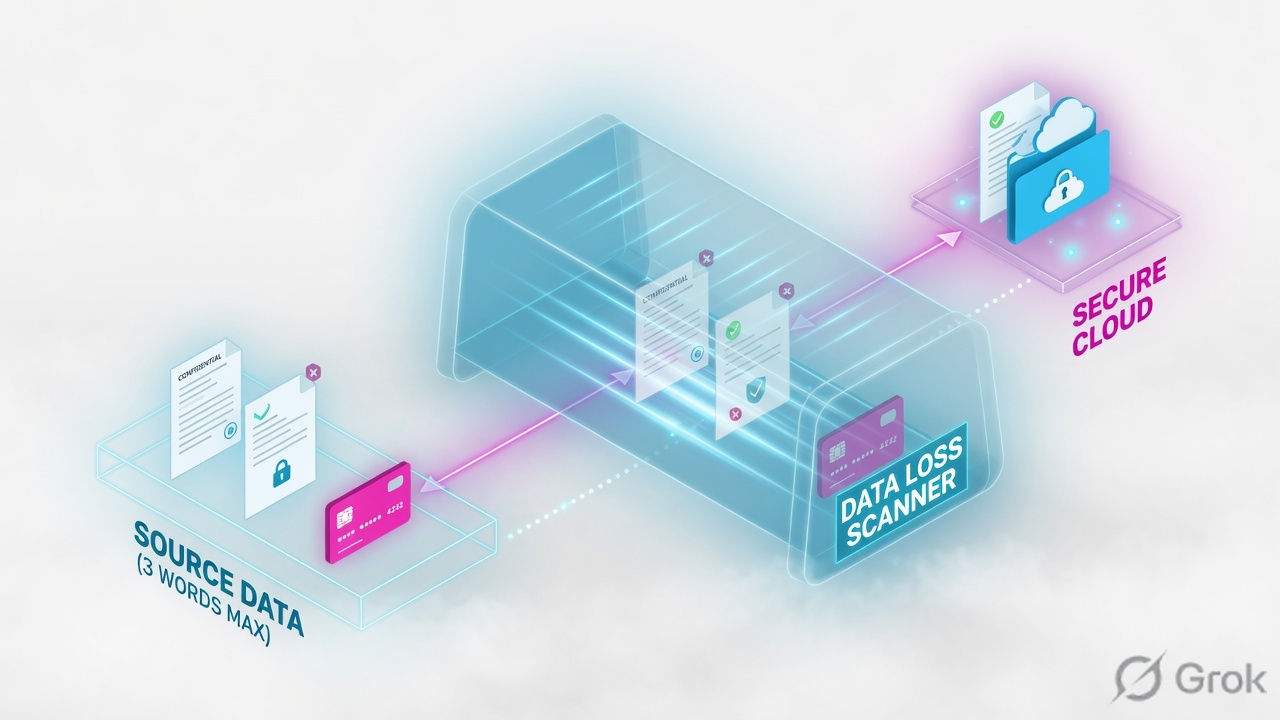
Inline DLP reads the body after SSL inspect. Engines (dictionaries like PAN, Aadhaar, source code) match, then the rule Allow/Block/Notify. CASB is API to the SaaS tenant. If inspect is off, inline DLP is blind on HTTPS.
Mental model — three DLP desks
- Inline web DLP — ZIA proxy, Policy → Data Loss Prevention. Needs Decrypt for HTTPS payload.
- CASB / data-at-rest — SaaS API scan (files already in the tenant). Not the same click path.
- Endpoint DLP — Client Connector policy for USB/print/local. Deployed with ZCC.
Engines support files up to 400 MB and scan the first 100 MB of extracted text. Source: Configuring DLP Policy Rules with Content Inspection.
Dictionary finds the secret. Engine groups dictionaries. Rule decides block or monitor. Inspect must be on or I am guessing.
Hard words: Dictionary is the pattern (PAN, Aadhaar, HIPAA). Engine combines dictionaries. Incident Receiver is the ICAP VM that stores the violating file + JSON metadata.
How to choose inline vs CASB vs endpoint
| Path | Use when | Trap |
|---|---|---|
| Inline web DLP | Browser / ZCC upload right now | HTTPS not decrypted |
| CASB DLP | File already in M365 / GDrive / Box | Treating it as a substitute for inspect |
| Endpoint DLP | USB, print, local share | Policy created in ZIA but ZCC profile not deployed |
| Incident Receiver | Need the actual violating file | Notify-only with no receiver — auditor sees a mail, no sample |
Source: About Data Loss Prevention and About Zscaler Incident Receiver.
Browser upload = inline (needs Decrypt). Already in the tenant = CASB. USB = Endpoint DLP.
Runbook — Side A / B / C
Side A · inspect + identity
Decrypt the DLP group
If finance uploads over HTTPS, the SSL inspect rule for that group must be Decrypt. Otherwise the DLP rule never sees PAN numbers.
User context
DLP rules can key off users/groups. SCIM must place Aditya in
grp-financeor the rule will miss him.
Side B · ZIA DLP policy
Engine
Administration → DLP Dictionaries & Engines (or Policy resources). Confirm PAN / Aadhaar dictionaries are in the engine you will attach.
Rule
Policy → Data Loss Prevention → Add rule. Content Matching = Select DLP Engines. Pick up to 4 engines (or Any). Action = Block + notify auditor for finance; Monitor for a week if this is the first pilot.
Policy / Data Loss Prevention / Add DLP Rule
Add DLP Rule with Content Inspection
Help: content-inspection rules support Any or up to 4 engines. Files up to 400 MB; first 100 MB of extracted text. Training mock · not live.
Side C · prove
Pilot file
From a finance laptop, upload a lab file with synthetic PAN (never real customer data). Expect Block + EUN.
Insights
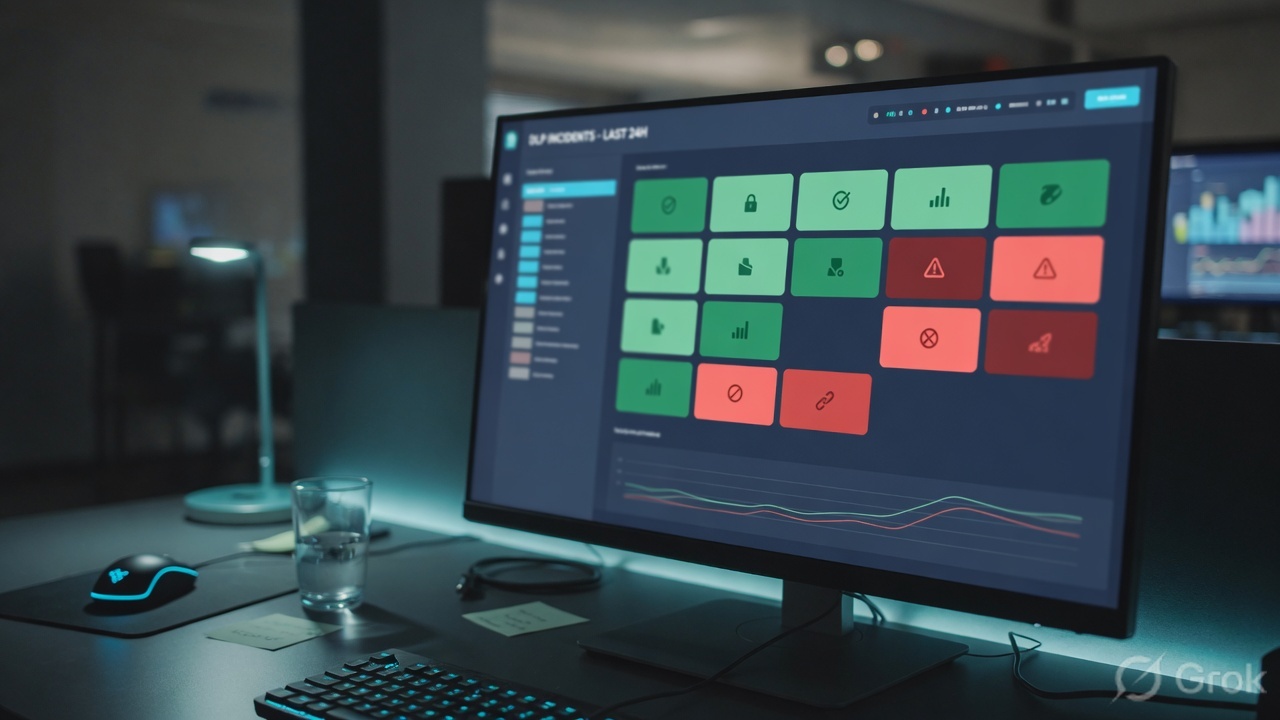
Analytics → Web Insights / DLP. Quote user, engine, dictionary, action. If CASB, use the SaaS DLP incident, not Web Insights.
Runtime path after go-live
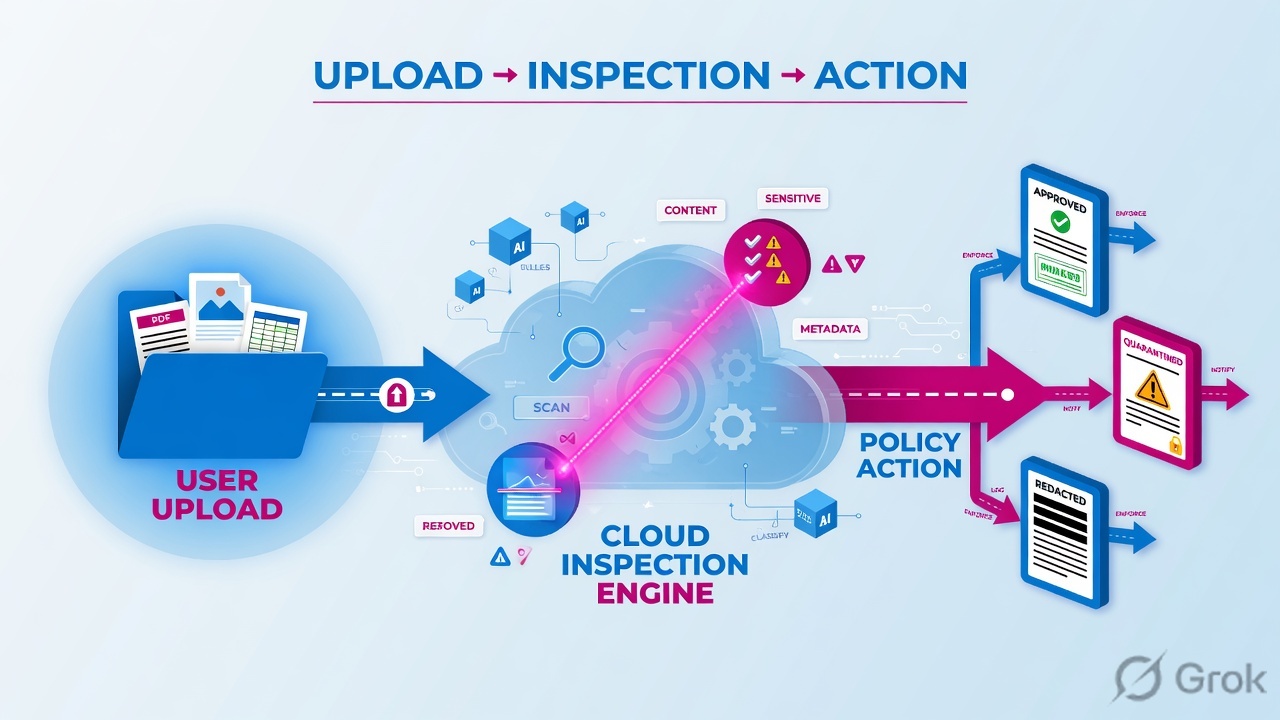
Optional: add Zscaler Incident Receiver on the rule. Zscaler sends the violating content plus JSON (URL, collaborators, dictionaries, engines) over ICAP. Host the VM in AWS, Azure, or on-prem. Source: About Zscaler Incident Receiver.
Traps and proof
| Symptom | First check | Do not |
|---|---|---|
| No DLP hit on HTTPS | SSL inspect action | Add engines blindly |
| Hit in SaaS but not in browser | You are looking at CASB, not inline | Rewrite inline rules for API events |
| False positive on a brochure | Dictionary confidence / proximity; file actually has identifiers? | Turn the engine off for the org |
| Endpoint USB copy still works | ZCC Endpoint DLP profile deployed? | Assume inline covers USB |
- Synthetic PAN from grp-finance is blocked. Web Insights quotes the engine.
- Same file from a non-finance user follows the Monitor/allow design you intended.
- One SaaS at-rest file is visible in CASB incidents, labelled as CASB not inline.
Uploading real customer PAN “to test DLP.” Use synthetic identifiers. Real data in a ticket is an incident of its own.
Knowledge check
Six DLP tickets. Pick the first safe move.
Sources
- About Data Loss Prevention
- Configuring DLP Policy Rules with Content Inspection
- About Zscaler Incident Receiver
- Step-by-Step Configuration Guide for Endpoint DLP
Related: Path hub · SSL inspect · ZIA operator path